1998 CHEVROLET MALIBU turn signal
[x] Cancel search: turn signalPage 13 of 362
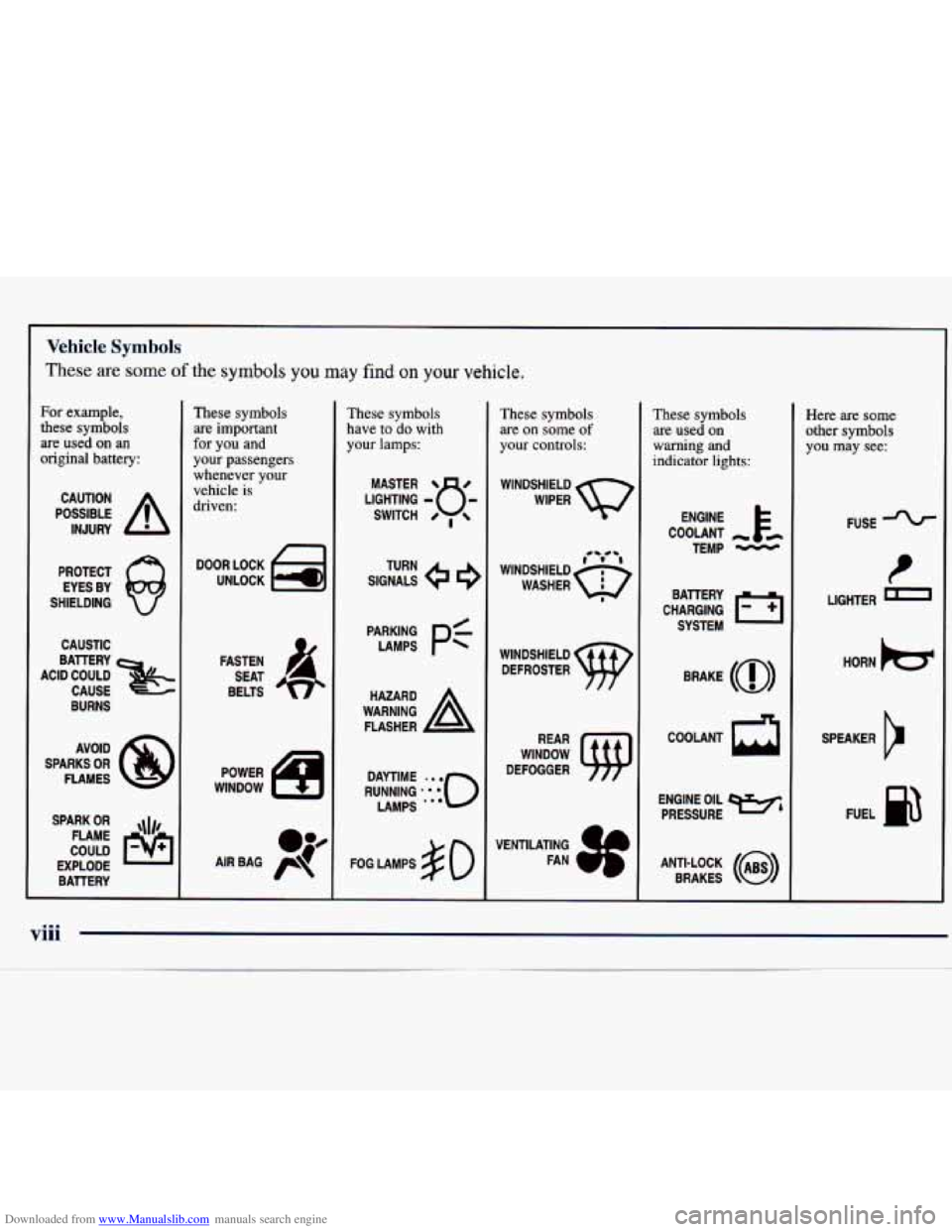
Downloaded from www.Manualslib.com manuals search engine For example,
these symbols
are used
on an
original battery:
POSSIBLE A
CAUTION
INJURY
PROTECT EYES BY
SHIELDING
CAUSTIC
BURNS AVOID
SPARKS
OR
FLAMES
SPARK
OR ,111,
COULD FLAME
EXPLODE BATTERY
These symbols are important
for you and
your passengers
whenever your vehicle is
driven:
n
FASTEN
SEAT
BELTS
These symbols have
to do with
your lamps:
SIGNALS e e
TURN
FOG LAMPS
$0
Vehicle Symbols
These are some of the symbols you may find on your vehicle.
-
These symbols
are
on some of
your controls:
WINDSHIELD
WIPER
WINDOW
DEFOGGER
These symbols are used on
warning and
indicator lights:
CHARGING 1-1
BATTERY
SYSTEM
BRAKE
(0)
R
ENGINE OIL e,
PRESSURE
ANTI-LOCK
(@)
BRAKES
Here are some
other symbols
you may see:
FUSE
LIGHTER
D
HORN )cr
SPEAKER
cr
FUEL p3
viii
Page 94 of 362
Downloaded from www.Manualslib.com manuals search engine Turn SignaVMultifunction Lever
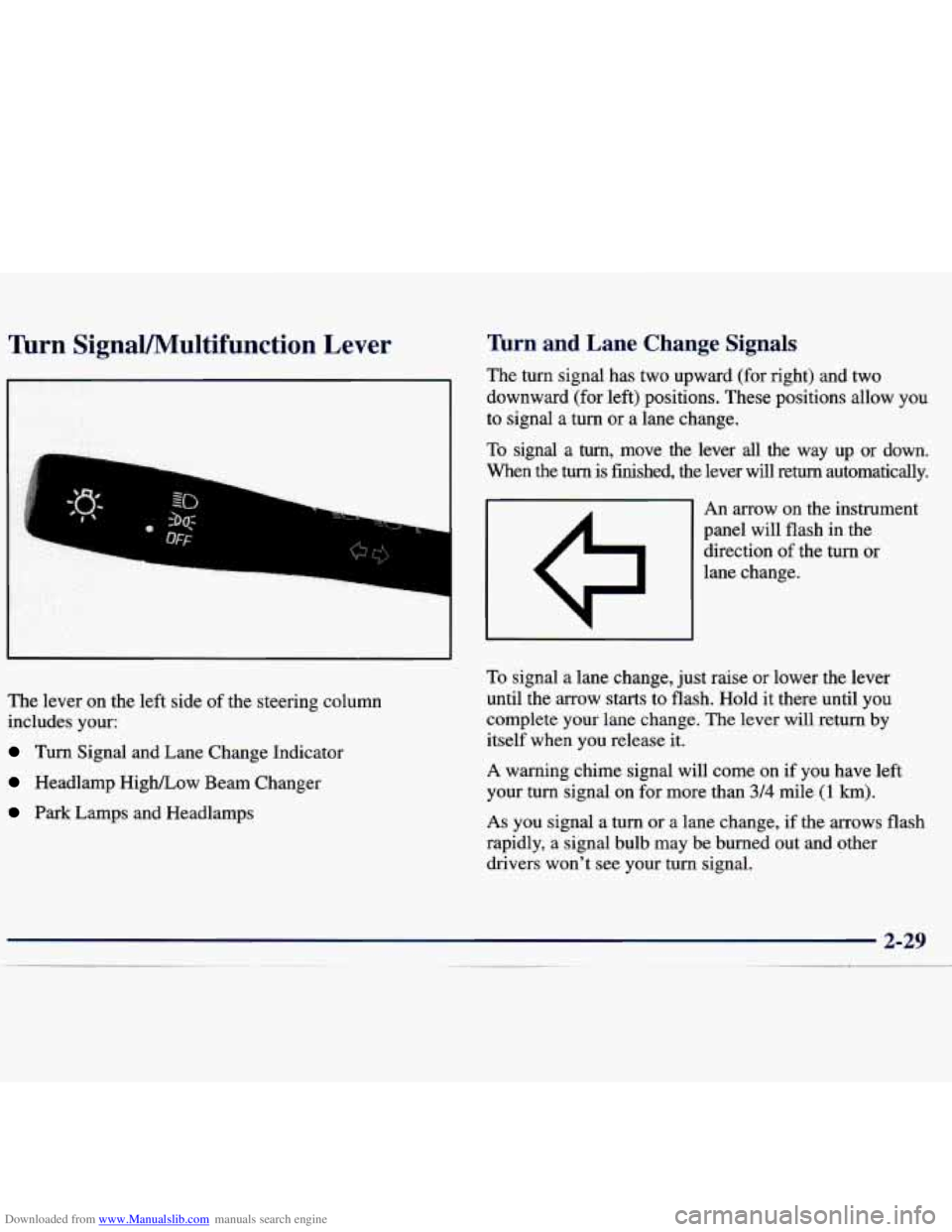
The lever on the left side of the steering column
includes your:
Turn Signal and Lane Change Indicator
Headlamp HigWLow Beam Changer
Park Lamps and Headlamps
firn and Lane Change Signals
The turn signal has two upward (for right) and two
downward (for left) positions. These positions allow you
to signal a turn or a lane change.
To signal a turn, move the lever all the way up or down.
When the
turn is finished, the lever will return automatically.
An arrow on the instrument
panel will flash in the
direction of the turn or
lane change.
To signal a lane change, just raise or lower the lever
until the arrow starts to flash.
Hold it there until you
complete your lane change.
The lever will return by
itself when you release it.
A warning chime signal will come on if you have left
your turn signal on for more than
3/4 mile (1 km).
As you signal a turn or a lane change, if the arrows flash
rapidly, a signal bulb may be burned out and other
drivers won't see your turn signal.
Page 95 of 362
Downloaded from www.Manualslib.com manuals search engine If a bulb is burned out, replace it to help avoid an
accident. If the arrows don’t
go on at all when you
signal a turn, check for burned-out bulbs and then check
the fuse (see “Fuses and Circuit Breakers” in the Index).
Windshield Wipers
Headlamp High/Low Beam
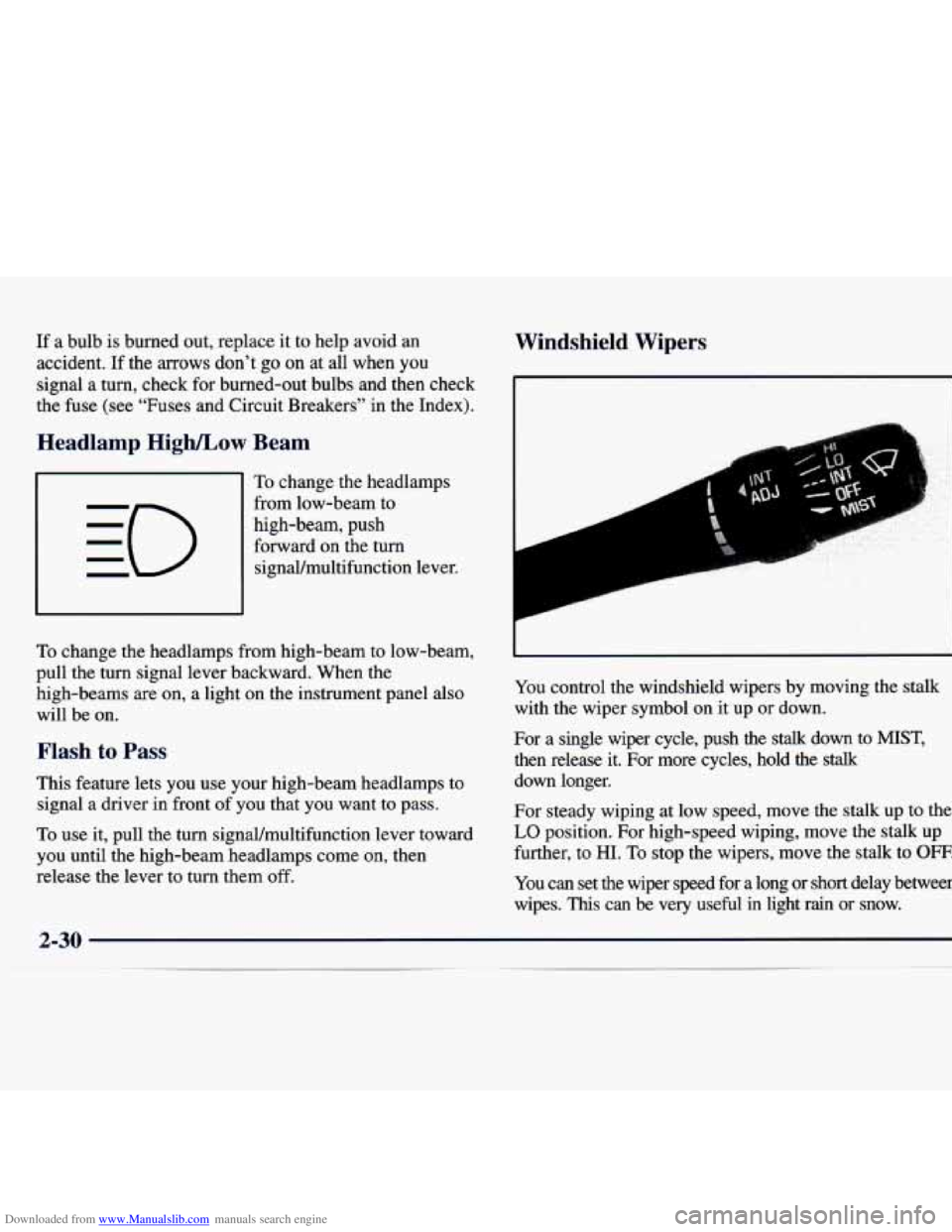
To change the headlamps
from low-beam to
high-beam, push forward on the turn signaUmultifunction lever.
To change the headlamps from high-beam to low-beam,
pull the turn signal lever backward. When the high-beams
are on, a light on the instrument panel also
will be on.
Flash to Pass
This feature lets you use your high-beam headlamps to
signal a driver in front of you that you want to pass.
To use it, pull the turn signaVmultifunction lever toward
you until the high-beam headlamps come on, then
release the lever to turn them off. You
control the windshield wipers by moving the stalk
with the wiper symbol on it up or down.
For a single wiper cycle, push the
stalk down to MIST,
then release it. For more cycles, hold the stalk
down longer.
For steady wiping at low speed, move the stalk up to the
LO position. For high-speed wiping, move the stalk up
further, to
HI. To stop the wipers, move the stalk to OFF.
You can set the wiper speed for a long or short delay between
wipes.
This can be very useful in light rain or snow.
Page 101 of 362
Downloaded from www.Manualslib.com manuals search engine Exterior Lamps
, :: ..j* ,..,.: .. ,:: i-2: . . . .. ..
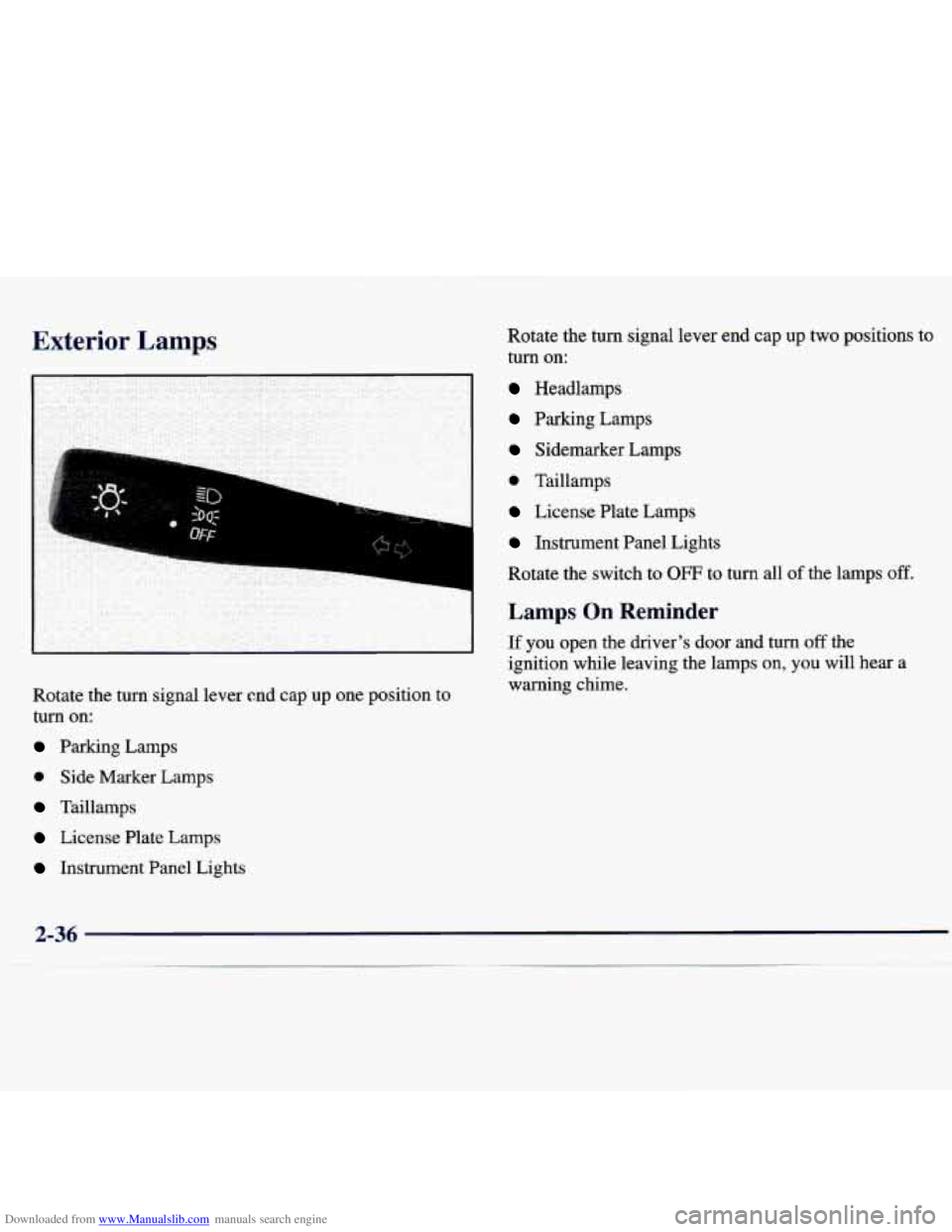
Rotate the turn signal lever end cap up one position to
turn on:
Parking Lamps
0 Side Marker Lamps
Taillamps
License Plate Lamps Rotate the turn signal
lever end cap up two positions to
turn on:
Headlamps
Parking Lamps
Sidemarker Lamps
0 Taillamps
License Plate Lamps
Instrument Panel Lights
Rotate the switch to
OFF to turn all of the lamps off.
Lamps On Reminder
If you open the driver’s door and turn off the
ignition while leaving the lamps on,
you will hear a
warning chime.
Instrument Panel Lights
2-36
Page 148 of 362
Downloaded from www.Manualslib.com manuals search engine Disabling the Theft-Deterrent Feature
Enter your secret code as follows; pause no more than
15 seconds between steps:
1. Turn the ignition to ACC or ON.
2. Turn the radio off.
3. Press the 1 and 4 buttons together. Hold them down
until
SEC shows on the display.
4. Press MN and 000 will appear on the display.
5. Press MN again to make the last two digits agree
6. Press HR to make the first one or two digits agree
with your code.
with your code.
7. Press AM-FM after you have confirmed that the
code matches the secret code you have written down.
The display will show
---, indicating that the radio is
no longer secured.
If the code entered is incorrect,
SEC will appear on the
display. The radio will remain secured until the correct
code is entered.
When battery power is removed and later applied to a
secured radio, the radio won’t turn on and
LOC will
appear on the display. To
unlock a secured radio, see “Unlocking the
Theft-Deterrent Feature After a Power
Loss”
earlier in this section.
Understanding Radio Reception
AM
The range for most AM stations is greater than for FM,
especially at night. The longer range, however, can
cause stations to interfere with each other.
AM can pick
up noise from things like storms and power lines. Try
reducing the treble to reduce this noise if you ever get it.
FM Stereo
FM stereo will give you the best sound, but FM signals
will reach only about
10 to 40 miles (16 to 65 km). Tall
buildings or hills can interfere with FM signals, causing
the sound to come and go.
Tips About Your Audio System
Hearing damage from loud noise is almost undetectable
until it is too late. Your hearing can adapt to higher
volumes of sound. Sound that seems normal can be
loud and harmful to your hearing. Take precautions
by
adjusting the volume control on your radio to a safe
sound level before your hearing adapts to it.
Page 164 of 362
Downloaded from www.Manualslib.com manuals search engine 0
0
0
0
Check your mirrors, glance over your shoulder, and
start your left lane change signal before moving out
of the right lane to pass. When you are far enough
ahead of the passed vehicle to see its front in your
inside mirror, activate your right lane change signal
and move back into the right lane. (Remember that
your right outside mirror is convex. The vehicle you
just passed may seem to be farther away from you
than
it really is.)
Try not to pass more than one vehicle at a time on
two-lane roads. Reconsider before passing the
next vehicle.
Don’t overtake a slowly moving vehicle
too rapidly.
Even though the brake lamps are not flashing, it may
be slowing down or starting to turn.
If you’re being passed, make it easy for the
following driver to get ahead of you. Perhaps you
can ease a little to the right.
Loss of Control
Let’s review what driving experts say about what
happens when the three control systems (brakes, steering
and acceleration) don’t have enough friction where
the
tires meet the road to do what the driver has asked. In any emergency, don’t give up. Keep trying to steer and
constantly seek an escape route or area of less danger.
Skidding
In a skid, a driver can lose control of the vehicle.
Defensive drivers avoid most skids by taking reasonable
care suited to existing conditions, and by not “overdriving”\
those conditions. But skids are always possible.
The three types of skids correspond to your vehicle’s
three control systems. In the braking skid, your wheels
aren’t rolling. In the steering or cornering skid, too
much speed or steering in a curve causes tires to slip and
lose cornering force. And in the acceleration skid, too
much throttle causes the driving wheels to spin.
A cornering skid is best handled by easing your foot off
the accelerator pedal.
If your vehicle starts to slide, ease your foot off the
accelerator pedal and quickly steer the way you want the
vehicle to go. If you start steering quickly enough, your
vehicle may straighten out. Always be ready for a
second skid if it occurs.
4-13
Page 167 of 362
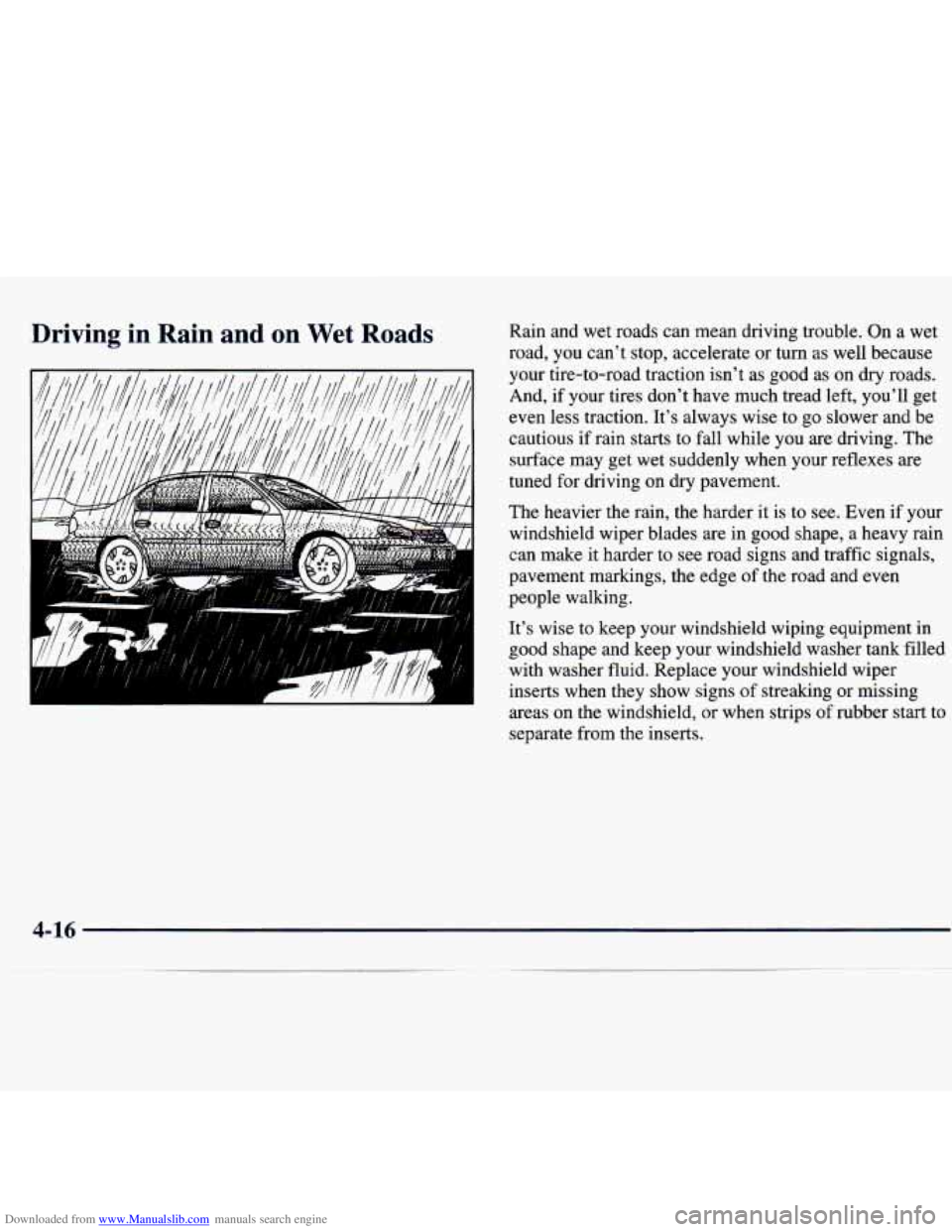
Downloaded from www.Manualslib.com manuals search engine Driving in Rain and on Wet Roads Rain and wet roads can mean driving trouble. On a wet
road, you can't stop, accelerate or turn as well because
your tire-to-road traction isn't as good as on dry roads.
And, if your tires don't have much tread left, you'll get
even less traction. It's always wise to go slower and be
cautious if rain starts to fall while you are driving. The
surface may get wet suddenly when your reflexes are
tuned for driving on dry pavement.
The heavier the rain, the harder it is to see. Even if your
windshield wiper blades are in good shape, a heavy rain
can make it harder to see road signs and traffic signals,
pavement markings, the edge of the road and even
people walking.
It's wise to keep your windshield wiping equipment in
good shape and keep your windshield washer tank filled
with washer fluid. Replace your windshield wiper
inserts when they show signs of streaking or missing
areas on the windshield, or when strips of rubber start to
separate from the inserts.
4-16
Page 170 of 362
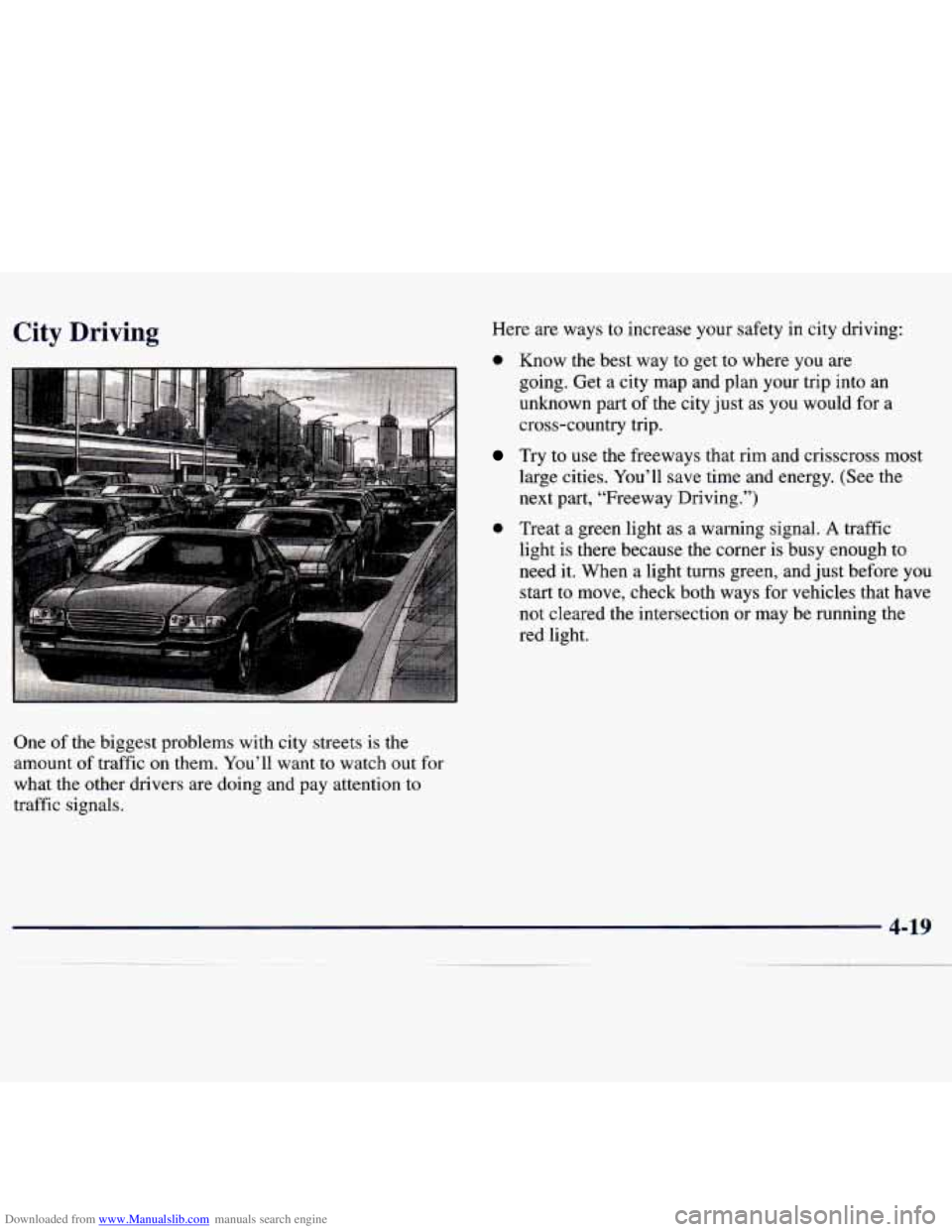
Downloaded from www.Manualslib.com manuals search engine City Driving Here are ways to increase your safety in city driving:
0 Know the best way to get to where you are
going. Get a city map and plan your trip into an
unknown part of the city just as you would for a
cross-country trip.
Try to use the freeways that rim and crisscross most
large cities. You’ll save time and energy. (See the
next part, “Freeway Driving.”)
0 Treat a green light as a warning signal. A traffic
light is there because the corner is busy enough to
need it. When a light turns green, and just before you
start to move, check both ways for vehicles that have
not cleared the intersection or may be running the
red light.
One
of the biggest problems with city streets is the
amount of traffic on them. You’ll want to watch out for
what the other drivers are doing and pay attention to
traffic signals.