1998 CHEVROLET CORVETTE traction control
[x] Cancel search: traction controlPage 92 of 378
Downloaded from www.Manualslib.com manuals search engine Limited-Slip Rear Axle
Your limited-slip rear axle can give you additional
traction on snow, mud, ice, sand or gravel. It works like
a standard axle most of the time, but when one of the
rear wheels has no traction and the other does, this
feature will allow the wheel with traction to move
the vehicle.
Selective Real Time Damping
(Option)
You may have a ride control system on your vehicle
called Selective Real Time Damping (SRTD). The
system provides the following performance benefits:
0 Reduced impact harshness
0 Improved road isolation
0 Improved high-speed stability
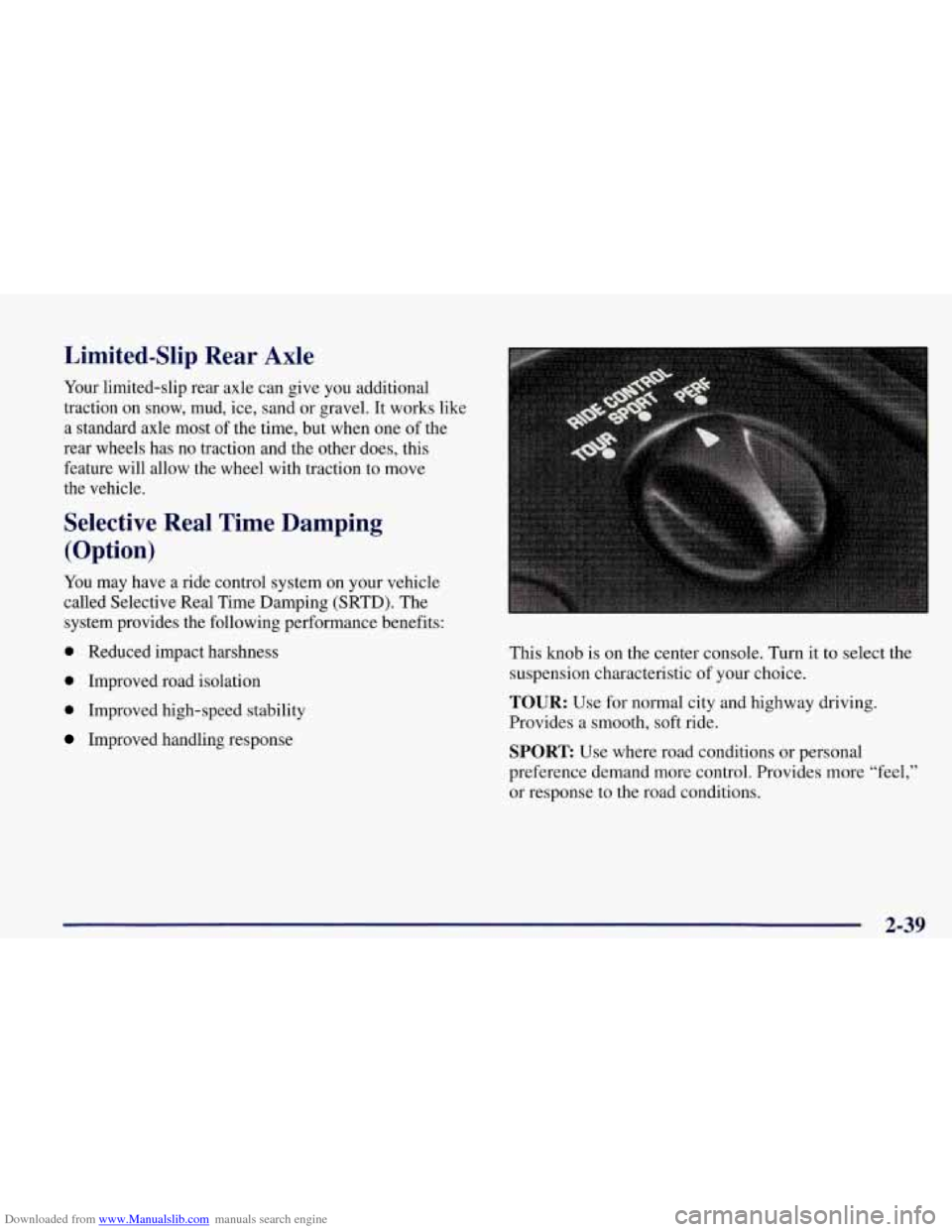
Improved handling response This knob is on the center console. Turn
it to select the
suspension characteristic of your choice.
TOUR: Use for normal city and highway driving.
Provides a smooth, soft ride.
SPORT Use where road conditions or personal
preference demand more control. Provides more
“feel,”
or response to the road conditions.
2-39
Page 100 of 378
Downloaded from www.Manualslib.com manuals search engine Cruise Control
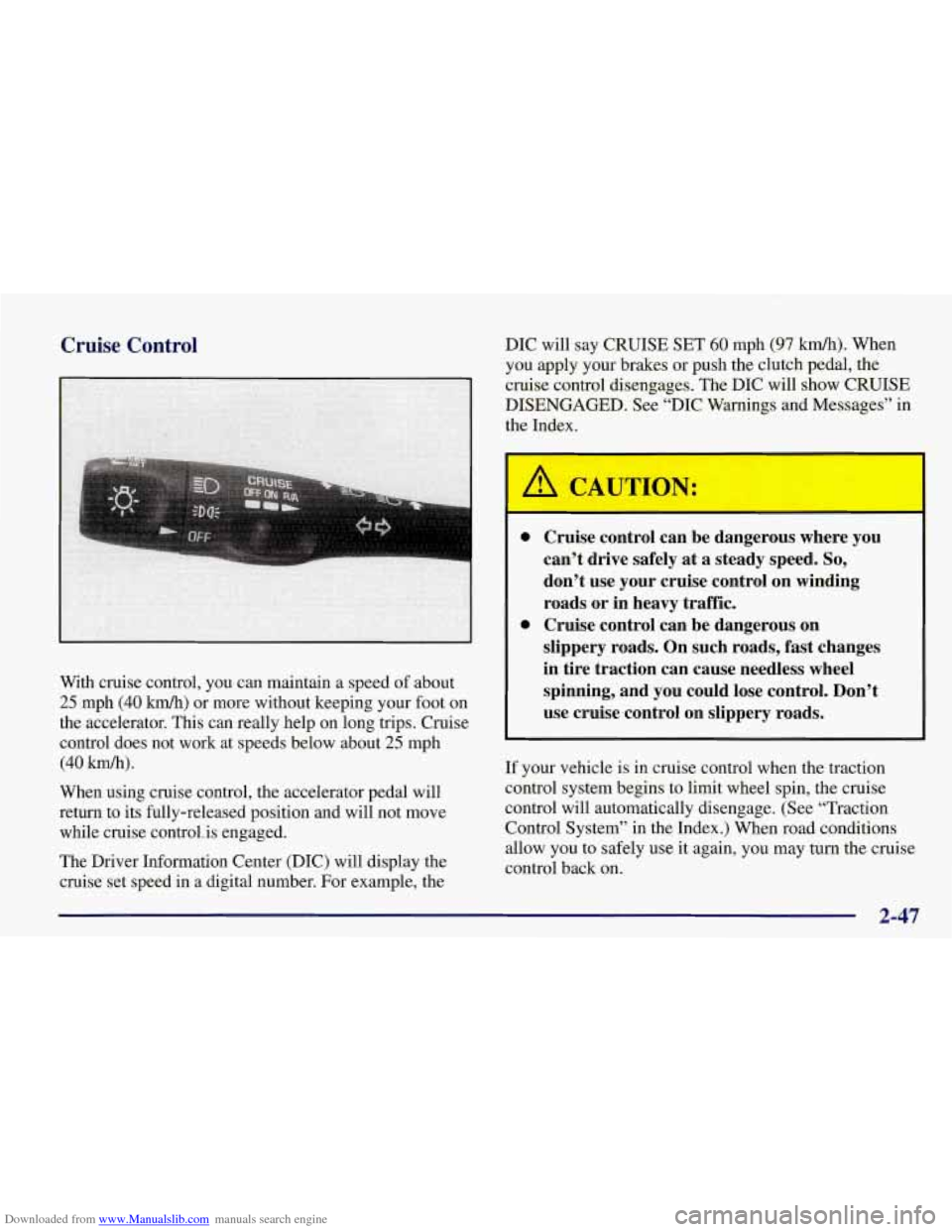
With cruise control, you can maintain a speed of about
25 mph (40 km/h) or more without keeping your foot on
the accelerator. This can really help on long trips. Cruise
control does not work at speeds below about
25 mph
(40 km/h).
When using cruise control, the accelerator pedal will
return to its fully-released position and will not move
while cruise control. is engaged.
The Driver Information Center (DIC) will display the
cruise set speed in
a digital number. For example, the DIC will
say CRUISE SET
60 mph (97 km/h). When
you apply your brakes or push the clutch pedal, the
cruise control disengages. The DIC will show CRUISE
DISENGAGED. See “DIC Warnings and Messages” in
the Index.
Cruise control can be dangerous where you
can’t drive safely
at a steady speed. So,
don’t use your cruise control on winding
roads or in heavy traffic.
Cruise control can be dangerous on
slippery roads. On such roads, fast changes
in tire traction can cause needless wheel
spinning, and you could lose control. Don’t
use cruise control on slippery roads.
If your vehicle is in cruise control when the traction
control system begins to limit wheel spin, the cruise
control will automatically disengage. (See “Traction
Control System” in the Index.) When road conditions
allow you to safely use it again, you may turn the cruise
control back
on.
2-47
Page 128 of 378
Downloaded from www.Manualslib.com manuals search engine A. Turn Signal/Multifunction Lever
B. Driver Information Center (DIC)
C. Instrument Panel Cluster
D. Windshield Wipermasher Lever
E. DIC Buttons
E Hazard Warning Flasher Button
G. Center Air Vent
H. Audio System
I. Comfort Controls
J. Fog Lamp Button (Option)
K. Remote Hatch Release Button (Coupe) or Remote
Trunk Release Button (Convertible)
L. Ignition Switch
M. Shift Lever (Automatic Shown)
N. Traction Control System (TCS) Switch
0. Selective Real Time Damping (Option)
P. Instrument Panel Cupholder
Q. Remote Fuel Door Release Button
R. Ashtray
& Cigarette Lighter
S. Parking Brake
T. Glove Box
U. Instrument Panel Fuse Block
V. Power Accessory Outlet
2-75
Page 134 of 378
Downloaded from www.Manualslib.com manuals search engine Traction Control System (TCS) Light
Engine Coolant Temperature Gage
I
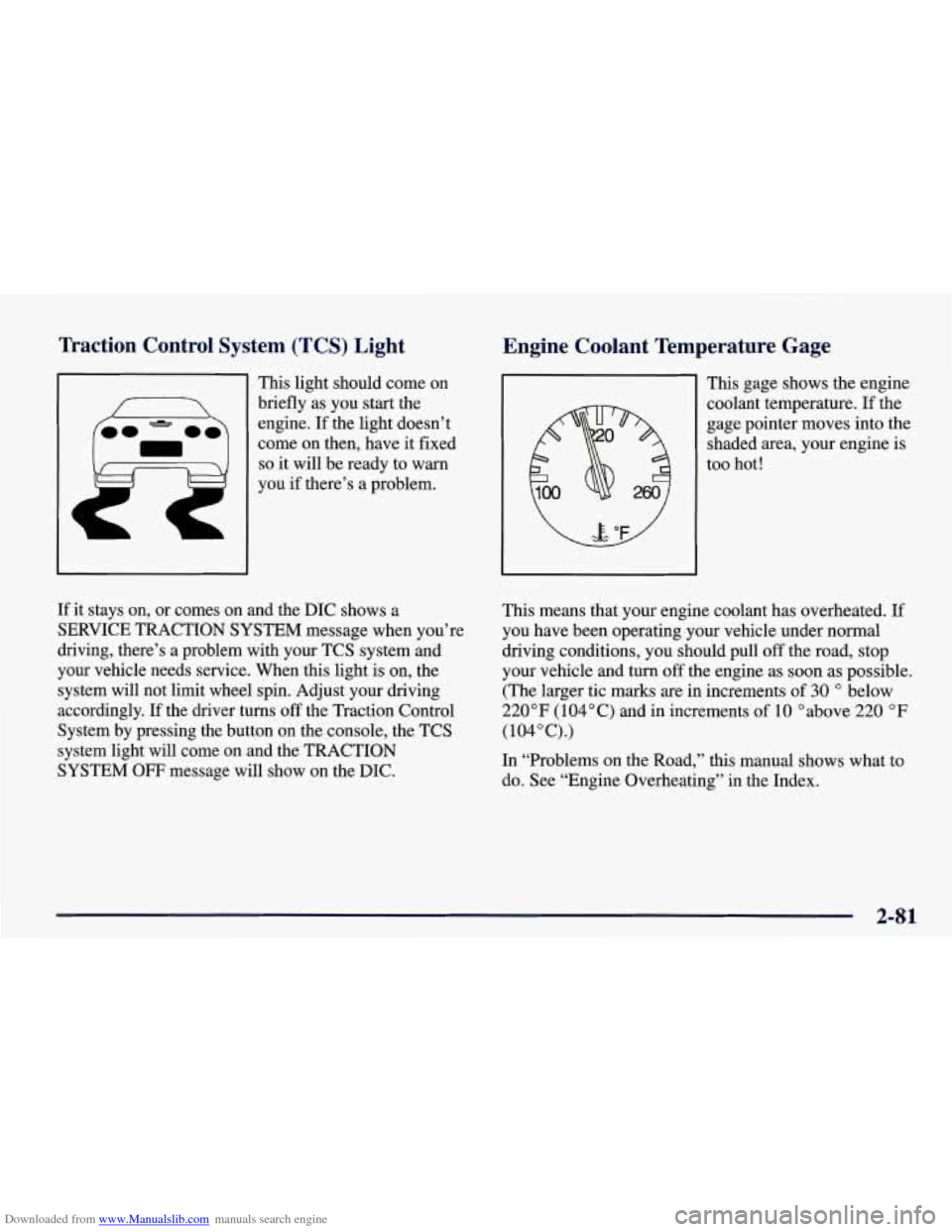
This light should come on
briefly as you start the
engine. If the light doesn’t
come on then, have it fixed
so it will be ready to warn
you if there’s a problem. This gage shows
the engine
coolant temperature. If the
gage pointer moves into the
shaded area, your engine is
too hot!
If it stays on, or comes on and the DIC shows a
SERVICE TRACTION SYSTEM message when you’re
driving, there’s a problem with your TCS system and
your vehicle needs service. When this light is on, the
system will not limit wheel spin. Adjust your driving
accordingly. If the driver
turns off the Traction Control
System by pressing the button on the console, the TCS
system light will come on and the TRACTION
SYSTEM
OFF message will show on the DIC. This means that your engine coolant has overheated.
If
you have been operating your vehicle under normal
driving conditions, you should pull
off the road, stop
your vehicle and turn
off the engine as soon as possible.
(The larger tic marks are in increments
of 30 O below
220°F (104°C) and in increments of 10 Oabove 220 OF
(104”C).)
In “Problems on the Road,” this manual shows what to do. See “Engine Overheating’’ in the Index.
2-81
Page 151 of 378
Downloaded from www.Manualslib.com manuals search engine ABS ACTIVE (Anti-Lock Brake System Active) - :
When your anti-lock system is adjusting brake pressure
to help avoid a braking skid, the ABS ACTIVE message
will be displayed.
Slippery road conditions may exist if this message is
displayed,
so adjust your driving accordingly. The
message will stay on for a few seconds after the system
stops adjusting brake pressure.
SERVICE ABS (Anti-Lock Brake System) - : If the
SERVICE ABS message is displayed when you
are
driving, stop as soon as possible and turn the ignition
off. Then start the engine again to reset the system. If
the message stays on, or comes back on again while you
are driving, your vehicle is in need of service. If the
regular brake system warning light isn’t on, you still
have brakes, but don’t have anti-lock brakes. If the
regular brake system light is also on, you don’t have
anti-lock brakes and there is a problem with your
brakes.
See “Brake System Warning Light” earlier in
this section.
If the SERVICE ABS message is being displayed, your
traction control system and the optional active handling system will also be disabled. The driver information
center will scroll three messages SERVICE ABS,
SERVICE TRACTION SYS. and SERVICE ACTIVE
HNDLG and the instrument cluster car icon will be illuminated.
The driver can acknowledge these messages
by pressing the reset button three times. When the
service message is displayed the computer controlled
systems will not assist the driver and you should have
the system repaired as soon as possible. Adjust your
driving accordingly.
SERVICE COLUMN LOCK: The system that
controls the locking and unlocking of the steering
column may not work properly. Have the vehicle towed
to a dealer for service.
LOW OIL PRESSURE: You will hear four chimes and
the CHECK GAGES telltale will come on when this
message is displayed.
To acknowledge the warning,
press the RESET button. After you press the
RESET
button, a message will be displayed and you will hear a
chime every minute until the vehicle is serviced.
If you
do not press RESET, the message will remain on the
digital display until the vehicle is serviced.
Low oil pressure may be the result of a combination of
low oil level and abrupt changes in the vehicle’s
direction. When this warning
is displayed, you should
not operate the engine at high
RPM or make fast abrupt
moves. When convenient, you should check the oil
level. See “Engine Oil” in the Index.
Page 153 of 378
Downloaded from www.Manualslib.com manuals search engine If this message comes on while you are driving, you
may have a problem with the electrical charging system.
It could indicate that you have a loose or broken drive
belt
or another electrical problem. Have it checked right
away. Driving while this light is on could drain
your battery.
If you must drive a short distance with the message on,
be certain to turn
off your accessories, such as the radio
and air conditioner.
TRACTION SYS ACTIVE - : When your traction
control system is limiting wheel spin, the TRACTION
SYS ACTIVE message will be displayed. Slippery road
conditions may exist
if this message is displayed, so
adjust your driving accordingly. The message will stay
on for a few seconds after the traction control system
stops limiting wheel spin.
TRACTION SYSTEM-ON: This message is displayed
when you decide to turn on the TCS by pressing the
switch
on the console. This message will shut off
automatically on its own.
TRACTION SYSTEM-OFF: You will hear a single
quick tone when this message is displayed. This
message comes on and stays on when the TCS button on the console is pressed to turn the system
off. To
acknowledge this message, press
RESET.
SERVICE TRACTION SYSTEM - : If the SERVICE
TRACTION
SYS message is displayed when you are
driving, there is a problem with your Traction Control
System and your vehicle is in need
of service. When this
message is displayed, the system will not limit wheel
spin. Adjust your driving accordingly.
If you have the optional Active Handling System, the SERVICE ACTIVE
HNDLG message will also be
displayed and the instrument cluster car icon will also be
illuminated. The driver can acknowledge both messages
by pressing the reset button two times which
will also
turn
off the instrument cluster icon. When the service
messages are displayed, the computer controlled systems will not assist the driver in controlling the
vehicle. Have the system repaired as soon as possible.
Adjust your driving accordingly.
2-100
Page 199 of 378
Downloaded from www.Manualslib.com manuals search engine The anti-lock system can change the brake pressure faster
than any driver could. The computer is programmed to
make the most of available
tire and road conditions.
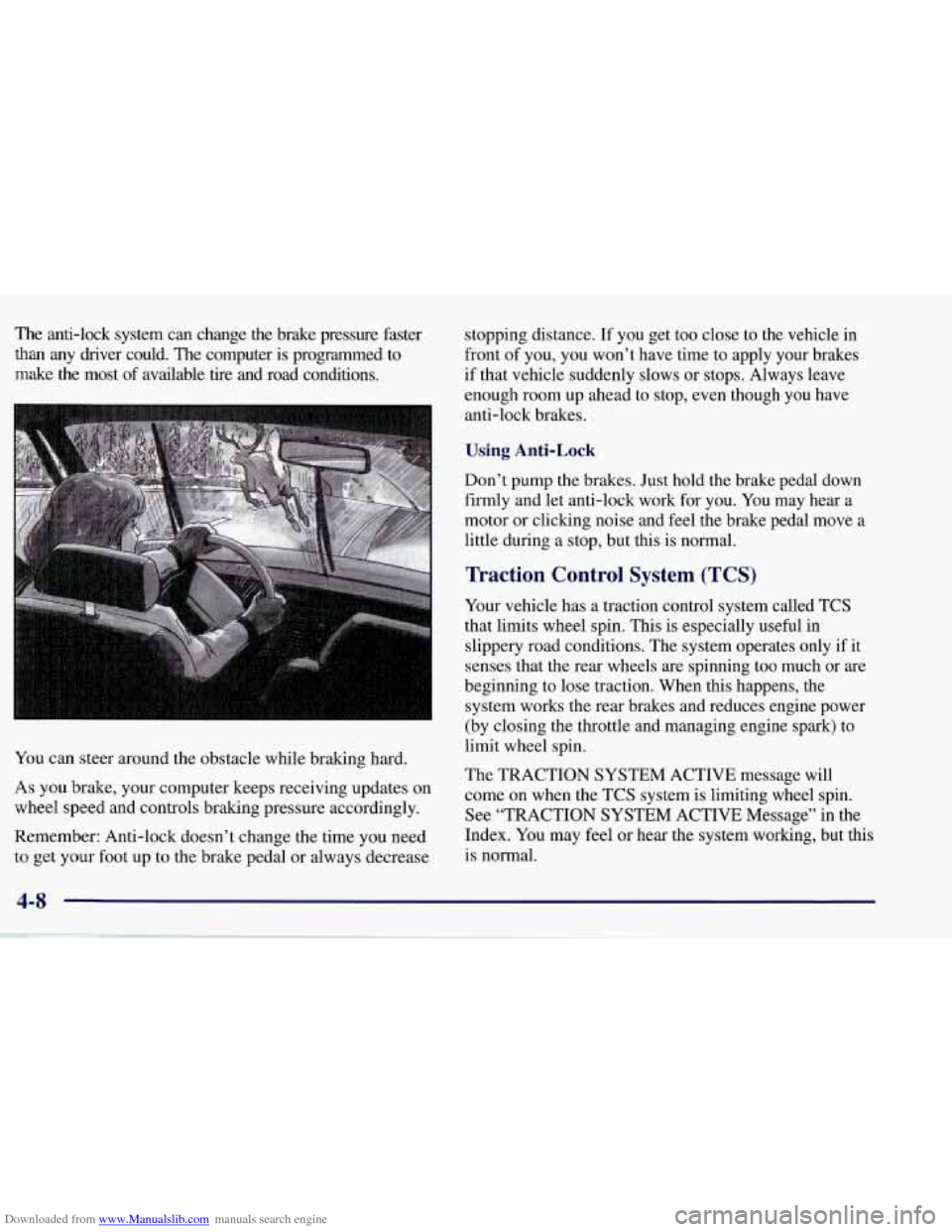
You can steer around the obstacle while braking hard.
As you brake, your computer keeps receiving updates on
wheel speed and controls braking pressure accordingly.
Remember: Anti-lock doesn’t change the time you need to get your foot up to the brake pedal or always decrease stopping distance.
If you get too close to the vehicle in
front of you, you won’t have time to apply your brakes
if that vehicle suddenly slows or stops. Always leave
enough room up ahead to stop, even though you have
anti-lock brakes.
Using Anti-Lock
Don’t pump the brakes. Just hold the brake pedal down
firmly and let anti-lock work for you. You may hear a
motor or clicking noise and feel the brake pedal move
a
little during a stop, but this is normal.
Traction Control System (TCS)
Your vehicle has a traction control system called TCS
that limits wheel spin. This is especially useful in
slippery road conditions. The system operates only if it
senses that the rear wheels are spinning too much or are
beginning to lose traction. When this happens, the
system works the rear brakes and reduces engine power
(by closing the throttle and managing engine spark) to
limit wheel spin.
The TRACTION SYSTEM ACTIVE message will
come on when the TCS system
is limiting wheel spin.
See “TRACTION SYSTEM ACTIVE Message” in the
Index. You may feel or hear the system working, but this
is normal.
4-8
Page 200 of 378
Downloaded from www.Manualslib.com manuals search engine If your vehicle is in cruise control when the TCS system
begins to limit wheel spin, the cruise control will
automatically disengage. When road conditions allow
you to safely use it again, you may re-engage the cruise
control. (See “Cruise Control” in the Index.)
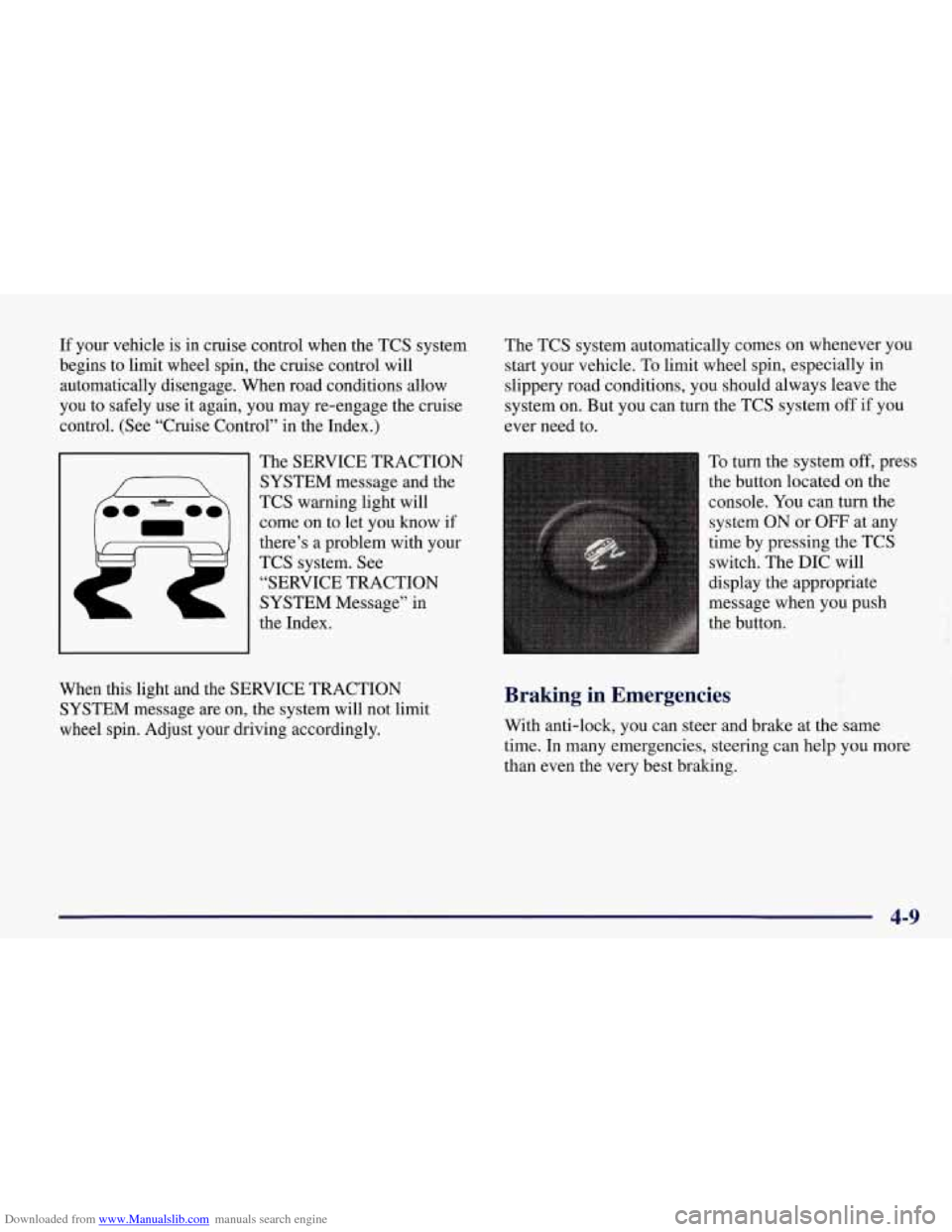
The SERVICE TRACTION
SYSTEM message and the
TCS warning light will
come on to let you know if
there’s
a problem with your
TCS system.
See
“SERVICE TRACTION
SYSTEM Message” in
the Index. The
TCS system automatically comes on whenever you
start your vehicle. To limit wheel spin, especially in
slippery road conditions, you should always leave the
system
on. But you can turn the TCS system off if you
ever need to.
To turn the system
off, press
the button located on the
console.
You can turn the
system ON
or OFF at any
time by pressing the TCS
switch. The DIC will
display the appropriate
message when you push
the button.
f
When this light and the SERVICE TRACTION
SYSTEM message are on, the system will not limit
wheel spin. Adjust your driving accordingly. Braking in Emergencies
With anti-lock, you can steer and brake at the same
time.
In many emergencies, steering can help you more
than even the very best braking.
4-9