1998 CHEVROLET CORVETTE change wheel
[x] Cancel search: change wheelPage 93 of 378
Downloaded from www.Manualslib.com manuals search engine PERF: Use for performance driving. Provides a tight,
firm ride and precise response to road conditions.
You can select a setting at any time. Based on road
conditions, steering wheel angle and your vehicle speed,
the system automatically adjusts to provide the best ride
and handling. Select a new setting whenever driving
conditions change.
There
are three Driver Information Center messages that
are displayed when a malfunction occurs with the SRTD
system. Refer to “Driver Information Center Warnings
and Messages’’ in the Index.
Windows
Power Windows
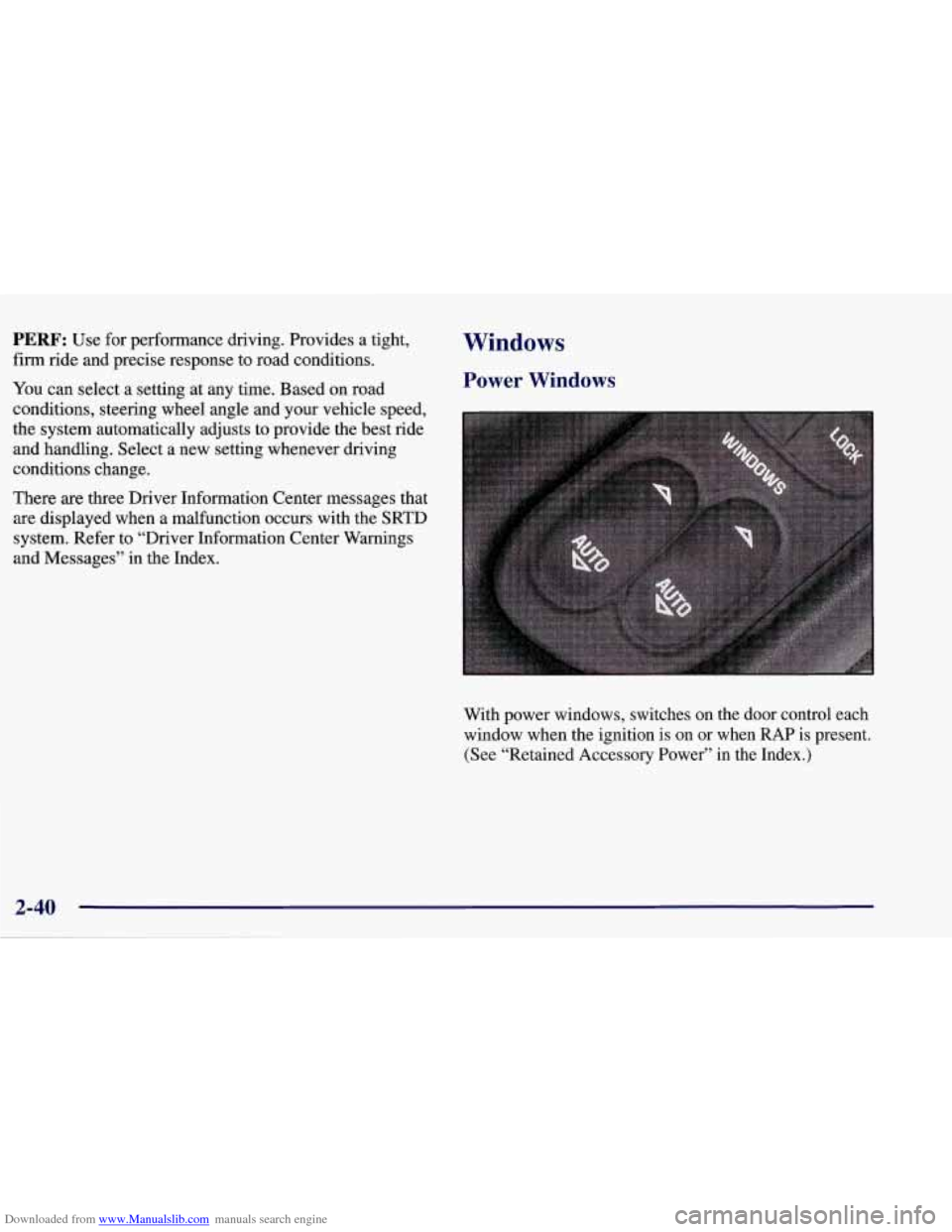
With power windows, switches on the door control each
window when the ignition
is on or when RAP is present.
(See “Retained Accessory Power” in the Index.)
Page 100 of 378
Downloaded from www.Manualslib.com manuals search engine Cruise Control
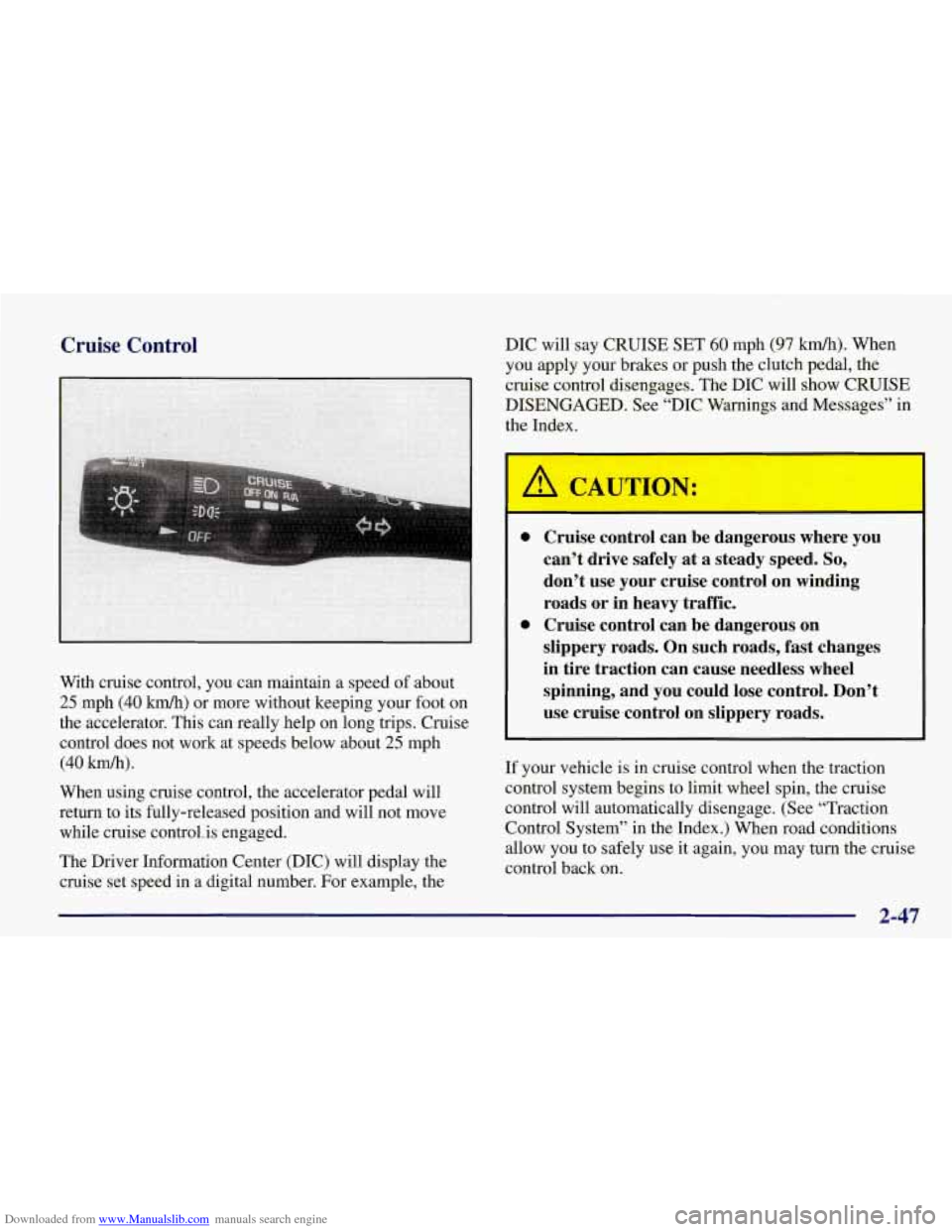
With cruise control, you can maintain a speed of about
25 mph (40 km/h) or more without keeping your foot on
the accelerator. This can really help on long trips. Cruise
control does not work at speeds below about
25 mph
(40 km/h).
When using cruise control, the accelerator pedal will
return to its fully-released position and will not move
while cruise control. is engaged.
The Driver Information Center (DIC) will display the
cruise set speed in
a digital number. For example, the DIC will
say CRUISE SET
60 mph (97 km/h). When
you apply your brakes or push the clutch pedal, the
cruise control disengages. The DIC will show CRUISE
DISENGAGED. See “DIC Warnings and Messages” in
the Index.
Cruise control can be dangerous where you
can’t drive safely
at a steady speed. So,
don’t use your cruise control on winding
roads or in heavy traffic.
Cruise control can be dangerous on
slippery roads. On such roads, fast changes
in tire traction can cause needless wheel
spinning, and you could lose control. Don’t
use cruise control on slippery roads.
If your vehicle is in cruise control when the traction
control system begins to limit wheel spin, the cruise
control will automatically disengage. (See “Traction
Control System” in the Index.) When road conditions
allow you to safely use it again, you may turn the cruise
control back
on.
2-47
Page 158 of 378
Downloaded from www.Manualslib.com manuals search engine HIGH TIRE PRESSURE - (LF, LR, RF, RR): YOU
will hear two chimes when this message is displayed. To
acknowledge the warning, press RESET. After you press
RESET, a message
will reappear and you will hear a
chime every
10 minutes until this condition changes. This
message indicates that the pressure in one of your tires is higher than
42 psi (290 Pa). Next to the HIGH TIRE
PRESSURE message,
you can see either LF (left front),
LR (left rear), RF (right front) or RR (right rear) to
indicate to you which tire is higher than
42 psi (290 Wa).
You can receive more than one tire pressure message at a
time. To read other messages that may have been sent at
the same time, press RESET.
If a tire pressure message
appears
on the DX, stop as soon as you can. Have the tire
pressures checked and set to those shown on your Tire
Loading Information Label. See “Extended
Mobility
Tires” and “Tire Inflation” in the Index.
SERVICE TIRE MON SYS: If this message comes on,
a part on the Tire Pressure Monitor (TPM) is not
working properly. If you drive your vehicle while any of
the four sensors are missing or hoperable, the warning
will come on in approximately
10 minutes. If all four
sensors are missing, the warning will come on in
approximately
15 to 20 minutes. (All the sensors would
be missing, for example, if you put different wheels on
your vehicle without transferring the sensors.) If the
warning comes
on and stays on, there may be a problem
with the TPM. See your dealer.
2-105
Page 199 of 378
Downloaded from www.Manualslib.com manuals search engine The anti-lock system can change the brake pressure faster
than any driver could. The computer is programmed to
make the most of available
tire and road conditions.
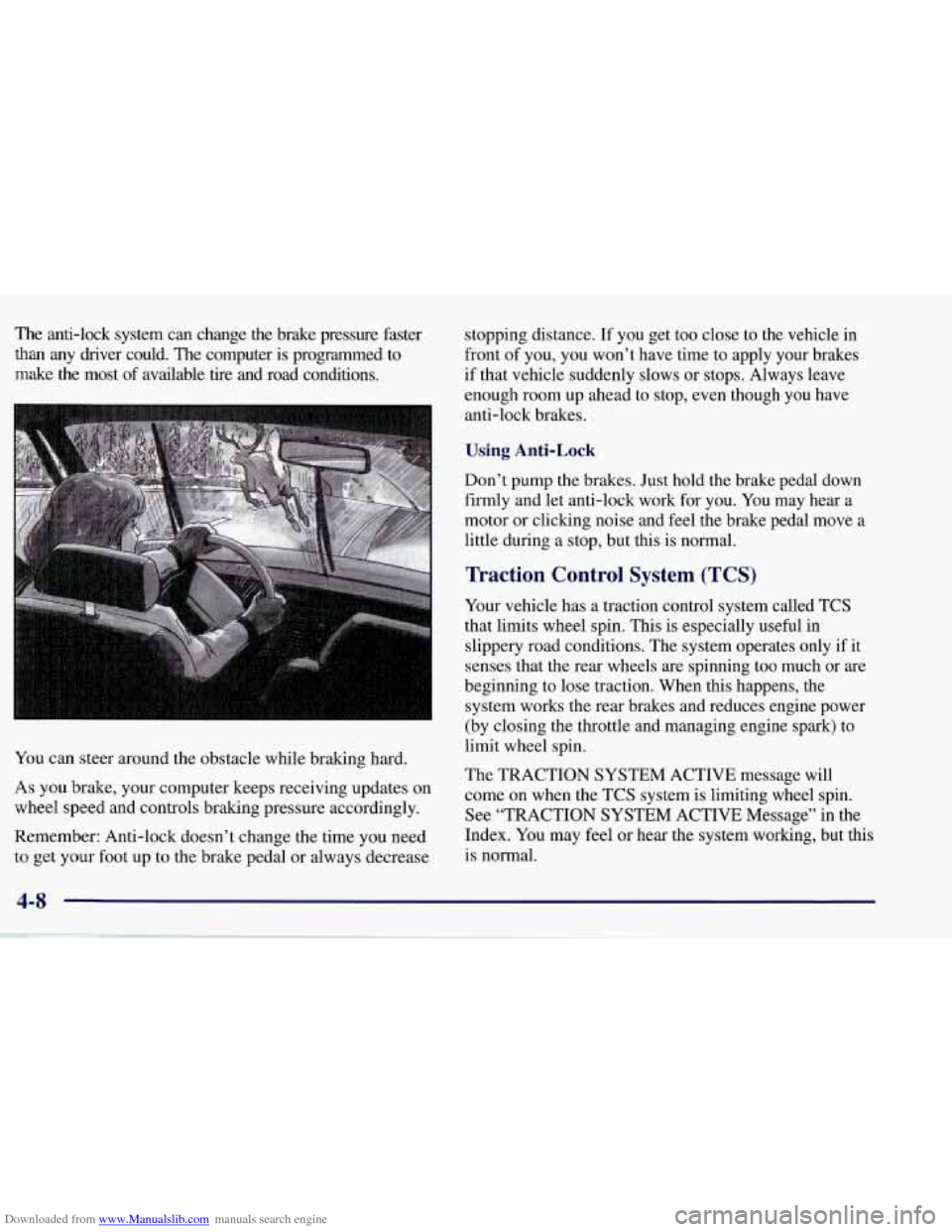
You can steer around the obstacle while braking hard.
As you brake, your computer keeps receiving updates on
wheel speed and controls braking pressure accordingly.
Remember: Anti-lock doesn’t change the time you need to get your foot up to the brake pedal or always decrease stopping distance.
If you get too close to the vehicle in
front of you, you won’t have time to apply your brakes
if that vehicle suddenly slows or stops. Always leave
enough room up ahead to stop, even though you have
anti-lock brakes.
Using Anti-Lock
Don’t pump the brakes. Just hold the brake pedal down
firmly and let anti-lock work for you. You may hear a
motor or clicking noise and feel the brake pedal move
a
little during a stop, but this is normal.
Traction Control System (TCS)
Your vehicle has a traction control system called TCS
that limits wheel spin. This is especially useful in
slippery road conditions. The system operates only if it
senses that the rear wheels are spinning too much or are
beginning to lose traction. When this happens, the
system works the rear brakes and reduces engine power
(by closing the throttle and managing engine spark) to
limit wheel spin.
The TRACTION SYSTEM ACTIVE message will
come on when the TCS system
is limiting wheel spin.
See “TRACTION SYSTEM ACTIVE Message” in the
Index. You may feel or hear the system working, but this
is normal.
4-8
Page 201 of 378
Downloaded from www.Manualslib.com manuals search engine Steering
Power Steering
If you lose power steering assist because the engine
stops or the system
is not functioning, you can steer
but it will take much more effort.
Steering Tips
Driving on Curves
It’s important to take curves at a reasonable speed.
A lot of the “driver lost control” accidents mentioned on
the news happen on curves. Here’s why:
Experienced driver or beginner, each of us is subject to
the same laws of physics when driving on curves. The
traction
of the tires against the road surface makes it
possible for the vehicle to change its path when you turn
the front wheels.
If there’s no traction, inertia will keep
the vehicle going in the same direction. If you’ve ever
tried to steer a vehicle on wet ice, you’ll understand this.
The traction you can get
in a curve depends on the
condition of your tires and the road surface, the angle at
which
the curve is banked, and your speed. While you’re
in a curve, speed is the one factor you can control. Suppose you’re steering through a sharp curve.
Then you suddenly accelerate. Both control
systems
-- steering and acceleration -- have to do
their work where the tires meet the road. Adding the
sudden acceleration can demand too much of those
places.
You can lose control. Refer to “Traction Control
System’’ in the Index.
What should you do if this ever happens? Ease up on the
accelerator pedal, steer the vehicle the
way you want it
to go, and slow down.
Speed limit signs near curves warn that you should
adjust your speed. Of course, the posted speeds are
based on good weather and road conditions. Under less
favorable conditions you’ll want to go slower.
If you need to reduce your speed as you approach a
curve, do it before
you enter the curve, while your front
wheels are straight ahead.
Try to adjust your speed
so you can “drive” through the
curve. Maintain a reasonable, steady speed. Wait to
accelerate until you are out of the curve, and then
accelerate gently into the straightaway.
Page 205 of 378
Downloaded from www.Manualslib.com manuals search engine Skidding
In a skid, a driver can lose control of the vehicle.
Defensive drivers avoid most skids by taking reasonable care suited to existing conditions, and by not “overdriving”\
those conditions. But skids are always possible.
The three types of skids correspond to your vehicle’s
three control systems. In the braking skid, your wheels
aren’t rolling. In the steering or cornering skid, too
much speed or steering in a curve causes tires to slip and
lose cornering force. And in the acceleration skid, too
much throttle causes the driving wheels to spin.
A cornering skid is best handled by easing your foot
off
the accelerator pedal.
Remember: Any traction control system helps avoid
only the acceleration skid.
If your TCS system is off, then an acceleration slud
is also best handled by easing your foot
off the
accelerator pedal.
If your vehicle starts to slide, ease your foot
off the
accelerator pedal and quickly steer the way you want the
vehicle to
go. If you start steering quickly enough, your
vehicle may straighten out. Always be ready for a
second skid if it occurs. Of
course, traction is reduced when water, snow, ice,
gravel or other material is on the road. For safety, you’ll\
want to slow down and adjust your driving to these
conditions. It is important to slow down on slippery
surfaces because stopping distance will be longer and
vehicle control more limited.
While driving on a surface with reduced traction, try
your best to avoid sudden steering, acceleration or braking (including engine braking by shifting to a lower
gear). Any sudden changes could cause the tires to slide.
You may not realize the surface is slippery until your
vehicle
is skidding. Learn to recognize warning clues --
such as enough water, ice or packed snow on the road to
make a “mirrored surface”
-- and slow down when you
have any doubt.
Remember: Any anti-lock brake system
(ABS) helps
avoid only the braking skid.
4-14
Page 229 of 378
Downloaded from www.Manualslib.com manuals search engine Towing Your Vehicle
Try to have a GM dealer or a professional towing service
tow your vehicle. They can provide the right equipment
and know-how to tow your vehicle without damage.
If your vehicle has been changed or modified since it
was factory new by adding aftermarket items like
fog
lamps, aero skirting, or special tires and wheels, these
instructions and illustrations may not be correct.
Before you
do anything, turn on the hazard
warning flashers.
When you call, tell the towing service:
That your vehicle cannot be towed with sling-type equipment.
0 That your vehicle has rear-wheel drive.
The make, model and year of your vehicle.
0 Whether you can still move the shift lever.
If there was an accident, what was damaged.
0 If the vehicle is to be towed from the rear with a
wheel-lift truck, a front dolly will be required.
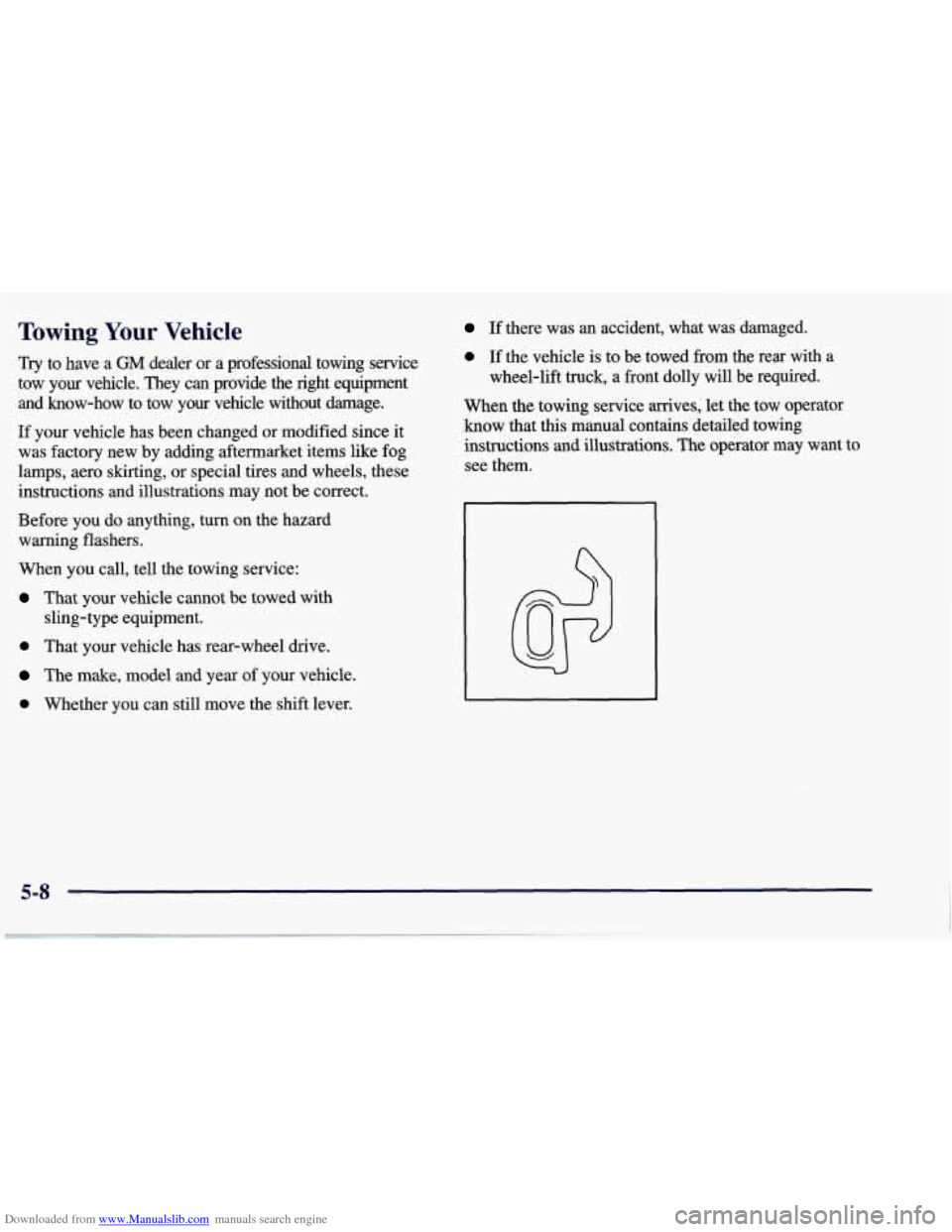
When the towing service arrives; let the tow operator
know that this manual contains detailed towing
instructions and illustrations. The operator may want
to
see them.
Page 286 of 378
Downloaded from www.Manualslib.com manuals search engine Extended Mobility Tires
Your vehicle, when new, had Goodyear Extended
Mobility Tires (EMT). There’s no spare tire, no tire
changing equipment and no place to store a tire in the
vehicle. Extended Mobility Tires perform
so well
without any air that a Tire Pressure Monitor (TPM) is
used to alert you if a tire has lost pressure.
The Tire Pressure Monitor (TPM) has a sensor on
each road wheel that transmits to a receiver on the
instrument panel.
The system operates on a radio frequency subject to
Federal Communications Commission (FCC) Rules and
with Industry and Science Canada.
This device complies with Part 15 of the FCC Rules.
Operation is subject to the following two conditions: (1) this device may not cause harmful interference, and
(2)
this device must accept any interference received,
including interference that may cause undesired operation.
This device complies with RSS-210 of Industry and
Science Canada. Operation is subject to the following
two conditions: (1) this device may not cause
interference, and (2) this device must accept any
interference received, including interference that may
cause undesired operation of the device. Changes or modifications
to this system
by other than an
authorized service facility could void authorization to
use this equipment.
If a tire’s inflation pressure is between
5 psi (35 kPa)
and 25 psi (170 kPa), you will see a message on the
Driver Information Center. This message will show
which tire is underinflated and two chimes will sound.
An example would
be LOW TIRE PRESSURE-LR.
This would mean that the inflation pressure in your left
rear tire is between 5 psi (35 Pa) and 25 psi (170 Pa).
If the inflation pressure in the tire drops below
5 psi
(35 Ea), the message would read FLAT TIRE-LR and
four chimes will sound.
See “Driver Information
Center” in the Index.
The TPM will also alert you if a tire’s pressure is higher
than
42 psi (290 Wa). The message will show which tire
is overinflated and two chimes will sound. An example
would be HIGH PRESSURE-LR. This would mean that
the inflation pressure in your left rear tire is higher than
42 psi (290 kPa). See “Driver Information Center” in
the Index.
If a tire pressure message appears on the Driver
Information Center, stop as soon as you can. Have
the
tire pressures checked and set to those shown on your
Tire Loading Information label. See “Inflation
-- Tire
Pressure” in the Index.