1998 CHEVROLET CORVETTE instrument panel
[x] Cancel search: instrument panelPage 166 of 378
Downloaded from www.Manualslib.com manuals search engine MODE: Press the MODE button to manually lock in the
current air delivery setting and to stop the automatic
mode control. Pressing the MODE button will delete
AUTO from the digital display and the mode graphics
will be shown. To change the setting, press the MODE
button again. The AUTO button must be pressed to
return to the automatic mode selection.
-bo
UPPER: This setting directs most of the air
through the instrument panel outlets and a very small amount to the lower outlets.
+# BI-LEVEL: This setting directs air into your
vehicle in two ways. Cooler air is directed toward your upper body through the instrument panel outlets, while
warmer air is directed through the lower outlets.
+# LOWER: This setting directs most of the air to
the floor area and some of it toward the windshield and
side window vents.
+’, DEFOG: This setting divides the air between
the windshield and lower outlets and a small amount
toward the side window vents. This is useful when fog
appears
on the windshield or side glass due to rain or
snowy conditions.
+e
e
w.
Mode Buttons
These buttons control climate control OWOFF, air
intake, front defrost, rear defrost and the air
conditioning operation.
OFF: Press the OFF button to turn off the climate
control system.
This is the only setting that fully shuts
off the fan. The digital display will show only the
outside temperature. You can still adjust the driver set
temperature, the passenger temperature offset and the
air
intake mode while in OFF.
a A/C: This button turns the air conditioning
compressor on or
off, except in the FRONT defrost
mode. The light on the
A/C button will come on when
the compressor is operating in either the automatic or
manual mode. The air conditioning may also be forced
off at high engine speeds. The light on the A/C button
will flash
if pressed when air conditioning operation is
not allowed.
3-7
Page 168 of 378
Downloaded from www.Manualslib.com manuals search engine Sensors
The Dual Zone Electronic Climate Control System
uses several sensors to control operation and
display information.
Solar Load Sensor
This sensor is located on the top right side of the
defroster grille. The defroster grille is on the top of the
instrument panel.
The sensor monitors the sun’s solar radiation and uses
this information as
part of the automatic climate control
system when operating in the
AUTO mode.
Be careful not to put anything over the sensor. It cannot
compensate for changes in the amount of heat the
vehicle is absorbing from the sun when covered.
Outside Air Temperature Sensor
This sensor is located in the air intake under the front
bumper of the vehicle. Information from this sensor
is used for the outside air temperature readings
shown on the digital display for the automatic climate
control system. If
the outside temperature goes up, the displayed
temperature will not change until:
The vehicle’s speed is above 20 mph (32 km/h) for
one and a half minutes.
0 The vehicle’s speed is above 45 mph (72 km/h) for
one minute.
These delays help prevent false readings. If the
temperature goes down, the outside temperature display
is updated immediately.
If your vehicle has been turned off for more than
three hours, the current outside temperature will be
shown when you start the vehicle. If it has been turned
off for less than three hours, the temperature will be
recalled from the previous vehicle operation.
Inside Temperature Sensor
This sensor is located just left of the ignition switch.
The automatic climate control system uses this sensor
to receive information
so if you block or cover it, the
system will not function properly.
3-9
Page 171 of 378
Downloaded from www.Manualslib.com manuals search engine When you enter a vehicle in cold weather, turn the
blower fan to the highest speed for a few moments
before driving
off. This helps clear the intake outlets
of snow and moisture, and reduces the chance of
fogging the inside of the windows.
Keep the area around the base of the center
instrument panel console and air path under the seats
clear of objects. This helps air circulate throughout
your vehicle.
Audio Systems
Your Delco Electronics audio system has been designed
to operate easily and give years of listening pleasure.
You will get the most enjoyment out of it if you acquaint
yourself with it first. Find out what your Delco
Electronics system can do and how to operate all its
controls, to be sure you're getting the most out of the
advanced engineering that went into it.
Setting the Clock for All Systems
Press and hold HR until the correct hour appears. Press
and hold
MN until the correct minute appears.
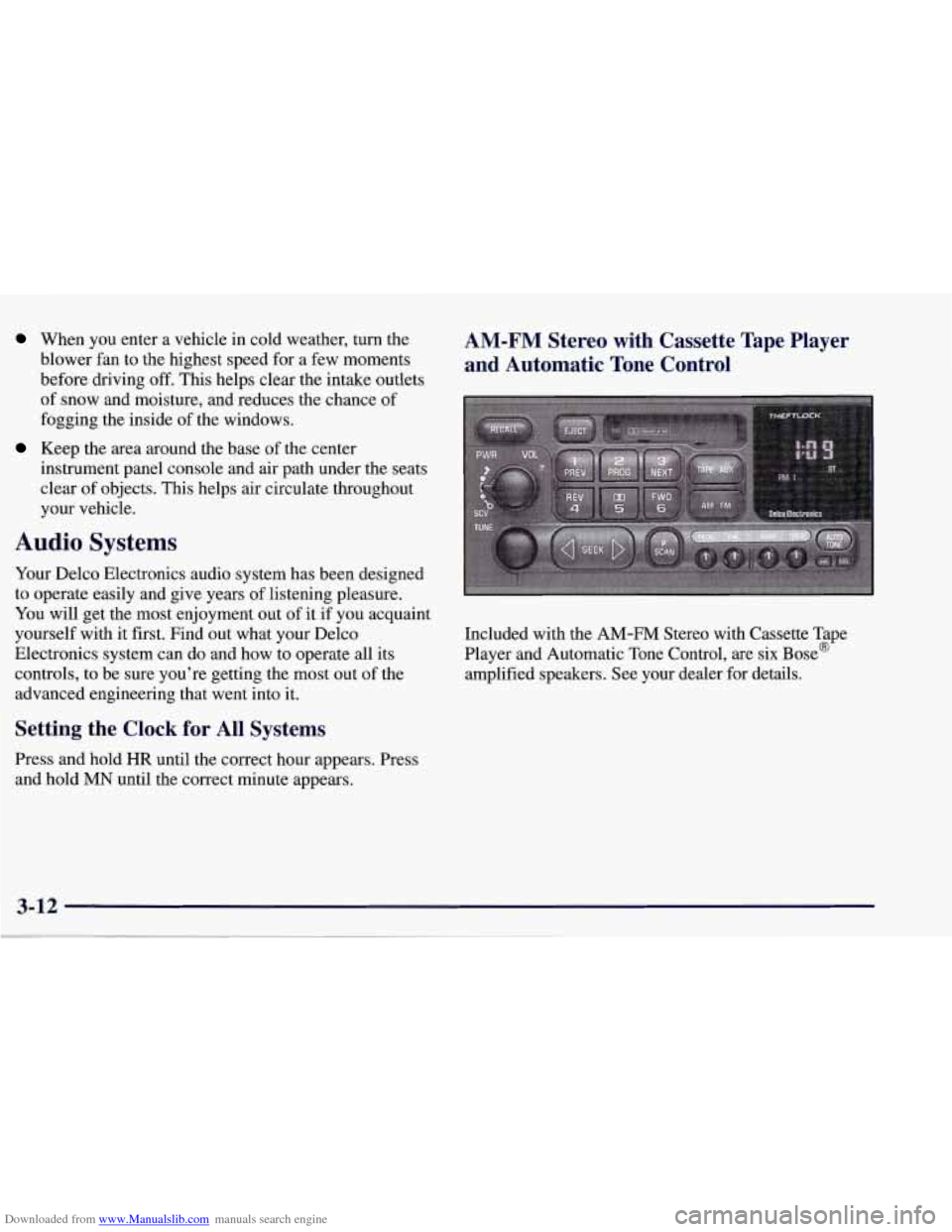
AM-FM Stereo with Cassette Tape Player
and Automatic Tone Control
Included with the AM-FM Stereo with Cassette Tape
Player and Automatic Tone Control, are six Bose@
amplified speakers. See your dealer for details.
Page 249 of 378
Downloaded from www.Manualslib.com manuals search engine vehicle will operate satisfactorily on fuels meeting
federal specifications, but emission control system
performance may be affected. The malfunction indicator
lamp on your instrument panel may turn on and/or your
vehicle may fail a smog-check test. If
this occurs, return
to your authorized Corvette dealer for diagnosis to
determine the cause of failure. In the event it is
determined that the cause of the condition is the type of
fuels used, repairs may not be covered by your warranty.
Some gasolines that are not reformulated for low
emissions contain an octane-enhancing additive called
methylcyclopentadienyl manganese tricarbonyl (MMT);
ask your service station operator whether or not
his fuel
contains MMT. General Motors does not recommend the
use of such gasolines.
If fuels containing MMT are used,
spark plug life may be reduced and your emission
control system performance may be affected. The
malfunction indicator lamp on your instrument panel
may turn on. If
this occurs, return to your authorized
Corvette dealer for service.
To provide cleaner air, all gasolines in the United States
are now required to contain additives that will help
prevent deposits from forming
in your engine and fuel
system, allowing your emission control system to
function properly. Therefore, you should not have to add anything to the fuel. In addition, gasolines containing oxygenates, such as ethers and ethanol,
and
reformulated gasolines may be available in your area to
help clean the air. General Motors recommends that you
use these gasolines if they comply with the
specifications described earlier.
NOTICE:
Your vehicle was not designed for fuel that
contains methanol. Don’t use it. It can corrode
metal parts in your fuel system and also damage
plastic and rubber parts. That damage wouldn’t
be covered under your warranty.
Fuels in Foreign Countries
If you plan on driving in another country outside the
United States or Canada, the proper fuel may be hard to
find. Never use leaded gasoline or any other fuel not
recommended in the previous text on fuel. Costly repairs
caused by use of improper fuel wouldn’t be covered by
your warranty.
To check on fuel availability, ask
an auto club, or
contact a major oil company that does business in the
country where you’ll be driving.
Page 286 of 378
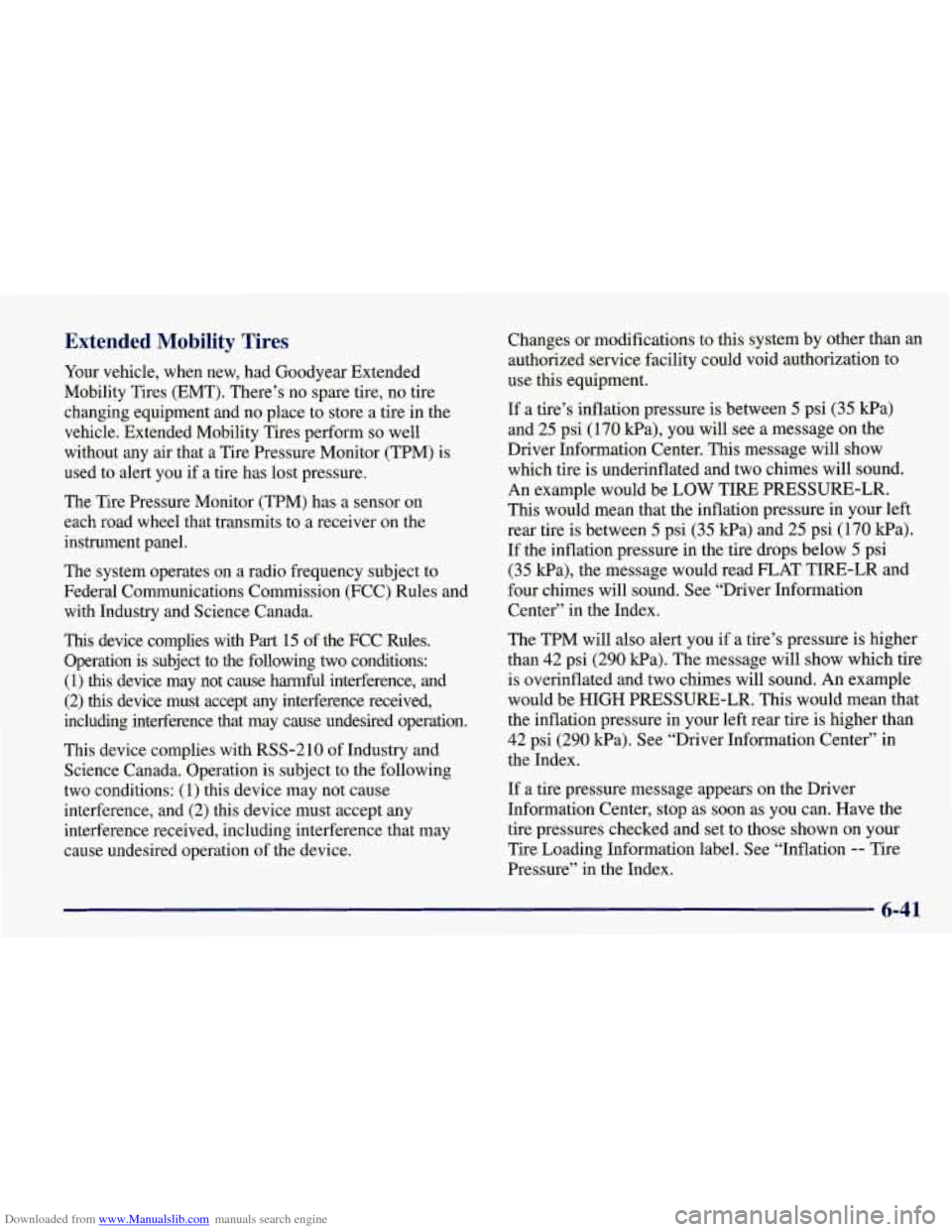
Downloaded from www.Manualslib.com manuals search engine Extended Mobility Tires
Your vehicle, when new, had Goodyear Extended
Mobility Tires (EMT). There’s no spare tire, no tire
changing equipment and no place to store a tire in the
vehicle. Extended Mobility Tires perform
so well
without any air that a Tire Pressure Monitor (TPM) is
used to alert you if a tire has lost pressure.
The Tire Pressure Monitor (TPM) has a sensor on
each road wheel that transmits to a receiver on the
instrument panel.
The system operates on a radio frequency subject to
Federal Communications Commission (FCC) Rules and
with Industry and Science Canada.
This device complies with Part 15 of the FCC Rules.
Operation is subject to the following two conditions: (1) this device may not cause harmful interference, and
(2)
this device must accept any interference received,
including interference that may cause undesired operation.
This device complies with RSS-210 of Industry and
Science Canada. Operation is subject to the following
two conditions: (1) this device may not cause
interference, and (2) this device must accept any
interference received, including interference that may
cause undesired operation of the device. Changes or modifications
to this system
by other than an
authorized service facility could void authorization to
use this equipment.
If a tire’s inflation pressure is between
5 psi (35 kPa)
and 25 psi (170 kPa), you will see a message on the
Driver Information Center. This message will show
which tire is underinflated and two chimes will sound.
An example would
be LOW TIRE PRESSURE-LR.
This would mean that the inflation pressure in your left
rear tire is between 5 psi (35 Pa) and 25 psi (170 Pa).
If the inflation pressure in the tire drops below
5 psi
(35 Ea), the message would read FLAT TIRE-LR and
four chimes will sound.
See “Driver Information
Center” in the Index.
The TPM will also alert you if a tire’s pressure is higher
than
42 psi (290 Wa). The message will show which tire
is overinflated and two chimes will sound. An example
would be HIGH PRESSURE-LR. This would mean that
the inflation pressure in your left rear tire is higher than
42 psi (290 kPa). See “Driver Information Center” in
the Index.
If a tire pressure message appears on the Driver
Information Center, stop as soon as you can. Have
the
tire pressures checked and set to those shown on your
Tire Loading Information label. See “Inflation
-- Tire
Pressure” in the Index.
Page 299 of 378
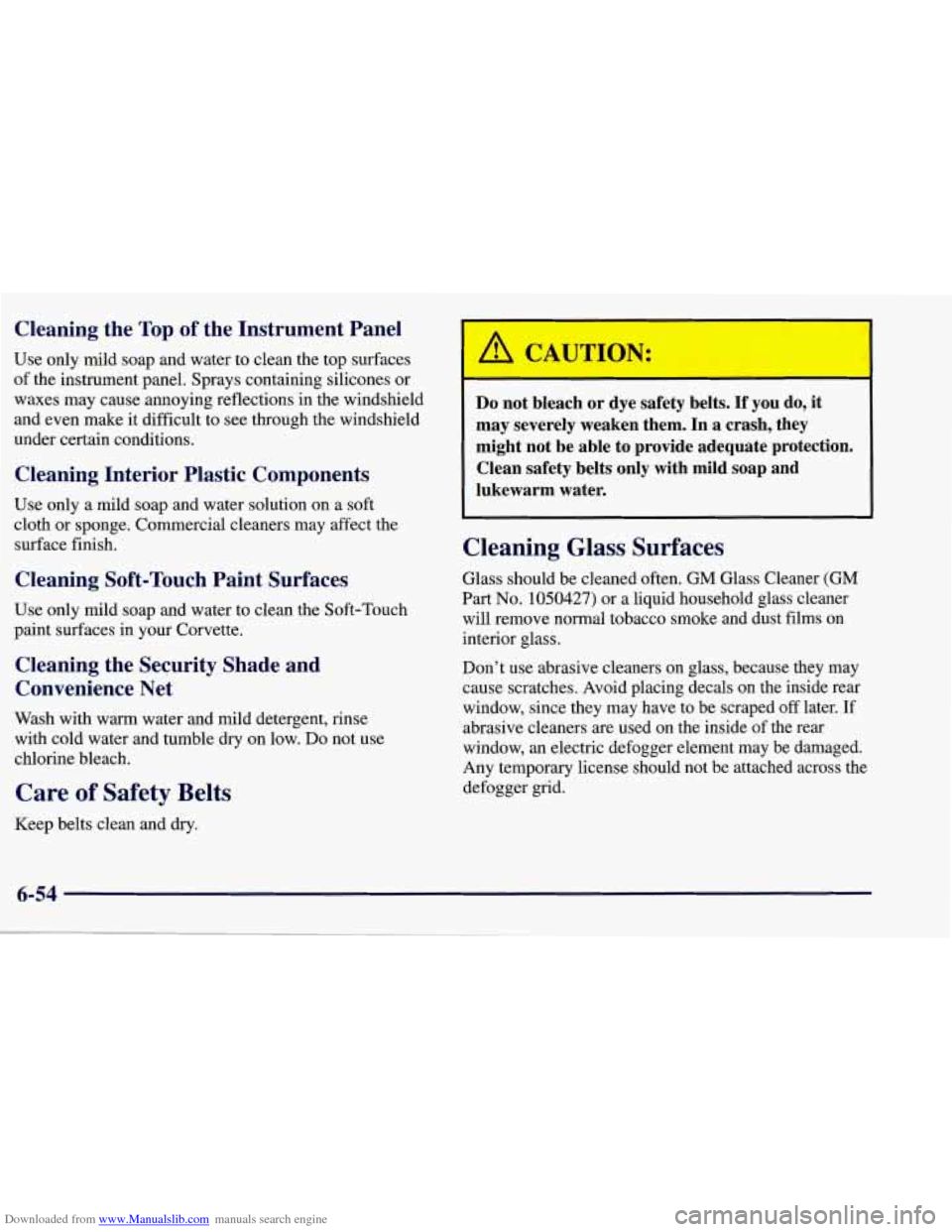
Downloaded from www.Manualslib.com manuals search engine Cleaning the Top of the Instrument Panel
Use only mild soap and water to clean the top surfaces
of the instrument panel. Sprays containing silicones or
waxes may cause .annoying reflections in the windshield
and even make it difficult to see through the windshield
under certain conditions.
Cleaning Interior Plastic Components
Use only a mild soap and water solution on a soft
cloth
or sponge. Commercial cleaners may affect the
surface finish.
Cleaning Soft-Touch Paint Surfaces
Use only mild soap and water to clean the Soft-Touch
paint surfaces in your Corvette.
Cleaning the Security Shade and
Convenience Net
Wash with warm water and mild detergent, rinse
with cold water and tumble dry on low. Do not use
chlorine bleach.
Care of Safety Belts
Keep belts clean and dry.
Do not bleach or dye safety belts. If you do, it
may severely weaken them. In a crash, they might not be able
to provide adequate protection.
Clean safety belts only with mild soap and
lukewarm water.
Cleaning Glass Surfaces
Glass should be cleaned often. GM Glass Cleaner (GM
Part No. 1050427) or a liquid household glass cleaner
will remove normal tobacco smoke and dust films on
interior glass.
Don’t use abrasive cleaners on glass, because they may
cause scratches. Avoid placing decals on the inside rear
window, since they may have to be scraped
off later. If
abrasive cleaners are used on the inside of the rear
window, an electric defogger element may be damaged.
Any temporary license should not be attached across the
defogger grid.
Page 306 of 378
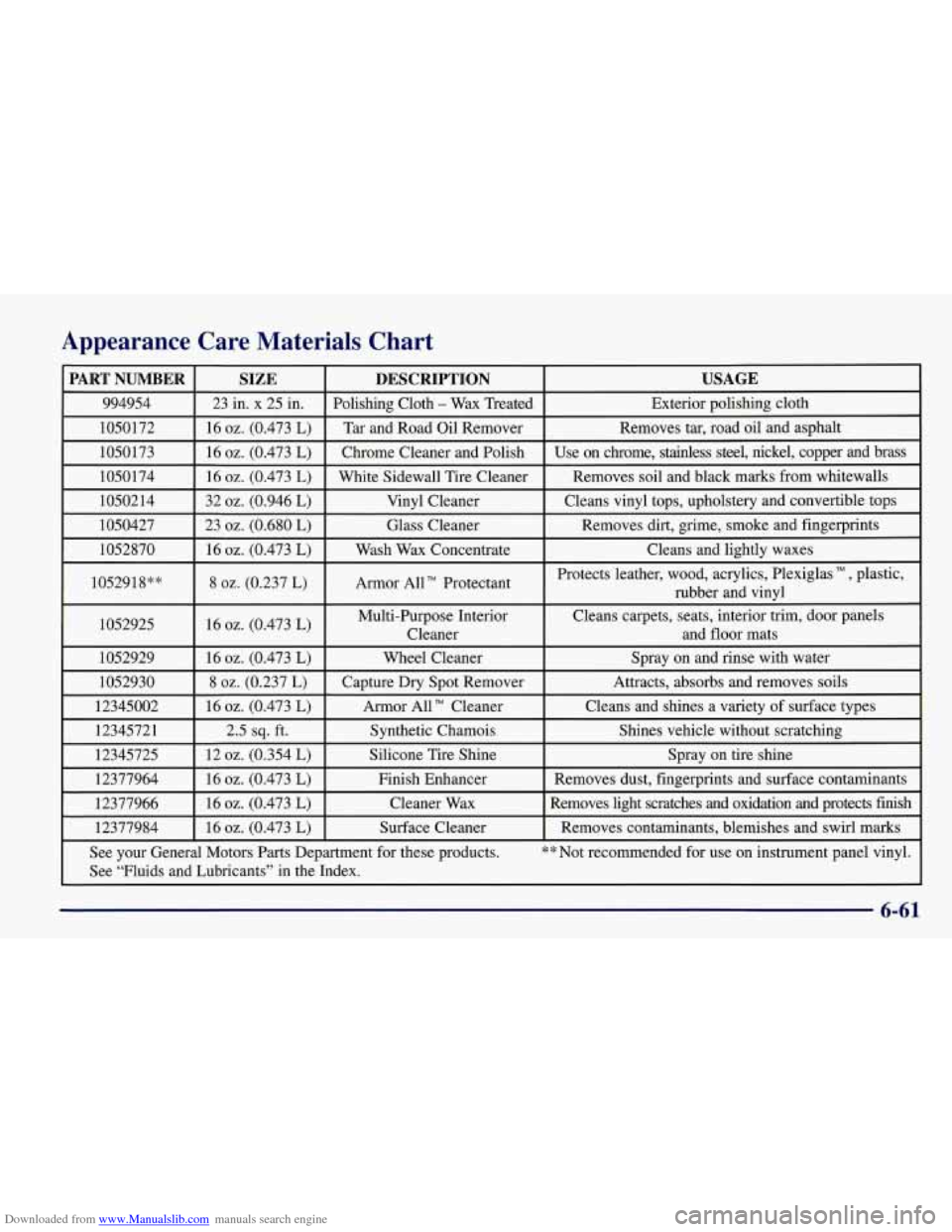
Downloaded from www.Manualslib.com manuals search engine Appearance Care Materials Chart
PART NUMBER USAGE DESCRIPTION
SIZE
994954
Exterior polishing cloth
Polishing Cloth - Wax
Treated
23 in. x 25 in.
1050172
Use on chrome, stainless steel, nickel, copper and brass
Chrome Cleaner and Polish 16
02. (0.473 L) 1050173 Removes
tar, road oil and asphalt
Tar and Road Oil Remover
16 02. (0.473 L)
1050174
I 16 oz. (0.473 L) I White Sidewall Tire Cleaner I Removes soil and black marks from whitewalls
1050214
I 32 oz. (0.946 L) I Vinyl Cleaner I Cleans vinyl tops, upholstery and convertible tops I
1050427 I 23 02. (0.680 L) I Glass Cleaner I Removes dirt, grime, smoke and fingerprints
1052870
I 16 02. (0.473 L) I Wash Wax Concentrate I Cleans and lightly waxes
1052918**
I 8 02. (0.237 L) I Armor AUT’ Protectant I
Protects leather, wood, acrylics, Plexiglas , plastic,
rubber and vinyl
1052925
I 16 02. (0.473 L) I Multi-Purpose Interior Cleans carpets,
seats, interior trim, door panels
I Cleaner and floor mats
1052929
I 16 oz. (0.473 L) I Wheel Cleaner I Spray on and rinse with water
1052930
Shines vehicle without scratching Synthetic Chamois
2.5 sq. ft.
12345721 Cleans and
shines a variety
of surface types Armor
All TM Cleaner
16 oz. (0.473 L)
12345002 Attracts, absorbs and
removes soils
Capture
Dry Spot Remover 8 02. (0.237 L)
12345725
See your General Motors Parts Department for these products.
** Not recommended for use on instrument panel vinyl.
Removes
contaminants, blemishes and swirl marks Surface Cleaner
16
oz. (0.473 L) 12377984 Removes light scratches and oxidation and protects finish Cleane\
r
Wax 16 02. (0.473 L)
12377966 Removes
dust, fingerprints and surface contaminants
Finish Enhancer
16
02. (0.473 L)
12377964 Spray
on tire shine Silicone
Tire Shine 12 02. (0.354 L)
See “Fluids and Lubricants” in the Index.
6-61
Page 307 of 378
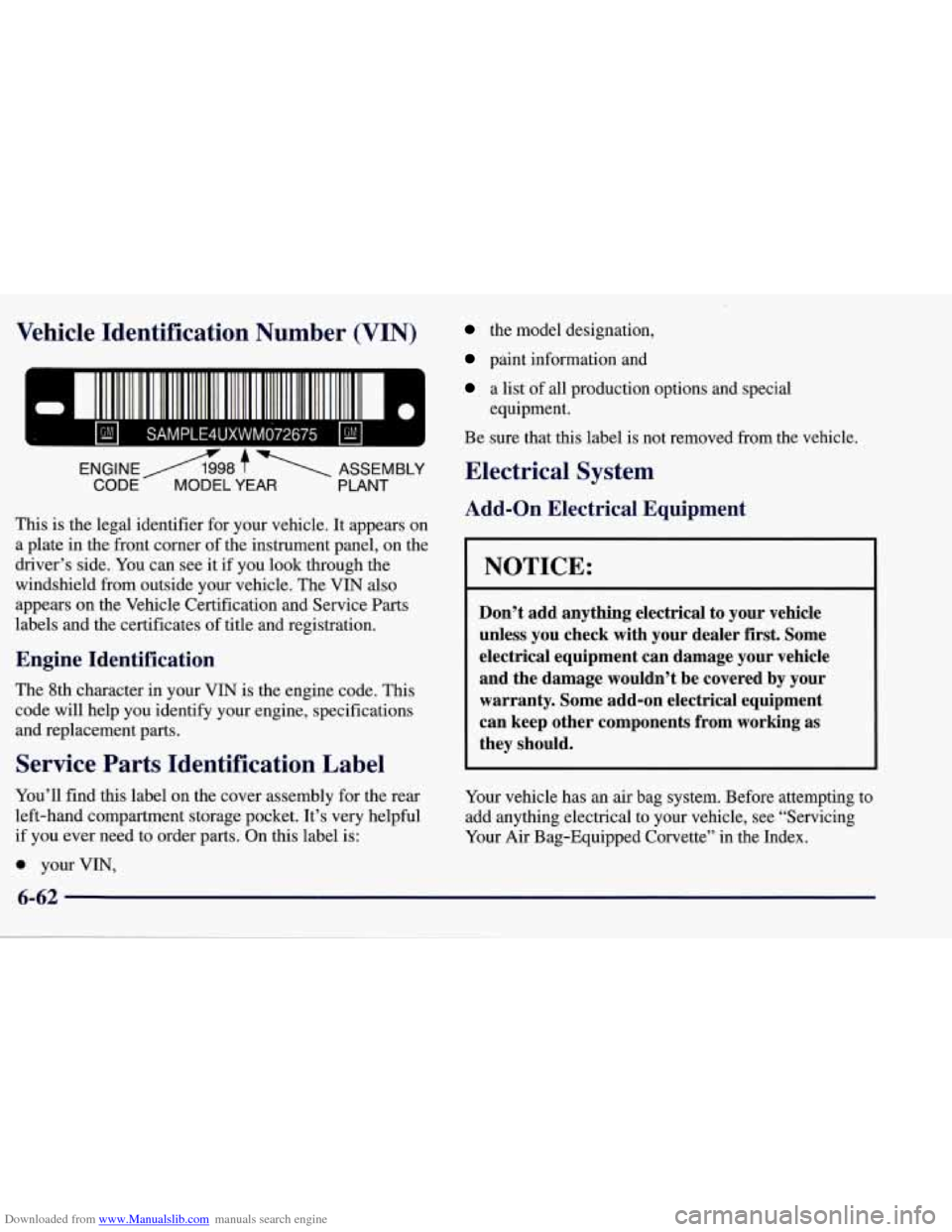
Downloaded from www.Manualslib.com manuals search engine Vehicle Identification Number (VIN)
This is the legal identifier for your vehicle. It appears on
a plate in the front comer of the instrument panel, on the
driver’s side. You can see it
if you look through the
windshield from outside your vehicle. The VIN also
appears on the Vehicle Certification and Service
Parts
labels and the certificates of title and registration.
Engine Identification
The 8th character in your VIN is the engine code. This
code will help you identify your engine, specifications
and replacement parts.
Service Parts Identification Label
You’ll find this label on the cover assembly for the rear
left-hand compartment storage pocket. It’s very helpful
if you ever need to order parts. On this label is:
0 your VIN,
the model designation,
paint information and
a list of all production options and special
Be sure that this label is not removed from the vehicle.
equipment.
Electrical System
Add-on
Electrical Equipment
NOTICE:
Don’t add anything electrical to your vehicle
unless you check with your dealer first. Some
electrical equipment can damage your vehicle
and the damage wouldn’t be covered by your
warranty. Some add-on electrical equipment
can keep other components from working as
they should.
Your vehicle has an air bag system. Before attempting to
add anything electrical to your vehicle, see “Servicing
Your
Air Bag-Equipped Corvette” in the Index.