1998 CHEVROLET CORVETTE trunk release
[x] Cancel search: trunk releasePage 182 of 378
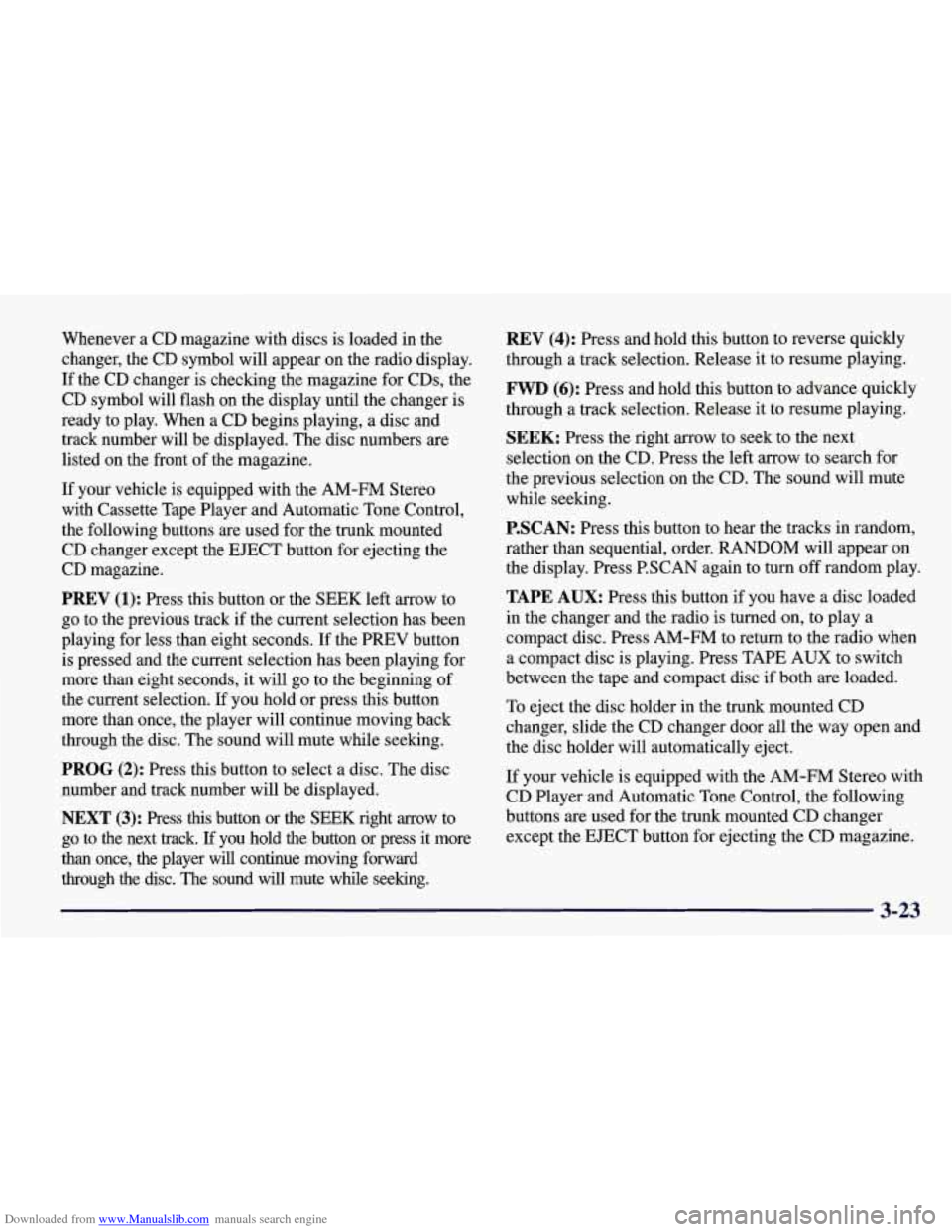
Downloaded from www.Manualslib.com manuals search engine Whenever a CD magazine with discs is loaded in the
changer, the CD symbol will appear on the radio display.
If the CD changer is checking the magazine for CDs, the
CD symbol will flash on the display until the changer is
ready to play. When
a CD begins playing, a disc and
track number will be displayed. The disc numbers are
listed on the front of the magazine.
If your vehicle is equipped with the AM-FM Stereo
with Cassette Tape Player and Automatic Tone Control, the following buttons are used for the trunk mounted
CD changer except the EJECT button for ejecting the
CD magazine.
PREV (1): Press this button or the SEEK left arrow to
go to the previous track if the current selection has been
playing for less than eight seconds. If the PREV button
is pressed and the current selection has been playing for
more than eight seconds, it will go to the beginning of
the current selection. If you hold or press this button
more than once, the player will continue moving back
through the disc. The sound will mute while seeking.
PROG (2): Press this button to select a disc. The disc
number and track number will be displayed.
NEXT (3): Press this button or the SEEK right arrow to
go to the next track.
If you hold the button or press it more
than once, the player will continue moving forward
through the disc. The sound will mute while seeking.
REV (4): Press and hold this button to reverse quickly
through a track selection. Release it to resume playing.
FWD (6): Press and hold this button to advance quickly
through a track selection. Release it to resume playing.
SEEK: Press the right arrow to seek to the next
selection
on the CD. Press the left arrow to search for
the previous selection on the CD. The sound will mute
while seeking.
P.SCAN: Press this button to hear the tracks in random,
rather than sequential, order.
RANDOM will appear on
the display. Press P.SCAN again to turn
off random play.
TAPE AUX: Press this button if you have a disc loaded
in the changer and the radio is turned on, to play a
compact disc. Press AM-FM to return to the radio when
a compact disc is playing. Press TAPE AUX to switch
between the tape and compact disc if both are loaded.
To eject the disc holder in the trunk mounted CD
changer, slide the CD changer door all the way open and
the disc holder will automatically eject.
If your vehicle is equipped with the AM-FM Stereo with
CD Player and Automatic Tone Control, the following
buttons are used for the trunk mounted CD changer
except the EJECT button for ejecting the CD magazine.
3-23
Page 183 of 378
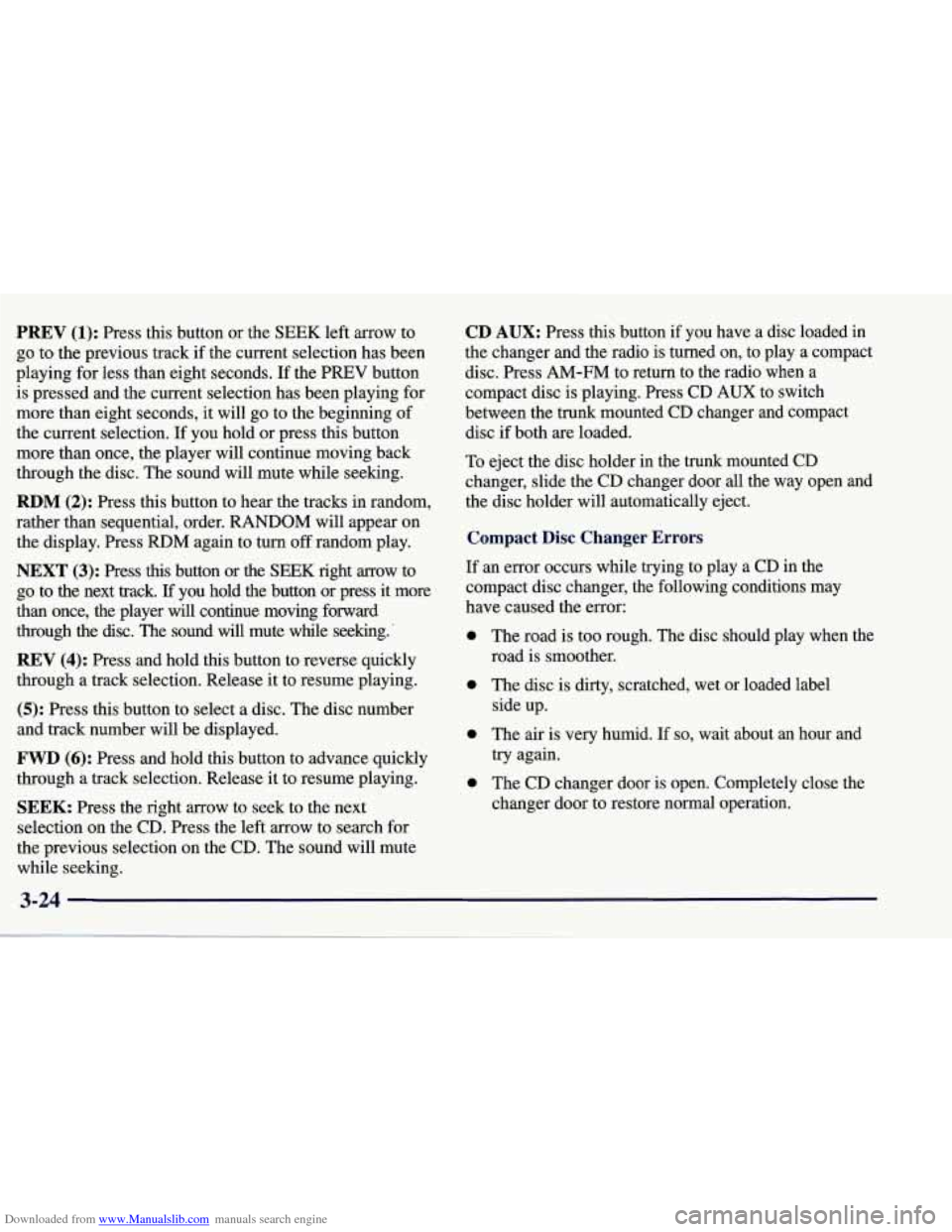
Downloaded from www.Manualslib.com manuals search engine PREV (1): Press this button or the SEEK left arrow to
go to the previous track
if the current selection has been
playing for less than eight seconds. If the PREV button
is pressed and the current selection has been playing for
more than eight seconds, it
will go to the beginning of
the current selection.
If you hold or press this button
more than once, the player will continue moving back through the disc. The sound will mute while seeking.
RDM (2): Press this button to hear the tracks in random,
rather than sequential, order. RANDOM will appear on
the display. Press RDM again to turn
off random play.
NEXT (3): Press this button or the SEEK right arrow to
go to the next track.
If you hold the button or press it more
than once, the player
will continue moving forward
through the disc. The sound will mute while seeking.'
REV (4): Press and hold this button to reverse quickly
through a track selection. Release it to resume playing.
(5): Press this button to select a disc. The disc number
and track number will be displayed.
FWD (6): Press and hold this button to advance quickly
through a track selection. Release it to resume playing.
SEEK: Press the right arrow to seek to the next
selection on the CD. Press the left arrow to search for
the previous selection on the CD. The sound will mute
while seeking.
CD AUX: Press this button if you have a disc loaded in
the changer and the radio
is turned on, to play a compact
disc. Press AM-FM to return to the radio when a
compact disc is playing. Press CD
AUX to switch
between the trunk mounted CD changer and compact
disc
if both are loaded.
To eject the disc holder in the trunk mounted CD
changer, slide the CD changer door all the way open and
the disc holder will automatically eject.
Compact Disc Changer Errors
If an error occurs while trying to play a CD in the
compact disc changer, the following conditions may
have caused the error:
0
0
0
0
The road is too rough. The disc should play when the
road is smoother.
The disc is dirty, scratched, wet or loaded label
side up.
The air is very humid. If
so, wait about an hour and
try again.
The CD changer door is open. Completely close the
changer door to restore normal operation.
Page 363 of 378
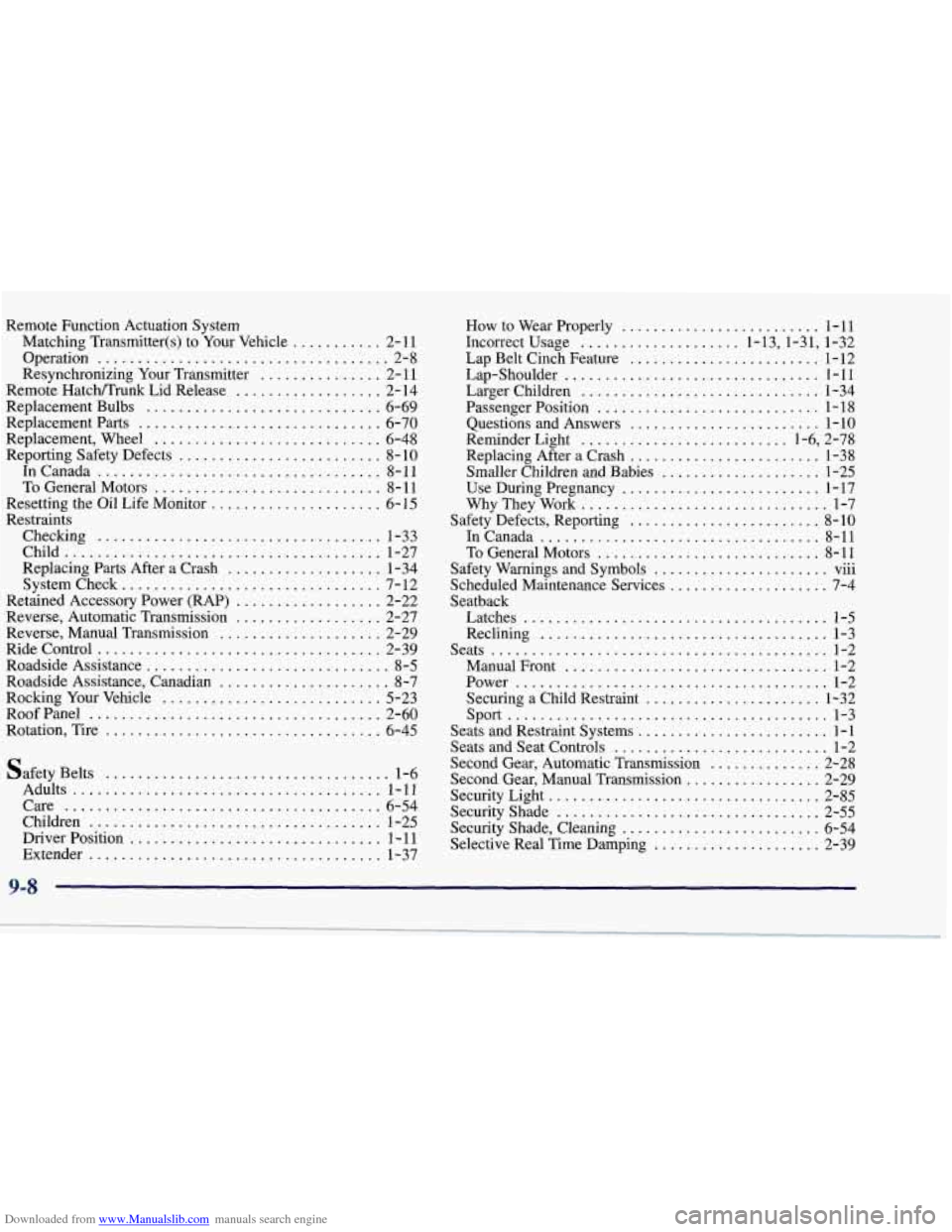
Downloaded from www.Manualslib.com manuals search engine Remote Function Actuation System Matching Transmitter(s) to Your Vehicle
........... 2- 11
Resynchronizing Your Transmitter
............... 2- 11
Replacement Parts .............................. 6-70
Replacement, Wheel
............................ 6-48
Reporting Safety Defects ......................... 8- 10
InCanada
................................... 8-11
To General Motors
............................ 8- 11
Resetting the Oil Life Monitor
..................... 6- 15
Checking
................................... 1-33
Child
....................................... 1-27
Replacing
Parts After a Crash ................... 1-34
Systemcheck
................................ 7-12
Retained Accessory Power
(RAP) .................. 2-22
Reverse, Automatic Transmission
.................. 2-27
Reverse, Manual Transmission
.................... 2-29
Ridecontrol
................................... 2-39
Roadside Assistance
.............................. 8-5
Roadside Assistance, Canadian ..................... 8-7
Rocking Your Vehicle ........................... 5-23
RoofPanel
.................................... 2- 60
Rotation, Tire
.................................. 6-45
Operation
.................................... 2-8
Remote HatcNTrunk Lid Release
.................. 2-14
Replacement Bulbs
............................. 6-69
Restraints
Safety Belts
................................... 1-6
Adults
...................................... 1-11
Care
....................................... 6-54
Children
.................................... 1-25
Driver Position
............................... 1-11
Extender .................................... 1-37
How to Wear Properly ......................... 1 . 11
Incorrect Usage .................... 1.13.1.31. 1.32
Lap Belt Cinch Feature
........................ 1-12
Larger Children
.............................. 1-34
Passenger Position
............................ 1-18
Questions and Answers
........................ 1-10
Reminder Light
.......................... 1.6. 2.78
Replacing After a Crash
........................ 1-38
Smaller Children and Babies
.................... 1-25
Use During Pregnancy
......................... 1 . 17
WhyTheyWork
............................... 1-7
Safety Defects. Reporting
........................ 8-10
InCanada
................................... 8-11
To General Motors
............................ 8-11
Safety Warnings and Symbols
...................... vm
Scheduled Maintenance Services .................... 7-4
Seatback Latches
...................................... 1-5
Reclining
.................................... 1-3
Seats
........................................,. l-2
ManualFront ................................. 1-2
Power
....................................... l-2
Securing a Child Restraint ...................... 1-32
sport
........................................ 1-3
Seats and Restraint Systems
........................ 1-1
Seats and Seat Controls
........................... 1-2
Second Gear, Automatic Transmission
.............. 2-28
Second Gear, Manual Transmission
................. 2-29
Security Shade, Cleaning
......................... 6-54
Selective Real Time Damping
..................... 2-39
Lap-Shoulder
................................ 1-11
...
SecurityLight .................................. 2-85
Security
Shade ................................. 2-55
9-8