1998 CHEVROLET CORVETTE fuel
[x] Cancel search: fuelPage 130 of 378
Downloaded from www.Manualslib.com manuals search engine Speedometer
Your speedometer lets you see your speed in either miles
per hour (mph)
or kilometers per hour (km/h).
You may note that there are not two separate scales for
mph and
km/h. When you press the EM
(EnglishNetric) button on the Driver Information
Center (DIC), the cluster will calculate the proper speed
and move the needle to the correct position. Either the
MPH or the km/h telltale will illuminate, depending on
which measurement you choose.
Tachometer
The tachometer displays the engine speed in thousands
of revolutions per minute (rpm).
Fuel will shut
off at about 6200 rpm.
If you continue to drive your vehicle at the fuel shut off
rpm, you could damage your engine. Be sure to operate
your vehicle below the fuel shut off rpm or reduce your
rpm quickly when the fuel shuts off.
Warning Lights, Gages and Messages
This part describes the warning lights and gages that
may be on your vehicle. The pictures will help you
locate them.
Warning lights and gages can signal that something is wrong before it becomes serious enough to cause an
expensive repair or replacement. Paying attention to
your warning lights and gages could also save you or
others from injury.
Warning lights come on when there may be
or is a
problem with one of your vehicle’s functions.
As you
will see in the details on the next few pages, some
warning lights come on briefly when you start the
engine just to let you know they’re working.
If you are
familiar with this section, you should not be alarmed
when this happens.
Gages can indicate when there may be or is a problem
with one
of your vehicle’s functions. Often gages and
warning lights work together to let you
know when
there’s a problem with your vehicle.
2-77
Page 135 of 378
Downloaded from www.Manualslib.com manuals search engine Malfunction Indicator Lamp (Check Engine Light)
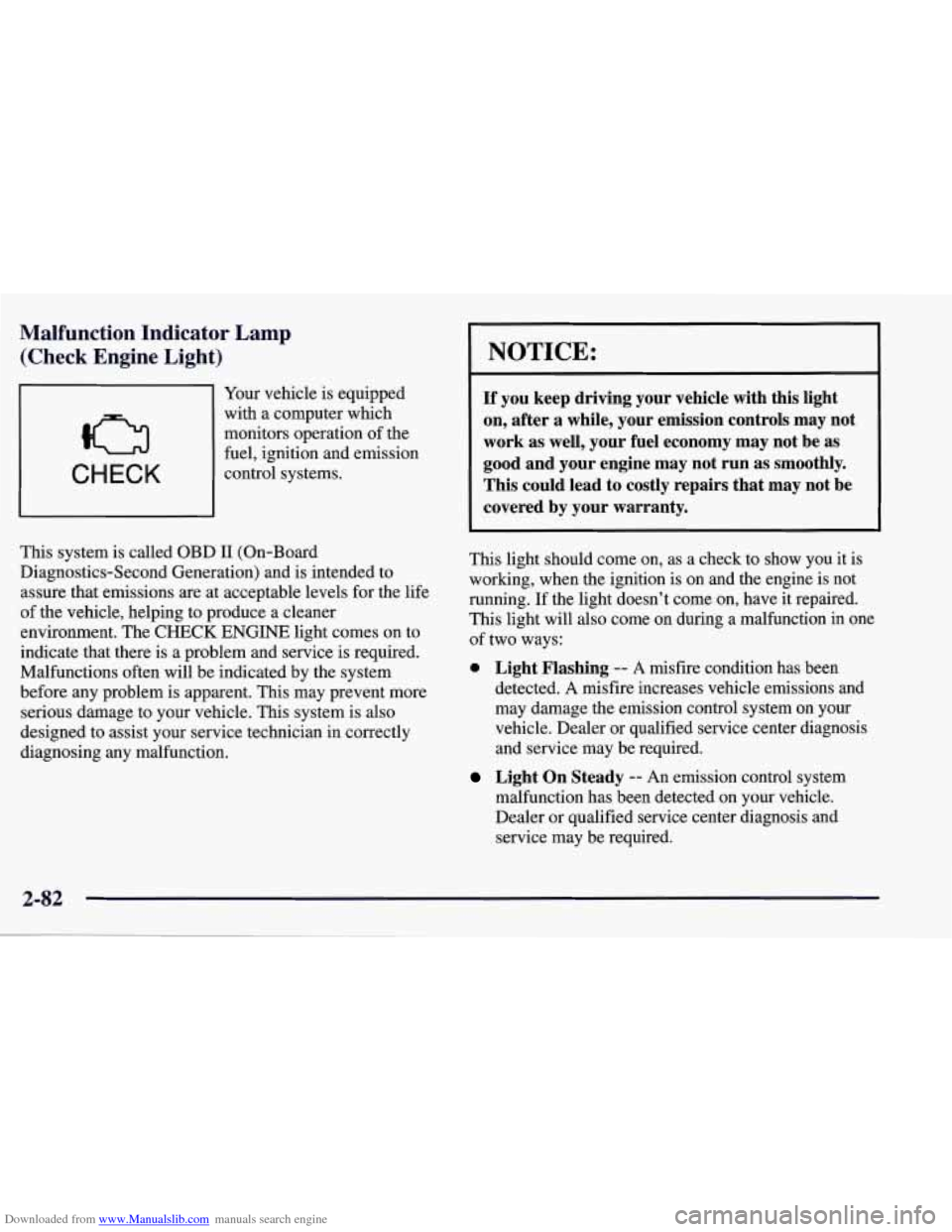
CHECK
Your vehicle is equipped
with a computer which
monitors operation of the
fuel, ignition and emission
control systems.
This system is called OBD
I1 (On-Board
Diagnostics-Second Generation) and is intended to
assure that emissions
are at acceptable levels for the life
of the vehicle, helping to produce a cleaner
environment. The
CHECK ENGINE light comes on to
indicate that there is a problem and service is required.
Malfunctions often will be indicated by the system
before any problem is apparent. This may prevent more
serious damage to your vehicle. This system is also
designed to assist your service technician in correctly
diagnosing any malfunction.
NOTICE:
If you keep driving your vehicle with this light
on, after a while, your emission controls may not
work as well, your fuel economy may not be as
good and your engine may not run as smoothly.
This could lead
to costly repairs that may not be
covered by your warranty.
This light should come on, as a check to show you it is
working, when the ignition is on and the engine is not
running. If the light doesn’t come on, have it repaired.
This light will also come on during a malfunction in one
of two ways:
0 Light Flashing -- A misfire condition has been
detected.
A misfire increases vehicle emissions and
may damage the emission control system on your
vehicle. Dealer or qualified service center diagnosis
and service may be required.
malfunction has been detected on your vehicle.
Dealer or qualified service center diagnosis and
service may be required.
Light On Steady -- An emission control system
Page 136 of 378
Downloaded from www.Manualslib.com manuals search engine If the Light Is Flashing
The following may prevent more serious damage to
your vehicle:
Reducing vehicle speed.
Avoiding hard accelerations.
Avoiding steep uphill’grades.
If the light stops flashing and remains on steady, see
“If
the Light Is On Steady” following.
If the light continues to flash, when it is safe to do
so,
stop the vehicle. Find a safe place to park your vehicle.
Turn the key off, wait at least
10 seconds and restart the
engine. If the light remains on steady, see “If the Light
Is On Steady” following. If the light is still flashing,
follow the previous steps, and drive the vehicle to your
dealer or qualified service center for service.
If the Light Is On Steady
You may be able to correct the emission system
malfunction by considering the following:
Did you just drive through a deep puddle of water?
If
so, your electrical system may be wet. The condition
will usually be corrected when the electrical system
dries out. A few driving trips should turn the light off.
Have you recently changed brands
of fuel?
If so, be sure to fuel your vehicle with quality fuel (see
“Fuel”
in the Index). Poor fuel quality will cause your
engine not to run as efficiently as designed.
You may
notice
this as stalling after start-up, stalling when you put
the vehicle into gear, misfiring, hesitation on acceleration or
stumbling on acceleration. (These conditions may go
away once the engine is warmed up.)
This will be detected
by the system and cause the light to turn on.
If you experience one or more of these conditions,
change the fuel brand you use. It will require at least one
full tank of the proper fuel to turn the light
off.
If none of the above steps have made the light turn off,
have your dealer or qualified service center check the
vehicle. Your dealer has the proper test equipment and
diagnostic tools to fix any mechanical or electrical
problems that may have developed.
Page 138 of 378
Downloaded from www.Manualslib.com manuals search engine I NOTICE:
Damage to your engine from neglected oil
problems can be costly and
is not covered by
your warranty.
Security Light
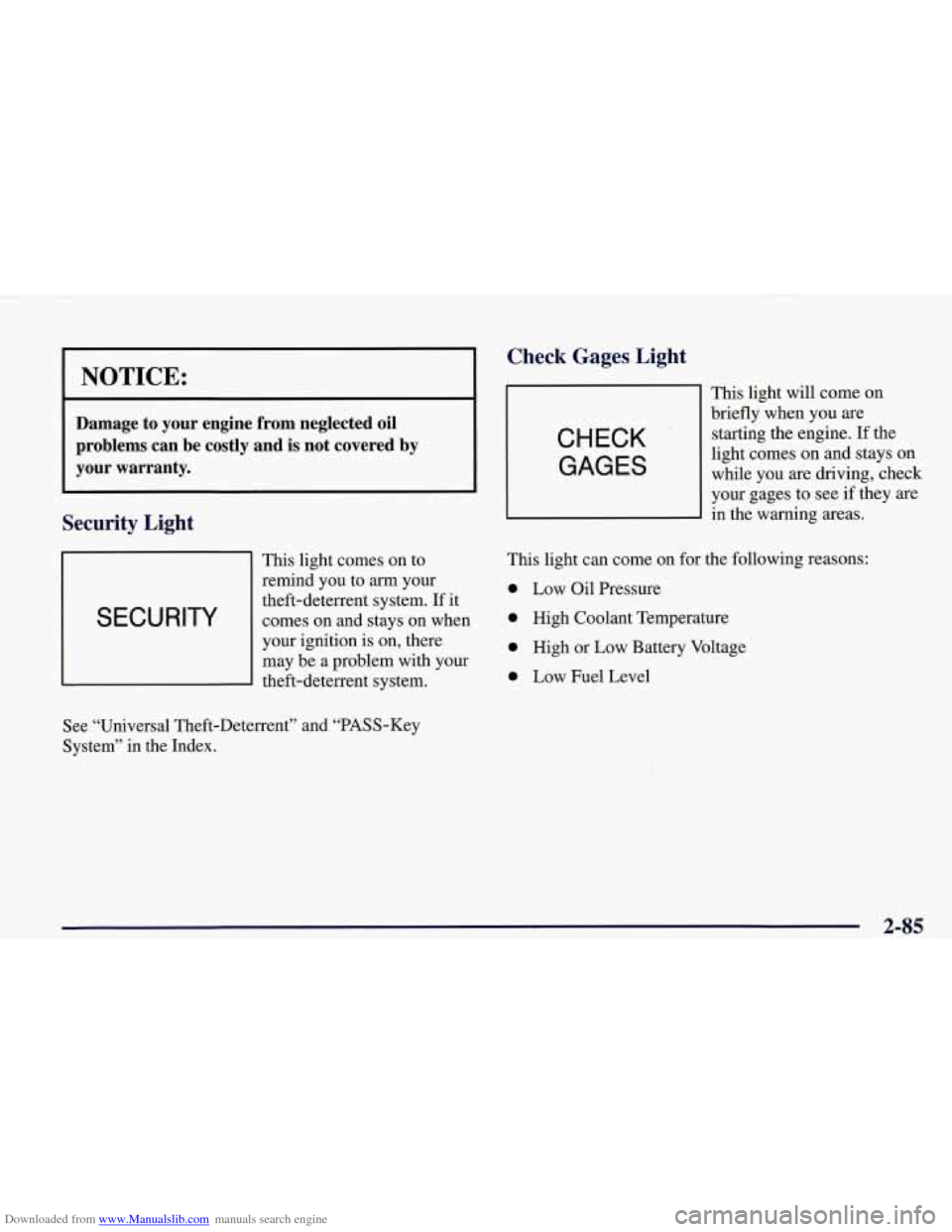
This light comes on to
remind you to
arrn your
I SECURITY
theft-deterrent system. If it
comes on and stays on when
I
your ignition is on, there
may be a problem with your
theft-deterrent system.
Check Gages, Light
CHECK
GAGES
This light will come on
briefly when you are
starting the engine. If the
light comes on and stays on
while you are driving, check
your gages to see
if they are
in the warning areas.
This light can come on for the following reasons:
0 Low Oil Pressure
0 High Coolant Temperature
0 High or Low Battery Voltage
0 Low Fuel Level
See “Universal Theft-Deterrent” and “PASS-Key
System” in the Index.
2-85
Page 139 of 378
Downloaded from www.Manualslib.com manuals search engine Fuel Gage
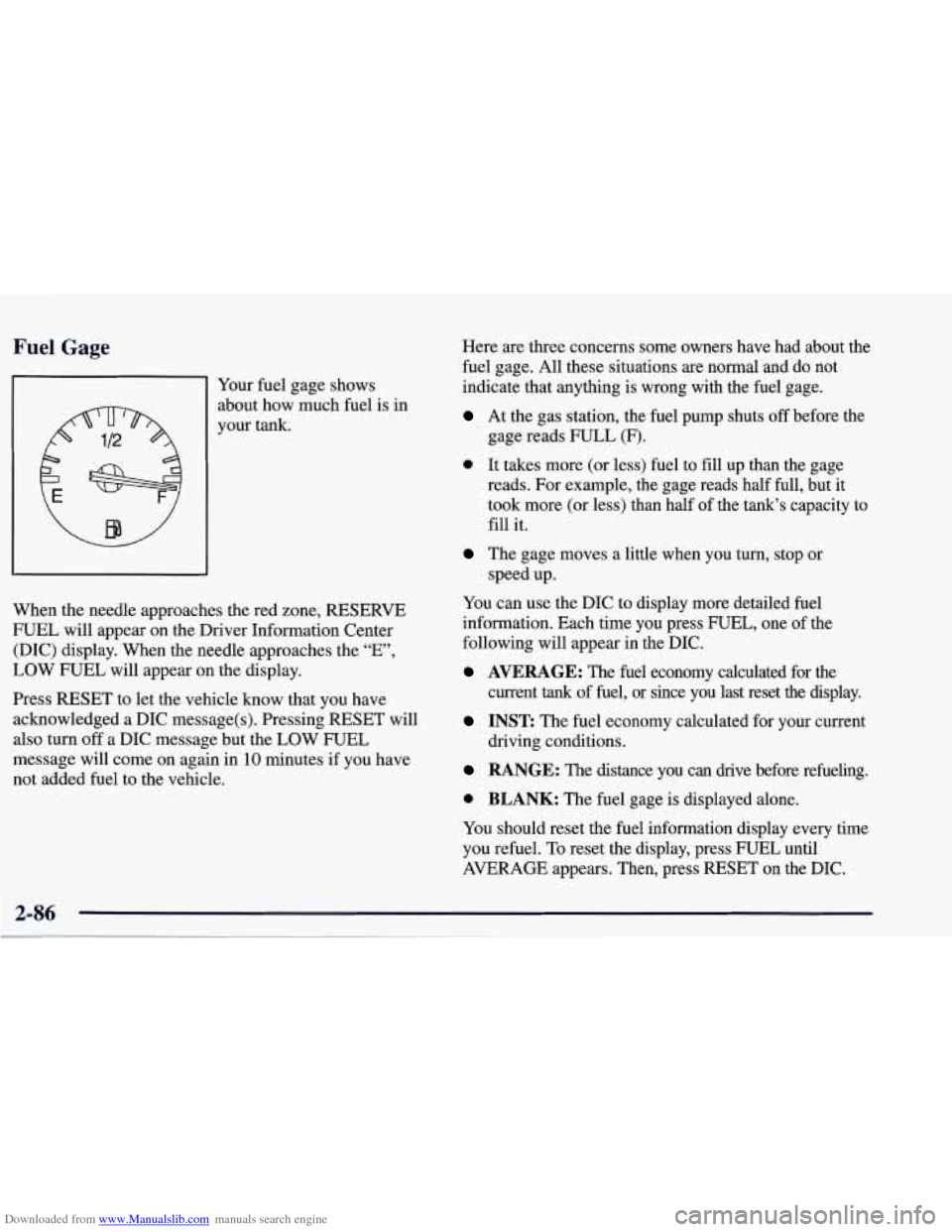
81 Your fuel gage shows
about how-much fuel is in
your tank.
,e red zon When the needle approaches th
e, RESERVE
FUEL will appear
on the Driver Information Center
(DIC) display. When the needle approaches the “E”,
LOW FUEL will appear on the display.
Press RESET to let the vehicle know that you have
acknowledged a DIC message(s). Pressing RESET will
also turn
off a DIC message but the LOW FUEL
message will come on again in’lO minutes if you have
not added fuel to the vehicle. Here are three concerns
some owners have had about the
fuel gage. All these situations are normal and do not
indicate that anything is wrong with the fuel gage.
At the gas station, the fuel pump shuts off before the
gage reads FULL (F).
0 It takes more (or less) fuel to fill up than the gage
reads. For example, the gage reads half full, but it
took more (or less) than half of the tank’s capacity to
fill it.
The gage moves a little when you turn, stop or
speed up.
You can use the DIC to display more detailed fuel
information. Each time you press FUEL, one of the
following will appear
in the DIC.
AVERAGE: The fuel economy calculated for the
current
tank of fuel, or since you last reset the display.
INST The fuel economy calculated for your current
driving conditions.
RANGE: The distance you can drive before refueling.
0 BLANK: The fuel gage is displayed alone.
You should reset the fuel information display every time
you refuel.
To reset the display, press FUEL until
AVERAGE appears. Then, press RESET on the DIC.
2-86
Page 140 of 378
Downloaded from www.Manualslib.com manuals search engine Driver Information Center (DIC)
The Driver Information Center (DIC) will display
information about how your vehicle is functioning, as
well as warning messages if a system problem is
detected. The DIC display area is located in the
instrument cluster below the speedometer and
tachometer, directly above the steering column.
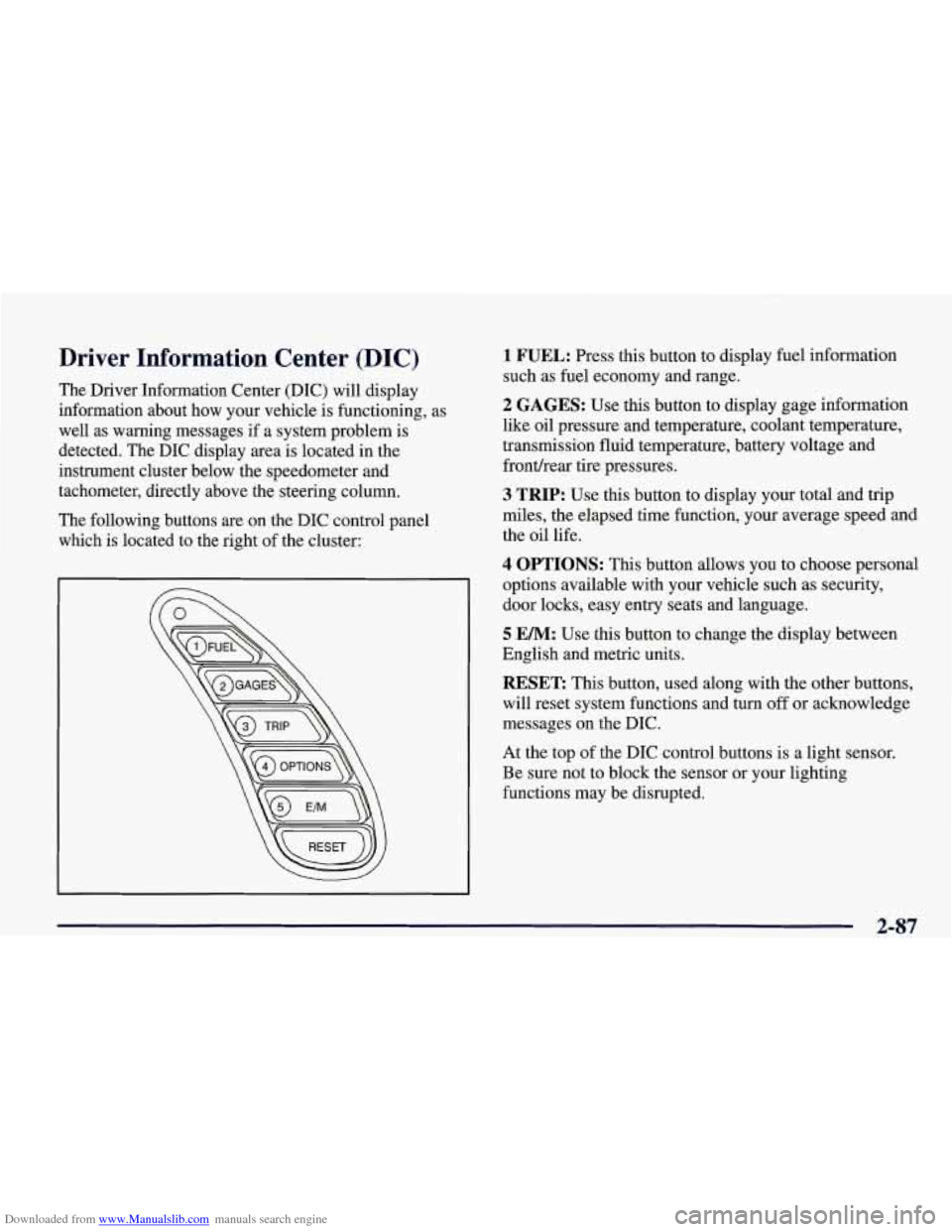
The following buttons are on the DIC control panel which is located to the right of the cluster:
1 FUEL: Press this button to display fuel information
such as fuel economy and range.
2 GAGES: Use this button to display gage information
like oil pressure and temperature, coolant temperature,
transmission fluid temperature, battery voltage and
fronthear tire pressures.
3 TRIP: Use this button to display your total and trip
miles, the elapsed time function, your average speed and
the oil life.
4 OPTIONS: This button allows you to choose personal
options available with your vehicle such as security,
door locks, easy entry seats and language.
5 EM: Use this button to change the display between
English and metric units.
RESET: This button, used along with the other buttons,
will reset system functions and turn
off or acknowledge
messages on the DIC.
At the top of the DIC control buttons is a light sensor.
Be sure not to block the sensor or your lighting
functions may be disrupted.
2-87
Page 141 of 378

Downloaded from www.Manualslib.com manuals search engine DIC Controls and Displays
Turn on the system by turning the ignition to ON. When
you turn on the ignition, the DIC will be in the mode last
displayed when the engine was turned
off. Each DIC
button allows you to scroll through a menu. A blank
page ends each menu.
If a problem is detected, a diagnostic message will
appear on the display. Press RESET to acknowledge any
current warning or service messages. The following
pages will show the messages you can see on the DIC
display by pressing the DIC buttons.
1 FUEL
The FUEL button displays average fuel economy and
instantaneous fuel economy calculated for your specific
driving conditions and range.
I AVERAGE 27.0 MPG
INST. 20.4 MPG
RANGE
220 MI
=
Press the FUEL button to display average fuel economy,
such as:
AVERAGE 20.1 MPG or
0 AVERAGE 5.3 WlOO km
The average fuel economy is viewed as a long-term
approximation of your overall driving conditions. If you
press RESET in this mode while you’re driving, the
system will begin figuring fuel economy from that point
in time.
Page 142 of 378

Downloaded from www.Manualslib.com manuals search engine Press FUEL again to display instantaneous fuel
economy, such as:
0 INST. 20.1 MPG or
0 INST. 5.3 WlOO km
Press FUEL again to display the range, such as:
0 RANGE 20 MI or
RANGE32km
The range calculates the remaining distance you can
drive without refueling. It's based on fuel economy and
the fuel remaining in the tank.
If the range is lower than 30 miles (48 krn), the display
will read RANGE LOW.
The fuel economy data used to determine fuel range is
an average of recent driving conditions.
As your driving
conditions change, this data is gradually updated.
Resetting the fuel range causes the fuel economy data to
be updated immediately. Press RESET to reset the
fuel range.
2 GAGES
The GAGES button allows you to scroll through the
functions listed below when you press it.
GAGES
2 OIL PRESSURE 40 PSI
- OILTEMP. 234" F
- COOLANT TEMP 123 "F
- TRANS FLUID 123°F
- BATTERY VOLTS 13.5
- FRONT L 34 R 33 PSI
- REAR L 34 R 33 PSI
-,
Press the GAGE button to display the oil pressure,
such as:
0 OIL PRESSURE 40 PSI or
0 OIL PRESSURE 276 kPa
2-89