1998 CHEVROLET CORVETTE check engine light
[x] Cancel search: check engine lightPage 136 of 378
Downloaded from www.Manualslib.com manuals search engine If the Light Is Flashing
The following may prevent more serious damage to
your vehicle:
Reducing vehicle speed.
Avoiding hard accelerations.
Avoiding steep uphill’grades.
If the light stops flashing and remains on steady, see
“If
the Light Is On Steady” following.
If the light continues to flash, when it is safe to do
so,
stop the vehicle. Find a safe place to park your vehicle.
Turn the key off, wait at least
10 seconds and restart the
engine. If the light remains on steady, see “If the Light
Is On Steady” following. If the light is still flashing,
follow the previous steps, and drive the vehicle to your
dealer or qualified service center for service.
If the Light Is On Steady
You may be able to correct the emission system
malfunction by considering the following:
Did you just drive through a deep puddle of water?
If
so, your electrical system may be wet. The condition
will usually be corrected when the electrical system
dries out. A few driving trips should turn the light off.
Have you recently changed brands
of fuel?
If so, be sure to fuel your vehicle with quality fuel (see
“Fuel”
in the Index). Poor fuel quality will cause your
engine not to run as efficiently as designed.
You may
notice
this as stalling after start-up, stalling when you put
the vehicle into gear, misfiring, hesitation on acceleration or
stumbling on acceleration. (These conditions may go
away once the engine is warmed up.)
This will be detected
by the system and cause the light to turn on.
If you experience one or more of these conditions,
change the fuel brand you use. It will require at least one
full tank of the proper fuel to turn the light
off.
If none of the above steps have made the light turn off,
have your dealer or qualified service center check the
vehicle. Your dealer has the proper test equipment and
diagnostic tools to fix any mechanical or electrical
problems that may have developed.
Page 138 of 378
Downloaded from www.Manualslib.com manuals search engine I NOTICE:
Damage to your engine from neglected oil
problems can be costly and
is not covered by
your warranty.
Security Light
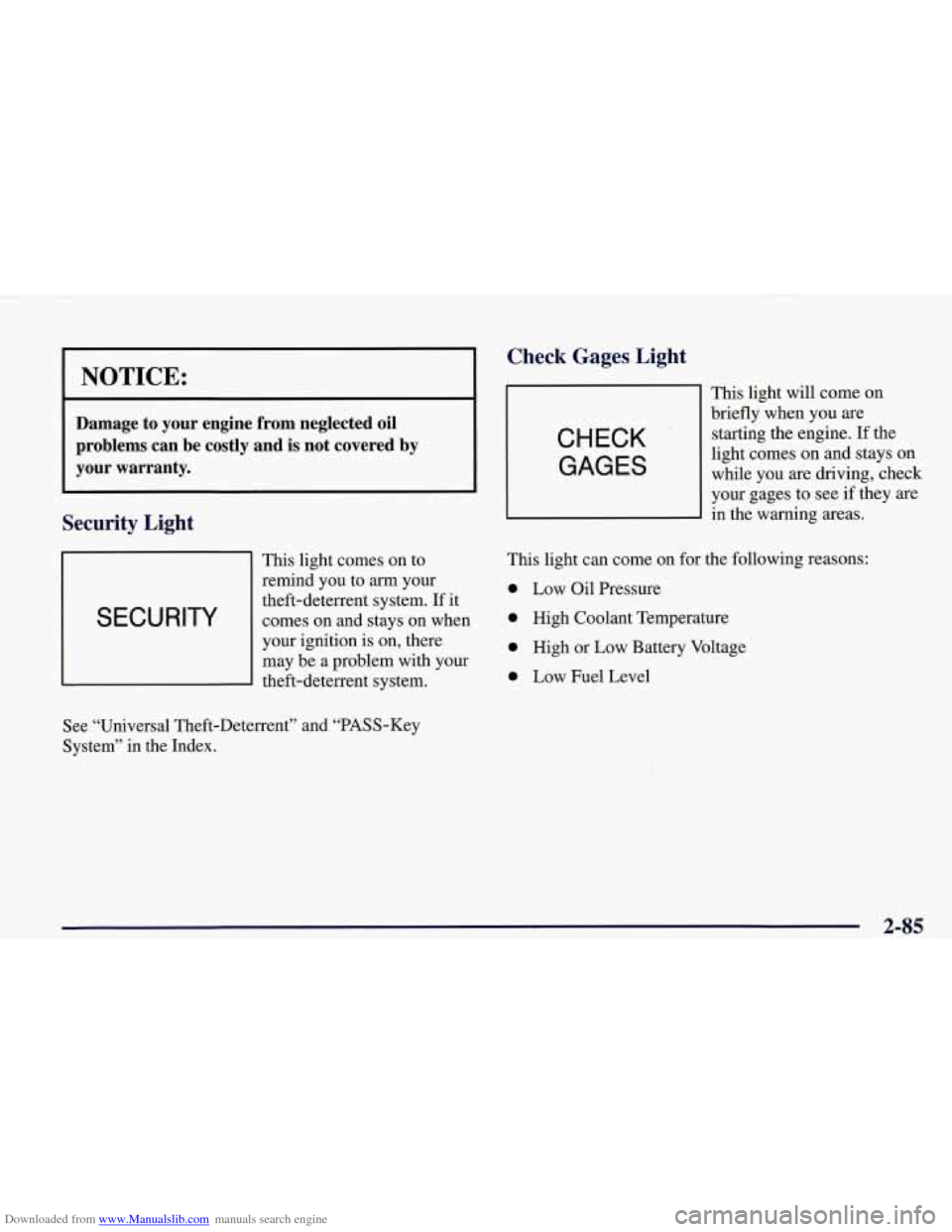
This light comes on to
remind you to
arrn your
I SECURITY
theft-deterrent system. If it
comes on and stays on when
I
your ignition is on, there
may be a problem with your
theft-deterrent system.
Check Gages, Light
CHECK
GAGES
This light will come on
briefly when you are
starting the engine. If the
light comes on and stays on
while you are driving, check
your gages to see
if they are
in the warning areas.
This light can come on for the following reasons:
0 Low Oil Pressure
0 High Coolant Temperature
0 High or Low Battery Voltage
0 Low Fuel Level
See “Universal Theft-Deterrent” and “PASS-Key
System” in the Index.
2-85
Page 151 of 378
Downloaded from www.Manualslib.com manuals search engine ABS ACTIVE (Anti-Lock Brake System Active) - :
When your anti-lock system is adjusting brake pressure
to help avoid a braking skid, the ABS ACTIVE message
will be displayed.
Slippery road conditions may exist if this message is
displayed,
so adjust your driving accordingly. The
message will stay on for a few seconds after the system
stops adjusting brake pressure.
SERVICE ABS (Anti-Lock Brake System) - : If the
SERVICE ABS message is displayed when you
are
driving, stop as soon as possible and turn the ignition
off. Then start the engine again to reset the system. If
the message stays on, or comes back on again while you
are driving, your vehicle is in need of service. If the
regular brake system warning light isn’t on, you still
have brakes, but don’t have anti-lock brakes. If the
regular brake system light is also on, you don’t have
anti-lock brakes and there is a problem with your
brakes.
See “Brake System Warning Light” earlier in
this section.
If the SERVICE ABS message is being displayed, your
traction control system and the optional active handling system will also be disabled. The driver information
center will scroll three messages SERVICE ABS,
SERVICE TRACTION SYS. and SERVICE ACTIVE
HNDLG and the instrument cluster car icon will be illuminated.
The driver can acknowledge these messages
by pressing the reset button three times. When the
service message is displayed the computer controlled
systems will not assist the driver and you should have
the system repaired as soon as possible. Adjust your
driving accordingly.
SERVICE COLUMN LOCK: The system that
controls the locking and unlocking of the steering
column may not work properly. Have the vehicle towed
to a dealer for service.
LOW OIL PRESSURE: You will hear four chimes and
the CHECK GAGES telltale will come on when this
message is displayed.
To acknowledge the warning,
press the RESET button. After you press the
RESET
button, a message will be displayed and you will hear a
chime every minute until the vehicle is serviced.
If you
do not press RESET, the message will remain on the
digital display until the vehicle is serviced.
Low oil pressure may be the result of a combination of
low oil level and abrupt changes in the vehicle’s
direction. When this warning
is displayed, you should
not operate the engine at high
RPM or make fast abrupt
moves. When convenient, you should check the oil
level. See “Engine Oil” in the Index.
Page 152 of 378
Downloaded from www.Manualslib.com manuals search engine LOW OIL LEVEL: Press RESET to acknowledge that
you have read the message and to remove it from the
display. The message will reappear every
10 minutes
until this condition changes.
You will hear two chimes when this message is
displayed. If this message appears after starting your
engine, your engine oil level may be too low. You may
need to add oil. See “Engine Overheating” in the Index.
REDUCED ENGINE POWER: You will hear chimes
continuously when this message is displayed. To
acknowledge that you have read the message and to
remove it from the display, press RESET. The message
will reappear every
15 seconds until this
condition changes.
If the Driver Information Center displays the
REDUCED ENGINE POWER message and the
CHECK ENGINE light comes on, a noticeable
reduction in the vehicle’s performance may occur.
If the
REDUCED ENGINE POWER message is displayed but
there is no reduction
in performance, proceed to your
destination. The performance may be reduced the next
time the vehicle is driven. The
vehicle may be driven at a reduced speed while the
REDUCED ENGINE POWER message is displayed,
but acceleration and speed may be reduced. Anytime the
CHECK ENGINE light stays on, the vehicle should be
taken to an authorized Chevrolet dealer as soon as
possible for diagnosis and repair.
Also, refer to “Malfunction Indicator Lamp” (Check
Engine Light) in the Index.
If the REDUCED ENGINE
POWER message is displayed in combination with the
COOLANT OVER TEMP message, see “Engine
Overheating” in the Index.
SERVICE VEHICLE SOON: If this message appears
on the DIC, there may be an electrical or another system
problem with your vehicle. Have your vehicle checked
by your dealer if this message keeps appearing.
CHARGE SYSTEM FAULT Press RESET to
acknowledge that you have read the message and to
remove it from the display. The message will reappear
every
10 minutes until this condition changes. You will
hear two chimes when this message is displayed.
2-99
Page 153 of 378
Downloaded from www.Manualslib.com manuals search engine If this message comes on while you are driving, you
may have a problem with the electrical charging system.
It could indicate that you have a loose or broken drive
belt
or another electrical problem. Have it checked right
away. Driving while this light is on could drain
your battery.
If you must drive a short distance with the message on,
be certain to turn
off your accessories, such as the radio
and air conditioner.
TRACTION SYS ACTIVE - : When your traction
control system is limiting wheel spin, the TRACTION
SYS ACTIVE message will be displayed. Slippery road
conditions may exist
if this message is displayed, so
adjust your driving accordingly. The message will stay
on for a few seconds after the traction control system
stops limiting wheel spin.
TRACTION SYSTEM-ON: This message is displayed
when you decide to turn on the TCS by pressing the
switch
on the console. This message will shut off
automatically on its own.
TRACTION SYSTEM-OFF: You will hear a single
quick tone when this message is displayed. This
message comes on and stays on when the TCS button on the console is pressed to turn the system
off. To
acknowledge this message, press
RESET.
SERVICE TRACTION SYSTEM - : If the SERVICE
TRACTION
SYS message is displayed when you are
driving, there is a problem with your Traction Control
System and your vehicle is in need
of service. When this
message is displayed, the system will not limit wheel
spin. Adjust your driving accordingly.
If you have the optional Active Handling System, the SERVICE ACTIVE
HNDLG message will also be
displayed and the instrument cluster car icon will also be
illuminated. The driver can acknowledge both messages
by pressing the reset button two times which
will also
turn
off the instrument cluster icon. When the service
messages are displayed, the computer controlled systems will not assist the driver in controlling the
vehicle. Have the system repaired as soon as possible.
Adjust your driving accordingly.
2-100
Page 198 of 378
Downloaded from www.Manualslib.com manuals search engine Anti-Lock Brakes (ABS)
Your vehicle has anti-lock brakes (ABS). ABS is an
advanced electronic braking system that will help
prevent a braking slud.
When you start your engine and begin to drive away,
your anti-lock brake system will check itself. You may
hear a momentary motor or clicking noise while this test
is going on, and you may even notice that your brake
pedal moves a little.
This is normal.
If there’s a problem with the
anti-lock brake system, this
warning light will stay on.
See “Anti-Lock Brake
System Warning Light” in
the Index.
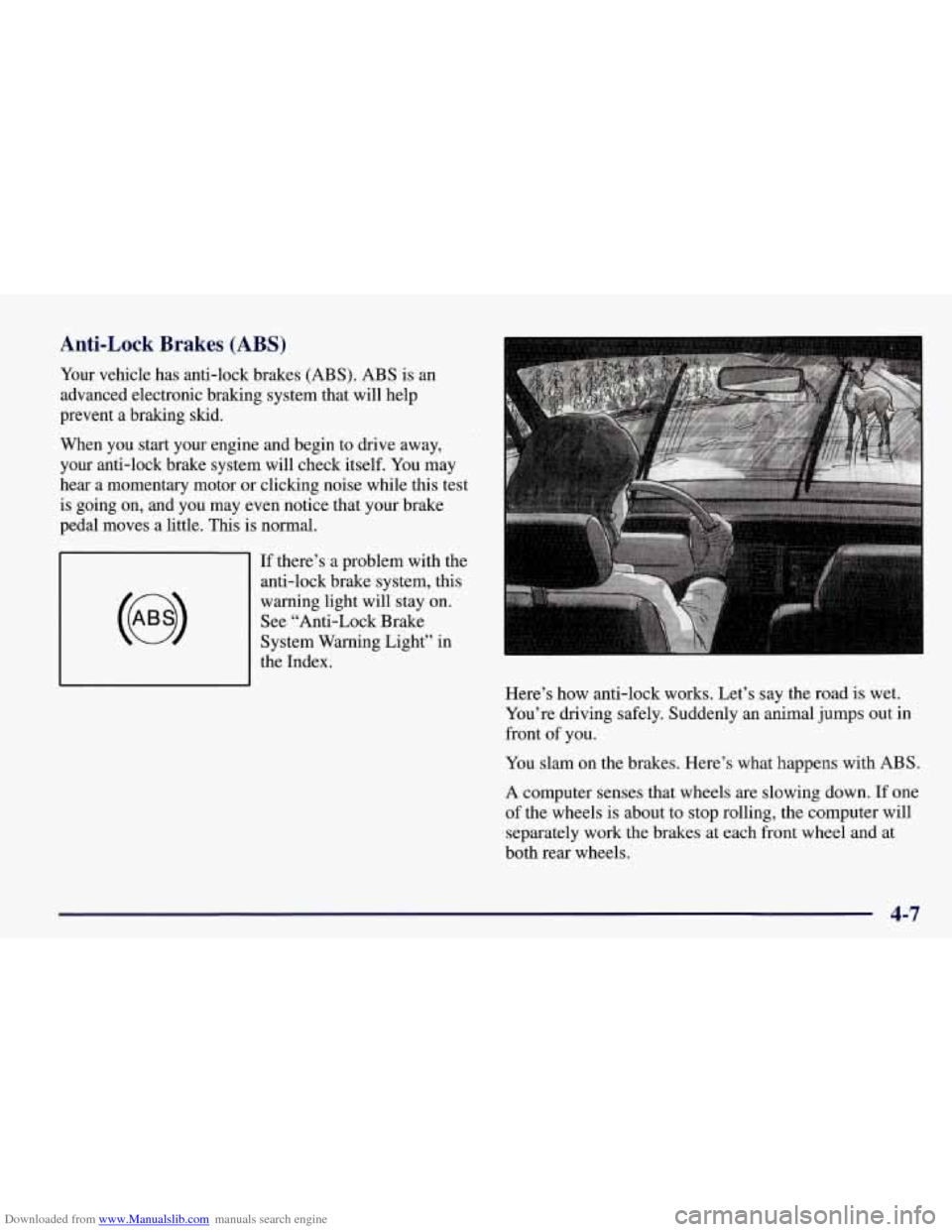
Here’s how anti-lock works. Let’s say the road
is wet.
You’re driving safely. Suddenly an animal jumps out in
front
of you.
You slam on the brakes. Here’s what happens with ABS.
A computer senses that wheels are slowing down. If one
of the wheels is about to stop rolling, the computer will
separately work the brakes at each front wheel and at
both rear wheels.
4-7
Page 207 of 378
Downloaded from www.Manualslib.com manuals search engine You can be temporarily blinded by approaching
headlamps. It can take a second or two, or even several
seconds, for your eyes to readjust to the dark. When you
are faced with severe glare (as from a driver who
doesn’t lower the high beams, or a vehicle with
misaimed headlamps), slow down a little. Avoid staring
directly into the approaching headlamps.
Keep your windshield and all the glass on your vehicle
clean
-- inside and out. Glare at night is made much
worse by dirt on the glass. Even the inside of the glass
can build
up a film caused by dust. Dirty glass makes
lights dazzle and flash more than clean glass would,
making the pupils of your eyes contract repeatedly.
Remember that your headlamps light up far less of a
roadway when you are in a turn or curve. Keep your
eyes moving; that way, it’s easier
to pick out dimly
lighted objects. Just as your headlamps should be
checked regularly for proper aim,
so should your eyes
be examined regularly. Some drivers suffer from night
blindness
-- the inability to see in dim light -- and
aren’t even aware
of it.
Driving in Rain and on Wet Roads
4-16
Page 210 of 378
Downloaded from www.Manualslib.com manuals search engine City Driving One of the biggest problems with city streets is the
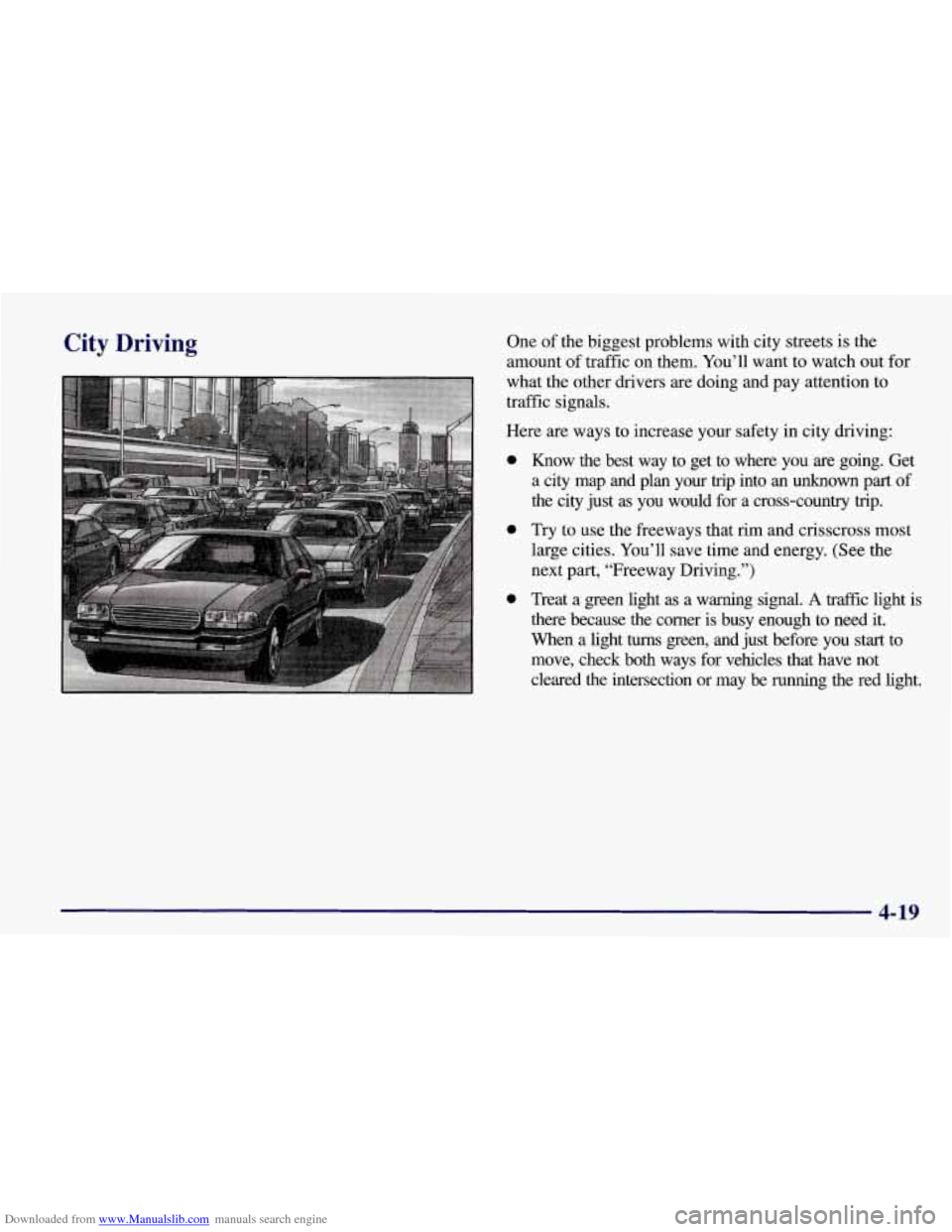
amount of traffic on them. You’ll want to watch out for
what the other drivers are doing and pay attention to
traffic signals.
Here are ways to increase your safety in city driving:
0
0
0
Know the best way to get to where you are going. Get
a city map and plan your
trip into an unknown part of
the city just
as you would for a cross-country trip.
Try to use the freeways that rim and crisscross most
large cities. You’ll save time and energy. (See the
next
part, “Freeway Driving.”)
Treat a green light as a warning signal.
A traffic light is
there because the corner is busy enough to need it.
When a light
turns green, and just before you start to
move, check both ways for vehicles that have not
cleared the intersection or may be
running the red light.
4-19