1998 CHEVROLET CAVALIER light
[x] Cancel search: lightPage 172 of 400
Downloaded from www.Manualslib.com manuals search engine AUTO TONE: This feature allows you to choose preset
bass and treble equalization settings designed for
country/western, classical, news, rock, pop and jazz
stations.
C/W will appear on the display when you first
press AUTO TONE. Each time you press it, another
setting will appear on the display. Press it again after
JAZZ appears and the AUTO TONE display will go
blank. Tone control will return to the BASS and TREB
knobs. Also,
if you use the BASS and TREB knobs,
control will return to them and the AUTO TONE
display will go blank. Use PUSHBUTTONS to program
AUTO TONE.
Adjusting the Speakers
BAL: Press this knob lightly so it extends. Turn the
knob to the right for the right speakers and to the left for
the left speakers. The middle position balances the
sound between the speakers.
FADE: Press this knob lightly so it extends. Turn the
knob to the right to adjust the sound to the front
speakers and to the left for the rear speakers. The middle
position balances the sound between the speakers.
Push these knobs back into their stored positions when
you’re not using them.
Playing a Compact Disc
Insert a disc partway into the slot, label side up. The
player will pull it in. The disc should begin playing. The
display will show
CD and the CD symbol. If you want
to insert a compact disc with the ignition
off, first press
RECALL or EJECT.
If you’re driving on
a very rough road or if it’s very hot,
the disc may not play and
ERR (error) may appear on
the display. Press RECALL to take
ERR off the display.
When things get back to normal, the disc should play. If
the disc comes out, it could be that:
The disc is upside down.
It is dirty, scratched or wet.
It is very humid. (If so, wait about an hour and
PREV (1): Press this button or the left SEEK arrow to
go to the previous track if the current selection has been
playing for less than eight seconds. If the PREW button
is pressed and the current selection has been playing
for
more than eight seconds, it will go to the beginning of
the current selection.
If you hold the button or press it
more than once, the player will continue moving back
through the disc. The sound will mute while seeking.
try again.)
3-18
Page 177 of 400
Downloaded from www.Manualslib.com manuals search engine Care of Your Cassette Tape Player
A tape player that is not cleaned regularly can cause
reduced sound quality, ruined cassettes or a damaged
mechanism. Cassette tapes should be stored in their
cases away from contaminants, direct sunlight and
extreme heat.
If they aren’t, they may not operate
properly or may cause failure of the tape player.
Your tape player should be cleaned regularly after every
50 hours of use. Your radio may display CLN to indicate
that you have used your tape player for
50 hours without
resetting the tape clean timer. If this message appears on
the display, your cassette tape player needs to be
cleaned. It will still play tapes, but you should clean it as
soon as possible to prevent damage to your tapes and
player. If you notice a reduction in sound quality, try a
known good cassette to see if it is the tape or the tape
player at fault. If this other cassette has no improvement
in sound quality, clean the tape player.
The recommended cleaning method for your cassette
tape player is the use
of a scrubbing action,
non-abrasive cleaning cassette with pads which scrub
the tape head as the hubs of the cleaner cassette turn.
The recommended cleaning cassette is available through
your dealership
(GM Part No. 12344789).
When using a scrubbing action, non-abrasive cleaning
cassette, it is normal for the cassette to eject because
your unit is equipped with
a cut tape detection feature
and a cleaning cassette may appear as a broken tape. To
prevent the cleaning cassette from being ejected, use the
following steps.
If your vehicle
is equipped with the AM-FM Stereo with
Cassette Tape Player:
1. Turn the ignition to RUN or ACCESSORY.
2. Turn the radio on.
3. Insert the scrubbing action cleaning cassette.
4. Within five seconds, press and hold the REV and
FWD buttons at the same time for three seconds. The
tape symbol on the display will flash, showing that
the cut tape detection feature is
no longer active.
5. Eject the cleaning cassette after the manufacturer’s
recommended cleaning time.
If your vehicle is equipped with the
AM-FM Stereo with
Cassette Tape Player and Automatic Tone Control:
1. Turn the ignition to RUN or ACCESSORY.
2. Turn the radio off.
3-23
Page 178 of 400
Downloaded from www.Manualslib.com manuals search engine 3. Press and hold the TAPE AUX button for five
seconds. The tape symbol on the display will flash
for two seconds.
4. Insert the scrubbing action cleaning cassette.
5. Eject the cleaning cassette after the manufacturer’s
recommended cleaning time.
When the cleaning cassette has been ejected, the cut tape
detection feature is active again.
You may also choose a non-scrubbing action, wet-type
cleaner which uses a cassette with a fabric belt to clean
the tape head. This type of cleaning cassette will not
eject on its own.
A non-scrubbing action cleaner may
not clean
as thoroughly as the scrubbing type cleaner.
The use of a non-scrubbing action, dry-type cleaning
cassette
is not recommended.
After you clean the player, press and hold EJECT for
five seconds to reset the
CLN indicator. The radio will
display
--- to show the indicator was reset.
Cassettes are subject to wear and the sound quality
may degrade over time. Always make sure the cassette
tape is in good condition before you have your tape
player serviced.
Care of Your Compact Discs
Handle discs carefully. Store them in their original cases
or other protective cases and away from direct sunlight
and dust. If the surface of a disc is soiled, dampen a
clean, soft cloth in a mild, neutral detergent solution and
clean it, wiping from the center to the edge.
Be sure never
to touch the signal surface when handling
discs. Pick up discs by grasping the outer edges or the
edge of the hole and the outer edge.
Care of Your Compact Disc Player
The use of CD lens cleaner discs is not advised, due to
the risk of contaminating the lens of the CD optics with
lubricants internal to the CD mechanism.
Fixed Mast Antenna
The fixed mast antenna can withstand most car washes
without being damaged. If the mast should ever become
slightly bent, you can straighten it out by hand. If the
mast is badly bent, as it might be by vandals, you should
replace it.
Check every once in a while to be sure the mast is still
tightened to the fender.
3-24
Page 187 of 400
Downloaded from www.Manualslib.com manuals search engine Anti-Lock Brakes (ABS)
Your vehicle has anti-lock brakes (ABS). ABS is an
advanced electronic braking system that will help
prevent
a braking skid.
wnen
you start your engine, or when you begin to drive
away, your anti-lock brake system will check itself. You
may hear a momentary motor
or clicking noise while
this test is going on, and you may even notice that your
brake pedal moves or pulses a little. This is normal.
If there’s a problem with the
anti-lock brake system, this
warning light will stay on.
See “Anti-Lock Brake
System Warning Light” in
the Index.
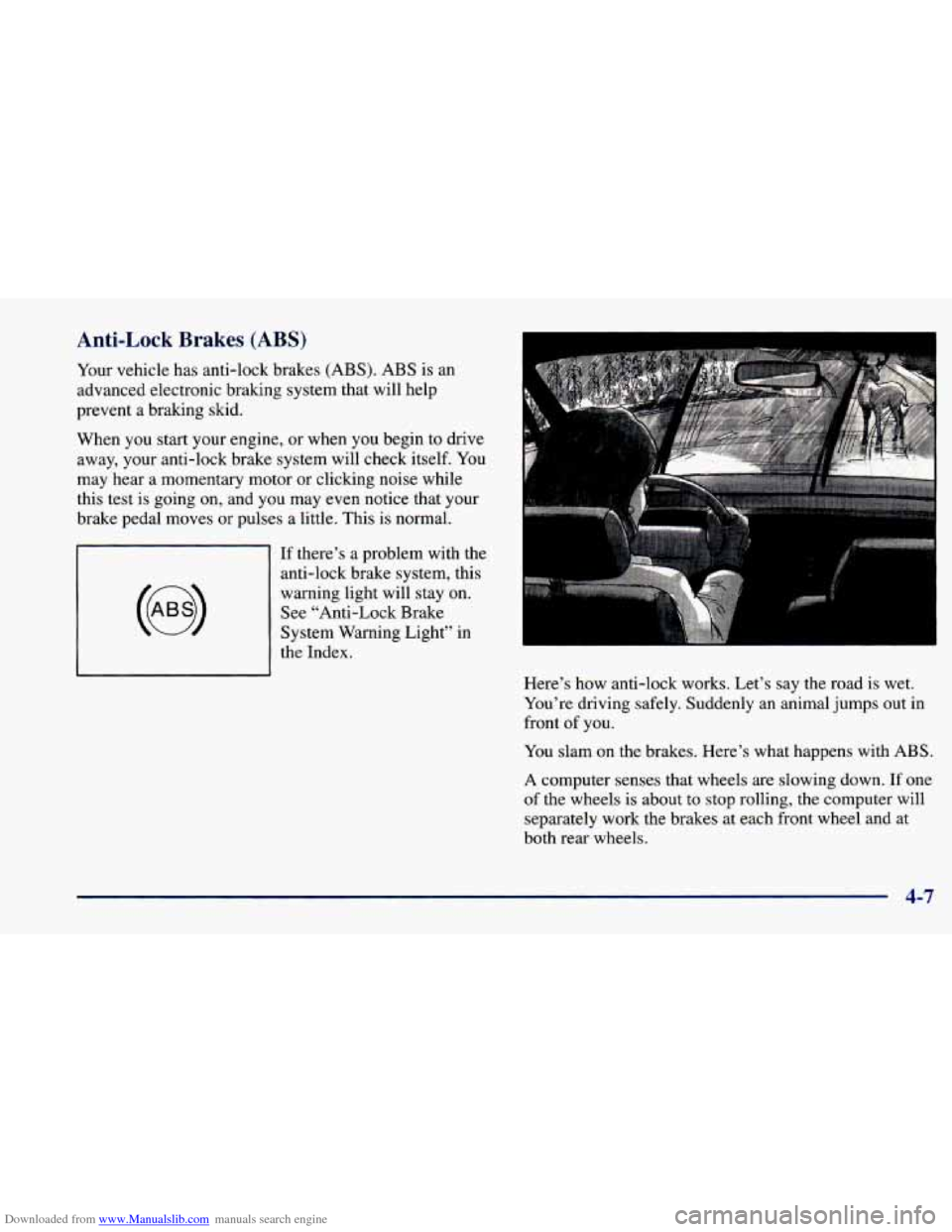
Here’s how anti-lock works. Let’s say the road is wet.
You’re driving safely. Suddenly an animal jumps out in
front
of you.
You slam on the brakes. Here’s what happens with ABS.
A computer senses that wheels are slowing down. If one
of the wheels is about to stop rolling, the computer will
separately work the brakes at each front wheel and at
both rear wheels.
4-7
Page 188 of 400
Downloaded from www.Manualslib.com manuals search engine The anti-lock system can change the brake pressure faster
than
any driver could. The computer is programmed to
make the
most of available tire and road conditions.
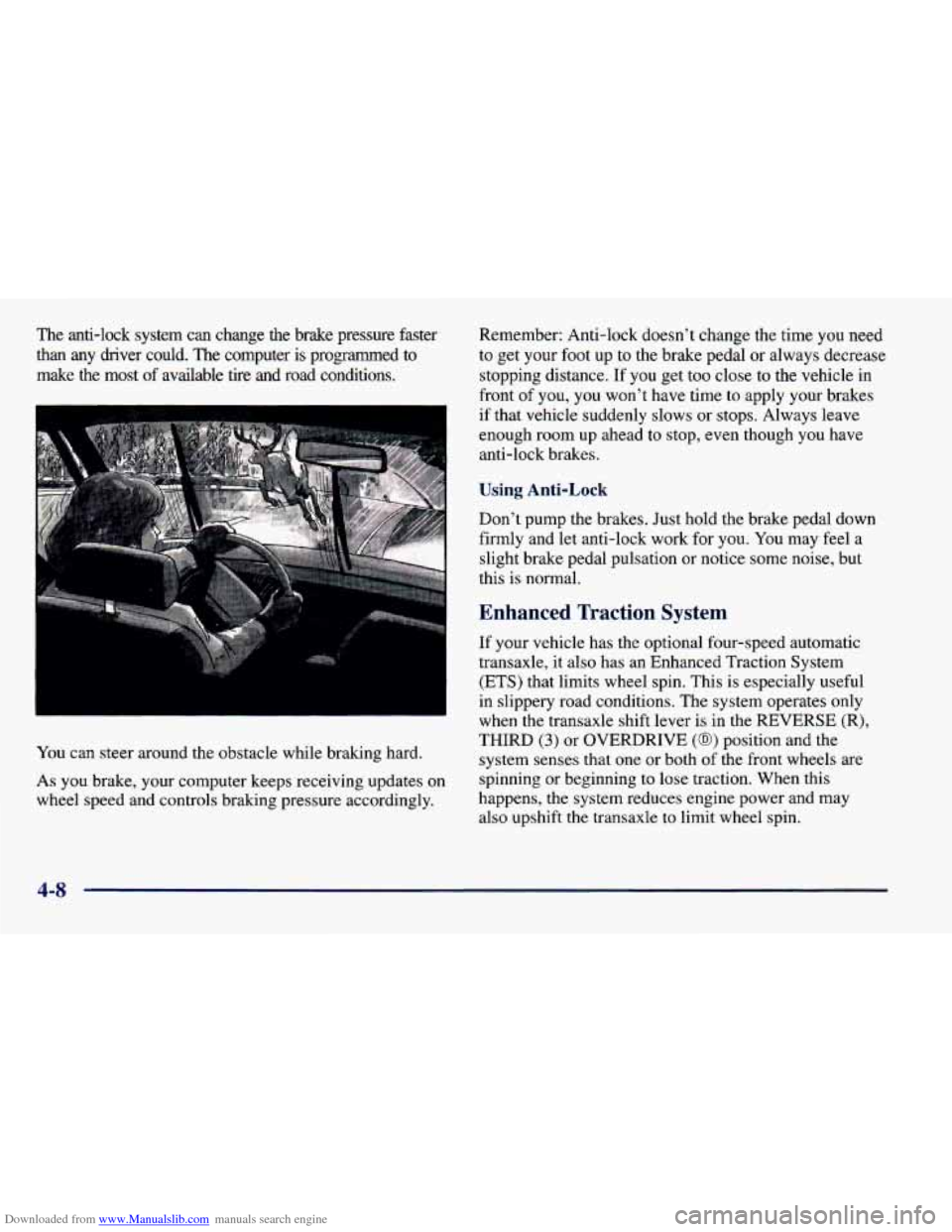
You can steer around the obstacle while braking hard.
As you brake, your computer keeps receiving updates on
wheel speed and controls braking pressure accordingly. Remember:
Anti-lock doesn’t change the time
you need
to get your foot up to the brake pedal or always decrease
stopping distance. If you get too close to the vehicle in
front
of you, you won’t have time to apply your brakes
if that vehicle suddenly slows or stops. Always leave
enough room up ahead to stop, even though you have
anti-lock brakes.
Using Anti-Lock
Don’t pump the brakes. Just hold the brake pedal down
firmly and let anti-lock work
for you. You may feel a
slight brake pedal pulsation or notice some noise, but
this
is normal.
Enhanced Traction System
If your vehicle has the optional four-speed automatic
transaxle, it also has an Enhanced Traction System
(ETS) that limits wheel spin. This is especially useful
in slippery road conditions. The system operates only
when the transaxle shift lever
is in the REVERSE (R),
THIRD (3) or OVERDRIVE (@) position and the
system senses that one or both of the front wheels are
spinning or beginning to lose traction. When this
happens, the system reduces engine power and may
also upshift the transaxle
to limit wheel spin.
4-8
Page 189 of 400
Downloaded from www.Manualslib.com manuals search engine LOW
TRAC
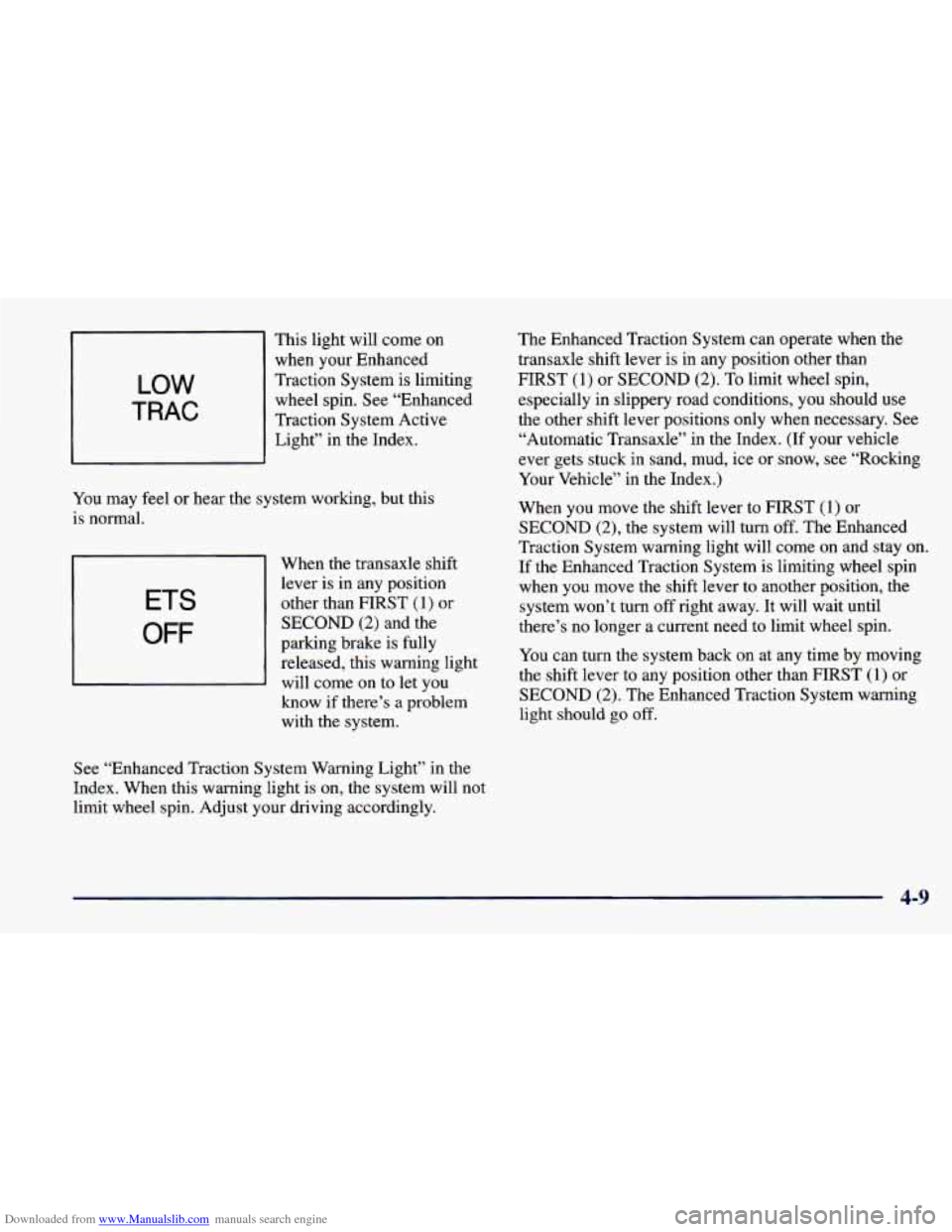
This light will come on when your Enhanced
Traction System is limiting
wheel spin. See “Enhanced
Traction System Active Light” in the Index.
You may feel or hear the system working, but this
is normal.
7- 1 When the transaxle shift
I
lever is in any position
ETS other than FIRST (1) or
OFF
SECOND (2) and the
parking brake is fully
released, this warning light will come on to let you
know if there’s a problem
with the system.
See “Enhanced Traction System Warning Light” in the
Index. When this warning light is on, the system will not
limit wheel spin. Adjust your driving accordingly. The
Enhanced Traction System can operate when the
transaxle shift lever is in any position other than
FIRST (1) or SECOND
(2). To limit wheel spin,
especially in slippery road conditions, you should use
the other shift lever positions only when necessary. See
“Automatic Transaxle” in the Index.
(If your vehicle
ever gets stuck in sand, mud, ice or snow, see “Rocking
Your Vehicle” in the Index.)
When you move the shift lever to FIRST
(1) or
SECOND
(2), the system will turn off. The Enhanced
Traction System warning light will come
on and stay on.
If the Enhanced Traction System is limiting wheel spin
when you move the shift lever to another position, the system won’t turn
off right away. It will wait until
there’s no longer a current need to limit wheel spin.
You can turn the system back on at any time by moving
the shift lever to any position other than FIRST
(1) or
SECOND (2). The Enhanced Traction System warning
light should go off.
4-9
Page 192 of 400
Downloaded from www.Manualslib.com manuals search engine Off-Road Recovery
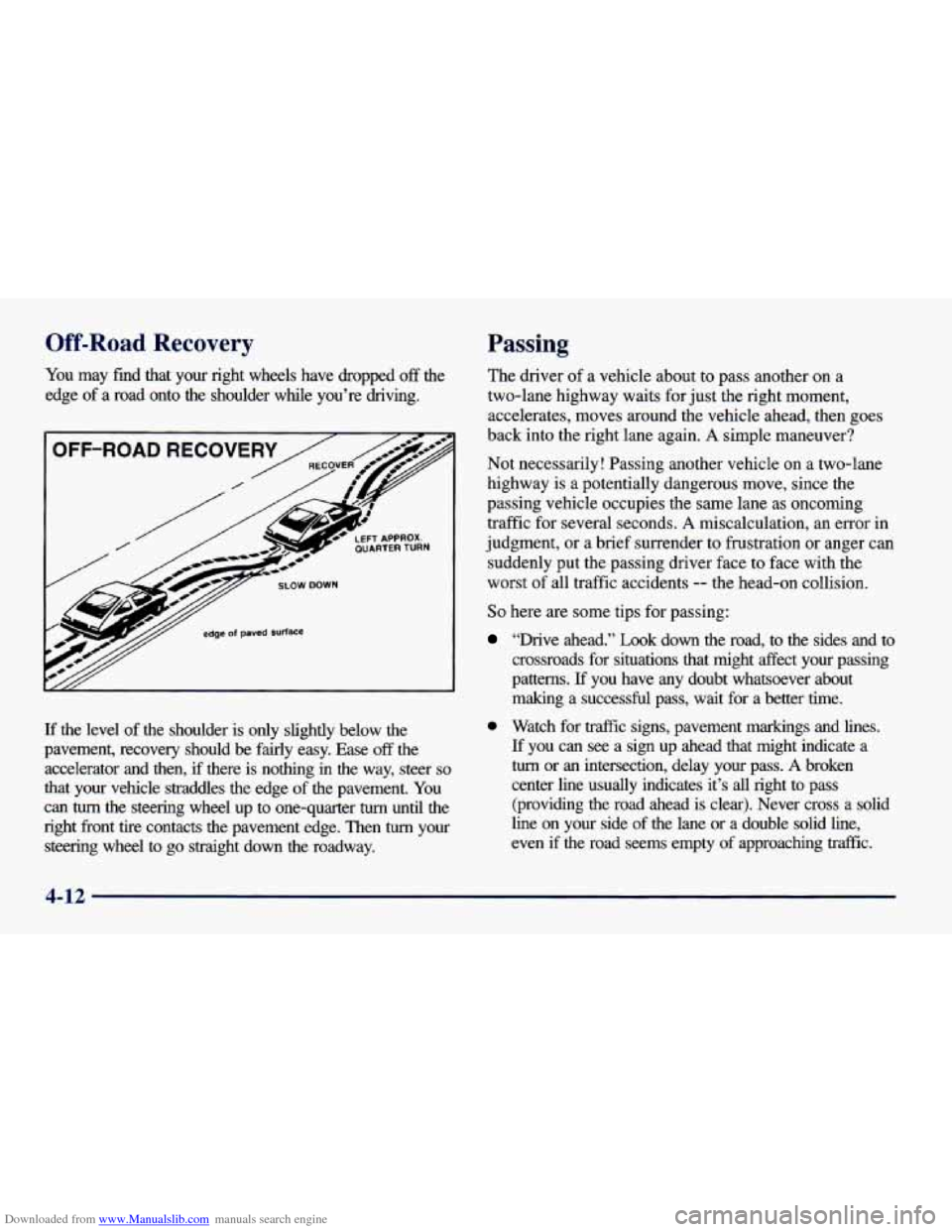
You may find that your right wheels have dropped off the
edge of a road onto the shoulder whle you’re driving.
y// edge of paved surface
If the level of the shoulder is only slightly below the
pavement, recovery should be fairly easy. Ease
off the
accelerator and then,
if there is nothing in the way, steer so
that your vehicle straddles the edge of the pavement. You
can
turn the steering wheel up to one-quarter turn until the
right front tire contacts the pavement edge. Then
tum your
steering wheel to go straight down the roadway.
Passing
The driver of a vehicle about to pass another on a
two-lane highway waits
for just the right moment,
accelerates, moves around the vehicle ahead, then goes
back into the right lane again.
A simple maneuver?
Not necessarily! Passing another vehicle on a two-lane
highway is a potentially dangerous move, since the
passing vehicle occupies the same lane as oncoming
traffic
for several seconds. A miscalculation, an error in
judgment, or a brief surrender to frustration or anger can
suddenly put the passing driver face to face with the
worst
of all traffic accidents -- the head-on collision.
So here are some tips for passing:
“Drive ahead.” Look down the road, to the sides and to
crossroads for situations that might
sect your passing
patterns.
If you have any doubt whatsoever about
making a successful pass, wait for a better time.
0 Watch for traffic signs, pavement markings and lines.
If you can see a sign up ahead that might indicate a
turn or an intersection, delay your pass. A broken
center line usually indicates it’s all right
to pass
(providing the road ahead is clear). Never cross
a solid
line on your side
of the lane or a double solid line,
even
if the road seems empty of approaching traffic.
Page 195 of 400
Downloaded from www.Manualslib.com manuals search engine Driving at Night
A
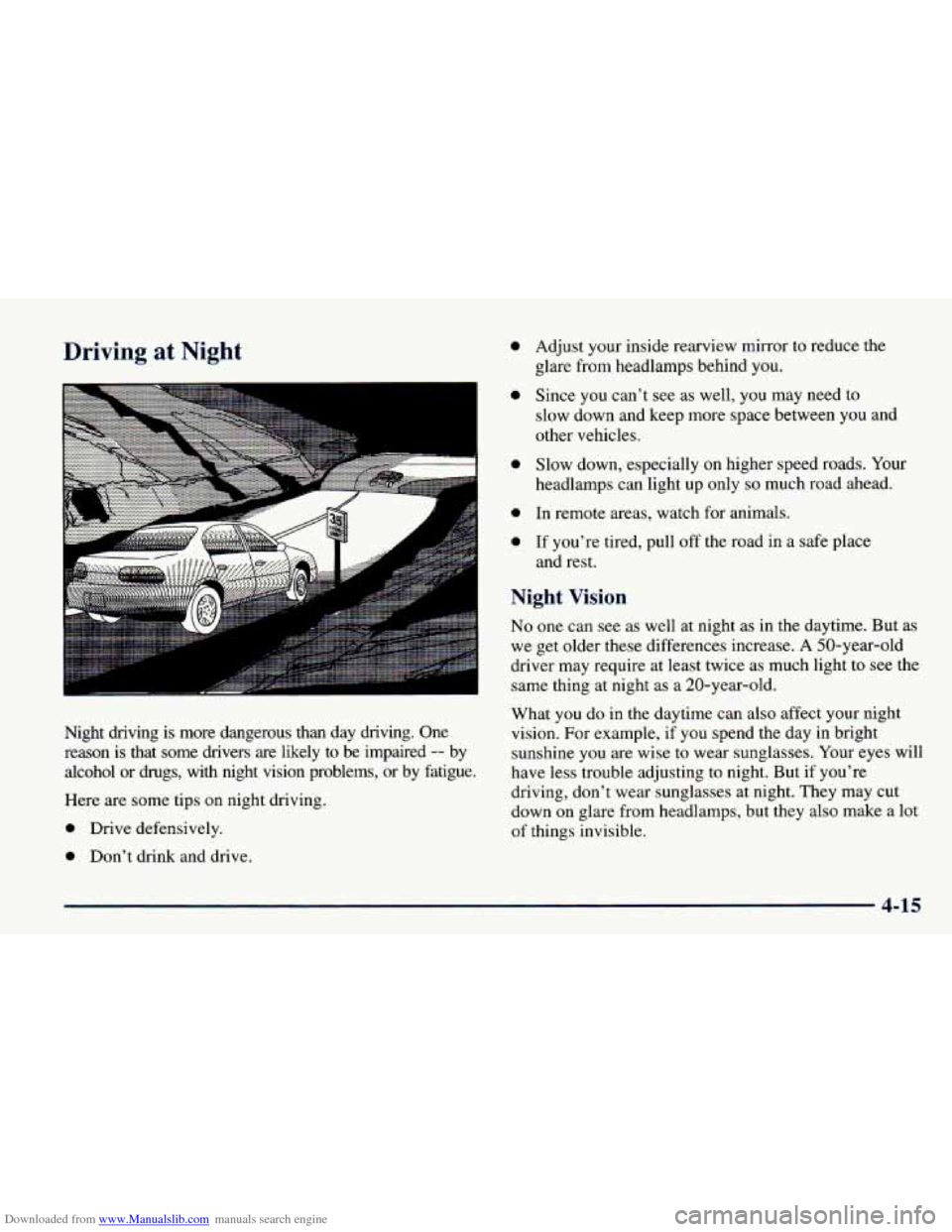
Night driving is more dangerous than day driving. One
reason is that some drivers are likely to be impaired
-- by
alcohol or drugs, with night vision problems, or by fatigue.
Here are some tips on night driving.
0 Drive defensively.
0 Don’t drink and drive.
0
0
0
0
0
Adjust your inside rearview mirror to reduce the
glare from headlamps behind
you.
Since you can’t see as well, you may need to
slow down and keep more space between you and
other vehicles.
Slow down, especially on higher speed roads.
Your
headlamps can light up only so much road ahead.
In remote areas, watch for animals.
If you’re tired, pull
off the road in a safe place
and rest.
Night Vision
No one can see as well at night as in the daytime. But as
we get older these differences increase.
A 50-year-old
driver may require at least twice as much light
to see the
same thing at night as a 20-year-old.
What you do in the daytime can also affect your night
vision. For example, if you spend the day in bright
sunshine
you are wise to wear sunglasses. Your eyes will
have less trouble adjusting to night. But if you’re
driving, don’t wear sunglasses at night. They may cut
down
on glare from headlamps, but they also make a lot
of things invisible.
4-15