1998 CADILLAC SEVILLE buttons
[x] Cancel search: buttonsPage 187 of 378
Downloaded from www.Manualslib.com manuals search engine 1 If an error occurs while trying to play a cassette tape, it
1 ~ could be that:
0 The cassette tape is tight and the cassette player
cannot turn the hubs of the tape. Hold the cassette
tape with the open end down and
try turning the right
hub to the
left with a pencil. Flip the tape over and
repeat. If the hubs do not turn easily, your cassette
tape may be damaged and should not be used in the
player. Try a new tape to be sure your player is
working properly.
0 The cassette tape is broken. (Check to see if your
tape is broken.
Try a new tape.)
RW Press the left arrow to rewind the tape rapidly. The
your station pushbuttons to tune
to another radio station
while in
RW mode. Press the left arrow again to return
to playing speed.
FF: Press the right arrow to fast forward to another part
of the tape. The radio will play while the tape advances.
You may use your station pushbuttons to tune to another
radio station while in
FF mode. Press the right arrow
again to return to playing speed.
1 radio will play while the tape rewinds. You may use
TUNE-SEEK: When this button is pressed, it has two
positions.
This button works the same, whether it is
pressed to the first or second position. Press this button to seek to the next
or previous selection on the tape.
Your tape must have at least
three seconds of silence
between each selection for TUNE-SEEK to work. The
sound will mute while seeking.
SCAN: Press this button to listen to selections for a few
seconds. The tape will
go to a selection, stop for a few
seconds, then go on to the next selection. Press this
button again to stop scanning.
SIDE: Press this button to change the side of the tape
that is playing.
A EJECT: Press the upward triangle button to
remove a tape. The radio will play. Eject may be activated with the radio
off and/or the ignition off.
CLEAN TAPE: If this message appears on the display,
the cassette tape player needs to be cleaned. It will still
play tapes, but you should clean it as soon as possible to
prevent damage to the tapes and player. See “Care of
Your Cassette Tape Player” in the Index. After you clean
the player, press and hold the eject button for three
seconds to reset the CLEAN TAPE indicator.
3-36
Page 190 of 378
Downloaded from www.Manualslib.com manuals search engine Console-Mounted CD Changer (Option)
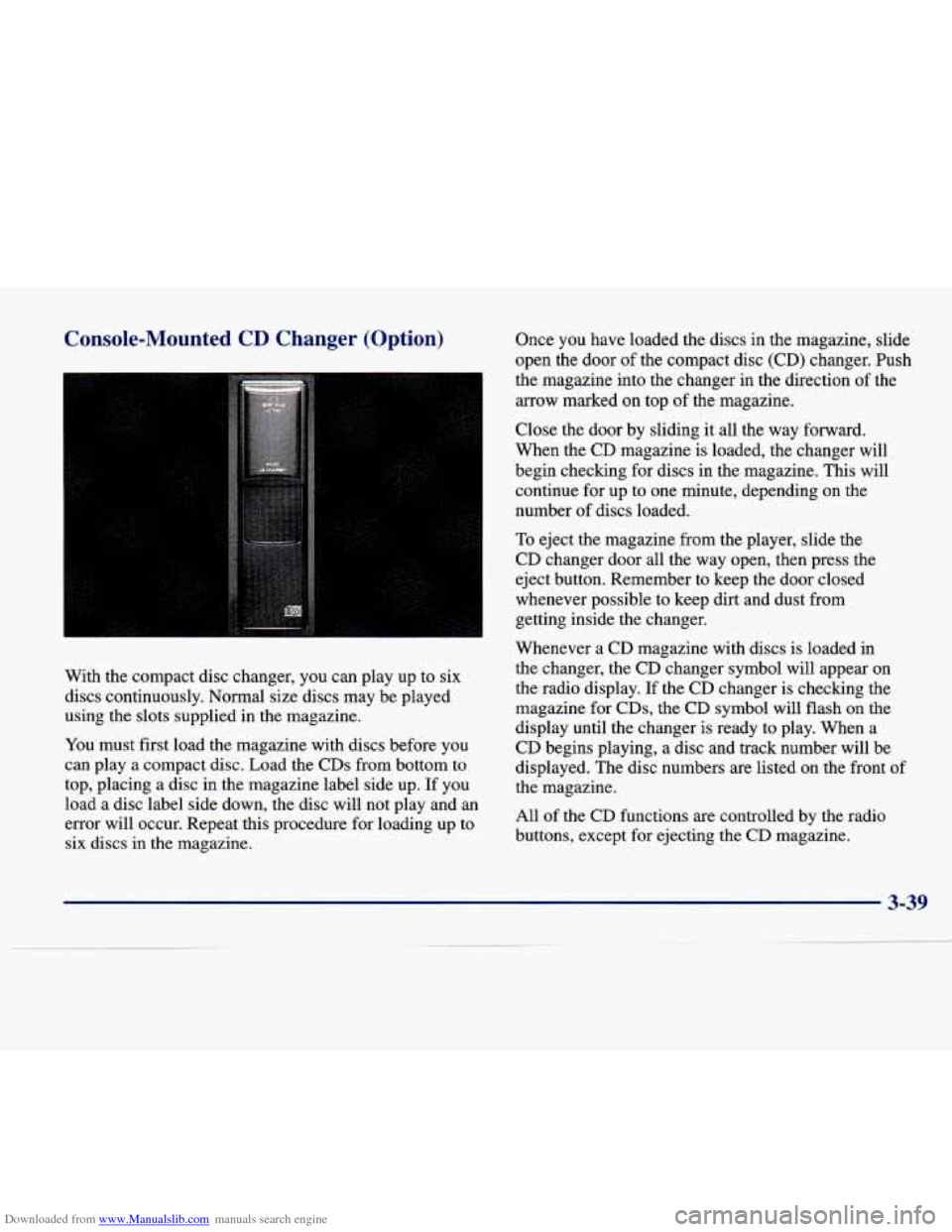
With the compact disc changer, you can play up to six
discs continuously.
Normal size discs may be played
using the slots supplied in the magazine.
You must first load the magazine with discs before you
can play a compact disc. Load the CDs from bottom to
top, placing a disc in the magazine label side up. If you
load a disc label side down, the disc will not play and an
error will occur. Repeat this procedure for loading up to
six discs in the magazine. Once
you have loaded the discs in
the magazine, slide
open the door
of the compact disc (CD) changer. Push
the magazine into the changer in the direction of the
arrow marked on top of the magazine.
Close the door
by sliding it all the way forward.
When the
CD magazine is loaded, the changer will
begin checking for discs in the magazine. This will
continue
for up to one minute, depending on the
number of discs loaded.
To eject the magazine from the player, slide the
CD changer door all the way open, then press the
eject button. Remember to keep the door closed
whenever possible to keep dirt and dust from
getting inside the changer.
Whenever a CD magazine with discs is loaded in
the changer, the
CD changer symbol will appear on
the radio display. If the CD changer is checking the
magazine for CDs, the CD symbol will flash on the
display until the changer is ready to play. When a
CD begins playing, a disc and track number will be
displayed. The disc numbers are listed on the front of
the magazine.
All of the CD functions are controlled by the radio
buttons, except for ejecting the
CD magazine.
3-39
Page 191 of 378
Downloaded from www.Manualslib.com manuals search engine PUSHBUTTONS: Press buttons one through six to
select compact discs one through six. These pushbuttons
represent the order
of the discs loaded in the changer.
REV: Press and hold this button to reverse quickly
through a track selection.
FF: Press and hold this button to advance quickly
through a track selection.
TUNE-SEEK: When this button is pressed, it has two
positions. This button works the same, whether it is
pressed to
the first or second position. Press this button to
seek to
the next or previous selection on the compact disc.
TRACK SCAN: When you press SCAN for less than
two seconds, you will hear the first few seconds
of each
track on a disc. Press SCAN again to stop TRACK
SCAN. The CD will mute while scanning and SCAN
will appear on the display.
DISC SCAN: When you press SCAN for more than two
seconds, you will hear the first few seconds
of the first
track
on each disc. Press SCAN again to stop DISC
SCAN. The CD will mute while scanning and SCAN
will appear
on the display.
RDM: Press this button to hear the tracks in random,
rather than sequential, order. RANDOM will appear on
the display. Press TUNE-SEEK while
RDM is on the
display to randomly seek through discs. Press
RDM
again to turn off random play.
SIDE: Press this button to select the next disc in the
changer. Each time you press this button, DISC
LOADING will appear on the display and the disc
number on the radio display will go to that
of the
next available CD.
SOURCE: Press this button to select a source. The
audio source must be loaded to play. If none of the
audio sources are loaded, NO
SOURCE LOADED will
appear on the display. Press this button again or BAND
to switch back to the radio.
A EJECT: Slide the CD changer door all the way
open. Press the upward triangle button. The CD
magazine will eject.
3-40
Page 192 of 378
Downloaded from www.Manualslib.com manuals search engine Compact Disc Changer Errors
CD CHANGER ERROR could be displayed for
the following:
The road is too rough. The disc should play when
the road is smoother.
The disc is dirty, scratched, wet or loaded label
side down.
The air is very humid. If so, wait about an hour
and try again.
If any error occurs repeatedly or
if an error cannot be
corrected, please contact your dealer.
CD Adapter Kits
It is possible to use a CD adapter kit with your cassette
tape player after activating the bypass feature on your
tape player.
To activate
the bypass feature, use the following steps:
1. Turn the ignition to RUN or ACCESSORY.
2. Turn the radio off.
3. Press and hold the SOURCE button for two seconds.
The tape symbol on the display will flash three
times, indicating the feature is active.
4. Insert the adapter.
This override routine will remain active until the eject
button is pressed.
Radio Personalization (If Equipped)
If DRIVER 1 (HOME or AWAY) PRESETS or
DRIVER
2 (HOME or AWAY) PRESETS appears in the
display when the radio is first turned on, your vehicle is
equipped with this feature.
With this feature, your vehicle will recall the latest radio
settings as adjusted the last time your vehicle was
operated. This feature allows two different drivers to
store and recall their own radio settings. The settings
recalled by the radio are determined by which RKE
transmitter
(“1” or “2”) was used to enter the vehicle.
The number on the back of the RKE transmitter
corresponds to driver
1 or to driver 2. The radio settings
will automatically adjust to where they were last set
by
the identified driver. The settings can also be recalled by
briefly pressing the MEMORY seat buttons
1 or 2
located on the driver’s door.
Your radio can store home and away presets. Home and away presets allow you to use one set of preset
radio settings in the area where you live, and another set when you go
out of town. That way, you will not
need to reprogram your presets every time you travel.
3-41
Page 364 of 378
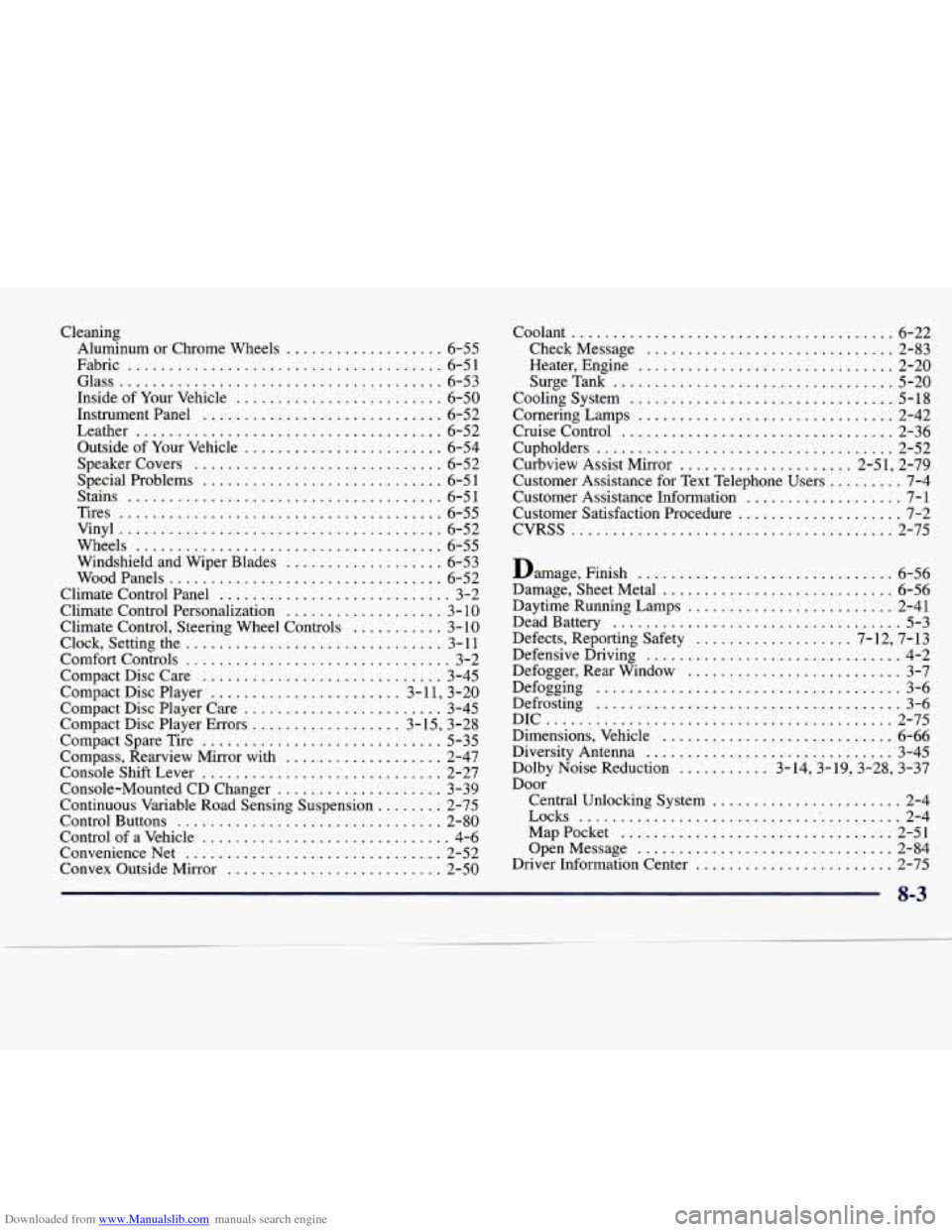
Downloaded from www.Manualslib.com manuals search engine Cleaning Aluminum or Chrome Wheels
................... 6-55
Fabric
...................................... 6-51
Glass
....................................... 6-53
Inside of Your Vehicle
......................... 6-50
Instrument Panel
............................. 6-52
Leather
..................................... 6-52
Outside of Your Vehicle
........................ 6-54
Speakercovers
.............................. 6-52
Special Problems
............................. 6-5 1
Stains ...................................... 6-5 1
Tires
....................................... 6-55
Vinyl
....................................... 6-52
Wheels
..................................... 6-55
Windshield and Wiper Blades
................... 6-53
WoodPanels
................................. 6-52
Climate Control Panel
............................ 3-2
Climate Control Personalization
................... 3- 10
Climate Control. Steering Wheel Controls ........... 3-10
Clock. Setting the ............................... 3- 11
Comfort Controls ................................ 3-2
Compact Disc Care
............................. 3-45
Compact Disc Player
....................... 3-1 1. 3-20
Compact Disc Player Care
........................ 3-45
Compact Disc Player Errors
.................. 3-15. 3-28
Compact Spare Tire
............................. 5-35
Compass. Rearview Mirror with
................... 2-47
Console Shift Lever
............................. 2-27
Console-Mounted CD Changer
.................... 3-39
Continuous Variable Road Sensing Suspension
........ 2-75
Control Buttons
................................ 2-80
Control of a Vehicle
.............................. 4-6
ConvenienceNet
............................... 2-52
Convex Outside Mirror
.......................... 2-50 Coolant
....................................... 6-22
CheckMessage
.............................. 2-83
Heater. Engine
............................... 2-20
SurgeTank
.................................. 5-20
Cooling System
................................ 5-18
Cornering Lamps
............................... 2-42
Cruise Control
................................. 2-36
Cupholders
.................................... 2-52
Curbview Assist Mirror
..................... 2.51. 2.79
Customer Assistance Information
................... 7-1
Customer Satisfaction Procedure
.................... 7-2
CVRSS
....................................... 2-75
Customer Assistance for
Text Telephone Users
......... 7-4
Damage. Finish
............................... 6-56
Damage. Sheet Metal
............................ 6-56
Daytime Running Lamps
......................... 2-41
Dead Battery
................................... 5-3
Defects. Reporting Safety
................... 7.12. 7.13
Defensive Driving
............................... 4-2
Defogger. Rear Window
.......................... 3-7
Defrosting
..................................... 3-6
DIC
.......................................... 2-75
Dimensions. Vehicle
............................ 6-66
Diversity Antenna
.............................. 3-45
Dolby Noise Reduction
........... 3.14.3.19.3.28. 3.37
Door Defogging
..................................... 3-6
Central Unlocking System
....................... 2-4
Locks
........................................ 2-4
MapPocket
................................. 2-51
OpenMessage
............................... 2-84
Driver Information Center
........................ 2-75
8-3