1998 CADILLAC CATERA ignition
[x] Cancel search: ignitionPage 77 of 346

Downloaded from www.Manualslib.com manuals search engine With the ignition on, the transmission in PARK (P)
and the brake pedal pressed in, you are now ready to
begin programming.
To disable the door lock feature when shifting in and out
of
PARK (P), press the lock button on the remote
keyless entry transmitter four times within five seconds.
The doors will lock when the shift lever is moved out of
PARK (P) and will remain locked when the shift lever is
moved back into PARK (P).
To enable the doors to lock when shifting out of
PARK (P) and to unlock when shifting back into
PARK (P), press the unlock button on the remote
keyless entry transmitter four times within five seconds.
Rear Door Security Lock
I_ 1
n
Your vehicle is equipped
with rear
door security
locks that help prevent
passengers from opening
the rear door of your vehicle
from the inside. The lock is
located on the rear edge
of each rear door. To use
this lock:
1. Move the lever on the door all the way down into the
2. Close the door.
3. Do the same thing to the other rear door lock.
The rear doors of your vehicle cannot be opened from
the inside when this feature is in use.
ENGAGED position.
Page 78 of 346

Downloaded from www.Manualslib.com manuals search engine When you want to open a rear door when the security
lock is on:
1. Unlock the door from the inside.
2. Then open the door from the outside.
To cancel the rear door lock:
1. Unlock the door from the inside and onen the door
from the outside.
2. Move the lever all the way up.
3. Do the same for the other rear door.
The rear door locks will now work normally.
Anti-Lockout Feature
Leaving your key in any ignition position with any door
open will disable the use of the power door lock
switches. The anti-lockout feature is disabled when the
ignition is on.
If you close the doors, you can lock them
using the remote keyless entry transmitter. It is always
recommended that you remove the ignition key when
locking your vehicle.
Note that the anti-lockout feature can be overridden
by holding the power door lock switch for three seconds
or longer.
Leaving Your Vehicle
If you are leaving your vehicle, open me aoor, set the
locks from the inside, get out and close the door.
Page 83 of 346

Downloaded from www.Manualslib.com manuals search engine If your vehicle loses power
temporarily, you can
manually open the
trunk
using the trunk release
handle. The handle is
located on the underside
of
the trunk lid on the driver’s
side and can be accessed
through the fold-down
rear seats.
Fold down the driver’s side rear seat and reach through
to the trunk compartment to find the release handle. Pulling
this handle opens the trunk. For more
information on how to
fold the rear seats, see “Folding
the Rear Seat’’ in the Index.
Theft
Vehicle theft is big business, especially in some cities.
Although your vehicle has a number of theft-deterrent
features, we know that nothing we put on it can make it
impossible to steal. However, there are ways you
can help.
Key in the Ignition
If you leave your vehicle with the keys inside, it’s an
easy target for joy riders or professional thieves
-- so
don’t do it.
When you park your vehicle and open the driver’s door,
you’ll hear a chime reminding you to remove your key
from the ignition and take it with you. Always do this.
Your steering wheel will be locked, and
so will your
ignition and transmission. And remember to lock
the doors.
Page 84 of 346
Downloaded from www.Manualslib.com manuals search engine Parking at Night
Park in a lighted spot, close all windows and lock your
vehicle. Remember to keep your valuables out of sight.
Put them in a storage area,
or take them with you.
Parking Lots
If you park in a lot where someone will be watching
your vehicle, it’s best to lock
it up and take your keys.
But what if you have to leave your key?
0 If possible, park in a busy, well lit area.
0 Put your valuables in a storage area, like your
trunk or glove box. Be sure to close and lock the
storage area.
Close all windows.
0 Lock the glove box.
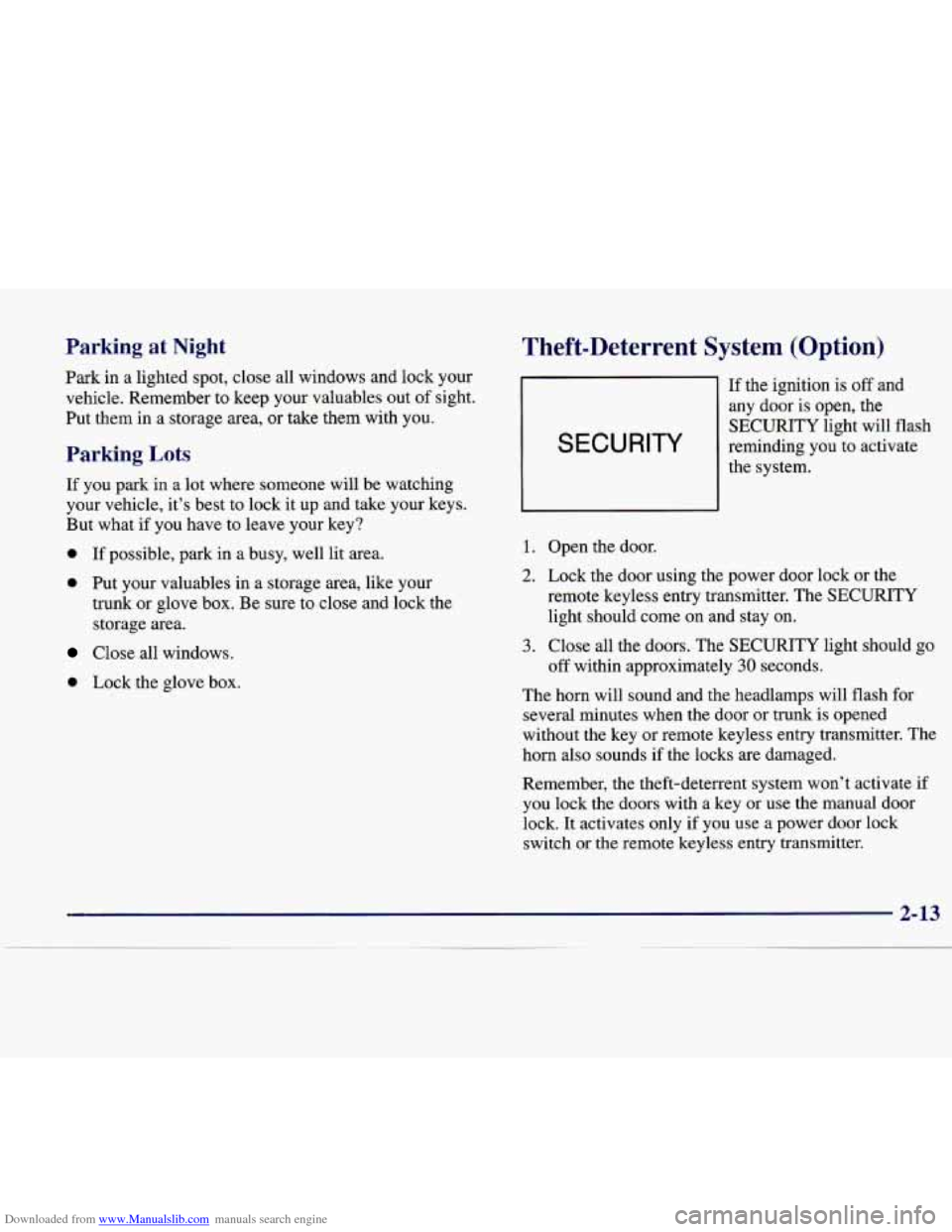
Theft-Deterrent System (Option)
SECURITY
If the ignition is off and
any door
is open, the
SECURITY light will flash
reminding you to activate
the system.
1. Open the door.
2. Lock the door using the power door lock or the
remote keyless entry transmitter. The SECURITY
light should come
on and stay on.
3. Close all the doors. The SECURITY light should go
The horn will sound and the headlarr will flash
for
several minutes when the door or trunK
is opened
without the key or remote keyless entry transmitter. The
horn also sounds if the locks are damaged.
Remember, the theft-deterrent system won’t activate if
you lock the doors with
a key or use the manual door
lock. It activates only if you use
a power door lock
switch
or the remote keyless entry transmitter.
off within approximately
30 seconds.
~ -
Page 85 of 346

Downloaded from www.Manualslib.com manuals search engine To avoid activating the alarm by accident:
The vehicle should be locked with the key after the
doors are closed
if you don’t want to activate the
theft-deterrent system.
Always unlock a door with a key or use the remote
keyless entry transmitter. (Pressing the unlock button
on the remote keyless entry transmitter disables the
theft-deterrent system.) Unlocking a door any other
way will activate the
alarm. Cycling the ignition
without disarming the theft-deterrent system will
also activate the alarm.
If you activate the alarm by accident, unlock the driver’s
door with your key. You can also turn
off the alarm by
using the remote keyless entry transmitter. The
alarm
won’t stop if you try to unlock a door in any other way.
Testing the Alarm
1. From inside the vehicle, roll down the window, then
get out
of the vehicle, keeping the door open.
2. From outside the vehicle, with the door open, lock
the vehicle using the power door lock or the remote
keyless entry transmitter and close the door. Wait
30 seconds.
3. Reach in and unlock the door using the manual lock
and open the door. The horn will sound and the
headlarnps will flash.
If the alarm does not sound when it should, check to see
if the horn works. The horn fuse may be blown. To
replace the fuse, see
“Fuses and Circuit Breakers” in the
Index. If the fuse does not need to be replaced,
you may
need to have your vehicle serviced.
To reduce the possibility of theft, always activate
the optional theft-deterrent system when leaving
your vehicle.
2-14
Page 86 of 346

Downloaded from www.Manualslib.com manuals search engine Immobilizer
Your vehicle is equipped
with
a passive
theft-deterrent system.
This device complies with Part
15 of the FCC Rules.
Operation
is subject to the following two conditions:
(1)
this device may not cause harmful interference,
and
(2) this device must accept any interference
received, including interference that may cause
undesired operation.
This device complies with RSS-210 of Industry
Canada. Operation
is subject to the following two
conditions: (1) this device may not cause interference,
and
(2) this device must accept any interference
received, including interference that may cause
undesired operation of the device. Changes
or modifications to this system by other than an
authorized service facility could void authorization to
use this equipment.
The system works when you
turn the key to ON. The key
uses a transponder that matches an immobilizer control
unit
in your vehicle. The correct key will start the vehicle.
When the system senses that someone is using the wrong key, it may
start but it will not continue to run. If someone
tries to
start your vehicle again or uses another key during
this time, the shutdown will start over again. This
discourages someone from randomly trying different keys
with different transponders in an attempt to make a match.
If the engine cannot be started, turn the key in the
ignition to
ON. Wait approximately two seconds; then
start your vehicle again.
If the engine still won’t start, try another key.
You may
also want to check the fuses (see “Fuses and Circuit
Breakers” in the Index).
If the starter won’t work with
the other key, your vehicle needs service. If your vehicle
does start, the first key may be faulty. See your dealer.
If you lose or damage a key or you cannot start the
engine, see your dealer. If a key
is lost, bring all
remaining keys to your dealer for re-programming. In
an emergency, call the Vehicle Roadside Assistance
Center at 1-800-882-1112.
Page 87 of 346

Downloaded from www.Manualslib.com manuals search engine New Vehicle “Break-In”
NOTICE:
Your vehicle doesn’t need an elaborate
“break-in.” But
it will perform better in the long
run
if you follow these guidelines:
Don’t drive at any one speed -- fast or
slow
-- for the first 500 miles (805 km).
Don’t make full-throttle starts.
200 miles (322 km) or so. During this time
your new brake linings aren’t yet broken
in. Hard stops with new linings can mean
premature wear and earlier replacement.
Follow this breaking-in guideline every
time you get new brake linings.
See “Towing a Trailer” in the Index
for
more information.
Avoid making hard stops for the first
Don’t tow a trailer during break-in.
Ignition Positions
I NOTICE:
~
If your key seems stuck in LOCK and you can’t
turn it, be sure you are using the correct key;
if
so, is it all the way in? If it is, then turn the
steering wheel left and right while you turn the
key hard. But turn the key only with your hand.
Using a tool to force
it could break the key or the
ignition switch.
If none of this works, then your
vehicle needs service.
Keep in mind that you may have to turn the steering
wheel as
you turn the key in order to rotate the ignition
switch from
LOCK to START -- this is normal. Using
extra effort to remove the key from the ignition switch,
as compared to other
GM vehicles that you may have
owned, is also normal.
If your key is stuck in the ignition switch and cannot be
turned back to
LOCK, your vehicle will need to be
repaired.
See your dealer for service.
Page 88 of 346

Downloaded from www.Manualslib.com manuals search engine With the key in the
ignition switch, you can
turn the switch to four
different positions.
LOCK (e): Before you put the key in, the ignition will
be in LOCK. This is the only position in which you can
remove the key. This position locks the ignition, steering
wheel and transmission. It’s
a theft-deterrent feature.
OFF (I): This position lets you turn off the engine but
still turn the steering wheel.
It doesn’t lock the steering
wheel like LOCK. Use
OFF if you must have your
vehicle in motion while the engine is off (for example,
if
your vehicle is being pushed).
ON (11): The ignition is on in this position. ON is used
for driving your vehicle.
START (111): This position starts the engine. To
lock the steering column, remove the key while
in
LOCK. Turn the steering wheel until you hear a click.
Retained Accessory Power
The radio is the only accessory on your vehicle that may
be used for up to
10 minutes after the ignition is turned
to
OFF.
Power to the fuel door, trunk release and door locks is
available at all times. The power window controls and the sunroof controls are active until a door is opened
-- there
is
no time limit as long as the doors remain closed.
Starting Your Engine
Move your shift lever to PARK (P) or NEUTRAL (N).
Your engine won’t start in any other position -- that’s a
safety feature.
To restart when you’re already moving,
use NEUTRAL
(N) only.
NOTICE:
Don’t try to shift to PARK (P) if your vehicle is
moving. If you do, you could damage the
transmission. Shift to PARK
(P) only when your
vehicle is stopped.
2-17