1998 CADILLAC CATERA change time
[x] Cancel search: change timePage 139 of 346

Downloaded from www.Manualslib.com manuals search engine Anti-Lock Brake System Warning Light
ABS
With the anti-lock brake system, the light(s) will
come on when you start
your engine and may stay
on for several seconds.
That’s normal.
Traction Control System Warning Light
The warning light will flash
when the system senses
a
traction change.
If the light stays on, turn the ignition to
OFF. Or, if the
light comes on when you’re driving, stop as soon as
possible and turn the ignition
off. Then start the engine
again to reset the system. If the light still stays on, or
comes on again while you’re driving, your vehicle needs
service.
If the regular brake system warning light isn’t
on, you still have brakes, but you don’t have anti-lock
brakes. If the regular brake system warning light is also
on, you don’t have anti-lock brakes and there’s a
problem with your regular brakes.
See “Brake System
Warning Light” earlier in this section.
The anti-lock brake system warning light should come
on briefly when you turn the ignition key to
ON. If the
light doesn’t come on then, have it fixed
so it will be
ready to warn you if there is a problem. If
it stays on,
or comes on and stays on steady when
you’re driving, there may be a problem with your
traction control system and your vehicle may need
service. When this warning light
is on, the system will
not limit wheel spin. Adjust your driving accordingly.
The traction control system warning light may come on
for the following:
0 If there’s a brake system problem that is specifically
related to traction control, the traction control system will turn off and the warning light will come on.
engine-related problem, the system will turn off and
the warning light will come on.
If the traction control system is affected by an
If the traction control system warning light comes on
and stays on for an extended period of time when the
system is turned on, your vehicle needs service.
Page 156 of 346

Downloaded from www.Manualslib.com manuals search engine NOTICE:
Do not try to clear frost or other material from
the inside
of the rear window with a razor blade
or anything else that
is sharp. This may damage
the rear defogger grid. The repairs wouldn’t be
covered by your warranty.
Audio Systems
Your Cadillac audio system has been designed to operate
easily and give years
of listening pleasure. You will get the
most enjoyment out of it if you acquaint yourself with it
first. Find out what your audlo system can do and how to
operate all its controls,
to be sure you’re getting the most
out
of the advanced engineering that went into it.
Setting the Clock
Press and hold HR or MN until the time display begins
to change. Release the button as you get close to the
correct time. The time may be set anytime the clock is
displayed. There is a two-second delay before the clock
goes into time-set mode.
AM-FM Stereo with Cassette Tape Player
Playing the Radio
PWRNOL: Press this knob lightly to turn the system
on. Press the knob again to turn the system off. To
increase volume, turn the knob to
the right. Turn it to the
left to decrease volume. The volume level will appear
on the display.
DSPL: Press this button to display the radio station
being played.
Page 159 of 346

Downloaded from www.Manualslib.com manuals search engine The cassette tape is broken. (Check to see if your
REV: Press the left arrow to rewind the tape rapidly.
The radio will play while the tape reverses and
REV
will appear on the display. You may use your station
pushbuttons to tune to another radio station while in
REV mode. Press the left arrow again to return to
playing speed.
FF: Press the right arrow to fast forward to another part
of the tape. The radio will play while the tape advances
and
FF will appear on the display. You may use your
station pushbuttons to tune to another radio station while
in
FF mode. Press the right arrow again to return to
playing speed.
SEEK-TUNE: Press the right arrow to seek to the next
selection on the tape. Press the left arrow to search for
the previous selection on the tape (REP will appear on
the display). Your tape must have at least three seconds
of silence between each selection for SEEK-TUNE
to
work. The sound will mute while seeking.
SCAN: Press this button. SCAN FF will appear on the
display until the next selection
is found and then SCAN
PLAY will appear
on the display. Use SCAN to listen to
selections for a few seconds. The tape will go to a
selection, stop for a few seconds, then go on to the next
selection. Press this button again to stop scanning. tape
is broken. Try a new tape.)
SIDE: Press this button to change the side of the tape
that is playing. (PLAY shows on the display.)
SOURCE: Press this button to select a source. If no
cassette tape is in the tape player,
CASS appears on the
display and then the radio station appears briefly. The
display then reverts back to showing the time of
day. Press
this button again or
BAND to switch back to the radio.
4 E JECE Press the upward triangle button to remove
a tape. The radio will play. Eject may be activated with
the radio off. Cassette tapes may be loaded with the radio
off but they will not start playing until the PWR button is
pressed. Press PWR or
turn the ignition off to stop the
cassette tape player. The tape will stay in the player
and
resume play at the point where it stopped.
CLN: If this message appears on the display, the
cassette tape player needs to be cleaned. It will still play
tapes, but you should clean it as soon as possible to
prevent damage
to the tapes and player. See “Care of
Your Cassette Tape Player” in the Index. After you clean
the player, press and hold the eject button for five
seconds to reset the CLN indicator. The radio will
display
--- to show the indicator was reset.
Dolby Noise Reduction
is manufactured under a license
from Dolby Laboratories Licensing Corporation. Dolby
and the double-D symbol are trademarks of Dolby
Laboratories Licensing Corporation.
Page 170 of 346

Downloaded from www.Manualslib.com manuals search engine Close the door by sliding it all the way to the left. When
the door
is closed, the changer will begin checking for
discs in the magazine. This will continue for up to one
and a half minutes, depending on the number
of
discs loaded.
To eject the magazine from the player, slide the CD
changer door all the way open. The magazine will
automatically eject. Remember to keep the door closed
whenever possible to keep dirt and dust from getting
inside the changer. Whenever
a CD magazine with discs is loaded in the
changer, the CD changer symbol will appear on the
radio display.
If the CD changer is checking the
magazine for CDs, the CD symbol will flash on the
display until the changer is ready to
play. When a CD
begins playing, a disc and track number will be
displayed. The disc numbers are listed on the front
of
the magazine.
All of the CD functions are controlled by the radio
buttons, except for ejecting the CD magazine.
PUSHBUTTONS: Press buttons one through six to
select compact discs one through six. Press and hold one
of the six pushbuttons until a beep sounds to select
compact discs
7 through 12. These pushbuttons
represent the order of the discs loaded in
the changer.
DSPL: Press and hold this button to see the track
elapsed time. (This button is available on the AM-FM
Stereo with Cassette Tape Player only.)
REV/RW Press and hold this button to reverse quickly
through a track selection.
FF: Press and hold this button to advance quickly
through a track selection.
3-23
Page 171 of 346

Downloaded from www.Manualslib.com manuals search engine If your vehicle is equipped with the AM-FM Stereo with
Cassette Tape Player, use SEEK-TUNE. For all other
audio systems, use TUNE-SEEK.
SEEK-TUNE: Press the right arrow to seek to the next
selection. Press the left arrow to search for the previous
track selection. The sound will mute while seeking.
TUNE-SEEK: When this button is pressed, it has two
positions.
This button works the same, whether it is
pressed to the first or second position. Press
this button to
seek to the next or previous selection on
the compact disc.
SCAN: Press this button. You will hear the first few
seconds of the first track on each disc. Press this button
again to stop scanning. (This button is available
on the
AM-FM Stereo with Cassette Tape Player only.)
TRACK SCAN: Press SCAN for less than two seconds.
You will hear the first few seconds of each track on a
disc. Press SCAN again to stop TRACK SCAN. The CD
will mute while scanning and SCAN will appear on the
display. (This function
is not available on the AM-FM
Stereo with Cassette Tape Player.)
DISC SCAN: Press SCAN for more than two seconds.
You will hear the first few seconds
of the first track on
each disc. Press SCAN again to stop DISC SCAN.
The CD will mute while scanning and SCAN will
appear on the display. (This function is not available on
the
AM-FM Stereo with Cassette Tape Player.)
a al
RDM: Press this button to hear the tracks in random,
rather than sequential, order. RANDOM will appear on
the display. Press TUNE-SEEK while RDM is on the
display to randomly seek through discs. Press RDM
again to turn off random play. (This button is not
available on the AM-FM Stereo with Cassette
Tape Player.)
SIDE: Press this button to select the next disc in the
changer.
If your vehicle is equipped with the AM-FM
Stereo with Cassette Tape Player, CD and the disc nmber
will appear on the display each time you press
this button.
If your vehicle is equipped with any other audio system,
DISC
LOADING will appear on the display and the disc
number on the radio display will
go to that of the next
available CD each time you press
this button.
SOURCE: Press this button to select a source. The
audio source must be loaded to play. If none of the audio
sources are loaded, NO SOURCE LOADED will appear
on the display. Press this button again or BAND to
switch back to the radio. (CD will be displayed for a few
seconds instead on the AM-FM Stereo with Cassette
Tape Player, then the radio will play.)
EJECT: Slide the CD changer door all the way open
and the disc holder will automatically eject.
3-L4
Page 172 of 346
Downloaded from www.Manualslib.com manuals search engine Compact Disc Changer Errors
CD CHANGER ERROR could be displayed for
the following:
The road is too rough. The disc should play when the
The disc is dxty, scratched, wet or loaded label side up.
road is
smoother.
The air is very humid. If so, wait about an hour and
CD CHANGER DOOR OPEN is displayed when the
CD changer door is left open. (CHEK DOOR will be
displayed instead on the
AM-FM Stereo with Cassette
Tape Player.) Completely close the changer door to
restore normal operation.
try again.
If any error
occurs repeatedly or if an error cannot be
corrected, please contact your dealer.
CD Adapter Kits
It is possible to use a CD adapter kit with your cassette
tape player after activating the bypass feature on your
tape player.
To activate the bypass feature,
use the following steps:
1. Turn the ignition to ON (11).
2. Turn the radio off.
3. Press and hold the SOURCE button for two seconds.
The tape symbol on the display will flash three
times, indicating the feature
is active.
4. Insert the adapter.
This override routine will remain active until the eject
button is pressed.
Page 173 of 346
Downloaded from www.Manualslib.com manuals search engine Theft-Deterrent Feature
THEFTLOCK@ is designed to discourage theft of your
radio. Your vehicle has a “built-in” theft-deterrent
feature
on each radio that is automatic -- there is no
programming required. The radio in your vehicle cannot
be used in any other vehicle. When the radio was
originally installed in your vehicle at the factory, it
stored the Vehicle Identification Number (VIN). Each
time the ignition is turned on, the VIN is verified. If the
vehicle’s VIN does
not match the VIN stored in the
radio, the radio/audio system will not play. If the radio is
removed from your vehicle, the original
VIN in the
radio can be used to trace the radio back to your vehicle.
Audio Steering Wheel Controls
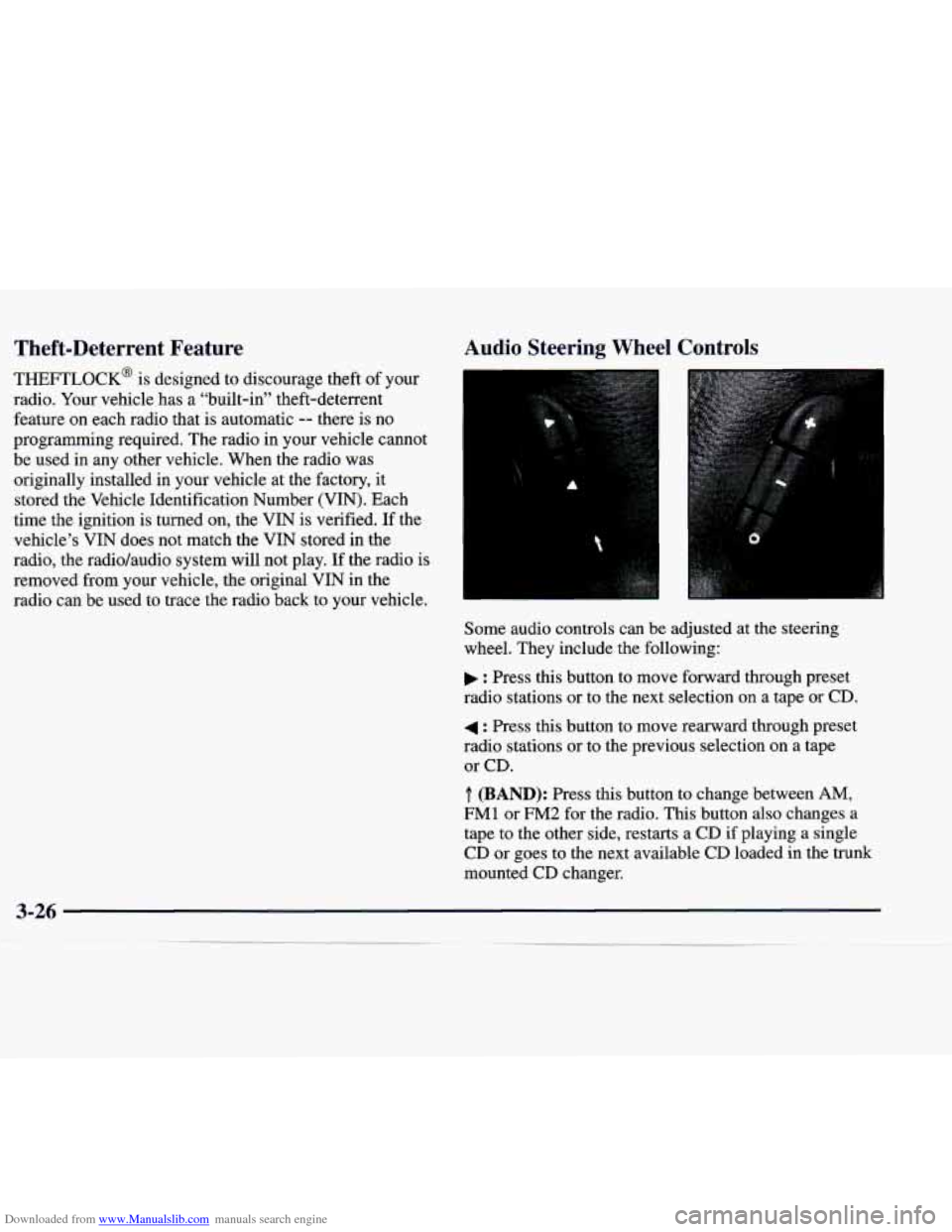
Some audio controls can be adjusted at the steering
wheel. They include the following:
: Press this button to move forward through preset
radio stations or to the next selection on a tape
or CD.
4 : Press this button to move rearward through preset
radio stations or to the previous selection
on a tape
or CD.
.T. (BAND): Press this button to change between AM,
FM1 or FM2 for the radio. This button also changes a
tape to the other side, restarts a
CD if playing a single
CD or goes to the next available
CD loaded in the trunk
mounted CD changer.
Page 187 of 346
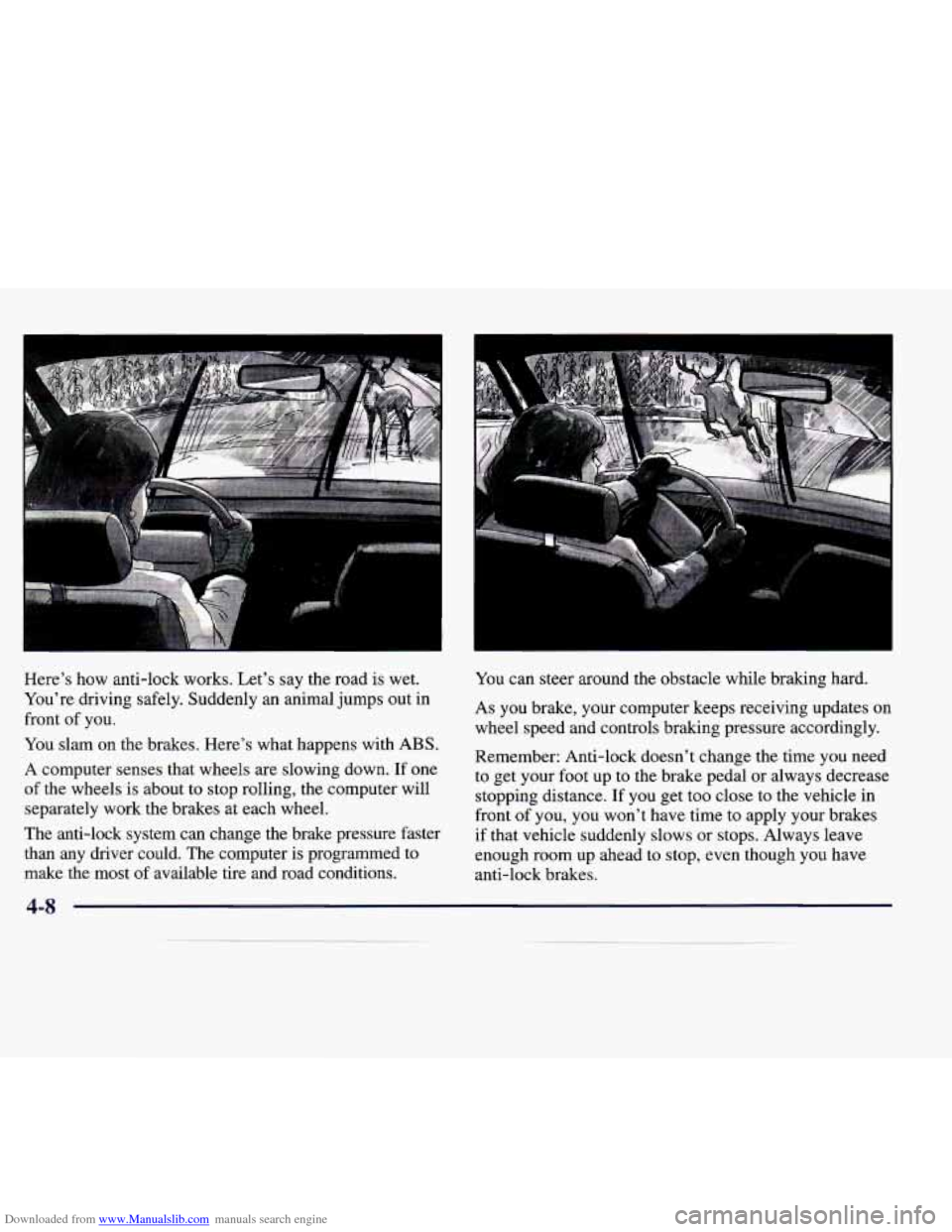
Downloaded from www.Manualslib.com manuals search engine Here’s how anti-lock works. Let’s say the road is wet.
You’re driving safely. Suddenly an animal jumps out in
front of you.
You slam on the brakes. Here’s what happens with ABS.
A computer senses that wheels are slowing down. If one
of the wheels is about to stop rolling, the computer will
separately work the brakes at each wheel.
The anti-lock system can change the brake pressure faster
than any driver could. The computer is programmed to
make the most
of available tire and road conditions.
I
I
You can steer around the obstacle while braking hard.
As you brake, your computer keeps receiving updates on
wheel speed and controls braking pressure accordingly.
Remember: Anti-lock doesn’t change the time you need to get your foot up to the brake pedal or always decrease
stopping distance.
If you get too close to the vehicle in
front of you, you won’t have time to apply your brakes
if that vehicle suddenly slows
or stops. Always leave
enough room up ahead to stop, even though you have
anti-lock brakes.
4-8