1998 BUICK PARK AVENUE ECU
[x] Cancel search: ECUPage 84 of 426
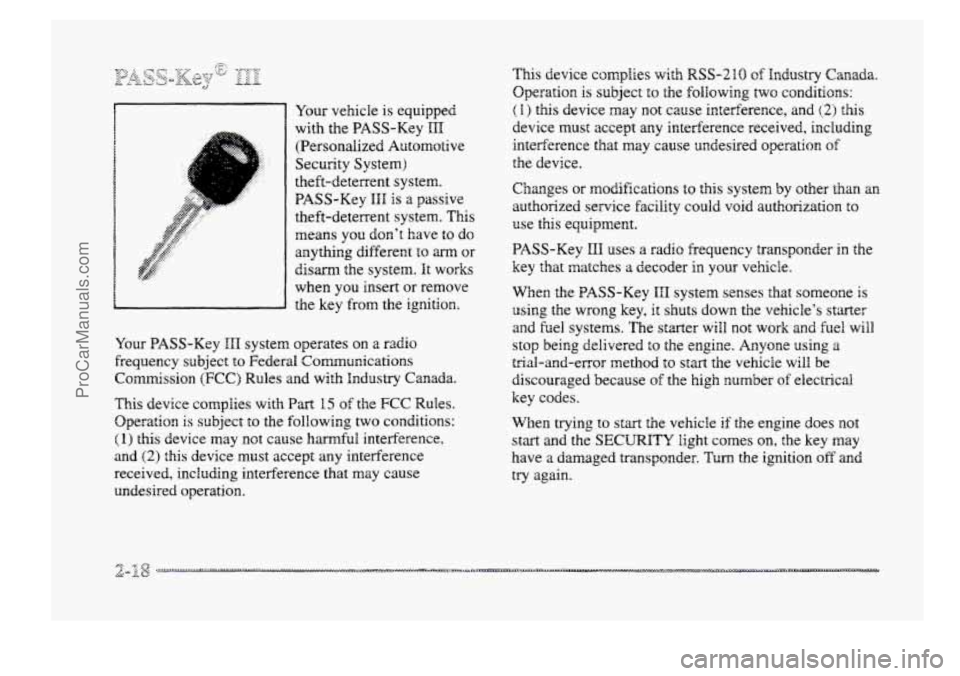
Your vehicle is equipped
with the PASS-Key
III
(Persondized Automotive
Security System)
theft-deterrent system.
PASS-Key
HHI is a passive
theft-deterrent system.
This
means you don’t have to do
anything different to arm or
disarm the system. It works
when YOU insert or remove
the key
from the ignition.
Your PASS-Key
III system operates on a radio
frequency
subject to Federal Communications
Commission
(FCC) Rules and with Industry Canada.
This device complies
with Part 15 of the FCC Rules.
Operation
is subject to the following two conditions:
(I) this device may not cause harmful interference,
and
(2) this device must accept any interference
received, including interference that may cause
undesired operation.
This device complies with RSS-210 of Industry Canada.
Operation
is subject to the following two conditions:
(I) this device may not cause interference, and (2) this
device must accept any interference received, including
interference that may cause undesired operation
of
the device.
Changes
or modifications to this system by other than an
authorized service facility could void authorization to
use this equipment.
PASS-Key
HI1 uses a radio frequency transponder in the
key that matches a decoder in your vehicle.
When the PASS-Key
III system senses that someone is
using the wrong key, it shuts
down the vehicle’s starter
and fuel systems.
The starter will not work and he8 will
stop being delivered to the engine. Anyone using a
trial-and-error method to start the vehicle will be
discouraged because
of the high number of electrical
key codes.
When trying
to start the vehicle if the engine does not
start and the SECURITY light comes on, the key may
have
a damaged transponder. Turn the ignition off and
try again.
ProCarManuals.com
Page 85 of 426

If the engine still does not start, and the key appears to
be undamaged, try mother ignition key. At this time,
you may also want to check the fuse (see “Fuses and
Circuit Breakers’‘
in the Index). If the engine still does
not start with the other key, your vehicle needs service.
If your vehicle does start, the €kt key may be faulty.
See your dealer or a
Iocksrnith who can service the
PASS-Key
IIH tc have a new key Bade.
It is possible for the PASS-Key IIP decoder to learn the
transponder value
of a new replacement key. Up to
ten additional keys may be programmed for the vehicle.
This procedure is €or learning additional keys only. If all
the currently programed keys are lost or do not
operate, you must see your dealer or a locksmith who
can service PASS-Key
HI1 to have keys made and
programmed
to the system.
See your dealer or 2 locksmith who can service
PASS-Key
III to get 2 new key blank that is a cut
exactly
as a current black colored driver’s key that
operztes the system.
Do not use 2 gray colored valet key
for this procedure.
To program the new key:
1.
2.
3.
4.
5.
Insert the cumrent driver’s key (black in color) i~* the
ignition
and start the engine. If the engine wiil not
start see your dealer for service.
After the engine has started,
turn the key to the off
position, and remove the key.
Insert the key
to be progrmmed and turn it to the
mn position within ten seconds of removing the
previous key.
The
SECURITY telltale iight will off once the
key
has been programmed. It may not be apparent
that the SECURITY light went on due to how
quickly
the key is programmed.
Repeat steps
1 through 4 if additional keys are to
be programmed.
ff you are ever driving and the SECURITY iight comes
or; and stays on, you will be able to restart your engine if
you turn it off. Your BASS-Key III system, however, is
not working properly and must be serviced by your
dealer.
You vehicle is not protected by the PASS-Key
III system at this time.
If you lose or damage a PASS-Key I11 key, see your
dealer or a locksmith who can service PASS-Key HIT to
have a new key made.
ProCarManuals.com
Page 114 of 426
This feature will only be activated when the security
feedback feature
is programmed to be in Modes 1,3 or 5
on the trmsmitter. Modes 0, 2 and 4 do not respond with
exterior lights Washing when uirlocking the vehicle so
perimeter lighting will nct be active.
This feature can be programmed
on or off for
each transmitter.
To turn the feature off:
1. Press and hold LOCK on the door lock switch QII the
door throughout this procedure. All doors will lock.
2. Press the instant dam button on the transmitter to
enter tihe programming mode. Perimeter lighting
remains
on at this time and the ~QIX will chirp
two times.
3. Press the instant alam button on fhe key transmitter
again. Perizneter lighting is disabled and the horn
wiEI chirp one time.
4. Release the door lock switch. The perimeter iighting
Pressing the UNLOCKbutton repeatedly may caw the
To turn the feature on:
feature is now off.
back-up lamps to turn on.
I.
2.
3.
4.
Press and hold LOCK on the door lock switch on the
door throughout this procedure. A11 doors will Bock.
Press the
instant alm button on the key transmieter
to enter the programming mode. Perimeter lighting
remains off at this time and the horn will chirp
one time.
Press the instant
alm button 0n the transmitter
again. Perimeter lighting is now enabled
and the
horn will chirp two times.
Release
the door lock switch. The perimeter lighting
feature
is ~QW on.
Perimeter iighting can also be activated through the
optional Driver Infomation Center
(DHC). See
“Personal Choice Features” or “Driver Infomation
Center” in the Index.
ProCarManuals.com
Page 126 of 426
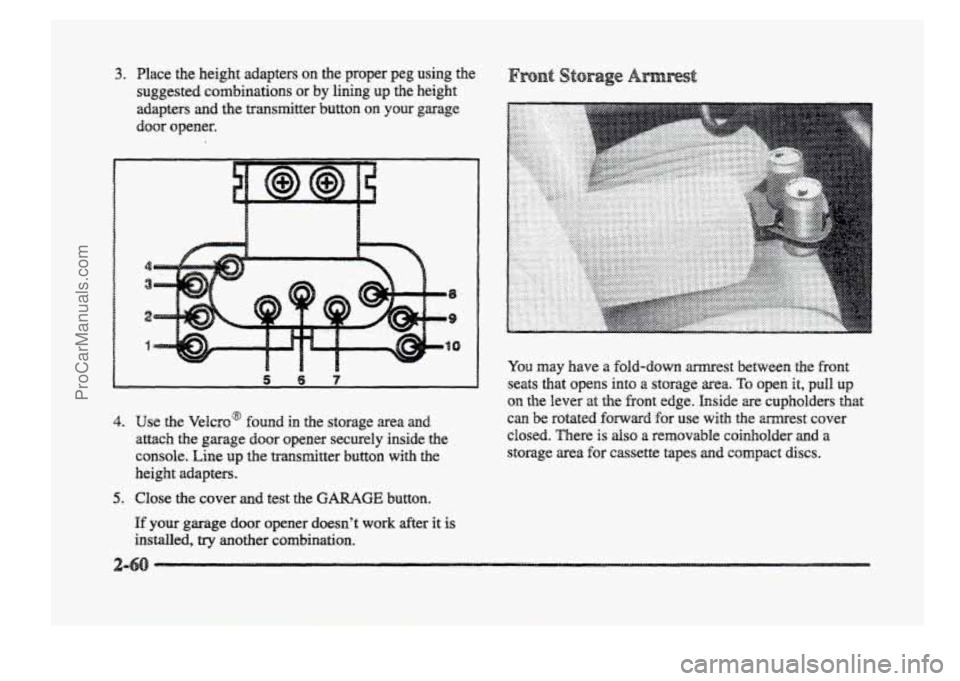
3. Place the height adapters on the proper peg using the
suggested combinations
or by lining up the height
adapters and the transmitter button on your garage
door opener.
,5 6 7
4. use &e Velcro@ found in the storage area
attach the garage door opener securely inside the
console. Line up the transmitter button with the
height adapters.
You may have a fold-down mest between the front
seats that opens into a storage area. To open it, pull up
QII the lever at the fiont edge. Inside are cupholders that
can be rotated forward for use with the mest cover
closed. There
is also a removable coinholder and a
storage area for cassette tapes and compact discs.
5. Close the cover and test the G-GE button.
If your garage door opener doesn’t work afkr it is
installed, try another combination.
ProCarManuals.com
Page 153 of 426
e mL INFO: Press this button to display fuel
infomation such
as, fuel used, fuel range and
fuel economy.
Q GAGE INFO: Use this button to display oil
pressure,
oil Me, coolant temperature, tire pressure
and battery infomation.
RESET: ”his button, used dong with other buttons,
will reset system functions.
@ ENGNET: Use this button to change the display
between English and metric
units.
p@r@-jn& Choice gJ1c DispEay
This feature allows two different drivers to store and
recall their
QWP~ preferred display mode. The personal
choice settings displayed
on the DIC are determined by
the transmitter used
t~ enter the vehicle. After the
UNLOCK button of a remote keyless entry transmitter
is pressed
and the ignition is in RUN, the DIC will
display
the identified driver. The settings can also be
changed
by briefly pressing one of the MEMORY
buttons located on the driver’s door.
The DIC can also be used to program the following
personal
choice features available with your vehicle:
e Memory Seats
Memory Door Locks
Security Feedback
Delayed Locking
e Perimeter Lighting
Parallel Park Assist Mirror
Window Lockout
See “Personal Choice Features”
in the Index and “DIC
Personal Choice Progran~ning’~ later in this part. The
DIC is used to program infomation €or DWIVEiR #1 and
DRIVER #2. The DIC will identify a person as
UNKNOWN DRIVER if they are neither DRIVER #I
nor DRIVER #2.
ProCarManuals.com
Page 157 of 426
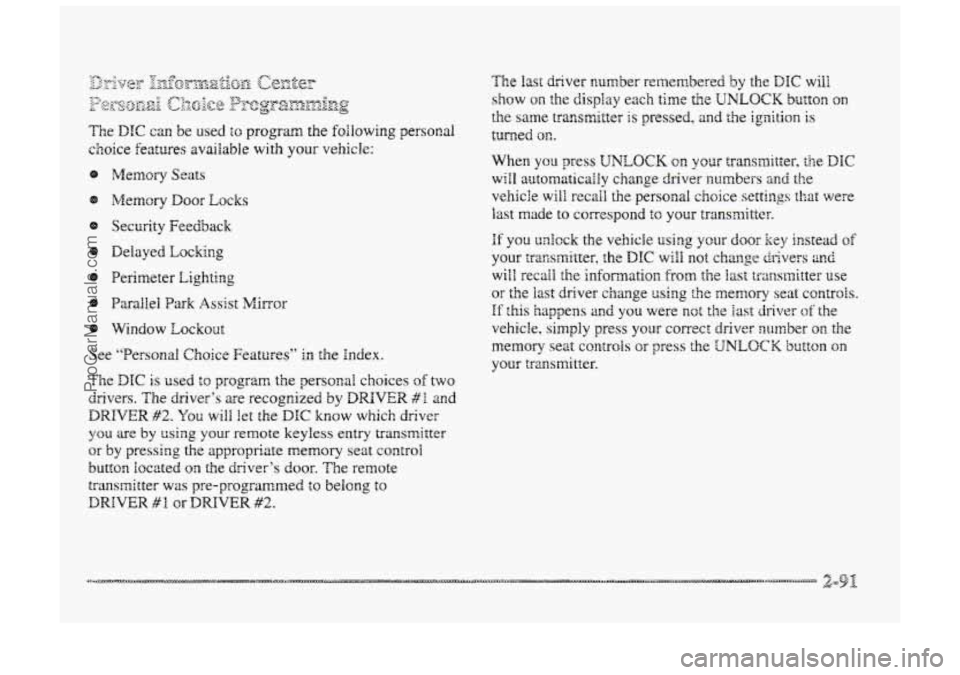
The DIC can be used $0 program the following personal
choice
features available with your vehicle:
@ Melnosy Seats
Memory Door Locks
Security Feedback
@ Delayed hcking
See ‘‘Personal Choice Features” In the Index.
T’ne DTC is used to program the personal choices of two
drivers. The driver’s are recognized by
DRIVER #I and
DRIVER #2. You will kt the DIC know which driver
you are by using your remote keyless entry transmitter
or
by pressing the appropriate memory seat control
buttorm located on the driver’s door. The remote
transmitter was pre-programmed to belong to
DRIVER # 9 or DRIVER #2.
The last driver number remembered by the DIC will
show on the display each time the UNLOCK button on
the same transmitter is pressed, and the ignition is
turned OE.
When you press UNLOCK en your transmitter, the DIC
will automaticaihy change driver numbers 2nd the
vehicle will recall the persod choice settings that were
last made to correspond to your transmitter.
if you unlock the vehicle using your door key instead sf
your zransmitter, the DIC will not change drivers 2nd
will recall the infomation from the last transmitter use
or the last driver change using the men~ory seat controls.
If this happens and you were not the last driver of the
vehicle, simply
press your correct driver number on the
memory seat controls OH press the UNLOCK button on
your transmitter.
ProCarManuals.com
Page 160 of 426
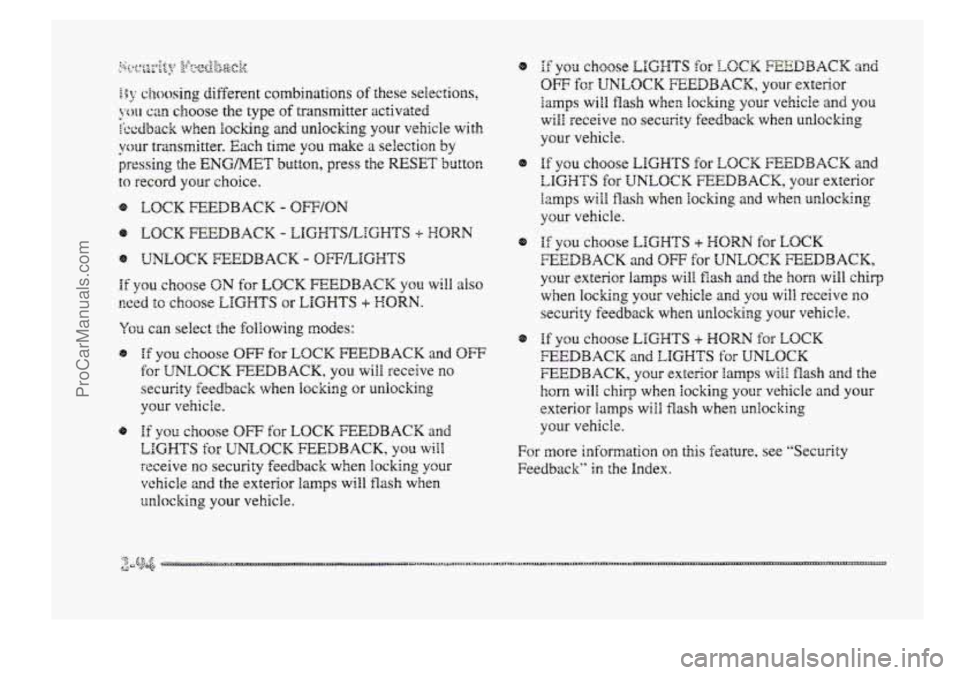
If you choose ON for LOCK FEEDBACK YOU will also
wed to choose LIGHTS or LIGHTS + HORN.
You can select the following modes:
@ If you choose OW for LOCK FEEDBACK and OW
for UNLOCK FEEDBACK, you will receive no
security feedback when locking or unlocking
your vehicle.
@ Hf ptl choose OFF for LOCK FEEDBACK and
LIGHTS for UNLOCK FEEDBACK, you will
receive no security feedback when locking your
vehicle and the exterior lamps will flash when
unlocking your vehicle.
8
8
8
If YOU choose EIGHTS for LOCK FEEDBACK and
OFF for UNLOCK FEEDBACK, your exterior
lamps wiEl flash when Iochg your vehicle and you
will receive
no security feedback when unlocking
your vehicle.
Hf you choose LIGHTS for LOCK FEEDBACK and
LIGHTS for UNLOCK FEEDBACK, your exterior
lamps will flash when locking and when ur,Bocking
your vehicle.
If you choose LIGHTS + HOW for LOCK
FEEDBACK and OFF for UNLCCK FEEDBACK,
your exterior lamps will flash and the horn will chiq
when locking your vehicle and you will receive no
security feedback when unlocking your vehicle.
Hf you choose LIGHTS + HORN for LOCK
FEEDBACK and LIGHTS for UNLOCK
FEEDBACK, your exterior lamps will flash and the
horn will chirp when locking YQW vehicle and your
exterior
lamps will flash when unlocking
your vehicle.
For more infomation on this feature, see ''Security
Feedback"
in the Index.
ProCarManuals.com
Page 161 of 426

pep&Q_@ier- L&.$%gqg
When the UNLOCK button on the transmitter is
pressed, the
DRL lamps (high-beams at reduced
intensity), parking
lmps and back-up laps will turn on
if it is dark enough according to the twilight sentinel.
You can control activation of this feature by choosing
OFF QI- ON when the PERIMETER LIGHTS choice is
displayed
on the DIC. Make your choice by pressing the
ENG/M.ET button and record your choice by pressing
the
RESET button.
NOTE: If you want to choose PERIMETER LIGHTS
ON, you must also choose LIGMTS for UNLOCK
FEEDBACK while making the security
feedback choices.
For more information on this feature, see “Perimeter
Lighting”
in the Index.
ProCarManuals.com