Page 8 of 315
2
Thingsto Kno wAbou tUsin gThis
WARNING
Findin gInformatio nin Thi sGuide
Page 15 of 315
10
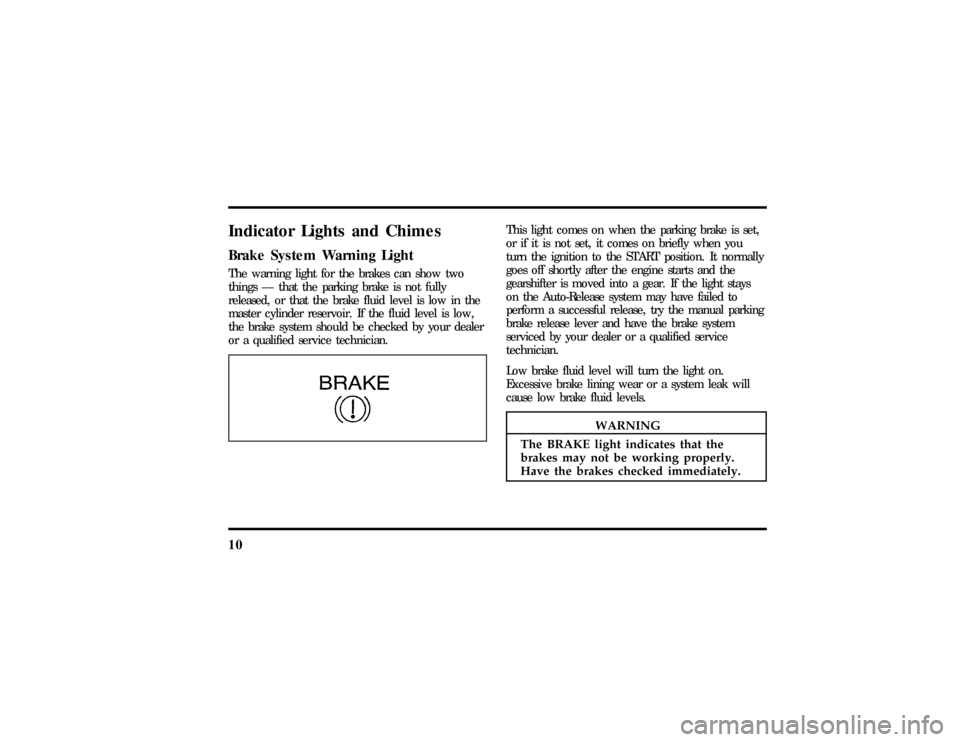
IndicatorLight san dChimesThi sligh tcome son whe nthe parkin gbrak eis set,
WARNING
Th eBRAK Eligh tindicate stha tthe
Page 16 of 315

11
Anti-Lock Brake System Warning LightThis light comes on for a few seconds when you
turn the ignition key to the START position. It
should go off shortly after the engine starts. If it
stays on longer than five (5) seconds, it indicates
that your anti-lock brake system may not be
working properly. Normal braking is not affected
unless the BRAKE system warning light also remains
on for longer than six (6) seconds. You should have
your vehicle serviced immediately by your dealer or
qualified service technician to restore the benefits of
the anti-lock feature. SeeAnti-lock brakesin the
Index for more information.
Engine Oil Pressure Warning LightThis light indicates the engine's oil pressure, not the
oil level. However, if your engine's oil level is low,
it could affect the oil pressure. The light will come
on briefly when you turn your key to the START
and ON position. The light should stay off when
the engine is running with normal oil pressure. If
the light comes on while the engine is running, you
have lost oil pressure and continued operation will
cause severe engine damage.
If you lose engine oil pressure:
1. Pull off the road as soon as safely possible.
2. Shut off the engine immediately or severe
engine damage could result.
3. Check the engine's oil level, following the
instructions on checking and adding engine oil,
seeEngine Oilin the Index. If you do not
follow these instructions, you or others could
be injured. To assure an accurate reading, your
car should be on level ground.
File:03fnis8.ex
Update:Thu Jun 27 10:00:37 1996
Page 21 of 315
16The Instrument ClusterIn addition to warning lights, the instrument cluster
has an electronic odometer, a speedometer,
tachometer, fuel and coolant temperature gauges.OdometerThe odometer tells you the total number of miles
(kilometers) your vehicle has been driven.
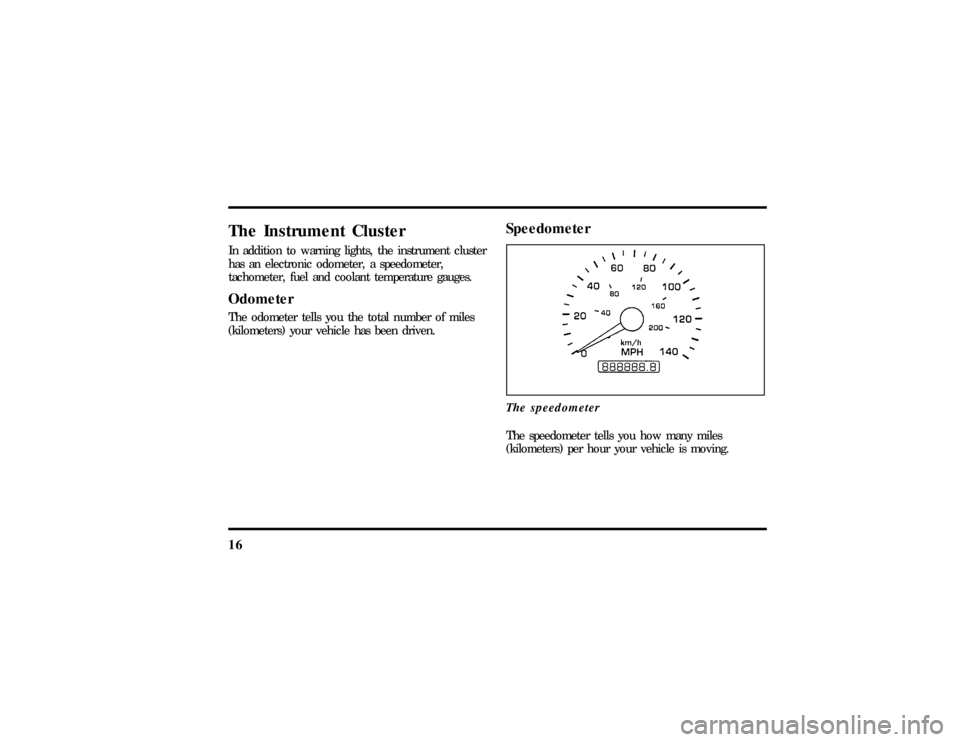
SpeedometerThe speedometerThe speedometer tells you how many miles
(kilometers) per hour your vehicle is moving.
File:03fnis8.ex
Update:Thu Jun 27 10:00:37 1996
Page 25 of 315
20q
Continuous warning reporting of monitored
systems
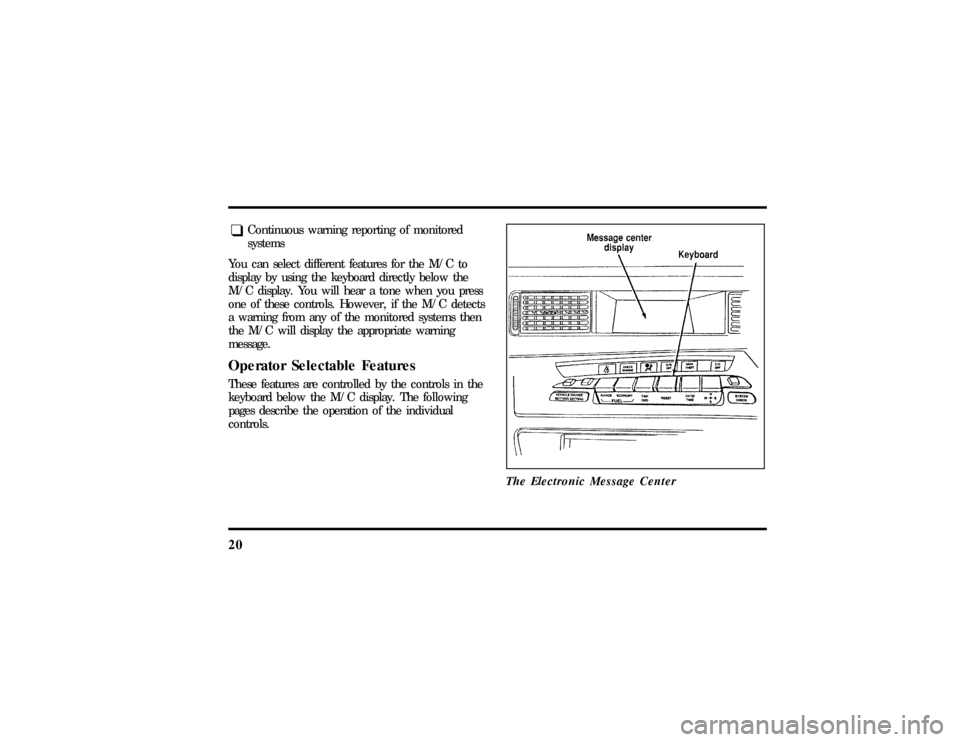
You can select different features for the M/C to
display by using the keyboard directly below the
M/C display. You will hear a tone when you press
one of these controls. However, if the M/C detects
a warning from any of the monitored systems then
the M/C will display the appropriate warning
message.
Operator Selectable FeaturesThese features are controlled by the controls in the
keyboard below the M/C display. The following
pages describe the operation of the individual
controls.
The Electronic Message Center
File:03fnis8.ex
Update:Thu Jun 27 10:00:37 1996
Page 31 of 315

26ResetA press of the RESET control will allow you to
reset the current feature being displayed. Warnings,
Average Fuel Economy, Clock Set, Compass
Adjustment, Vehicle Settings, and Driver Settings
are the only features which respond to the RESET
control. Range and Instantaneous Fuel Economy
cannot be reset. That is, these features are
unaffected by pushing the RESET control.
Date/TimeA press of the DATE/TIME control allows you to
display and set/adjust the Day & Date, Time only,
and Elapsed Time features on the Message Center.q
Day & Date DisplayÐ A press of the
DATE/TIME control displays the Day & Date
Display. From this display the Day & Date can
be set/adjusted if desired. The display will give
instruction to help aid with the process. If the
set/adjustment procedure is started and nothing
is pressed for a minute, the Message Center will
exit the procedure automatically with the
currently selected Day & Date.
OTo set/adjust the Day & Date, press the
RESET control.
OPress DATE/TIME repeatedly to select the
correct day of the week.
OThen press RESET to proceed to the month
adjustment display.
File:03fnis8.ex
Update:Thu Jun 27 10:00:37 1996
Page 33 of 315

28
OTo START the Elapsed Time count when it
is stopped without resetting the counter,
briefly press the reset control for less than 2
seconds.
OTo reset the elapsed time counter, hold the
reset control down until the count reads
00:00:00 (about 2 seconds).
CompassPressing the COMPASS control will display one of
the following eight compass displays: North,
Northeast, East, Southeast, South, Southwest, West
and Northwest.
For additional information on the compass operation
and for instructions to adjust the compass, see
Electronic Compassin this chapter.System CheckA press of the SYSTEM CHECK control causes the
M/C to cycle through a status of each of the
systems being monitored. For each of the monitoredsystems, the M/C will indicate either an OK
message or a warning message for two seconds. The
sequence of the system check report is as follows:
q
Engine Oil Life Status
q
Engine Oil Life Left
q
Engine Oil Level
q
Voltage Level
q
Engine Coolant Temperature
q
Engine Coolant Level
q
Washer Fluid Level
q
Doors Closed (Driver and Rightside)
q
Trunk Closed
q
Exterior Lamps (Head, Front Turn, Brake and
Tail)
q
Air Ride System
File:03fnis8.ex
Update:Thu Jun 27 10:00:37 1996
Page 34 of 315

29
q
Traction Control (If equipped)
q
Fuel Level
At normal conclusion of the system check sequence,
the M/C will display the last displayed feature
before pressing the SYSTEM CHECK control or the
warnings that are active.
For two of the systems reported in the system
check (Engine Oil Life Left and Fuel Level), there
are two messages to describe the status of the
system. For Engine Oil Life Left, the first message
will indicate the oil change status (OK, SOON,
REQUIRED) and the second message will indicate
the oil life remaining as a percentage. If the second
message is ªOIL TEMP SENSOR OPEN or SHORTº,
this means that there is a problem with the oil
temperature sensor system and you should contact
your dealer for service as soon as possible. For Fuel
Level, the first message will indicate the fuel level
status (OK or LOW) and the second message will
indicate the range (distance to empty).
Message center operation during system
checkThe M/C controls will operate as follows during
the System Check sequence:
1. A press of the SYSTEM CHECK control will
advance the cycle to the next system message
without waiting the two seconds.
2. A press of the RESET control anytime during
this sequence will cause the SYSTEM CHECK
cycle to conclude immediately and the last
displayed feature before pressing SYSTEM
CHECK will be displayed.
3. A press of the FUEL RANGE, FUEL
ECONOMY, TRIP ODO, DRIVER SETTINGS,
VEHICLE SETTINGS, DATE/TIME, or
COMPASS control will conclude the SYSTEM
CHECK cycle and the requested feature will be
displayed.
File:03fnis8.ex
Update:Thu Jun 27 10:00:37 1996