Page 42 of 236
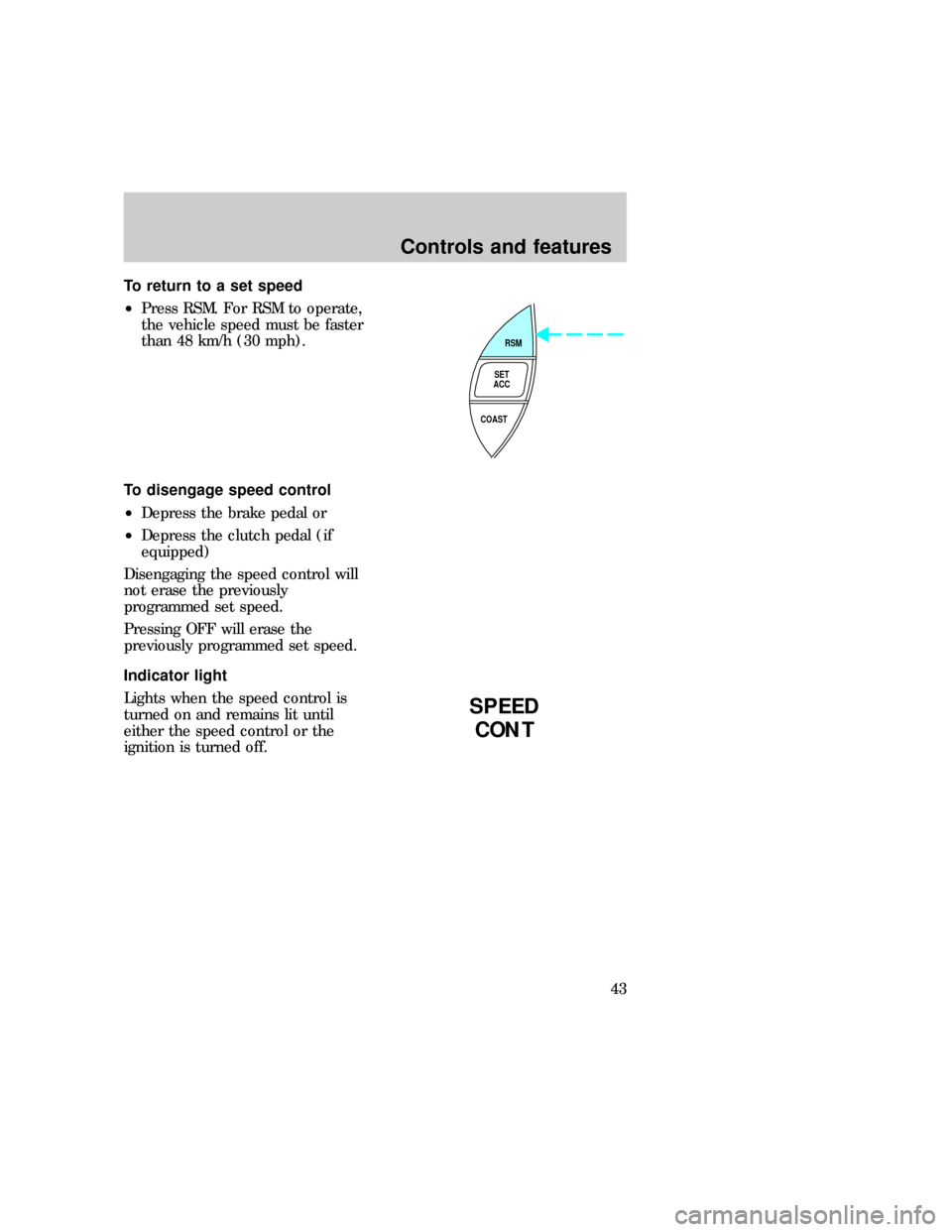
To return to a set speed
²Press RSM. For RSM to operate,
the vehicle speed must be faster
than 48 km/h (30 mph).
To disengage speed control
²Depress the brake pedal or
²Depress the clutch pedal (if
equipped)
Disengaging the speed control will
not erase the previously
programmed set speed.
Pressing OFF will erase the
previously programmed set speed.
Indicator light
Lights when the speed control is
turned on and remains lit until
either the speed control or the
ignition is turned off.
RSM
SET
ACC
COAST
SPEED
CONT
uno_disengaging
uno_light
uno_tilt_steer
Controls and features
43
Page 64 of 236
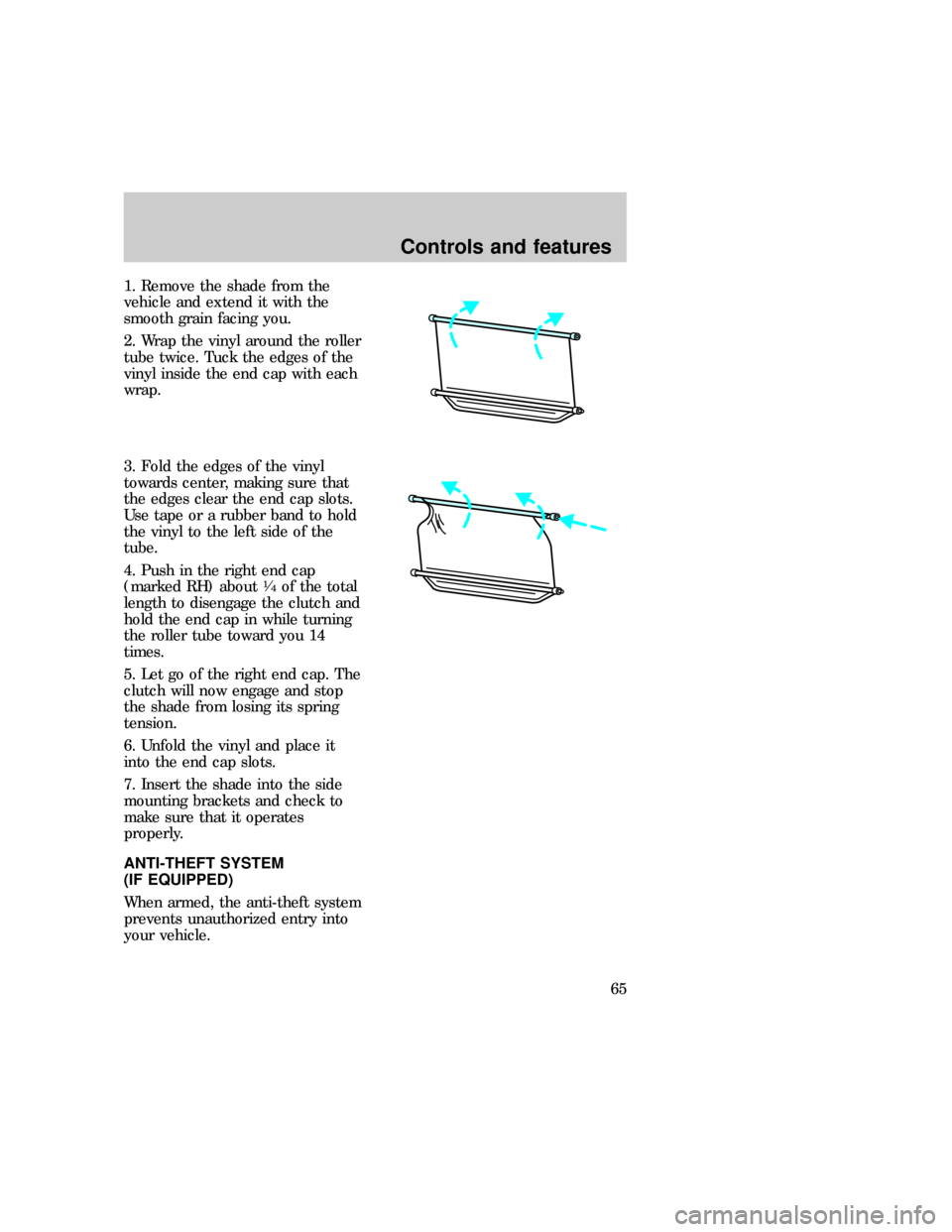
1. Remove the shade from the
vehicle and extend it with the
smooth grain facing you.
2. Wrap the vinyl around the roller
tube twice. Tuck the edges of the
vinyl inside the end cap with each
wrap.
3. Fold the edges of the vinyl
towards center, making sure that
the edges clear the end cap slots.
Use tape or a rubber band to hold
the vinyl to the left side of the
tube.
4. Push in the right end cap
(marked RH) about
1¤4of the total
length to disengage the clutch and
hold the end cap in while turning
the roller tube toward you 14
times.
5. Let go of the right end cap. The
clutch will now engage and stop
the shade from losing its spring
tension.
6. Unfold the vinyl and place it
into the end cap slots.
7. Insert the shade into the side
mounting brackets and check to
make sure that it operates
properly.
ANTI-THEFT SYSTEM
(IF EQUIPPED)
When armed, the anti-theft system
prevents unauthorized entry into
your vehicle.
com_anti-theft.01
uno_illuminated_entry
Controls and features
65
Page 113 of 236
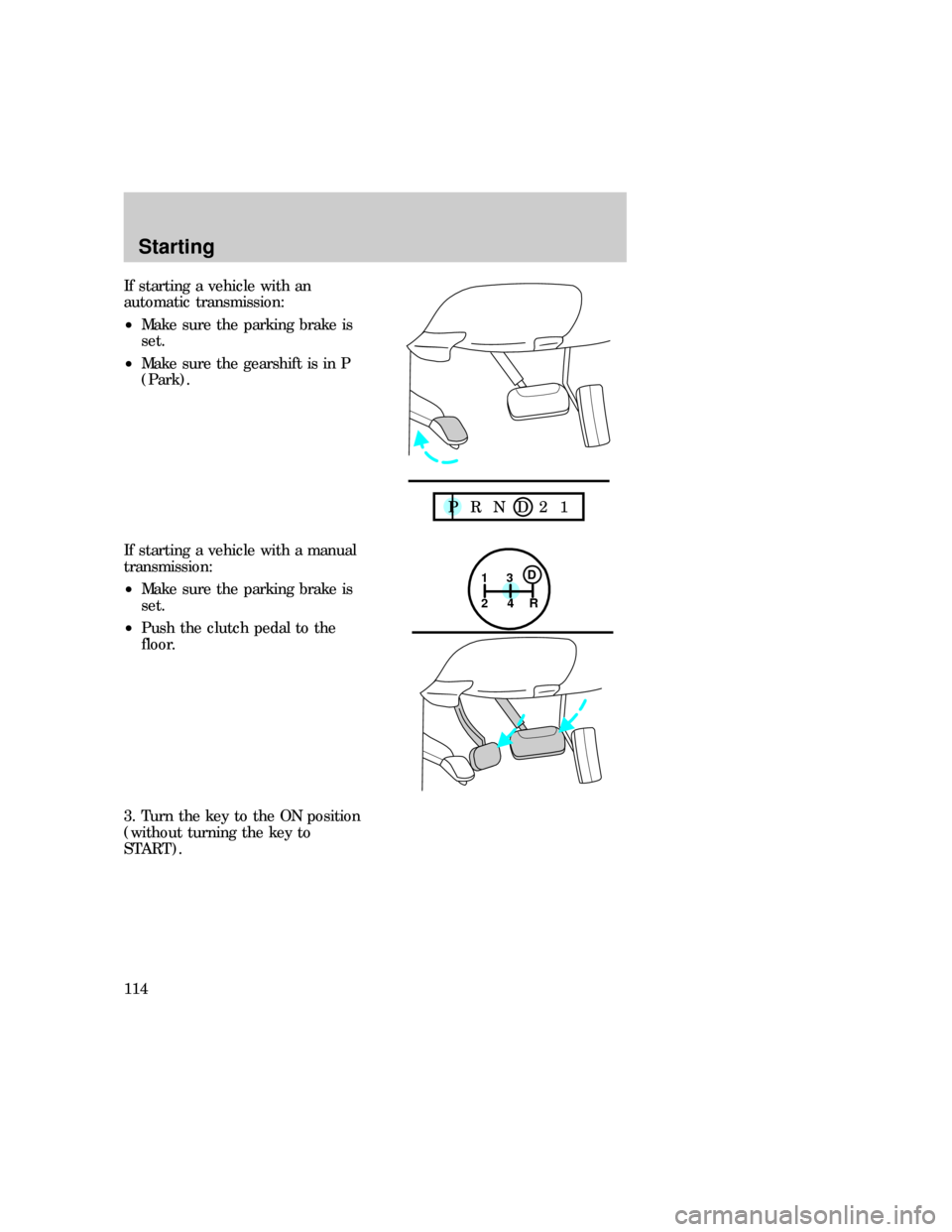
If starting a vehicle with an
automatic transmission:
²Make sure the parking brake is
set.
²Make sure the gearshift is in P
(Park).
If starting a vehicle with a manual
transmission:
²Make sure the parking brake is
set.
²Push the clutch pedal to the
floor.
3. Turn the key to the ON position
(without turning the key to
START).
P R N D 2 1
1
24R3D
Starting
114
Page 124 of 236
Driving a manual transmission
(if equipped)
Using the clutch
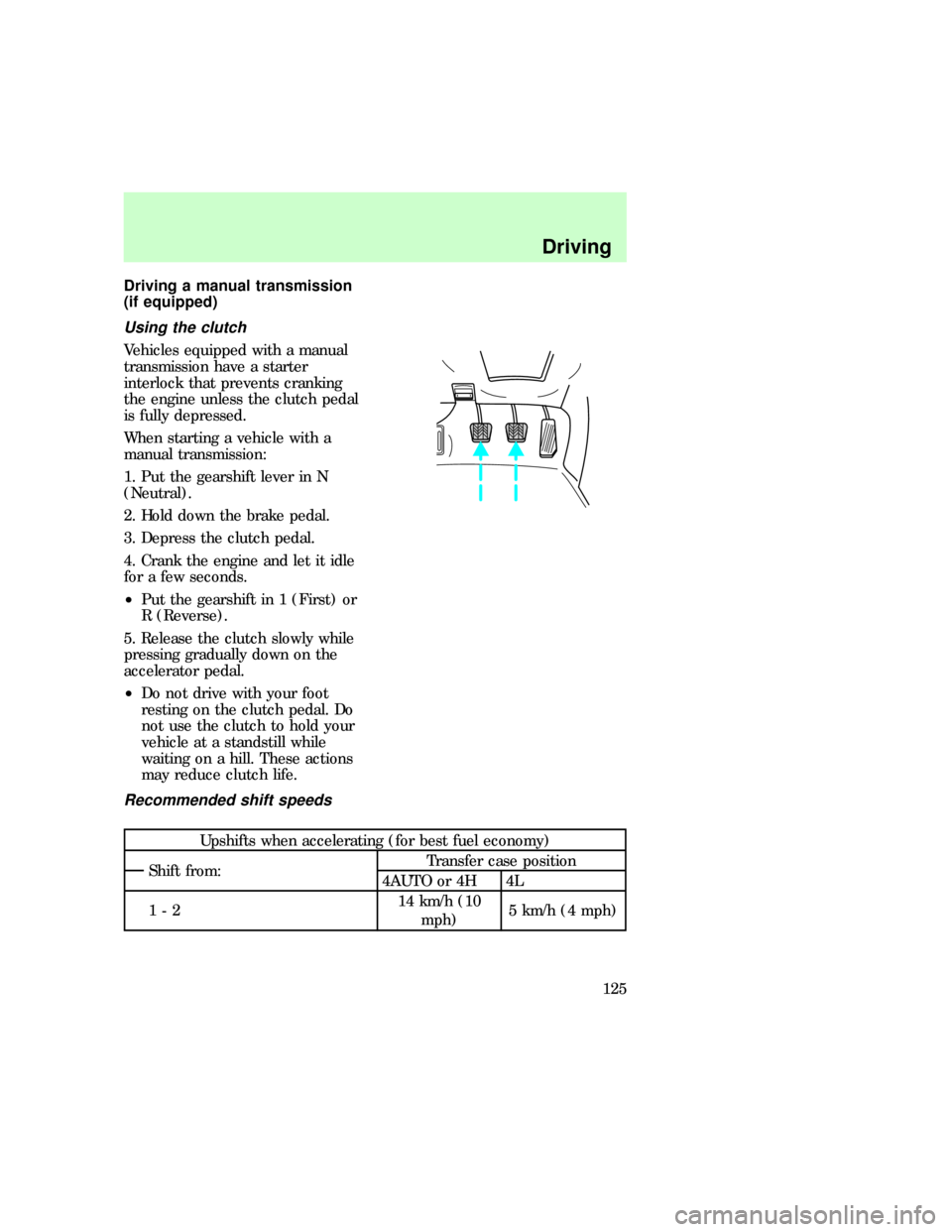
Vehicles equipped with a manual
transmission have a starter
interlock that prevents cranking
the engine unless the clutch pedal
is fully depressed.
When starting a vehicle with a
manual transmission:
1. Put the gearshift lever in N
(Neutral).
2. Hold down the brake pedal.
3. Depress the clutch pedal.
4. Crank the engine and let it idle
for a few seconds.
²Put the gearshift in 1 (First) or
R (Reverse).
5. Release the clutch slowly while
pressing gradually down on the
accelerator pedal.
²Do not drive with your foot
resting on the clutch pedal. Do
not use the clutch to hold your
vehicle at a standstill while
waiting on a hill. These actions
may reduce clutch life.
Recommended shift speeds
Upshifts when accelerating (for best fuel economy)
Shift from:Transfer case position
4AUTO or 4H 4L
1-214 km/h (10
mph)5 km/h (4 mph)
uno_using_clutch
uno_shift_speeds
Driving
125
Page 128 of 236
Using the Control Trac system
Shifting between 4WD AUTO
and 4WD HIGH
Either shift can be done at a stop,
or at any forward speed.
²The 4WD HIGH light will
illuminate when you switch the
control to 4WD HIGH or turn off
if you switch to 4WD AUTO.
Shifting from 4WD AUTO or
4WD HIGH to 4WD LOW
To perform this shift, complete the
following steps:
1. Stop the vehicle and depress the
brake.
2. Place the automatic
transmission in N (Neutral) or
depress the manual transmission
clutch.
3. Rotate the 4WD control to 4WD
LOW.
Shifting from 4WD LOW to 4WD
AUTO or 4WD HIGH
To perform this shift, complete the
following steps:
1. Bring the vehicle to a stop.
2. Depress and hold the brake.
3. Place the automatic
transmission gearshift lever in N
(Neutral) or depress the manual
transmission clutch.
4. Move the 4WD control to the
4WD AUTO or 4WD HIGH position.
uno_2h_to_4h
uno_4h_to_2h
uno_4h_to_4l
uno_driving_off_road
Driving
129
Page 166 of 236
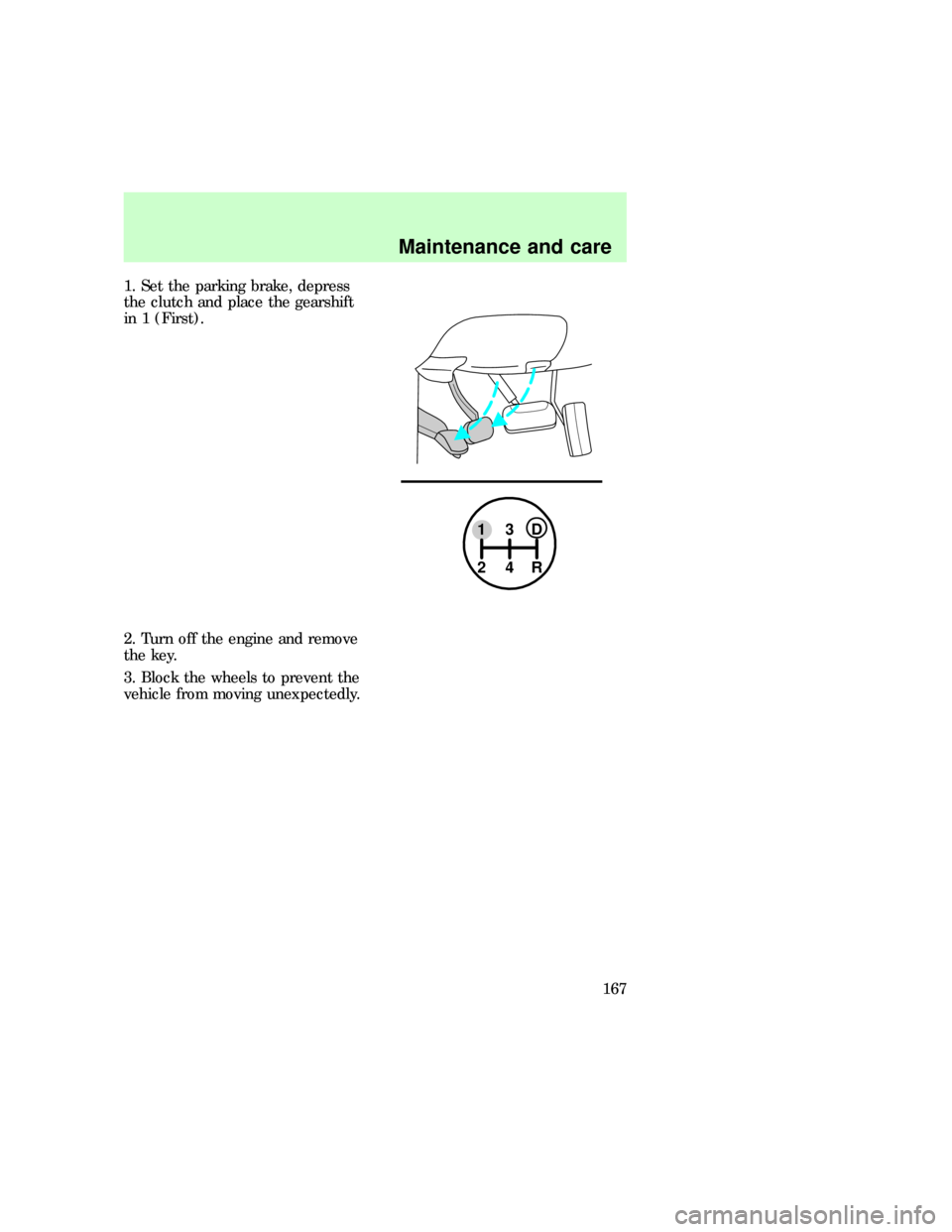
1. Set the parking brake, depress
the clutch and place the gearshift
in 1 (First).
2. Turn off the engine and remove
the key.
3. Block the wheels to prevent the
vehicle from moving unexpectedly.
13D
24R
uno_working_on
Maintenance and care
167
Page 169 of 236
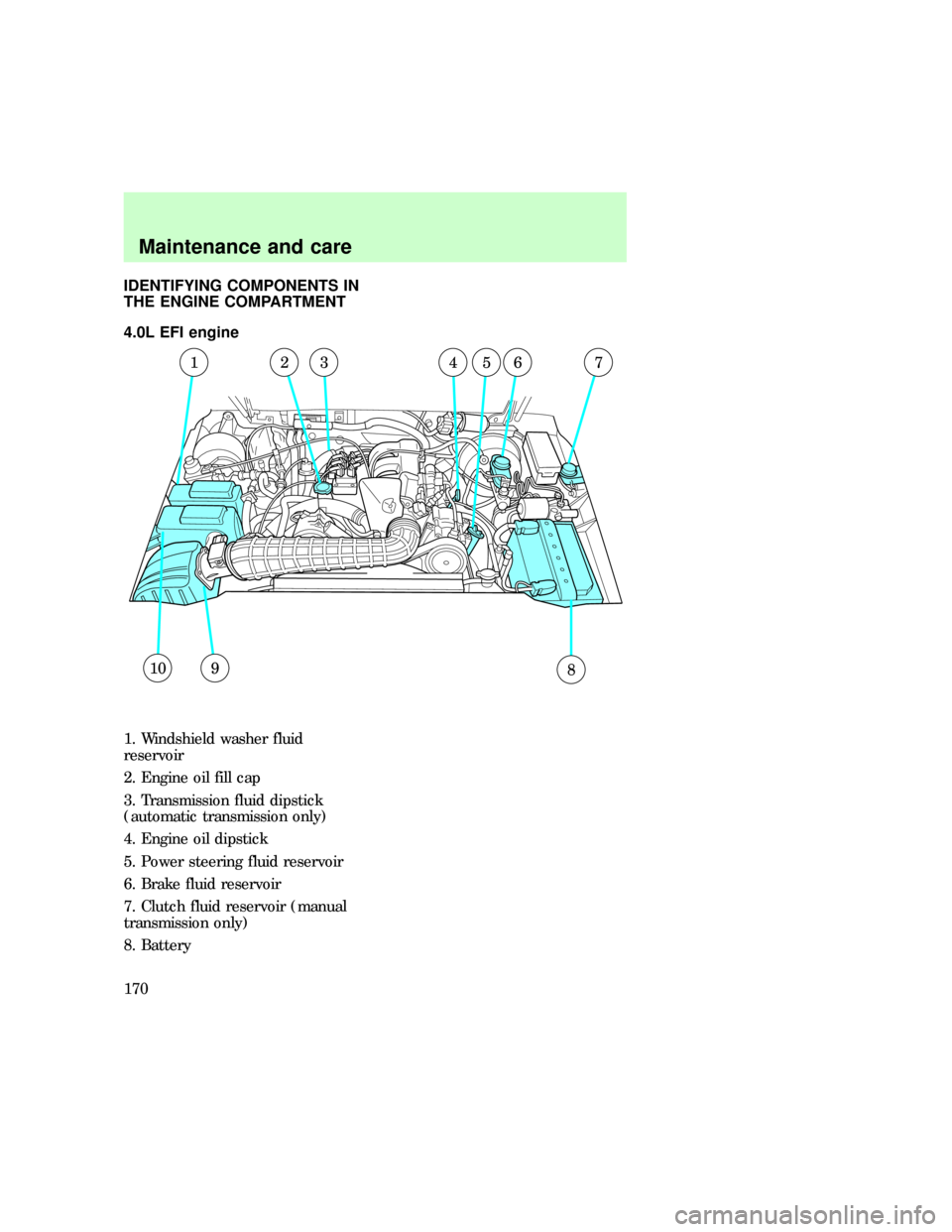
IDENTIFYING COMPONENTS IN
THE ENGINE COMPARTMENT
4.0L EFI engine
1. Windshield washer fluid
reservoir
2. Engine oil fill cap
3. Transmission fluid dipstick
(automatic transmission only)
4. Engine oil dipstick
5. Power steering fluid reservoir
6. Brake fluid reservoir
7. Clutch fluid reservoir (manual
transmission only)
8. Battery
10
1235674
89
com_4.0L-ohv
Maintenance and care
170
Page 176 of 236
CHECKING AND ADDING
BRAKE FLUID
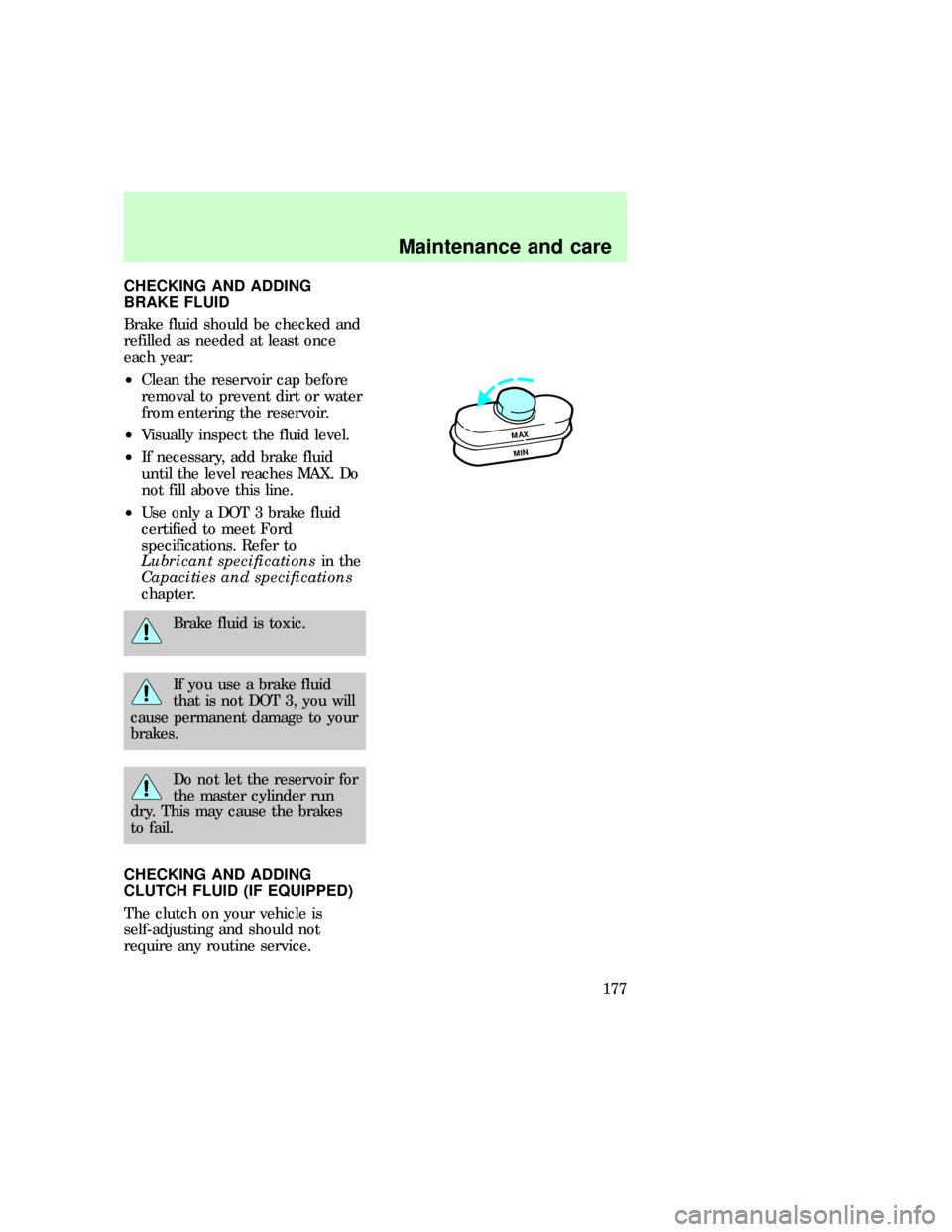
Brake fluid should be checked and
refilled as needed at least once
each year:
²Clean the reservoir cap before
removal to prevent dirt or water
from entering the reservoir.
²Visually inspect the fluid level.
²If necessary, add brake fluid
until the level reaches MAX. Do
not fill above this line.
²Use only a DOT 3 brake fluid
certified to meet Ford
specifications. Refer to
Lubricant specificationsin the
Capacities and specifications
chapter.
Brake fluid is toxic.
If you use a brake fluid
that is not DOT 3, you will
cause permanent damage to your
brakes.
Do not let the reservoir for
the master cylinder run
dry. This may cause the brakes
to fail.
CHECKING AND ADDING
CLUTCH FLUID (IF EQUIPPED)
The clutch on your vehicle is
self-adjusting and should not
require any routine service.
MAX
MIN
uno_checking_adding_clutch
Maintenance and care
177