Page 6 of 388
Downloaded from www.Manualslib.com manuals search engine -- I
iv
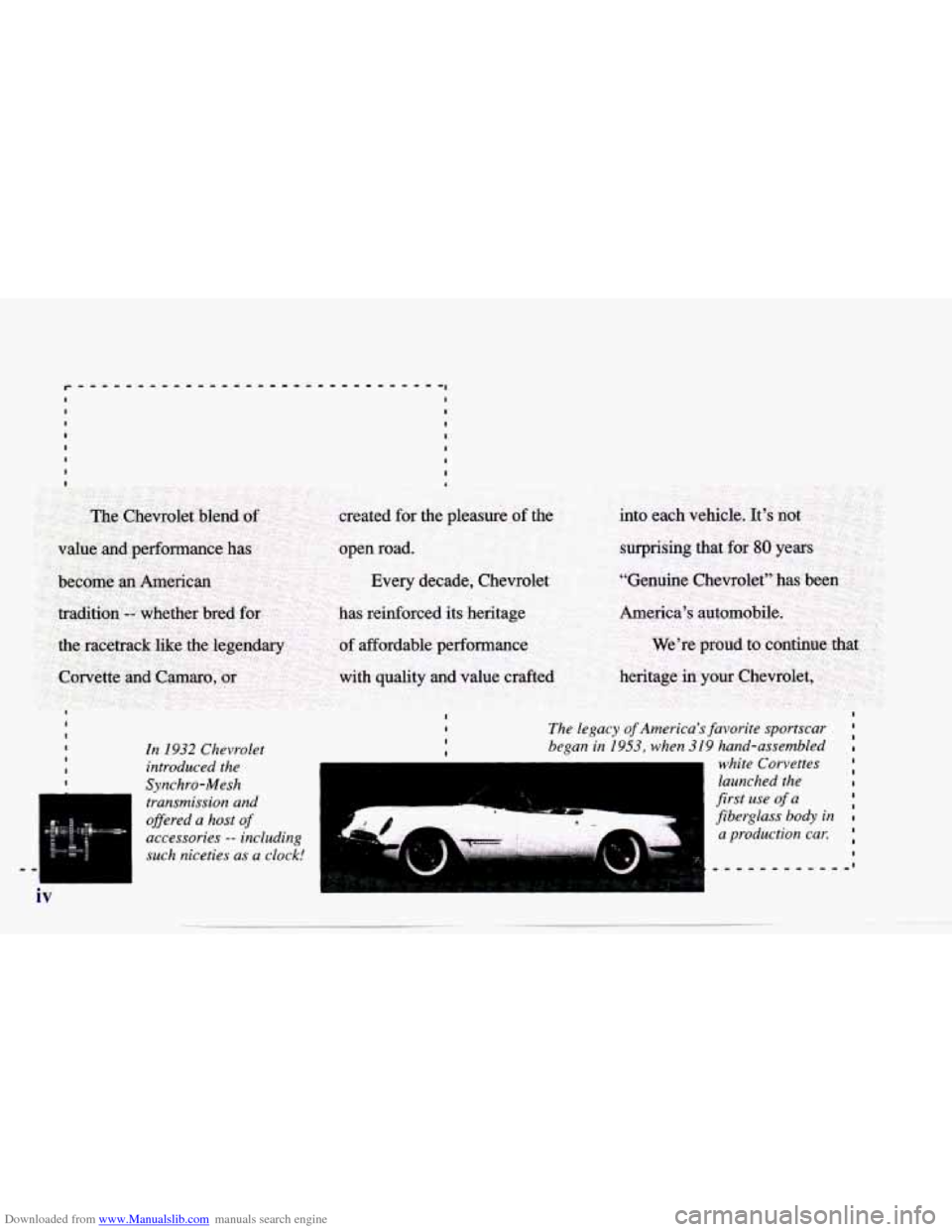
In 1932 Chevrolet
introduced the
Synchro-Mesh
transmission and
ofleered a
host of
accessories -- including
such niceties as
a clock!
I The legacy of America's favorite sportscar
I began in 1953, when 319 hand-assembled I I
white Corvettes
launched
the I
first use of a
fiberglass
body in I
a production car.
I I
1) 1IL, .q
b!! I
Page 13 of 388
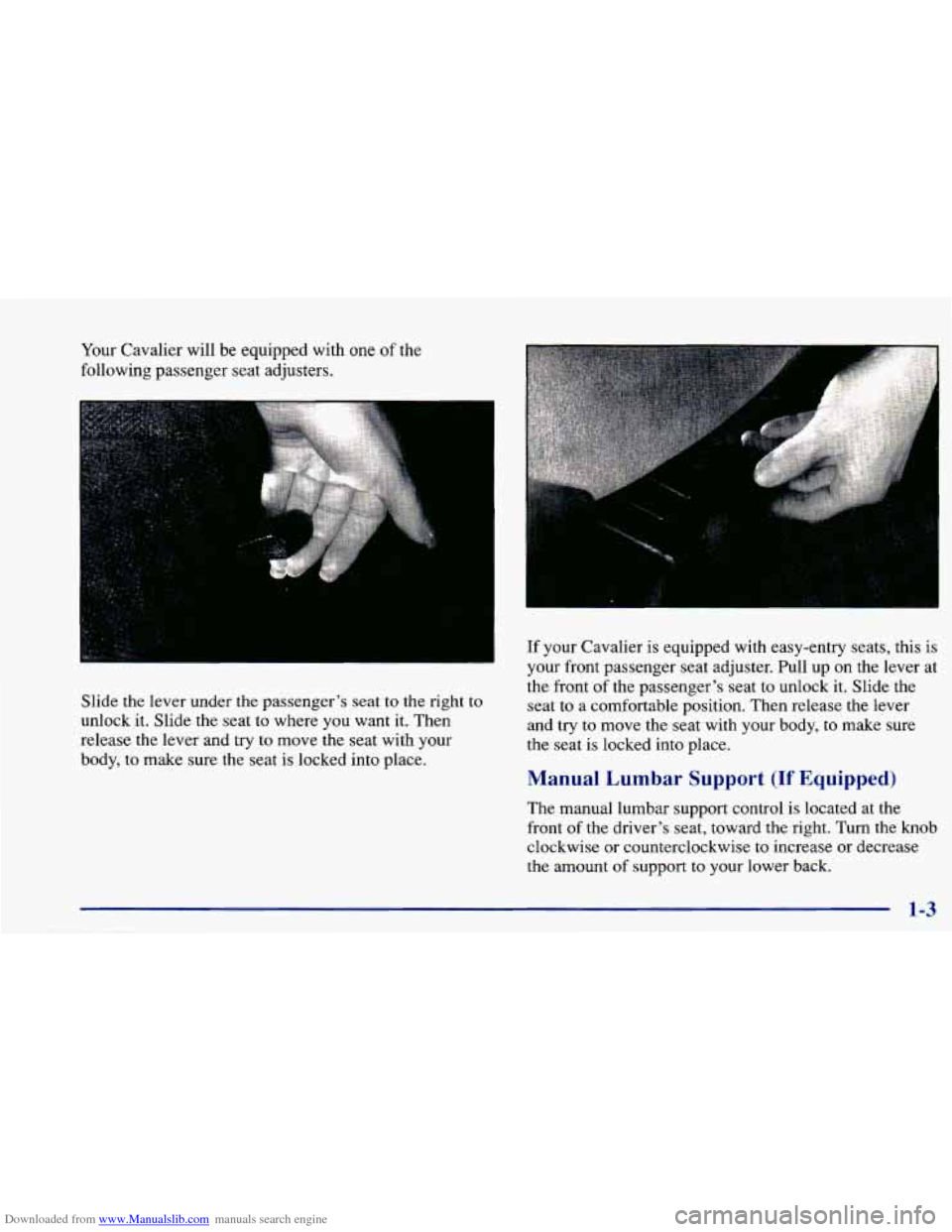
Downloaded from www.Manualslib.com manuals search engine Your Cavalier will be equipped with one of the
following passenger seat adjusters.
Slide the lever under the passenger's seat
to the right to
unlock it. Slide the seat to where you want it. Then
release the lever and try
to move the seat with your
body,
to make sure the seat is locked into place.
If your Cavalier is equipped with easy-entry seats, this is
your front passenger seat adjuster. Pull up on the lever at
the front
of the passenger's seat to unlock it. Slide the
seat to a comfortable position. Then release the lever
and try
to move the seat with your body, to make sure
the seat is locked into place.
Manual Lumbar Support (If Equipped)
The manual lumbar support control is located at the
front
of the driver's seat, toward the right. Turn the knob
clockwise or counterclockwise to increase or decrease
the amount of support to your lower back.
1-3
Page 100 of 388
Downloaded from www.Manualslib.com manuals search engine Parking Lamps
PC This position will turn on the following:
0 Parking Lamps
0 Sidemarker Lamps
0 Taillamps
0 Instrument Panel Lights
Headlamps
0: This position will turn on the following:
0 Headlamps
0 Parking Lamps
Sidemarker Lamps
Taillamps
0 Instrument Panel Lights
Turn the band clockwise all the way to turn the lamps off.
Lamps On Reminder
If you open the driver’s door with the ignition off and
the lamps on, you will hear a warning chime.
Daytime Running Lamps/Automatic
Light Control
Daytime Running Lamps (DRL) can make it easier for
others to
see the front of your vehicle during the day.
DRL can be helpful in many different driving
conditions, but they can be especially helpful in the
short periods after dawn and before sunset.
The DRL system will make your high-beam headlamps
come on at reduced brightness in daylight when:
The ignition is on with the engine running,
0 The headlamp switch is OFF,
0 The parking brake is released and
0 The transaxle is not in PARK (P) on models with an
automatic transaxle.
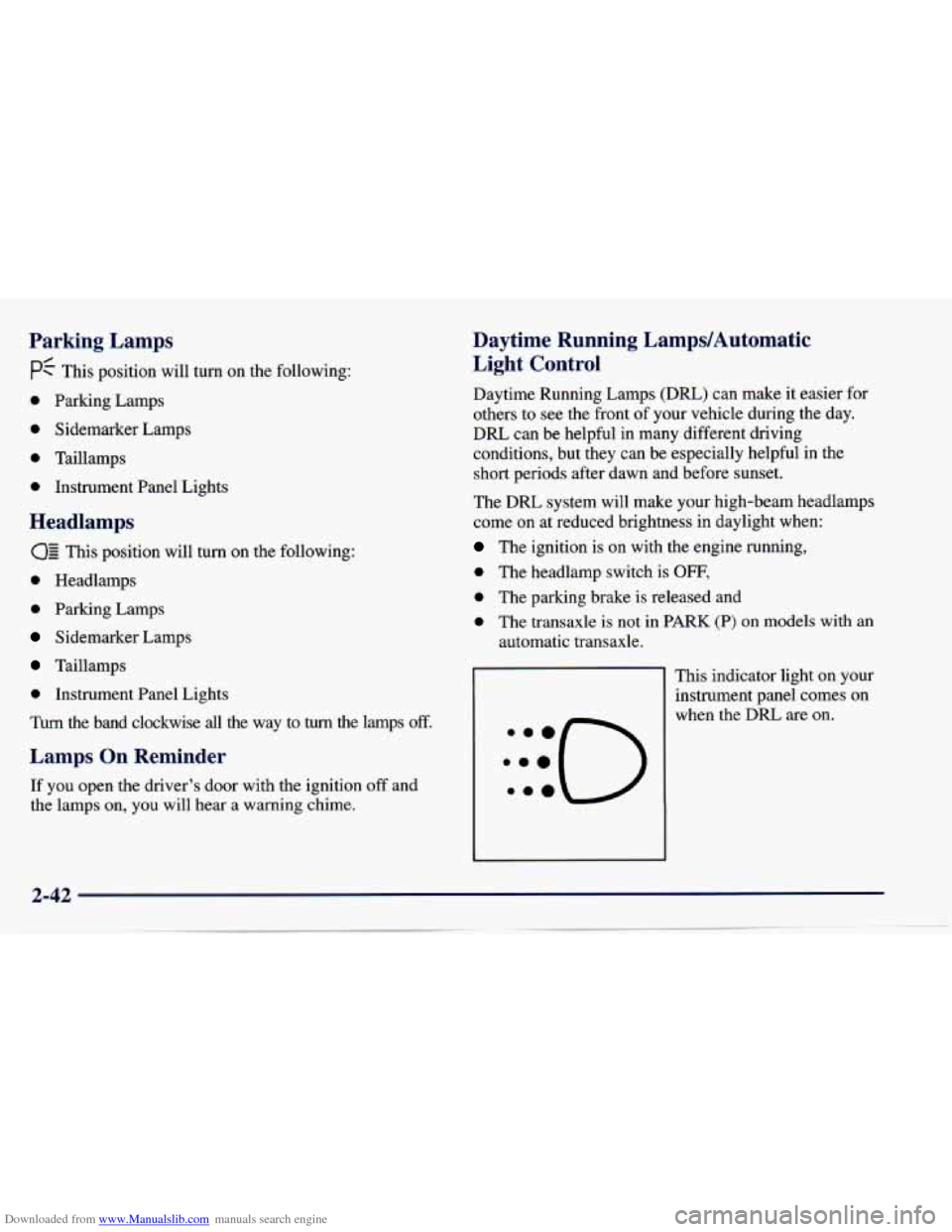
This indicator light on your
instrument panel comes on
when the DRL are on.
Page 104 of 388
Downloaded from www.Manualslib.com manuals search engine To reactivate the interior lamps, either:
The ignition must be turned on,
The activated lamp switch must be turned off, then
A front door must be opened.
The battery rundown protection feature will also be
activated when any door
is left open.
If your vehicle is left with the ignition
off for over
24 days, the battery power to the clock and audio system
will turn off to reduce the battery drain. When the
ignition
is turned on again, battery power will be
resupplied. Under these conditions it will be necessary
to reset the clock and audio system settings. on,
OR
Mirrors
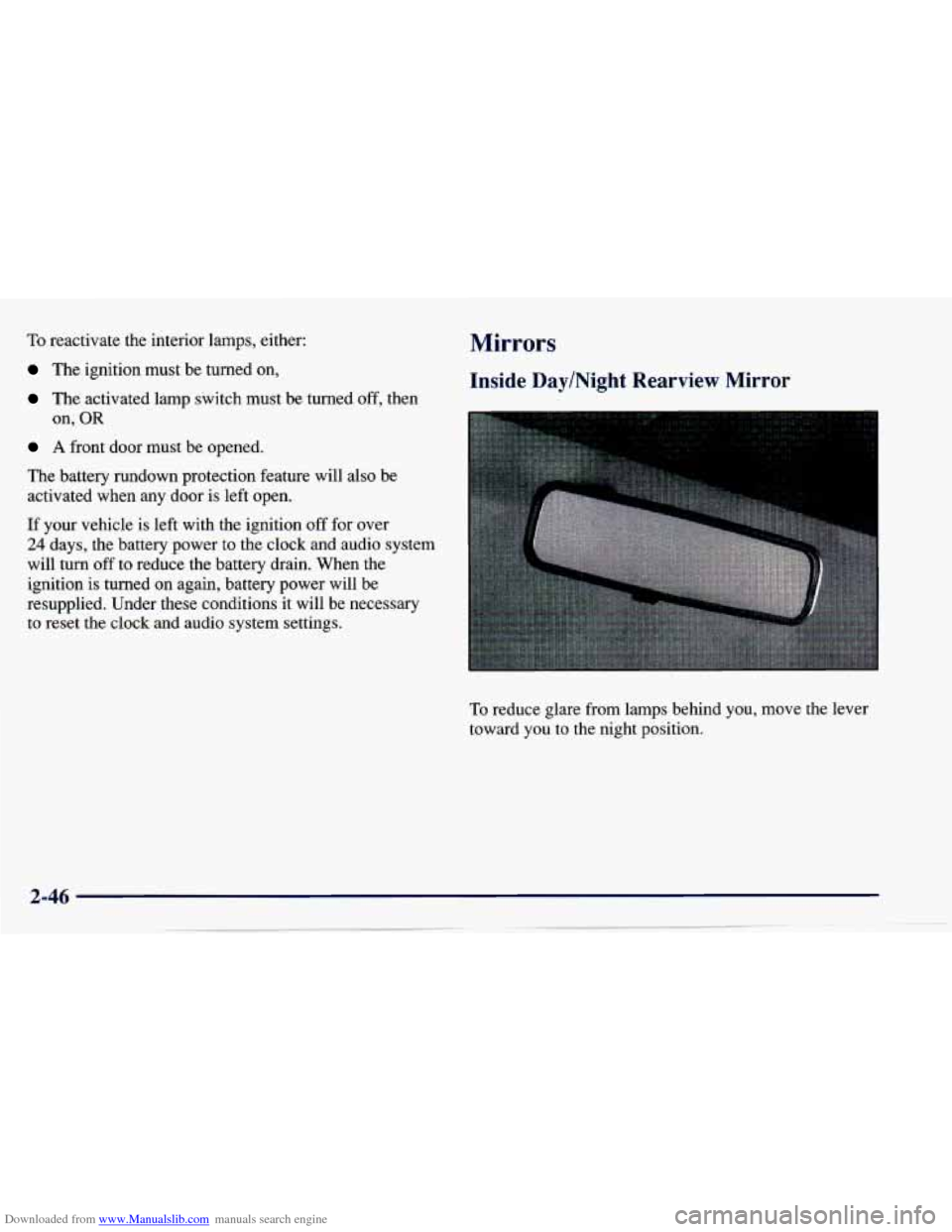
Inside Day/Night Rearview Mirror
To reduce glare from lamps behind you, move the lever
toward you to the night position.
Page 105 of 388
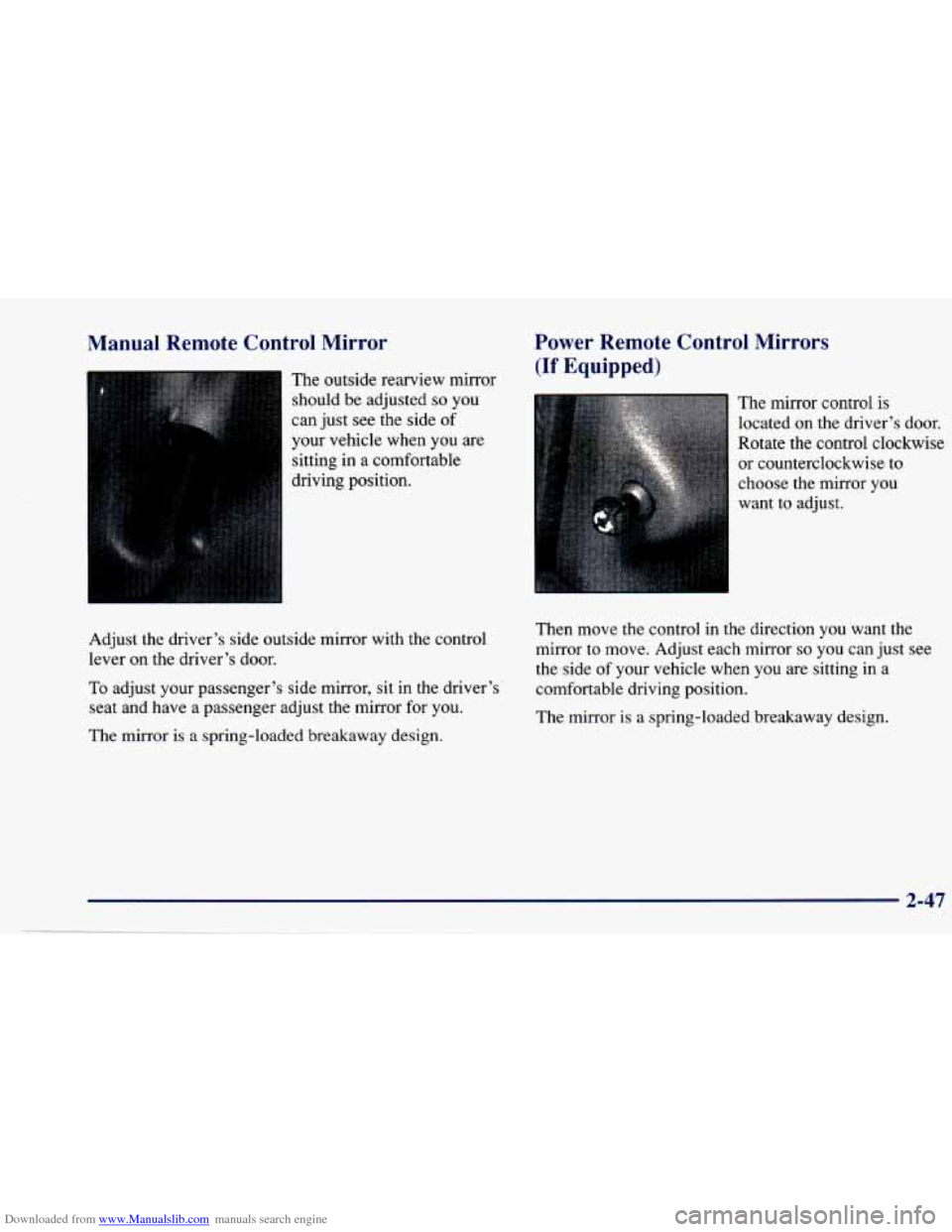
Downloaded from www.Manualslib.com manuals search engine Manual Remote Control Mirror
The outside rearview mirror
should be adjusted
so you
can just see the side of
your vehicle when you are
sitting in a comfortable
driving position.
Power Remote Control Mirrors
(If Equipped)
The mirror control is
located on the driver’s door.
Rotate the control clockwise
or counterclockwise to
choose the mirror you
want to adjust.
Adjust the driver’s side outside mirror with the control
lever on the driver’s door.
To adjust your passenger’s side mirror, sit in the driver’s
seat and have a passenger adjust the mirror for you.
The mirror is a spring-loaded breakaway design. Then move the control in the direction you want the
mirror
to move. Adjust each mirror
so you can just see
the side
of your vehicle when you are sitting in a
comfortable driving position.
The mirror is a spring-loaded breakaway design.
2-47
..
Page 137 of 388
Downloaded from www.Manualslib.com manuals search engine 0 Section 3 Comfort Controls and Audio Systems
In this section, you’ll find out how to operate the comfort control and audio systems offered with your Chevrolet.
Be sure to read about the particular systems supplied with your vehicle.
3-2
3-5
3-5
3-6 3-7 3-8
3-8
3-8
3-8
3- 10
Comfort Controls
Air Conditioning
Heating Ventilation System
Defogging and Defrosting Windows
Audio Systems
Setting the Clock for Systems without
Automatic Tone Control
Setting the Clock for Systems with Automatic
Tone Control
AM-FM Stereo
AM-FM Stereo with Cassette Tape Player 3-13
3-17 3-21
3-23
3-23
3-24
3-25
3-25 AM-FM
Stereo with Cassette Tape Player and
Automatic Tone Contro
AM-FM Stereo with Compact Disc Player and
Automatic Tone Control
Theft-Deterrent Feature Understanding Radio Reception
Tips About Your Audio System
Care
of Your Cassette Tape Player
Care of Your Compact Discs
Fixed Mast Antenna
Page 138 of 388
Downloaded from www.Manualslib.com manuals search engine Comfort Controls
This section tells you how to make your air system work
for you. The optional climate control system with air
conditioning uses ozone-friendly
R- 134a refrigerant.
With these systems, you can control the ventilation and heating in your vehicle. Your vehicle also has the
flow-through ventilation system described later in
this section.
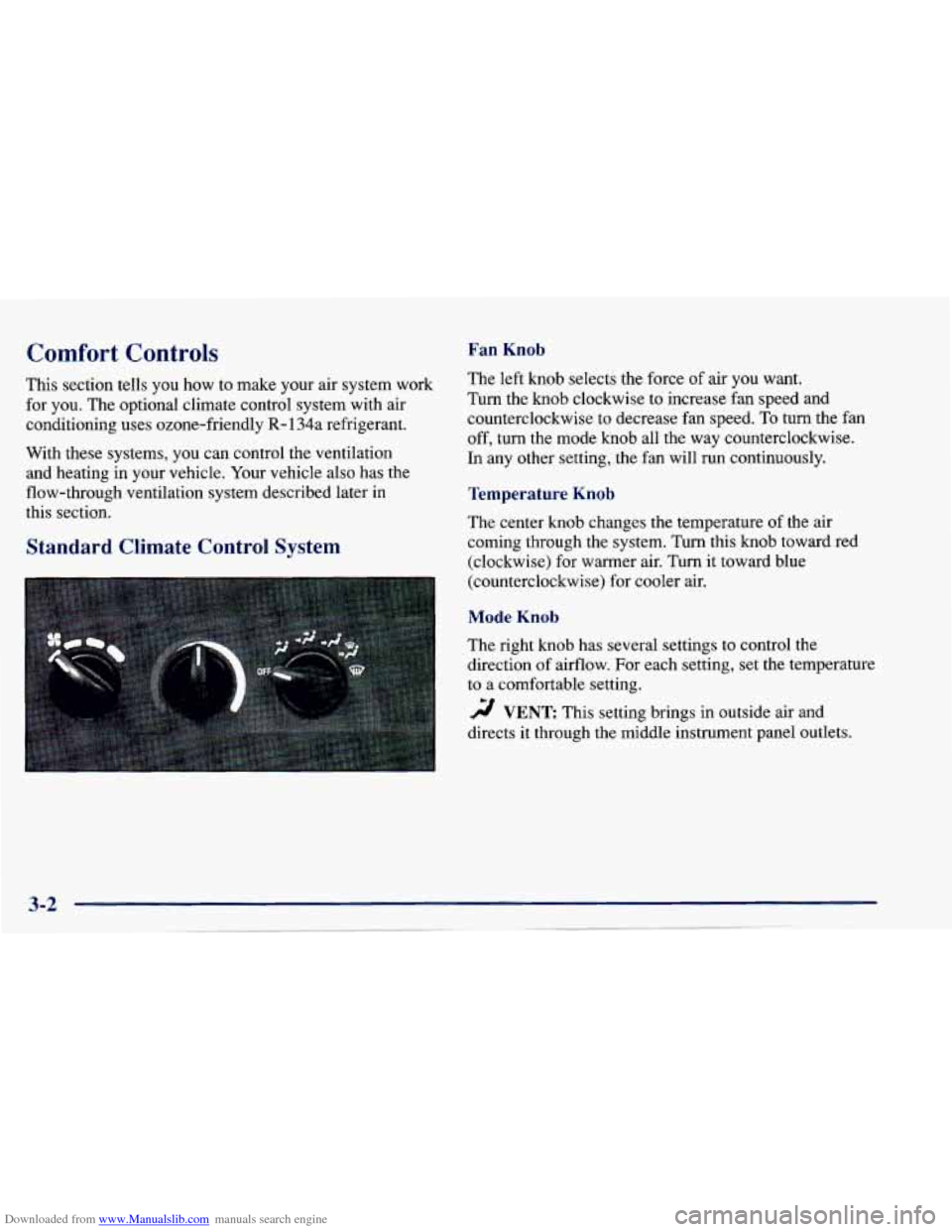
Fan Knob
The left knob selects the force of air you want.
Turn the
knob clockwise to increase fan speed and
counterclockwise to decrease fan speed.
To turn the fan
off, turn the mode knob all the way counterclockwise.
In any other setting, the fan will run continuously.
Temperature Knob
The center knob changes the temperature of the air
coming through the system. Turn this knob toward red
(clockwise) for warmer air. Turn it toward blue
(counterclockwise) for cooler air.
Standard Climate Control System
Mode Knob
The right knob has several settings to control the
direction of airflow. For each setting, set the temperature
to a comfortable setting.
2 VENT This setting brings in outside air ana
directs
it through the middle instrument panel outlets.
Page 139 of 388
Downloaded from www.Manualslib.com manuals search engine '!! BI-LEVEL: This setting brings in outside air and
directs it two ways. Some air is directed through the
instrument panel outlets. Most of the air is directed
through the floor ducts and a little to the defrost and side
window vents.
'!! FLOOR: This setting sends most of the air through
the ducts near the
floor. The rest comes out of the
defroster and side window vents.
9 DEFOG: This setting allows half of the air to go
to the floor ducts and half to the defroster and side
window vents.
DEFROST This setting directs most of the air
through the defroster and side window vents. Some of
the air goes to the floor ducts.
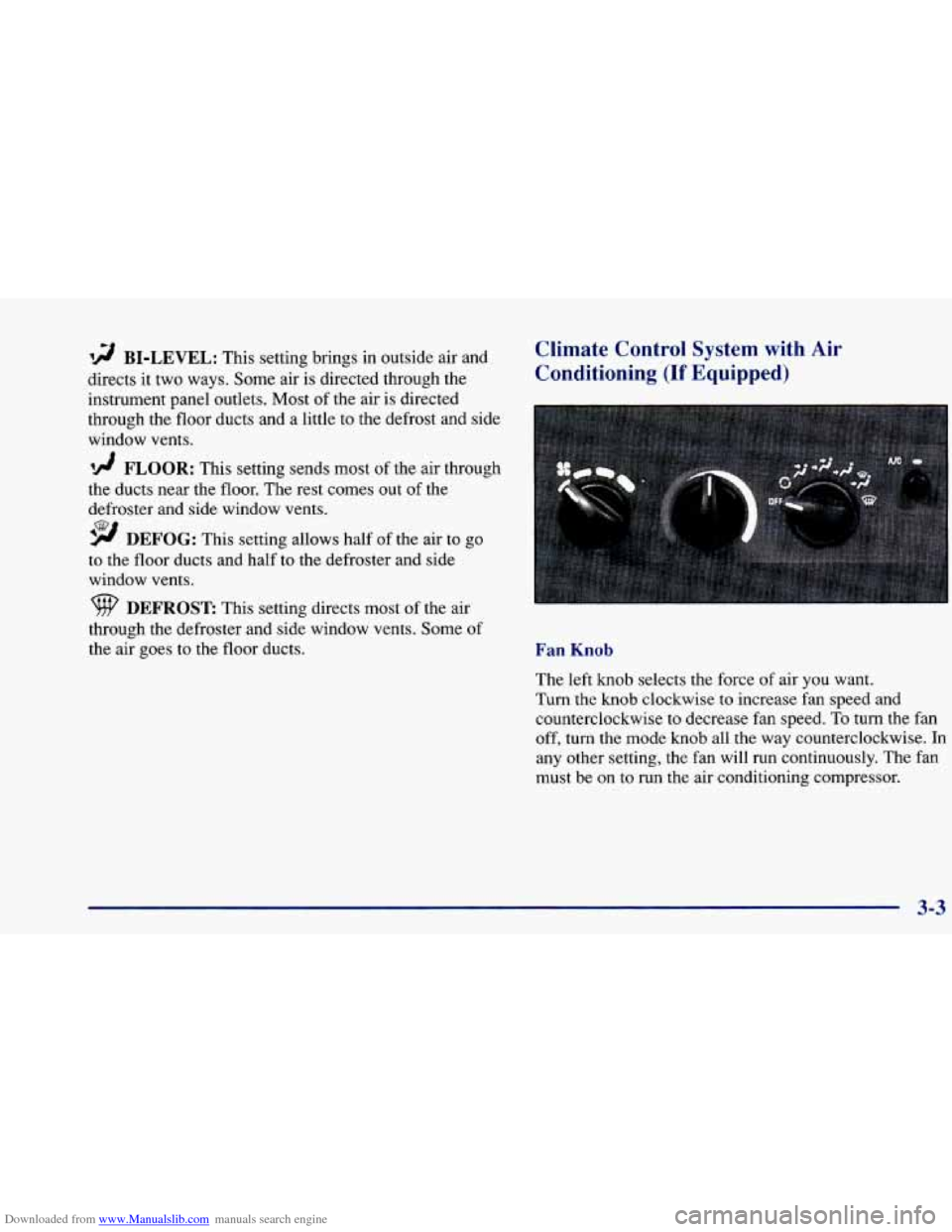
Climate Control System with Air
Conditioning (If Equipped)
Fan Knob
The left knob selects the force of air you want.
Turn the knob clockwise to increase fan speed and
counterclockwise to decrease fan speed.
To turn the fan
off, turn the mode knob all the way counterclockwise.
In
any other setting, the fan will run continuously. The fan
must be on
to run the air conditioning compressor.
3-3