Page 128 of 388
Downloaded from www.Manualslib.com manuals search engine If the light comes on while you are driving, pull off the
road and stop carefully.
You may notice that the pedal is
harder to push. Or, the pedal may go closer to the floor.
It may take longer to stop. If the light is still on, have the
vehicle towed for service. (See “Towing Your Vehicle’’
il he
- *)
Your brake system may not be working propc--y
if the brake system warning light
is on. Driving
with the brake system warning light on can lead
to an accident.
If the light is still on after you’ve
pulled
off the road and stopped carefully, have
the vehicle towed for service.
When the ignition is on, the brake system warning light
will also
come on when you set your parking brake. The
light will stay on if your parking brake doesn’t release
fully. If it stays on after your parking brake is fully
released, it means you have
a brake problem.
Anti-Lock Brake System Warning Light
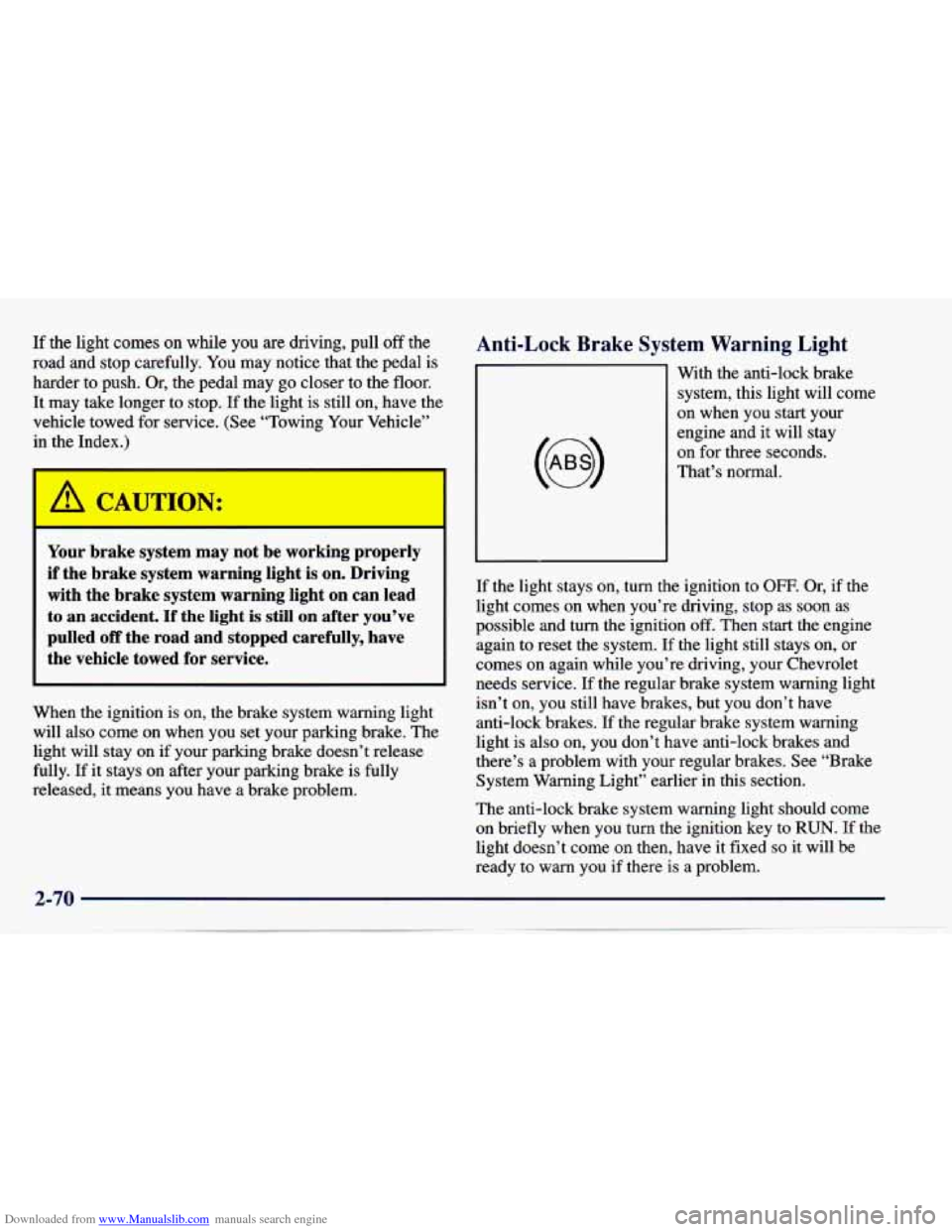
With the anti-lock brake
system, this light will come
on when you start your
engine and it will stay
on for three seconds.
That’s normal.
If the light stays on, turn the ignition to OFF. Or, if the
light comes on when you’re driving, stop as soon as
possible and turn the ignition
off. Then start the engine
again to reset the system.
If the light still stays on, or
comes on again while you’re driving, your Chevrolet
needs service. If the regular brake system warning light
isn’t on, you still have brakes, but you don’t have
anti-lock brakes.
If the regular brake system warning
light is also on, you don’t have anti-lock brakes and
there’s
a problem with your regular brakes. See “Brake
System Warning Light” earlier in this section.
The anti-lock brake system warning light should come
on briefly when
you turn the ignition key to RUN. If the
light doesn’t come on then, have it fixed
so it will be
ready to warn you if there is a problem.
2-70
Page 135 of 388
Downloaded from www.Manualslib.com manuals search engine Passlock Warning Light
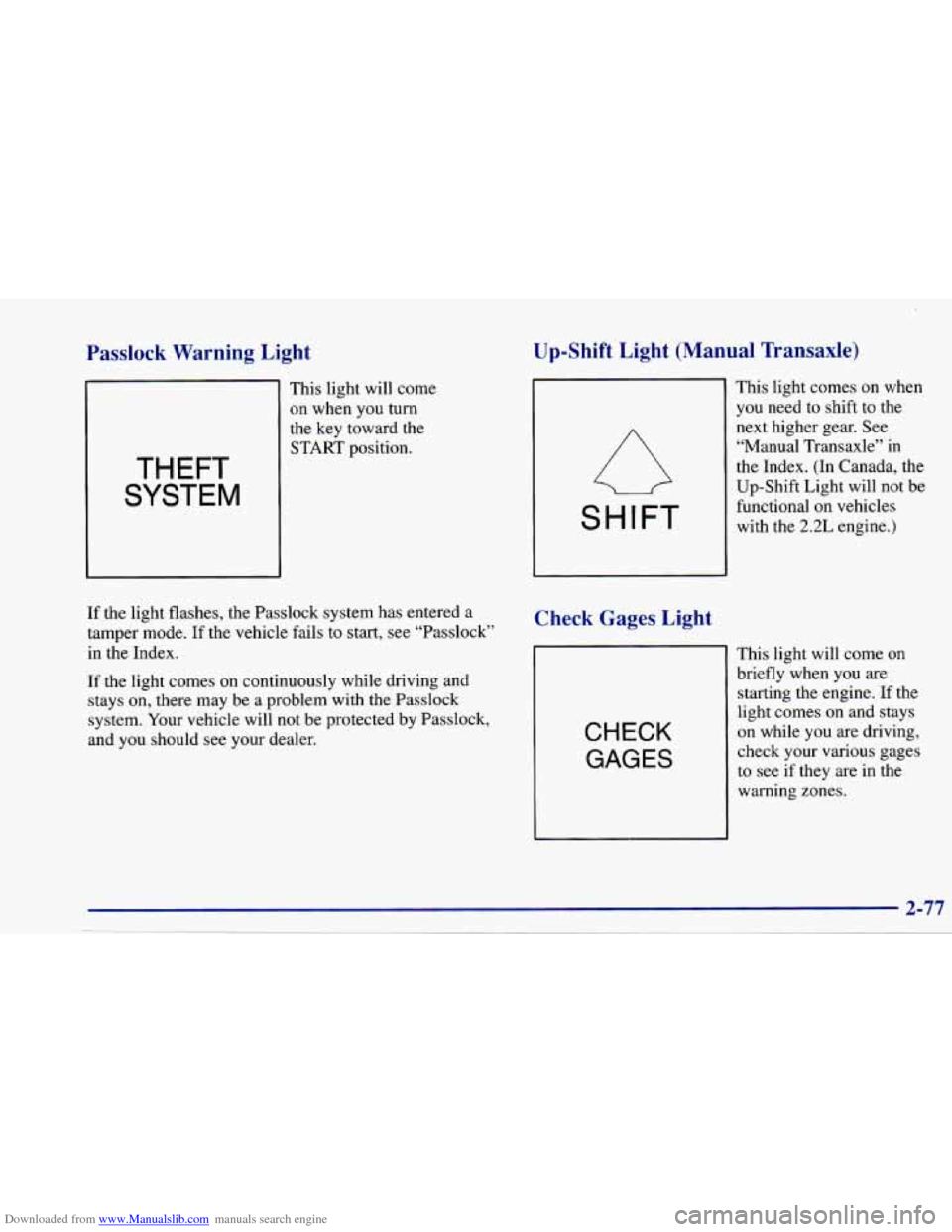
THEFT
SYSTEM
This light will come
on when you turn
the key toward the START position.
If the light flashes, the Passlock system has entered a
tamper mode. If the vehicle fails to start, see “Passlock”
in the Index.
If the light comes
on continuously while driving and
stays on, there may be a problem with the Passlock
system. Your vehicle will not be protected by Passlock,
and you should see your dealer.
Up-Shift Light (Manual Transaxle)
SHIFT
Check Gages Light
CHECK
GAGES
I I
This light comes on when
you need to shift to the
next higher gear. See
“Manual Transaxle” in
the Index. (In Canada, the
Up-Shift Light will not be
functional on vehicles
with the
2.2L engine.)
This light will come
on
briefly when you are
starting the engine. If the
light comes on and stays
on while you are driving,
check your various gages
to
see if they are in the
warning zones.
2-77
Page 137 of 388
Downloaded from www.Manualslib.com manuals search engine 0 Section 3 Comfort Controls and Audio Systems
In this section, you’ll find out how to operate the comfort control and audio systems offered with your Chevrolet.
Be sure to read about the particular systems supplied with your vehicle.
3-2
3-5
3-5
3-6 3-7 3-8
3-8
3-8
3-8
3- 10
Comfort Controls
Air Conditioning
Heating Ventilation System
Defogging and Defrosting Windows
Audio Systems
Setting the Clock for Systems without
Automatic Tone Control
Setting the Clock for Systems with Automatic
Tone Control
AM-FM Stereo
AM-FM Stereo with Cassette Tape Player 3-13
3-17 3-21
3-23
3-23
3-24
3-25
3-25 AM-FM
Stereo with Cassette Tape Player and
Automatic Tone Contro
AM-FM Stereo with Compact Disc Player and
Automatic Tone Control
Theft-Deterrent Feature Understanding Radio Reception
Tips About Your Audio System
Care
of Your Cassette Tape Player
Care of Your Compact Discs
Fixed Mast Antenna
Page 138 of 388
Downloaded from www.Manualslib.com manuals search engine Comfort Controls
This section tells you how to make your air system work
for you. The optional climate control system with air
conditioning uses ozone-friendly
R- 134a refrigerant.
With these systems, you can control the ventilation and heating in your vehicle. Your vehicle also has the
flow-through ventilation system described later in
this section.
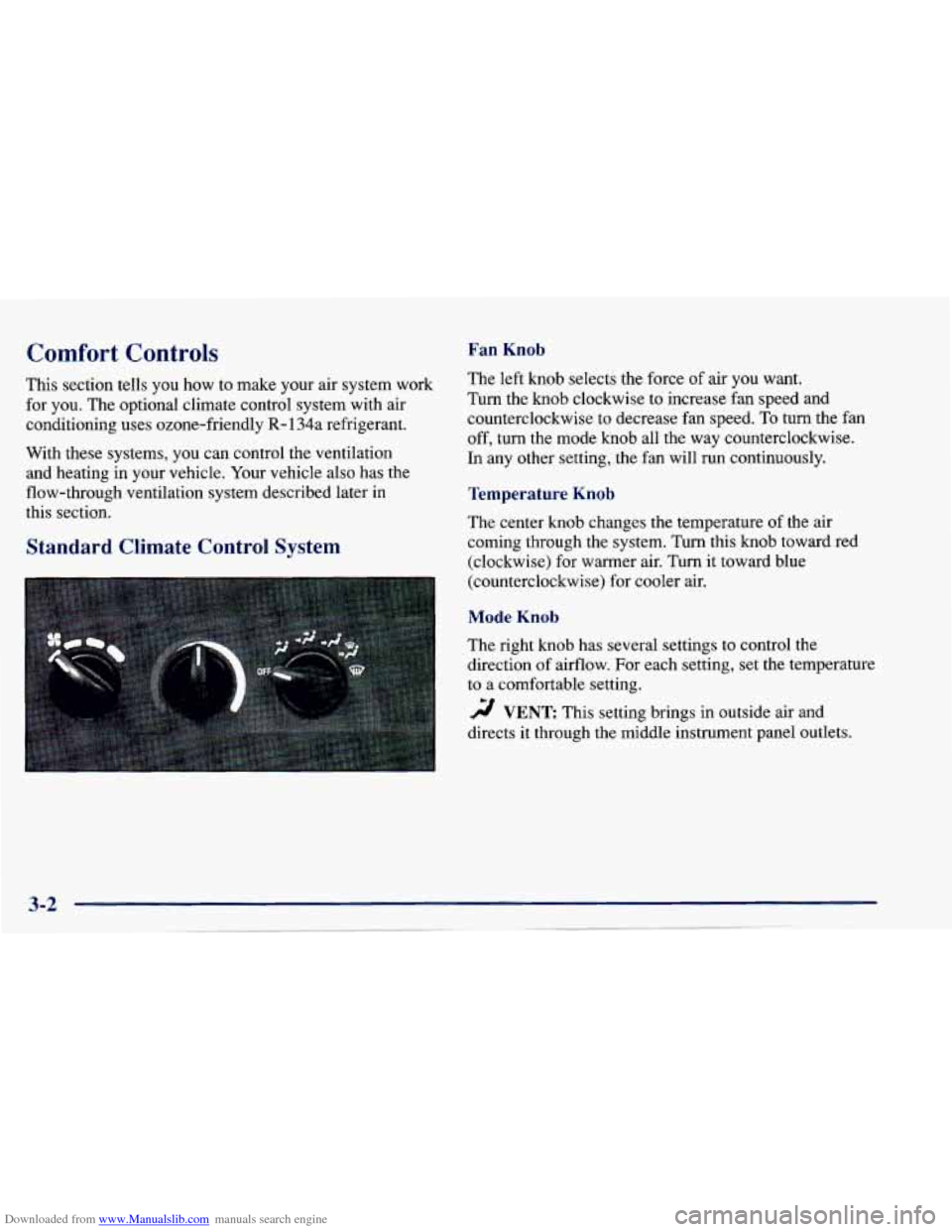
Fan Knob
The left knob selects the force of air you want.
Turn the
knob clockwise to increase fan speed and
counterclockwise to decrease fan speed.
To turn the fan
off, turn the mode knob all the way counterclockwise.
In any other setting, the fan will run continuously.
Temperature Knob
The center knob changes the temperature of the air
coming through the system. Turn this knob toward red
(clockwise) for warmer air. Turn it toward blue
(counterclockwise) for cooler air.
Standard Climate Control System
Mode Knob
The right knob has several settings to control the
direction of airflow. For each setting, set the temperature
to a comfortable setting.
2 VENT This setting brings in outside air ana
directs
it through the middle instrument panel outlets.
Page 139 of 388
Downloaded from www.Manualslib.com manuals search engine '!! BI-LEVEL: This setting brings in outside air and
directs it two ways. Some air is directed through the
instrument panel outlets. Most of the air is directed
through the floor ducts and a little to the defrost and side
window vents.
'!! FLOOR: This setting sends most of the air through
the ducts near the
floor. The rest comes out of the
defroster and side window vents.
9 DEFOG: This setting allows half of the air to go
to the floor ducts and half to the defroster and side
window vents.
DEFROST This setting directs most of the air
through the defroster and side window vents. Some of
the air goes to the floor ducts.
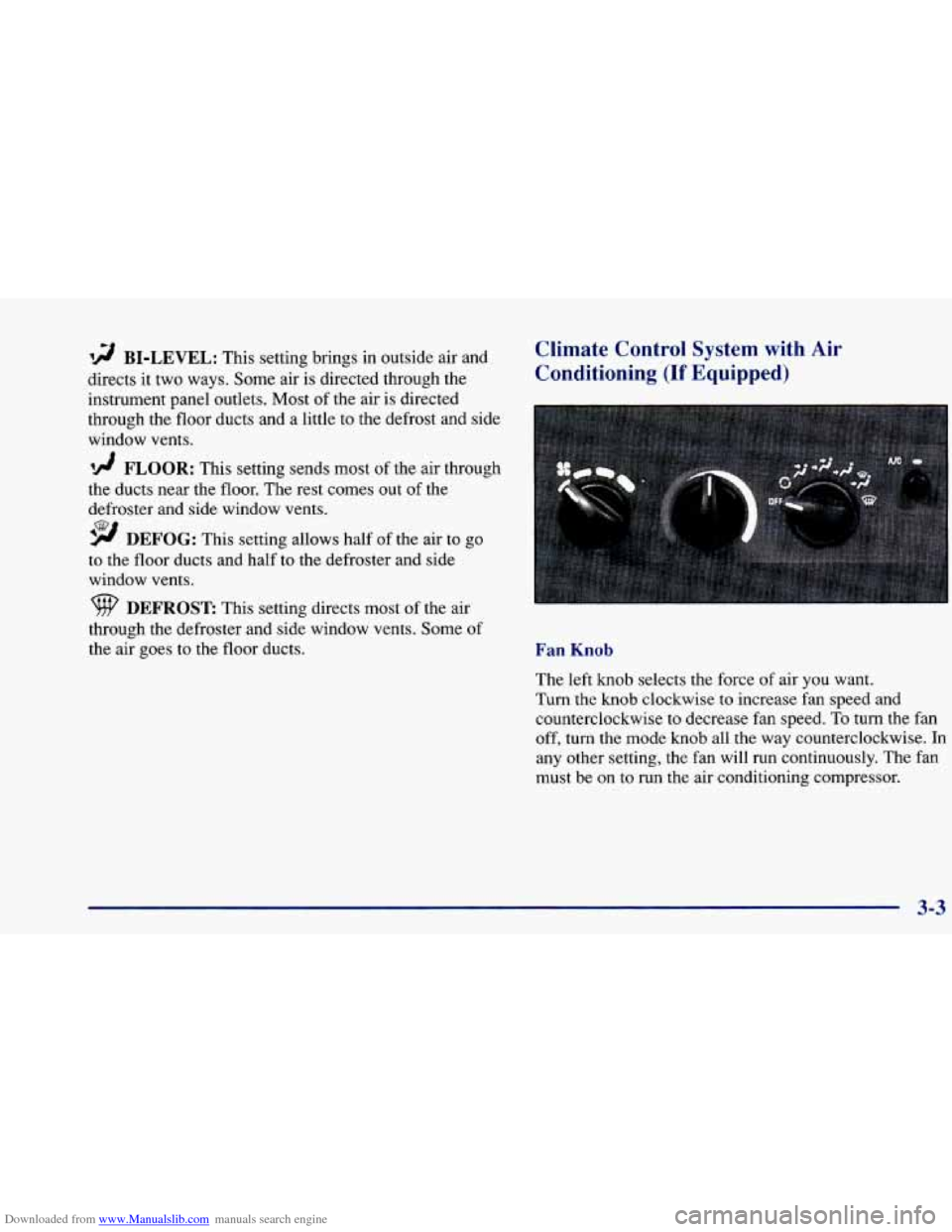
Climate Control System with Air
Conditioning (If Equipped)
Fan Knob
The left knob selects the force of air you want.
Turn the knob clockwise to increase fan speed and
counterclockwise to decrease fan speed.
To turn the fan
off, turn the mode knob all the way counterclockwise.
In
any other setting, the fan will run continuously. The fan
must be on
to run the air conditioning compressor.
3-3
Page 140 of 388
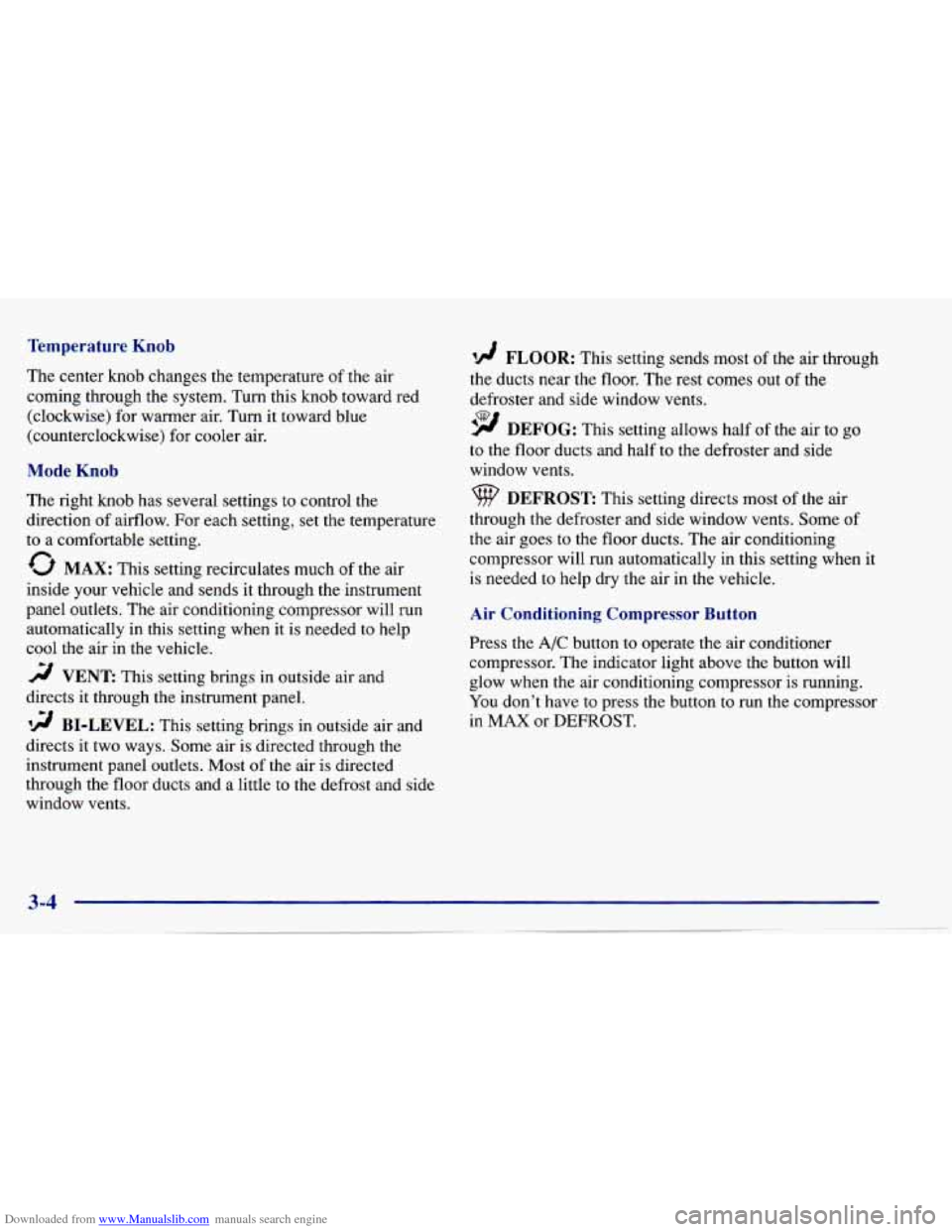
Downloaded from www.Manualslib.com manuals search engine Temperature Knob
The center knob changes the temperature of the air
coming through the system. Turn this knob toward red
(clockwise) for warmer air. Turn it toward blue
(counterclockwise) for cooler air.
Mode Knob
The right knob has several settings to control the
direction of airflow. For each setting, set the temperature
to a comfortable setting.
0 MAX: This setting recirculates much of the air
inside your vehicle and sends it through the instrument
panel outlets. The air conditioning compressor will run
automatically in this setting when
it is needed to help
cool the air in the vehicle.
2 VENT This setting brings in outside air and
directs it through the instrument panel.
'!! BI-LEVEL: This setting brings in outside air and
directs it two ways. Some air is directed through the
instrument panel outlets. Most of the air
is directed
through the floor ducts and a little to the defrost and side
window vents.
'!! FLOOR: This setting sends most of the air through
the ducts near the floor. The rest comes out
of the
defroster and side window vents.
9 DEFOG: This setting allows half of the air to go
to the floor ducts and half to the defroster and side
window vents.
DEFROST This setting direcrs most of the air
through the defroster and side window vents. Some
of
the air goes to the floor ducts. The air conditioning
compressor will run automatically in this setting when it
is needed to help dry ,the air in the vehicle.
Air Conditioning Compressor Button
Press the A/C button to operate the air conditioner
compressor. The indicator light above the button will
glow when the air conditioning compressor is running.
You don't have
to press the button to run the compressor
in
MAX or DEFROST.
Page 144 of 388
Downloaded from www.Manualslib.com manuals search engine Audio Systems
Your Delco@ audio system has been designed to operate
easily and give years of listening pleasure. You will get
the most enjoyment out of it if you acquaint yourself
with it first. Find out what your Delco system can do
and how to operate all its controls, to be sure you’re
getting the most out of the advanced engineering that went into it.
Setting the Clock for Systems without
Automatic Tone Control
Press SET. SET will appear on the display for five
seconds. Within five seconds, press and hold the right
arrow on the
SEEK button until the correct minute
appears. Press and hold the left arrow on the SEEK
button until the correct hour appears.
Setting the Clock for Systems with
Automatic Tone Control
Press and hold HR until the correct hour appears. Press
and hold
MN until the correct minute appears.
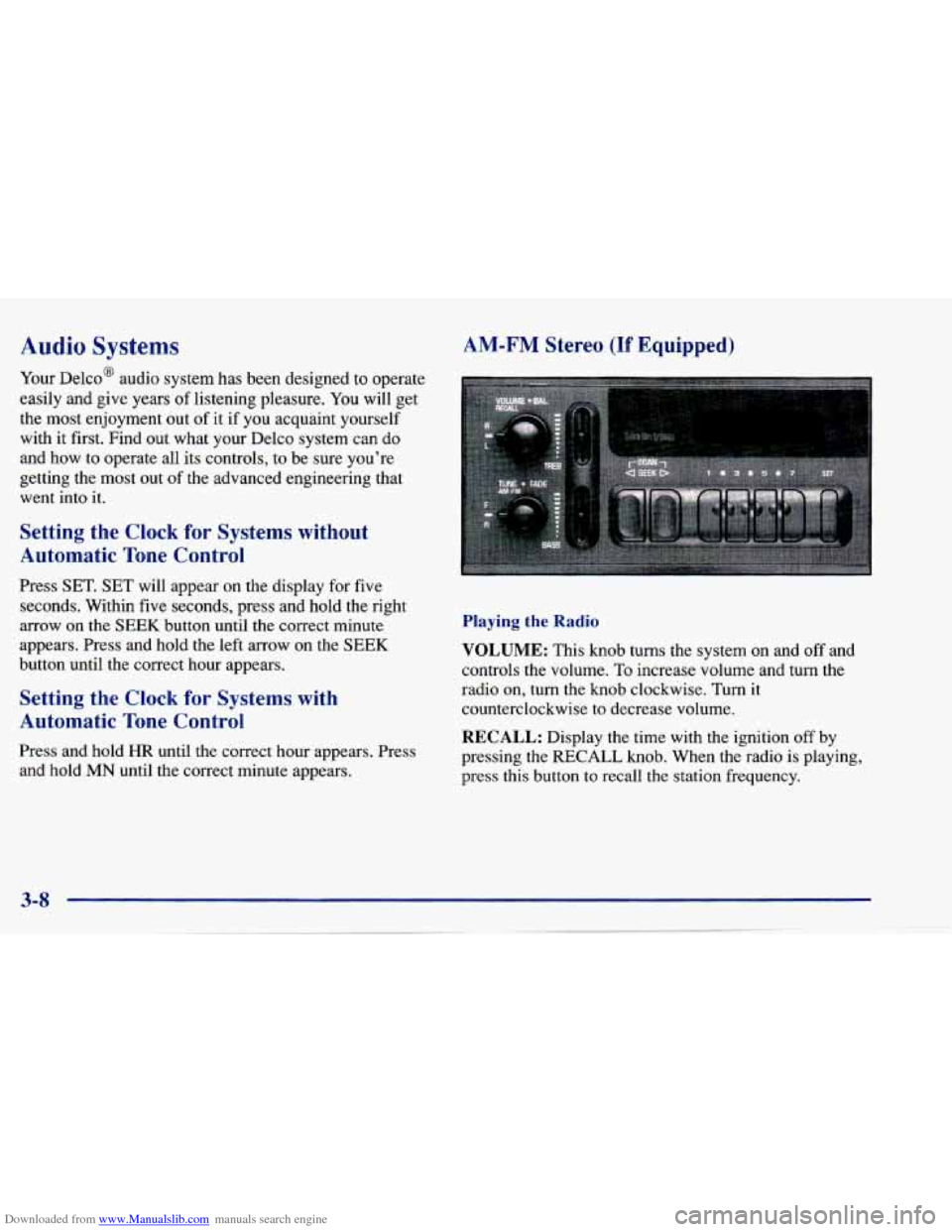
AM-FM Stereo (If Equipped)
Playing the Radio
VOLUME: This knob turns the system on and off and
controls the volume. To increase volume and turn the
radio on, turn the knob clockwise. Turn it
counterclockwise to decrease volume.
RECALL: Display the time with the ignition off by
pressing the
RECALL knob. When the radio is playing,
press this button to recall the station frequency.
Page 146 of 388
Downloaded from www.Manualslib.com manuals search engine Setting the Tone
BASS:
Slide the lever up or down to increase or
decrease bass.
TREB: Slide the lever up or down to increase or
decrease treble.
If a station is weak or noisy, you may
want to decrease the treble.
Adjusting the Speakers
BAL:
Turn the control behind the upper knob to move
the sound to the left or right speakers. The middle
position balances the sound between the speakers.
FADE: Turn the control behind the lower knob to move
the sound to the front or rear speakers. The middle
position balances the sound between the speakers.
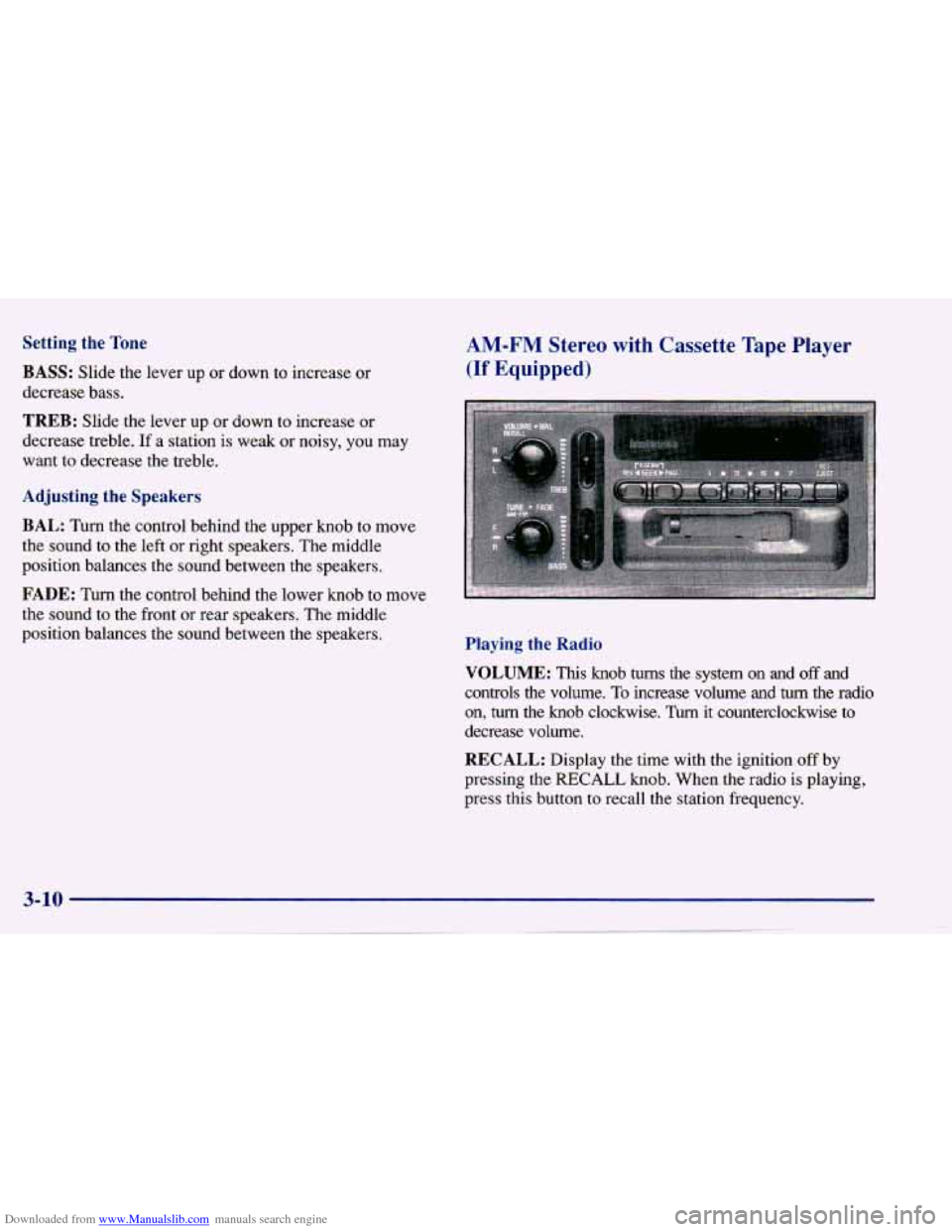
AM-FM Stereo with Cassette Tape Player
(If Equipped)
Playing the Radio
VOLUME: This knob turns the system on and off and
controls the volume.
To increase volume and turn the radio
on,
turn the knob clockwise. Turn it counterclockwise to
decrease volume.
RECALL: Display the time with the ignition off by
pressing the
RECALL knob. When the radio is playing,
press this button to recall the station frequency.