1997 CADILLAC SEVILLE reset
[x] Cancel search: resetPage 112 of 370
Downloaded from www.Manualslib.com manuals search engine c
c-
~~~~~~~~~~~~~~~..~ Po\wr=
This feature is designed to protect your vehicle's battery
against drainage from the interior lamps, trunk lamp,
glove
box ianlp, cigarette lighters or the garage door
opener. When
the ignition is turned off, the power
to these features will automatically turn off after
10 minutes (three minutes if a new car has 15 miles
or less). Power will be restored for an additional
10 minutes if any door is opened, the trunk is opened
or the courtesy lamp switch is turned on.
This feature is for long term use and must be
programmed through the
DIC while the ignition is in the
RUN position. Battery guard storage protects the battery
by placing the vehicle in
a storage mode so that the
radio, amplifiers, instrument cluster and RKE will
not
drain the battery over a long period of time.
'To begin programming, press the INFORMATION
(.INFO) and RESET (INFO RESET) buttons at the same
time for about two seconds.
The first message to appear
is DOORS LOCK IN GEAR. Press the INFORMATION
(INFO) button after this prompt is displayed until
STORAGE MODE prompt appears on the DIC. Press
the
TRIP SET (TRIP RESET) button to answsr '.yes" or
press the RESET (INFO RESET) button to indicate a
"no" response.
FEATURE ON appears when a yes response is made
and
FEATlJRE OFF shows when a no response is made.
Since this is the last personalization feature available,
a yes or no response will end out of the DIC display.
Once the battery guard has been programmed. your
vehicle will enter the storage mode about
20 minutes
after the ignition key has been turned
off. The RKE will
also be disabled at this point. The RICE will reactivate
when
a door or the trunk is opened. however. if your
vehicle is
left inactive for another 30 minutes, the RKE
will re-enter the storage mode.
Your vehicle will
stay in the storage mode until the
ignition key
is turned out of LOCK. The system will
"wake-up" when the door key is inserted
into the door,
however, your vehicle
will remain in the storage mode.
The ignition must be out of LOCK before the battery
E Ouard is disabled.
Page 133 of 370
Downloaded from www.Manualslib.com manuals search engine eeer
The speedometer lets you see your speed in both miles
per hour (mph) and kilometers per hour
(kndh). The
odometer shows how far your vehicle has been driven,
in either miles (used in the United States) or kilometers
(used in Canada).
You may wonder what happens if a vehicle has to have a
new odometer installed. The new one may read the
correct mileage. This is because your vehicle's computer
has stored the mileage in memory.
TRIP 1
SET 1
TRIP RESET
Digital Cluster
Analog Cluster
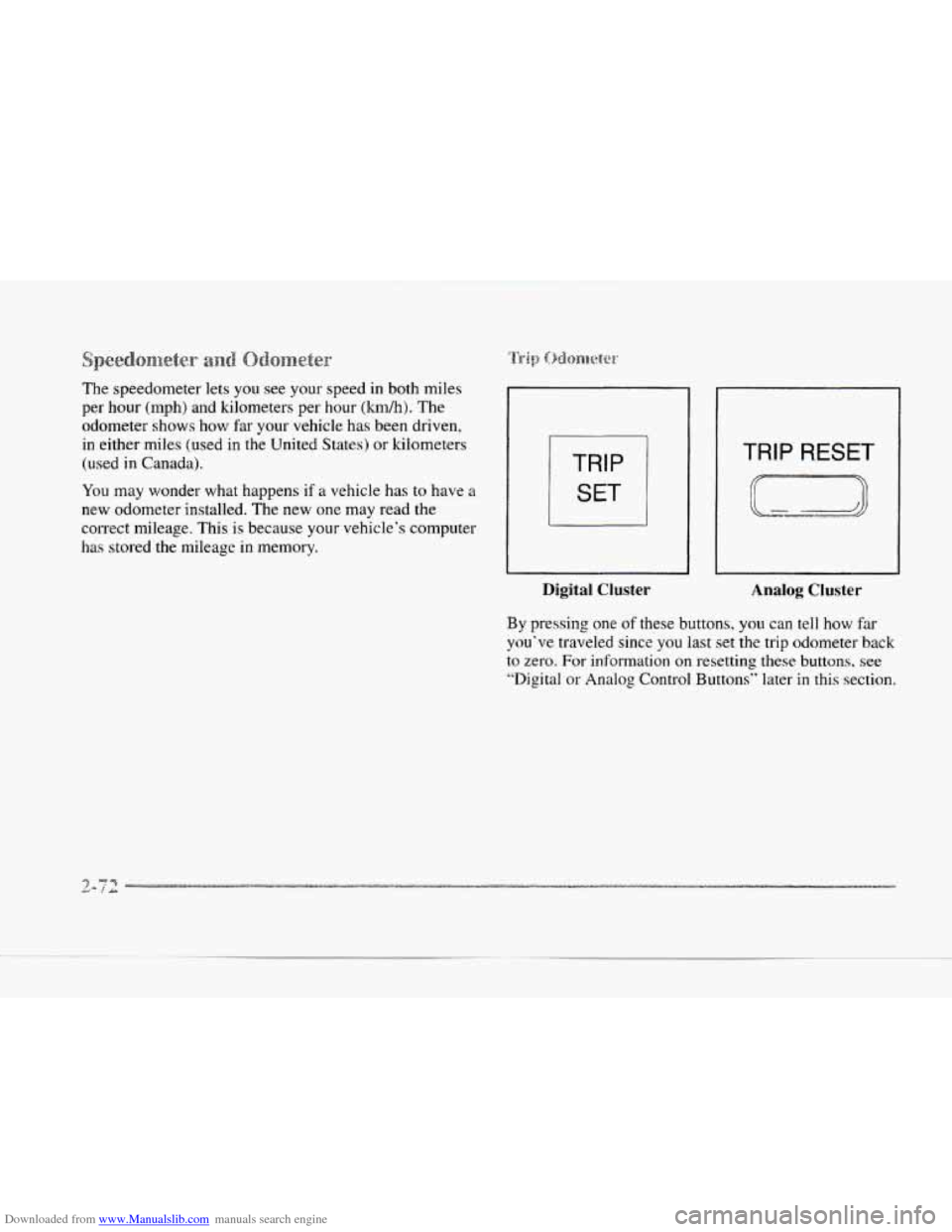
By pressing one of these buttons, you can tell how far
you've traveled since' you last set the trip odometer back
to zero. For information
on resetting these. buttons. see
"Digital or
Analog Control Buttons" later in this section.
Page 134 of 370
Downloaded from www.Manualslib.com manuals search engine c
I ENG I I I
l-,----
Digital Cluster
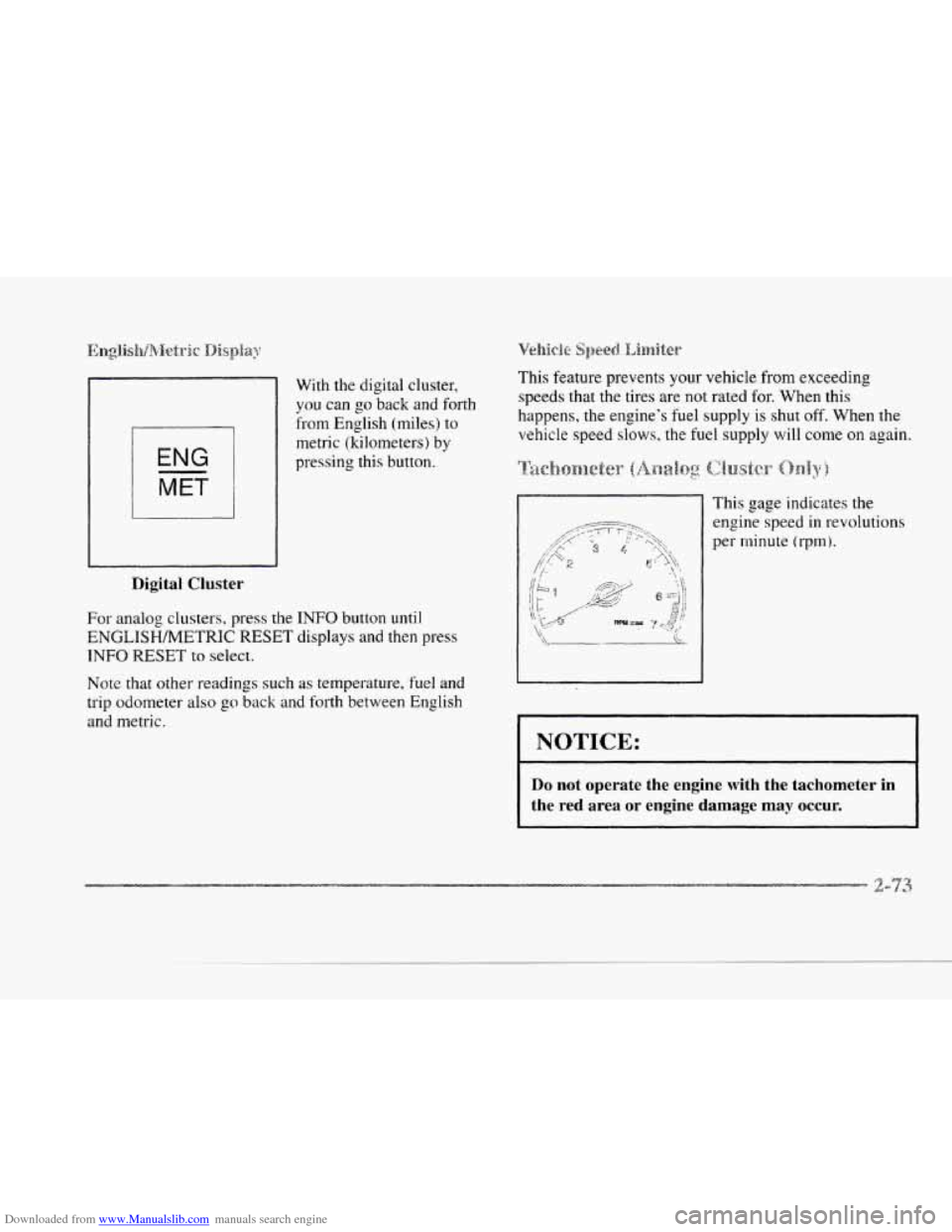
With the digital cluster,
you can
go back and forth
from English (miles) to
metric (kilometers) by
pressing this button.
For analog clusters, press the
INFO button until
ENGLISH/METRIC RESET displays and then press
INFO RESET to select.
Note that other readings such
as temperature, fuel and
trip odometer also
go back and forth between English
and metric.
Vehicie Speed. Limiter
This feature prevents your vehicle from exceeding
speeds that the tires are not rated
for. When this
happens, the engine's fuel supply
is shut off. When the
vehicle speed
slows, the fuel supply will come on again.
This gape indicates the
engine speed
in revolutions
per rninute
(l-pm).
NOTICE:
Do not operate the engine with the tachometer in
the red area or engine damage may occur. I
Page 139 of 370
Downloaded from www.Manualslib.com manuals search engine ANTI -
LOCK
Digital Cluster Analog Cluster
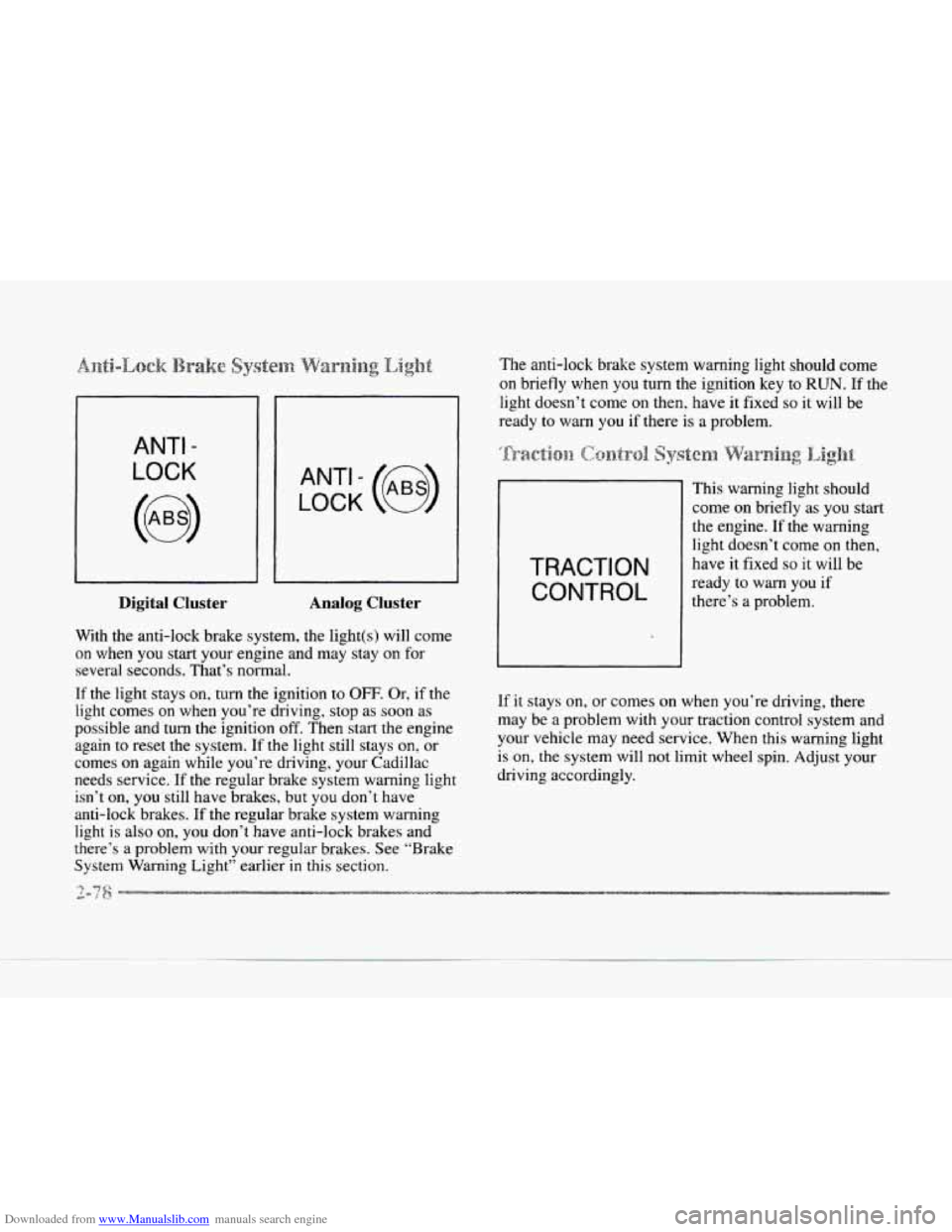
With the anti-lock brake system, the light(s) will come
on when you start your engine and may stay
on for
several seconds. That’s normal.
If the light stays on, turn the ignition to OFF. Or? if the
light comes
on when you’re driving, stop as soon as
possible and turn the ignition off. Then start the engine
again
to reset the system. If the light still stays on, or
comes on again while you’re driving, your Cadillac
needs service.
If the regular brake system warning light
isn’t on, you still have brakes, but
you don’t have
anti-lock brakes.
If the regular brake system warning
light is also
on, you don‘t have anti-lock brakes and
there‘s a problem with your regular brakes. See “Brake
System Warning Light” earlier in this section. The
anti-lock brake system warning light should come
on briefly when you turn the ignition key to RUN. If the
light doesn’t come
on then. have it fixed so it will be
ready
to warn you if there is a problem.
This warning light should
I
I
come on briefly as you start
the engine. If
the warning
light doesn’t come on then,
TRACTION have it fixed so it will be
there’s a
problem.
ready
to warn you if
If it stays on,
or comes on when you’re driving, there
may be a problem with your traction control system and
your vehicle may need service. When this warning light
is on, the system will not limit wheel spin. Adjust your
driving accordingly.
Page 146 of 370
Downloaded from www.Manualslib.com manuals search engine IC-
Press the AVG button to display the average
mile-per-gallon (AVG MPG). You can also display it in
metric units by pressing the
ENGMET button.
When AVG MPG
is selected, the total distance is
divided by the total fuel used.
When the INST button (Instantaneous Fuel Economy) is
selected. you will see what the fuel economy is at that
instant. The computer takes
a new reading twice every
second.
It will show economy up to 70 miles-per-gallon
(or 2 L per- 100 ltm).
To reset the average fuel economy, press the
INFORMATION button until the AVG MPG is
displayed on the DIC. Press and hold the
RESET button
until both the fuel data center and DIC display reads
0.0.
The RANGE display shows how far the computer thinks
you can travel with the fuel that is in the tank. The
computer does
not know what driving conditions will be
like for the rest of your trip,
so the range is estimated
based on
the recent fuel economy. Therefore, the range
reading may change
as your driving habits change.
Going from city
to highway driving may increase the
range reading.
If the range display shows
LO, you should stop for fuel
as soon
as possible. Your computer needs enough data
for the RANGE reading to work. The
DIC display gives you the
status of many of your
vehicle’s systems. The DIC is also used to display driver
personalization features and warninghtatus messages.
Your vehicle may be equipped with the following
features that can be individually customized for up
to two drivers.
0
0
0
0
0
0
0
0
Programmable Automatic Door Locks
Remote Confirmation (for
RKE)
Exterior Lighting (at Unlock)
Remote Recall Memory (for RKE or Key
in
the Ignition)
Battery Guard Storage
Climate Control Personalization
Memory Seat and Mirrors
Radio Personalization
For detailed information, see each feature in the Index.
Page 147 of 370
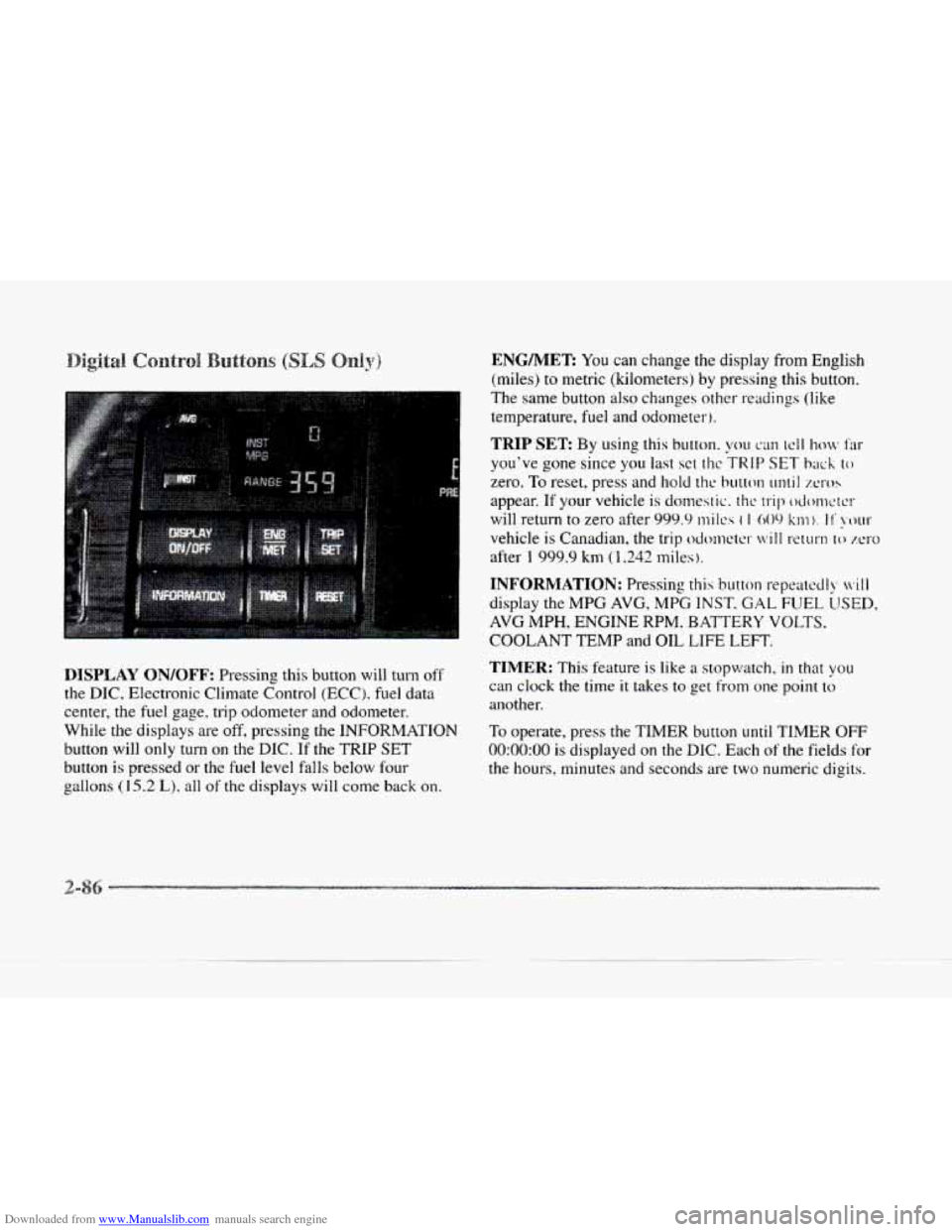
Downloaded from www.Manualslib.com manuals search engine DISPLAY ON/OFF: Pressing this button will turn off
the DIC, Electronic Climate Control (ECC). fuel data
center, the fuel gage. trip odometer- and odometer.
While
the displays are off, pressing the INFORMATION
button will only turn on the DIC. If the TRIP SET
button is pressed or the fuel level falls below fout-
e aallons (15.2 L), all of the displays will come back on.
ENG/MER You can change the display from English
(miles) to metric (kilometers) by pressing
this button.
The same button
also changes other readings (like
temperature, fuel and odometer).
TRIP SET By using this button. you can tcll how Far
you've gone since you last sct t11c TRIP SET back to
zero. To reset, press and hold thc button until XI-OS
appear. If your vehicle is domestic. the trip odonwrcr
will return to zero after 999.9 mi Ics ( I 009 km). I I' !XNII-
vehicle is Canadian, the trip odcmctcr will return lo zero
after 1 999.9 km (1,242 miles ).
INFORMATION: Pressing this button repcatccll), ivill
display the MPG AVG, MPG INST. GAL FUEL LJSED,
AVG MPH, ENGINE RPM. BATTERY VOLTS.
COOLANT TEMP and OIL LIFE LEFT.
TIMER: This feature is like a stopwatch, in that you
can clock the time it takes to get from one point to
another.
To operate, press the TIMER button
until TIMER OFF
0O:OO:OO is displayed on the DIC. Each of the fields for
the hours, minutes and seconds are two numeric digits.
Page 148 of 370
Downloaded from www.Manualslib.com manuals search engine c
c
c
c
Once TIMER OFF 0O:OO:OO is displayed, press the
TIMER button to start the timing feature.
Press the
TIMER button again
to stop it. If you will be starting
and stopping your Cadillac, during
a trip for instance,
the TIMER feature will automatically start timing where
it left
off when you last stopped. To reset it, press and
hold the RESET button until the display reads TIMER
0O:OO:OO. Press the INFORMATION button to exit from
the TIMER function.
RESET Pressing this button will reset the MPG AVG,
MPG INST, GAL FUEL USED, AVG MPH and OIL
LIFE
LEFT. Pressing RESET when a non-resettable
display appears will cause a “recall” mode
to occur.
When this happens, all DIC warning messages that have
been displayed since
the ignition key was turned to
RUN will redisplay. If no messages were displayed, a
MONITORED SYSTEMS OK message will appear.
MPG AVG (Reset): Press the INFORMATION button
to display the MPG AVG (Average Fuel Economy),
then press and
hold the RESET button until 0.0 MPG
AVG is displayed.
FUEL USED (Reset): Press the INFORMATION
button to display the GAL FUEL USED on the DIC,
then press and hold the RESET button until
0.0 GAL
FUEL USED is displayed.
AVG MPH (Reset): Press the INFORMATION button
to display the AVG
MPH A~t‘r;gc Spced). then press
and hold
the RESET button ~~ntil 0.0 AVG MPH is
displayed.
OIL LIFE LEFT (Reset 1: Press the I %FORMATION
button to display
thc OIL LIFE LEFT. then press and
hold the RESET button
until 1005 OIL LIFE LEFT is
displayed. (This only needs to be reset after you have
had the
oil changed. )
Page 149 of 370
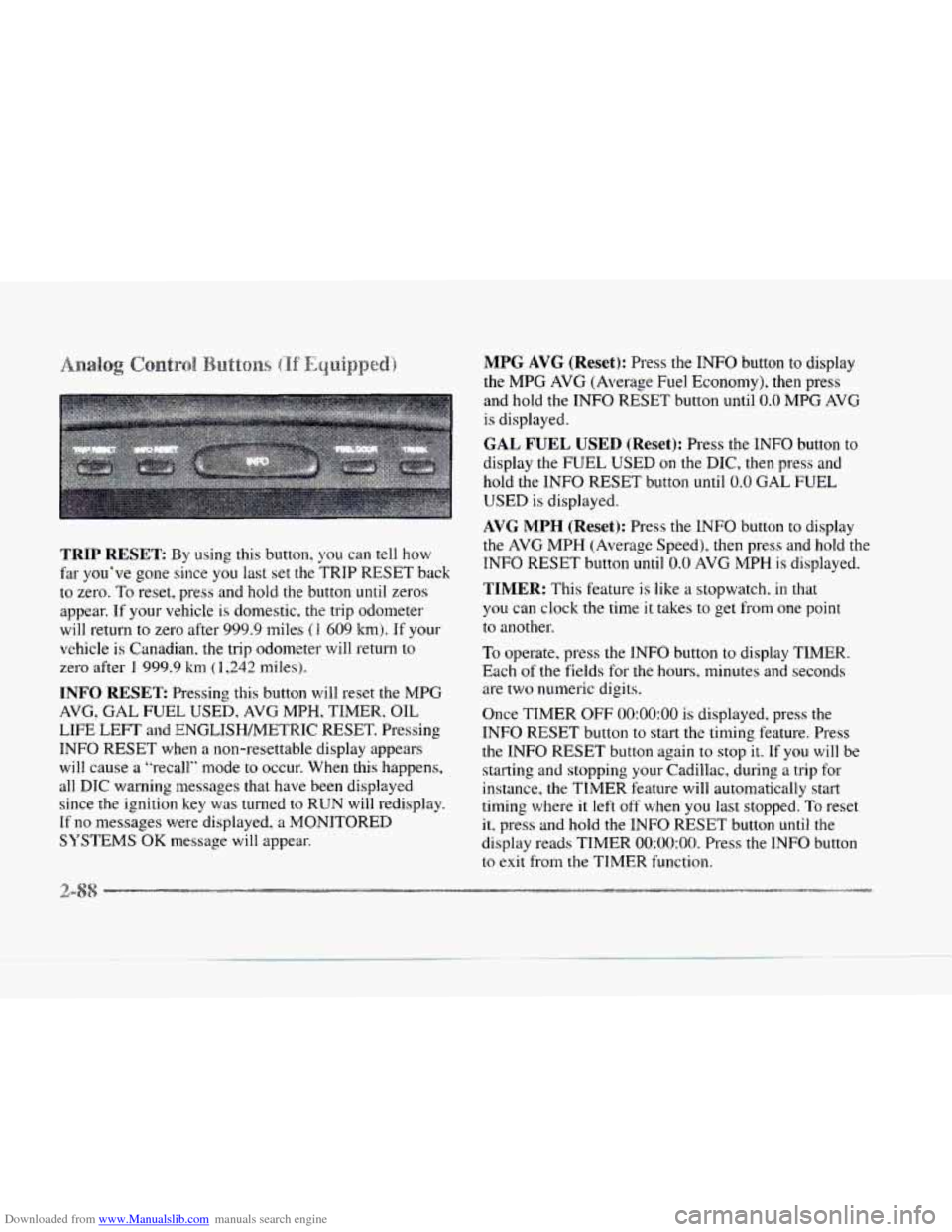
Downloaded from www.Manualslib.com manuals search engine TRIP RESET: By using this button, you can tell how
far you’ve gone since you last set the ?‘RIP
RESET back
to zero. To reset, press and hold the button until zeros
appear.
If your vehicle is domestic. the trip odometer
will return to zero after 999.9 miles
(1 609 km). If your
vehicle is Canadian. the trip odometer will return to
zero after
1 999.9 km ( 1,242 nliles).
INFO RESET Pressing this button will reset the MPG
AVG, GAL FUEL USED, AVG MPH, TIMER, OIL
LIFE LEFT and ENGLISWMETRIC RESET. Pressing
INFO RESET when a non-resettable display appears
will cause a “recall” mode to occur. When this happens,
all DIC waning messages that have been displayed
since the ignition key was turned to RUN will redisplay.
If no messages were displayed, a MONITORED
SYSTEMS
OK message will appear.
MPG AVG (Reset): Press the INFO button to display
the
MPG AVG (Average Fuel Economy), then press
and hold the
INFO RESET button until 0.0 MPG AVG
is displayed.
GAL FUEL USED (Reset): Press the INFO button to
display the
FUEL USED on the DIC, then press and
hold the INFO RESET button until
0.0 GAL FUEL
USED is displayed.
AVG MPH (Reset): Press the INFO button to display
the
AVG MPH (Average Speed), then press and hold the
INFO
RESET button until 0.0 AVG MPH is displayed.
TIMER: This feature is like a stopwatch, in that
you can clock the time
it takes to get from one point
to another.
To operate, press the INFO button to display TIMER.
Each of the fields for the hours, minutes and seconds
are two numeric digits.
Once TIMER
OFF 0O:OO:OO is displayed, press the
INFO RESET button to start the timing feature. Press
the
INFO RESET button again to stop it. If you will be
starting and stopping your Cadillac, during
a trip for
instance, the TIMER feature will automatically start
timing where it
left off when you last stopped. To reset
it, press and hold the lNFO RESET button until the
display reads TIMER
0O:OO:OO. Press the INFO button
to
exit from the TIMER function.
1