1997 CADILLAC ELDORADO door lock
[x] Cancel search: door lockPage 94 of 361
Downloaded from www.Manualslib.com manuals search engine Your Cadillac has a Brake-Transaxle Shift Interlock
(BTSI).
You have to fully apply your regular brakes
before you can shift from PARK (P) when the ignition
is in
the RUN position. See “Automatic Transaxle” in
the Index.
If you cannot shift out of PARK (P), ease pressure on
the shift lever -- push the shift lever all the way into
BARK (P) and also release the shift lever button on floor
shift models as YOU maintain brake application. Then
move the shift lever into
the gear you want. (Press the
shift lever button before moving the shift lever.) If
you
ever hold the brake pedal down but still can’t shift out of
PARK (P), try this:
1. Turn the key to OFF. Open and close the driver’s
2. Apply and hold the brake until the end of Step 4.
door to turn off the RAP feature.
3. Shift to N-ErnRAE (N).
4. Start the vehicle and then shift to the drive gear
you want.
5. Have the vehicle fixed as soon as you can.
II
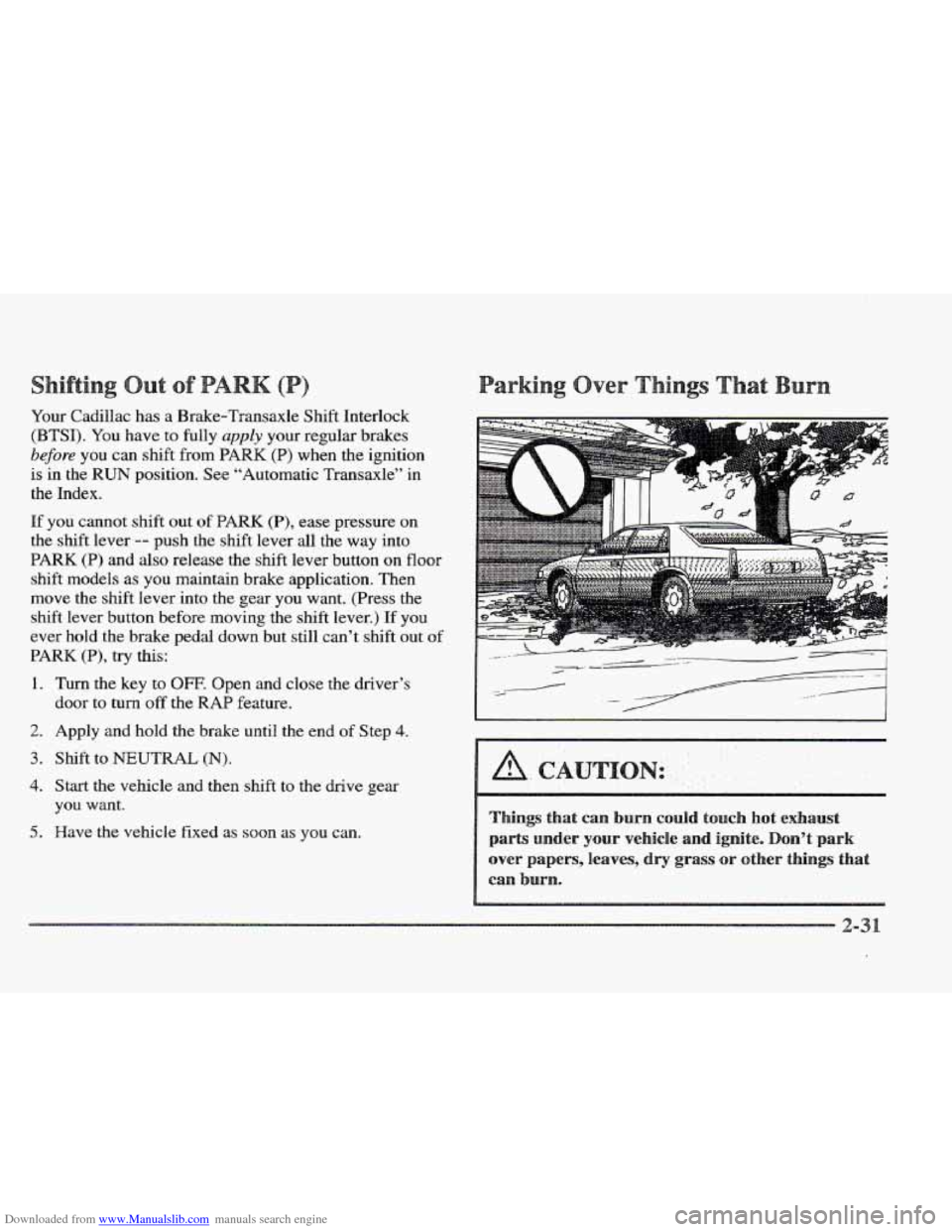
ings that can burn could touch h
parts under your vehicle and ignite
over papers, leaves, dry grass or other things that
can burn.
Page 110 of 361
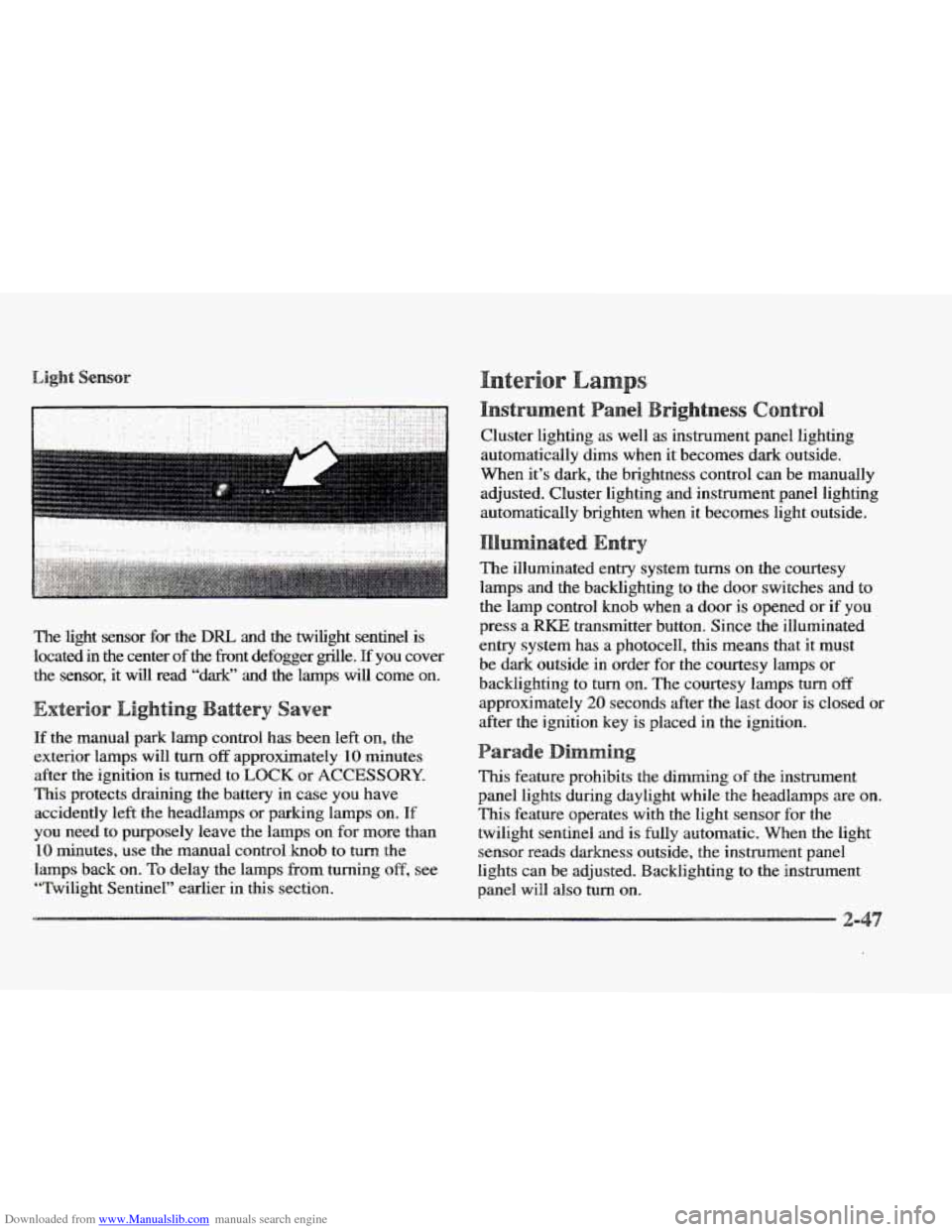
Downloaded from www.Manualslib.com manuals search engine The light sensor for the DRL and the twilight sentinel is
located in the center of
the fiont defogger grrlle. pf you cover
the sensor, it will read “dark”
and the lamps will come on.
If the manual park lamp control has been left on, the
exterior lamps will
turn off approximately 10 minutes
after the ignition
is turned to LOCK or ACCESSORY.
This protects draining the battery in case you have
accidently
left the headlamps or parkmg lamps on. If
you need to purposely leave the Imps on for more than
10 minutes, use the manual control knob to turn the
lamps back on.
To delay the lamps from turning off, see
“Twilight Sentinel” earlier in this section. Cluster lighting
as well
as instrument panel lighting
automatically dims when it becomes dark outside.
When it’s dark,
the brightness control can be manually
adjusted. Cluster lighting and instrument panel lighting
automatically brighten when it becomes light outside.
The illuminated entry system
turns on the courtesy
lamps and the backlighting to the door switches and
to
the lamp contr~l knob when a door is opened or if you
press a RKE transmitter button. Since the illuminated
entry system has
a photocell, this means that it must
be dark outside
in order for the courtesy lamps or
backlighting
to turn on. The courtesy lamps turn off
approximately 20 seconds after the last door is closed or
after the ignition key
is placed in the ignition.
This feature prohibits the dimming of the instrument
panel lights during daylight while
the headlamps are on.
This feature operates with the light sensor for the
twilight sentinel and is fully automatic. When the light
sensor reads darkness outside,
the instrument panel
lights can
be adjusted. Backlighting to the instrument
panel will
also turn on.
Page 111 of 361
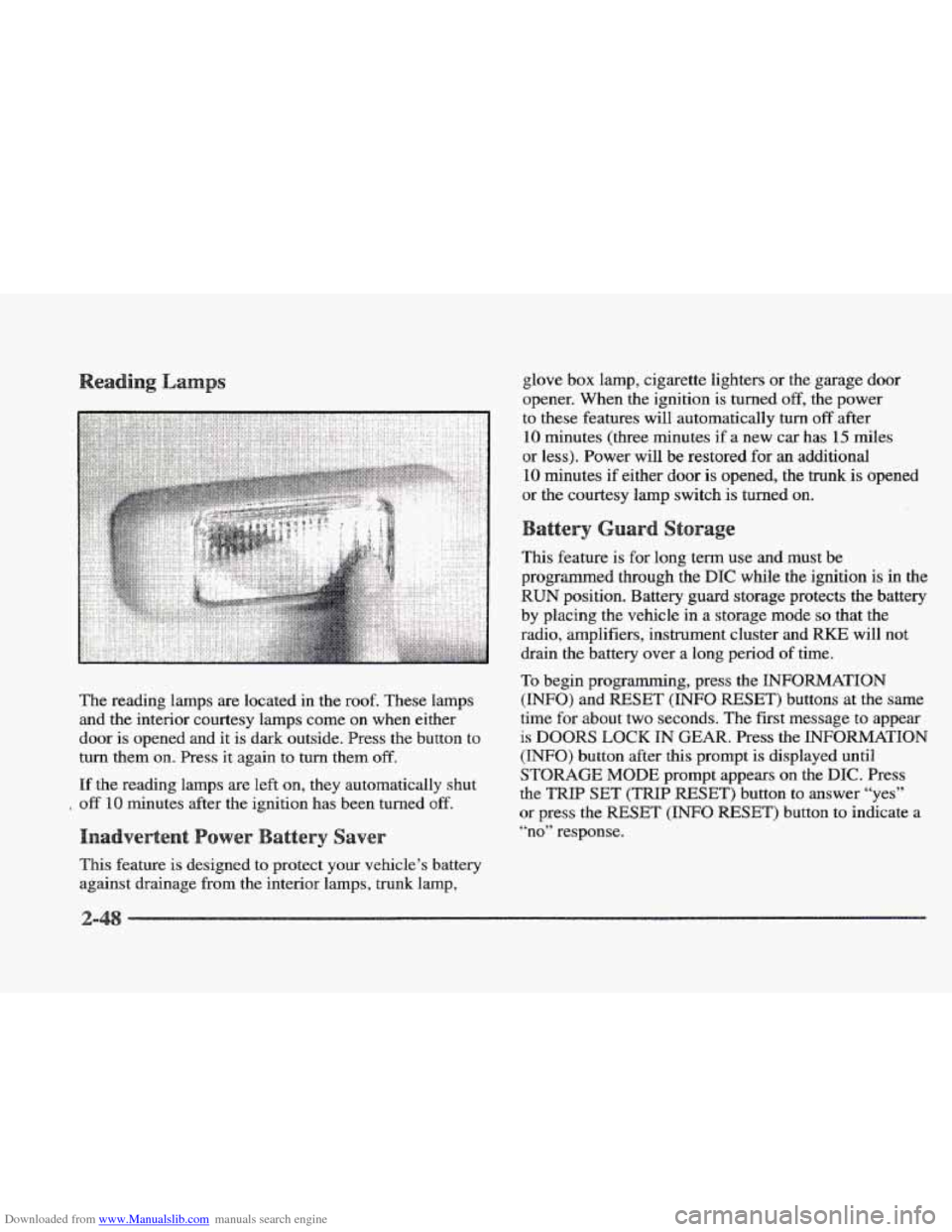
Downloaded from www.Manualslib.com manuals search engine The reading lamps are located in the roof. These lamps
and the interior courtesy lamps come on when either
door is opened and it is dark outside. Press
the button to
turn them
on. Press it again to turn them off.
If the reading lamps are left on, they automatically shut
off 10 minutes after the ignition has been turned off.
This feature is designed to protect your vehicle’s battery
against drainage from the interior lamps, trunk lamp, glove
box lamp, cigarette lighters or
the garage door
opener. When the ignition is turned
off, the power
to these features will automatically
turn off after
10 minutes (three minutes if a new car has 15 miles
or less). Power will be restored for
an additional
10 minutes if either door is opened, the trunk is opened
or the courtesy lamp switch is turned on.
This feature is for long term use and must be
programmed through the
DIC while the ignition is in the
RUN position. Battery guard storage protects the battery
by placing the vehicle
in a storage mode so that the
radio, amplifiers, instrument cluster and
RKE will not
drain
the battery over a long period of time.
To begin programming, press the INFORMATION
(INFO) and RESET (INFO RESET) buttons at the same
time
for about two seconds. The first message to appear
is DOORS LOCK IN GEAR. Press the INFORMATION
(INFO) button after this prompt is displayed until
STORAGE MODE prompt appears on the DIC. Press
the
TRIP SET (TRIP RESET’) button to answer “yes”
or press the RESET (INFO RESET) button to indicate a
“no” response.
Page 112 of 361
Downloaded from www.Manualslib.com manuals search engine FEATURE ON appears when a yes response is made
and
FEATURE OFF shows when a no response is made.
Since this
is the last personalization feature available, a
yes or no response
will end out of the DIC display.
Once the battery guard has been programmed, your
vehicle will enter the storage mode about
20 minutes
after the ignition key
has been turned off. The WKE will
also be disabled at this point. The RKE will reactivate
when a door
or the trunk is opened, however, if your
vehicle is left inactive for another
20 minutes, the RKE
will re-enter the storage mode.
Your vehicle will stay
in the storage mode until the
ignition key is turned out
of LOCK. The system will
“wake-up” when the door key is inserted
into the door,
however,
your vehicle will remain in the storage mode.
The ignition must be out of
LOCK before the battery
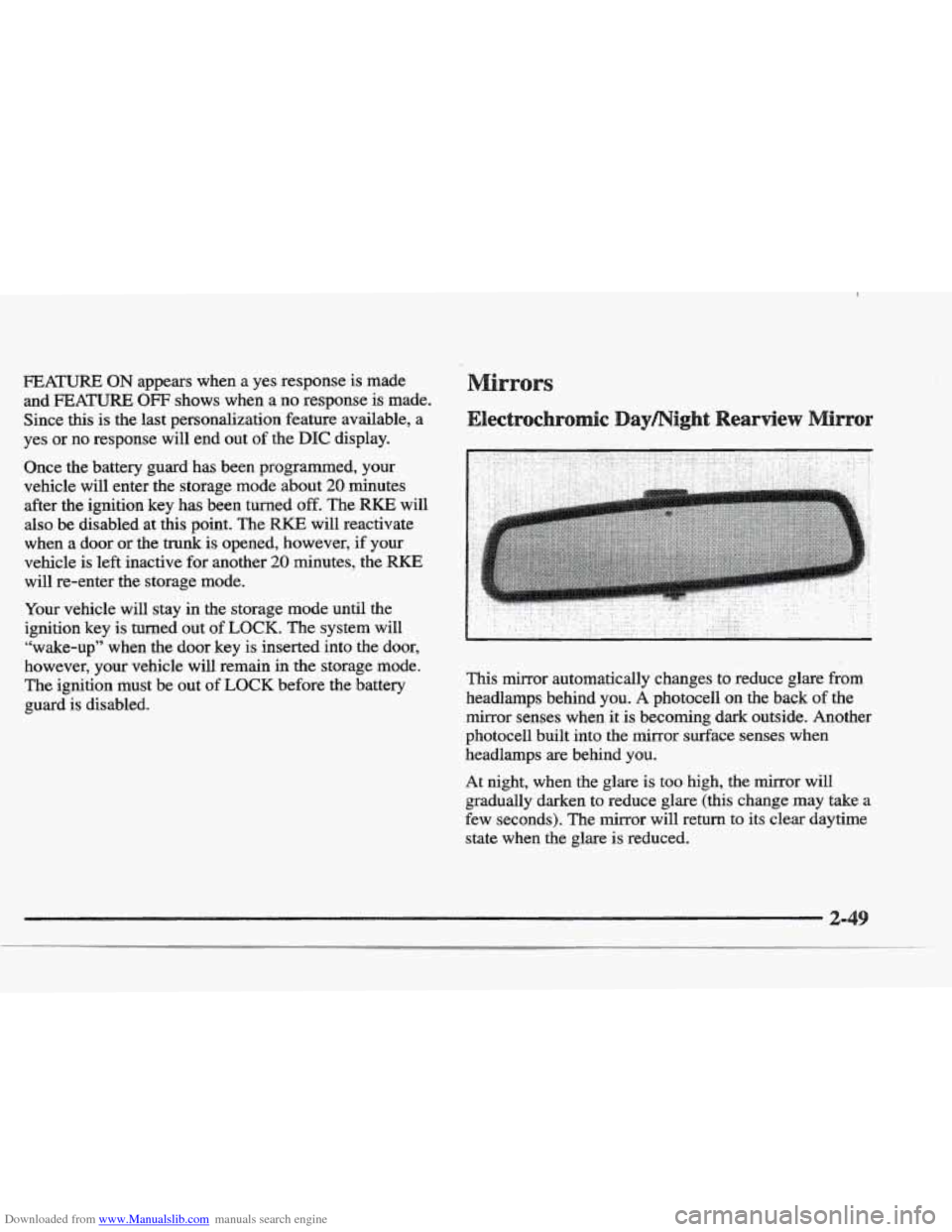
guard is disabled. This mirror automatically changes to reduce
glare from
headlamps behind you. A photocell on the back of the
mirror senses when it
is becoming dark outside. Another
photocell built into the mirror surface senses when
headlamps are behind you.
At night, when the glare is too high, the mirror will
gradually darken to reduce glare (this change
may take a
few seconds). The mirror will return
to its clear daytime
state
when the glare is reduced.
Page 118 of 361
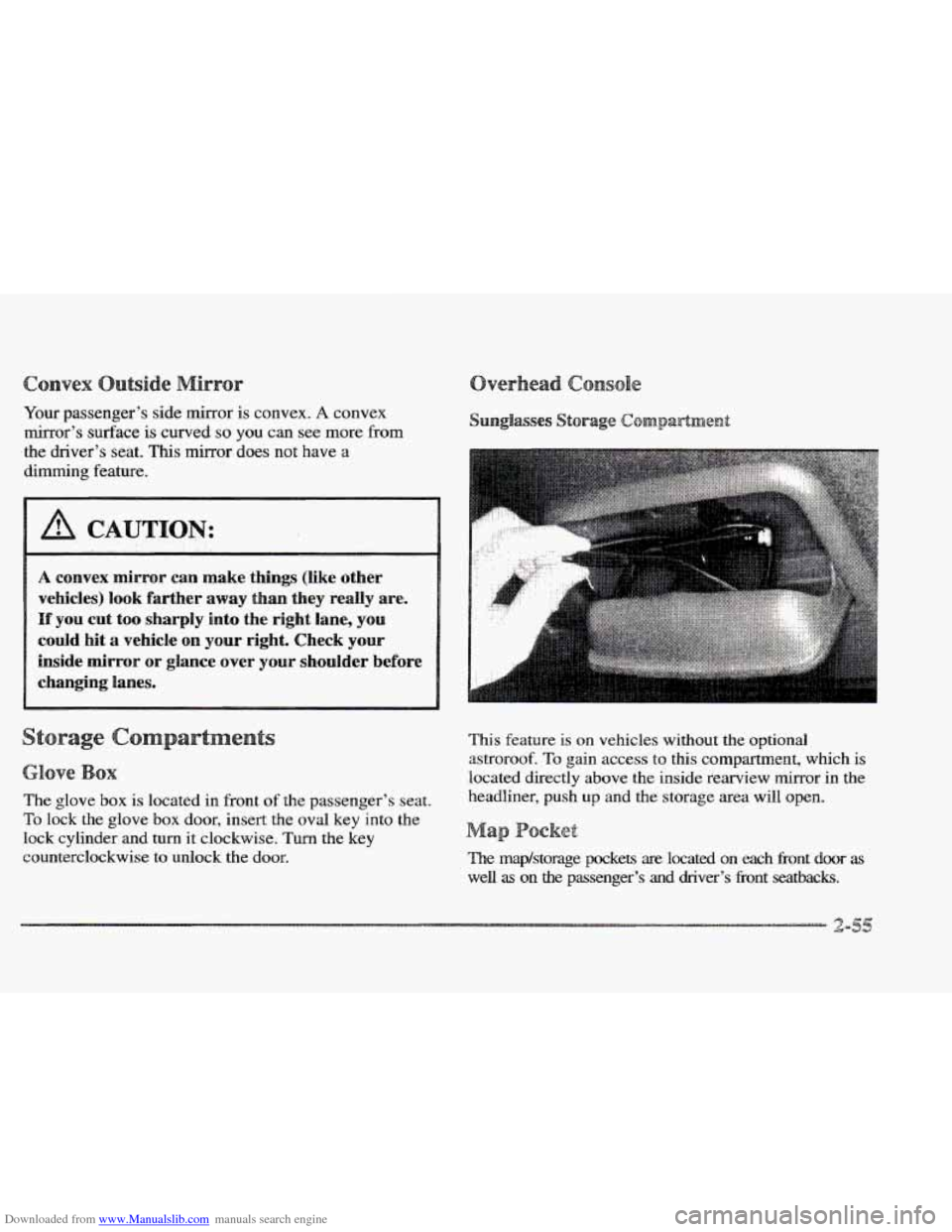
Downloaded from www.Manualslib.com manuals search engine Your passenger’s side mirror is convex. A convex
mirror’s
surface is curved so you can see more from
the driver’s seat.
This mirror does not have a
dimming feature.
vehicles) look farther away than they really are.
If you cut too sharply into the right lane, you
could hit a vehicle on ~QW right. Check your
inside mirror
or glance over shoulder before
e
The glove box is located in front of the passenger’s seat.
To lock the glove box door, insert the oval key into the
lock cylinder and turn it clockwise. Turn
the key
counterclockwise to unlock the
door.
.. ..
This feature is on vehicles without the optional
astroroof.
To gain access to this compartment, which is
located directly above the inside rearview mirror in the
headliner, push
up and the storage area will open.
a
The map/storage pockets are located on each Eront door as
well as on the passenger’s and driver’s fi-ont seatbacks.
Page 121 of 361

Downloaded from www.Manualslib.com manuals search engine Turn the sunshade down and lift the cover to see the nirror.
Move the slide switch up or down to brighten or
dim the lamp.
Your vehicle has been prewired for dealer installation of
a Cadillac dual-mode (analog/digital) cellular telephone.
A fixed mobile or a portable hand-held system are
available. Either system has steering wheel telephone
controls and infomation output through the DIC. Voice
activation and hands-free operation are standard
features. For more information, contact your Cadillac
dealer.
A user’s guide is provided with the telephone.
nStar System (
This system may be ordered if you have the optional
fixed cellular telephone. The following services
are
available 24 hours a day:
@ Roadside Service with Location
Emergency Services Button
@ Remote Door Unlock
ta Theft Detectioflotification and Stolen-Vehicle Tracking
@ Automatic Notification of Air Bag Deployment
Concierge/Customer Convenience Services
For more information, contact your Cadillac dealer.
A folding handle, located on each side pillar, can be
used when getting out of your vehicle.
For your convenience, a garment hook is attached to the
assist handle.
ts
Your Cadillac is equipped with rubber-backed front and
rear floor mats. Keep them clean by vacuuming and
using a spot cleaner, if necessary.
Do not machine wash.
Page 144 of 361
Downloaded from www.Manualslib.com manuals search engine river
The DIC display gives you the status of many of your
vehicle’s systems. The DIC is
also used to display driver
personalization features and warning/status messages.
Your vehicle may be equipped with the following
features that can be individually customized for up to
two drivers.
e Programmable Automatic Door Locks
e Remote Confirmation (for RKE)
e Exterior Lighting (at Unlock)
e Remote Recall Memory (for RKE or Key in
the Ignition)
e Battery Guard Storage
8 Climate Control Personalization
Memory Seat and Mirrors
Radio Personalization
For detailed information, see each feature in the Index.
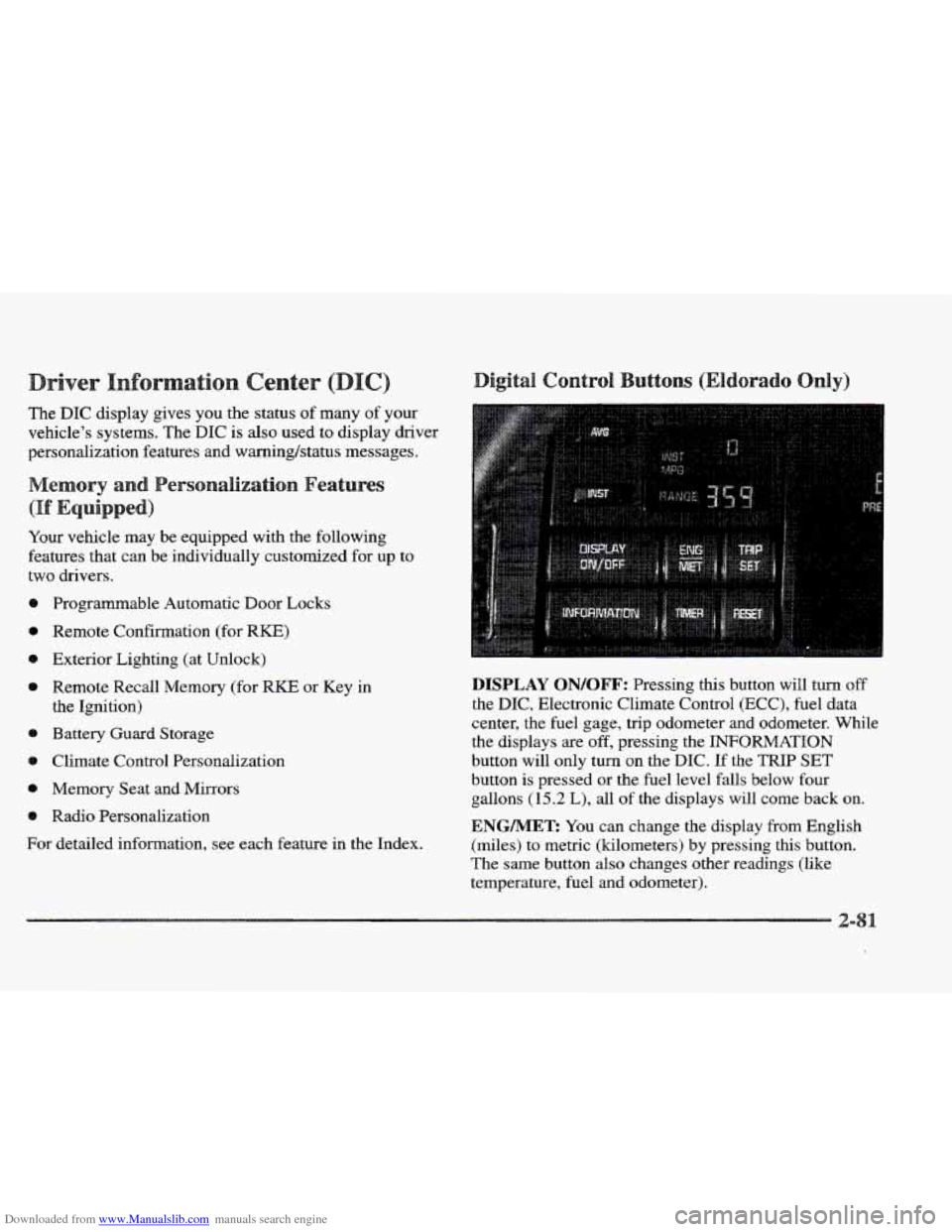
DISPLAY QN/QFF: Pressing this button will turn off
the DIC, Electronic Climate Control (ECC), fuel data
center, the fuel gage, trip odometer and odometer. While
the displays
are off, pressing the INFORMATION
button will only turn
on the DIC. If the TRIP SET
button is pressed or the fuel level falls below four
gallons
(15.2 L), all of the displays will come back on.
ENGMET: You can change the display from English
(miles) to metric (kilometers) by pressing this button.
The same button also changes other readings (like
temperature, fuel and odometer).
Page 164 of 361

Downloaded from www.Manualslib.com manuals search engine Some heating and cooling
controls can be adjusted at
the steering wheel. Other
touch controls operate some audio controls. See “Audio
Steering Wheel Controls”
later
in this section.
8 FAN SPEED: Press the up arrow lever to increase
the
fan speed and the down arrow lever to decrease
fan speed.
TEMP: Press the up arrow lever to increase
the temperature and the down arrow lever to
decrease temperature.
With
this feature, your vehicle will recall the latest
climate control settings as adjusted the last time your
vehicle was operated.
This feature allows two different drivers-
to store and recall
their own climate control
settings. The settings recalled by the climate control
system
are determined by which RKE transmitter (“ 1 ”
or “2”) was used to enter the vehicle. The number on the.
back of the
RKE transmitter corresponds to driver 1 or
to driver
2. After the unlock button is pressed on the
RKE transmitter or the ignition key is placed in the
ignition, the climate control settings will automatically
adjust to where’ they were last set. The settings can
also
be changkd by briefly pressing the memory seat buttons
1 or 2 located on the driver’s door.
dio sys
Your Cadillac. audio system has been designed to operate
easily
and give years of listening pleasure. You will get
the most enjoyment
out of it if you acquaint yourself
with it first. Find out what your audio system can do
and how to operate
all its controls, to be sure you’re
getting the most out
of the advanced engineering that
went into it.
Press and hold
HR or MN until the time display begins
to change. Release the button as you get close
to the
correct time. The time may be set anytime. the clock
is
displayed.. There is a two-second delay before the clock
goes into time-set mode.
3-