1997 CADILLAC ELDORADO trunk
[x] Cancel search: trunkPage 111 of 361
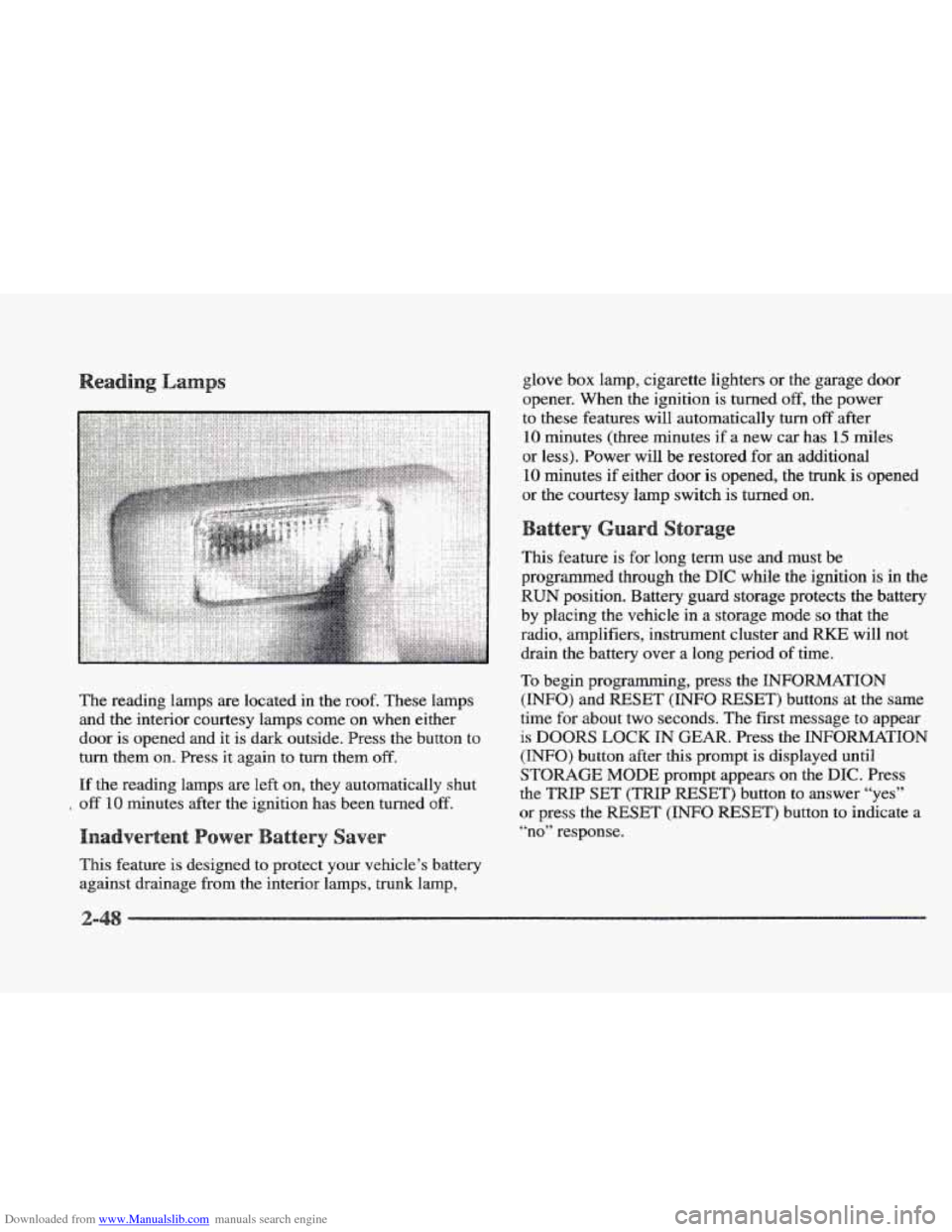
Downloaded from www.Manualslib.com manuals search engine The reading lamps are located in the roof. These lamps
and the interior courtesy lamps come on when either
door is opened and it is dark outside. Press
the button to
turn them
on. Press it again to turn them off.
If the reading lamps are left on, they automatically shut
off 10 minutes after the ignition has been turned off.
This feature is designed to protect your vehicle’s battery
against drainage from the interior lamps, trunk lamp, glove
box lamp, cigarette lighters or
the garage door
opener. When the ignition is turned
off, the power
to these features will automatically
turn off after
10 minutes (three minutes if a new car has 15 miles
or less). Power will be restored for
an additional
10 minutes if either door is opened, the trunk is opened
or the courtesy lamp switch is turned on.
This feature is for long term use and must be
programmed through the
DIC while the ignition is in the
RUN position. Battery guard storage protects the battery
by placing the vehicle
in a storage mode so that the
radio, amplifiers, instrument cluster and
RKE will not
drain
the battery over a long period of time.
To begin programming, press the INFORMATION
(INFO) and RESET (INFO RESET) buttons at the same
time
for about two seconds. The first message to appear
is DOORS LOCK IN GEAR. Press the INFORMATION
(INFO) button after this prompt is displayed until
STORAGE MODE prompt appears on the DIC. Press
the
TRIP SET (TRIP RESET’) button to answer “yes”
or press the RESET (INFO RESET) button to indicate a
“no” response.
Page 112 of 361
Downloaded from www.Manualslib.com manuals search engine FEATURE ON appears when a yes response is made
and
FEATURE OFF shows when a no response is made.
Since this
is the last personalization feature available, a
yes or no response
will end out of the DIC display.
Once the battery guard has been programmed, your
vehicle will enter the storage mode about
20 minutes
after the ignition key
has been turned off. The WKE will
also be disabled at this point. The RKE will reactivate
when a door
or the trunk is opened, however, if your
vehicle is left inactive for another
20 minutes, the RKE
will re-enter the storage mode.
Your vehicle will stay
in the storage mode until the
ignition key is turned out
of LOCK. The system will
“wake-up” when the door key is inserted
into the door,
however,
your vehicle will remain in the storage mode.
The ignition must be out of
LOCK before the battery
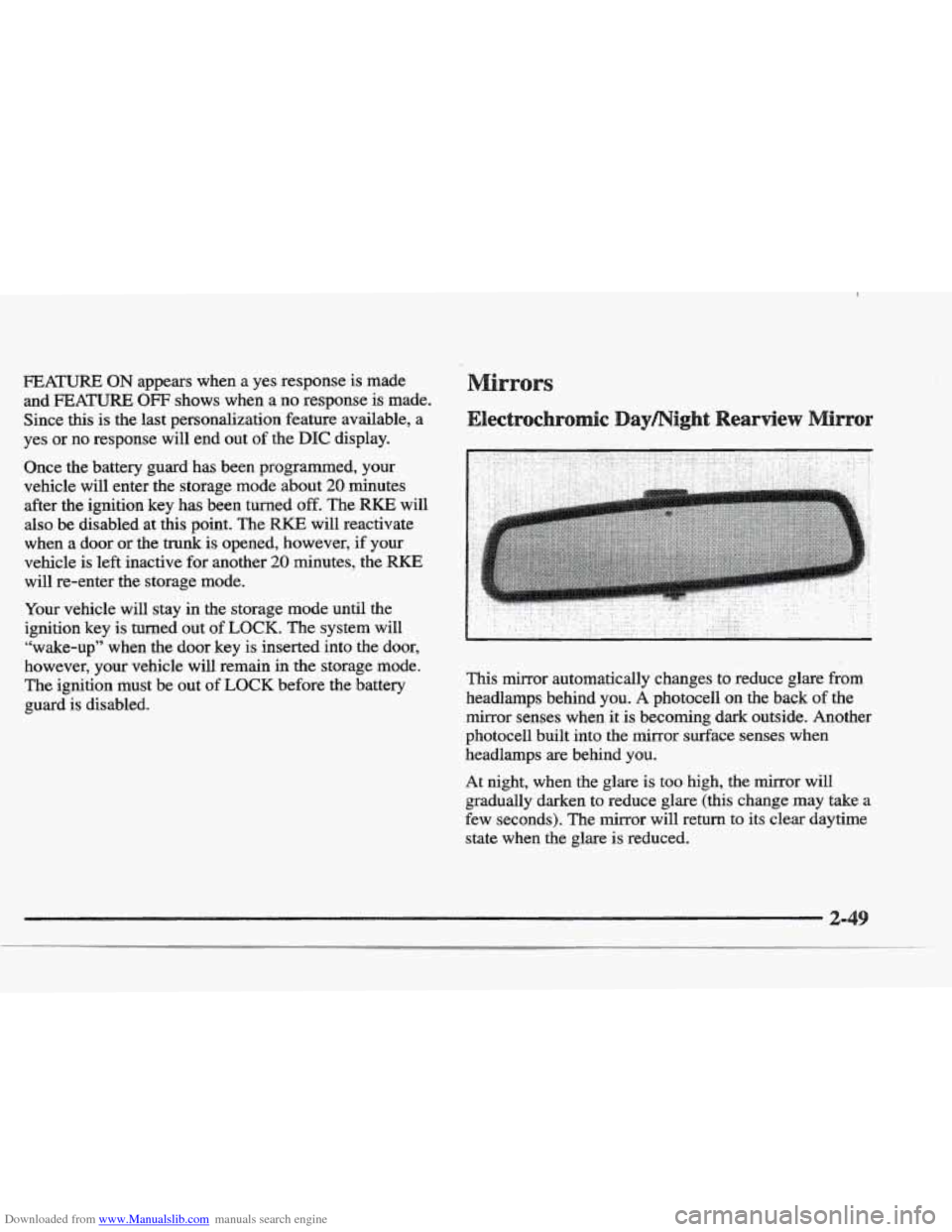
guard is disabled. This mirror automatically changes to reduce
glare from
headlamps behind you. A photocell on the back of the
mirror senses when it
is becoming dark outside. Another
photocell built into the mirror surface senses when
headlamps are behind you.
At night, when the glare is too high, the mirror will
gradually darken to reduce glare (this change
may take a
few seconds). The mirror will return
to its clear daytime
state
when the glare is reduced.
Page 119 of 361
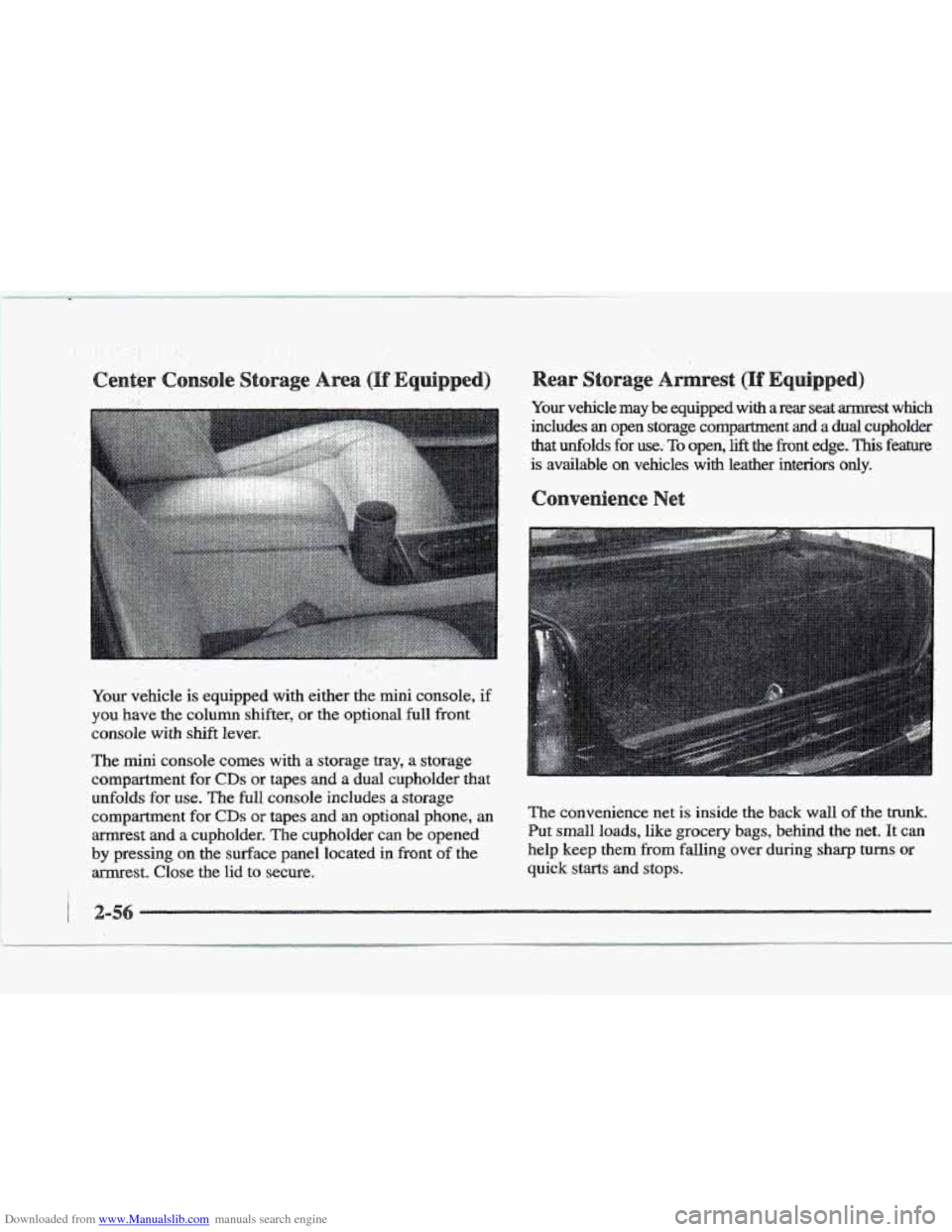
Downloaded from www.Manualslib.com manuals search engine The mini console comes with a storage tray, a storage
compartment for
CDs or tapes and a dual cupholder that
unfolds
for use. The full console includes a storage
compartment
for CD~ or tapes and an optional phone, an The convenience net is inside the back wall Of the trunk.
arrnrest and a cupholder. The cupholder can be opened Put small loads, like grocery bags, behind the net. It can
by pressing on the surface panel located in front of the help keep them from falling over during sharp turns or
armrest. Close the lid to secure. quick starts and stops.
1
Page 120 of 361

Downloaded from www.Manualslib.com manuals search engine The net is not for larger, heavier loads. Store them in the
trunk as far forward as you can. When not using the
net,
hook the net to the tabs securing it to the sill plate.
s s
With the full console, press on the cover, which is
located below the climate control system, to reveal the
front ashtray.
To clean this ashtray, lift it out by gripping
the sides.
If you don’t have a center console, pull the
tray out to reveal
the ashtray. The tray is located beneath
the radio.
TQ clean this ashtray, lift it out by pulling on
the snuffer. If the ashtray will not come out, try reaching
under
it and gently press up on the ashtray bowl to
remove it.
To use the rear ashtray, lift the lid.
Don’t put papers or other flammable items
into your ashtrays.
Hot cigarettes or other
smoking materials could ignite them, causing
a
damaging fire.
The cigarette lighter is located near the ashtray. Press it all
the way in
and release. It will pop back by itself when it’s
ready to light. You may
also have a lighter on the back of
the center console near the
rear seat air outlet.
Note that power to the cigarette lighter will shut
off
10 minutes after the ignition is turned off. This helps
to prevent battery drainage. For more infomation, see
“Inadvertent Power Battery Saver” earlier in tlus section.
Dsn’t hold a cigarette Iighter in with your hand
while
it is heating. If you do, it won’t be able to
back away
from the heating element when it’s
ready. That can make it overheat, damaging the
lighter and the heating element.
Swing down the visor to block out glare. It can also be
detached from the center mount and moved to the side.
The driver’s sunshade is also equipped with a storage
flap that can be used for maps or toll tickets.
Page 147 of 361
Downloaded from www.Manualslib.com manuals search engine OIL LIFE LEFT (Reset): Press the INFO button to
display the OIL
LIFE LEFT, then press and hold the
INFO RESET button until 100% OIL LIFE LEFT is
displayed. (This only needs
to be reset after you have
had the oil changed.)
ENGLISWMETRIC (Reset): Press the INFO button
to display ENGLISIWMETFUC RESET, then press the
INFO RESET button to select. The display will change
from English
(miles) to metric (kilometers).
INFO: Pressing this button repeatedly will display the
RANGE, MPG AVG, MPG INST, GAL FUEL USED,
MPH, AVG MPH, TIMER, BATTERY VOLTS,
COOLANT TEMP, OIL LIFE LEFT and
ENGLISWMETRIC RESET.
FUEL DOOR: Press this button to open the fuel door.
(This feature will work only when the shift lever is in
PARK (P) regardless of whether or not the vehicle
is running.)
TRUNK: Press this button to open the trunk.
(Ths feature will work only when the shift lever is in
PARK (P) regardless of whether or not the vehicle
is running.)
river Information Center
These messages will appear if there is a problem sensed
in one of your vehicle’s systems. Vehicles that
are first
sold in Canada will have
a number after each message.
This number helps to identify
the message which is only
displayed in English.
message displays when
the engine coolant becomes
hotter than the normal operating temperature.
To avoid
added
strain on a hot engine, the air conditioning
compressor is automatically turned
off so that
air conditioned
air is not delivered. If the coolant
temperature returns to normal, you must select
AC to
return to a normal
A/C compressor operation. If this
message continues to appear, have the system repaired
as soon as possible to avoid compressor damage.
A/C OFF FOR ENGINE PROTECTION - 16: This
APPLY BRAKE TO SHIFT - 46: This message
will appear
if your vehicle is in PARK (P) for about
15 seconds and the brake is not pressed in. To remove
this message from the
DIC display, hold the OFF and
the blue (cooler) buttons on the digital cluster climate
control panel for about five seconds. On the analog
climate control panel, press the
OFF button (next to the
MODE button) and the down arrow on the PASS TEMP
button for about five seconds. Hold the
same two
buttons to display the message again.
Page 154 of 361
Downloaded from www.Manualslib.com manuals search engine TRANS FLUID RESET - 48: With the engine not
running and the ignition on, press and hold the OFF and
rear defog buttons until the
TRANS FLUID RESET
message appears on the DIC (between five and
20 seconds).
TRANSMISSION HOT - 112: This messages indicates
that the transaxle fluid in your vehicle is too hot. Stop
and allow your vehicle to idle until it cools down or
until this message is removed.
TRUNK OPEN - 24: This message indicates that the
trunk is open when the ignition
is in RUN.
TURN SIGNAL ON - 20: This message is a reminder,
after driving about
a mile, that you have the turn signal
on.
A multiple chime will also sound when this message
is displayed.
VEHICLE SPEED LIMITED TO XXX MPH
(KM/N) - 113: A failure in the suspension control
system has occurred when this message appears. The
PCM determines the speed your vehicle is limited to.
Have your Cadillac serviced if this message appears.
WRY LOW REFRIGERANT A/C COMPRESSOR
OFF - 12: This message means that the air conditioning
system detects a refrigerant level that is low enough to
cause damage to the air conditioning compressor.
To avoid darnage, the air conditioning compressor
automatically turns
off and the Electronic Climate
Control will automatically switch from
AUTO to ECON
and remain there. Have the air conditioning system
serviced if this message appears.
The
CV-RTD automatically adjusts the ride of your
vehicle. Automatic ride control
is achieved through a
computer used to control
and monitor the suspension
system.
The controller receives inputs from various
sensors to determine the proper system response. If the
controller detects a problem within the system, the
DIC
will display a SERVICE RIDE CONTROL message. If
this message appears, have your vehicle serviced at
your
CadilIac dealership.
Page 156 of 361

Downloaded from www.Manualslib.com manuals search engine 3-2
3-2
3-6
3-6
3-6
3-7
3-8 3-8
3-9
3-9
3 -9
3-9
3-10
3-13
Comfort Controls
Climate Control Panel
Electronic Solar Sensor
Air Conditioning
Heating
Ventilation System
Defrosting
Rear Window Defogger
HVAC Steering Wheel Controls
Climate Control Personalization
Audio Systems
Setting the Clock
AM-FM Stereo with Cassette Tape Player and
Optional Compact Disc Player
Bose
TM AM-FM Stereo with Cassette Tape
and Compact Disc Player
In this section, you’ll find out how to operate the comfort control and audio systems offered with your Cadillac. Be
sure to read about the particular systems supplied with your vehicle.
3- 17
3-2 1
3-24
3-24
3-25
3-25
3-25
3-26
3-27
3-27
Bose TM AM-FM Stereo with Cassette
Tape and Compact Disc Player with Digital
Signal Processing
Trunk Mounted CD Changer
Radio Personalization
Theft-Deterrent Feature
Audio Steering Wheel
Controls
Understanding Radio Reception
Tips About Your Audio System
Care
of Your Cassette Tape Player
Care of Your Compact Discs
Power Antenna Mast Care
Page 165 of 361

Downloaded from www.Manualslib.com manuals search engine For information on the compact disc player, see "Trunk
Mounted
CD Changer'' later in this section.
Playing the %dis
PWWOL: Press this knob lightly to release it from its
stored position. The system will
turn on. Press the knob
again to turn the system off. To increase volume, turn the
knob clockwise. Turn it counterclockwise to decrease
volume. The volume level
will appear on the display.
DSPL: Press this button to display the station
being played.
BAND: Press this button to select AM, FM1 or FM2
and preset stations.
SEEK-TUNE: Press and release this button to seek
to the next higher or lower radio station. Pressing and
holding
this button until a chime sounds puts the radio
in a tune mode. In this mode, higher or lower radio
stations are advanced to in small increments until the
SEEK-TUNE button is released. Tuning stops when
you release this button.
If you press and hold the
SEEK-TUNE button again within five seconds of being
in the tune mode, tuning will continue. Waiting longer
than five seconds places the radio back in the seek
mode.
SCAN: Press this button and SCAN will appear on the
display.
Use SCAN to listen to stations for a few
seconds. The radio will
go to a station, stop for a few
seconds, then
go on to the next station. Press this button
again
to stop scanning.