1997 CADILLAC ELDORADO service
[x] Cancel search: servicePage 81 of 361
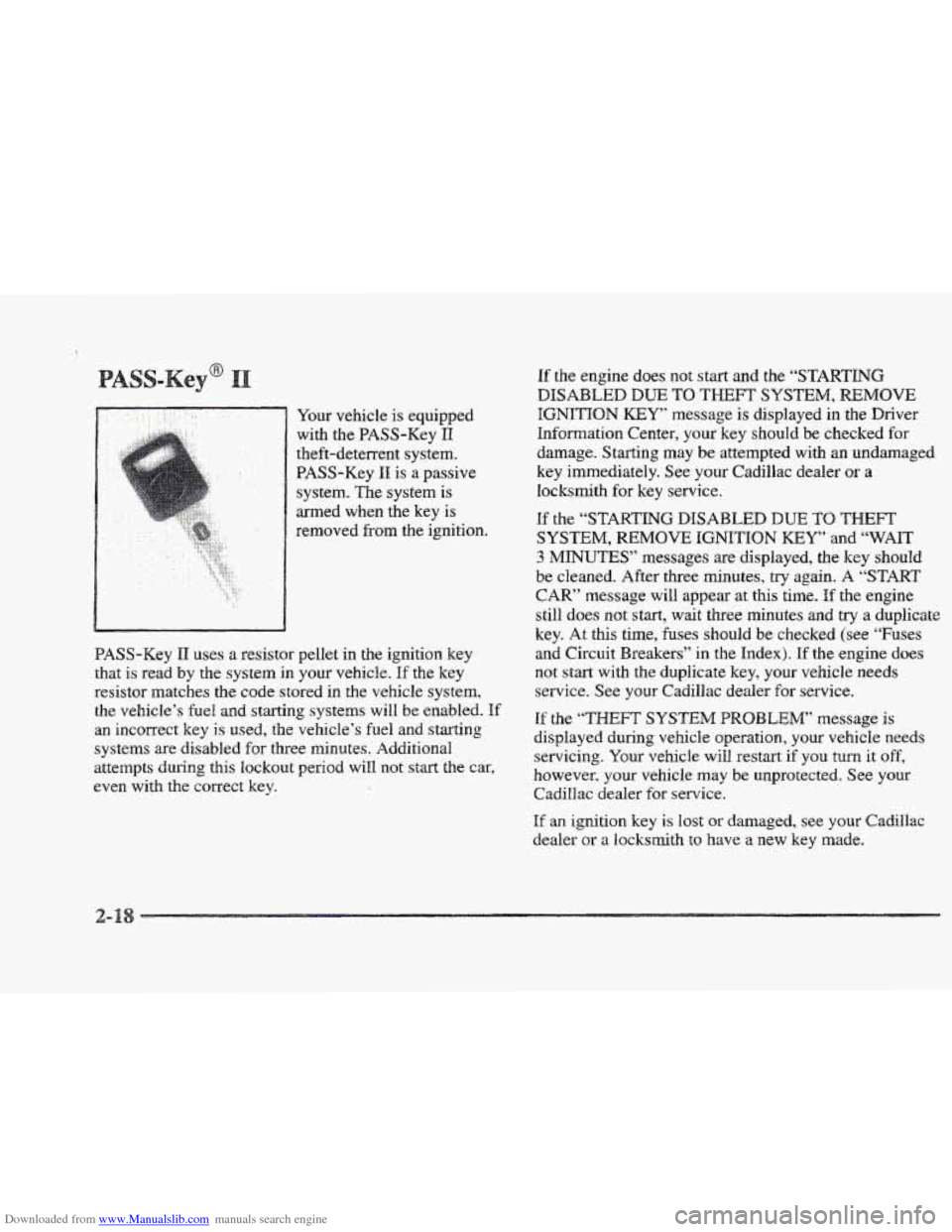
Downloaded from www.Manualslib.com manuals search engine Your vehicle is equipped
with
the BASS-Key I1
theft-deterrent system.
PASS-Key
I1 is a passive
system. The system is
med when the key
is
removed from the ignition.
BASS-Key
11 uses a resistor pellet in the ignition key
that is read by the system in your vehicle. If the key
resistor matches the code stored
in the vehicle system,
the vehicle’s
fuel and starting systems will be enabled. If
an incorrect key is used, the vehicle’s fuel and starting
systems are disabled for three minutes. Additional
attempts Curing this
lockout period will not start the car,
even with the correct key.
If the engine does not start and the “STARTING
DISABLED DUE TO THEFT SYSTEM, REMOVE
IGNITION KEY message is displayed in the Driver
Information Center,
your key should be checked for
damage. Starting may
be attempted with an undamaged
key immediately. See your Cadillac dealer
or a
locksmith for key service.
If the “STARTING DISABLED DUE TO THEFT
SYSTEM, REMOVE IGNITION KEY” and “WAIT
3 MINUTES” messages are displayed, the key should
be cleaned. After three minutes,
try again. A “START
CAR” message will appear at this time. If the engine
still does not start, wait three minutes and
try a duplicate
key. At this time,
fuses should be checked (see “Fuses
and Circuit Breakers” in
the Index). If the engine does
not start with the duplicate key, your vehicle needs
service. See your Cadillac dealer for service.
If the “THEFT SYSTEM PROBLEM” message is
displayed during vehicle operation, your vehicle needs
servicing. Your vehicle
will restart if you turn it off,
however, your vehicle
may be unprotected. See your
Cadillac dealer for service.
If an ignition key is lost or damaged, see your Cadillac
dealer
or a locksmith to have a new key made.
Page 82 of 361
Downloaded from www.Manualslib.com manuals search engine e 99
~~~~~~~~ ~
Your modern Cadillac doesn’t need an elaborate
“break-in? But
it will perform better in the long
run if you follow these guidelines:
cb
Don’t drive at any one speed -- fast or
slow
-- for the first 508 miles ($05 hm).
Don’t make full-throttle starts.
Avoid making hard stops
for the first
200 miles (322 km) or so. During this time
your new brake linings aren’t yet broken
in. Hard stops with new linings can mean
premature wear
and earlier replacement.
Follow this breaking-in guideline every
time you get new brake linings.
Donst tow a trailer during break-in.
See “Towing a Trailer” in the Index for
more
information.
si s
If your key seems stuck in LOCK and YOU canst
turn it, be sure you’are using the correct key;
if so, is it all the way in? If it is, them turn the
steering wheel left and right while
you turn the
bey hard. But turn the key only with your hand.
Using a tool to force it odd break the key OF the
ignition switch.
If none OF this works, then your
vehicle needs service.
Page 88 of 361
Downloaded from www.Manualslib.com manuals search engine OVERDRIVE (@): This position is for normal driving.
If you need more power for passing, and you’re:
Going less than 35 mph (55 km/h), push the
accelerator pedal about halfivay down.
a Going about 35 mph (55 km/h) or more, push the
accelerator all the way down.
The transaxle will shift down to the next gear and
have more power.
NOTICE:
If your vehicle seems to start up rather slowly, or
if it doesn’t seem to shift gears as YOU accelerate,
something may be wrong with
a transaxle system
sensor.
If you drive very far that way, your
vehicle
can be damaged. So if this happ,ens, have
your vehicle serviced right away. Until then, you
can use SECOND (2) when you are driving less
than
35 mph (55 km/h) and OVERDRIVE (@)
for higher speeds.
THIRD (3): This position is also used for normal
driving however, it offers more power
and lower fuel
economy than OVERDRIVE (GB).
Here are examples for using THIRD (3) instead of
When driving on hilly, winding roads.
0 When towing a trailer, so there is less shihing
0 When going down a steep hill.
SECOND (2): This position gives you more power. You
can use SECOND (2) on hills. It canhelp control your
speed as you
go down,steep mountain roads, but then
you would
also want to use your brakes off and on.
OVERDRIVE (@):
between gears.
Don’t shift into SECOND (2) unless YOU are going
slower
than 65 mph (105 km/h), or you can
Page 89 of 361
Downloaded from www.Manualslib.com manuals search engine FIRST (I): This position gives you even more power
than
SECOND (2). You can use it on very steep hills,
or in deep snow or mud. (If the shift lever is put in
FIRST (I), the transaxle won’t shift into gear until the
vehicle
is going slowly enough.)
If your front wheels can’t rotate, don’t try to
drive. This might happen if you were stuck in
very deep
sand OF mud or were up against a solid
object. You codd damage your transaxle.
Also, if you stop when going uphill, don’t hold
your vehicle there with only the accelerator
pedal. This could cause overheating and damage
the transaxle. Use
your brakes to hold your
vehicle in position on a hill.
1 ar e
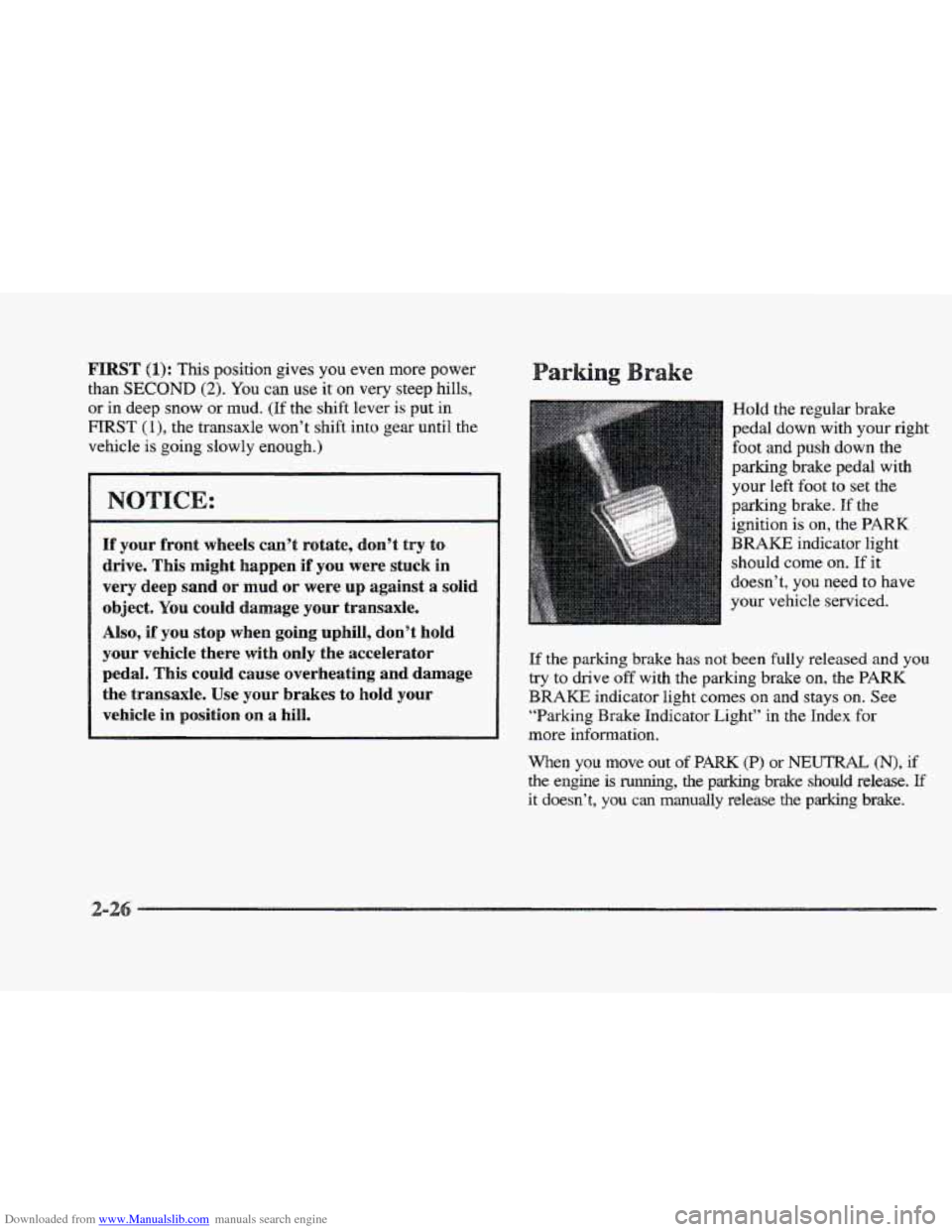
Hold the regular brake
pedal down with your
right
foot and push down the
parking brake pedal with
your
left foot to set the
parking brake. If the
ignition is
on, the PARK
BRAKE indicator light
should come
on. If it
doesn’t, you need to have
your vehicle serviced.
If the
parking brake has not been fully released and you
try to drive off with the parking brake on, the PARK
BRAKE indicator light comes on and stays on. See
“Barking Brake Indicator Light” in the Index for
more information.
When you move out of PARK (P) or NEUTRAL (N), if
the engine is running, the parking brake should release. If
it doesn’t, you can manually release the parking brake.
Page 90 of 361
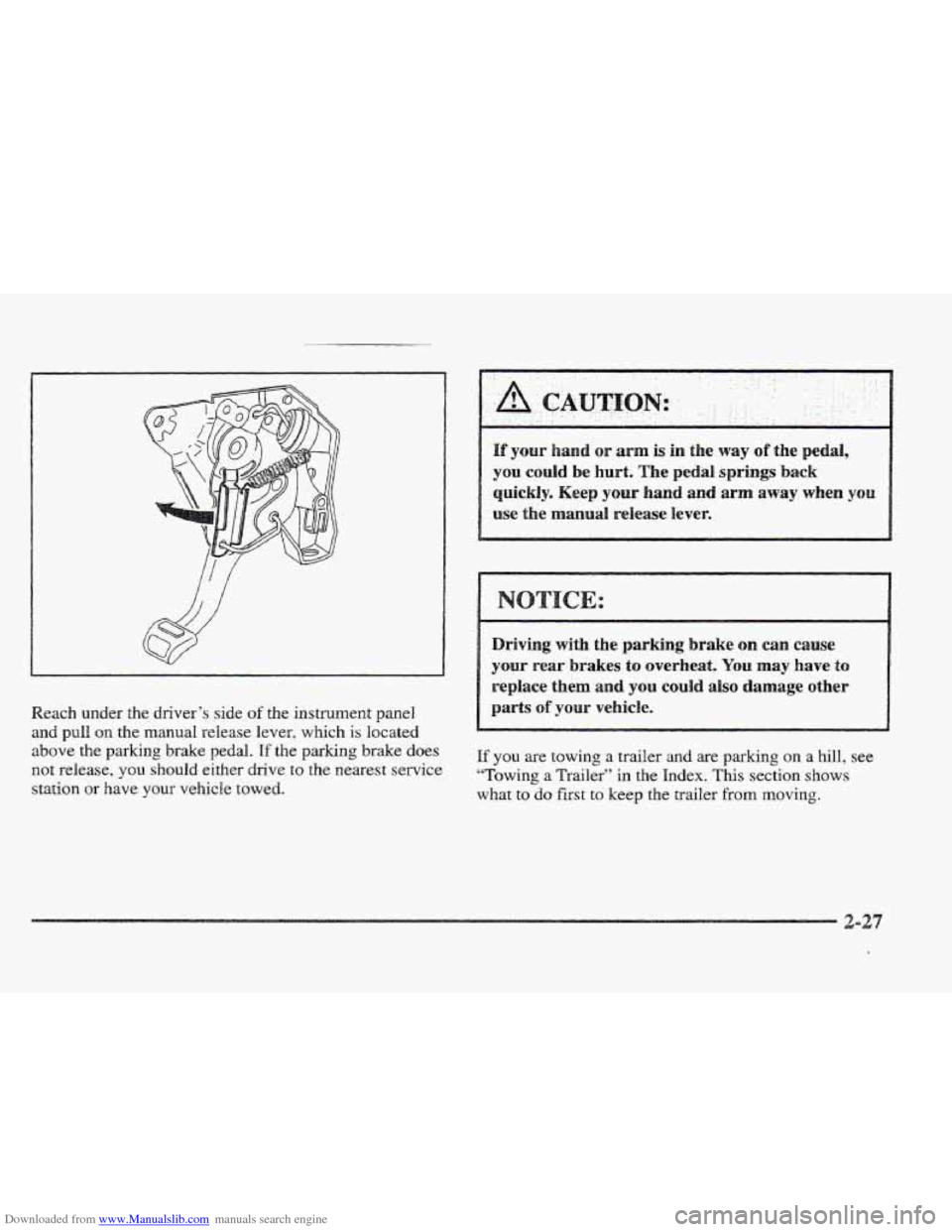
Downloaded from www.Manualslib.com manuals search engine Reach under the driver‘s side of the instrument panel
and pull on the manual release lever, which is located
above the
parking brake pedal. If the parking brake does
not release, you should either drive to the nearest service
station
or have YOU~: vehicle towed.
and or ann is in the way of the pedal,
you could be hurt. The pedal springs back
quickly. Keep your hand and arm away when you
use the manual release lever.
Driving
with the parking brake can cause
your rear brakes to overheat. You may have to
replace them and you could also damage other
parts
of your vehicle.
If you are towing a trailer and are parking on a hill, see
“Towing
a Trailer” in the Index. This section shows
what
to do first to keep the trailer from moving.
Page 121 of 361

Downloaded from www.Manualslib.com manuals search engine Turn the sunshade down and lift the cover to see the nirror.
Move the slide switch up or down to brighten or
dim the lamp.
Your vehicle has been prewired for dealer installation of
a Cadillac dual-mode (analog/digital) cellular telephone.
A fixed mobile or a portable hand-held system are
available. Either system has steering wheel telephone
controls and infomation output through the DIC. Voice
activation and hands-free operation are standard
features. For more information, contact your Cadillac
dealer.
A user’s guide is provided with the telephone.
nStar System (
This system may be ordered if you have the optional
fixed cellular telephone. The following services
are
available 24 hours a day:
@ Roadside Service with Location
Emergency Services Button
@ Remote Door Unlock
ta Theft Detectioflotification and Stolen-Vehicle Tracking
@ Automatic Notification of Air Bag Deployment
Concierge/Customer Convenience Services
For more information, contact your Cadillac dealer.
A folding handle, located on each side pillar, can be
used when getting out of your vehicle.
For your convenience, a garment hook is attached to the
assist handle.
ts
Your Cadillac is equipped with rubber-backed front and
rear floor mats. Keep them clean by vacuuming and
using a spot cleaner, if necessary.
Do not machine wash.
Page 123 of 361
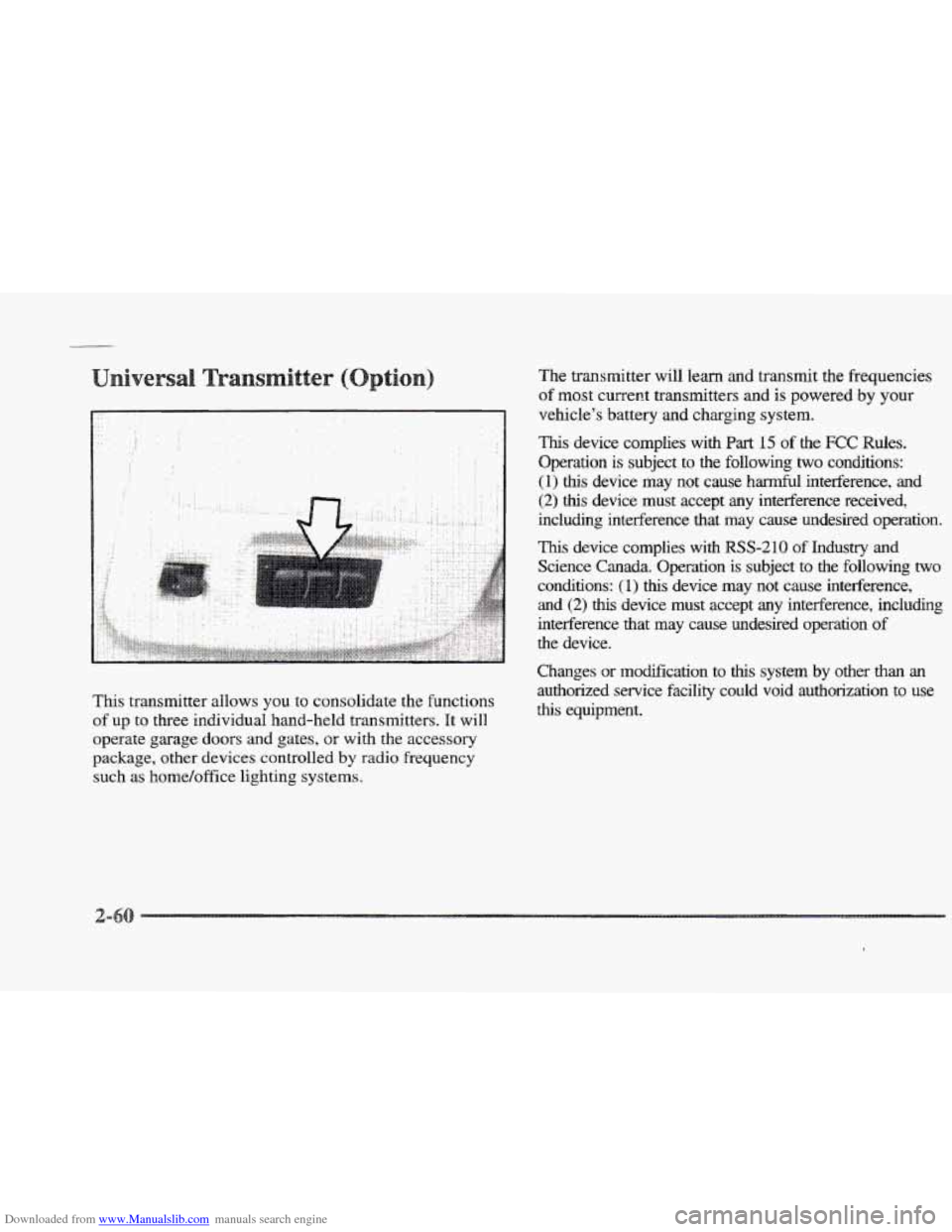
Downloaded from www.Manualslib.com manuals search engine This transmitter allows you to consolidate the functions
of up to three individual hand-held transmitters. It will
operate garage doors and gates, or with the accessory
package, other devices controlled
by radio frequency
such as home/office lighting systems. The transmitter
will learn and transmit the frequencies
of
most current transmitters and is powered by your
vehicle’s battery and charging system.
This device complies with Part 15 of the FCC Rules.
Operation is subject to the following
two conditions:
(1) this device may not cause harmful interference, and
(2) this device must accept any interference received,
including interference that may cause undesired operation.
This device complies with RSS-210 of Industry and
Science
Canada. Operation is subject to the following two
conchtions:
(1) this device may not cause interference,
and (2) this device must accept any interference, including
interference that may cause undesired operation
of
the device.
Changes
or modification to thls system by other than an
authorized service facility could void authorization to use
this equipment.
Page 134 of 361
Downloaded from www.Manualslib.com manuals search engine t
There is an air bag readiness light on the instrument
panel, which shows
AIR BAG. The system checks the
air bag’s electrical system for malfunctions. The light
tells you
if there is an electrical problem. The system
check includes the air bag sensors, the air bag modules,
the wiring and the crash sensing and diagnostic module.
For more information on the air bag system, see “Air
Bag” in the Index.
AIR BAG
This light will come on
when you start your engine,
and it will flash for a
few
seconds. Then the light
should go out. This means
the system
is ready.
If the air bag readiness light stays on after you start the
engine or comes on when you are driving,
your air bag
system may not work properly. Have your vehicle
serviced right away. The
air bag readiness light should flash for a few
seconds when you
turn the ignition key to RUN. If the
light doesn’t come
on then, have it fixed so it will be
ready to
warn you if there is a problem.
When you turn the key to
RUN, this light will come
on briefly to show that the
generator and battery
charging systems are
working.
If this light stays on, you need service and you should
take your Cadillac to the dealer at once. To save your
battery until you get there,
turn off all accessories.