1997 BUICK CENTURY engine
[x] Cancel search: enginePage 142 of 406
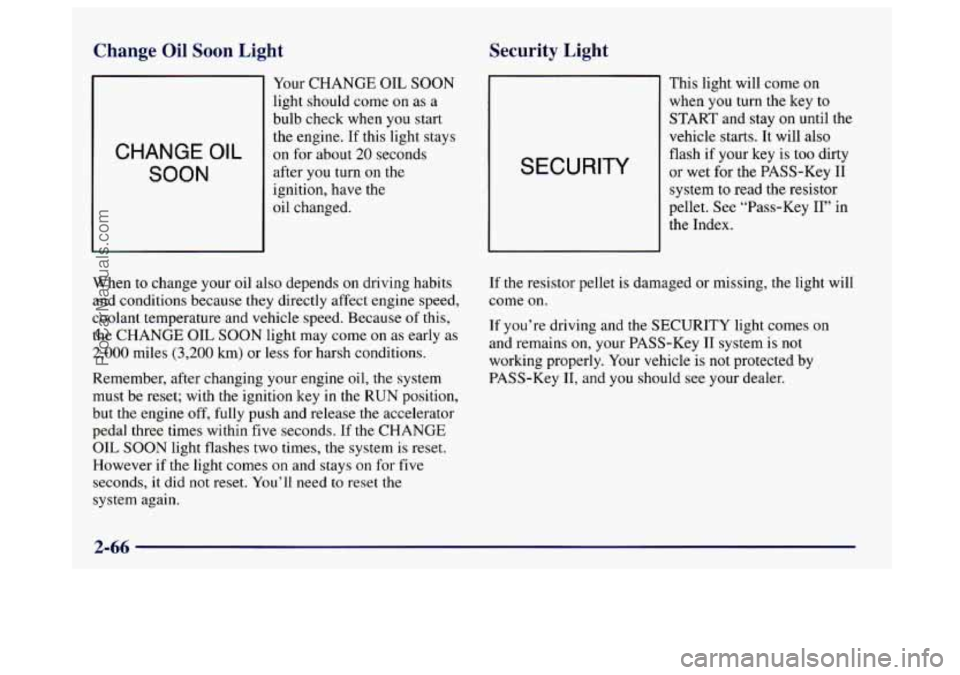
Change Oil Soon Light Security Light
CHANGE OIL
SOON
Your
CHANGE OIL SOON
light should come on as a
bulb check when you start
the engine. If this light stays
on for about 20 seconds
after
you turn on the
ignition, have the
oil chaneed. SECURITY
This light will come on
when
you turn the key to
START and stay on until the
vehicle starts. It will also
flash if your key
is too dirty
or wet for the PASS-Key I1
system to read the resistor
pellet. See “Pass-Key
11” in
the Index.
When to change your oil also depends
on driving habits
and conditions because they directly affect engine speed,
coolant temperature and vehicle speed. Because of this,
the
CHANGE OIL SOON light may come on as early as
2,000 miles (3,200 km) or less for harsh conditions.
Remember, after changing your engine oil, the system
must be reset; with the ignition key
in the RUN position,
but
the engine off, fully push and release the accelerator
pedal three times within five seconds.
If the CHANGE
OIL SOON light flashes two times, the system is reset.
However
if the light comes on and stays on for five
seconds,
it did not reset. You’ll need to reset the
system again. If
the resistor pellet is damaged or missing, the light will
come on.
If you’re driving and the SECURITY light comes on
and remains on, your PASS-Key I1 system is not
working properly. Your vehicle is not protected by
PASS-Key
11, and you should see your dealer.
2-66
ProCarManuals.com
Page 148 of 406

Heating
On cold days, use HTR with the temperature knob all
the way in the red area. The system will bring in outside
air, heat it and send it to the floor ducts.
If your vehicle has an engine coolant heater, you can use
it to help your system provide warm air faster when it’s
cold outside
(OOF (- 18°C) or lower). An engine coolant
heater warms the coolant your engine and heating
system use to provide heat. See “Engine Coolant
Heater” in the Index.
Ventilation
For mild outside temperatures when little heating or
cooling is needed,
use VENT to direct outside air
through your vehicle. Your vehicle also has the
flow-through ventilation system described later in
this section.
Defogging and Defrosting
Your system has two settings for clearing the front and
side windows.
To defrost the windows quickly, use
FRONT with the temperature knob all the way in the red
area.
To warm passengers while keeping the windows
clear, use
BLEND.
Dual ComforTemp Climate Control
(If Equipped)
With this system, the driver and passenger can maintain
separate temperatures. The system works best
if you
keep your windows closed while using it.
Fan Control
The left knob labeled FAN controls the fan
speed selection.
If the airflow seems very low when the fan knob is turned
to the highest setting regardless of the mode setting, your
passenger compartment
air filter may need to be replaced.
See “Maintenance Schedule’’ in
the Index.
3-4
ProCarManuals.com
Page 150 of 406
The air conditioning compressor will run automatically
in this setting unless the outside temperature is below
40°F
(4°C). (Even when the compressor is running, you
can control the temperature.)
Air Conditioning
On very hot days, open the windows long enough to let
hot, inside air escape. This reduces the time for the
vehicle to cool down.
For a quick cool-down on very hot days, use MAX with
the temperature knobs all the way in the blue area. If
this setting is used for long periods of time, the air
in
your vehicle may become too dry.
For normal cooling on
hot days, use NORM with the
temperature knobs in the blue area. The system will
bring in outside air and cool it.
On cool, but sunny days, the
sun may warm your upper
body, but your lower body may not be warm enough.
You can
use BI-LEV and set the temperature knob to a
comfortable setting. The system will bring in outside air
and direct it to your upper body, while sending slightly
warmed air to your lower body.
You may notice this
temperature difference more at some times than others.
Heating
On cold days, use HTR with the temperature knobs all
the way
in the red area. The system will bring in outside
air, heat it and send
it to the floor ducts.
If your vehicle has an engine coolant heater, you can
use
it to help your system provide warm air faster when it’s
cold outside (0°F
(- 1 SOC) or lower). An engine coolant
heater warms the coolant your engine and heating
system use to provide heat. See “Engine Coolant
Heater” in
the Index.
Ventilation
For mild outside temperatures when little heating or
cooling is needed, use
VENT to direct outside air through
your vehicle. Your vehicle also has the flow-through
ventilation system described later in this section.
Defogging and Defrosting
Your system has two settings for clearing the front
and side windows. To defrost
the windows quickly,
use
FRONT.
For maximum defroster performance, set both driver and
passenger temperature controls to the warmest setting.
To warm passengers while keeping the windows clear,
use
BLEND.
ProCarManuals.com
Page 154 of 406
Heating Ventilation System
On cold days, use HTR with the temperature knob all
the way in the red area. The system will bring in outside
air, heat it and send it to the floor ducts.
If your vehicle has an engine coolant heater, you can
use
it to help your system provide warm air faster when it’s
cold outside
(0°F (-18°C) or lower). An engine coolant
heater warms the coolant your engine and heating
system use to provide heat. See “Engine Coolant
Heater” in the Index.
Defogging and Defrosting
Your system has two settings for clearing the front and
side windows.
To defrost the windows quickly, use
FRONT and full hot (90°F (32°C)). Driver sets
temperature and selects high fan speed.
To warm
passengers while keeping the windows clear, push the
AIR FLOW button until WINDSHIELD/FLOOR
appears in the display. Select fan speed for comfort and
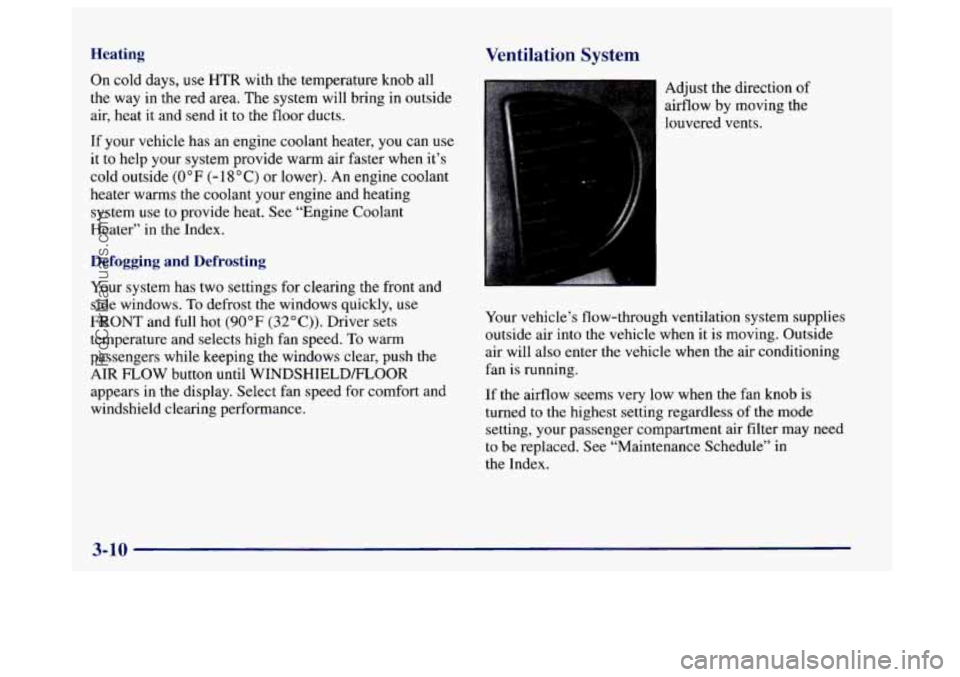
windshield clearing performance. Adjust the direction
of
airflow
by moving the
louvered vents.
Your vehicle’s flow-through ventilation system supplies
outside air into the vehicle when it is moving. Outside
air will also enter the vehicle when the air conditioning
fan is running.
If the airflow seems very low when the fan knob is
turned to the highest setting regardless of the mode
setting, your passenger compartment air filter may need
to be replaced. See “Maintenance Schedule” in
the Index.
3-10
ProCarManuals.com
Page 156 of 406
If you turn it on again, the rear defogger will only run Audio Systems
for about five minutes before turning off. You can also
turn it
off by pressing the button again. Your Delco@ audio system has been designed to operate
Do not attach anything like a temporary vehicle license
the most enjoyment out of it if you acquaint yourself
or decal across the defogger grid.
with it first. Find out what your Delco system can do
easily and give years
of listening pleasure.
You will get
h I and how to operate all its controls, to be sure you’re
I NOTICE: I
getting the most out of the advanced engineering that
went into
it.
I Don’t use a razor blade or anything else sharp on Setting the Clock
the inside of the rear window. If you do, you
could cut
or damage the warming grid, and the
repairs wouldn’t be covered by your warranty. and hold MIN until the correct minute appears.
Press and hold
HRS until
the correct hour appears. Press
You may
set the clock with the ignition off if you press
RECALL first and follow the same procedure
described above.
3-12
ProCarManuals.com
Page 179 of 406
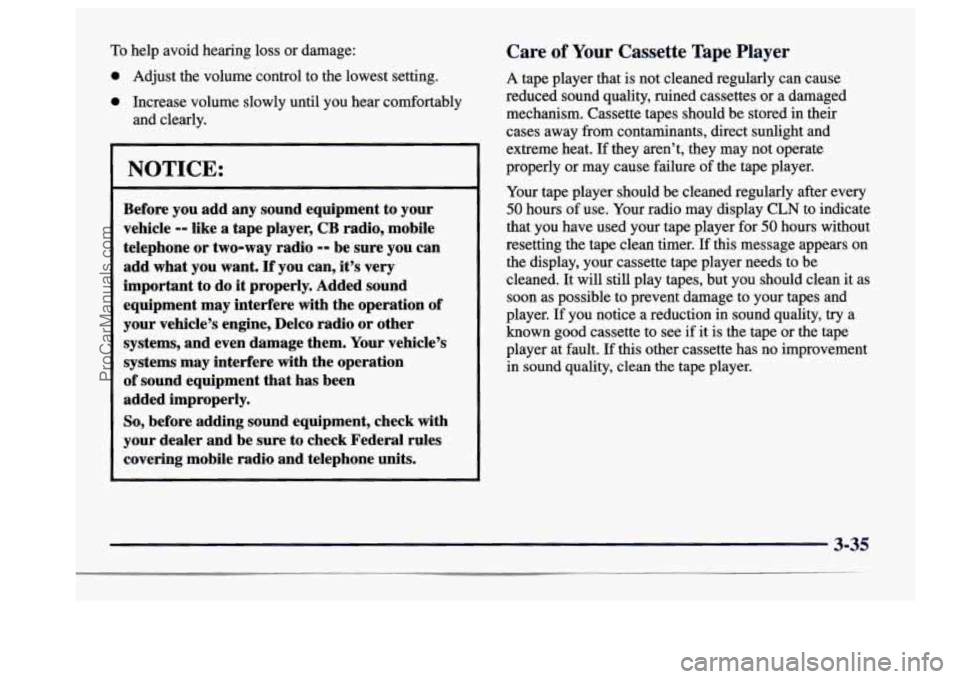
To help avoid hearing loss or damage:
0 Adjust the volume control to the lowest setting.
0 Increase volume slowly until you hear comfortably
and clearly.
NOTICE:
Before you add any sound equipment to your
vehicle
-- like a tape player, CB radio, mobile
telephone or two-way radio
-- be sure you can
add what you want.
If you can, it’s very
important
to do it properly. Added sound
equipment may interfere with the operation of
your vehicle’s engine, Delco radio or other
systems, and even damage them. Your vehicle’s
systems may interfere with the operation
of sound equipment that has been
added improperly.
So, before adding sound equipment, check with
your dealer and be sure to check Federal rules
covering mobile radio and telephone units.
Care of Your Cassette Tape Player
A tape player that is not cleaned regularly can cause
reduced sound quality, ruined cassettes or a damaged
mechanism. Cassette tapes should be stored in their
cases away from contaminants, direct sunlight and
extreme heat. If they aren’t, they may not operate
properly or may cause failure
of the tape player.
Your tape player should be cleaned regularly after every
50 hours of use. Your radio may display CLN to indicate
that you have used your tape player for
50 hours without
resetting the tape clean timer.
If this message appears on
the display, your cassette tape player needs to be
cleaned. It will still play tapes, but you should clean it as
soon as possible to prevent damage to your tapes and
player. If you notice a reduction in sound quality,
try a
known good cassette to see
if it is the tape or the tape
player at fault. If this other cassette has no improvement
in sound quality, clean
the tape player.
3-35
ProCarManuals.com
Page 193 of 406
Avoid needless heavy bralung. Some people drive in
spurts
-- heavy acceleration followed by heavy
braking
-- rather than keeping pace with traffic. This is a
mistake. Your brakes may not have time to cool between
hard stops. Your brakes will wear out much faster if you
do
a lot of heavy braking. If you keep pace with the
traffic and allow realistic following distances,
you will
eliminate a lot
of unnecessary braking. That means
better braking and longer brake life.
If your engine ever stops while you’re driving, brake
normally but don’t pump your brakes.
If you do, the
pedal may get harder to push down.
If your engine
stops,
you will still have some power brake assist. But
you will
use it when you brake. Once the power assist is
used up, it may take longer to stop and the brake pedal
will be harder
to push.
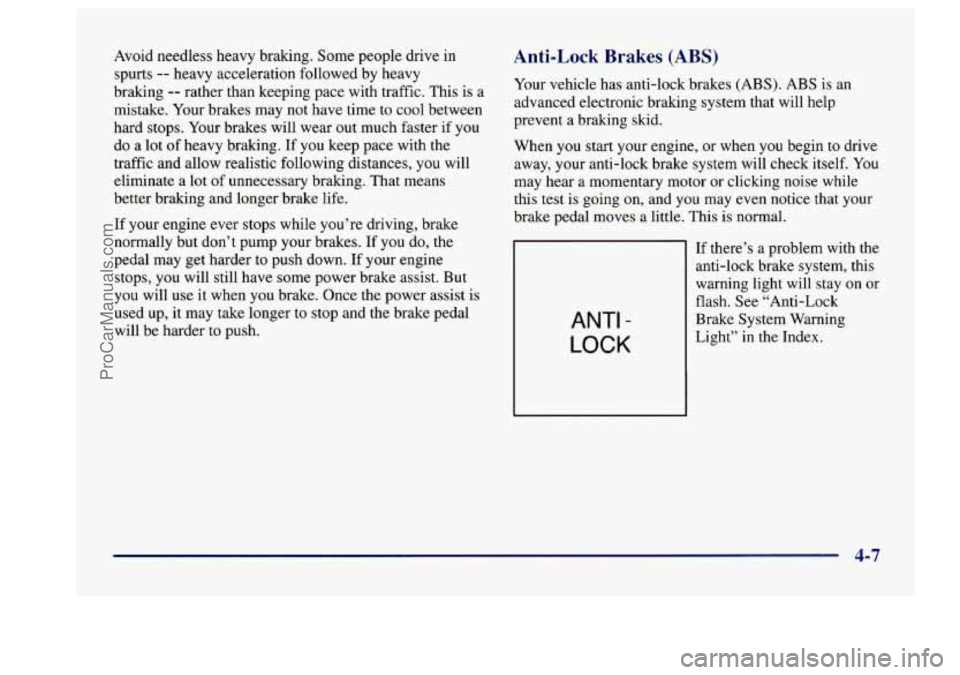
Anti-Lock Brakes (ABS)
Your vehicle has anti-lock brakes (ABS). ABS is an
advanced electronic braking system that will help
prevent a braking skid.
When you start your engine, or when
you begin to drive
away, your anti-lock brake system will check itself. You
may hear a momentary motor or clicking noise while
this
test is going on, and you may even notice that your
brake pedal moves a little. This is normal.
ANTI -
LOCK
If there’s a problem with the
anti-lock brake system, this
warning light will stay on or
flash. See “Anti-Lock
Brake System Warning
Light” in the Index.
4-7
ProCarManuals.com
Page 195 of 406
Remember: Anti-lock doesn’t change the time you need
to get your foot up
to the brake pedal or always decrease
stopping distance. If you get too close to the vehicle in
front of you, you won’t have time to apply your brakes
if that vehicle suddenly slows or stops. Always leave
enough room up ahead to stop, even though you have
anti-lock brakes.
Using Anti-Lock
Don’t pump the brakes. Just hold the brake pedal down
and let anti-lock work for
you. You may feel the system
working, or
you may notice some noise, but this is normal.
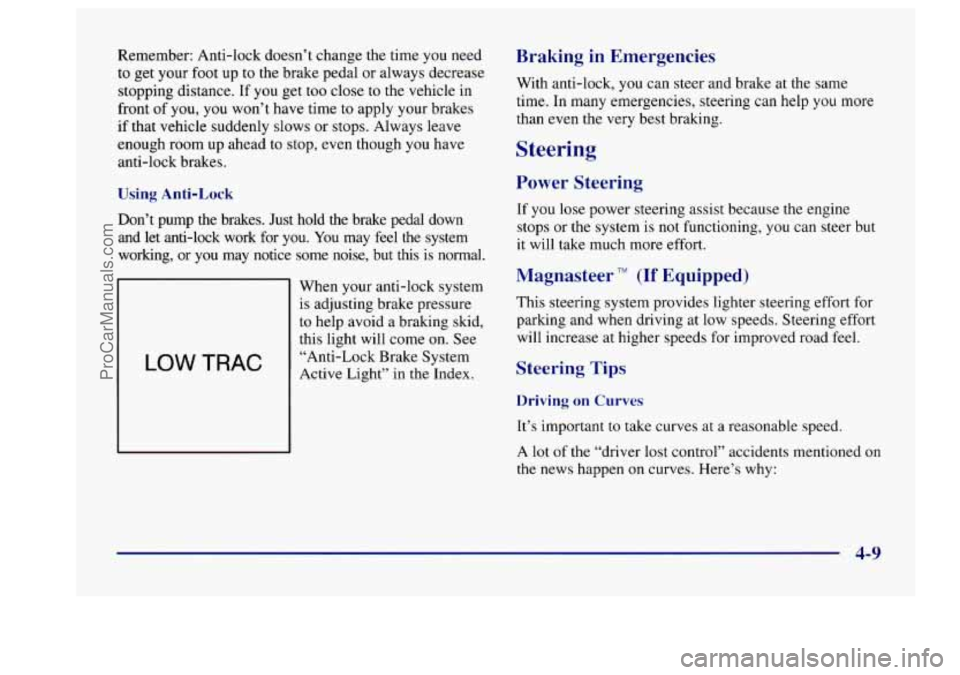
LOW TRAC
When your anti-lock system
is adjusting brake pressure
to help avoid a braking skid,
this light will come on. See
“Anti-Lock Brake System
Active Light” in
the Index.
Braking in Emergencies
With anti-lock, you can steer and brake at the same
time. In many emergencies, steering can help you more
than even the very best braking.
Steering
Power Steering
If you lose power steering assist because the engine
stops or the system is not functioning, you can steer but
it will take much more effort.
Magnasteer TM (If Equipped)
This steering system provides lighter steering effort for
parking and when driving at low speeds. Steering effort
will increase at higher speeds for improved road feel.
Steering Tips
Driving on Curves
It’s important to take curves at a reasonable speed.
A lot of the “driver lost control” accidents mentioned on
the news happen on curves. Here’s why:
4-9
ProCarManuals.com