Page 33 of 235
CAUTION
cAlways have the doors locked while
driving. Along with the use of seat
belts, this provides greater safety in
the event of an accident by helping
to prevent persons from being
thrown from the vehicle. This also
helps keep children and others from
unintentionally opening the doors,
and will help keep out intruders.
cBefore opening any door, always
look for and avoid oncoming traffic.
cAlways use the door handle to open
or close the sliding door. Do not
attempt to open or close the door by
merely placing your hand on the
door edge or door slide roller, as this
may cause injury.
cWhen opening the sliding door on a
slope, ensure that it is fully open and
that it does not close by itself.
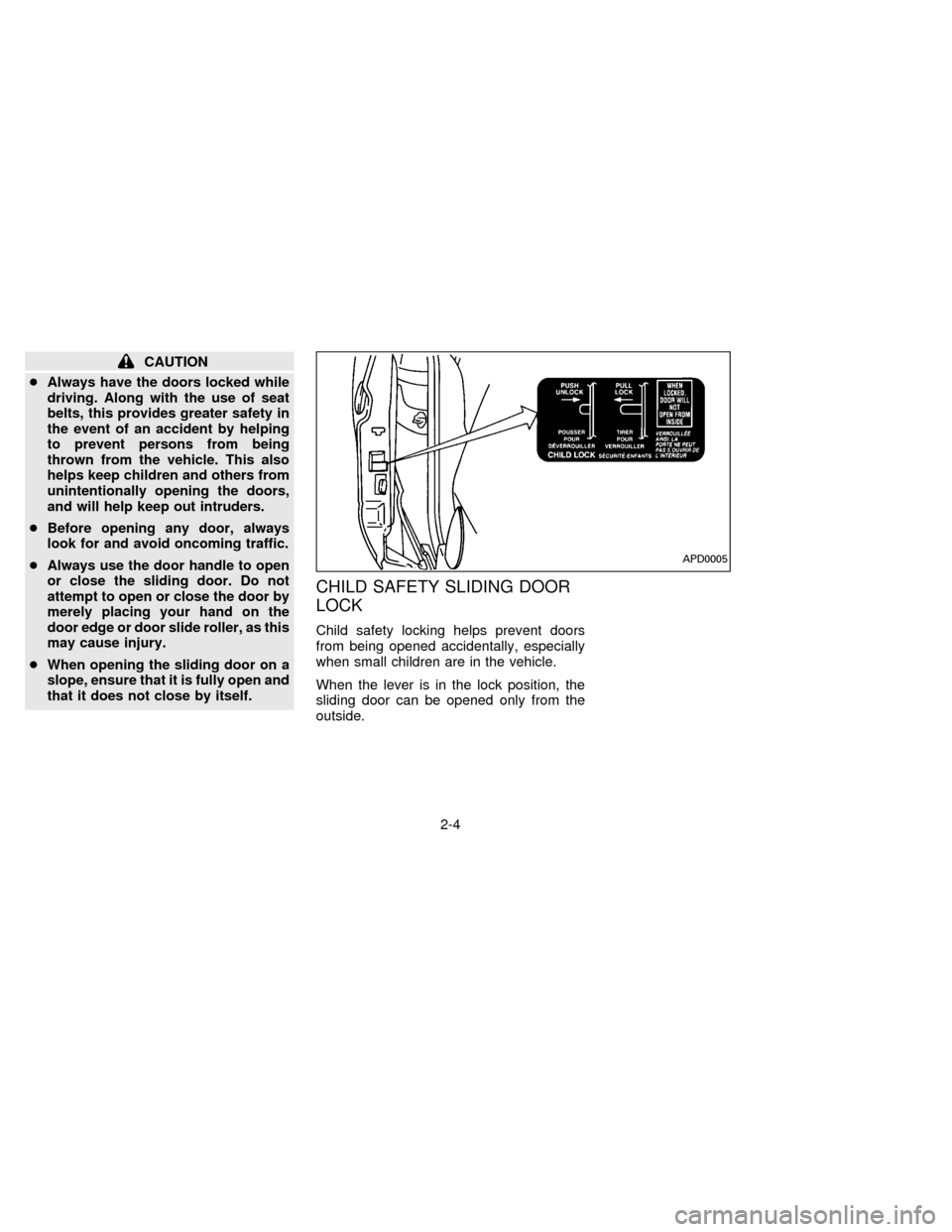
CHILD SAFETY SLIDING DOOR
LOCK
Child safety locking helps prevent doors
from being opened accidentally, especially
when small children are in the vehicle.
When the lever is in the lock position, the
sliding door can be opened only from the
outside.
APD0005
2-4
ZX
Page 34 of 235
POWER DOOR LOCK
The power door lock system allows you to
lock or unlock all doors simultaneously.
cTurning a door key to the front locks all
doors. This function can be operated
from the driver, passenger or sliding
door.
cPushing a front door lock knob in locks all
doors. When locking the doors this way,
be certain not to leave the key inside the
vehicle. All doors automatically unlock
with the key in the ignition.
Selective unlock (If so equipped)
cTurning the door key one time to the rear
of the vehicle unlocks the corresponding
door. From that position, returning the
key to Neutral (where the key can only be
removed and inserted) and turning it to
the rear again within 5 seconds unlocks
all doors. This function can be operated
from the driver, passenger or sliding
door.
APD0841APD0828
2-5
ZX
Page 35 of 235
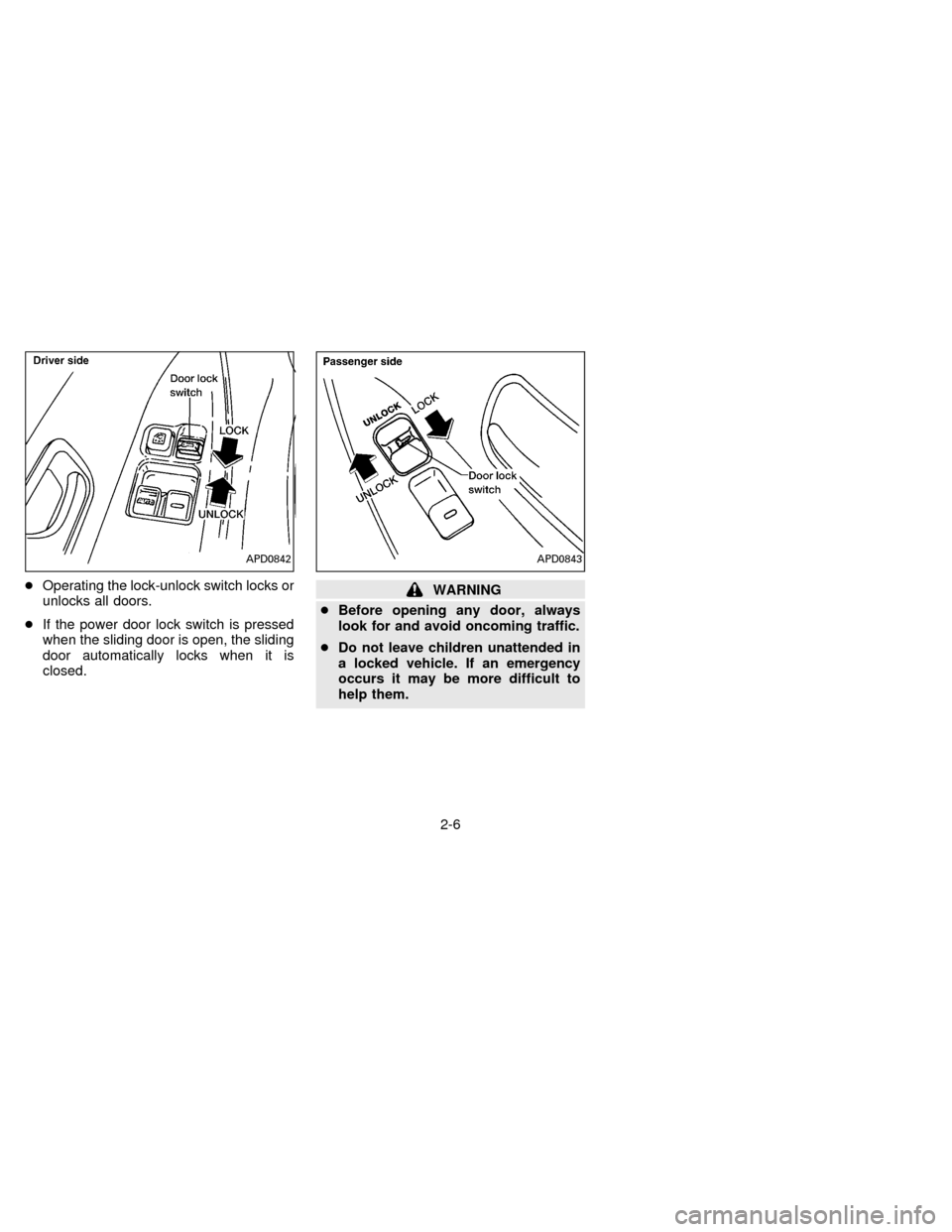
cOperating the lock-unlock switch locks or
unlocks all doors.
cIf the power door lock switch is pressed
when the sliding door is open, the sliding
door automatically locks when it is
closed.WARNING
cBefore opening any door, always
look for and avoid oncoming traffic.
cDo not leave children unattended in
a locked vehicle. If an emergency
occurs it may be more difficult to
help them.
APD0842APD0843
2-6
ZX
Page 36 of 235
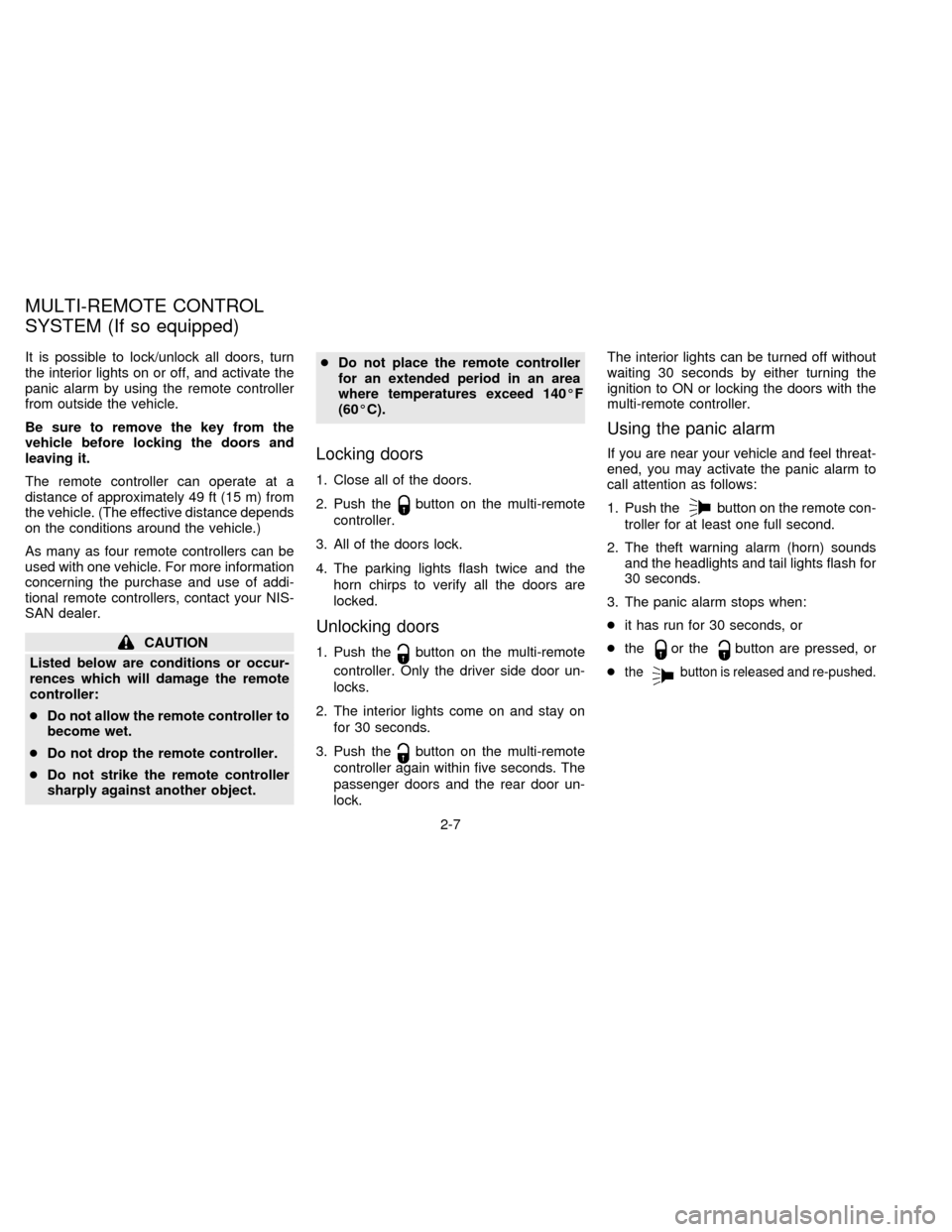
It is possible to lock/unlock all doors, turn
the interior lights on or off, and activate the
panic alarm by using the remote controller
from outside the vehicle.
Be sure to remove the key from the
vehicle before locking the doors and
leaving it.
The remote controller can operate at a
distance of approximately 49 ft (15 m) from
the vehicle. (The effective distance depends
on the conditions around the vehicle.)
As many as four remote controllers can be
used with one vehicle. For more information
concerning the purchase and use of addi-
tional remote controllers, contact your NIS-
SAN dealer.
CAUTION
Listed below are conditions or occur-
rences which will damage the remote
controller:
cDo not allow the remote controller to
become wet.
cDo not drop the remote controller.
cDo not strike the remote controller
sharply against another object.cDo not place the remote controller
for an extended period in an area
where temperatures exceed 140ÉF
(60ÉC).
Locking doors
1. Close all of the doors.
2. Push the
button on the multi-remote
controller.
3. All of the doors lock.
4. The parking lights flash twice and the
horn chirps to verify all the doors are
locked.
Unlocking doors
1. Push thebutton on the multi-remote
controller. Only the driver side door un-
locks.
2. The interior lights come on and stay on
for 30 seconds.
3. Push the
button on the multi-remote
controller again within five seconds. The
passenger doors and the rear door un-
lock.The interior lights can be turned off without
waiting 30 seconds by either turning the
ignition to ON or locking the doors with the
multi-remote controller.
Using the panic alarm
If you are near your vehicle and feel threat-
ened, you may activate the panic alarm to
call attention as follows:
1. Push the
button on the remote con-
troller for at least one full second.
2. The theft warning alarm (horn) sounds
and the headlights and tail lights flash for
30 seconds.
3. The panic alarm stops when:
cit has run for 30 seconds, or
cthe
or thebutton are pressed, or
c
thebutton is released and re-pushed.
MULTI-REMOTE CONTROL
SYSTEM (If so equipped)
2-7
ZX
Page 40 of 235
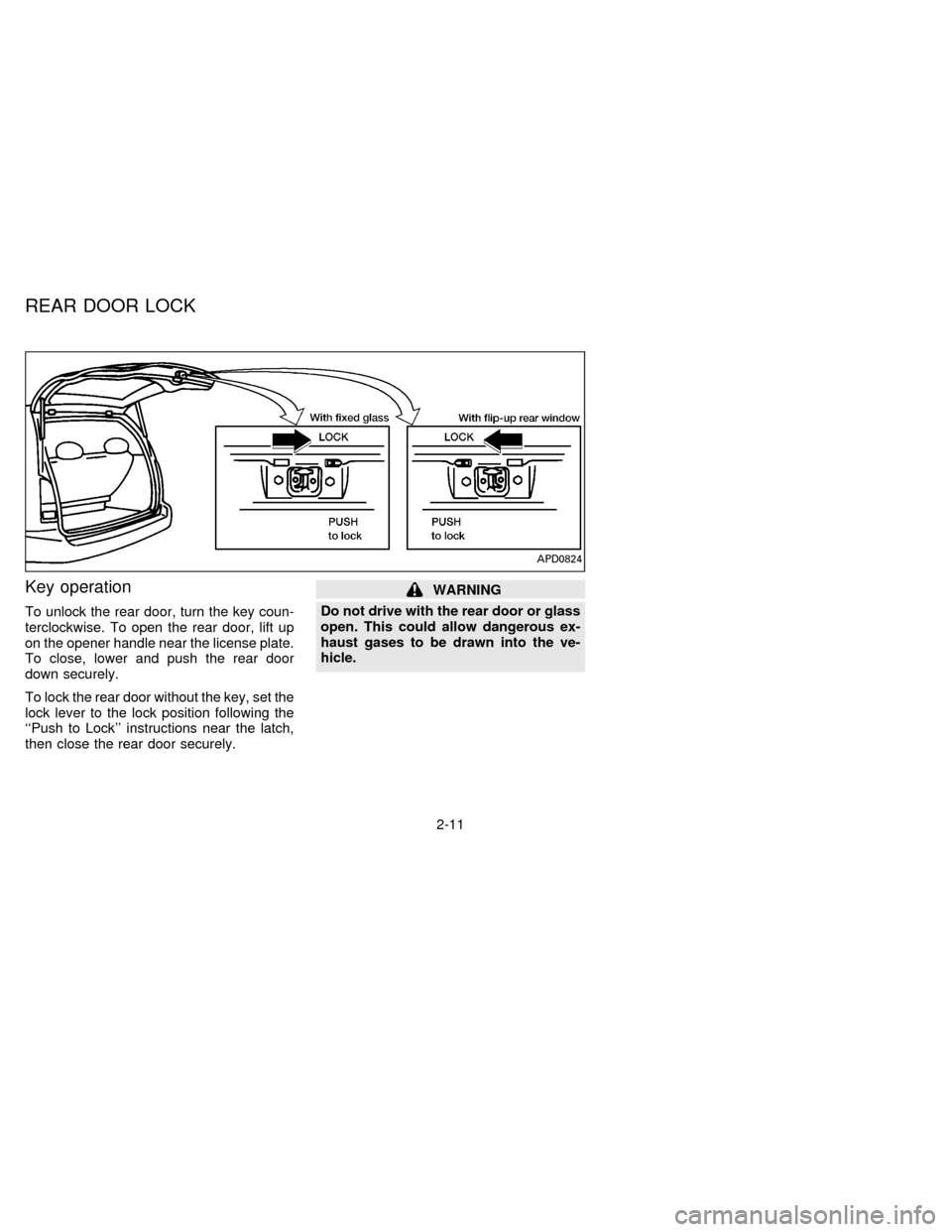
Key operation
To unlock the rear door, turn the key coun-
terclockwise. To open the rear door, lift up
on the opener handle near the license plate.
To close, lower and push the rear door
down securely.
To lock the rear door without the key, set the
lock lever to the lock position following the
``Push to Lock'' instructions near the latch,
then close the rear door securely.
WARNING
Do not drive with the rear door or glass
open. This could allow dangerous ex-
haust gases to be drawn into the ve-
hicle.
APD0824
REAR DOOR LOCK
2-11
ZX
Page 41 of 235
To lock the rear door with the key, turn the
key clockwise as shown in the illustration.
Turning the key fully clockwise unlocks the
rear window on models equipped with the
flip-up rear window. The rear wiper auto-
matically lowers when the key is turned fully
clockwise. Do not force the wiper to lower
by hand.
To close the rear window, firmly push on the
window until it locks in place.
The rear door cannot be opened if the
flip-up rear window is raised.
APD0802
2-12
ZX
Page 83 of 235
moved from the vehicle, you must detach
the single window tongue from the auxiliary
buckle.
If the three-passenger bench seat is
moved up to the second row position,
the outside passenger (near the sliding
door) only needs to use the double win-
dow tongue and the standard buckle.
Because the third row seat is so much
wider and is closer to the sliding door,
the single window tongue and the auxil-
iary buckle are not necessary.
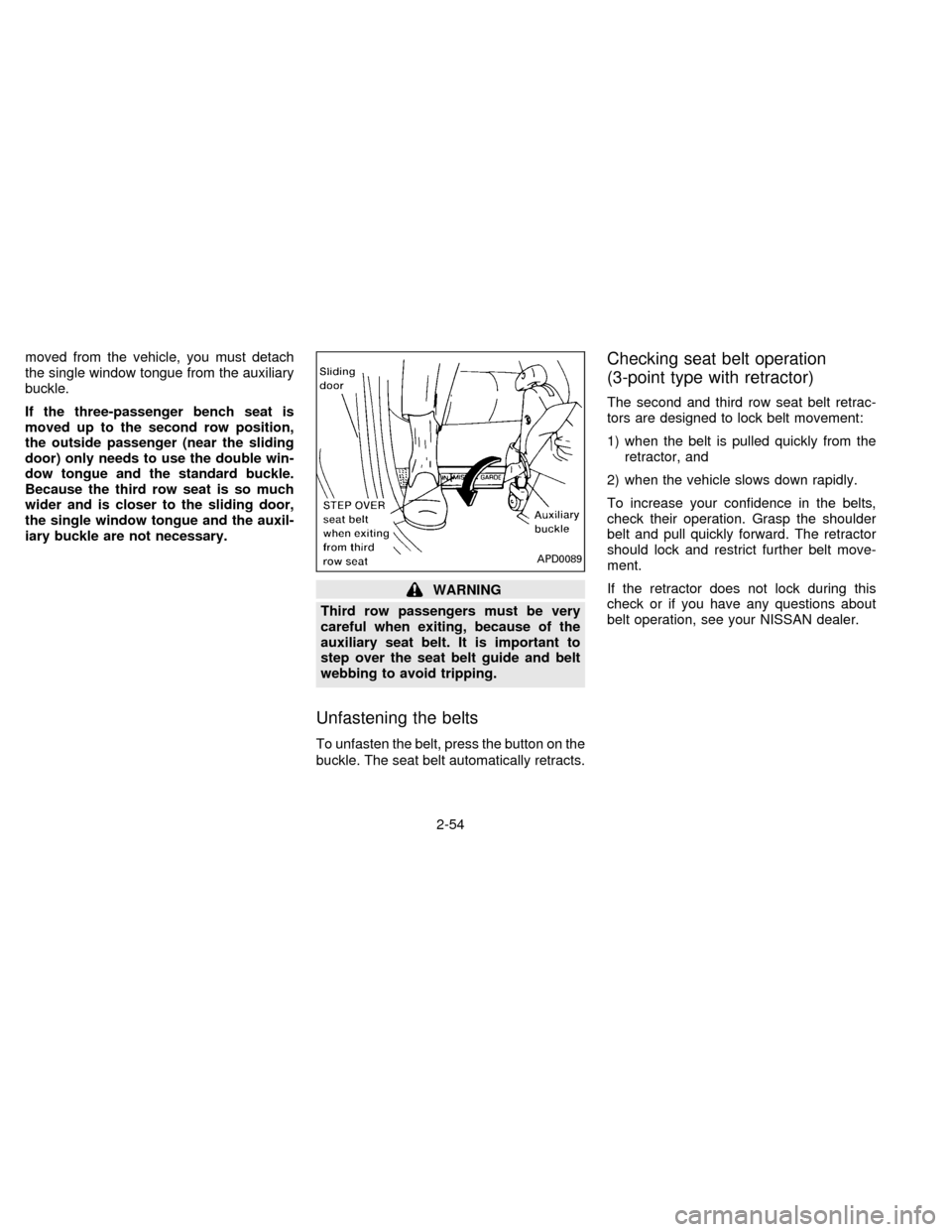
WARNING
Third row passengers must be very
careful when exiting, because of the
auxiliary seat belt. It is important to
step over the seat belt guide and belt
webbing to avoid tripping.
Unfastening the belts
To unfasten the belt, press the button on the
buckle. The seat belt automatically retracts.
Checking seat belt operation
(3-point type with retractor)
The second and third row seat belt retrac-
tors are designed to lock belt movement:
1) when the belt is pulled quickly from the
retractor, and
2) when the vehicle slows down rapidly.
To increase your confidence in the belts,
check their operation. Grasp the shoulder
belt and pull quickly forward. The retractor
should lock and restrict further belt move-
ment.
If the retractor does not lock during this
check or if you have any questions about
belt operation, see your NISSAN dealer.
APD0089
2-54
ZX
Page 89 of 235
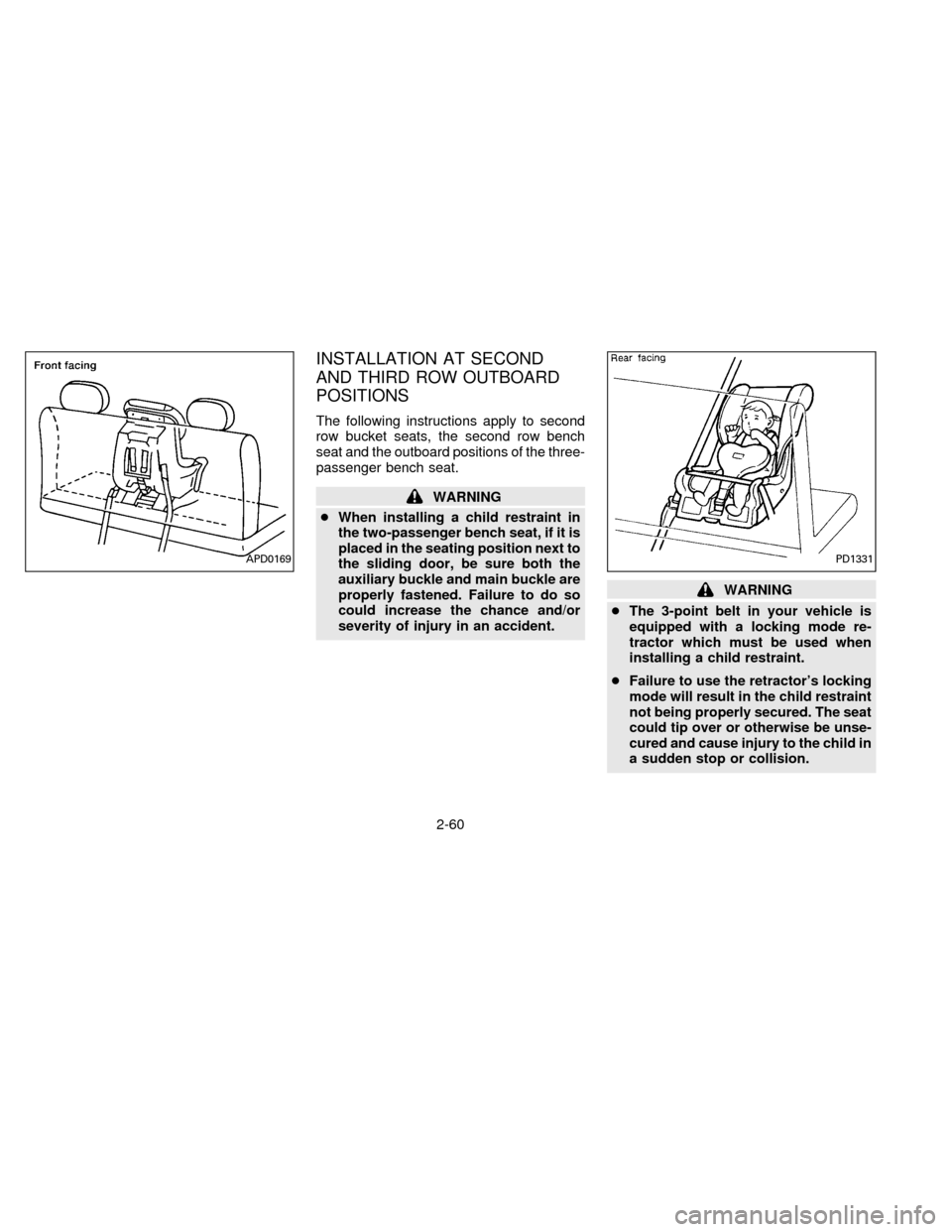
INSTALLATION AT SECOND
AND THIRD ROW OUTBOARD
POSITIONS
The following instructions apply to second
row bucket seats, the second row bench
seat and the outboard positions of the three-
passenger bench seat.
WARNING
cWhen installing a child restraint in
the two-passenger bench seat, if it is
placed in the seating position next to
the sliding door, be sure both the
auxiliary buckle and main buckle are
properly fastened. Failure to do so
could increase the chance and/or
severity of injury in an accident.
WARNING
cThe 3-point belt in your vehicle is
equipped with a locking mode re-
tractor which must be used when
installing a child restraint.
cFailure to use the retractor's locking
mode will result in the child restraint
not being properly secured. The seat
could tip over or otherwise be unse-
cured and cause injury to the child in
a sudden stop or collision.
PD1331APD0169
2-60
ZX