Page 81 of 320

FLR & DEF button
Push this button to get air to the floor and
windshield defrosters at the same time. The
display will show the set temperature, FLR and
the Defrost symbol. If the outside temperature
is about 50°F (10°C) and above, the air will be
dehumidified to remove moisture. This will help
to prevent fogging in humid weather.
DEFROST button
Press the Defrost Button to obtain maximum
airflow to the windshield. Adjust the
temperature setting as required for defrosting.
The Display window will show the temperature
setting with the Defrost symbol to the left of the
temperature. When the outside temperature is
about 50°F (10°C) and above, the air will be
dehumidified to remove moisture. This will help
prevent fogging in humid weather.
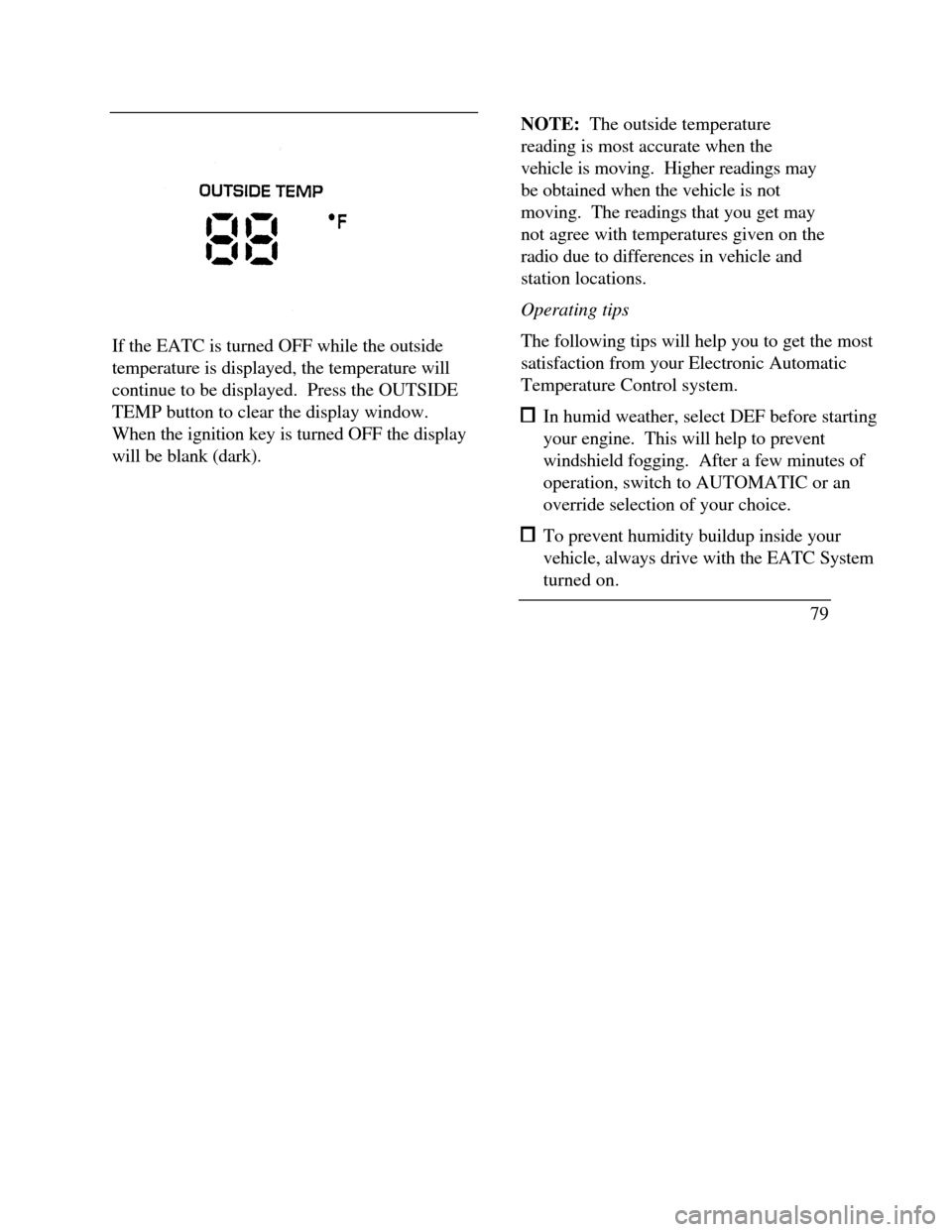
78OUTSIDE TEMP button
By pressing this button the temperature
of the air outside of the vehicle will show
in the display. The outside temperature
will continue to be displayed until the
OUTSIDE TEMP button is pressed
again to cancel. If the selected
temperature setting is changed while the
outside temperature is displayed, the new
selected temperature will be displayed for
4 seconds after it is changed. Then, the
outside temperature will return to the
window. If a manual override is pressed
or the thumbwheel is rotated while the
outside temperature is displayed, the
window will show the change for 4
seconds. Then, the outside temperature
will return along with the changed
override selection.
Page 82 of 320
If the EATC is turned OFF while the outside
temperature is displayed, the temperature will
continue to be displayed. Press the OUTSIDE
TEMP button to clear the display window.
When the ignition key is turned OFF the display
will be blank (dark).NOTE: The outside temperature
reading is most accurate when the
vehicle is moving. Higher readings may
be obtained when the vehicle is not
moving. The readings that you get may
not agree with temperatures given on the
radio due to differences in vehicle and
station locations.
Operating tips
The following tips will help you to get the most
satisfaction from your Electronic Automatic
Temperature Control system. In humid weather, select DEF before starting
your engine. This will help to prevent
windshield fogging. After a few minutes of
operation, switch to AUTOMATIC or an
override selection of your choice. To prevent humidity buildup inside your
vehicle, always drive with the EATC System
turned on.
79
Page 83 of 320
Do not put objects under the front seats that
interfere with the flow of air to the back seat
area. Remove any snow, ice, or leaves from the air
intake area of your EATC System which
could block the air intake. The intake area is
located at the bottom of the windshield, under
the hood at the passenger side rear corner.
Service
If your EATC is not operating as described here,
take it to your dealer to have it checked. System
diagnostics are built in which will allow your
dealer to readily identify problems that might
occur.
80Rear Window Defroster and
Heated Sideview Mirrors
The rear window and heated outside mirrors
defroster switch activates the defroster for the
rear window to clear frost, fog, or thin ice from
both the inside and outside of the rear window
and activates the heated outside rearview
mirrors.
The button for the rear window and heated
outside mirrors defroster is on the instrument
panel to the right of the steering column.
Page 84 of 320

The button that controls the rear window
defroster and heated outside rearview mirrors
Clear away any snow that is on the rear window
and outside rearview mirrors before using the
defroster. With the engine running, push the
defroster button.
After approximately 10 minutes, the defroster
will turn off. If the window or mirrors are still
not clear, turn the defroster on again.The defroster will turn off when the ignition key is
turned to the OFF or START position.
The heating elements are bonded to the inside of
the rear window. Do not use sharp objects to
scrape the inside of the rear window or use
abrasive cleaners to clean it. Doing so could
damage the heating elements.
The Interior and Exterior Lights
Daytime Running Light System
(Canadian vehicles only)
The Daytime Running Light (DRL) system turns
the high beam headlamps on, with a reduced light
output, when:
œ The headlamp system is in the OFF position,
and
œ The vehicle is running, and
œ The vehicle has a fully released parking brake.
81
Page 114 of 320

Triggering the alarm system
The armed system will be triggered if: any door is opened without disarming the
system (see previous paragraphs), or the trunk lock cylinder is removed, or
NOTE: You can open the trunk with your key
without setting off the alarm. the hood is opened.
Disarming a triggered system
The alarm can be disarmed by: unlocking a front door with the key using the keyless entry unlock code using the UNLOCK button of the remote entry
transmitterNOTE: The flashing lights and honking horn
will shut off automatically approximately
three minutes after the system is triggered.
It will trigger again if another intrusion
occurs. However, the engine will not be
allowed to start until the system is disarmed.
Windows
Using the Power Windows
Each door has a power control that opens and
closes the window on that door. The driver's
door has a master control panel that operates all
four windows.
Power windows can only be opened or closed
when the ignition is in the ON or ACC position
or during the ten minute delayed accessory
period after the ignition is turned off.
111
Page 115 of 320
/!\WARNINGDo not let children play with the powerwindows. They may seriously hurtthemselves. Make sure occupants areclear of the window(s) before closing.NOTE: Your vehicle is also equipped with a
delayed accessory timer. This allows some of your
accessories to remain on for up to 10 minutes after
the key is turned to the OFF position. The
accessory timer is cancelled if any door is opened
or the key is turned to the ON position.
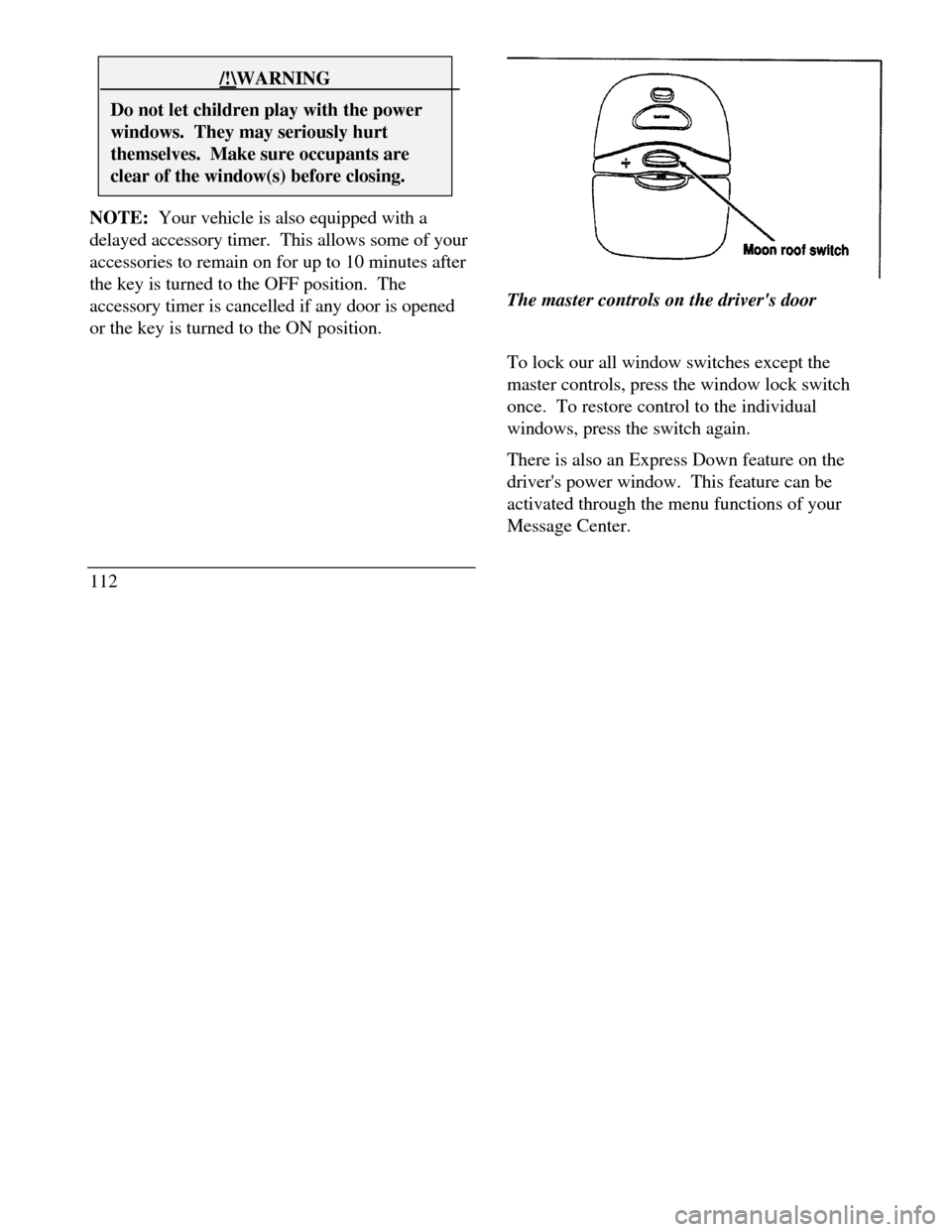
112The master controls on the driver's door
To lock our all window switches except the
master controls, press the window lock switch
once. To restore control to the individual
windows, press the switch again.
There is also an Express Down feature on the
driver's power window. This feature can be
activated through the menu functions of your
Message Center.
Page 116 of 320
To operate, briefly press the driver's window
switch to the down position. The window will then
open automatically. To stop automatic operation,
briefly press the switch again to either the up or
down position. More than a quick press of the
switch provides conventional power window
operation. Closing of the power window is
conventional operation only.
Moon Roof (If equipped)
You can move the moon roof back to open the
glass panel, or you can tilt it up to ventilate the
vehicle.
The roof console ROOF switch is used to open and
close the moon rool Press and hold the switch until
the desired position is reached. At the fully closed
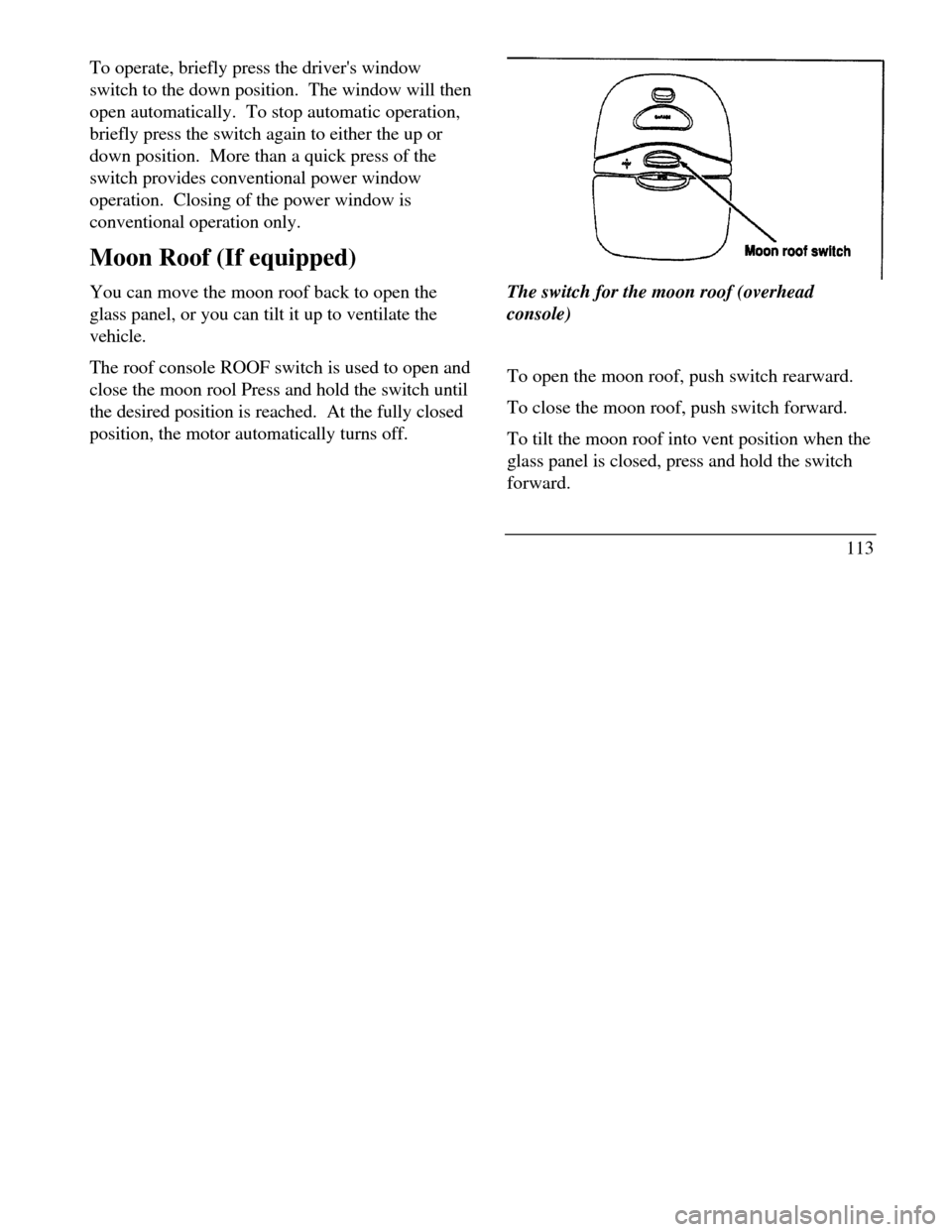
position, the motor automatically turns off.The switch for the moon roof (overhead
console)
To open the moon roof, push switch rearward.
To close the moon roof, push switch forward.
To tilt the moon roof into vent position when the
glass panel is closed, press and hold the switch
forward.
113
Page 122 of 320
Memory Profile System
The Personality Memory Feature customizes your
Continental for up to two (2) drivers. The
following features are automatically recalled when
unlocking the doors using the remote entry
transmitter, keyless entry keypad, or by pressing
the Memory 1 or Memory 2 switches on the
driver's door: All driver's seat positions except power lumbar
and head restraint. Both left and right outside mirror settings. Radio station presets including the last selected
station and band and 0 preset preferences on
FMI, FM2, and AM. Instrument panel dimming setting. Autolamp delay time-out setting. Ride/Steering menu setting. Feature Menu settingsThe Ride/Steering menu is located in the
Message Center. The RIDE display allows you
to adjust the suspension feel to FIRM,
NORMAL, or PLUSH.
Pressing the Ride/Steering menu switch again
brings the STEERING display. This allows you
to adjust steering effort to LOW, NORMAL, or
HIGH.
For more information on ride/steering options,
see Road Calibrated Suspension later in this
chapter.
Personality Memory also allows you to
customize settings from the Feature menu
located in the Message Center. The Feature
menu contains five (5) features that you can
enable or disable. The features are listed in the
order they appear in the Feature menu. EXPRESS WINDOW - for one tap down
operation of the driver's window.
119