1996 CHEVROLET S10 battery
[x] Cancel search: batteryPage 98 of 375
Downloaded from www.Manualslib.com manuals search engine Illuminated Visor Vanity Mirror (Option)
I
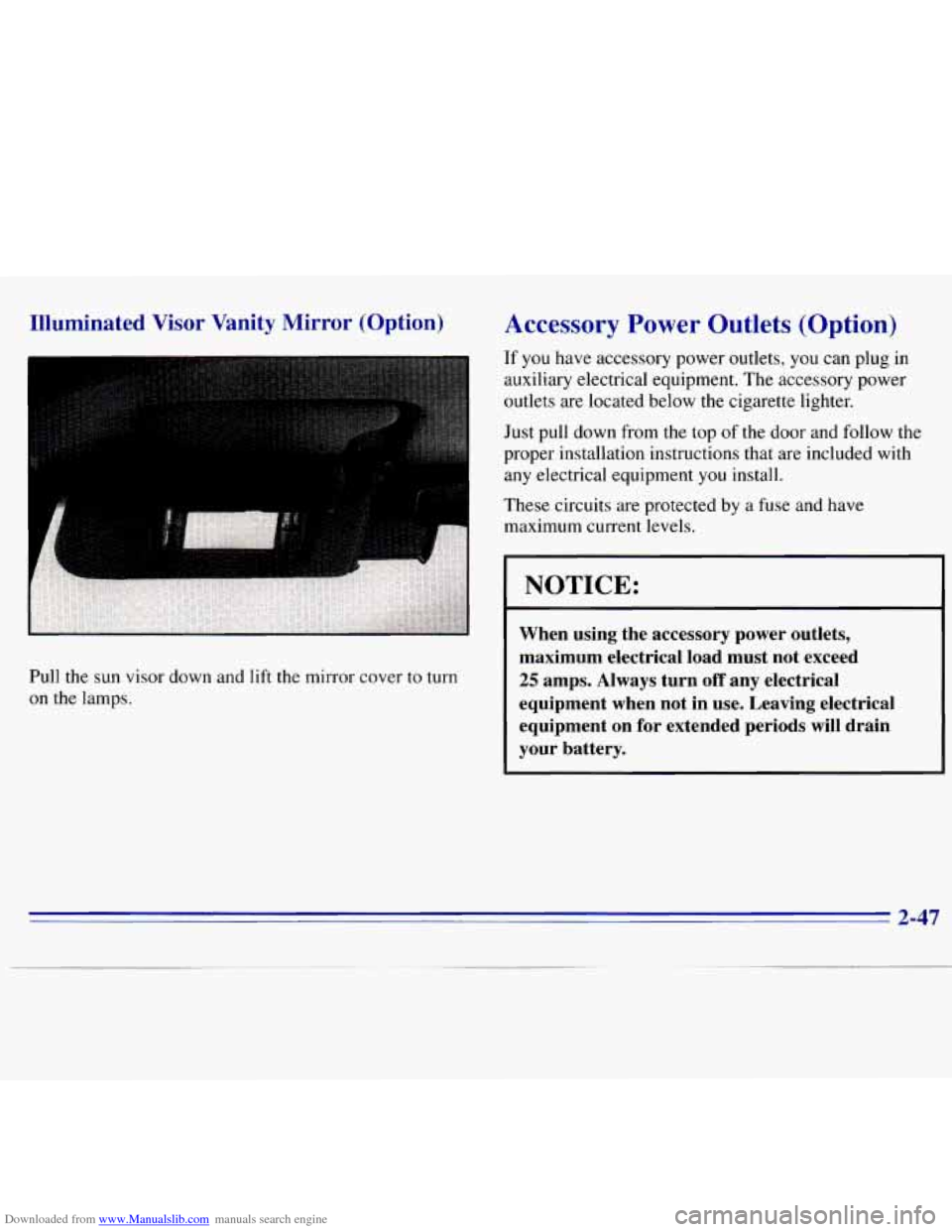
Pull the sun visor down and lift the mirror cover to turn
on the lamps.
Accessory Power Outlets (Option)
If you have accessory power outlets, you can plug in
auxiliary electrical equipment. The accessory power
outlets are located below the cigarette lighter.
Just pull down from the top of the door and follow the
proper installation instructions that are included with
any electrical equipment you install.
These circuits are protected by a fuse and have
maximum current levels.
NOTICE:
When using the accessory power outlets,
maximum electrical load must not exceed
25 amps. Always turn off any electrical
equipment when not in use. Leaving electrical
equipment on for extended periods
will drain
your battery.
2-47
Page 105 of 375

Downloaded from www.Manualslib.com manuals search engine Air Bag Readiness Light
There is an air bag readiness light on the instrument
panel, which shows AIR
BAG. The system checks
the air bag’s electrical system for malfunctions. The
light tells
you if there is an electrical problem. The
system check includes the air bag sensors, the air
bag
module, the wiring and the diagnostic module. For
more information on the air bag system, see “Air Bag”
in the Index.
AIR
BAG
You will see this light flash
for a few seconds when you
turn your ignition to RUN
or START. Then
the light
should
go out. This means
the system is ready.
If the air bag readiness light doesn’t come
on when you
start your vehicle, or stays on, or comes on when you
are driving, your air bag system may not work properly.
Have your vehicle serviced right away.
Charging System Indicator Light
The charging system light
will come
on briefly when
you turn on the ignition,
but the engine is not
running, as
a check to
show you it is working.
It should go out once the engine
is running. If it stays
on, or comes on while you are driving, you may have a
problem with the charging system. It could indicate that
you have problems with a generator drive belt, or
another electrical problem. Have
it checked right away.
Driving while this light is on could drain your battery.
If you must drive a short distance with the light on, be
certain to turn off all your accessories, such as the radio
and air conditioner.
2-54
Page 106 of 375
Downloaded from www.Manualslib.com manuals search engine Voltmeter
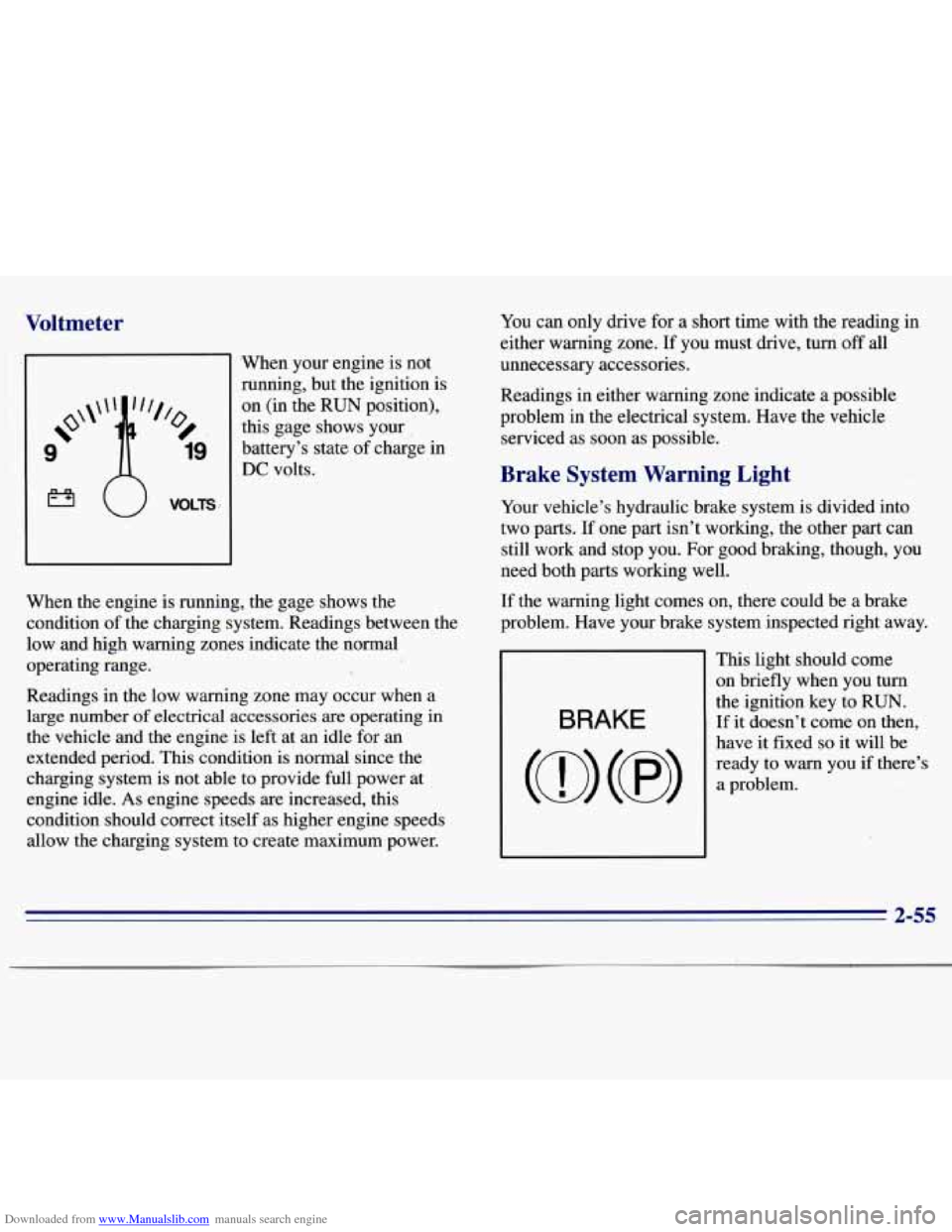
‘When your engine is not
ninning, but the ignition
is
on (in the RUN position),
this gage shows your
battery’s state of charge in
DC volts. You
can only drive for a short time with the reading in
either warning zone.
If you must drive, turn off all
unnecessary accessories.
Readings in either warning zone indicate a possible
problem
in the electrical system. Have the vehicle
serviced as soon as possible.
Brake System Warning Light
When the engine is running, the gage shows the
condition of the charging system. Readings between the
low and high warning zones indicate the normal
operating range.
Readings in the low warning zone may occur when a
large number
of electrical accessories are operating in
the vehicle and the engine
is left at an idle for an
extended period. This condition is normal since the
charging system is not able to provide full power at
engine idle. As engine speeds are increased, this
condition should correct itself as higher engine speeds
allow the charging system to create maximum power. Your
vehicle’s hydraulic brake system is divided into
two parts.
If one part isn’t working, the other part can
still work and stop you. For good braking, though, you
need both parts working well.
If the warning light comes on, there could be a brake
problem. Have your brake system inspected right away.
This light should come
on briefly when you turn
the ignition key to RUN.
If it doesn’t come on then, BRAKE
have it fixed so it will be
ready to
warn you if there’s
2-55
Page 127 of 375
Downloaded from www.Manualslib.com manuals search engine RCL: Press this button to see what track is playing.
Press
it again within five seconds to see how long it has
been playing. The track number also appears when you
change the volume or when a new track starts to play.
COMP (2): Press this button to make loud and soft
passages more nearly equal in volume. COMP
will
appear on the display while using this control.
RDM (3): Press this button to play tracks in a random,
rather than sequential, order. RDM will appear on the
display while using this control. Press the button again
to return to normal sequence.
REV (4): Press and hold this button to return to a
passage quickly. Release
it to play the passage. The
counter reading will appear on
the display while using
this control.
FWD (5): Press and hold this button to advance to a
passage quickly. Release it to resume playing. Watch the
display
to stop at a specific passage.
SCAN: Press this button to listen to each selection for
about six seconds. The disc will go to the next selection,
stop for a few seconds, then go to the next selection.
Press
RDM, SCAN or any other motion button again to
stop scanning.
PREV: Hold the backward arrow or press it more than
once to return the disc to previous tracks.
NEXT Press the forward arrow to hear the next track
now instead of waiting
until the current track is finished.
If you hold this button or press it more than once, the
disc will advance further.
ST-PL: Press this button to stop the disc and play the
radio. Press
it again to restart the disc at the point where
it stopped.
Press the POWER-VOL knob or turn the ignition key
off to stop the disc player. The disc stays in the player
and will resume playing at the point where it stopped.
E JCT Press this button to eject the disc and play the
radio. The disc
will start at track one when you reinsert it.
Theft-Deterrent Feature
Delco LOC II@ is a theft-deterrent feature for the
compact disc player. It can be used or ignored.
If ignored,
the system plays normally. If used, your player won’t be
usable
if it is ever stolen, because it won’t turn on.
The instructions below tell you how to enter a secret code
into the system. It is recommended that you read through
all 11 steps before starting the procedure. If your vehicle
loses battery power for any reason, you must unlock the system with your secret code before the radio will
turn on.
NOTE: If you allow more than 15 seconds to elapse
between
any steps, the radio automatically .reverts to
time and you must start the procedure over at Step
4.
3-14
Page 128 of 375
Downloaded from www.Manualslib.com manuals search engine Locking the Theft System
1.
2.
3.
4.
5.
6.
7.
8.
9.
10.
11. Write down
any six-digit number
and keep it in a
safe place separate from the vehicle.
Turn the ignition
to the ACCESSORY or
RUN position.
Press
POWER to turn the radio off.
Press the 1 and 4 buttons together. Hold them down
until
--- shows on the display. Next you will use the
secret code number which you have written down.
Press
SET and 000 will appear on the display.
Press SCAN
to make the first digit appear.
Press SEEK right arrow or SEEK left arrow
to
make the next two digits agree with your code.
Press BAND and
000 will appear on the display
again. Now you are ready
to enter the last three
digits of your code.
Repeat Steps
6 and 7 for the last three digits of
your code.
Press
BAND and the display will show REP for about
five seconds and then 000 will appear on the display.
Repeat Steps
6 through 10. This time the display will
show SEC to let you know that your radio
is secure.
Unlocking the Theft System After a Power Loss
Enter your secret code as follows; pause no more than
15 seconds between steps:
1. Turn the ignition on with the radio off.
2. Press SET and 000 will appear on the display.
3. Press SCAN to make the first digit appear.
4. Press SEEK right arrow or SEEK left arrow to make
the next two digits agree with your code.
5. Press BAND and 000 will appear on the display
again. Now you are ready to enter
the last three
digits
of your code.
6. Repeat Steps 3 and 4 for the last three digits of
7. Press BAND after you have confirmed that the code
matches the secret code you have written down. The
time will be displayed indicating that the system
is
disabled. If the display shows SEC, the numbers
entered did
not match your secret code and the unit
is
still secured.
your code.
When battery power is given
to a secured radio, the
radio won’t turn on and LOC will appear on the display.
3-15
Page 171 of 375
Downloaded from www.Manualslib.com manuals search engine -
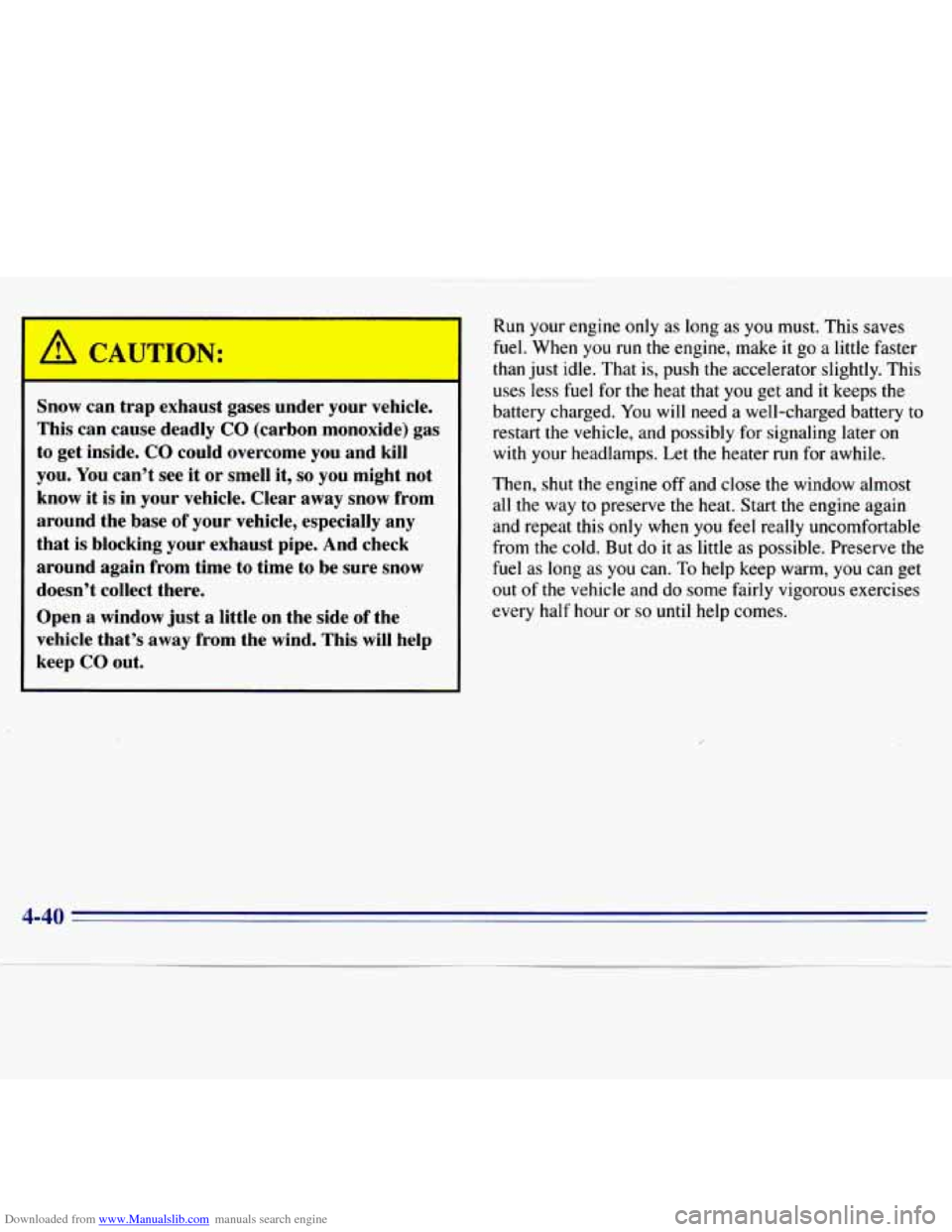
Snow can trap exhaust gases under your vehicle.
This can cause deadly
CO (carbon monoxide) gas
to get inside.
CO could overcome you and kill
you. You can’t see it
or smell it, so you might not
know it is in your vehicle. Clear away snow from
around the base of your vehicle, especially any
that
is blocking your exhaust pipe. And check
around again from time to time to be sure snow
doesn’t collect there.
Open a window just a little on the side
of the
vehicle that’s away from the wind. This will help
keep
CO out.
Run your engine only as long as you must. This saves
fuel. When you
run the engine, make it go a little faster
than just idle. That
is, push the accelerator slightly. This
uses less fuel for the heat that you get and
it keeps the
battery charged.
You will need a well-charged battery to
restart the vehicle, and possibly for signaling later
on
with your headlamps. Let the heater run for awhile.
Then, shut the engine off and close the window almost
all the way
to preserve the heat. Start the engine again
and repeat this only when you feel really uncomfortable
from the cold.
But do it as little as possible. Preserve the
fuel as long as you can.
To help keep warm, you can get
out of the vehicle and
do some fairly vigorous exercises
every
half hour or so until help comes.
4-40
Page 172 of 375
Downloaded from www.Manualslib.com manuals search engine Recreational Vehicle Towing
(Four-wheel Drive Oniy)
1.
2.
3.
4.
Set the parking brake firmly.
Place
an automatic transmission in PARK (P) or a
manual transmission in FIRST (1).
Firmly attach the vehicle being towed to the tow
vehicle.
Do not tow the vehicle by the rear bumper
bar. Refer to
the hitch manufacturer’s instructions.
Place the transfer case shift lever in NEUTRAL (N).
Recreational vehicle towing is not recommended for
vehicles
with the optional electronic shift transfer case
because the transfer case has
no neutral position.
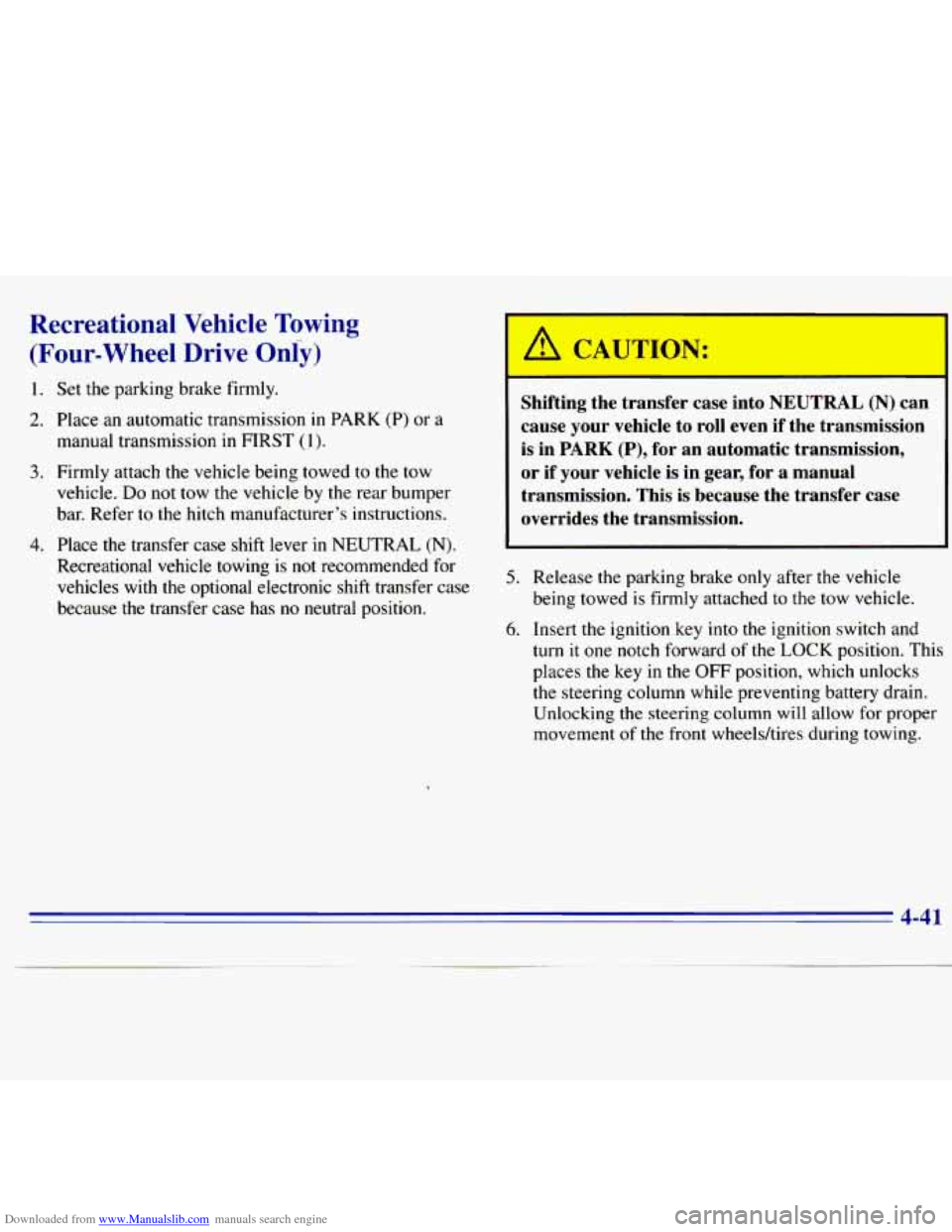
Shifting the transfer case into NEUTRAL (N) can
cause your vehicle to roll even if the transmission
is in
PARK (P), for an automatic transmission,
or if your vehicle is in gear, for a manual
transmission. This is because the transfer case
overrides the transmission.
5. Release the parking brake only after the vehicle
being towed is firmly attached to the tow vehicle.
6. Insert the ignition key into the ignition switch and
turn it one notch forward of the LOCK position. This
places the key
in the OFF position, which unlocks
the steering column while preventing battery drain.
Unlocking the steering
column will allow for proper
movement
of the front wheelshires during towing.
4-41
Page 187 of 375
Downloaded from www.Manualslib.com manuals search engine When You Are Ready to Leave After
Parking on a Hill
1. Apply your regular brakes and hold the pedal down
while
you:
Start your engine;
0 Shift into a gear; and
0 Release the parking brake.
2. Let up on the brake pedal.
3. Drive slowly until the trailer is clear of the chocks.
4. Stop and have someone pick up and store the chocks.
Maintenance When Trailer Towing
Your vehicle will need service more often when you’re
pulling a trailer. See the Maintenance Schedule for more
on this. Things that are especially important in trailer
operation are automatic transmission fluid (don’t
overfill), engine oil, axle lubricant, belt, cooling system
and brake adjustment. Each
of these is covered in this
manual, and the Index will help
you find them quickly.
If you’re trailering, it’s
a good idea to review these
sections before you start your trip.
Check periodically to see that all hitch nuts and bolts
are tight.
Trailer Wiring Harness
The eight-wire harness is stored under your vehicle
along
the rear frame crossmember. This harness has a
30-amp feed wire with an inline fuse located in the
instrument panel fuse block and no connector. It should
be wired by a qualified electrical technician. The
technician can use
the following color code chart when
connecting the wiring harness to your trailer.
0 DARK BLUE: Use for electric trailer brakes or
0 RED: Use for battery charging; it connects to the
LIGHT GREEN: Back-up lamps.
0 BROWN: Taillamps and parking lamps.
0 YELLOW Left stoplamp and turn signal.
0 DARK GREEN: Right stoplamp and turn signal.
0 WHITE (Heavy Gage): Ground wire.
0 WHITE (Light Gage): Auxiliary stoplamp.
Securely attach the harness to the trailer, then tape or
strap it to your vehicle’s frame rail. Be sure
you leave
it loose enough
so the wiring doesn’t bend or break,
but not so
loose that it drags on the ground. Store the
harness in its original place. Wrap the harness together
and tie
it neatly so it won’t be damaged.
auxiliary wiring.
starter solenoid.
4-56