Page 135 of 386
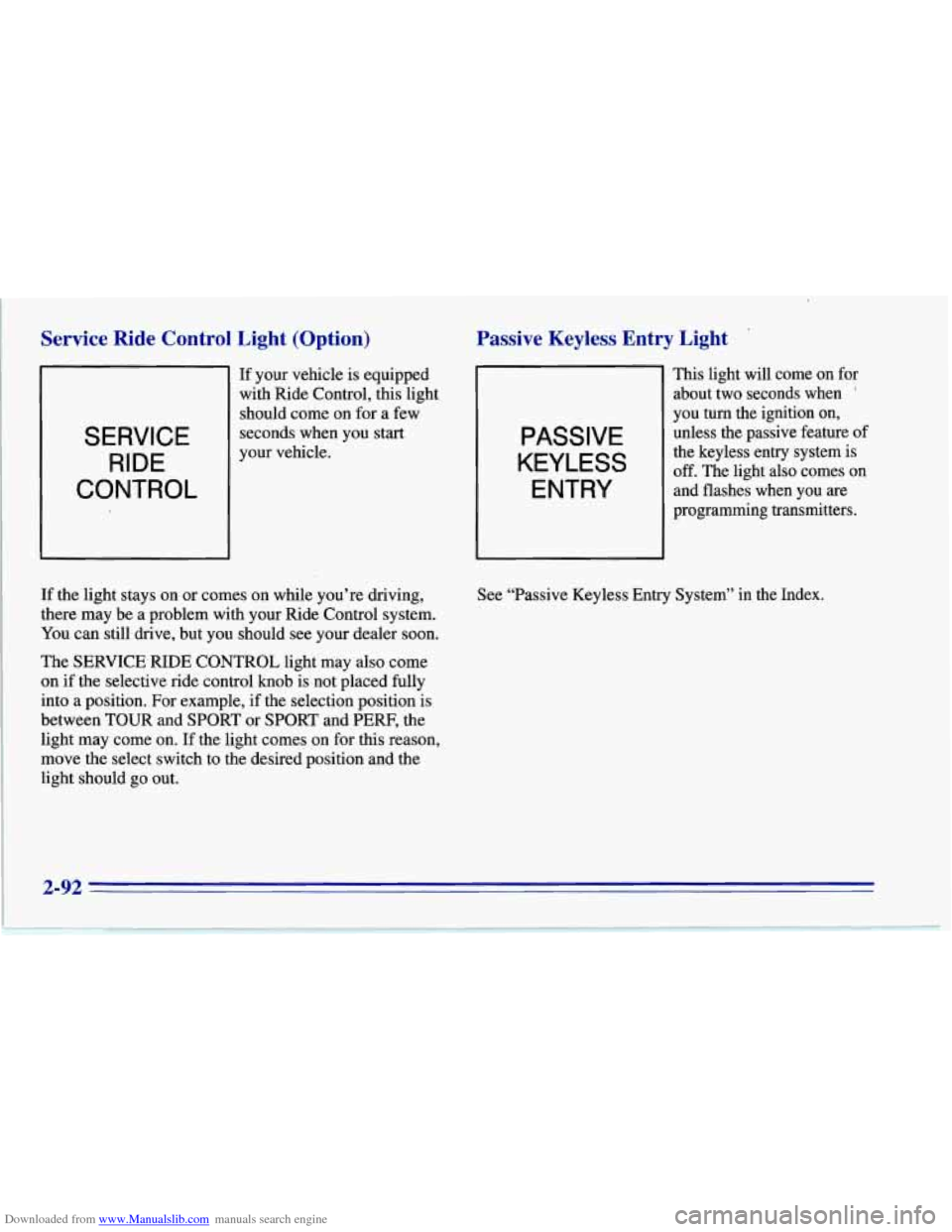
Downloaded from www.Manualslib.com manuals search engine Service Ride Control Light (Option)
SERVICE RIDE
CONTROL
If your vehicle is equipped
with Ride Control, this light
should come on for a few
seconds when you start
your vehicle.
If the light stays on or comes on while you’re driving,
there may be a problem with your Ride Control system.
You can still drive, but you should see your dealer soon.
The SERVICE RIDE CONTROL light may also come
on if the selective ride control
knob is not placed fully
into a position. For example, if the selection position is
between TOUR and SPORT
or SPORT and PERF, the
light may come on. If the light comes on for
this reason,
move the select switch
to the desired position and the
light should go out.
Passive Keyless Entry Light
PASSIVE
KEYLESS
ENTRY
This light will come on for
about two seconds when
’
you turn the ignition on,
unless the passive feature
of
the keyless entry system is
off. The light also comes on
and flashes when you are
programming transmitters.
See “Passive Keyless Entry System’’ in the Index.
2-92
Page 136 of 386
Downloaded from www.Manualslib.com manuals search engine Security Light Check Gauges Light
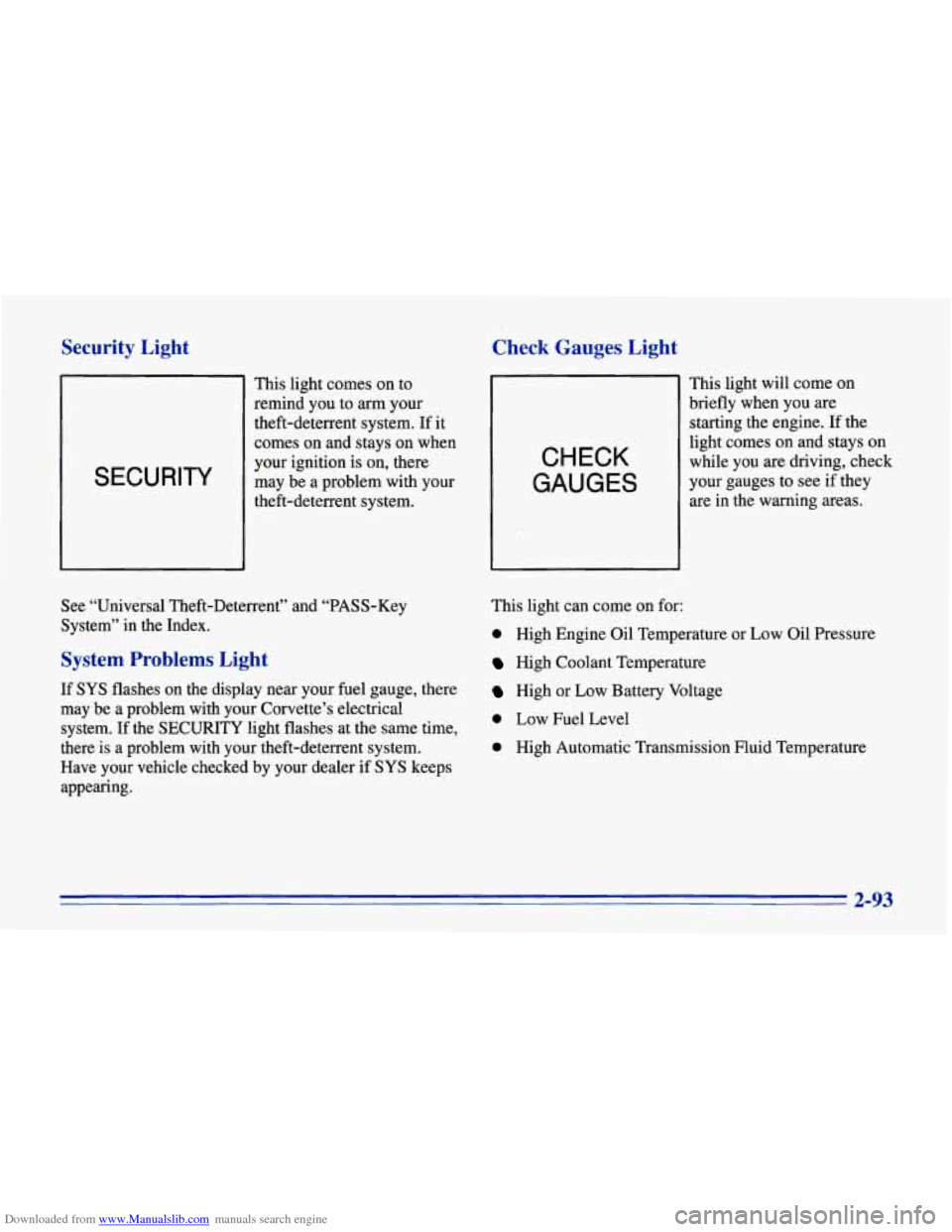
SECURITY
This light comes on to
remind you to
arm your
theft-deterrent system. If it
comes on and stays on when
your ignition is on, there
may be a problem with your
theft-deterrent system.
CHECK
GAUGES
This light will come on
briefly when you are
starting the engine.
If the
light comes on and stays on
while you are driving, check
your gauges to see if they
are in the warning areas.
See “Universal Theft-Deterrent” and “PASS-Key
System” in the Index.
System Problems Light
If SYS flashes on the display near your fuel gauge, there
may be a problem with your Corvette’s electrical
system. If the
SECURITY light flashes at the same time,
there is
a problem with your theft-deterrent system.
Have your vehicle checked by your dealer
if SYS keeps
appearing. This
light can come on for:
0 High Engine Oil Temperature or Low oil Pressure
High Coolant Temperature
High or Low Battery Voltage
0 Low Fuel Level
0 High Automatic Transmission Fluid Temperature
2-93
Page 137 of 386
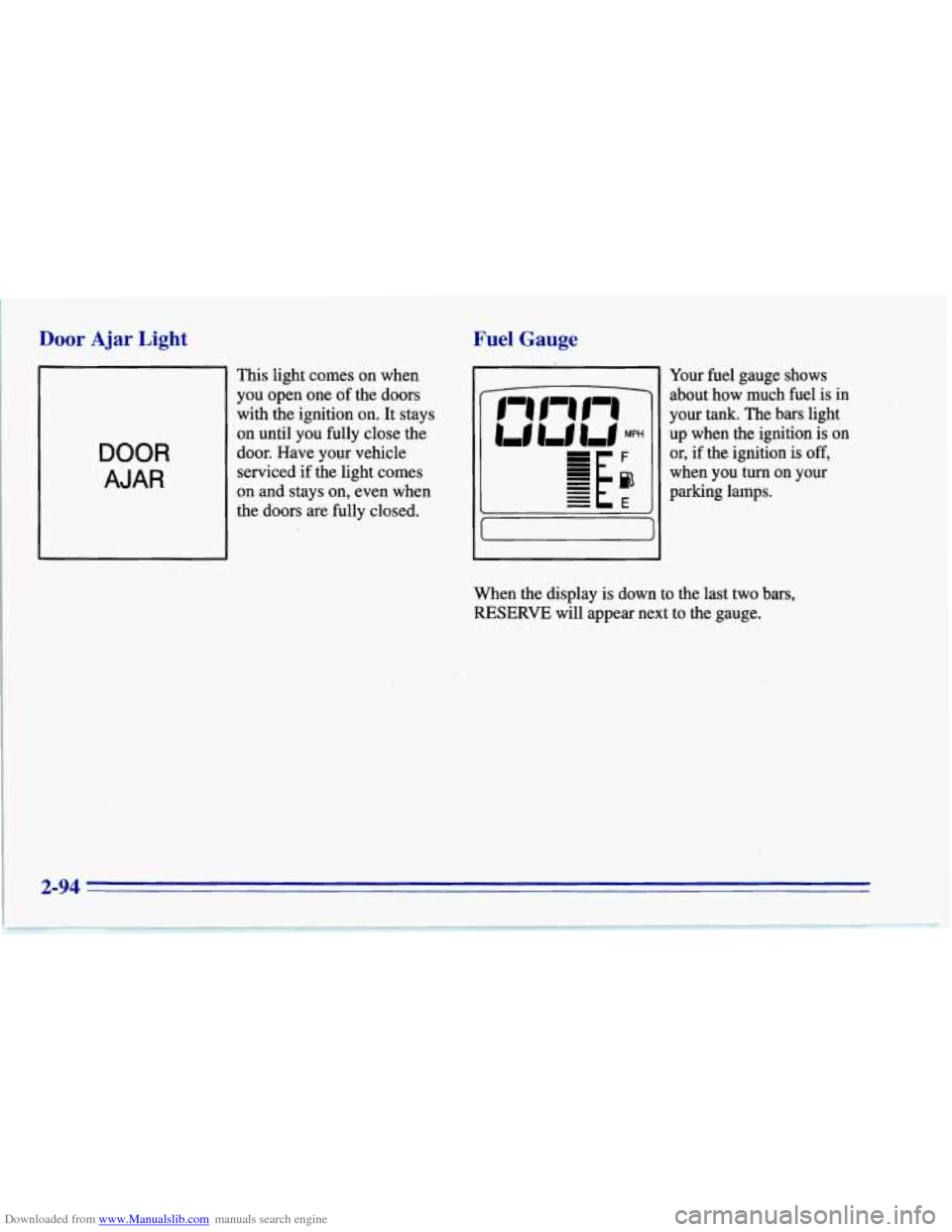
Downloaded from www.Manualslib.com manuals search engine Door Ajar Light
DOOR
AJAR
This light comes on when
you open one of the doors
with the ignition on. It stays
on until you fully close the
door. Have your vehicle
serviced if the light comes
on and stays on, even when
the doors are fully closed.
Fuel Gauge
Your fuel gauge shows
about how much fuel is in
your tank. The bars light
up'when the ignition is on
or, if the ignition is
off,
when you turn on your
parking lamps.
When the display is down to the last two bars,
RESERVE will appear next to the gauge.
2-94
Page 149 of 386
Downloaded from www.Manualslib.com manuals search engine I
System Problems
If the light above an air control button flashes when you
turn on the ignition, your system may have an electrical
problem. The flashing will continue for one minute,
then stop.
The flashing light could also mean the refrigerant level
is too low in your system. The light will continue to
flash, even if refrigerant is added, until the system is
reset. Have your system checked and serviced if needed.
To reset your system:
1. Turn your ignition key to OFF or LOCK.
2. Remove the courtesy lamps and radio fuses from the
main fuse panel and wait one minute. See “Fuses and
Circuit Breakers” in the Index.
3. Put the fuses back in and start your vehicle.
The light shouldn’t come on and your system should be
working properly. If you still have
a problem, see
your dealer.
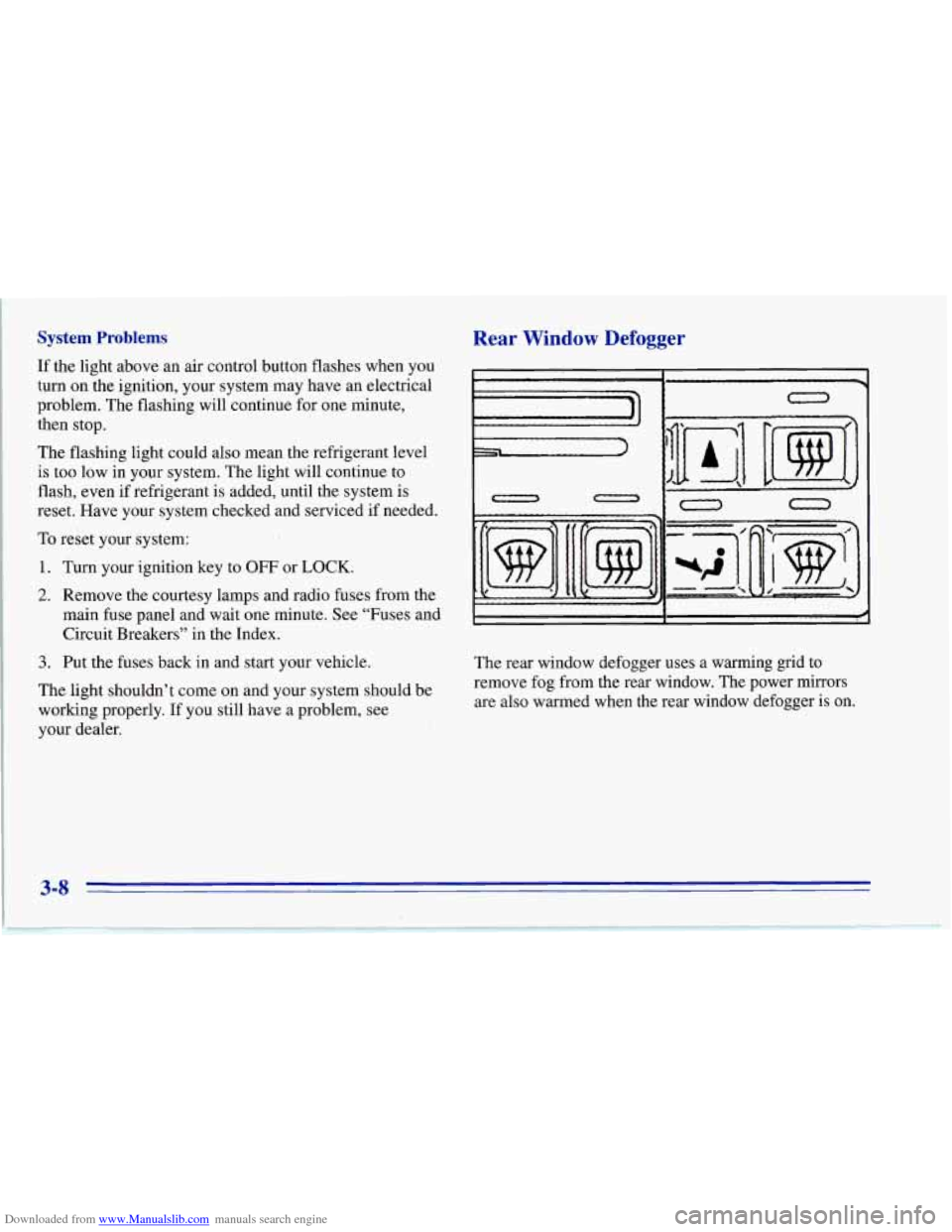
Rear Window Defogger
II
0 n
0
The rear window defogger uses a warming grid to
remove fog from the rear window. The power mirrors
are also warmed when the rear window defogger is on.
3-8
Page 150 of 386
Downloaded from www.Manualslib.com manuals search engine Press the button with the defog symbol on it to turn on
the defogger. (The button is at the lower right on the
manual system and at the upper right on the automatic
system.) An indicator light will come
on to remind you
that the defogger is on. The defogger will turn off
automatically after about
10 minutes of use. You can
also turn the defogger
off by pressing the switch again
or
by turning off the ignition.
Do not attach anything like a temporary vehicle license
or a decal across the defogger grid on the rear window.
NOTICE:
Don’t use a razor blade or something else sharp
on the inside
of the rear window. If you do, you
could cut or damage the warming grid, and the
repairs wouldn’t be covered by your warranty.
Ventilation System
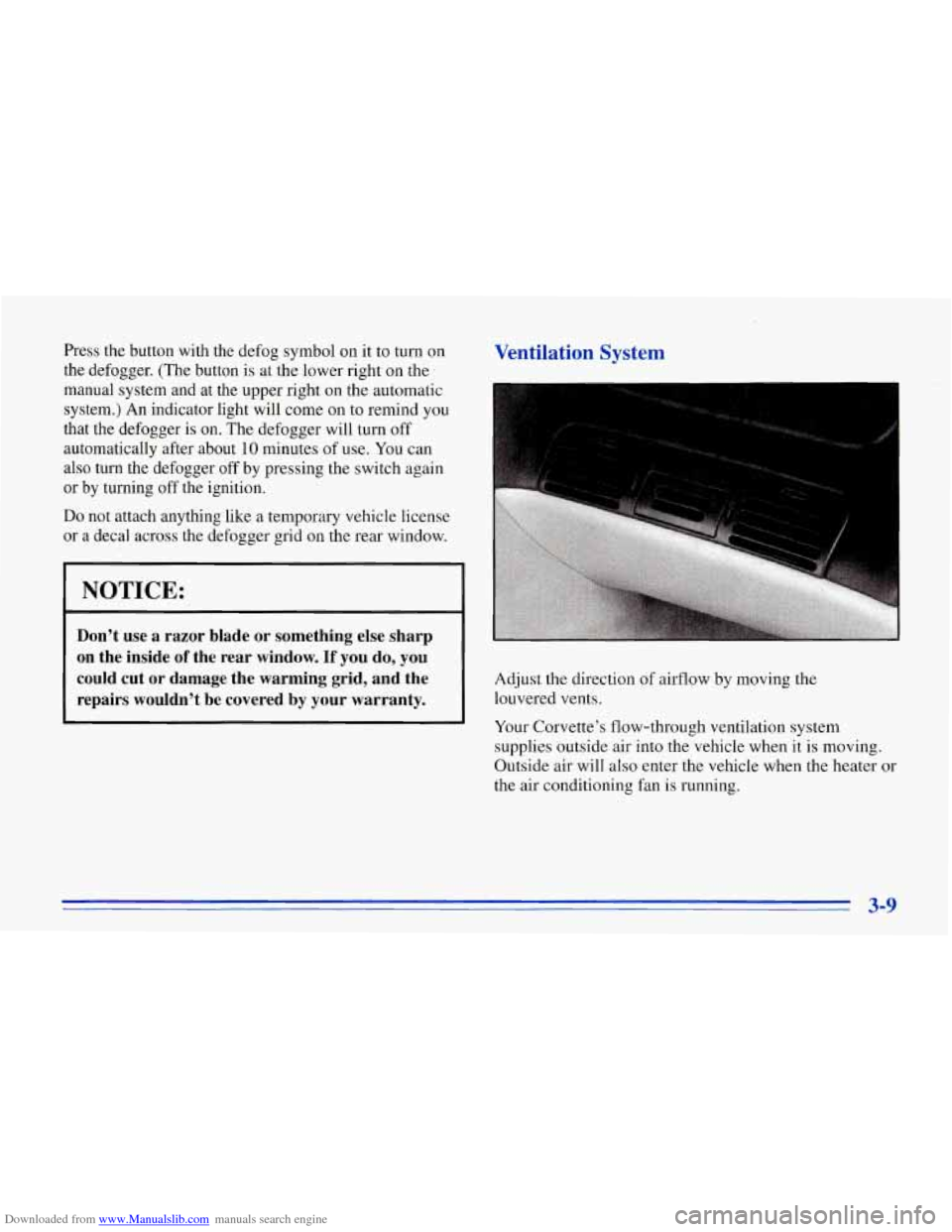
Adjust the direction of airflow by moving the
louvered vents.
Your Corvette’s flow-through ventilation system
supplies outside air into the vehicle when it is moving.
Outside air will also enter the vehicle when the heater or
the air conditioning fan is running.
3-9
Page 158 of 386
Downloaded from www.Manualslib.com manuals search engine Playing a Compact Disc
Don’t use the mini-discs (three-inch singles). They
will eject, and they won’t play. Use only full-size
compact discs.
With the audio system on, insert a disc into the slot with
the label side up. CD will appear on the display and
track one will begin to play.
If both a tape and a compact
disc are loaded into the system, press CNCD to select
the one you want.
If the disc comes back
out and ERR appears on the
display, it could be that:
0 The disc is upside down.
0 It is dirty, scratched or wet.
There’s too much moisture in the air. (Wait about an
hour and try again.)
You are driving on a very rough road.
0 The temperature is too hot or too cold.
RCL: Press this button to see what track is playing.
Press it again within five seconds to
see how long it has
been playing, the elapsed time (EL TIME).
REV: Press and hold this button to return to a
previously played passage rapidly. The decreasing
elapsed time will show on the display.
FF: Press and hold this button to fast forward or
advance through passages. The increasing elapsed time
will show on the display.
REPT: Press this button to go to the beginning of the
current track after eight seconds or more of play. After
eight seconds or less of play, the player will return to the
beginning of the previous track.
SRCH: Press this button to go to the beginning of the
next track.
SCAN: Press this button to listen to the first eight
seconds of each track. Press it again to stop scanning.
COMP: Press this button to make loud and soft passages
more nearly equal
in volume. Press it again for normal play.
Stopping the Disc Player
0 Turn the power off or turn the ignition key to off. The
disc stays in the player and will resume playing at the
point where it stopped when the ignition is turned on.
switch to the radio. Press it again to restart the disc at
the point where it stopped.
Press EJCT to eject the disc and switch to the radio.
If the ignition or audio system
is turned off, the
player will pull the disc back in
if you don’t remove
it from the opening within
30 seconds.
0 Press STOP-PLAY to stop playing the disc and
3-17
Page 161 of 386
Downloaded from www.Manualslib.com manuals search engine Power Antenna Mast Care
Your power antenna will look its best and work well if it’s
cleaned fiom time to
@e. To clean the antenna mast:
1. Turn on the ignition and radio to raise the antenna.
2. Dampen a clean cloth with mineral spirits or
3. Wipe the cloth over the mast sections, removing
4. Wipe dry with a clean cloth.
5. Make the antenna go up and down by turning the
radio
or ignition off and on.
6. Repeat if necessary.
equivalent solvent.
any
dirt.
NOTICE:
Don’t lubricate the power antenna. Lubrication
could damage it.
NOTICE:
Before entering an automatic car wash, turn off
your radio to make the power antenna go down.
This will prevent the mast from possibly getting
damaged.
If the antenna dqes not go down when
you turn the radio
off, it may be damaged or
need to be cleaned. In either case, lower the
antenna
by hand by carefully pressing the
I antenna down.
If the mast portion of your antenna is damaged, you can
easily replace it.
See your dealer for a replacement kit
and follow the instructions in the kit.
Page 184 of 386
Downloaded from www.Manualslib.com manuals search engine If you drive regularly in steep country, or if you’re
planning to visit there, here are some tips that can make
your trips safer and more enjoyable.
0
0 Keep your vehicle in good shape. Check all fluid
levels and also the brakes, tires, cooling system and
transmission. These parts can work hard on
mountain roads.
Know how to
go down hills. The most important
thing to know is this: let your engine do some of the
slowing down. Shift
to a lower gear when you go
down a steep or long hill.
I
If you don’t shift down, your brakes could get so
hot that they wouldn’t work well. You would then
have poor braking or even none going down a hill.
You could crash. Shift down to let your engine
assist your brakes on a steep downhill slope.
’ A CAUTION:
I
Coasting downhill in NEUTRAL (N) or with the
ignition
off is dangerous. Your brakes will have to
do all the work of slowing down. They could get
so
hot that they wouldn’t work well. You would then
have poor braking or even none going down a
hill.
You could crash. Always have your engine running
and your vehicle
in gear when you go downhill.
Know how to go uphill. You may want to shift down
to a lower gear. The lower gears help cool your engine
and transmission, and you can climb the
hill better.
Stay in your own lane when driving on two-lane
roads in hills or mountains. Don’t swing wide or cut
across the center of the road. Drive at speeds that let
you stay in your own lane.
something
in your lane, like a stalled car or an accident,
As you go over the top of a hill, be alert. There could be
0 You may see highway signs on mountains that warn of
special problems. Examples are long grades, passing or
no-passing zones, a falling rocks area or windmg
roads. Be
alert to these and take appropriate action.
4-23