Page 59 of 386
Downloaded from www.Manualslib.com manuals search engine Ignition Positions
C
I
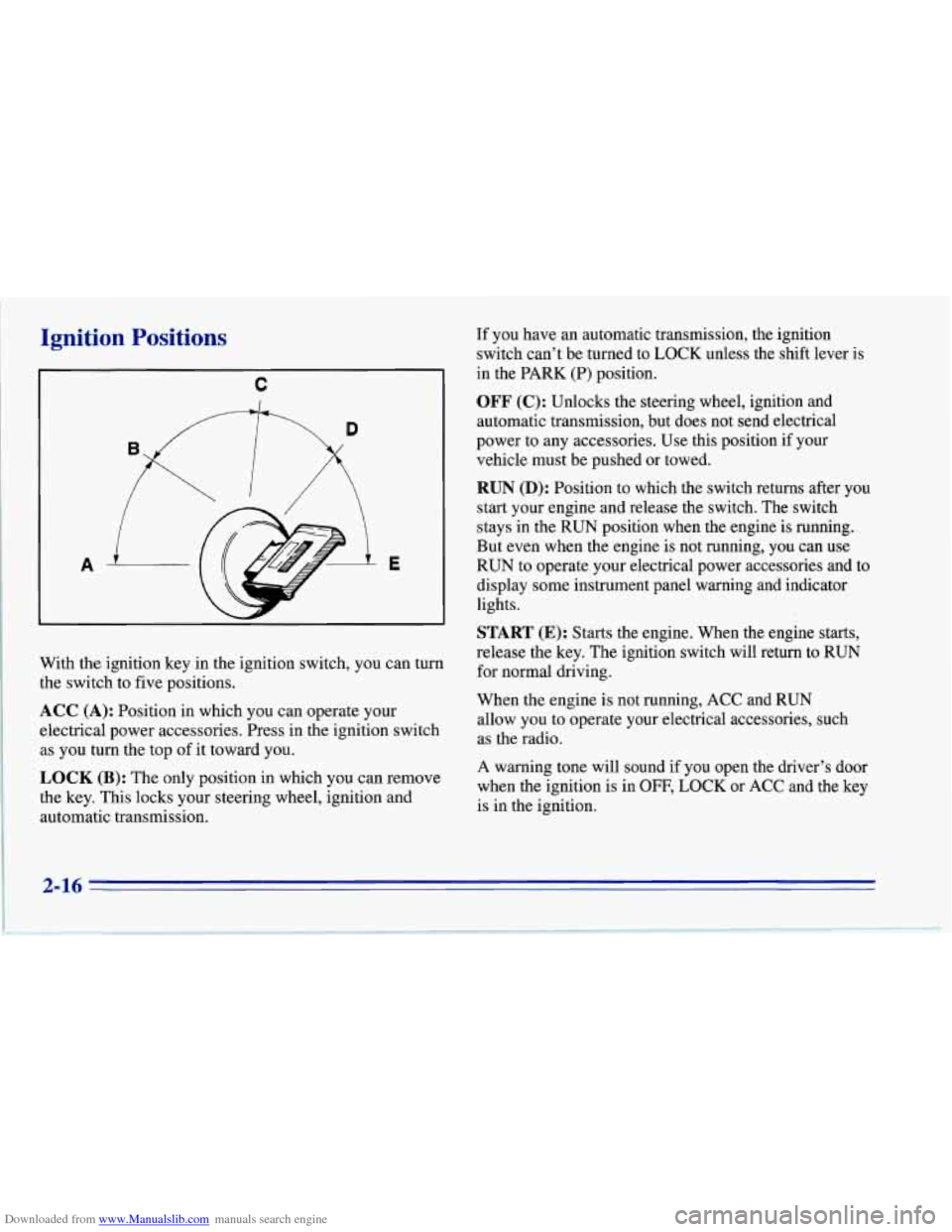
With the ignition key in the ignition switch, you can turn
the switch to five positions.
ACC (A): Position in which you can operate your
electrical power accessories. Press in the ignition switch
as you turn the top of it toward you.
OCK (B): The only position in which you can remove
the key. This locks your steering wheel, ignition and
automatic transmission. If you
have an automatic transmission, the ignition
switch can't be turned to LOCK unless the shift lever is
in the PARK (P) position.
OFF (C): Unlocks the steering wheel, ignition and
automatic transmission, but does not send electrical
power to any accessories. Use this position if your
vehicle must be pushed or towed.
RUN (D): Position to which the switch returns after you
start your engine and release the switch. The switch
stays in the RUN position when the engine is running.
But even when the engine is not running, you can use
RUN to operate your electrical power accessories and to
display some instrument panel warning and indicator
lights.
START (E): Starts the engine. When the engine starts,
release the key. The ignition switch will return to RUN
for normal driving.
When the engine is not running, ACC and RUN
allow you to operate your electrical accessories, such
as the radio.
A warning tone will sound
if you open the driver's door
when the ignition is in
OFF, LOCK or ACC and the key
is in the ignition.
2-16
Page 79 of 386
Downloaded from www.Manualslib.com manuals search engine nrn and Lane Change Signals
The turn signal has two upward (for right) and two
downward (for left) positions. These positions allow you
to signal a turn or a lane change.
To signal a turn, move the multifunction lever all the
way up or down. When the turn is finished,
the lever
will return automatically.
A chime will remind you if you leave your turn signal
on for more than
1 mile (1.6 km) of driving.
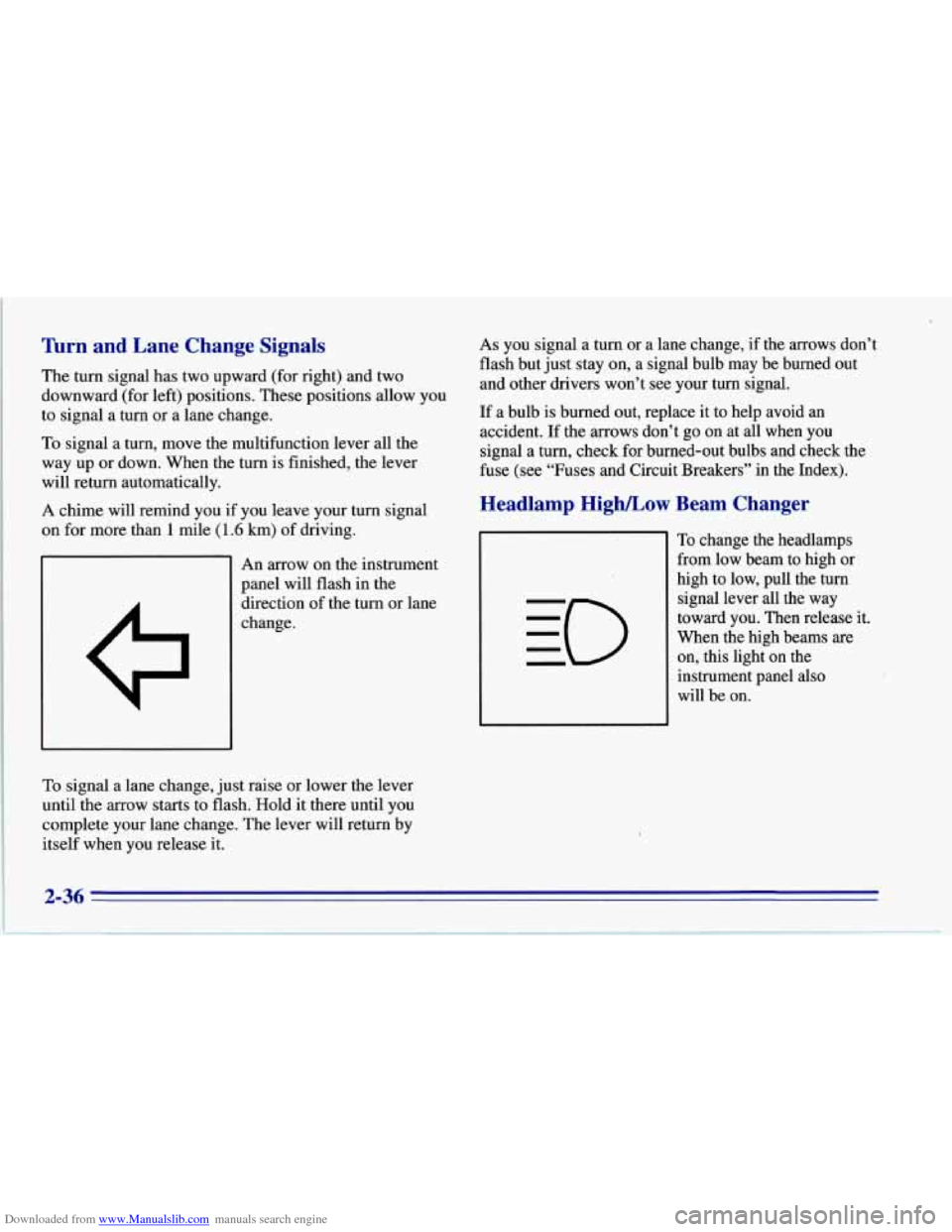
An arrow on the instrument
panel will flash in the
direction of the turn or lane
change.
To signal a lane change, just raise or lower the lever
until the
arrow starts to flash. Hold it there until you
complete your lane change. The lever will return by
itself when you release it.
As you signal a turn or a lane change, if the arrows don’t
flash but just stay on, a signal bulb may be burned out
and other drivers won’t see your turn signal.
If a bulb is burned out, replace it to help avoid an
accident.
If the arrows don’t go on at all when you
signal a turn, check for burned-out bulbs and check the
fuse (see “Fuses and Circuit Breakers” in the Index).
Headlamp High/Low Beam Changer
To change the headlamps
from low beam to high or
high to low, pull the turn
signal lever all the way
toward you. Then release it.
When the high beams
are
on, this light on the
instrument panel also
will be on.
Page 87 of 386
Downloaded from www.Manualslib.com manuals search engine Daytime Running Lamps (Canada Only)
Daytime Running Lamps (Dm) can make it easier for
others to see the front of your vehicle during the day.
DRL can be helpful in many different driving
conditions, but they can be especially helpful in the
short periods after dawn and before sunset.
A light sensor on top of the instrument panel makes the
DRL work,
so be sure it isn’t covered.
The DlU system will make your front turn signal lamps
come on when:
0 The ignition is on,
0 The headlamp switch is off, and
0 The parking brake is released.
When
the DRL are on, only your front turn signal lamps
will be on. The taillamps, sidemarker and other lamps won’t be on. Your instrument panel won’t
be lit up either.
When it’s dark enough outside, your front
turn signal lamps
will go out and your headlamps will come on. The other
lamps that come on with your headlamps will
also come on.
When it’s bright enough outside, the regular lamps will
go
off, and your front turn signal lamps come on.
As with any vehicle, you should turn on the regular
headlamp system when you need it.
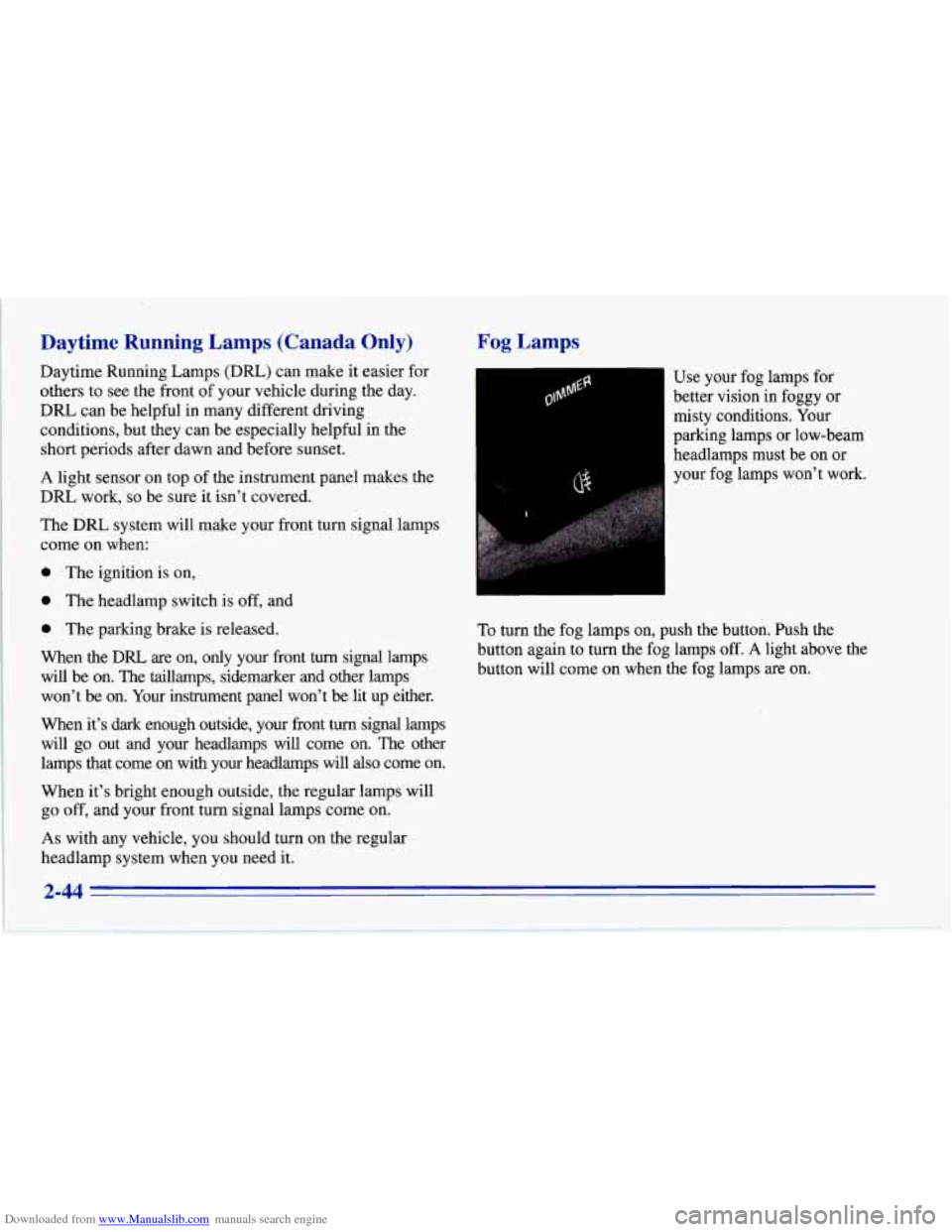
Fog Lamps
I-1 Use your fog lamps for
better vision in foggy or
misty conditions. Your
parking lamps or low-beam
headlamps must be on or
your fog lamps won’t work.
To turn the fog lamps on, push the button. Push the
button again to turn the fog lamps
off. A light above the
button will come on when the fog lamps are on.
2-44
Page 88 of 386
Downloaded from www.Manualslib.com manuals search engine Interior Lamps
Instrument Panel Brightness Control
The DIMMER switch controls the brightness of your
instrument panel lights when your headlamps or parking
lamps are on. Move the switch up or down to brighten
or dim the lamps.
If you turn the switch all the way up,
your courtesy, reading, map and cargo area lamps will
come on. Be sure to turn
off the lamps when you leave
your vehicle.
Courtesy Lamps
When any door or the hatch is opened, the interior
lamps will go on (unless it's bright outside). The lamps
will stay on for about
30 seconds or until you turn on
the ignition.
Door Flood Lamps
There are flood lamps located above the door handle
on each door which come on with the headlamps or
parking lamps.
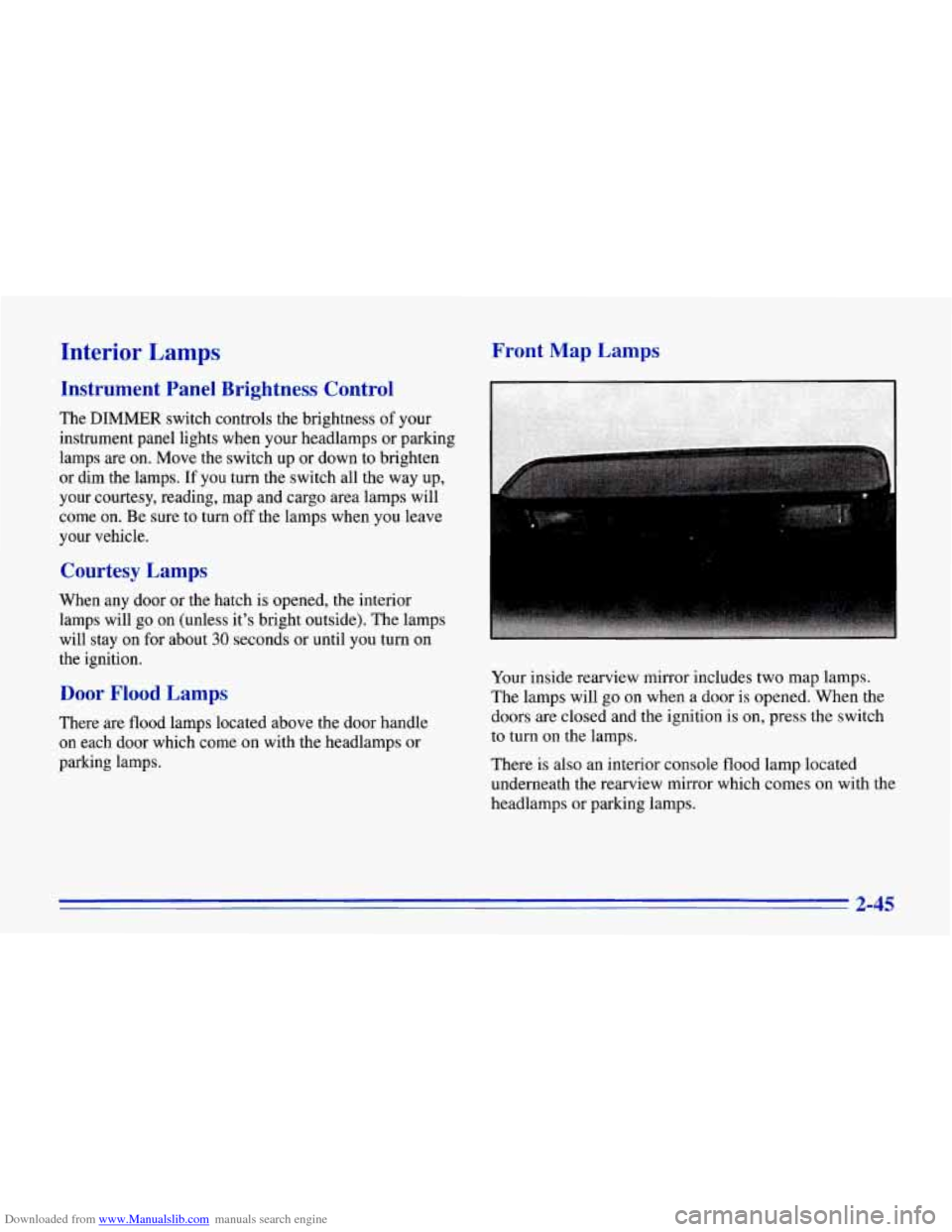
Front Map Lamps
.. .. .. .. . '
Your inside rearview mirror includes two map lamps.
The lamps will go on when a door
is opened. When the
doors are closed and the ignition is on, press the switch
to turn
on the lamps.
There is also an interior console flood lamp located
underneath the rearview mirror which comes on with the
headlamps or parking lamps.
2-45
Page 110 of 386
Downloaded from www.Manualslib.com manuals search engine NOTICE:
To help avoid damaging the hardtop when not in
use:
Store the hardtop in its normal position,
resting on
its mounting brackets.
0 Store hardware and trim panel with
the hardtop.
12. Connect the rear window defogger electrical
connectors.
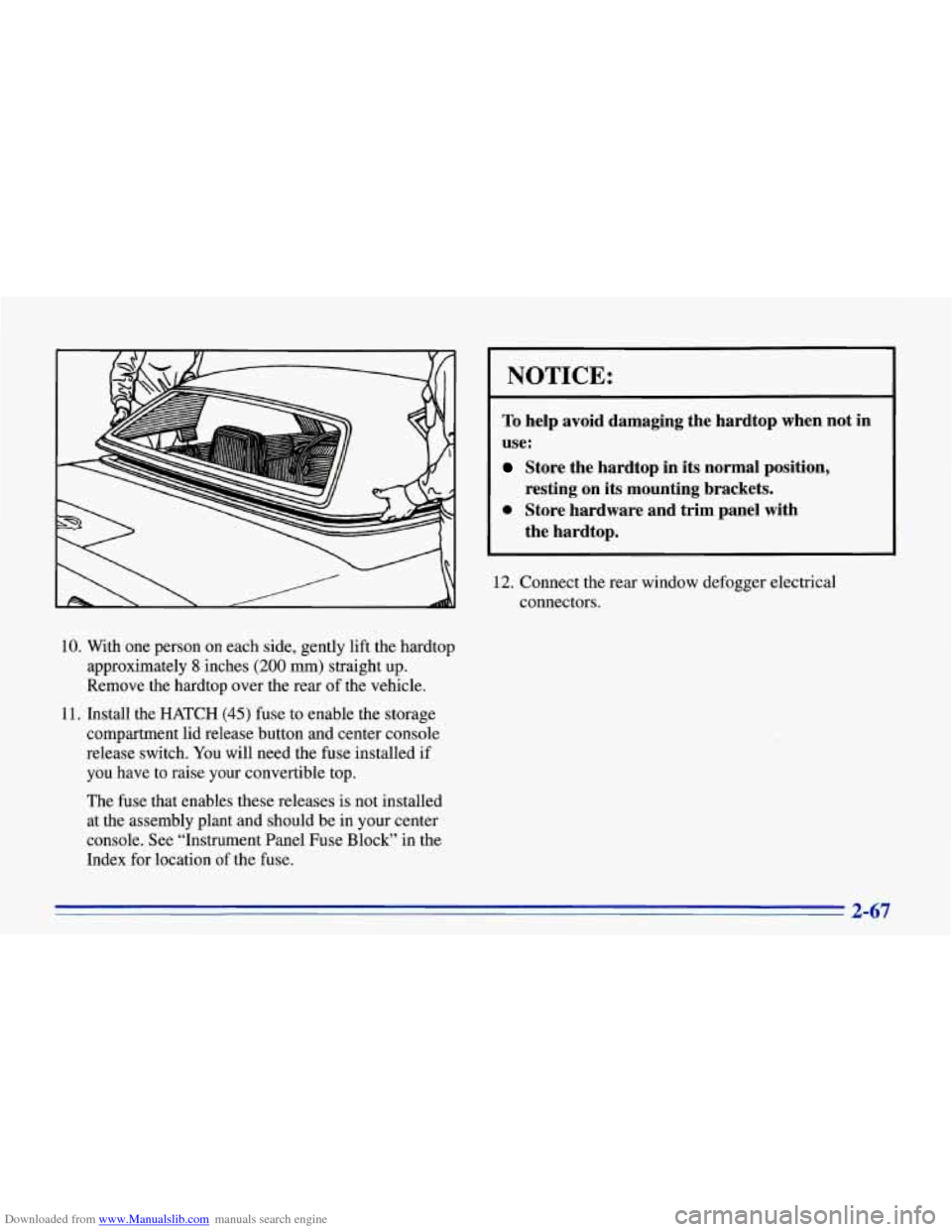
10. With one person on each side, gently lift the hardtop
approximately
8 inches (200 mm) straight up.
Remove the hardtop over the rear of the vehicle.
11. Install the HATCH
(45) fuse to enable the storage
compartment lid release button and center console
release switch. You will need the fuse installed if
you have to raise your convertible top.
The fuse that enables these releases is not installed
at the assembly plant and should be in your center
console. See “Instrument Panel Fuse Block” in the
Index for location of the fuse.
2-67
Page 111 of 386
Downloaded from www.Manualslib.com manuals search engine Installing Your Convertible Hardtop
1. Park on a level surface, set the parking brake firmly
and shift an automatic transmission into
PARK (P).
Shift a manual transmission into REVERSE (R).
Lower both windows and sunshades. Turn off the
radio to lower the power antenna and turn the
ignition key to the
LOCK position.
2. Disconnect both rear window defogger electrical
3. Lower the convertible top. Refer to “Convertible
connectors
behind the lock pillar.
Top” in the Index.
This procedure will require the use of the storage
compartment lid release button behind the driver’s seat
or the center console release switch. The fuse that
enables these releases is not installed at the assembly
plant and should
be in your center console. See
“Instrument Panel Fuse Block” in the Index for
location of the fuse. The fuse is labeled HATCH (45). 4. With
one person on each side, carefully position the
hardtop over the vehicle. Lower the hardtop slowly,
aligning the rear bolt spacers onto the bezels, and
front conical nuts into the tapered receivers. Realign
the hardtop, if necessary.
NOTICE:
To help avoid damage, don’t force the rear
of the hardtop
down. The hardtop may rest
slightly above the storage compartment lid
until the release lever
is pulled. See Step 8 in
this procedure.
5. Move both seatbacks forward. Slide the lock pillar
bracket into the receiver bracket until the scribed line
is even with the lower edge of the receiver bracket.
6. Connect the electrical connectors and make sure they
are inside the vehicle.
Page 113 of 386
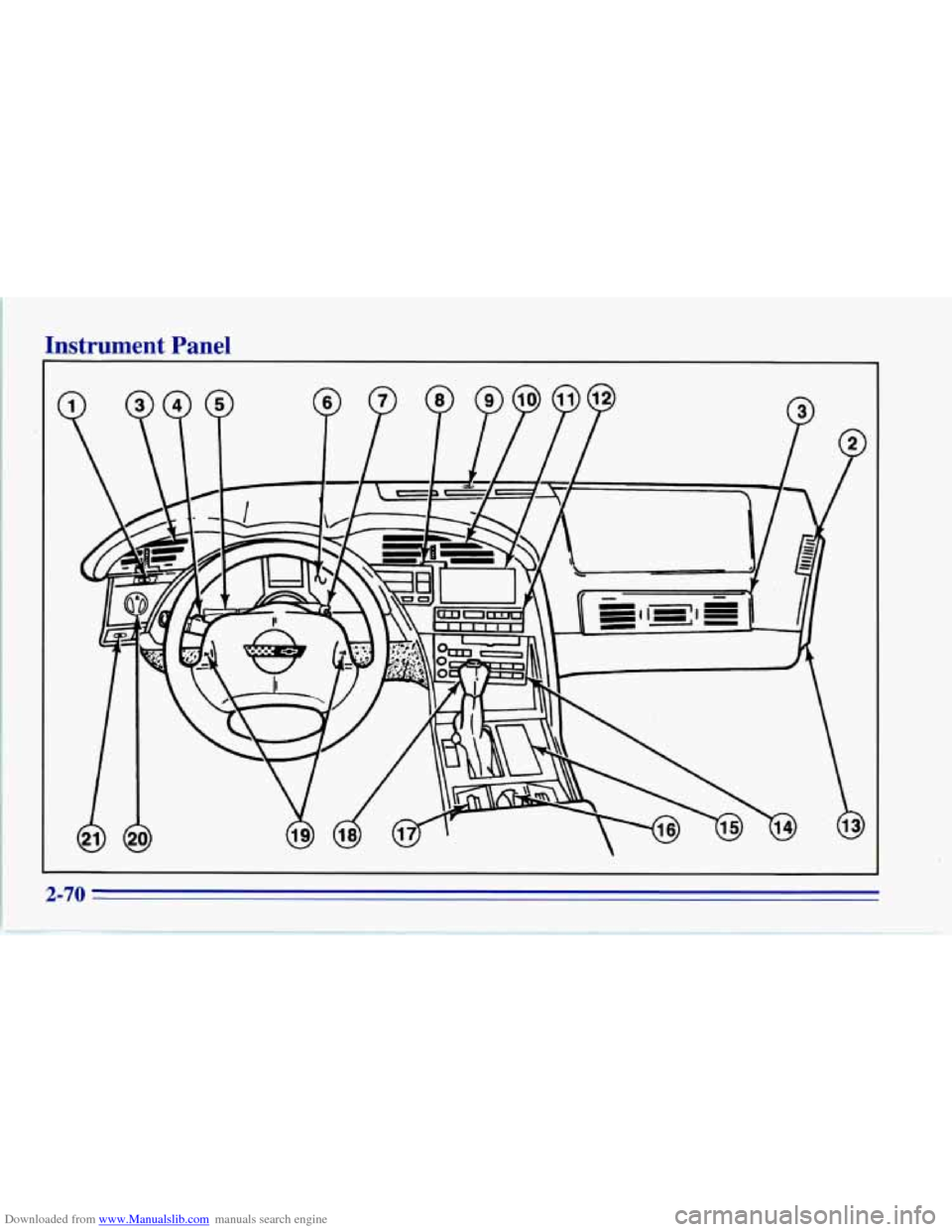
Downloaded from www.Manualslib.com manuals search engine Instrument Panel
2-70
Page 114 of 386
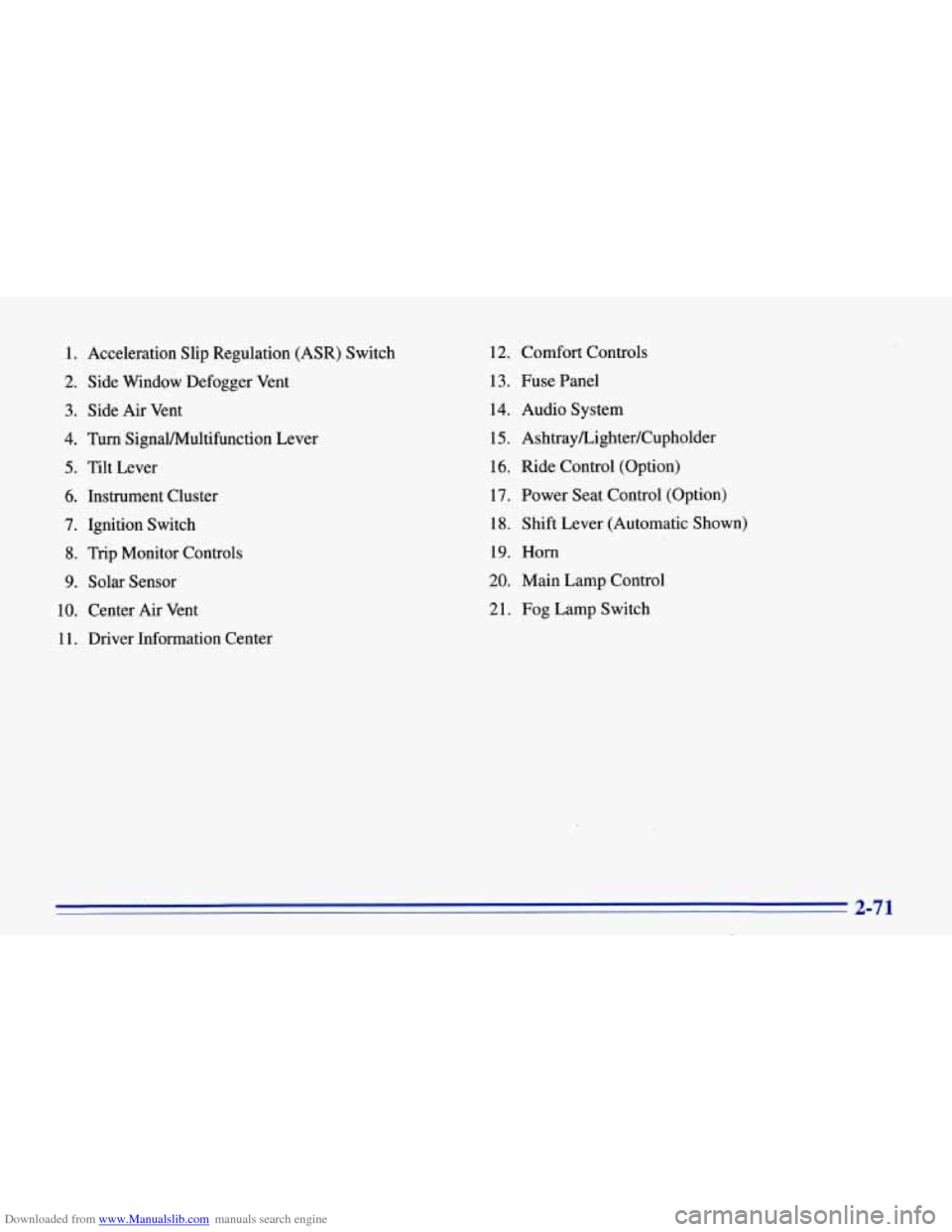
Downloaded from www.Manualslib.com manuals search engine 1. Acceleration Slip Regulation (ASR) Switch
2. Side Window Defogger Vent
3. Side Air Vent
4. Turn SignaVMultifunction Lever
5. Tilt Lever
6. Instrument Cluster
7. Ignition Switch
8. Trip Monitor Controls
9. Solar Sensor
10. Center Air Vent
1
1. Driver Information Center 12.
Comfort Controls
13. Fuse Panel
14. Audio System
15.
Ashtray/Lighter/Cupholder
16. Ride Control (Option)
17. Power Seat Control (Option)
18. Shift Lever (Automatic Shown)
19. Horn
20. Main Lamp Control
21. Fog Lamp Switch
2-71