1996 CHEVROLET CAVALIER ignition
[x] Cancel search: ignitionPage 125 of 372
Downloaded from www.Manualslib.com manuals search engine Brake System Warning Light
Your Chevrolet’s hydraulic brake system is divided into
two parts. If one part isn’t working, the other part can
still work and stop you. For good braking, though, you
need both parts working well.
If the warning light comes on, there could be a brake
problem. Have your brake system inspected right away.
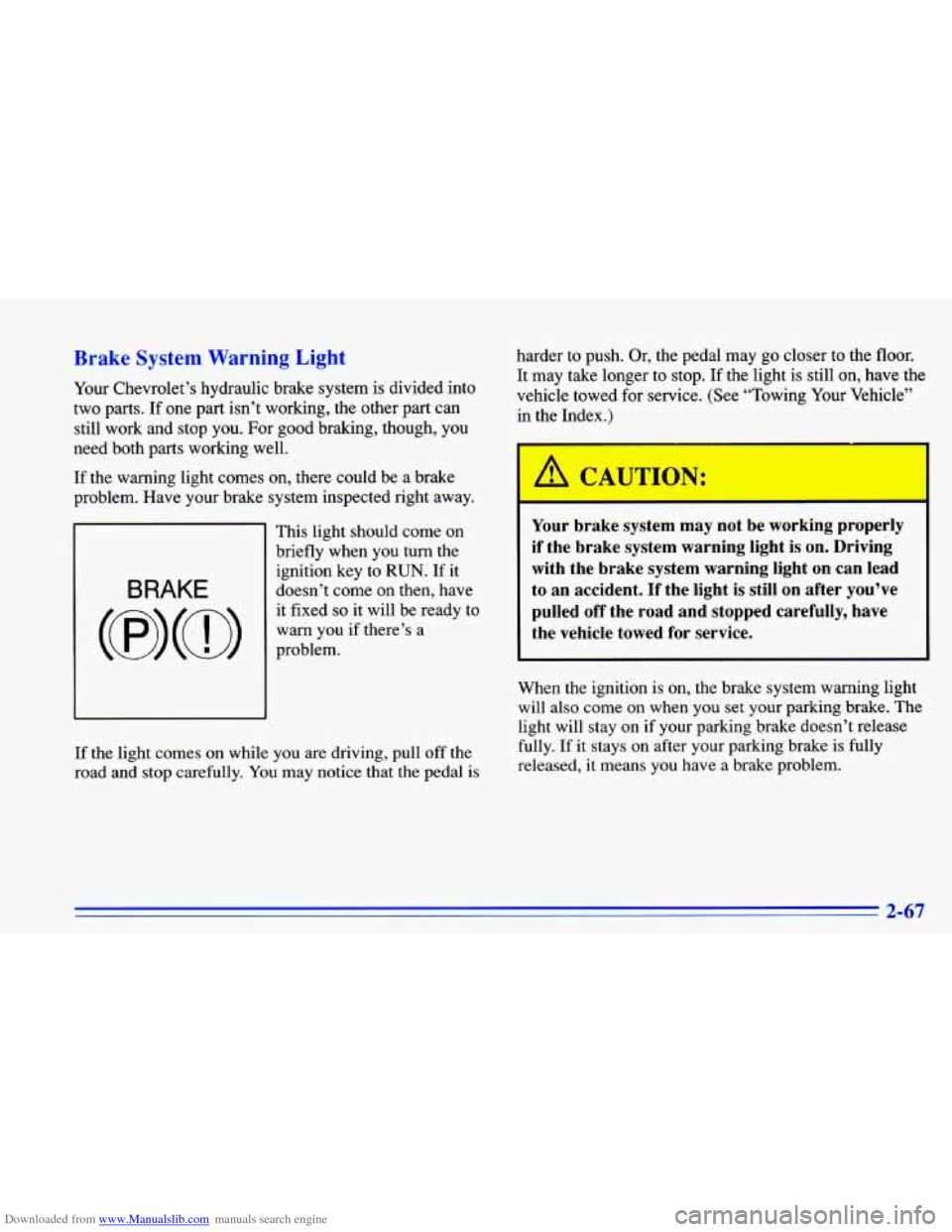
This light should come on
briefly when
you turn the
ignition key to
RUN. If it
doesn’t come on then, have
BRAKE
(@) (a)
warn you if there’s a
it fixed
so it will
be ready to
problem.
If the light comes on while you are driving, pull off the
road and stop carefully.
You may notice that the pedal is
harder to push. Or, the pedal may go closer to the floor.
It may take longer to stop. If the light is still on, have the
vehicle towed for service. (See “Towing Your Vehicle”
in the Index.)
Your brake system may not be working properly
if the brake system warning light is on. Driving
with the brake system warning light on can lead
to an accident. If the light is still on after you’ve
pulled off the road and stopped carefully, have
the vehicle towed for service.
When the ignition is on, the brake system warning light
will also come on when you set your parking brake. The
light will stay on if your parking brake doesn’t release
fully. If it stays on after your parking brake is fully
released, it means you have a brake problem.
Page 126 of 372
Downloaded from www.Manualslib.com manuals search engine Anti-Lock Brake System Warning Light
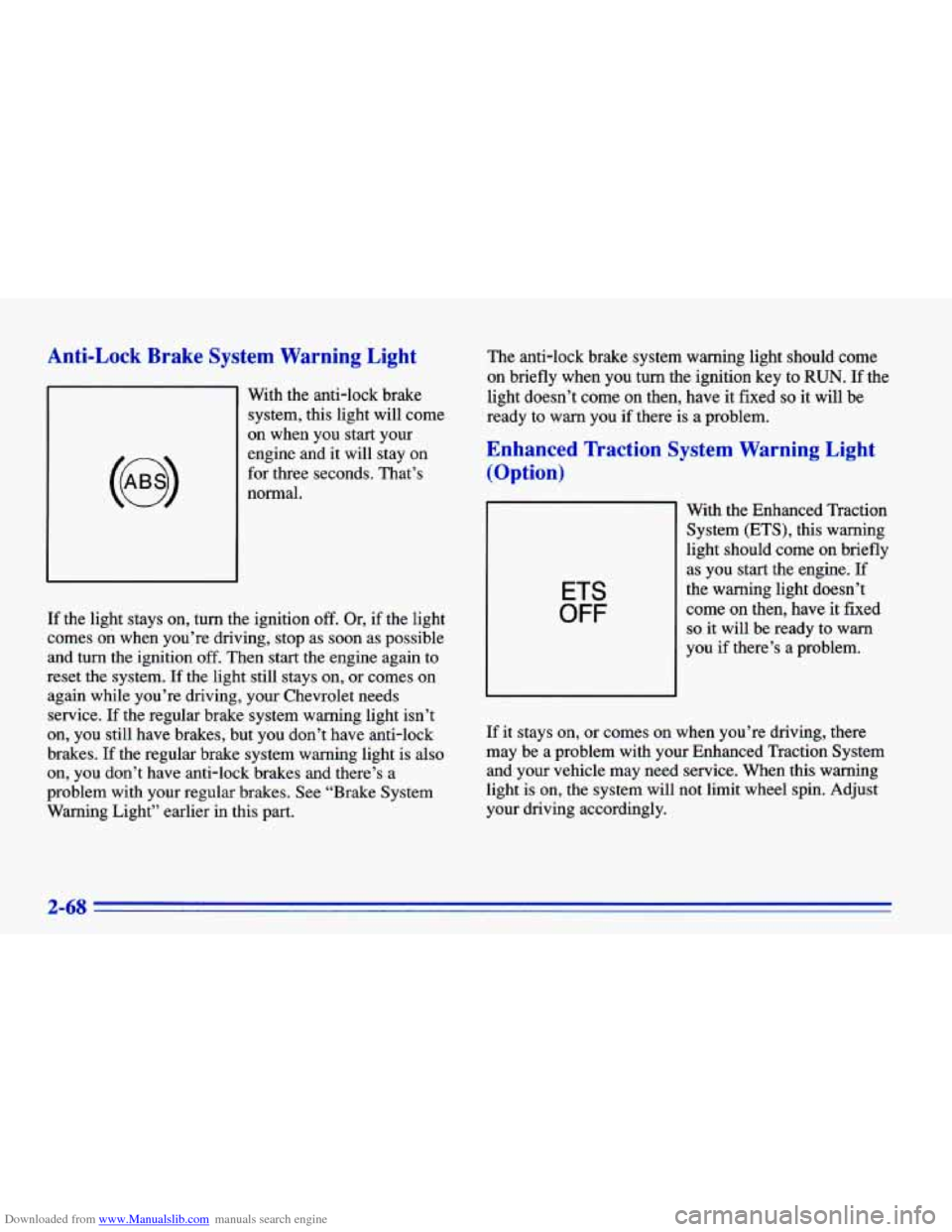
With the anti-lock brake
system, this light will come
on when you start your
engine and
it will stay on
for three seconds. That’s
normal.
If the light stays on, turn the ignition off. Or, if the light
comes
on when you’re driving, stop as soon as possible
and turn the ignition off. Then start the engine again to
reset the system. If the light still stays on, or comes on
again while you’re driving, your Chevrolet needs
service.
If the regular brake system warning light isn’t
on, you still have brakes, but you don’t have anti-lock
brakes.
If the regular brake system warning light is also
on, you don’t have anti-lock brakes and there’s a
problem with your regular brakes. See “Brake System
Warning Light” earlier in this part. The
anti-lock brake system warning light should come
on briefly when you turn the ignition key to
RUN. If the
light doesn’t come
on then, have it fixed so it will be
ready to warn you if there is a problem.
Enhanced lkaction System Warning Light
(Option)
ETS
OFF
With the Enhanced Traction
System (ETS), this warning
light should come
on briefly
as you start the engine.
If
the warning light doesn’t
come
on then, have it fixed
so it will be ready to warn
you if there’s a problem.
If
it stays on, or comes on when you’re driving, there
may be a problem with your Enhanced Traction System
and your vehicle may need service. When this warning
light is on, the system will not limit wheel spin. Adjust
your driving accordingly.
2-68
Page 127 of 372
Downloaded from www.Manualslib.com manuals search engine The Enhanced Traction System warning light may come
on for the following reasons:
0 If you turn the system off by moving the shift lever to
a position other than THIRD
(3) or OVERDRIVE (a)?
the warning light will come on and stay on. To turn
the system back on, move the shift lever back to the
THIRD (3) or OVERDRIVE (a) position again. The
warning light should go
off. (See “Enhanced Traction
System”
in the Index for more information.)
The warning light will come on when you set your
parking brake with the engine running, and
it will
stay on if your parking brake doesn’t release fully.
If the transaxle shift lever is in the THIRD
(3) or
OVERDRIVE
(@) position and the warning light
stays on after your parking brake is fully released, it
means there’s
a problem with the system.
If the Enhanced Traction System warning light comes
on and stays on for an extended period
of time when
the transaxle shift lever is in the THIRD
(3) or
OVERDRIVE
(0) position and the parking brake is
fully released, your vehicle needs service.
Enhanced Traction System Active Light
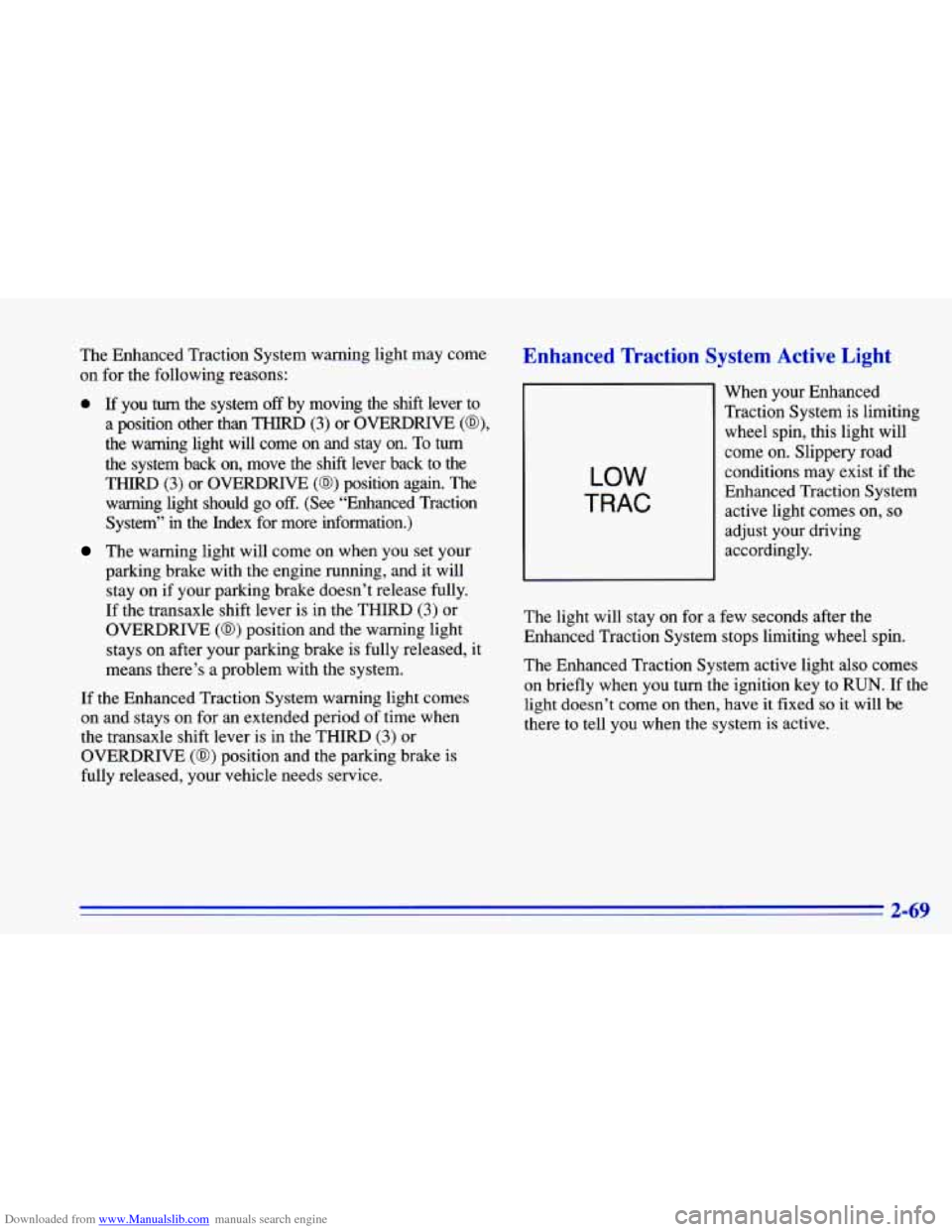
LOW
TRAC
When your Enhanced
Traction System is limiting wheel spin, this light will
come on. Slippery road
conditions may exist if the
Enhanced Traction System
active light comes on,
so
adjust your driving
accordingly.
The light will stay on for a few seconds after the
Enhanced Traction System stops limiting wheel spin.
The Enhanced Traction System active light also comes
on’briefly when you turn the ignition key
to RUN. If the
light doesn’t come on then, have it fixed so it will be
there to tell you when the system is active.
2-69
Page 128 of 372
Downloaded from www.Manualslib.com manuals search engine Engine Coolant Temperature Gage
100
9
H
TEMP
Low Coolant Warning Light
1,1
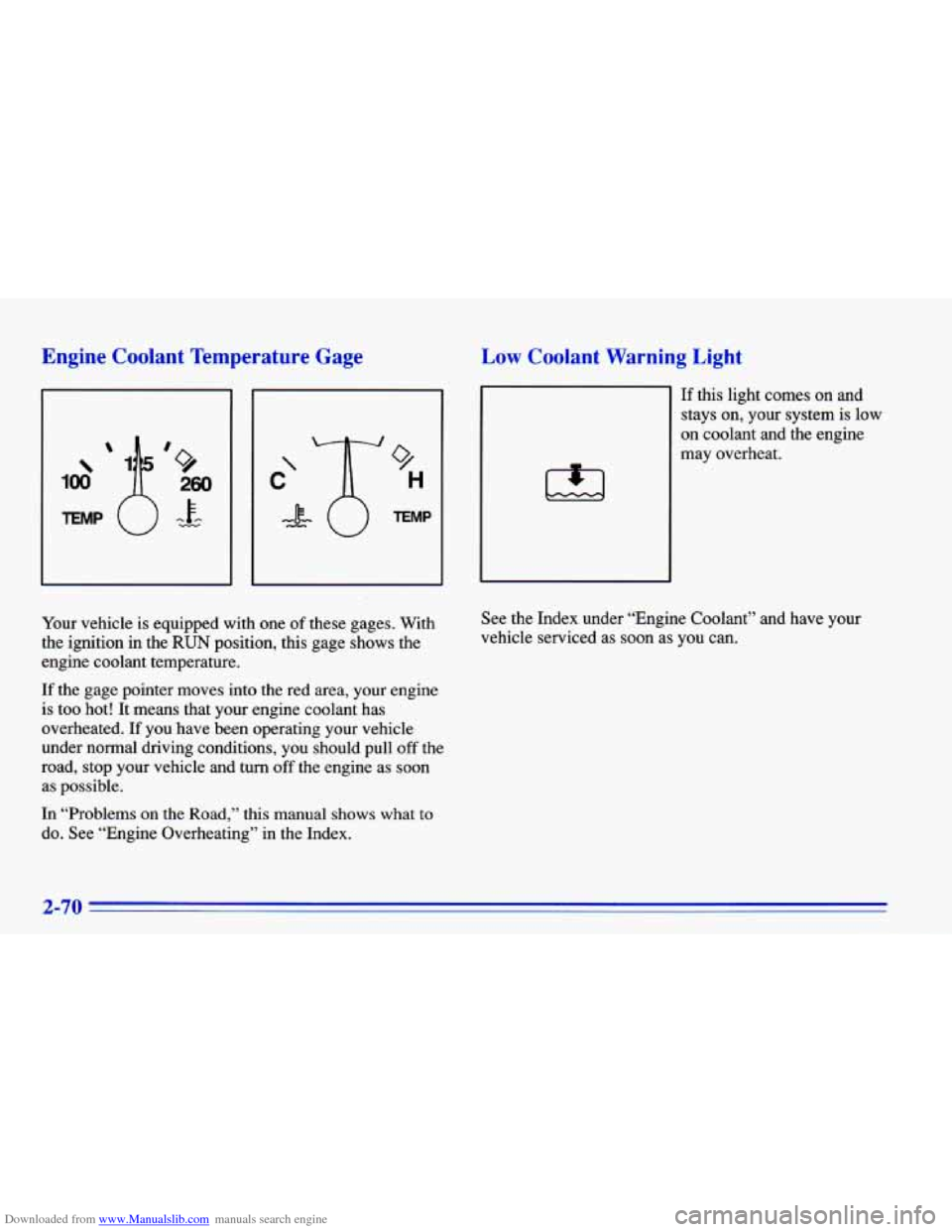
If this light comes on and
stays on, your system is low
on coolant and the engine
may overheat.
Your vehicle
is equipped with one of these gages. With
the ignition in the
RUN position, this gage shows the
engine coolant temperature.
If the gage pointer moves into the red area, your engine
is too hot! It means that your engine coolant has
overheated.
If you have been operating your vehicle
under normal driving conditions,
you should pull off the
road, stop your vehicle and turn
off the engine as soon
as possible.
In “Problems on the Road,” this manual shows what
to
do. See “Engine Overheating” in the Index. See
the Index under “Engine Coolant” and have your
vehicle serviced
as soon as you can.
2-70
Page 129 of 372
Downloaded from www.Manualslib.com manuals search engine Malfunction Indicator Lamp (Check Engine Light)
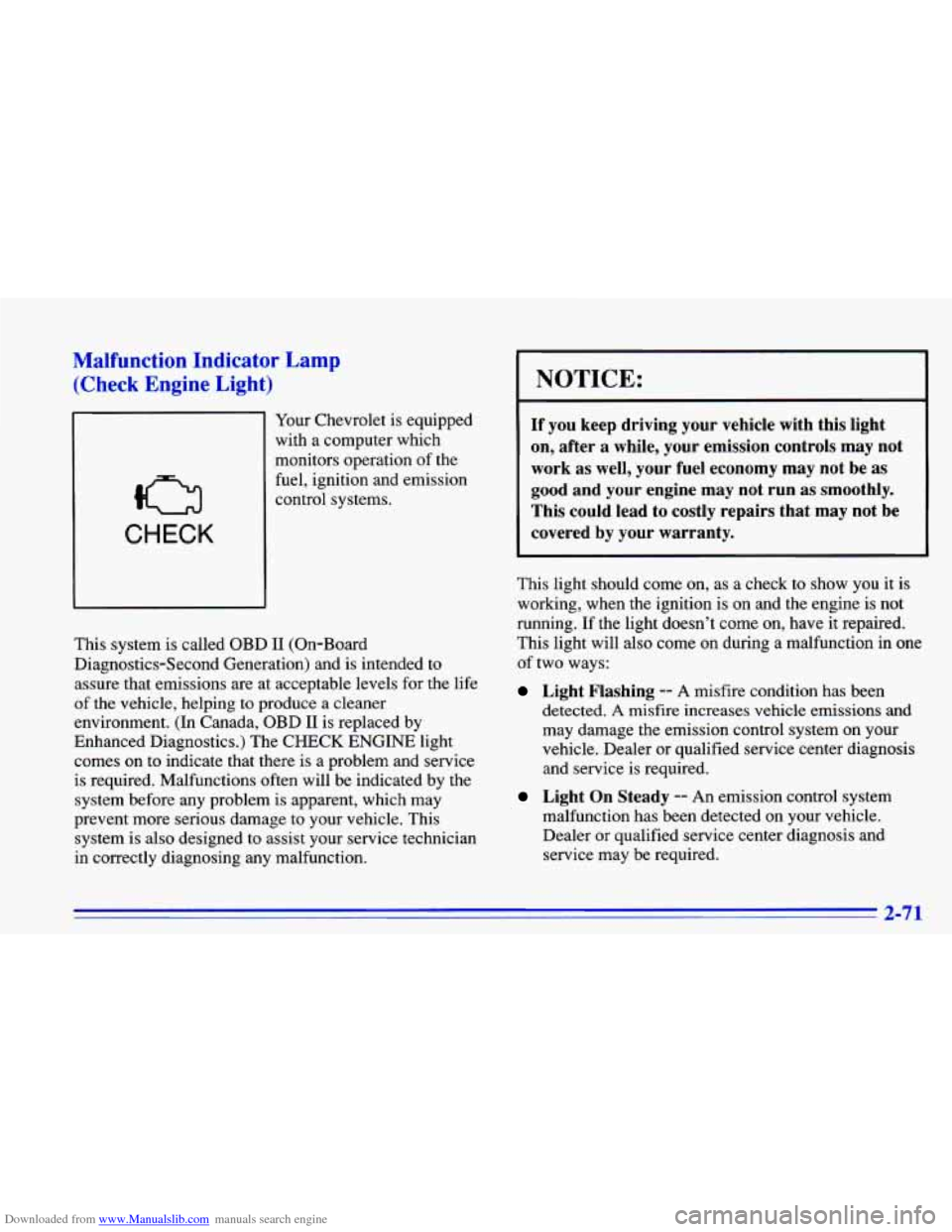
Your Chevrolet is equipped
with a computer which
monitors operation of the
fuel, ignition and emission
CHECK
control systems.
This system is called OBD
I1 (On-Board
Diagnostics-Second Generation) and is intended
to
assure that emissions are at acceptable levels for the life
of the vehicle, helping to produce a cleaner
environment. (In Canada, OBD
I1 is replaced by
Enhanced Diagnostics.) The CHECK ENGINE light
comes on to indicate that there is a problem and service
is required. Malfunctions often will be indicated by the
system before any problem is apparent, which may
prevent more serious damage to your vehicle. This
system is also designed to assist your service technician
in correctly diagnosing any malfunction.
NOTICE:
If you keep driving your vehicle with this light
on, after a while, your emission controls may not
work as well, your fuel economy may not be as
good and your engine may not run as smoothly.
This could lead to costly repairs that may not be
covered by your warranty.
This light should come on, as a check to show you it is
working, when the ignition is on and the engine is not
running. If the light doesn’t come on, have it repaired.
This light will also come
on during a malfunction in one
af two ways:
Light Flashing -- A misfire condition has been
detected.
A misfire increases vehicle emissions and
may damage the emission control system on your
vehicle. Dealer or qualified service center diagnosis
and service is required.
Light On Steady -- An emission control system
malfunction has been detected on your vehicle. Dealer or qualified service center diagnosis and service may be required.
2-71
Page 131 of 372
Downloaded from www.Manualslib.com manuals search engine Have you recently changed brands of fuel?
If
so, be sure to fuel your vehicle with quality fuel (see
“Fuel” in the Index).
Poor fuel quality will cause your
engine not to run as efficiently as designed. You may
notice this as stalling after start-up, stalling when you
put the vehicle into gear, misfiring, hesitation on
acceleration or stumbling on acceleration. (These
conditions may go away once the engine is warmed up.)
This will be detected by the system and cause the light
to turn on.
If you experience this condition, change the fuel brand
you use. It will require at least one full tank of the
proper
fuel to turn the light off.
If none of the above steps have made the light turn
off,
have your dealer or qualified service center check the
vehicle. Your dealer has the proper test equipment and
diagnostic tools to fix any mechanical or electrical
problems that may have developed.
Oil Pressure Warning Light
If you have a low engine oil
pressure problem, this light
will stay on after you start
your engine, or come on
when you are driving. This
indicates that your engine is
not receiving enough oil.
The engine could be low on oil, or could have some
other oil problem. Have it fixed immediately.
The oil light could also come on in two other situations:
0 When the ignition is on but the engine is not running,
the light will come on as a test to show you it is
working, but the light will go out when you turn the
ignition to
START. If it doesn’t come on with the
ignition on, you may have a problem with the fuse or
bulb. Have it fixed right away.
2-73
Page 134 of 372
Downloaded from www.Manualslib.com manuals search engine Fuel Gage
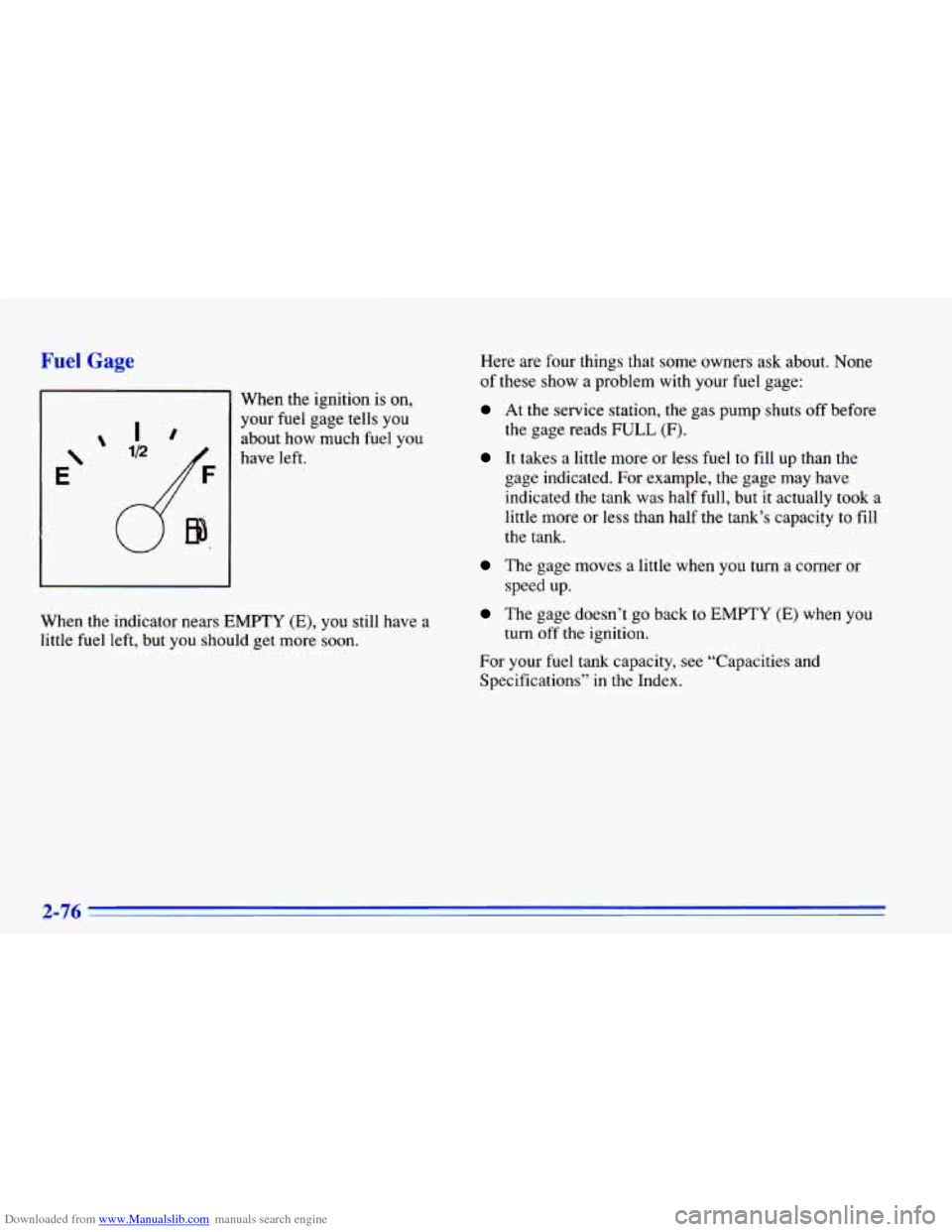
When the ignition is on,
your fuel gage tells you
about how much fuel
you
have left.
When the indicator nears
EMPTY (E), you still have a
little fuel left, but
you should get more soon. Here are
four things that some owners ask about. None
of these show a problem with your fuel gage:
At the service station, the gas pump shuts off before
It takes a little more or less fuel to fill up than the
the gage reads FULL
(F).
gage indicated. For example, the gage may have
indicated
the tank was half
full, but it actually took a
little more or less than half the tank’s capacity to fill
the tank.
The gage moves a little when you turn a corner or
The gage doesn’t go back to EMPTY (E) when you
For your fuel tank capacity, see “Capacities and
Specifications” in the Index. speed up.
turn off’ the ignition.
2-76
Page 144 of 372
Downloaded from www.Manualslib.com manuals search engine AM-FM Stereo (Option)
Playing the Radio
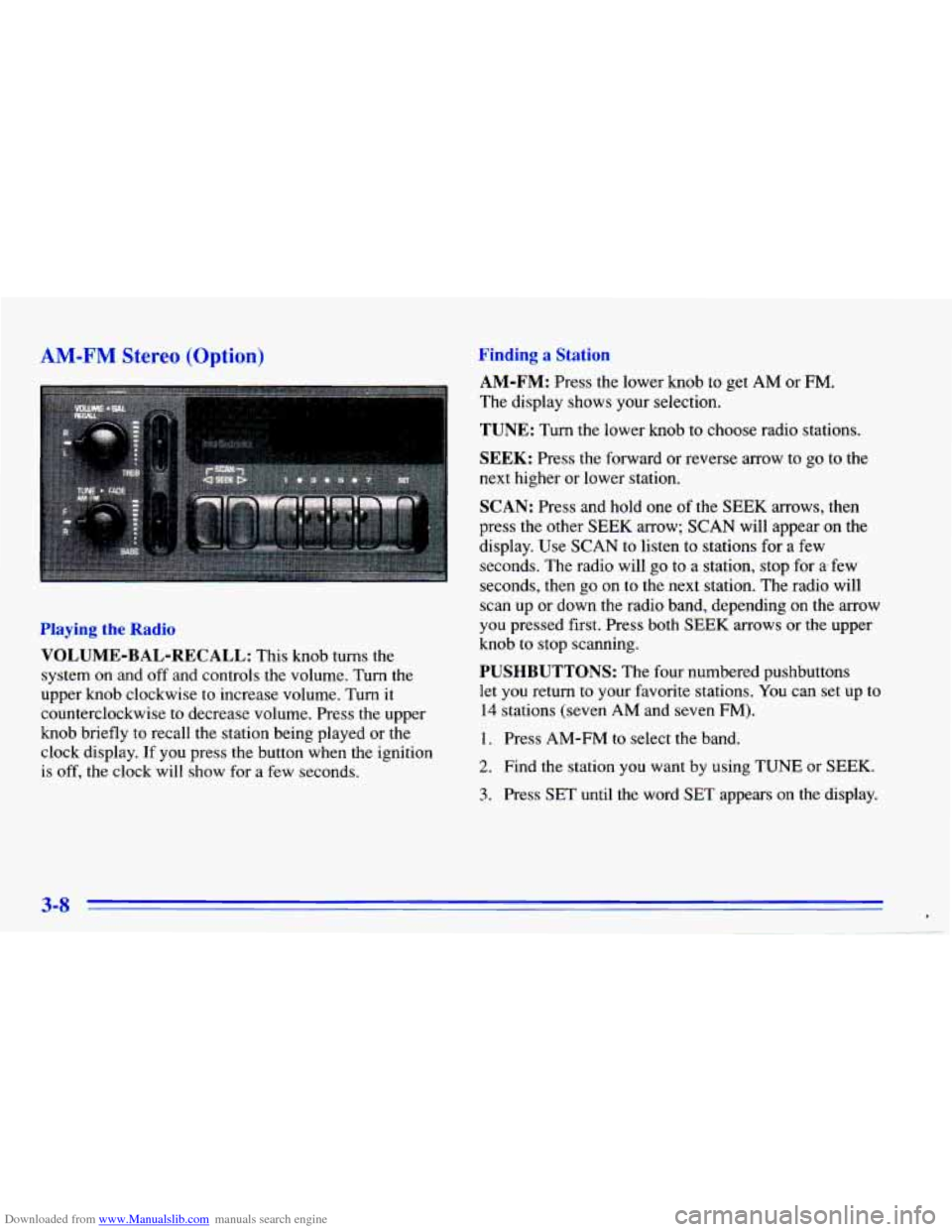
VOLUME-BAL-RECALL: This knob turns the
system on and off and controls the volume. Turn the
upper knob clockwise to increase volume. Turn it
counterclockwise
to decrease volume. Press the upper
knob briefly
to recall the station being played or the
clock display. If
you press the button when the ignition
is off, the clock will show for a few seconds.
Finding a Station
AM-FM: Press the lower knob to get AM or FM.
The display shows your selection.
TUNE: Turn the lower knob to choose radio stations.
SEEK: Press the forward or reverse arrow to go to the
next higher or lower station.
SCAN: Press and hold one of the SEEK arrows, then
press the other
SEEK arrow; SCAN will appear on the
display. Use
SCAN to listen to stations for a few
seconds. The radio will go to
a station, stop for arfew
seconds, then
go on to the next station. The radio will
scan up or down the radio band, depending on the
arrow
you pressed first. Press both SEEK arrows or the upper
knob to stop scanning.
PUSHBUTTONS: The four numbered pushbuttons
let you return to your favorite stations. You can set up to
14 stations (seven AM and seven FM).
1. Press AM-FM to select the band.
2. Find the station you want by using TUNE or SEEK.
3. Press SET until the word SET appears on the display.
3-8 *