1996 CADILLAC SEVILLE check engine
[x] Cancel search: check enginePage 164 of 354
Downloaded from www.Manualslib.com manuals search engine L
Lp
c
L-
Playing a Cassette Tape
With the radio on, insert a cassette tape. The tape will
begin playing as soon as it is inserted.
While the tape is playing, use the VOL, FADE, BAL,
TREB and BASS controls just as you do for the radio.
Other controls may have different functions when a tape
is inserted. The display will show
TAPE with an arrow
to indicate which side of the tape is playing. PLAY will
appear on
the display when a tape is playing.
If
an error occurs while trying to play a cassette tape, it
could be that:
0 The cassette tape is tight and the cassette player
cannot turn the hubs
of the tape. (Hold the cassette
tape with the open end
down and try turning the right
hub counterclockwise with a pencil. Flip the tape
over and repeat. If the hubs do not turn easily, your
cassette tape may be damaged and should not be
used in the player. Try
a new tape to be sure your
player
is working properly.
0 The cassette tape is broken. (Check to see if your
tape
is broken. Try a new tape.)
Note that cassette tape adapter kits for portable compact
disc players will not work in your cassette player. These
adapters will cause an error message to show
on the
display, and the adapter cassette will be ejected.
TAPE: Press this button to switch from radio to cassette
tape play. Press
AM, FM1 or FM2 to switch to the radio.
SEEK: Press the forward arrow to search for the next
selection
on the tape. Press the backward arrow to
search
for the previous selection on the tape (REP will
appear on the display). Your tape must have at least
three seconds of silence between each selection for
SEEK to work. The sound will be muted while seeking.
REV: Press this left arrow button to reverse the tape
rapidly. Press it again to return to playing speed. The
radio will play while the tape reverses
and REV will
appear on the display. You may use your station
pushbuttons to tune to another radio station while in
REV mode.
FF: Press this right arrow button to advance quickly to
another part
of the tape. Press the button again to return
to playing speed. The radio will play while the tape
advances and
FWD will appear on the display. You may
use your station pushbuttons to tune
to another radio
station while
in FWD mode.
SIDE: Press this button to change the side of the tape
that is playing.
3-17
Page 168 of 354
Downloaded from www.Manualslib.com manuals search engine m
c
Playing a Cassette Tape
With the radio on, insert a cassette tape. The tape will
begin playing as
soon as it is inserted.
While the tape is playing, use the
VOL, FADE, BAL,
TREB and BASS controls just as you do for the radio.
Other controls may have different functions when a tape
is inserted.
The display will show TAPE with an arrow
to indicate which side
of the tape is playing. PLAY will
appear on the display when a tape
is playing.
If an error occurs while trying
to play a cassette tape, it
could be that:
0 The cassette tape is tight and the cassette player
cannot turn the hubs of the tape. (Hold the cassette
tape with the open end down and try turning the right
hub counterclockwise with a pencil. Flip the tape
over and repeat. If the hubs
do not turn easily, your
cassette tape may be damaged and should not be
used in the player. Try a new tape to be sure your
player
is working properly.
0 The cassette tape is broken. (Check to see if your
tape
is broken. Try a new tape.j
Note that cassette tape adapter kits for portable compact
disc players will not work in your cassette player. These
adapters will cause an error message to show on the
display. and the adapter cassette will be ejected.
TAPE: Press this button to switch from radio or CD to
cassette tape play. Press AM or FM 1-2 to switch to the
radio.
SEEK: Press the forward arrow to search for the next
selection on the tape. Press the backward arrow to
search for the previous selection
on the tape (REP will
appear on the display). Your tape must have at least
three seconds
of silence between each selection for
SEEK to work. The sound will be muted while seeking.
REV: Press this left arrow button to reverse the tape
rapidly. Press
it again to return to playing speed. The
radio will play while the tape reverses and
REV will
appear on
the display. You may use your station
pushbuttons to tune
to another radio station while in
REV mode.
FF: Press this right arrow button to advance quickly to
another part of the tape. Press the button again to return
to playing speed. The radio will play while the tape
advances and
FWD will appear on the display. You may
use your station pushbuttons to tune to another radio
station while in
FWD ,mode.
SIDE: Press this button to change the side of the tape
that is playing.
Page 171 of 354
Downloaded from www.Manualslib.com manuals search engine . ..
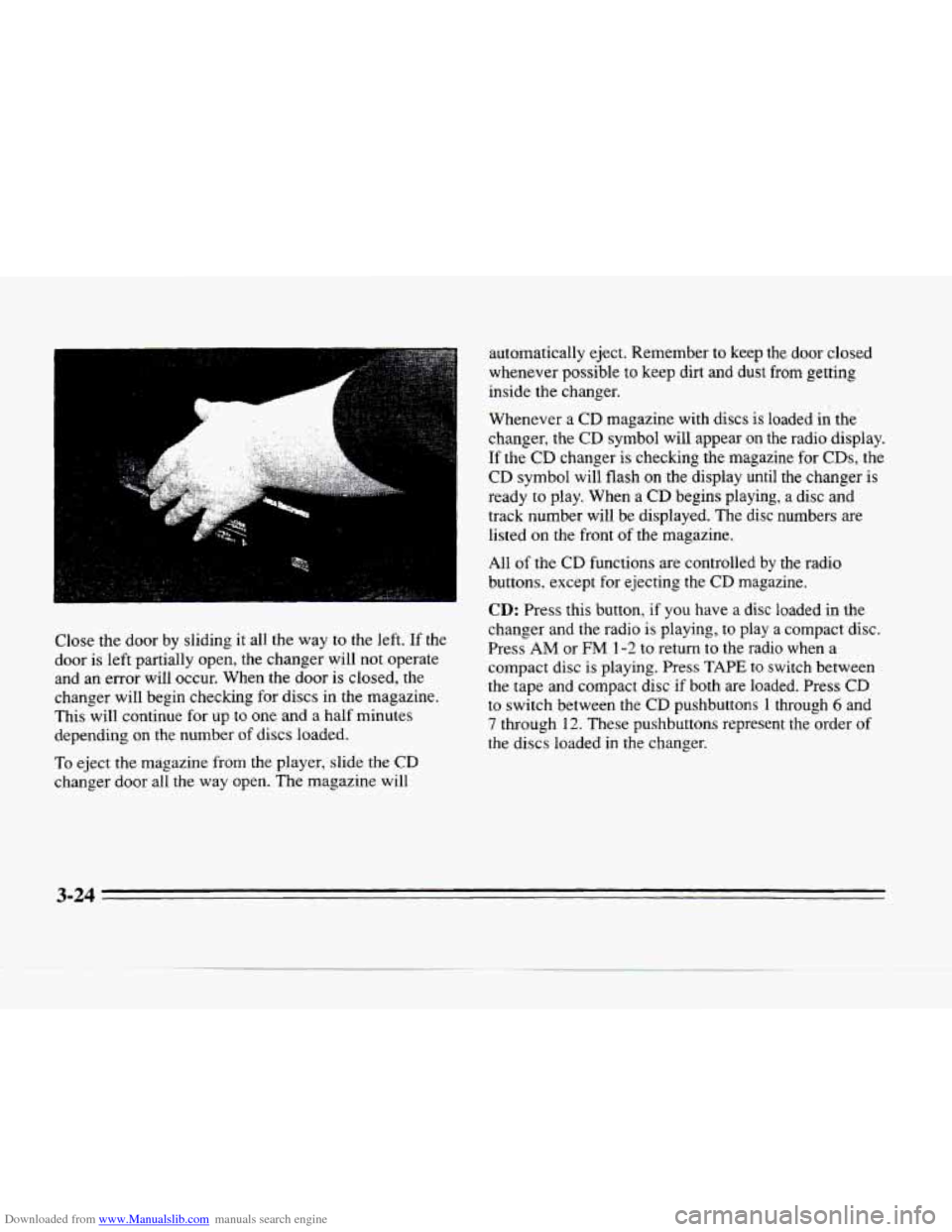
Close the door by sliding it all the way to the left. If the
door is left partially open, the changer will not operate
and an error will occur. When the door is closed, the
changer will begin checking for discs in the magazine.
This will continue
for up to one and a half minutes
depending on the number
of discs loaded.
To eject the magazine from the player, slide the CD
changer door all the way open. The magazine will automatically eject. Remember
to keep the
door closed
whenever possible to keep
dirt and dust from getting
inside the changer.
Whenever a
CD magazine with discs is loaded in the
changer, the
CD symbol will appear on the radio display.
If the
CD changer is checking the magazine for CDs, the
CD symbol will flash on the display until the changer is
ready
to play. When a CD begins playing, a disc and
track number will be displayed. The disc numbers are
listed
on the front of the magazine.
All
of the CD functions are controlled by the radio
buttons, except for ejecting the
CD magazine.
CD: Press this button, if you have a disc loaded in the
changer and the radio is playing, to play a compact disc.
Press
AM or FM 1-2 to return to the radio when a
compact
disc is playing. Press TAPE to switch between
the tape and compact disc if both are loaded. Press CD
to switch between the CD pushbuttons 1 through 6 and
7 through 12. These pushbuttons represent the order of
the discs loaded in the changer.
Page 175 of 354
Downloaded from www.Manualslib.com manuals search engine Adjusting the Speakers
BAL: Press this button lightly so it extends. Turn the
BAL knob to move the sound to the left or right speakers.
The middle position is a detent
and balances the speakers.
Turn the knob clockwise
to adjust sound to the right
speakers and counterclockwise for left speakers. Push the
button back it when you are not using
it.
FADE: Press this button lightly so it extends. Turn the
FADE knob to move the sound to the front or rear
speakers. The middle position is a detent and balances
the speakers. Turn the knob clockwise to adjust the
sound to the front speakers and counterclockwise for
rear speakers. Push the button back it when you are not
using it.
Playing a Cassette Tape
With the radio on, insert a cassette tape. The tape will
begin playing as soon as it is inserted.
While the tape is playing, use the
VOL, FADE, BAL,
TREB and BASS controls just as you do for the radio.
Other controls may have different functions when a tape
is inserted. The display will show
TAPE with an arrow
to indicate which side of the tape is playing. PLAY will
appear on the display when a tape is playing. If an
error occurs while trying
to play a cassette tape, it
could be that:
0 The cassette tape is tight and the cassette player
cannot turn the hubs of the tape.
(Hold the cassette
tape with the open end down
and try turning the right
hub counterclockwise with a pencil. Flip the tape
over and repeat. If the hubs
do not turn easily, your
cassette tape
may be damaged and should not be
used in
the player. Try a new tape to be sure your
player is working properly.
0 The cassette tape is broken. (Check to see if your
tape is broken.
Try a new tape.)
Note that cassette tape adapter kits for portable compact
disc players will not work in your cassette player. These
adapters will cause an error message
to show on the
display, and the adapter cassette will
be ejected.
TAPE: Press this button to switch from radio or CD to
cassette tape play. Press
AM or FM 1-2 to switch to the
radio.
SEEK: Press the forward arrow to search for the next
selection on the tape. Press the backward arrow to
search for the previous selection
on the tape (REP will
appear on the display). Your tape must have at least
three seconds of silence between each selection for
SEEK to work. The sound will be muted while seeking.
3-28
Page 178 of 354
Downloaded from www.Manualslib.com manuals search engine r: .. .
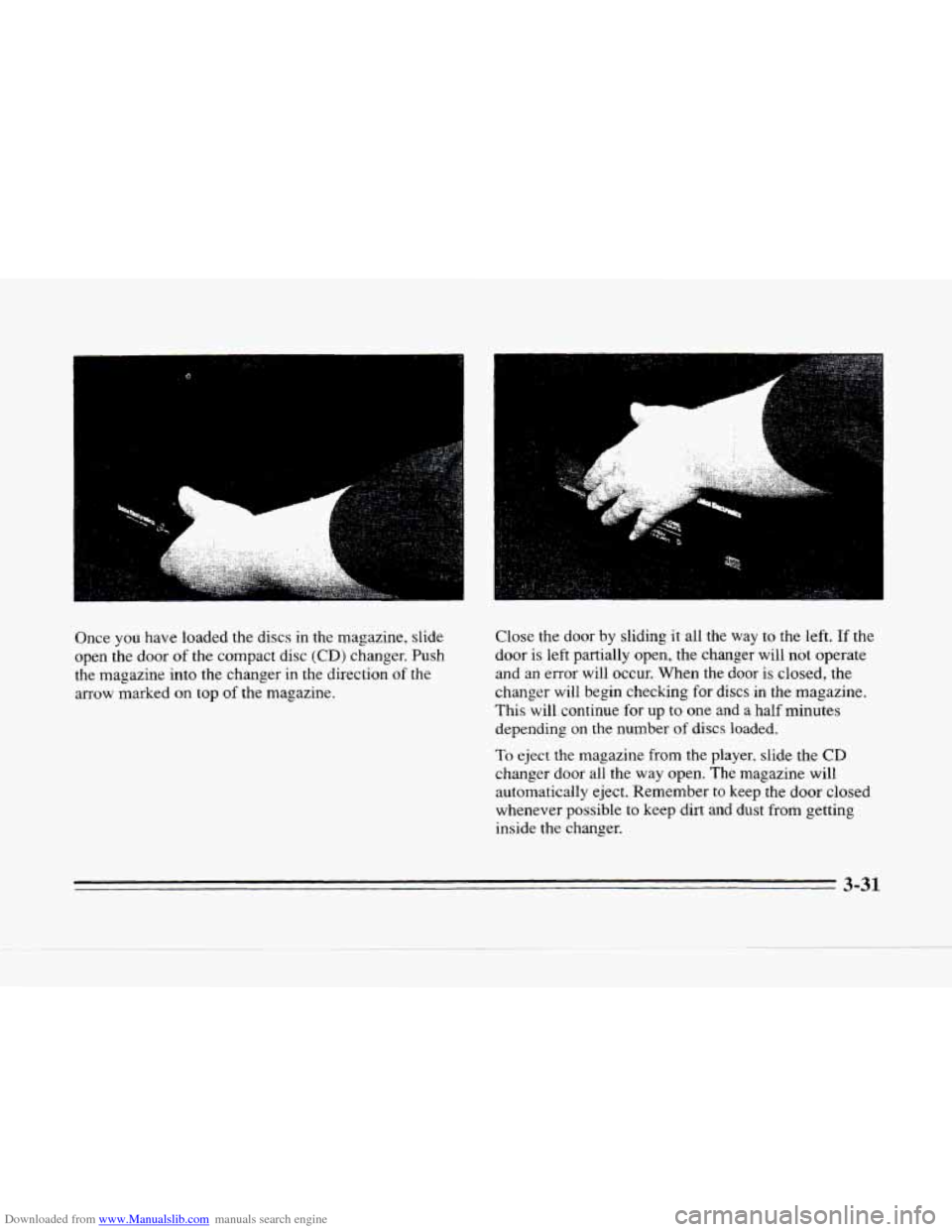
Once you have loaded the discs in the magazine, slide
open the door
of the compact disc (CD) changer. Push
the magazine into the changer in the direction
of the
arrow marked on top
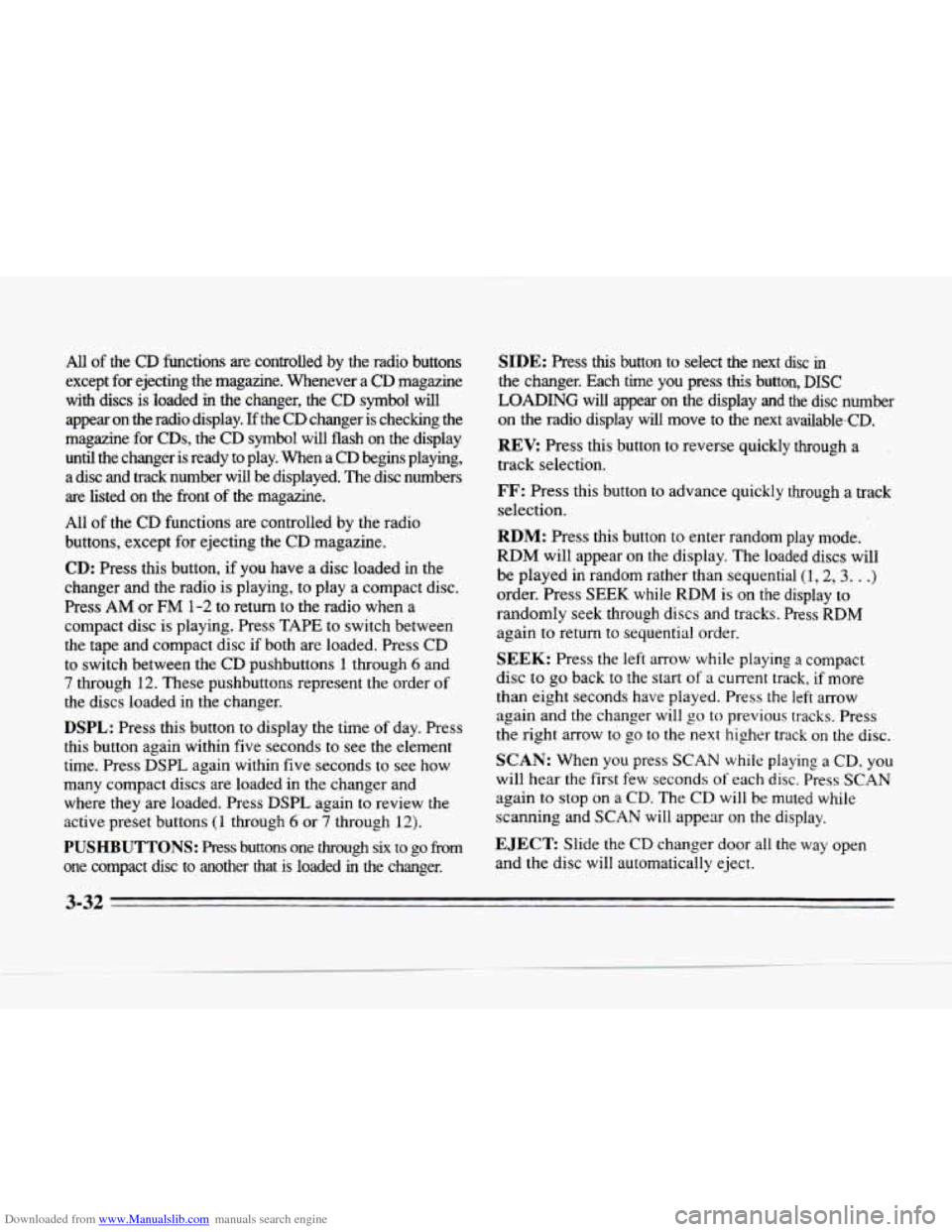
of the magazine. Close
the door by sliding it all the
way to the left. If the
door is left partially open, the changer will not operate
and an error will occur. When the
door is closed, the
changer
will begin checking for discs in the magazine.
This will continue for up
to one and a half minutes
depending on
the number of discs loaded.
To eject the magazine from the player, slide the CD
changer door all the way open. The magazine will
automatically eject. Remember to keep the
door closed
whenever possible to keep dirt and dust from getting
inside the changer.
I
3-31
Page 179 of 354
Downloaded from www.Manualslib.com manuals search engine All of the CD functions are controlled by the radio buttons
except for ejecting the magazine. Whenever
a CD magazine
with discs is loaded
in the changer, the CD symbol will
appear on the radio display.
If the CD changer is checking the
magazine for
CDs, the CD symbol will flash on the display
until the changer is ready to play. When a
CD begins playing,
a disc and track number will be displayed. The disc numbers
are listed on the front of the magazine.
All
of the CD functions are controlled by the radio
buttons, except for ejecting the CD magazine.
CD: Press this button, if you have a disc loaded in the
changer and the radio is playing, to play a compact disc.
Press AM or
FM 1-2 to return to the radio when a
compact disc is playing. Press TAPE to switch between
the tape and compact disc
if both are loaded. Press CD
to switch between the CD pushbuttons 1 through 6 and
7 through 12. These pushbuttons represent the order of
the discs loaded in the changer.
DSPL: Press this button to display the time of day. Press
this button again within five seconds to see the element
time. Press DSPL again within five seconds to see how
many compact discs
are loaded in the changer and
where they are loaded. Press
DSPL again to review the
active preset buttons
(1 through 6 or 7 through 12).
PUSHBUTTONS: Press buttons one through six to go from
one compact disc to another that is loaded
in the changer.
SIDE: Press this button to select the next disc in
the changer. Each time you press this button, DISC
LOADING will appear on the display and the disc number
on the radio display will move to the next available-CD.
REV: Press this button to reverse quickly through a
track selection.
FF: Press this button to advance quickly through a track
selection.
RDM: Press this button to enter random play mode.
RDM will appear on the display. The loaded discs will
be played
in random rather than sequential (1,2,3. . .)
order. Press SEEK while RDM is on the display to
randomly seek through discs and tracks. Press RDM
again
to return to sequential order.
SEEK: Press the left arrow while playing a compact
disc to go back to the start
of a current track, if more
than eight seconds have played. Press the
left arrow
again and the changer
will go to previous tracks. Press
the right arrow to
go to the next higher track on the disc.
SCAN: When you press SCAN while playing a CD, you
will hear the first few seconds
of each disc. Press SCAN
again to stop on a CD. The CD will be muted while
scanning and
SCAN will appear on the display.
EJECT Slide the CD changer door all the way open
and the disc will automatically eject.
3-32
Page 181 of 354
Downloaded from www.Manualslib.com manuals search engine Understanding Radio Reception
FM Stereo
FM stereo will give you the best sound. But FM signals
will reach only about
10 to 40 miles (16 to 65 km). Tall
buildings
or hills can interfere with FM signals, causing
the sound to come and go.
AM The range
for most AM stations is greater than for FM,
especially at night. The longer range, however, can
cause stations to interfere with each other.
AM can pick
up noise from things like
storms and power lines. Try
reducing the treble to reduce this noise if you ever get it.
Tips About Your Audio System
Hearing damage from loud noise is almost undetectable
until
it is too late. Your hearing can adapt to higher
volumes
of sound. Sound that seems normal can be loud
and harmful to your hearing. Take precautions by
adjusting the volume control
on your radio to a safe
sound level before your hearing adapts to
it.
To help avoid hearing loss or damage:
Adjust the volume control to the lowest setting.
Increase volume slowly until you hear comfortably
and clearly.
NOTICE:
Before you add any sound equipment to your
vehicle
-- like a tape player, CB radio, mobile
telephone or two-way radio
-- be sure you can
add what you want.
If you can, it’s very important
to do it properly. Added sound equipment may
interfere with the operation of your vehicle’s
engine, Cadillac radio or other systems, and even
damage them. Your vehicle’s systems
may
interfere with the operation of sound equipment
that has been added improperly.
So, before adding sound equipment, check with
your dealer and
be sure to check Federal rules
covering mobile radio and telephone units.
3-34
Page 189 of 354
Downloaded from www.Manualslib.com manuals search engine Avoid needless heavy braking. Some people drive in
spurts
-- heavy acceleration followed by heavy
braking
-- rather than keeping pace with traffic. This is a
mistake. Your brakes may not have time to cool between
hard stops.
Your brakes will wear out much faster if you
do a lot of heavy braking.
If you keep pace with the
traffic and allow realistic following distances, you will
eliminate a lot
of unnecessary braking. That means
better braking and longer brake life.
If
your engine ever stops while you’re driving, brake
normally but don’t pump
your brakes. If you do, the
pedal may get harder to push down.
If your engine
stops,
you will still have some power brake assist. But
you will use it when you brake. Once
the power assist is
used up, it may take longer to stop and the brake pedal
will be harder to push.
Anti-Lock Brakes
Your vehicle has anti-lock brakes (ABS). ABS is an
advanced electronic braking system
that will help
prevent a braking skid.
When
you start your engine and begin to drive away,
your anti-lock brake system will check itself.
You may
hear
a momentary motor or clicking noise while this test
is going
on, and you may even notice that your brake
pedal moves
a little. This is normal.
ANTI -
LOCK
-.
If there’s a problem with the
anti-lock brake system, this warning light will stay on.
See “Anti-Lock Brake
System Warning Light” in
the Index.
4-6