1996 CADILLAC SEVILLE ignition
[x] Cancel search: ignitionPage 83 of 354
Downloaded from www.Manualslib.com manuals search engine Parking Brake
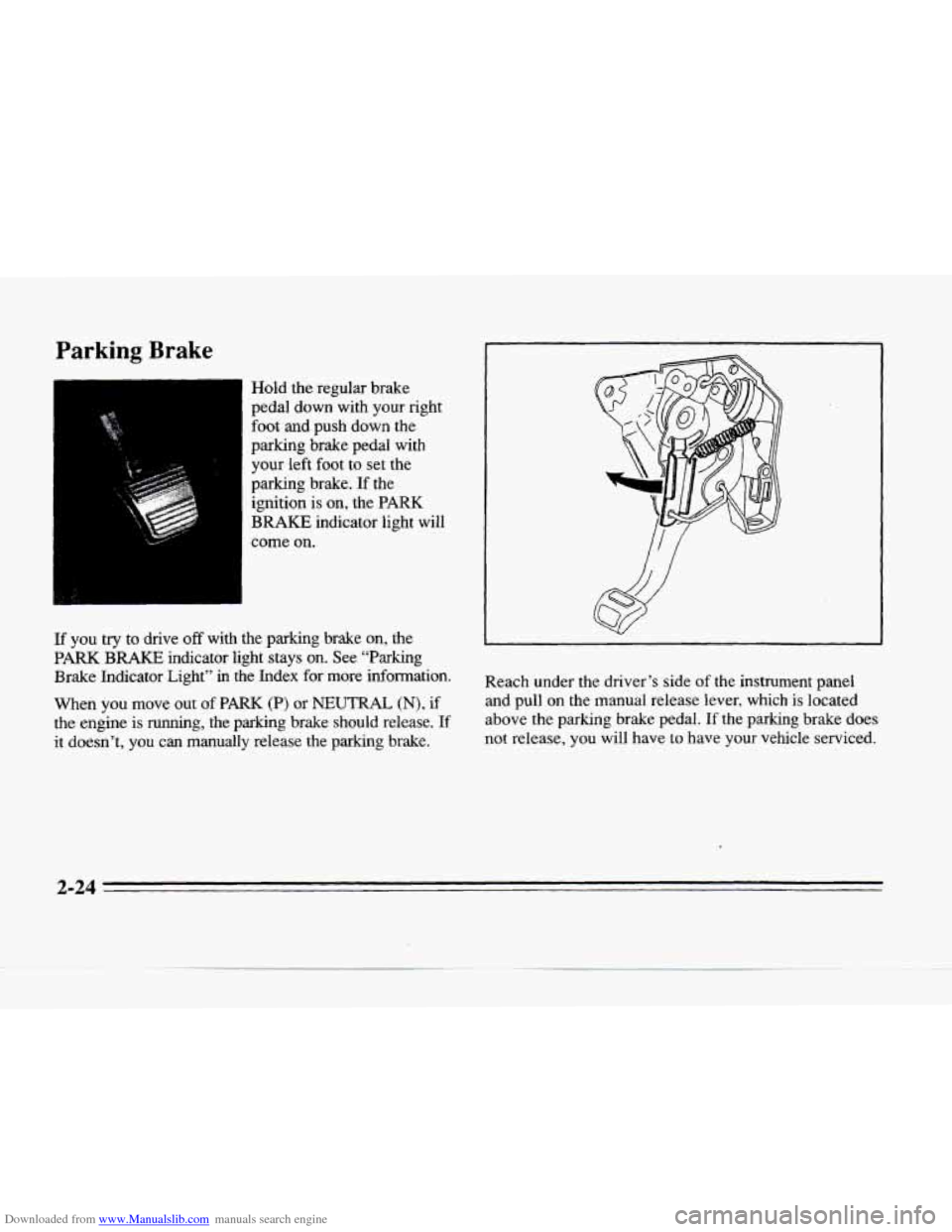
Hold the regular brake
pedal down with your right
foot and push down the
parking brake pedal with
your left foot to set the
parking brake.
If the
ignition is on, the
PARK
BRAKE indicator light will
3
come on.
If you try to drive off with the parking brake on, the
PARK BRAKE indicator light stays on. See “Parking
Brake Indicator Light”
in the Index for more infomation.
When
you move out of PARK (P) or NEUTRAL (N), if
the engine is running, the parking brake should release. If
it doesn’t, you can manually release the parking brake.
Reach under the driver’s side of the instrument panel
and pull on the manual release lever.
which is located
above the parking brake pedal. If the
parking brake does
not release, you will have
to have your vehicle serviced.
2-24
Page 85 of 354
Downloaded from www.Manualslib.com manuals search engine Steering Column Shift Lever
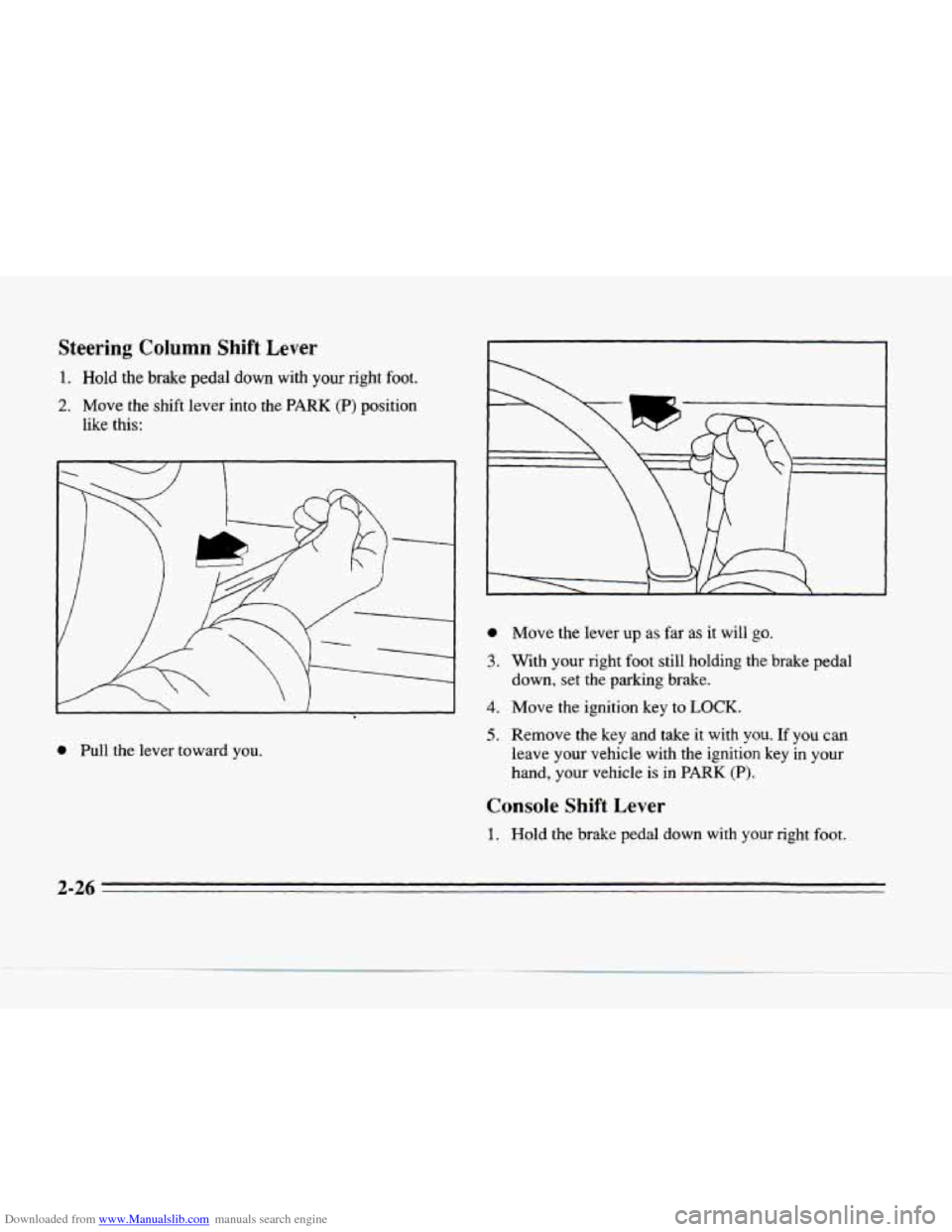
1. Hold the brake pedal down with your right foot.
2. Move the shift lever into the PARK (P) position
like this:
0 Pull the lever toward you.
0
3.
4.
5.
Move the lever up as far as it will go.
With your right foot still holding the brake pedal
down,
set the parking brake.
Move
the ignition key to LOCK.
Remove the key and take it with you. If you can
leave your vehicle with the
ignition key in your
hand, your vehicle
is in PARK (P).
Console Shift Lever
1. Hold the brake pedal down with your right foot.
2-26
Page 86 of 354
Downloaded from www.Manualslib.com manuals search engine -
--
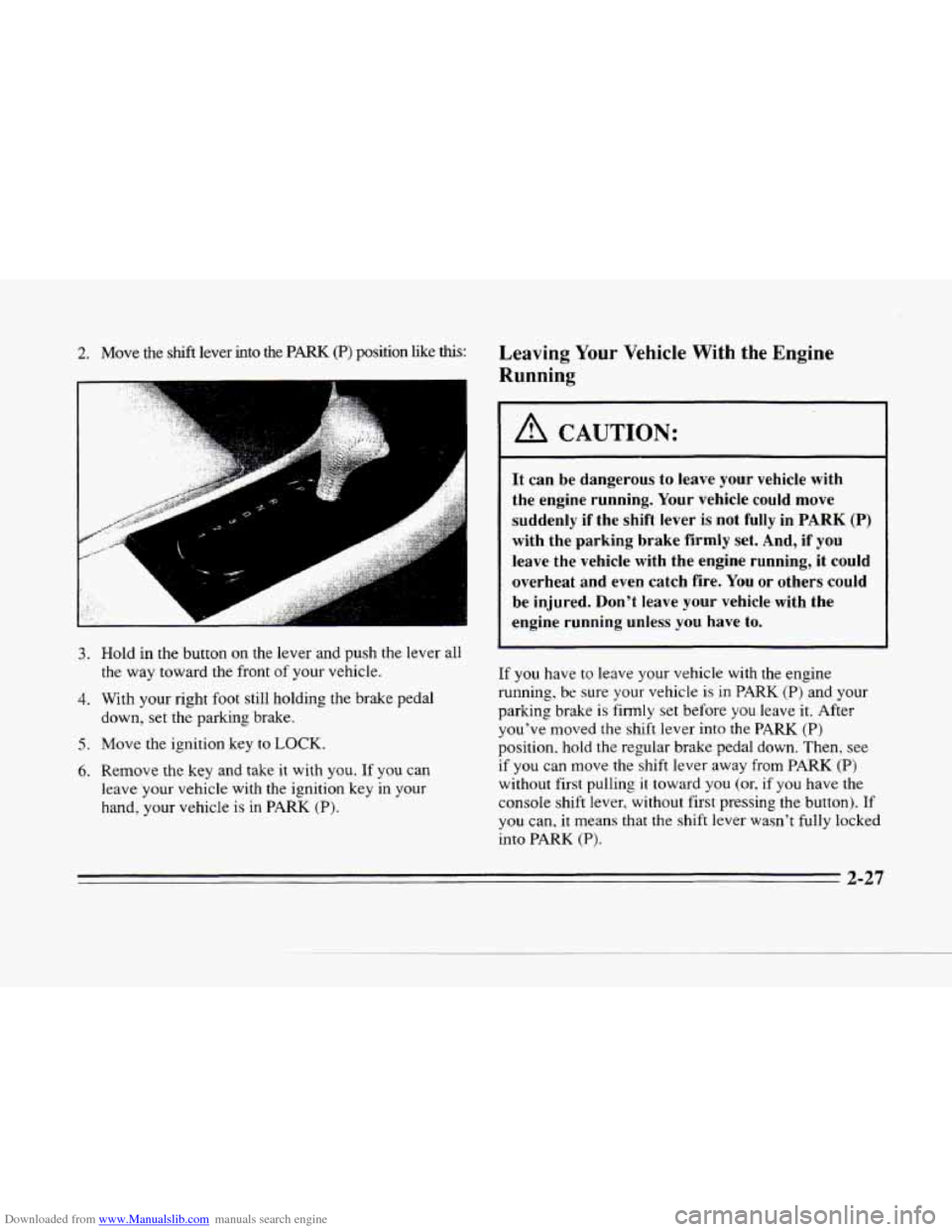
2. Move the sh.& lever into the PARK (P) position like ths:
. , .. .,#, .. rc; I/,< .. ~ . .. . , . .,. . .. , , ,,, ..I ...-gg . .!.
3. Hold in the button ~fl the leifef ha push the lever all
the way toward the front of your vehicle.
4. With your right foot still holding the brake pedal
down, set the parking brake.
5. Move the ignition key to LOCK.
6. Remove the key and take it with you. If you can
leave your vehicle with the ignition key in your
hand, your vehicle is in
PARK (P).
Leaving Your Vehicle With the Engine
Running
1 A CAUTION:
It can be dangerous to leave your vehicle with
the engine running. Your vehicle could move
suddenly
if the shift lever is not fully in PARK (P)
with the parking brake firmly set. And, if you
leave the vehicle with the engine running, it could
overheat and even catch fire.
You or others could
be injured. Don’t leave your vehicle with the
engine running unless you have to.
If you have to leave your vehicle with the engine
running, be sure your vehicle is in PARK
(P) and your
parking brake
is firmly set before you leave it. After
you’ve moved the shift lever into the PARK
(P)
position. hold the regular brake pedal down. Then, see
if you can move the shift lever away from PARK (P)
without first pulling it toward you (or, if you have the
console shift lever, without first pressing the button).
If
you can. it means that the shift lever wasn’t fully locked
into
PARK (a).
2-27
Page 87 of 354
Downloaded from www.Manualslib.com manuals search engine Torque Lock
If you are parking on a hill and you don’t shift your
transaxle into
PARK (P) properly, the weight of the
vehicle may put too much force on the parking pawl in
the transaxle.
You may find it difficult to pull the shift
lever out of
PARK (P). This is called “torque lock.”
To prevent torque lock, set the parking brake and then
shift into PARK
(P) properly before you leave the
driver’s seat. To find
out how, see ”Shifting Into
PARK (P)” in the Index.
If torque lock does occur, you may need to have another
vehicle push yours a little uphill to take some
of the
pressure from the transaxle,
so you can pull the shift
lever out
of PARK (P).
Shifting Out of PARK (P)
Your Cadillac has a brake-transaxle shift interlock. You
have to fully
apply your regular brakes before you can
shift from
PARK (P) when the ignition is in the RUN
position. See “Automatic Transaxle” in the Index.
If you cannot shift out
of PMK (P), ease pressure on
the shift lever -- push the shift lever all the way into
PARK (P) and also release the shift lever button on floor
shift models as you maintain brake application. Then
move the shift lever into the gear you
want. (Press the
shift lever button before moving the shift lever.) If you
ever hold the brake pedal down but still can’t shift out
of
PARK (P), try this:
1. Turn the key to OFF. Open and close the driver’s
door to
turn off the Retained Accessory Power
feature.
c
2. Apply and hold the brake until the end of Step 4.
3. Shift to NEUTRAL (N).
4. Start the vehicle and then shift to the drive gear
you want.
5. Have the vehicle fixed as soon as you can.
2-28
Page 90 of 354
Downloaded from www.Manualslib.com manuals search engine Windows
Power Windows
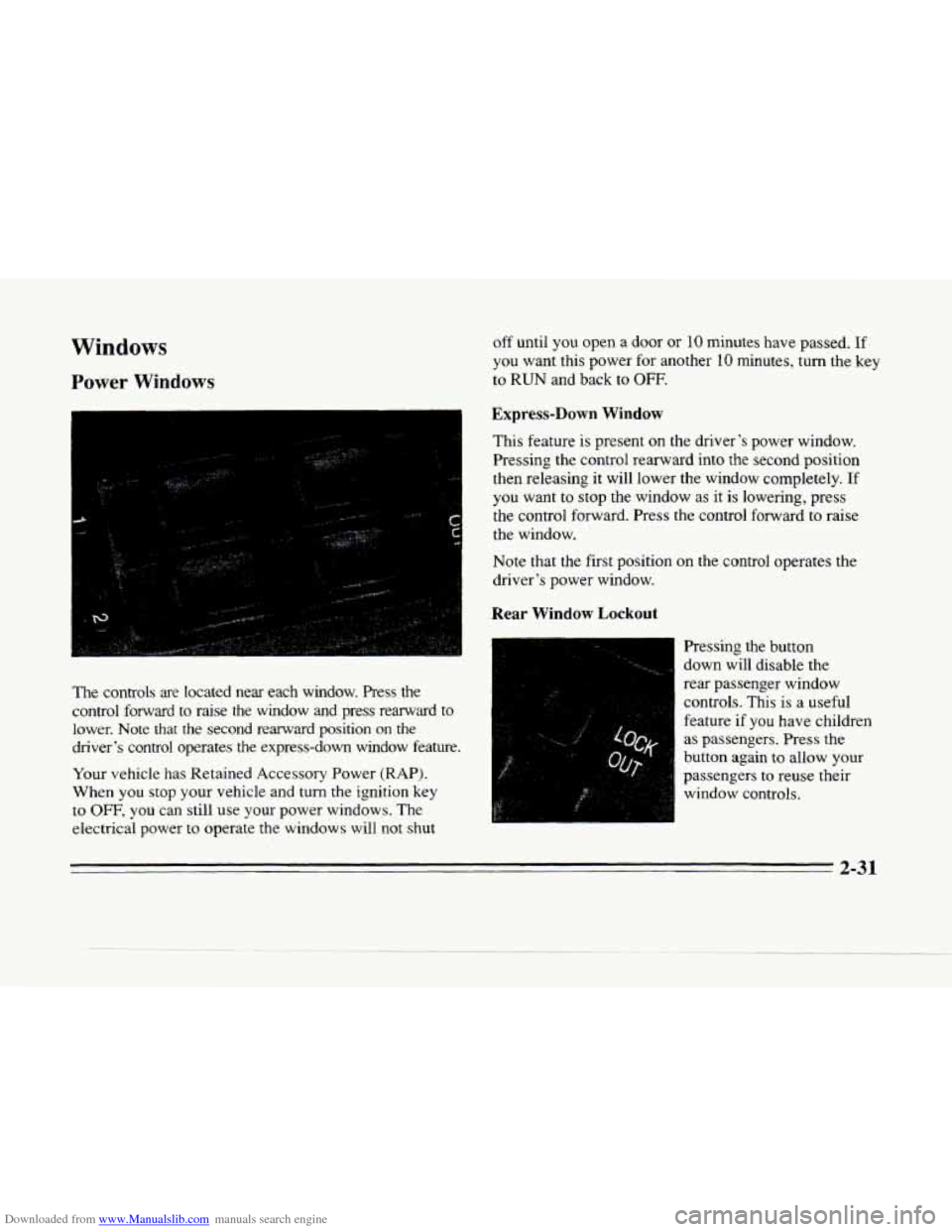
The controls are located near each window. hess the
control forward
to raise the window and press rearward to
lower. Note that the second rearward position on the
driver‘s control operates the express-down window feature.
Your vehicle has Retained Accessory Power (RAP).
When you stop your vehicle and turn
the ignition key
to OFF, you can still use your power windows. The
electrical power
to operate the windows will not shut
off until you open a door or 10 minutes have passed. If
you want this power for another 10 minutes, turn the key
to
RUN and back to OFF.
Express-Down Window
This feature is present on the driver’s power window.
Pressing the control rearward into the second position
then releasing it will lower the window completely. If
you want to stop the window as it is lowering, press
the control forward. Press the control forward
to raise
the window.
Note that the first position on the control operates the
driver’s power window.
Rear Window Lockout
I Pressing the button
down will disable the
rear passenger window
controls. This is a useful
feature if
you have children
as passengers. Press the
button again to allow your
passengers to
reuse their
window controls.
Page 94 of 354
Downloaded from www.Manualslib.com manuals search engine II
c
Rainsense Wipers (STS Only)
I
:-
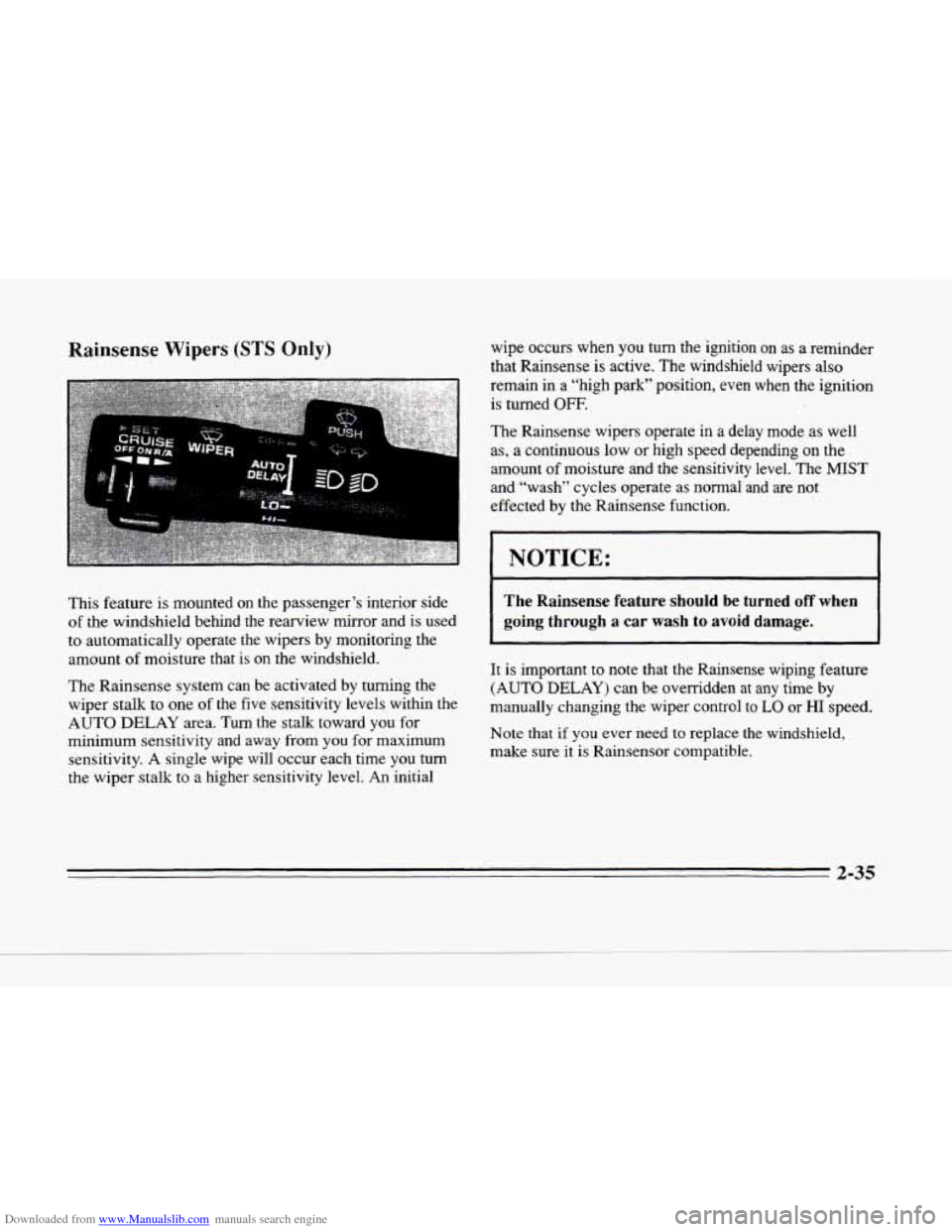
This feature is mounted on the passenger’s interior side
of the windshield behind the rearview mirror and is used
to automatically operate the wipers by monitoring the
amount of moisture that is on the windshield.
The Rainsense system can be activated by turning the
wiper stalk
to one of the five sensitivity levels within the
AUTO DELAY area. Turn
the stalk toward you for
minimum sensitivity and away from you for maximum
sensitivity. A single wipe will occur each time
you turn
the wiper stalk to a higher sensitivity level. An initial wipe occurs when
you turn the ignition on as a
reminder
that Rainsense
is active. The windshield wipers also
remain in a “high park” Position,
even when the ignition
is turned OFF.
The Rainsense wipers operate in a delay mode as well
as, a continuous low
or high speed depending on the
amount of moisture and the sensitivity level. The MIST
and “wash” cycles operate as normal and are not
effected by the Rainsense function.
I NOTICE:
The Rainsense feature should be turned off when
going
through a car wash to avoid damage.
It is important to note that the Rainsense wiping feature
(AUTO DELAY) can be overridden at any time
by
manually changing the wiper control to LO or HI speed.
Note that
if you ever need to replace the windshield,
make sure it is Rainsensor compatible.
2-35
Page 99 of 354
Downloaded from www.Manualslib.com manuals search engine Using Cruise Control on Hills
How well your cruise control will work on hills depends
upon your speed, load and the steepness
of the hills.
When going up steep hills, you may have to step
on the
accelerator pedal
to maintain your speed. When going
downhill, you may have to brake
or shift to a lower gear
to keep your speed down.
Of course, applying the brake
takes you
out of cruise control. Many drivers find this to
be too much trouble and don’t use cruise control on
steep hills.
Ending Cruise Control
There are two ways to end cruise control:
0 Step lightly on the brake pedal.
0 Move the CRUISE switch to OFF.
Erasing Speed Memory
The cruise control set speed memory is erased when you
turn off the cruise control or the ignition.
Lamps
OFF,
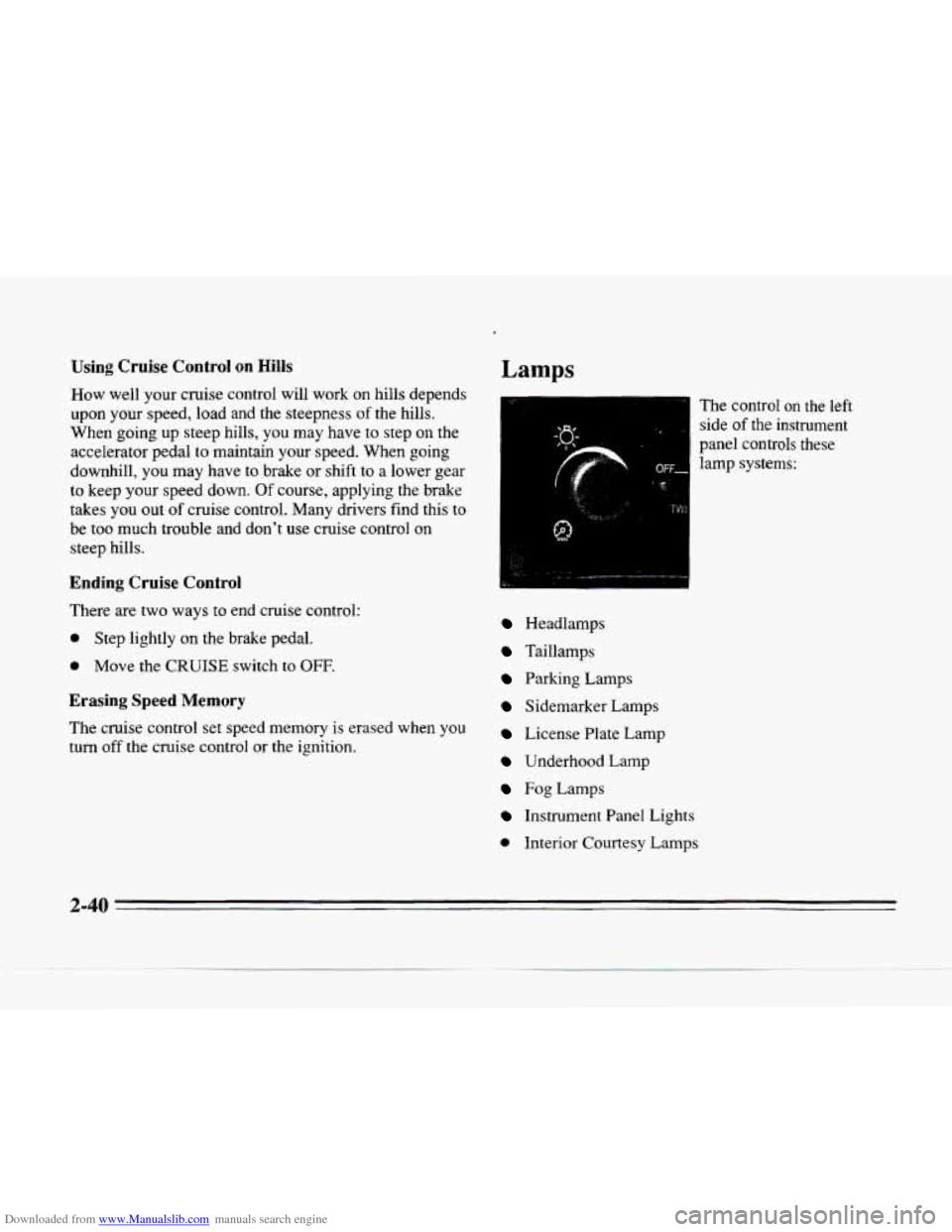
The control on the left
side
of the instrument
panel controls these lamp systems:
Headlamps
Taillamps
Parking Lamps
Sidemarker Lamps
License Plate Lamp
Underhood Lamp
Fog Lamps
Instrument Panel Lights
0 Interior Courtesy Lamps
4
2-40
Page 100 of 354
Downloaded from www.Manualslib.com manuals search engine c
c
Pull the knob out to the first stop to turn on the parking
and taillamps, sidemarker lamps and instrument panel
lights. Pull the knob out all the way to turn
on the
headlamps.
You can brighten or dim the instrument
cluster by rotating the headlamp
knob. Press the knob
all the way in to turn them off. The exterior lamps
will automatically turn
on after several seconds of
wiper activation.
Headlamps
Wiper Activated Headlamps
This feature activates the headlamps and parking lamps
after the windshield wipers have been in use for
approximately
20 seconds.
In order to operate the wiper activated headlamps, the
twilight sentinel must be in the
on position. This feature
lights the way in poor weather and
it also makes your
vehicle more visible to other drivers.
If the wiper
activated headlamps are on, and the ignition switch
is
turned off, the wiper activated headlamps will
immediately turn
off.
The wiper activated headlamps will deactivate if you
turn off the twilight sentinel or if the windshield wipers
have been turned
off for a period of one or two seconds.
Lamps On Reminder
You will hear a warning chime if you pull the key from
the ignition while leaving the lamps on, if the manual
headlamp control is activated. An exception to this is
when you're using twilight sentinel.
Daytime Running Lamps
Daytime Running Lamps (DRL) can make it easier
for-others
to see the front of your vehicle during the
day, DRL can be helpful in many different driving
conditions, but they can be especially helpful in the
short periods after dawn and before sunset.
A light sensor on top of the instrument panel makes the
DRL work,
so be sure it isn't covered.
The
DRL system will make the high-beam headlamps
come on at reduced brightness when:
the ignition is on,
0 the headlamp switch is oft' and
the transaxle is not in PARK (P).
- 2-41