1996 BUICK REGAL stop start
[x] Cancel search: stop startPage 132 of 356
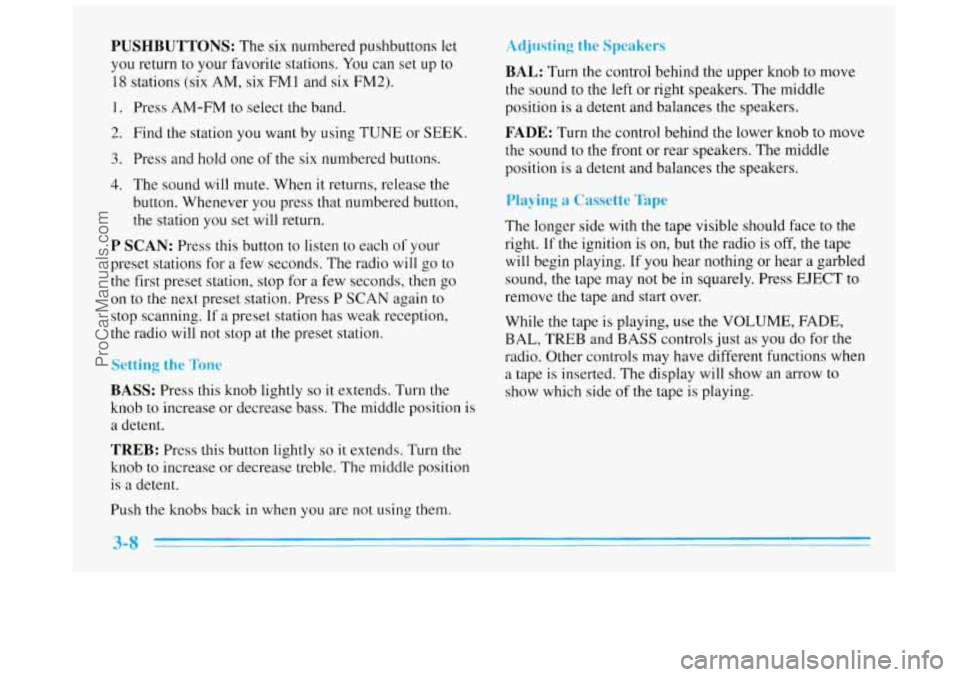
PUSHBUTTONS: The six numbered pushbuttons let
you return to your favorite stations.
You can set up to
18 stations (six AM, six FMl and six FM2).
1. Press AM-FM to select the band.
2. Find the station you want by using TUNE or SEEK.
3. Press and hold one of the six numbered buttons.
4. The sound will mute. When it returns, release the
button. Whenever you press that numbered button,
the station
you set will return.
P SCAN: Press this button to listen to each of your
preset stations for
a few seconds. The radio will go to
the first preset station, stop for a few seconds, then go
on to the next preset station. Press P SCAN again to
stop scanning.
If a preset station has weak reception,
the radio will not stop at the preset station.
Setting the Tone
BASS: Press this knob lightly so it extends. Turn the
knob to increase or decrease bass. The middle position is
a detent.
TREB: Press this button lightly so it extends. Turn the
knob to increase or decrease treble. The middle position
is a detent.
Push the knobs back in when you are not using them.
Adjusting the Speakers
BAL: Turn the control behind the upper knob to move
the sound to the left or right speakers. The middle
position is
a detent and balances the speakers.
FADE: Turn the control behind the lower knob to move
the sound to the front
or rear speakers. The middle
position is
a detent and balances the speakers.
Playing a Cassette Tape
The longer side with the tape visible should face to the
right.
If the ignition is on, but the radio is off, the tape
will begin playing. If you hear nothing or hear
a garbled
sound, the tape may not be in squarely. Press EJECT to
remove the tape and start over.
While the tape
is playing, use the VOLUh-, FADE,
BAL, TREB and BASS controls just as you do for the
radio. Other controls may have different functions when
a tape is inserted. The display will show an arrow to
show which side
of the tape is playing.
ProCarManuals.com
Page 140 of 356
The SEEK down and up arrows will also find the
previous and next selections on the disc.
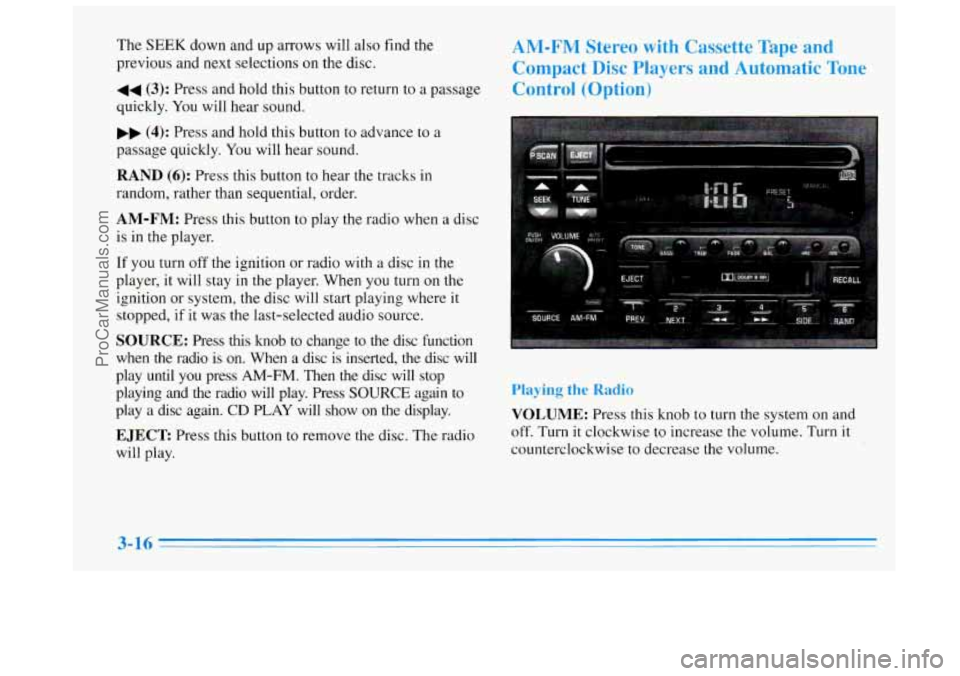
44 (3): Press and hold this button to return to a passage
quickly. You will hear sound.
.. (4): Press and hold this button to advance to a
passage quickly. You will hear sound.
RAND (6): Press this button to hear the tracks in
random, rather than sequential, order.
AM-FM: Press this button to play the radio when a disc
is in the player.
If you turn off the ignition or radio with a disc in the
player, it will stay
in the player. When you turn on the
ignition or system,
the disc will start playing where it
stopped, if it was the last-selected audio source.
SOURCE: Press this knob to change to the disc function
when the radio is
on. When a disc is inserted, the disc will
play until you press
AM-FM. Then the disc will stop
playing and the radio will play. Press
SOURCE again to
play a disc again.
CD PLAY will show on the display.
EJECT Press this button to remove the disc. The radio
will play.
AM-FM Stereo with Cassette Tape and
Compact Disc Players and Automatic Tone
Control (Option)
Playing the Radio
VOLUME: Press this knob to turn the system on and
off. Turn
it clockwise to increase the volume. Turn it
counterclockwise to decrease the volume.
3-16
ProCarManuals.com
Page 144 of 356
display. When things get back to normal, the disc should
play. If the disc comes out,
it could be that:
0 The disc is upside down.
It is dirty, scratched or wet.
It is very humid. (If so, wait about an hour and
try again.)
RECALL: Press this button to see which track is
playing. Press it again
within five seconds to see how
long it has been playing.
To change what is normally
shown on the display (track or elapsed time), press the
button until you see the display you want, then hold the
button until the display flashes.
PREV (1): Press this button to go to the start of the
current track,
if more than eight seconds have played. If
you hold the button or press it more than once, the
player will continue moving back through the disc. The
sound will be muted while seeking.
NEXT (2): Press this button to go to the next track.
If you hold the button or press it more than once, the
player will continue moving forward through the disc.
The sound will be muted while seeking.
The
SEEK down and up arrows will also find the previous
and next selections on
the disc.
44 (3): Press and hold this button to return to a passage
quickly.
You will hear sound.
,, (4): Press and hold this button to advance to a
passage quickly. You will hear sound.
RAND (6): Press this button to hear the tracks in
random, rather than sequential, order.
AM-FM: Press this button to play the radio when a disc
is in the player.
If you turn off the ignition or radio with a disc in the
player,
it will stay in the player. When you turn on the
ignition or system, the disc will start playing where it
stopped,
if it was the last-selected audio source.
SOURCE: Press this button to change to the disc
function when the radio
is on. When a disc is inserted,
the disc
will play until you press AM-FM. Then the disc
will stop playing and the radio will play. Press
SOURCE
again to play a disc again. CD PLAY will show on
the display.
EJECT Press this button to remove the disc. The radio
will play.
ProCarManuals.com
Page 158 of 356
Avoid needless heavy braking. Some people drive in
spurts
-- heavy acceleration followed by heavy
braking
-- rather than keeping pace with traffic. This is a
mistake. Your brakes may not have time to cool between
hard stops. Your brakes will wear
out much faster if you
do
a lot of heavy bralung. If you keep pace with the
traffic and allow realistic following distances, you will
eliminate
a lot of unnecessary braking. That means
better braking and longer brake life.
If your engine ever stops while you’re driving, brake
normally but don’t pump your brakes. If you do, the
pedal may get harder to push down.
If your engine
stops, you will still have some power brake assist. But
you will use it when you brake. Once the power assist is
used up, it may take longer to
stop and the brake pedal
will be harder
to push.
Anti-Lock Brakes
Your vehicle has anti-lock brakes (ABS). ABS is an
advanced electronic braking system that will help
prevent
a braking skid.
When you start your engine, or when you begin to drive
away, your anti-lock brake system
will check itself. You
may hear a momentary motor or clicking noise while
this test is going on, and you may even notice that your
brake pedal moves a little. This is normal.
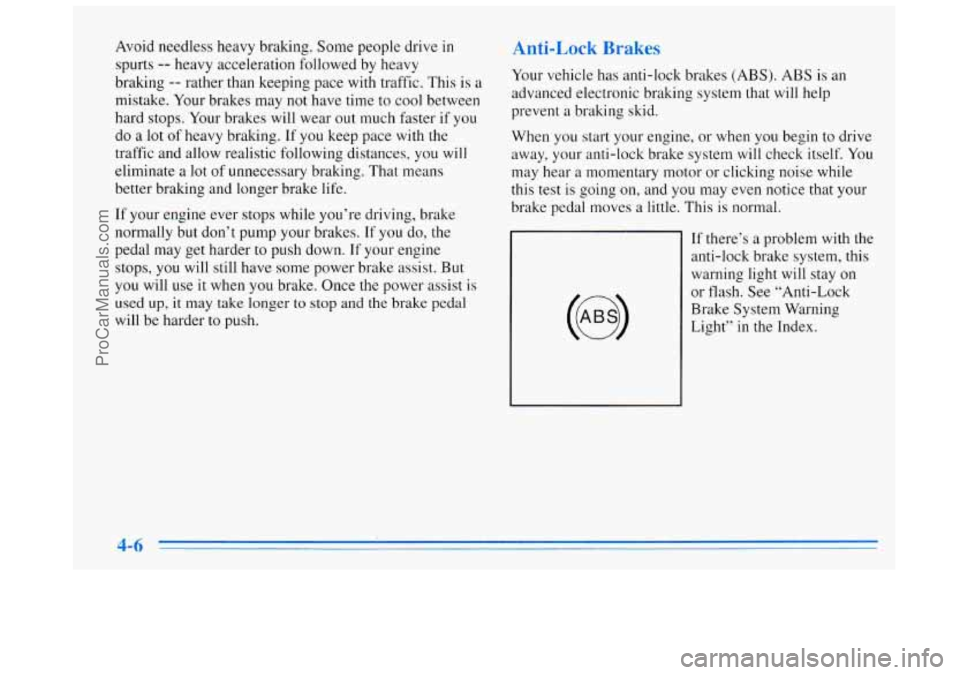
If there’s a problem
with the
anti-lock brake system, this warning light will stay
on
or flash. See “Anti-Lock
Brake System Warning
Light” in the Index.
ProCarManuals.com
Page 163 of 356
”‘b
The driver of a vehicle about to pass another on a
two-lane highway waits for just the right moment,
accelerates, moves around the vehicle ahead, then goes
back into the right
lane again. A simple maneuver?
Not necessarily! Passing another vehicle on a two-lane
highway is a potentially dangerous move, since the
passing vehicle occupies the same lane
as oncoming
traffic for several seconds.
A miscalculation, an error in
judgment, or a brief surrender to frustration or anger can
suddenly put the passing driver face
to face with the
worst
of all traffic accidents -- the head-on collision.
So here are some tips for passing:
0 “Drive ahead.’’ Look down the road, to the sides and \
to
crossroads for situations that might affect your passing
patterns. If you have any doubt whatsoever about
making a successful pass, wait for
a better time.
0 Watch for traffic signs, pavement markings and lines.
If you can see a sign up ahead that might indicate a
turn or an intersection, delay your pass. A broken
center line usually indicates it’s all right
to pass
(providing the road ahead is clear). Never cross a solid
line on your side of the lane or a double solid line,
even if the road seems empty
of approaching traffic.
0 Do not get too close to the vehicle you want to pass
while you’re awaiting an opportunity. For one thing,
following too closely reduces your area of vision,
especially if you’re following a larger vehicle. Also,
you won’t have adequate space if the vehicle
ahead suddenly slows or stops. Keep back a
reasonable distance.
0 When it looks like a chance to pass is coming up,
start to accelerate but stay in the right lane and don’t
get too close. Time your move
so you will be
increasing speed as the time comes to move into the
other lane. If
the way is clear to pass, you will have a
“running start” that more than makes up for the
distance you would lose by dropping back. And if
something happens to cause you to cancel your pass,
you need only slow down and drop back again and
wait for another opportunity.
0 If other cars are lined up to pass a slow vehicle, wait
your turn. But take care that someone isn’t trying to
pass you as you pull
out to pass the slow vehicle.
Remember to glance over your shoulder and check
the blind spot.
ProCarManuals.com
Page 165 of 356
A cornering skid and an acceleration skid are best
handled by easing your foot off the accelerator pedal.
If your vehicle starts to slide, ease your foot
off the
accelerator pedal and quickly steer the way you want the
vehicle to go.
If you start steering quickly enough, your
vehicle may straighten out. Always be ready for a
second skid if it occurs.
Of course, traction
is reduced when water, snow, ice,
gravel or other material is on the road.
For safety, you’ll
want to slow down and adjust your driving to these
conditions.
It is important to slow down on slippery
surfaces because stopping distance will be longer and
vehicle control more limited.
While driving on
a surface with reduced traction, try
your best to avoid sudden steering, acceleration or
braking (including engine braking
by shifting to a lower
gear). Any sudden changes could cause the tires
to slide.
You may not realize the surface is slippery until your
vehicle is skidding. Learn to recognize warning
clues
-- such as enough water, ice or packed snow on
the road to make
a “mirrored surface” -- and slow down
when you have any doubt.
Remember: Any anti-lock brake system
(ABS) helps
avoid only
the braking skid.
DrivinP at Night
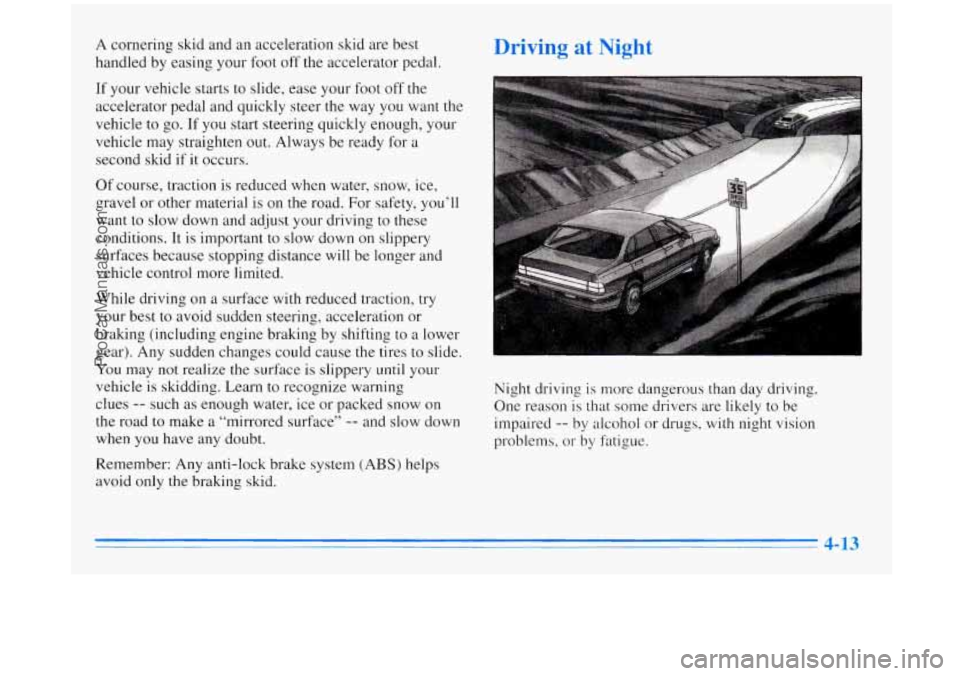
Night driving is more dangerous than day driving.
One reason
is that some drivers are likely to be
impaired
-- by alcohol or drugs, with night vision
problems, or by fatigue.
ProCarManuals.com
Page 167 of 356
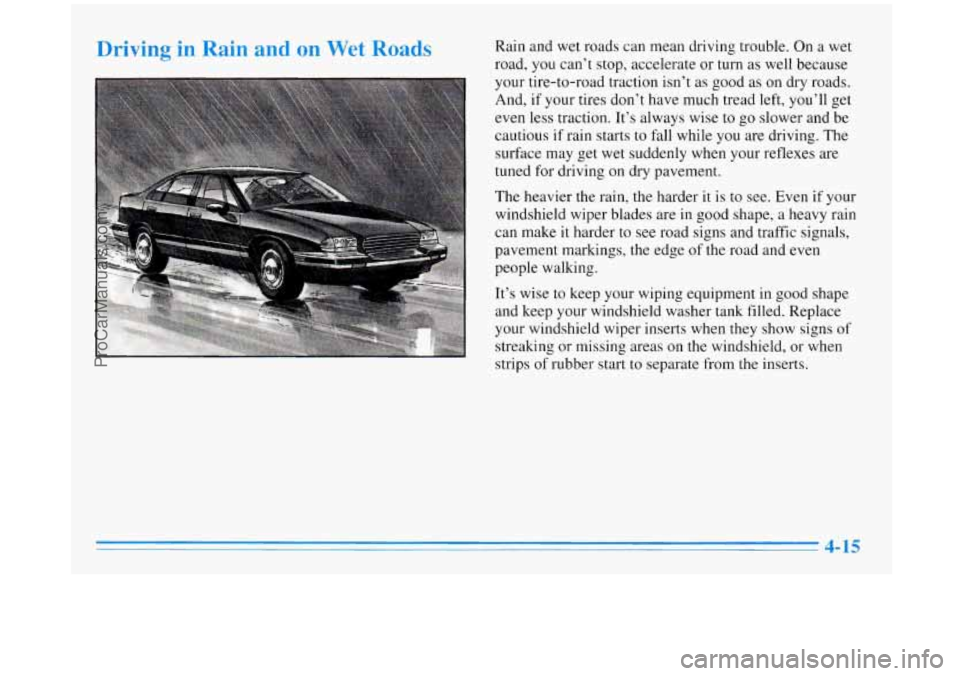
Driving in Rain and on Wet Road9 Rain and wet roads can mean driving trouble. On a wet
road,
you can’t stop, accelerate or turn as well because
your tire-to-road traction isn’t
as good as on dry roads.
And, if your tires don’t have much tread
left, you’ll get
even less traction. It’s always wise to go slower and be
cautious if rain starts to fall while you are driving. The
surface may get wet suddenly when your reflexes are
tuned for driving on dry pavement.
The heavier the rain, the harder it is to see. Even if your
windshield wiper blades are in good shape, a heavy rain
can make
it harder to see road signs and traffic signals,
pavement markings, the edge
of the road and even
people walking.
It’s wise
to keep your wiping equipment in good shape
and keep your windshield washer tank filled. Replace
your windshield wiper inserts when they show signs of
streaking or missing areas on
the windshield, or when
strips of rubber start
to separate from the inserts.
ProCarManuals.com
Page 171 of 356
The most important advice on freeway driving is: Keep
up with traffic and keep to the right. Drive
at the same
speed most of the other drivers are driving. Too-fast or
too-slow driving breaks a smooth traffic flow. Treat the
left lane on a freeway as a passing lane.
At the entrance, there is usually a ramp that leads to the
freeway. If you have a clear view of the freeway as you
drive along the entrance ramp, you should begin to
check traffic.
Try to determine where you expect to
blend with the flow. Try to merge into the gap at close to
the prevailing speed. Switch on your turn signal, check
your mirrors and glance over your shoulder as often as
necessary. Try
to blend smoothly with the traffic flow.
Once you are on the freeway, adjust your speed to the
posted limit or to the prevailing rate
if it’s slower. Stay
in the right lane unless
you want to pass.
Before changing lanes, check your mirrors. Then use
your turn signal.
Just before you leave
the lane, glance quickly over your
shoulder to make sure there isn’t another vehicle
in your
“blind” spot.
Once you are moving
on the freeway, make certain you
allow a reasonable following distance. Expect to move
slightly slower at night. When
you want to leave the freeway, move to the proper
lane well
in advance. If you miss your exit, do not,
under
any circumstances, stop and back up. Drive on to
the
next exit.
The exit ramp can be curved, sometimes quite sharply.
The exit speed is usually posted.
Reduce your speed according to your speedometer, not
to your sense of motion. After driving for any distance
at higher speeds, you may tend to think you are going
slower than you actually are.
Before Leaving on a - l--b __ - 1-
Make sure you’re ready. Try to be well rested. If you
must start when you’re not fresh
-- such as after a day’s
work
-- don’t plan to make too many miles that first part
of the journey. Wear comfortable clothing and shoes you
can easily drive in.
Is your vehicle ready for a long trip? If you keep it
serviced and maintained, it’s ready
to go. If it needs
service, have it done before starting
out. Of course,
you’ll find experienced and able service experts in
Buick dealerships all across North America. They’ll be
ready and willing to help if you need it.
ProCarManuals.com