1996 BUICK PARK AVENUE stop start
[x] Cancel search: stop startPage 127 of 388
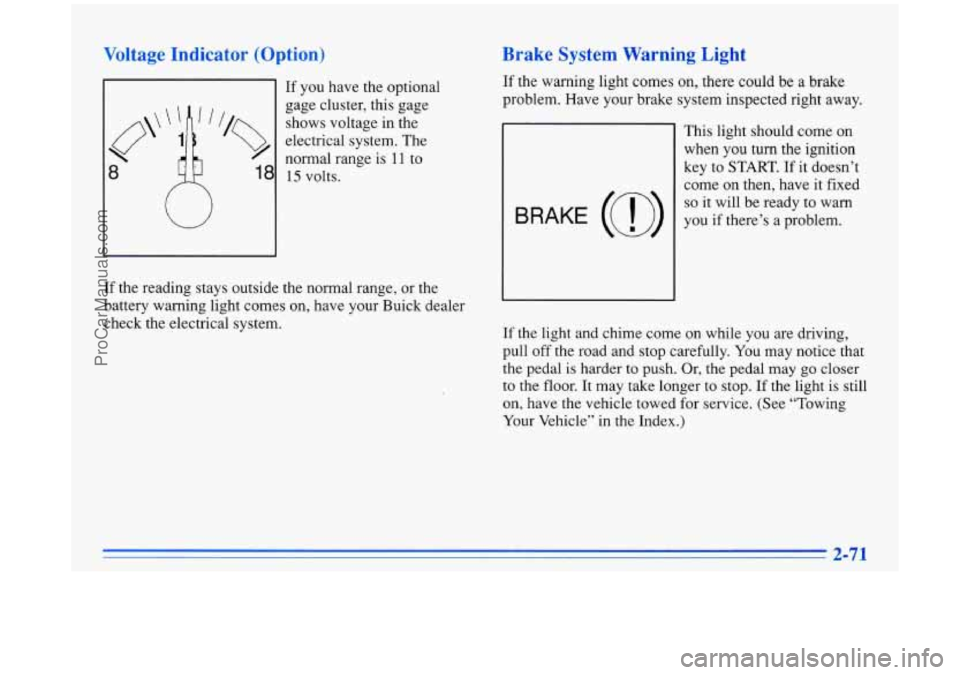
Voltage Indicator (Option)
If you have the optional
gage cluster, this gage
shows voltage in the
electrical system. The
8
normal range is I 1 to
18 15 volts.
W
If the reading stays outside the normal range, or the
battery warning light comes on, have your Buick dealer
check the electrical system.
Brake System Warning Light
If the warning light comes on, there could be a brake
problem. Have your brake system inspected right away.
This light should come
on
when you turn the ignition
key to
START. If it doesn’t
come on then, have it fixed
so it will be ready to warn
you if there’s a problem.
If the light and chime come on while you are driving,
pull off the road and stop carefully. You may notice that
the pedal is harder to push. Or, the pedal may go closer
to the floor. It may take longer
to stop. If the light is still
on, have the vehicle towed for service. (See “Towing
Your Vehicle” in the Index.)
2-71
ProCarManuals.com
Page 128 of 388
Anti-Lock Brake System Warning Light
Your brake system may not be working properly
if the brake system warning light
is on. Driving
with the brake system warning light on can lead to an accident.
If the light is still on after you’ve
pulled
off the road and stopped carefully, have
the vehicle towed for service.
When the ignition is on, the brake system warning
light will also come on when you set your parking
brake.
The light will stay on if your parking brake
Soesn’t release fully.
If you try to drive off with the
?arking brake set, a chime will also come on until you
release the parking brake. If the light and chime stay on
after your parking brake is fully released, it means you
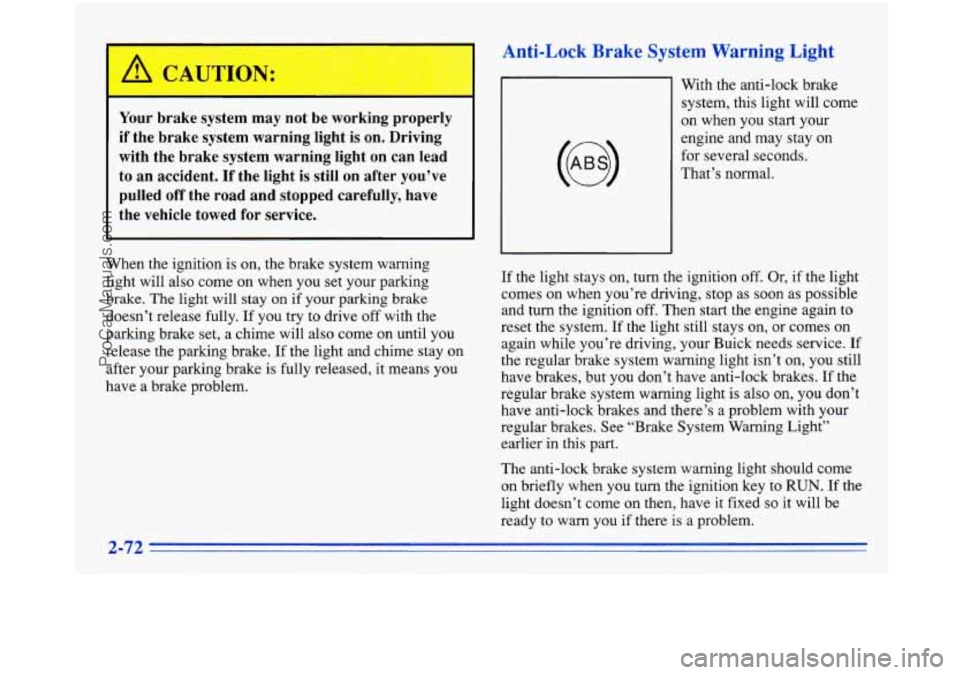
nave a brake problem. With the anti-lock brake
system, this light will come
on when you start your
engine and may stay on
for several seconds.
That’s normal.
If the light stays on, turn the ignition
off. Or, if the light
comes on when you’re driving, stop as soon as possible
and turn the ignition
off. Then start the engine again to
reset the system. If the light still stays on, or comes on
again while you’re driving, your Buick needs service. If
the regular brake system warning light isn’t
on, you still
have brakes, but you don’t have anti-lock brakes. If the
regular brake system warning light
is also on, you don’t
have anti-lock brakes and there’s a problem with your
regular brakes. See “Brake System Warning Light”
earlier in this
part.
The anti-lock brake system warning light should come
on briefly when you turn the ignition key to
RUN. If the
light doesn’t come on then, have it fixed
so it will be
ready to warn you if there is a problem.
2-72
ProCarManuals.com
Page 132 of 388
NOTICE:
If you keep driving your vehicle with this light
on, after a while, your emission controls may not
work as well, your fuel economy may not be as
good and your engine may not run as smoothly.
This could lead to costly repairs that may not be
covered
by your warranty.
This light should come on, as a check to show you it is
working, when the ignition is
on and the engine is not
running. If the light doesn’t come on, have it repaired.
This light will also come on during a malfunction in one
of two ways:
Light Flashing -- A misfire condition has been
detected. A misfire increases vehicle emissions and
may damage
the emission control system on your
vehicle. Dealer or qualified service center diagnosis
and service is required.
Light On Steady -- An emission control system
malfunction has been detected on your vehicle.
Dealer or qualified service center diagnosis and
service may be required.
If the Light Is Flashing
The following may prevent more serious damage to
your vehicle:
0 Reduce vehicle speed.
0 Avoid hard accelerations.
Avoid steep uphill grades.
If towing a trailer, reduce the amount of cargo being
If the light stops flashing and remains on steady, see
“If
the Light Is On Steady” following.
If the light continues to flash, when it is safe to do
so,
stop the vehicle. Put your vehicle in PARK (P). Turn the
key off, wait at least
10 seconds and restart the engine.
If the light remains on steady, see “If the Light Is On
Steady” following. If the light
is still flashing follow the
previous steps, and drive the vehicle to your dealer or
qualified service center for service.
hauled
as soon
as it is possible.
ProCarManuals.com
Page 134 of 388
Oil Pressure Light/Gage
FZ
OIL
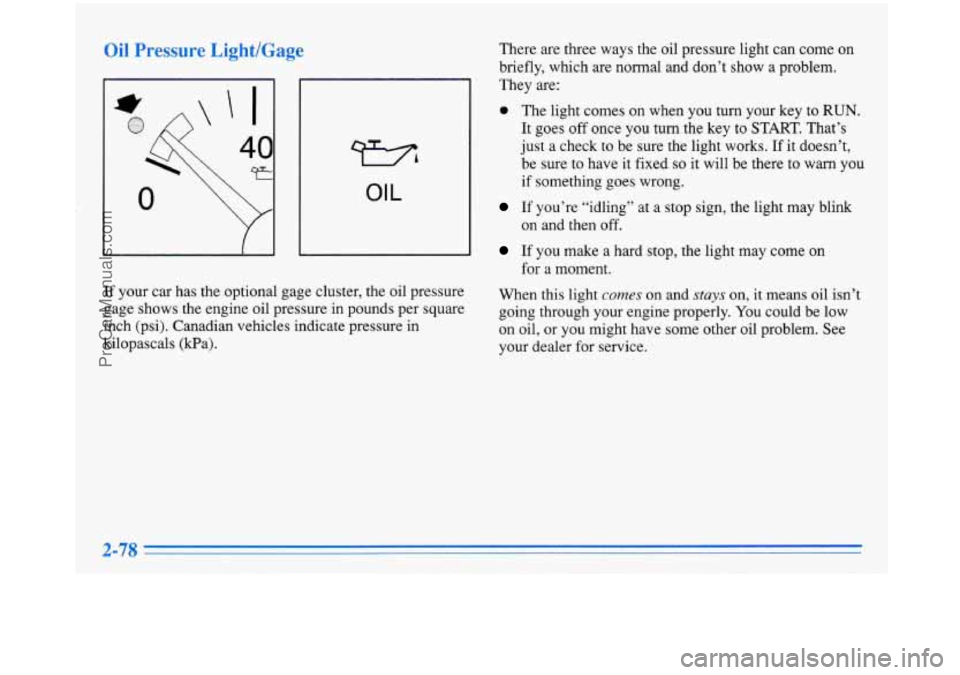
If your car has the optional gage cluster, the oil pressure
gage shows the engine oil pressure in pounds per square
inch (psi). Canadian vehicles indicate pressure in
kilopascals (Pa). There
are three ways the oil pressure light can come on
briefly, which are normal and don’t
show a problem.
They are:
0 The light comes on when you turn your key to RUN.
It goes off once you turn the key to START. That’s
just a check to be sure the light works. If it doesn’t,
be sure to have it fixed
so it will be there to warn you
if something goes wrong.
If you’re “idling” at a stop sign, the light may blink
on and then off.
If you make a hard stop, the light may come on
for a moment.
When this light
comes on and stays on, it means oil isn’t
going through your engine properly.
You could be low
on oil, or you might have some other oil problem. See
your dealer for service.
2-78
ProCarManuals.com
Page 143 of 388
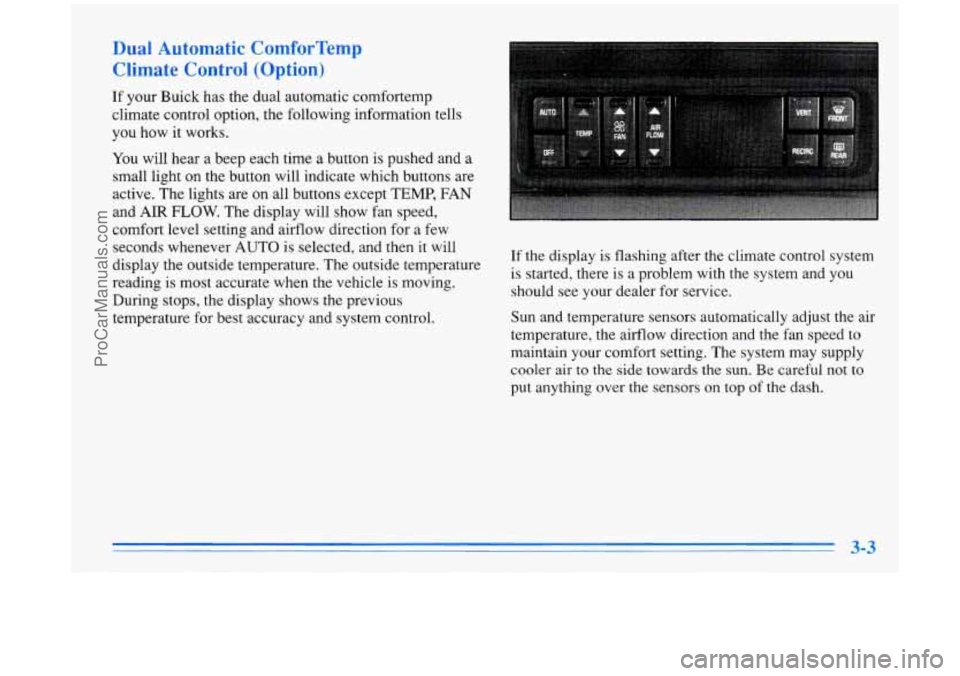
Dual Automatic ComforTemp
Climate Control (Option)
If your Buick has the dual automatic comfortemp
climate control option, the following information tells
you how it works.
You will hear a beep each time a button is pushed and a
small light on the button will indicate which buttons are
active. The lights are on all buttons except TEMP, FAN
and AIR
FLOW. The display will show fan speed,
comfort level setting and airflow direction for a few
seconds whenever AUTO is selected, and then it will
display the outside temperature. The outside temperature
reading is most accurate when the vehicle
is moving.
During stops, the display shows the previous
temperature for best accuracy and system control. If the display
is flashing after the climate control system
is started, there is a problem with the system and you
should see your dealer for service.
Sun and temperature sensors automatically adjust the air
temperature, the airflow direction and the fan speed to
maintain your comfort setting. The system may supply
cooler air to the
side towards the sun. Be careful not to
put anything over the sensors on top of the dash.
ProCarManuals.com
Page 161 of 388
PREV (1): Press this button to go to the start of the
current track if more than eight seconds have played.
If
you hold the button or press it more than once, the
player will continue moving back through the disc.
The sound will be muted while seeking.
NEXT (2): Press this button to go to the next track.
If you hold the button or press
it more than once, the
player will continue moving forward through the disc.
The sound will be muted while seeking.
The
SEEK down and up arrows will also find the
previous and next selections on the disc.
44 (3): Press and hold this button to return to a passage
quickly. You will hear sound.
.. (4): Press and hold this button to advance to a
passage quickly. You will hear sound.
RAND (6): Press this button to hear the tracks in
random, rather than sequential, order.
AM-FM: Press this button to play the radio when a disc
is in the player.
If you turn
off the ignition or radio with a disc in the
player, it will stay in the player. When you turn
on the
ignition or system, the disc will start playing where
it
stopped, if it was the last-selected audio source.
SOURCE: Press this knob to change to the disc
function when the radio is on. When a disc is inserted,
the disc will play until you press
AM-FM. Then the
disc will stop playing and the radio will play. Press
SOURCE again to play a disc again. CD PLAY will
show on the display.
EJECT Press this button to remove the disc. The radio
will play.
ProCarManuals.com
Page 166 of 388
PREV (1): Press this button to go to the start of the
current track, if more than eight seconds have played.
If you hold the button or press it more than once, the
player will continue moving back through the disc.
The sound will be muted while seeking.
NEXT (2): Press this button to go to the next track.
If you hold the button or press it more than once, the
player will continue moving forward through the disc.
The sound will be muted while seeking.
The
SEEK down and up arrows will also find the
previous and next selections on the disc.
44 (3): Press and hold this button to return to a passage
quickly. You will hear sound.
.. (4): Press and hold this button to advance to a
passage quickly. You will hear sound.
RAND (6): Press this button to hear the tracks in
random, rather than sequential, order.
AM-FM: Press this button to play the radio when a disc
is in the player.
If you turn
off the ignition or radio with a disc in the
player, it will stay in the player. When you turn on the
ignition or system, the disc will start playing where
it
stopped, if it was the last-selected audio source.
SOURCE: Press this button to change to the disc
function when the radio is on. When a disc is inserted,
the disc will play until you press
AM-FM. Then the
disc will stop playing and the radio will play. Press
SOURCE again to play a disc again. CD PLAY will
show on the display.
EJECT Press this button to remove the disc. The radio
will play.
ProCarManuals.com
Page 180 of 388
Avoid needless heavy braking. Some people drive in
spurts
-- heavy acceleration followed by heavy
braking
-- rather than keeping pace with traffic. This is a
mistake. Your brakes may not have time to cool between
hard stops. Your brakes will wear
out much faster if you
do a
lot of heavy braking. If you keep pace with the
traffic and allow realistic following distances, you will
eliminate a lot of unnecessary braking. That means
better braking and longer brake life.
If your engine ever stops while you’re driving, brake
normally but don’t pump your brakes.
If you do, the
pedal may get harder to push down.
If your engine
stops, you will still have some power brake assist. But
you will use
it when you brake. Once the power assist is
used up, it may take longer to stop and the brake pedal
will be harder to push. Your vehicle has anti-lock brakes
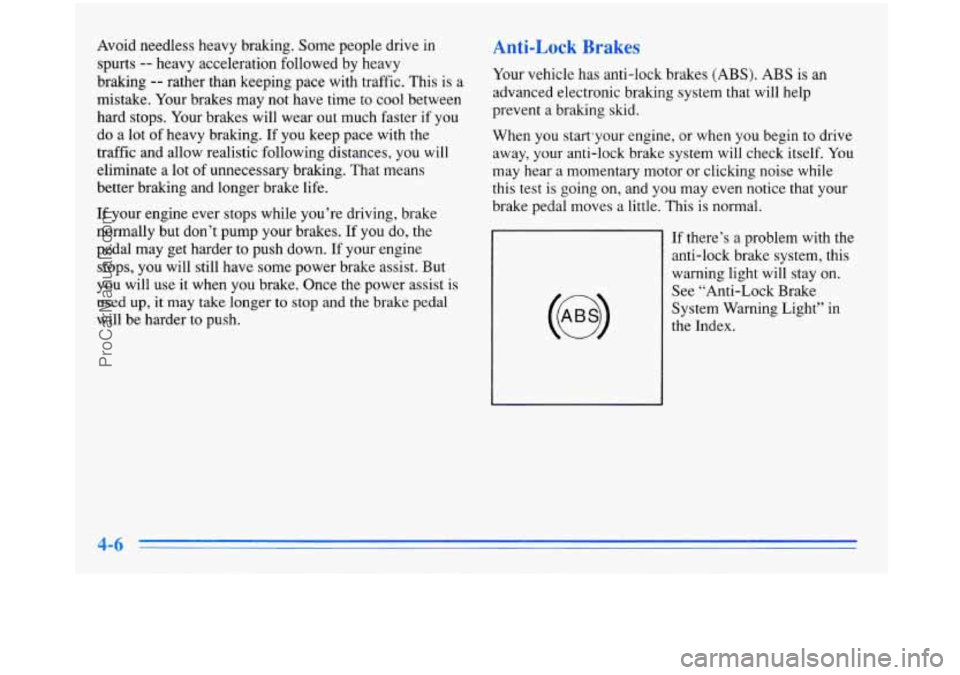
(ABS). ABS is
an
advanced electronic braking system that will help
prevent a braking skid.
When you start’your engine, or when you begin to drive
away, your anti-lock brake system will check itself.
You
may hear a momentary motor or clicking noise while
this test is going on, and you may even notice that your
brake pedal moves a little. This is normal.
If there’s a problem with the anti-lock brake system, this
warning light will stay
on.
See “Anti-Lock Brake
System Warning Light” in
the Index.
ProCarManuals.com