Page 10 of 354
Rear Control (C): Raise the rear of the seat by holding Reclining Front Seatbacks
the switch up. Lower the rear of the seat by holding the
, .4:.
..
-
switch down.
Manual Lumbar Support (Option)
. *'_ .
~,
To adjust the seatback, lift the lever on the outer side of
the seat and move the seatback where you want it.
Release the lever to lock the seatback.
Pull up on the lever and the seat will go to an upright
I .. .. d. position.
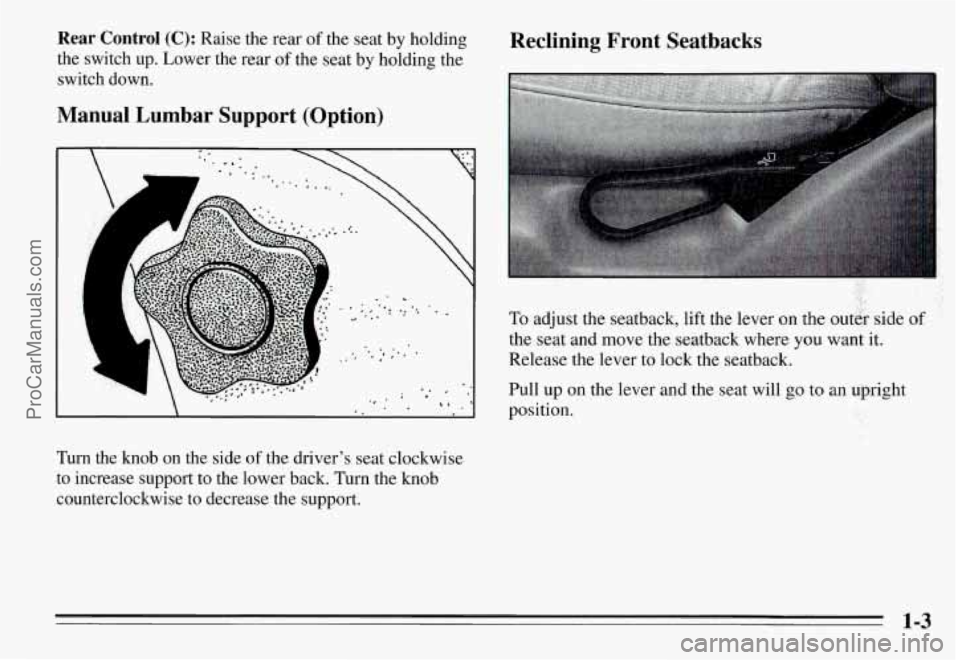
Turn the knob on the side of the driver's seat clockwise
to increase support
to the lower back. Turn the knob
counterclockwise to decrease the support.
1-3
ProCarManuals.com
Page 89 of 354
Lamp Controls Parking Lamps
Rotate the switch counterclockwise up to the first
position to turn on:
0 Parking Lamps
Side Marker Lamps
Taillamps
Instrument Panel Lamps
Headlamps
Rotate the switch counterclockwise to the second
position to turn on:
0 Headlamps
Parking Lamps
Side Marker Lamps
Taillamps
Instrument Panel Lamps
Rotate the switch clockwise to
OFF to turn all the lamps
Off.
2-34
ProCarManuals.com
Page 92 of 354
Controlled-Cycle Windshield Wipers (Option) If your vehicle has controlled-cycle wipers, you can set
the wiper speed as slow as
25 seconds between wiper
cycles, or faster. The controlled-cycle delay
is very
useful in light rain or snow.
Move the stalk to DELAY, then rotate the inner band
and choose the delay you want. Rotate the inner band
clockwise for shorter delay times between wiper cycles.
Rotate the band counterclockwise for a longer delay
time between wiper cycles.
With controlled-cycle wipers you can also use MIST for
a single wiper cycle.
2-37
ProCarManuals.com
Page 101 of 354
To reactivate the interior lamps, either:
The ignition must be turned on
The activated lamp switch must be turned off and
0 A front door must be opened.
The Battery Rundown Protection feature will also be
activated when any door of your vehicle is left open.
Also, if your vehicle is left with the ignition turned off
€or over 24 days, battery power to your clock, audio
system
and Keyless Entry (if you have this option) will
be
turned off to reduce battery drain. When the ignition
is turned on again, battery power will be resupplied.
However, under these conditions, it will be necessary to
reset the clock
and audio system settings.
then on, OR
Inside Manual Daymight Rearview
Mirror
To reduce glare from headlamps behind you, move the
lever toward you to the night position.
2-46
ProCarManuals.com
Page 126 of 354
Ventilation
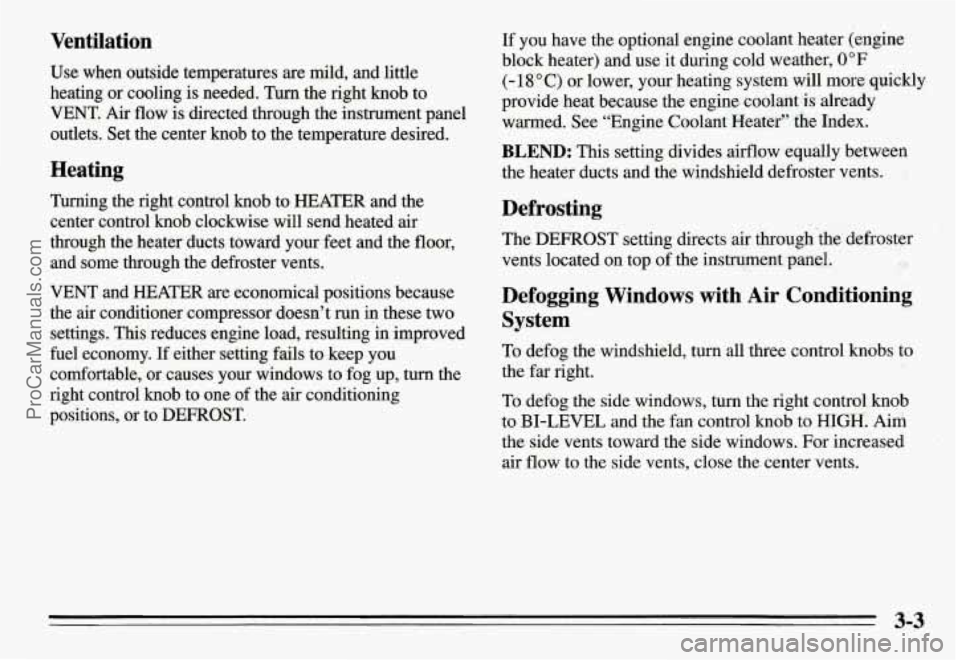
Use when outside temperatures are mild, and little
heating or cooling is needed.
Turn the right knob to
VENT. Air
flow is directed through the instrument panel
outlets. Set the center knob to the temperature desired.
Heating
Turning the right control knob to HEATER and the
center control knob clockwise will send heated air
through the heater ducts toward your feet and the
floor,
and some through the defroster vents.
VENT and HEATER are economical positions because
the air conditioner compressor doesn’t run in these two
settings. This reduces engine load, resulting in improved
fuel economy. If either setting fails to keep you
comfortable, or causes your windows to fog up, turn the
right control
knob to one of the air conditioning
positions, or to DEFROST.
If you have the optional engine coolant heater (engine
block heater) and use it during cold weather,
0°F
(- 18 O C) or lower, your heating system will more quickly
provide heat because the engine coolant ‘is already
warmed. See “Engine Coolant Heater” the Index.
BLEND: This setting divides airflow equally between
the heater ducts and the windshield defroster vents.
Defrosting
The DEFROST setting directs air through ‘the defroster
vents located on top of the instrument panel.
Defogging Windows with Air Conditioning
System
To defog the windshield, turn all three control knobs to
the far right.
To defog the side windows, turn the right control knob
to BI-LEVEL and the fan control
knob to HIGH. Aim
the side vents toward the side windows. For increased
air flow to the side vents, close the center vents.
22
ProCarManuals.com
Page 128 of 354
Audio Systems
The following pages describe the audio systems
available for your Pontiac, and how to get the best
performance
from them. Please read about the system in
your vehicle.
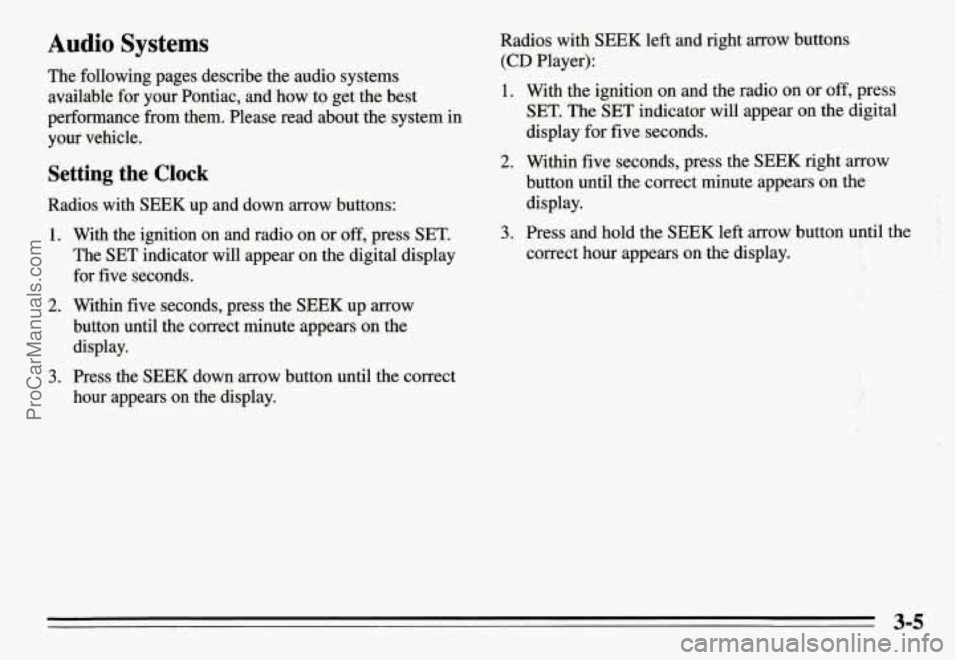
Setting the Clock
Radios with SEEK up and down arrow buttons:
1. With the ignition on and radio on or off, press SET.
The SET indicator will appear on the digital display
for five seconds.
2. Within five seconds, press the SEEK up arrow
button until the correct minute appears on the
display.
3. Press the SEEK down arrow button until the correct
hour appears on the display.
Radios with SEEK left and right arrow buttons
(CD Player):
1. With the ignition on and the radio on or off, press
SET. The
SET indicator will appear on the digital
display
for five seconds.
2. Within five seconds, press the SEEK right arrow
button until the correct minute appears on the
display.
3. Press and hold the SEEK left arrow button until the
correct hour appears on the display.
i- .. . .
. .,.. , ' ..
3-5
ProCarManuals.com
Page 129 of 354
AM/FM Stereo Radio
I’
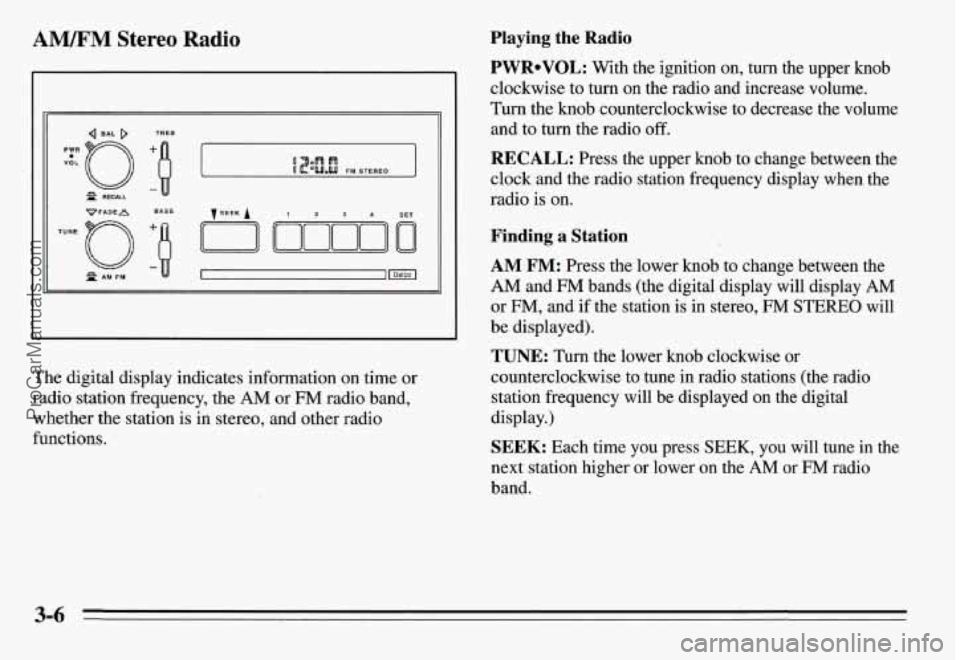
The digital display indicates information on time or
radio station frequency, the
AM or FM radio band,
whether the station is in stereo, and other radio
functions.
Playing the Radio
PWRoVOL: With the ignition on, turn the upper knob
clockwise to turn
on the radio and increase volume.
Turn the knob counterclockwise to decrease the volume
and to turn the radio off.
RECALL: Press the upper knob to change between the
clock and the radio station frequency display when the
radio is on.
Finding a Station
AM FM: Press the lower knob to change between the
AM and FM bands (the digital display will display AM
or FM, and if the station is in stereo, FM STEREO will
be displayed).
TUNE: Turn the lower knob clockwise or
counterclockwise to tune
in radio stations (the radio
station frequency will be displayed on the digital
display.)
SEEK: Each time you press SEEK, you will tune in the
next station higher or lower on the
AM or FM radio
band.
3-6
ProCarManuals.com
Page 131 of 354

AM/FM Stereo Radio with Cassette Tape
Player (Option)
VoL-OBAL TREBLE I
TUNE -0 FADE
LO
~PROG-RCL
R PAM-FM
B
BASS
The digital display indicates information on time or
radio station frequency, the
AM or FM radio band,
whether the station is in stereo, and other radio
functions.
Playing the Radio
VOL-BAL: With the ignition on, turn the upper knob
clockwise to turn the radio on and to increase volume.
Turn the knob counterclockwise to decrease volume and
to turn the radio off.
PROG-RCL: Press the upper knob to change between
the clock and the radio station frequency display when
the radio is on. Press the knob to hear the other side of a
tape while a cassette is playing.
Finding a Station
AM FM: Press the lower knob to change between the
AM and FM bands (the digital display will display AM
or FM, and if the station is in stereo, STEREO will be
displayed).
TUNE: Turn the lower knob clockwise or
counterclockwise to tune in radio stations (the radio station frequency will be displayed on the digital
display).
SEEK: Each time you press SEEK, you will tune in the
next station higher or lower on the
AM or FM radio
band.
ProCarManuals.com