1995 Oldsmobile Cutlass Supreme light
[x] Cancel search: lightPage 110 of 340
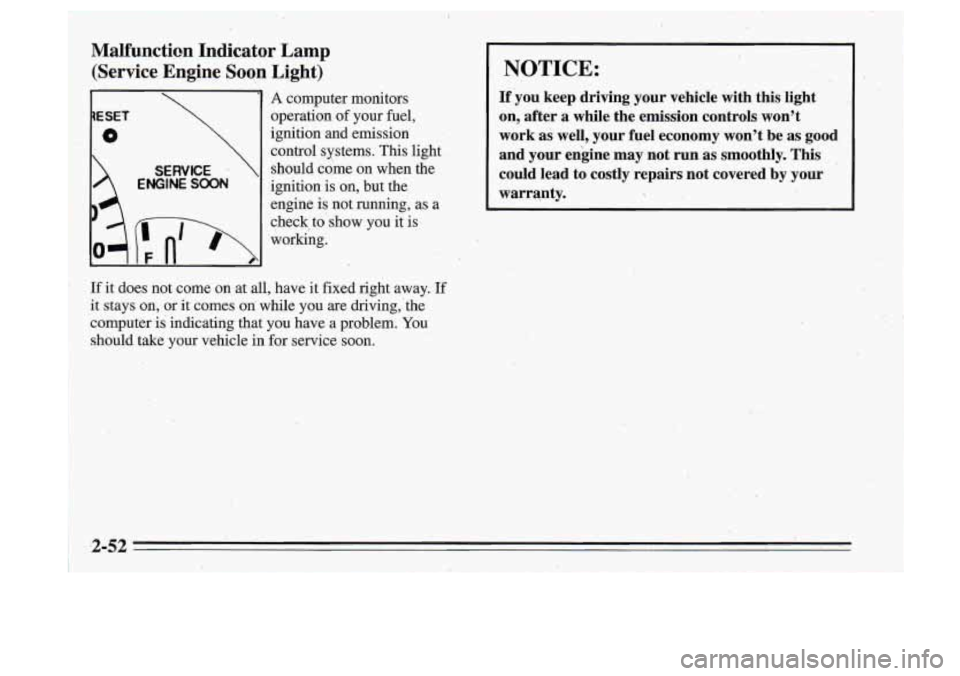
~ Malfunction Indicator Lamp
(Service Engine Soon Light)
1ESET
0
SERVICE
ENGINE SOON
1 A computer monitors
operation of your fuel,
ignition and emission control systems. This light
should come on when the
ignition
is on, but the
engine
is not running, as a
check, to'show you it is
working.
If it does not come
on at all, have it fixed right away. If
it stays on, or it comes on while you are driving,'the
computer is indicating that
you have a problem. You
should take your vehicle in for service soon.
,I.
NOTICE:
If you keep driving your vehicle with this light
on, after a while the emission controls won't
work as well, your fuel economy won't
be as good
and your en'gine may not run as smoothly. This
could lead to costly repairs not covered by your
warranty.
Page 112 of 340
.(I
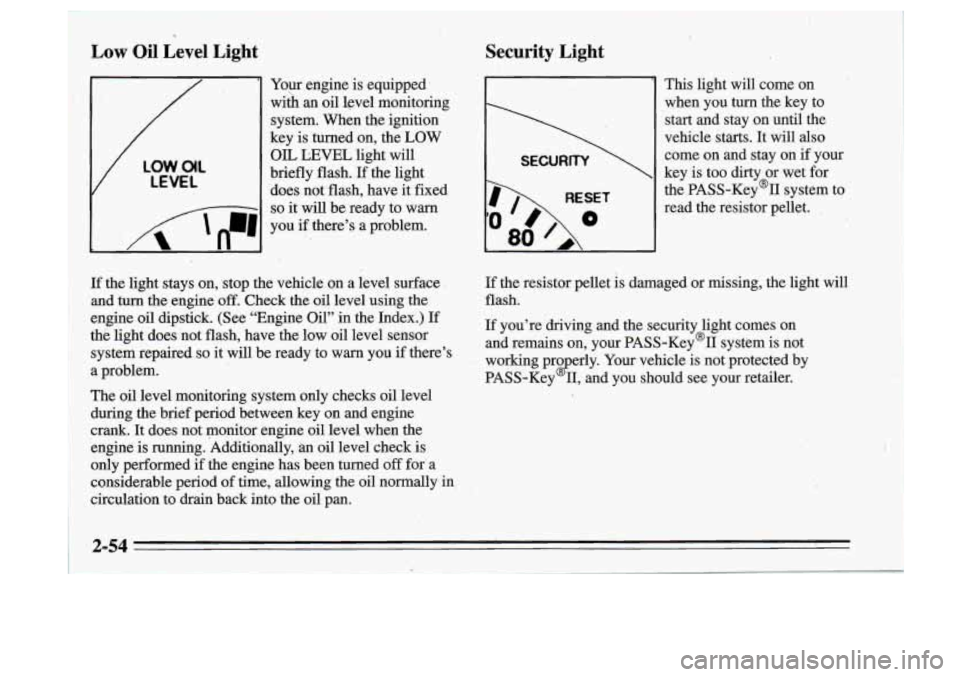
Low Oil Level Light
Your engine is equipped’
wiih
an oil level monitoring
system. When the ignition
key is turned on, the
LOW
V
LOW.O(L
LEVEL
OIL LEVEL light will
briefly flash.
If the light
‘does not flash, have it fixed
I 8 - -1 so it will be ready to warn
I n
I ‘A ‘n-1 , .
you if there’s a problem.
- ..
Security Light
I
RESET
80
This light will come on
when you
turn the key to
start and stay on until the
vehicle starts.
It will also
come on and stay on if your
key is too dirty or wet for
the PASS-Key% system to
read the resistor pellet.
,
If the light stays on,, stop the vehicle on a level surface
and turn the engine
off. Check the oil level using the
engine oil dipstick. (See “Engine Oil” in the Index.) If
thti light does not flash, have
the low oil level sensor
system repaired
so it will be ready to warn you if there’s
a problem.
The
oil level monitoring system only checks oil level
during the brief period between key on and engine
crank. It does not monitor engine oil level when the
engine is running. Additionally,
an oil level check.is
only performed if the engine has been turned
off for- a
considerable period
of time, allowing the oil normally in
circulation to drkn back into the oil pan.
If the resistor pellet is damaged or missing, the light will
flash.
If you’re driving and the security light comes on
and remains on, your PASS-Key’II system is not
working pro erly. Your vehicle is not protected by
PASS-Key
2 11, and you should see your retailer.
2-54
t
Page 113 of 340

Head-Up ,Display (Option)
If you have the Head-Up Display (HUD), you can see
the speedometer reading, in English or metric units,
displayed “through” the windshield.
The HUD
also shows these lights when they are lit on
the instrument panel:
0 Turn Signal Indicators
0 High-Beam Indicator Symbol
Low Fuel Symbol
Oil Warning Symbol
0 Coolant Temperature.Symbo1
Charging System Symbol
I
When you sit straight in your seat, the HUD image will
appear slightly to the right.
When the ignition key is turned to RUN, all possible
HUD images will come on. Then the Head-Up Display
will operate normally.
NOTICE: 1.
Although the HXJD image appears to be near the
front of the vehicle, do not use it as a parking aid. The
.HUD was not designed for that purpose. If
you try to use it that way,-such as in,a parking
lot, you may misjudge distance and run into
something.
J
2-55
. ..
Page 119 of 340
Air Conditioning
On very hot days, open the windows long enough to let
hot inside air escape. This reduces the time the
compressor has to run, which should help fuel economy.
For quick cool-down on very hot days, use
MAX with
the temperature knob all the way in the blue area. If this
setting is used. for long periods of time, the air in your
vehicle may become too dry.
For normal cooling on hot days, use
VENT with the
temperature knob
in the blue area and the NC'button
pushed
in. The system will bring in outside air and cool it.
On cool but sunny days, the sun may warm your upper
body, but your lower body may not be warm enough.
You can use BI-LEVEL with the,terhperature
knob in
the middle and the
A/C button pushed in. The system
will bring
in outside air and direct it to your upper body,
while sending slightly warmed
air to your lower body.
You may notice this temperature difference more at
. '
some times than others.
J
Heating
On cold days use FLOOR with the temperature knob all
the way
in the red area. The system will bring in outside
air, heat it and send it to the floor ducts.
If your vehicle has an engine coolant heatkr, you can use
it to help your system provide warm air faster when it's
cold outside
(0" F (-1 8 O C) or lower). An engine coolant-
heater
warms the coolant your engine and heating
system use to provide heat. See "Engine Coolant
Heater" in the Index.
Ventilation
For mild outside temperatures when little heating or
cooling is needed, use
VENT to direct outside air through
your vehicle. Your vehicle also has the flow-through
ventilation system described later in this section.
Defogging and Defrosting Windows
Your system' has two settings for clearing the front and
side windows. To defrost the windows'quickly, use
DEFROST with the temperature knob all the way in the
red area. To warrn passengers while keeping the
windows' clean, use
QEFOG.
3-3
Page 120 of 340

Air Conditioning with Automatic and
Auxiliary Temperature Control
With this system you set a temperature. You can then
either let the system adjust air flow and force to
maintain the temperature, or you can manually adjust
1 the flow and force, The system works best if you keep
1 your windows closed while usingit.
System Controls
Fan Knob
The left knob selects the force of air you want when the
system is not in AUTO. The display will show the
speed. To turn the system
off, push the knob.
Driver Temperature Knob
The right knob sets the temperature for the entire system
when the light on the
PASS button isn’t lit. If the light is
lit, the knob sets the temperature for the driver. Turn the
knob toward red (clockwise) to r&ise the temperature.
Turn it toward blue (counterclockwise) to lower the
temperature. The display
will show your selection for a
few seconds, then the outside temperature will show. If
you push the knob, the system will control the fan speed
and air flow. AUTO will show
on the display.
Page 121 of 340
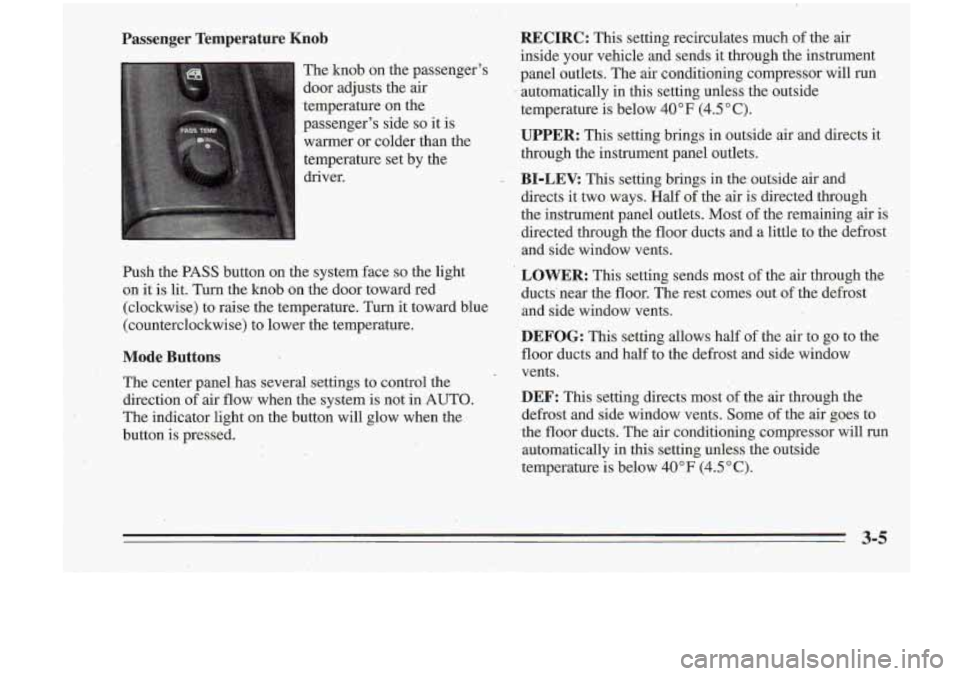
Passenger Temperature Knob
The knob on the passenger's
door adjusts the air
.temperature on the
passenger's side
so it is
warmer or colder- than -the
temperature set by the
driver.
Push the PASS button on the system face
so the light
on
it is lit. Turn the knob on the door toward red
(clockwise) to raise the temperature. Turn it toward blue
(counterclockwise) to lower the temperature.
Mode Buttons
The center panel has' several settings to control the
direction of air flow when the system is not in 'AUTO.
The indicator light on the button will glow when the
button is pressed.
RECIRC: This setting recirculates much of the air
inside your vehicle and sends it through the instrument
panel outlets. The air conditioning compressor will run
automatically
in this setting unless the outside
temperature
is below 40°F (4.5"C).
UPPER: This setting brings in outside air and directs it
through the instrument panel outlets.
BI-LEV. This setting brings in the outside air and
directs it two-ways. Half of the air is directed through
the instrument panel outlets.
Most of the remaining air is
directed through the floor ducts and a little to the defrost
and side window vents.
LOWER: This setting sends most of the air through the
ducts' near the floor. The rest comes out of the defrost
and side window vents.
DEFOG: This setting allows half of the air to go to the
floor ducts and half to the defrost and side window
vents.
DEF: This setting directs most of the air through the
defrost and side window vents. Some of the air goes
to
the floor ducts. The air conditioning compressor will run
automatically in this setting unless the outside
temperature is below
40°F (4.5"C).
Page 122 of 340

Automatic Control
For the most efficient operation, you ,should.set the
system temperature and press the knob. The system will
select the best fan speed and air flow, settings to keep
you comfortable. The air conditioning compressor will
run
if the outside temperature is above 40°F (4.5 ” C).
YOU may notice
a delay of three to four minutes before
the fan comes on.
Manual Control
If you prefer to manually control the heating, cooling
and ventilation
in your vehicle, push UPPER, BI-LEV,
LOWER, DEFOG or
DEE AUTO will go off the
display. Set the system to the temperature and fan
speed you want. The system will try to maintain the
temperature you set using the mode you select. The
following suggestions will help the system run more
efficiently in manual mode.
Air Conditioning
On very hot days, open the windows long enough to
let hot inside
air escape. This reduces the time the
compressor has to run, which should help fuel economy.
For quick cool-down on very hot days, use RECIRC. If
this setting is used for long periods
of time, the air in
your vehicle may become too dry. For normal cooling on hot days, use UPPER with the
A/C button pushed
in. The system will.bring in outside
air and cool it.
On
cool but .sunny days, the sun may warm your upper ,
body, but your lower body may not be warm enough. You
can use BI-LEV with the A/C’ button pushed in.’
The system will bring in outside air and direct it to your
upper body, while sending slightly warmed air to your
lower body. You may notice this temperature difference
more at some times than.others.
Heating
On cold days use LOWER. The system will bring in
outside air, heat it and send it to the floor ducts.
If your vehicle has an engine coolant heater, you, can use
it to help your system provide warm air faster when it’s
cold outside
(0°F (-18°C) or lower). An engine coolant
heater warms the‘coolant your engine and heating
system use to provide heat. See “Engine Coolant
Heater” in the Index.
Ventilation
For mild outside temperatures when little heating or
cooling is needed, use-UPPER to direct outside air through
your vehicle.
Your vehicle also has the flow-through
ventilation system described later in
this section.
3-6
-
Page 125 of 340

I
AM/I?M Stereo Radio
Playing the Radio
Push PWR to turn the system on or off.
until the display flashes. If you press the button when
the ignition
is off, the clock will show for a' few seconds.
Finding a Station
AM/FM: Press this button to get AM, FM1 or M.2.
The display shows your selection.
TUNE:'Press this knob lightly
so it extends. Turn it to
choose radio stations. Push the knob back in when
you're not using it.
VOL: Turn this knob clockwise to increase volume.
Turn it counterclockwise to decrease volume
RCL: Press this button briefly to recall the station being
SEEK: Press the up or dawn arrow to go to the next
higher or lower station. The sound will be muted while
seeking.
Presets: The five pushbuttons let you return to your
favorite stations- You can set up to
-15 stations (5 AM,
5 FM1 and 5 FM2).
1. Press AMm' to select the band.
2. Find the station you want. ..
3. Press .and hold one of the five numbered buttons.
4. The sound will mute. When it returns, release the
button.
Played
Or the 'lock To change what is nomallY Whenever you press that numbered button, the station
shown on the display (station
or time), press the button you set will return.
until you see the display you want, then hold the button
3-9