Page 7 of 354
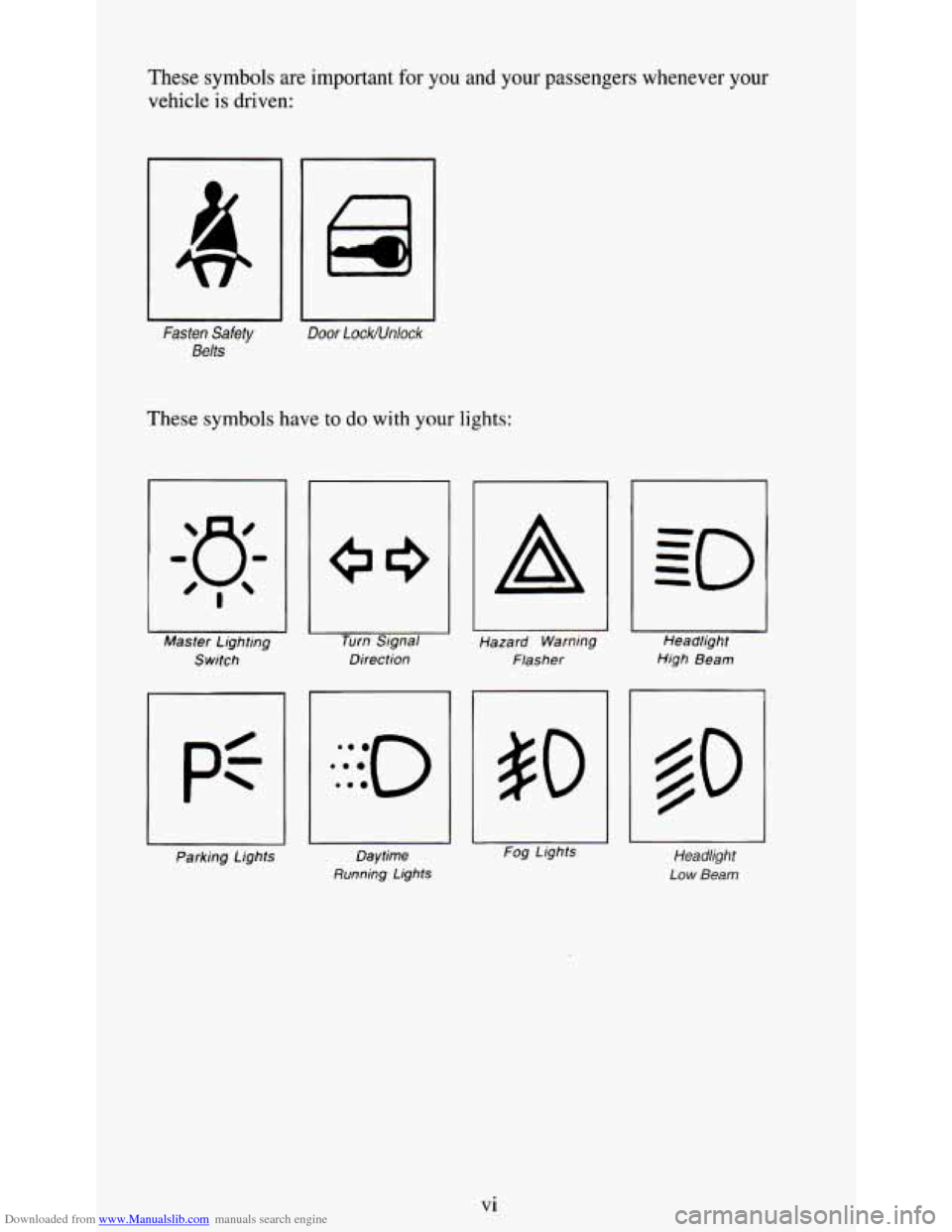
Downloaded from www.Manualslib.com manuals search engine These symbols are important for you and your passengers whenever your
vehicle
is driven:
Fasten Safety
Belts
Door LockNnlock
These symbols have to do with your lights:
I Master Lighting
Switch Turn
Signal
Direction
A
Hazard Warning
Flasher Headlight
High Beam
Parking Lights Daytime
Running Lights
- Fog Lights Headlight
Low Beam
Vi
Page 11 of 354
Downloaded from www.Manualslib.com manuals search engine r
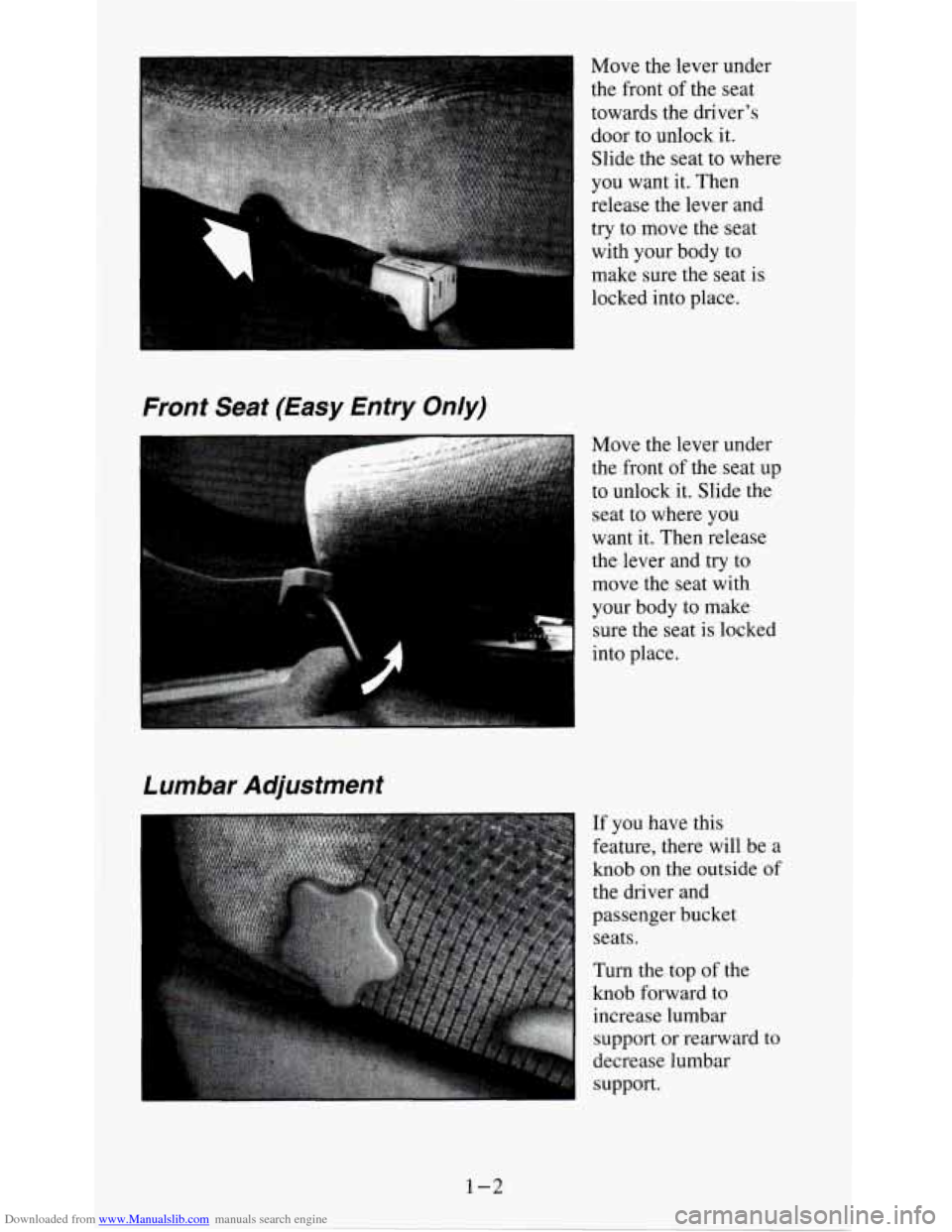
Move the lever under
the front
of the seat
towards the driver’s door to unlock it.
Slide the seat to where
you want it. Then
release the lever and
try to move the seat
with your body to
make sure the seat is
locked into place.
Front Seat (Easy Entry Only)
Move the lever under
the front
of the seat up
to unlock it. Slide the
seat to where you
want it. Then release
the lever and
try to
move the seat with
your body to make
7 sure the seat is locked
into place.
If you have this
feature, there will be a
knob
on the outside of
the driver and
passenger bucket seats.
Turn the top of the
knob forward to
increase
lumbar
support or rearward to
decrease lumbar
support.
1-2
Page 19 of 354
Downloaded from www.Manualslib.com manuals search engine 0: Why don’t they just put in air bags so people won ’t have to wear
safety belts?
A: Air bags are in many vehicles today and will be in more of them in the
future. But they are supplemental systems only;
so they work with
safety belts - not instead of them. Every air bag system ever offered
for sale has required the
use of safety belts. Even if you’re in a vehicle
that has air bags,
you still have to buckle up to get the most protection.
That’s true
not only in frontal collisions, but especially in side and
other collisions.
Q: If I’m a good driver, and I never drive far from home, why should I
A: You may be an excellent driver, but if you’re in an accident - even
wear safety belts?
one that isn’t your fault - you and your passengers can be hurt. Being
a good driver doesn’t protect you from things beyond your control,
such as bad drivers.
Most accidents occur within
25 miles (40 km) of home. And the
greatest number of serious injuries and deaths occur at speeds of less
than
40 mph (65 km/h).
Safety belts are for everyone.
How to Wear Safety Belts Properly
Adults
This part is only for people of adult size.
Be aware that there are special things to know about safety belts and
children. And there are different rules for smaller children and babies. If a
child will be riding in your vehicle, see the part
of this manual called
“Children.” Follow those rules for everyone’s protection.
First, you’ll want
to know which restraint systems your vehicle has.
We’ll start with the driver Position.
Driver Position
This part describes the driver’s restraint system.
Lap-Shoulder Belt
The driver has a lap-shoulder belt. Here’s how to wear it properly.
1. Close and lock the door.
1-10
Page 47 of 354
Downloaded from www.Manualslib.com manuals search engine A CAUTION:
Leaving young children in a vehicle with the ignition key is
dangerous for many reasons.
A child or others could be badly
injured
or even killed.
They could operate power windows or other controls or even
make the vehicle move. Don’t leave the keys in a vehicle w\
ith
young children.
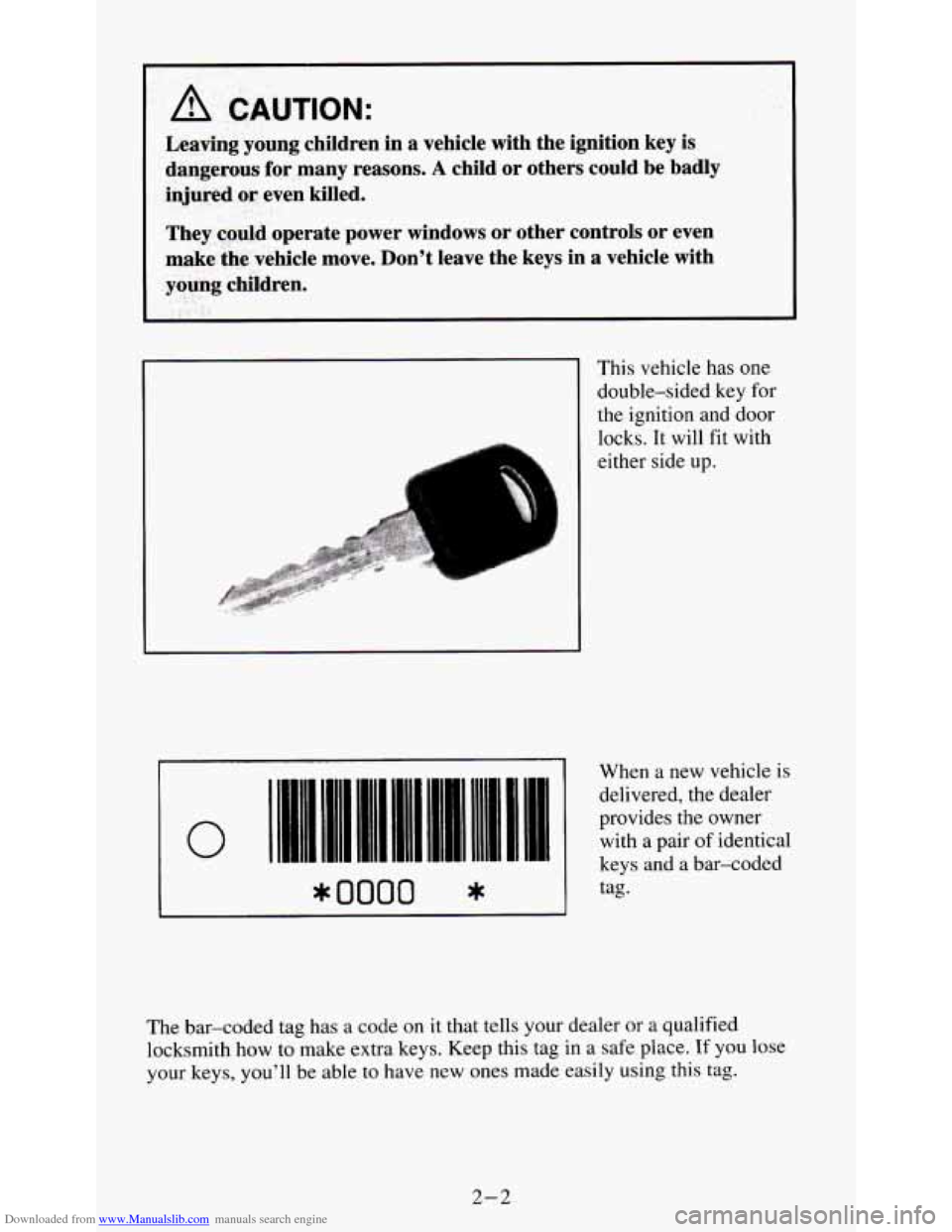
This vehicle has one
double-sided key for
the ignition and door
locks. It will fit with
either side up.
iIIII Ill1
FMllM 11111 1111I 11111 IllUl 111111 II I1
I
When a new vehicle is
delivered, the dealer
provides the owner
with a pair of identical
keys and a bar-coded
0 11111 11111 11.11 .1..1 ,1111. .... I. I. .-
* 0000 *
The bar-coded tag has a code on it that tells your dealer or a qualified
locksmith how to make extra keys. Keep this tag
in a safe place. If you lose
your keys,
you’ll be able to have new ones made easily using this tag.
2-2
Page 48 of 354
Downloaded from www.Manualslib.com manuals search engine I NOTICE:
Your vehicle has a number of new features that can help prevent
theft. But you can have a lot
of trouble getting into your vehicle
if you ever lock your keys inside. You may even have to damage
your vehicle to get in.
So be sure you have extra keys.
Your Doors And How They Work
Side Doors
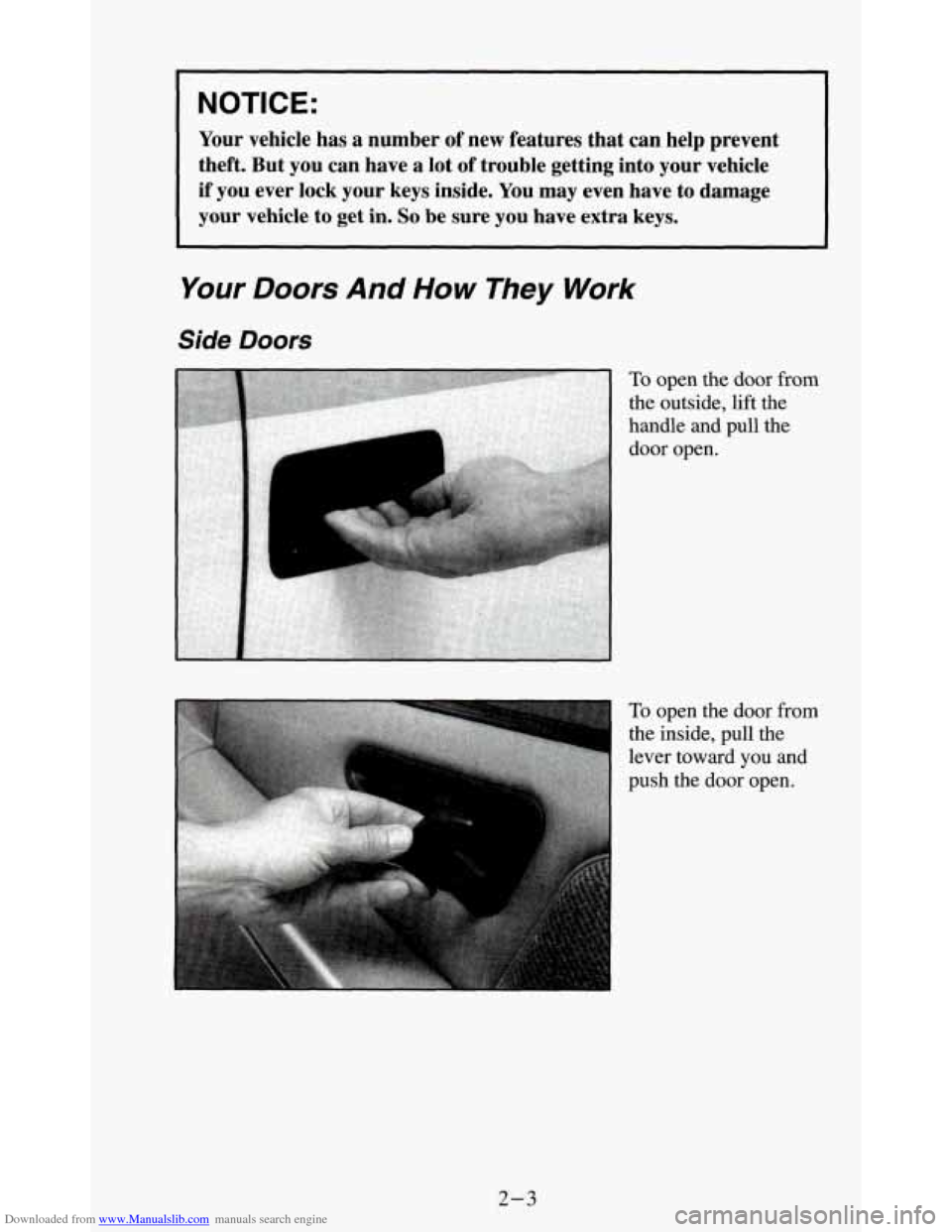
To open the door from
the outside, lift the
handle and pull the
door open.
To open the door from
the inside, pull the
lever toward
you and
push the
door open.
2-3
Page 49 of 354
Downloaded from www.Manualslib.com manuals search engine Door Locks
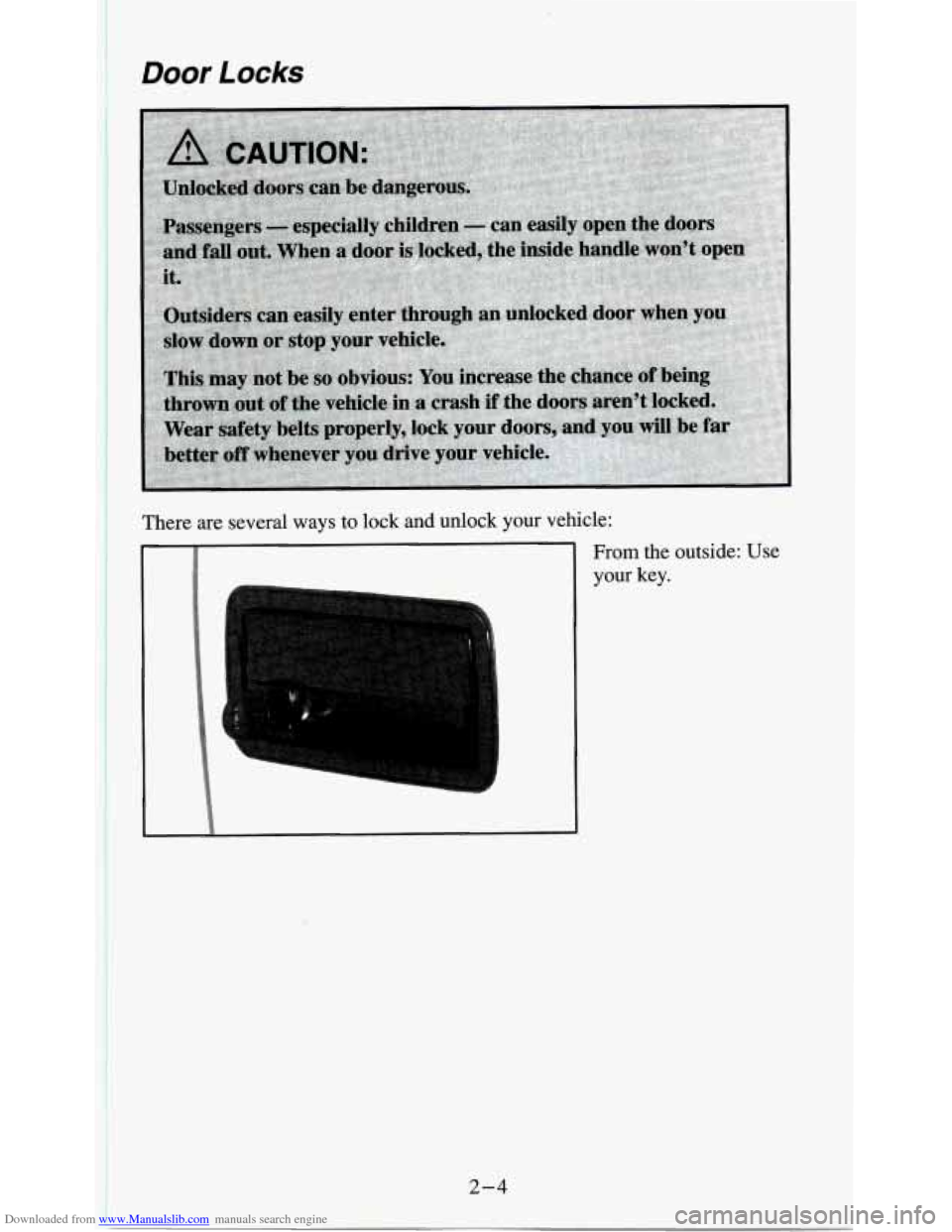
There are several ways to lock and unlock your vehicle:
2-4
From the outside: Use
your key.
Page 50 of 354
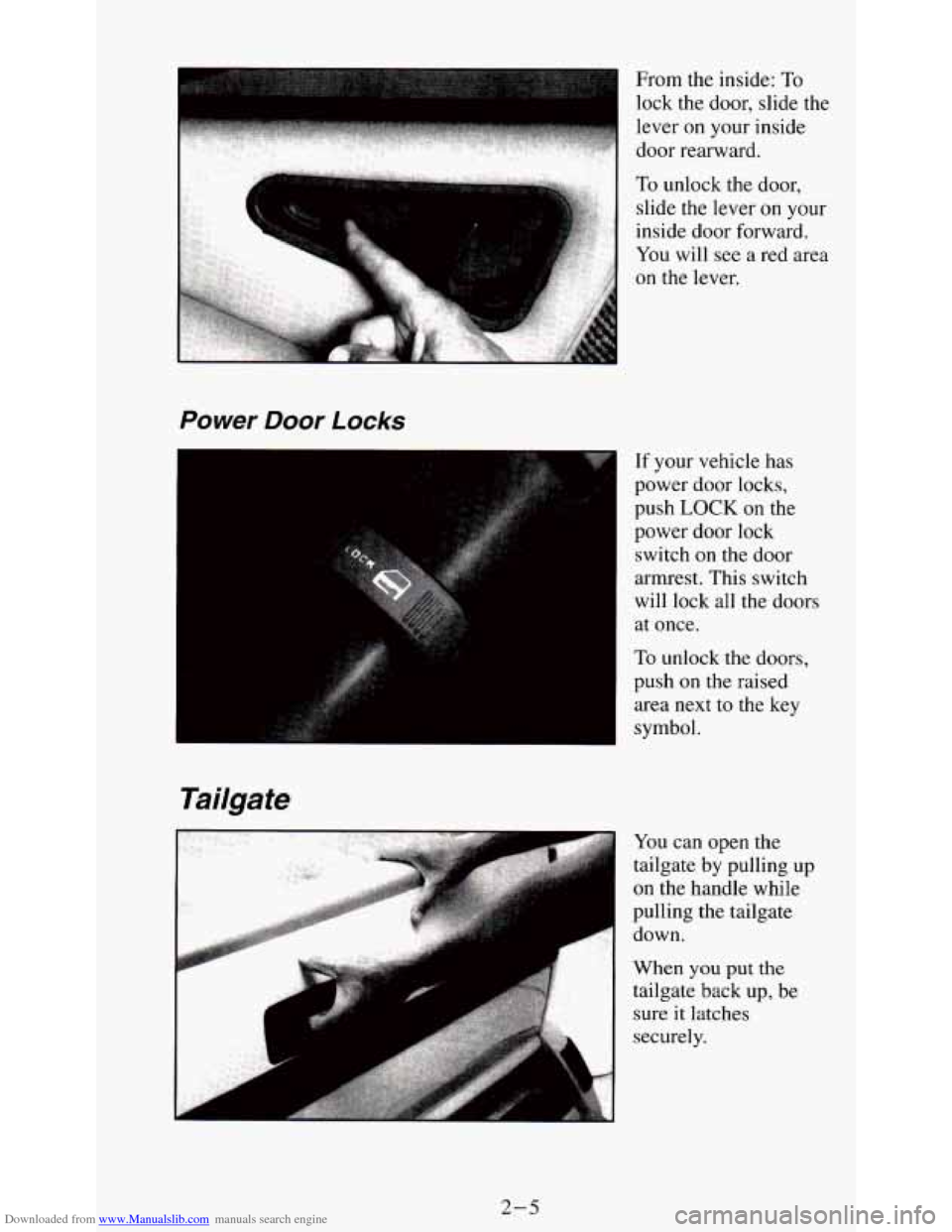
Downloaded from www.Manualslib.com manuals search engine From the inside: To
lock the door, slide the
lever
on your inside
door rearward.
Power Door Locks
I
Tailgate
If your vehicle has
power
door locks,
push LOCK on the
power door lock
switch on the door
armrest. This switch
will lock all the doors
at once.
To unlock the doors,
push
on the raised
area next to the key
symbol.
You can open the
tailgate by pulling
up
on the handle while
pulling the tailgate
down.
When
you put the
tailgate back up, be
sure it latches
securely.
2-5
Page 51 of 354
Downloaded from www.Manualslib.com manuals search engine Tailgate Removal
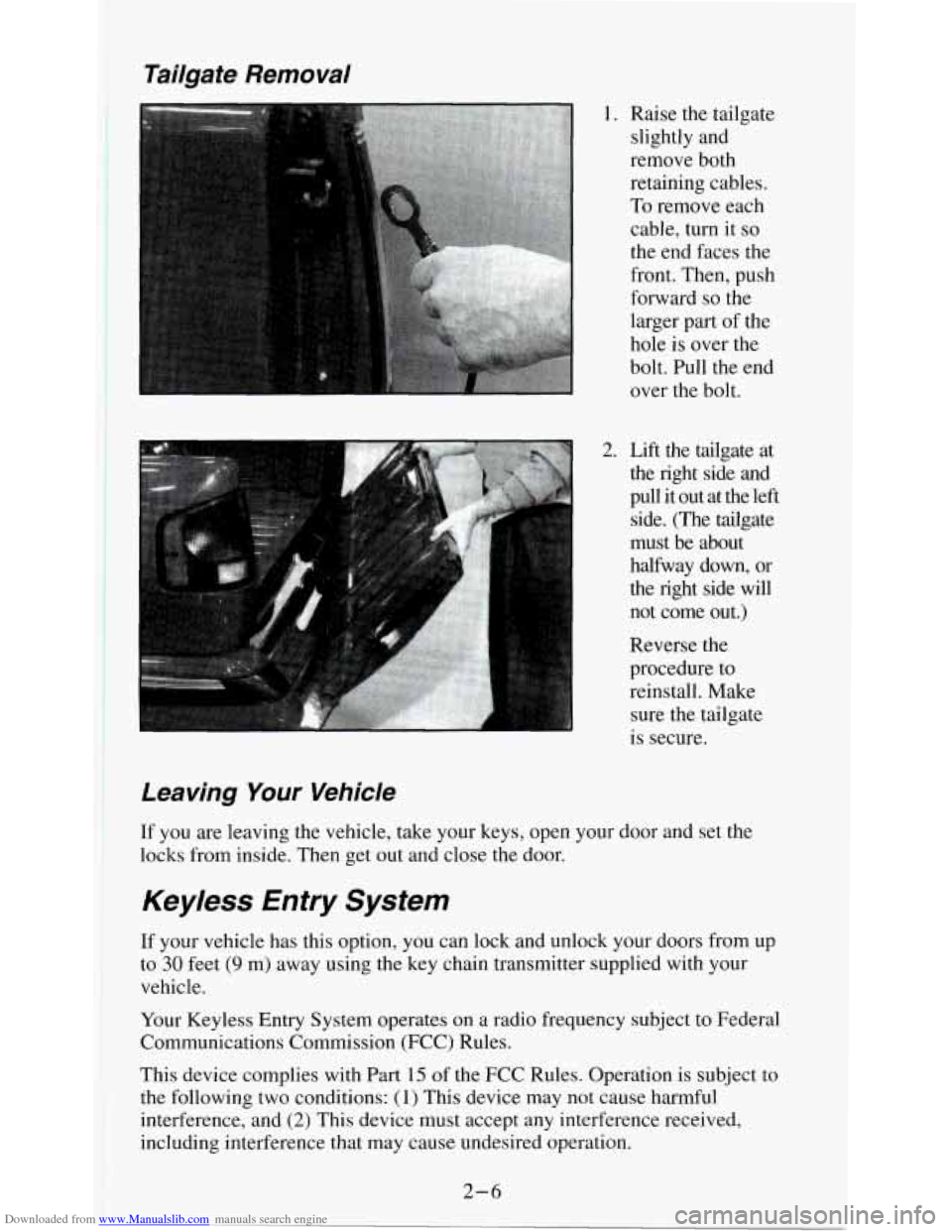
1. Raise the tailgate
slightly and
remove both
retaining cables.
To remove each
cable, turn it
so
the end faces the
front. Then, push
forward
so the
larger part of the
hole is over the
bolt. Pull the end
over the bolt.
2. Lift the tailgate at the right side and
pull it out at the left
side. (The tailgate
must be about
halfway down, or
the right side will
not come out.)
Reverse the
procedure to
reinstall. Make
sure the tailgate
is secure.
Leaving Your Vehicle
lr you are leaving the vehicle, take your keys, open your door and set the
locks from inside. Then get out and close the door.
Keyless Entry System
If your vehicle has this option, you can lock and unlock your doors from up
to
30 feet (9 m) away using the key chain transmitter supplied with your
vehicle.
Your Keyless Entry System operates on
a radio frequency subject to Federal
Communications Commission (FCC) Rules.
This device complies with Part 15 of the FCC Rules. Operation is subject to
the following
two conditions: (1) This device may not cause harmful
interference, and
(2) This device must accept any interference received,
including interference that may cause undesired operation.
2-6