Page 70 of 354
Downloaded from www.Manualslib.com manuals search engine Torque Lock (Automatic Transmission)
If you are parking on a hill and you don’t shift your transmission into PARK
(P) properly, the weight of the vehicle may put too much force on the
parking pawl in the transmission. You may find it difficult
to pull the shift
lever out
of PARK (P). This is called “torque lock.” To prevent torque lock,
set the parking brake and then shift into PARK (P) properly before you
leave the driver’s seat.
To find out how, see “Shifting Into PARK (P)” in the
Index.
When you
are ready to drive, move the shift lever out of PARK (P) before
you release the parking brake.
If “torque lock” does occur, you may need
to have another vehicle push
yours a little uphill
to take some of the pressure from the transmission, so
you can pull the shift lever out of PARK (P).
Parkirig Your Vehicle (Manual Transmission
Models Only)
Before you get out of your vehicle, turn off your engine, put your manual
transmission in REVERSE
(R) and firmly apply the parking brake.
If you have four-wheel drive with a manual transfer case shift lever, be sure
your transfer case is in a drive gear. Your vehicle could roll if it isn’t.
If
you are parking on a hill, or if your vehicle is equipped to tow a trailer,
see “Parking on Hills”
or “Towing a Trailer” in the Index.
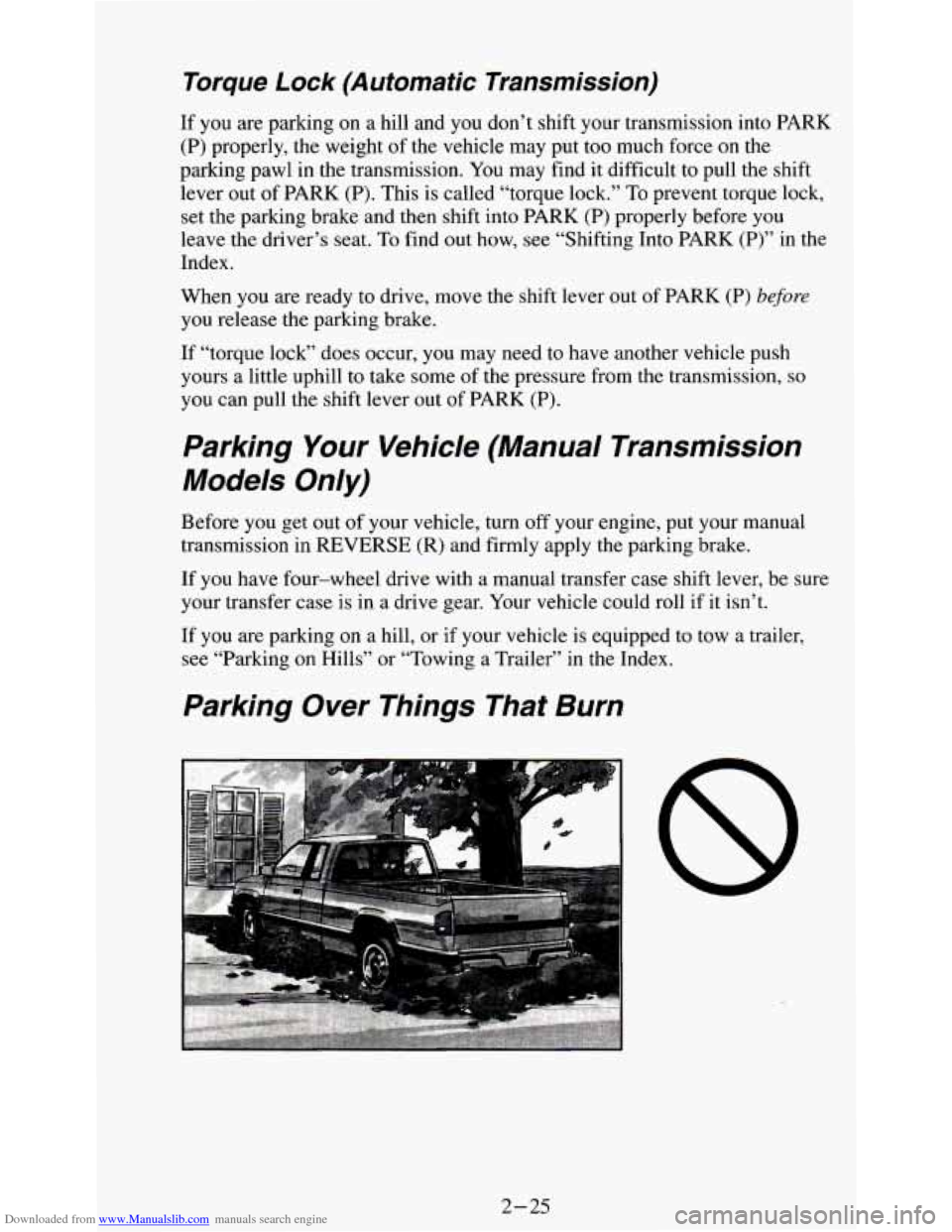
Parking Over Things That Burn
A
8
2-25
Page 72 of 354
Downloaded from www.Manualslib.com manuals search engine Running Your Engine While You’re Parked
(Automatic Transmission)
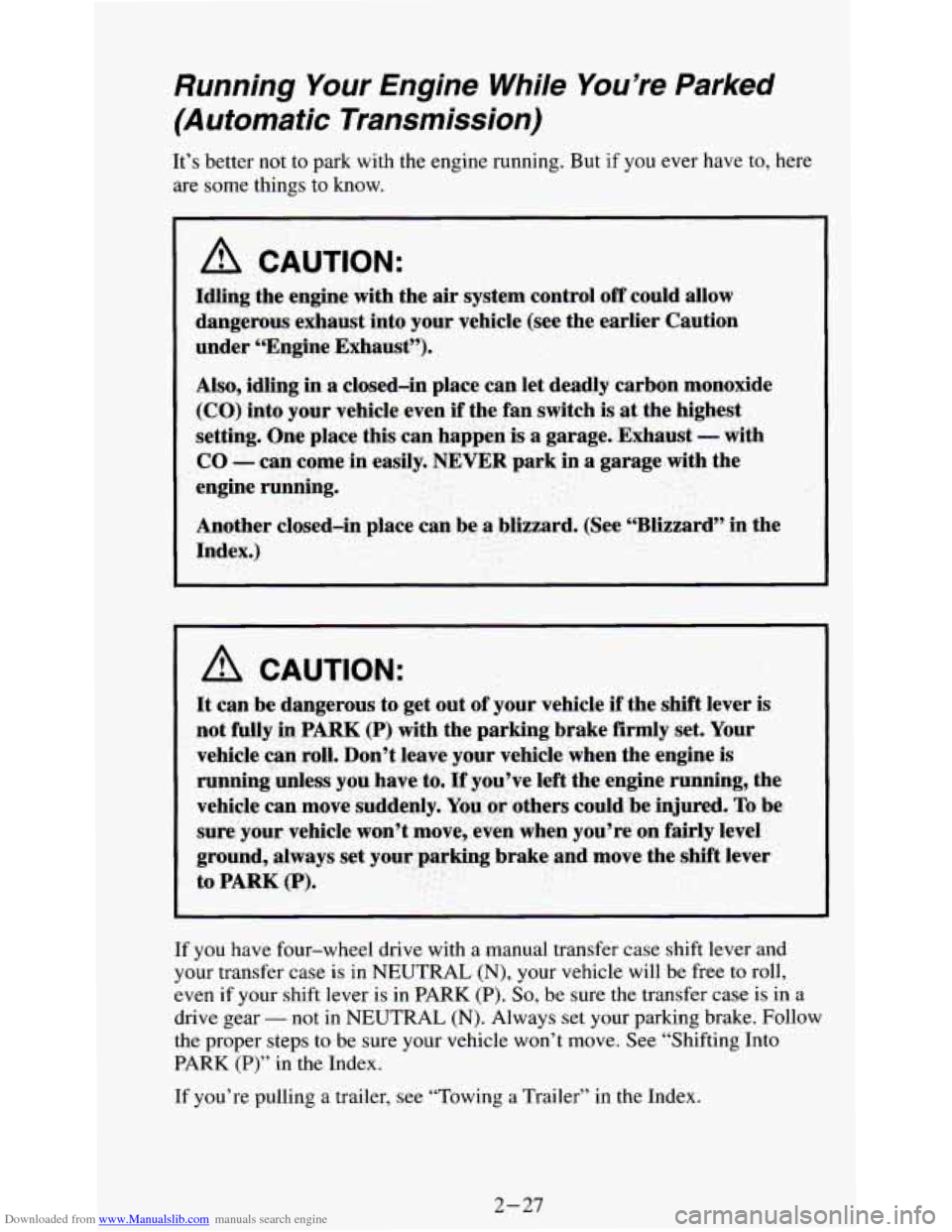
It’s better not to park with the engine running. But if you ever have to, here
are some things to know.
A CAUTION:
_-i . ..
If you have four-wheel drive with a manual transfer case shift lever and
your transfer case is in NEUTRAL (N), your vehicle will be free to roll,
even
if your shift lever is in PARK (P). So, be sure the transfer case is in a
drive gear
- not in NEUTRAL (N). Always set your parking brake. Follow
the proper steps to be sure your vehicle won’t move. See “Shifting Into
PARK
(P)” in the Index.
If you’re pulling a trailer, see “Towing a Trailer”
in the Index.
2-27
Page 73 of 354
Downloaded from www.Manualslib.com manuals search engine Four- Wheel Drive (Option)
If your vehicle has four-wheel drive, you can send your engine’s driving
power to all four wheels for extra traction.
To shift out of two-wheel drive
and into four-wheel drive, move the transfer case shift lever to
4HI or 4LO.
You should use 2HI for most normal driving conditions, however.
NOTICE:
Driving in the 4HI or 4LO positions for a long time on dry or
wet pavement could shorten the life
of your vehicle’s drivetrain.
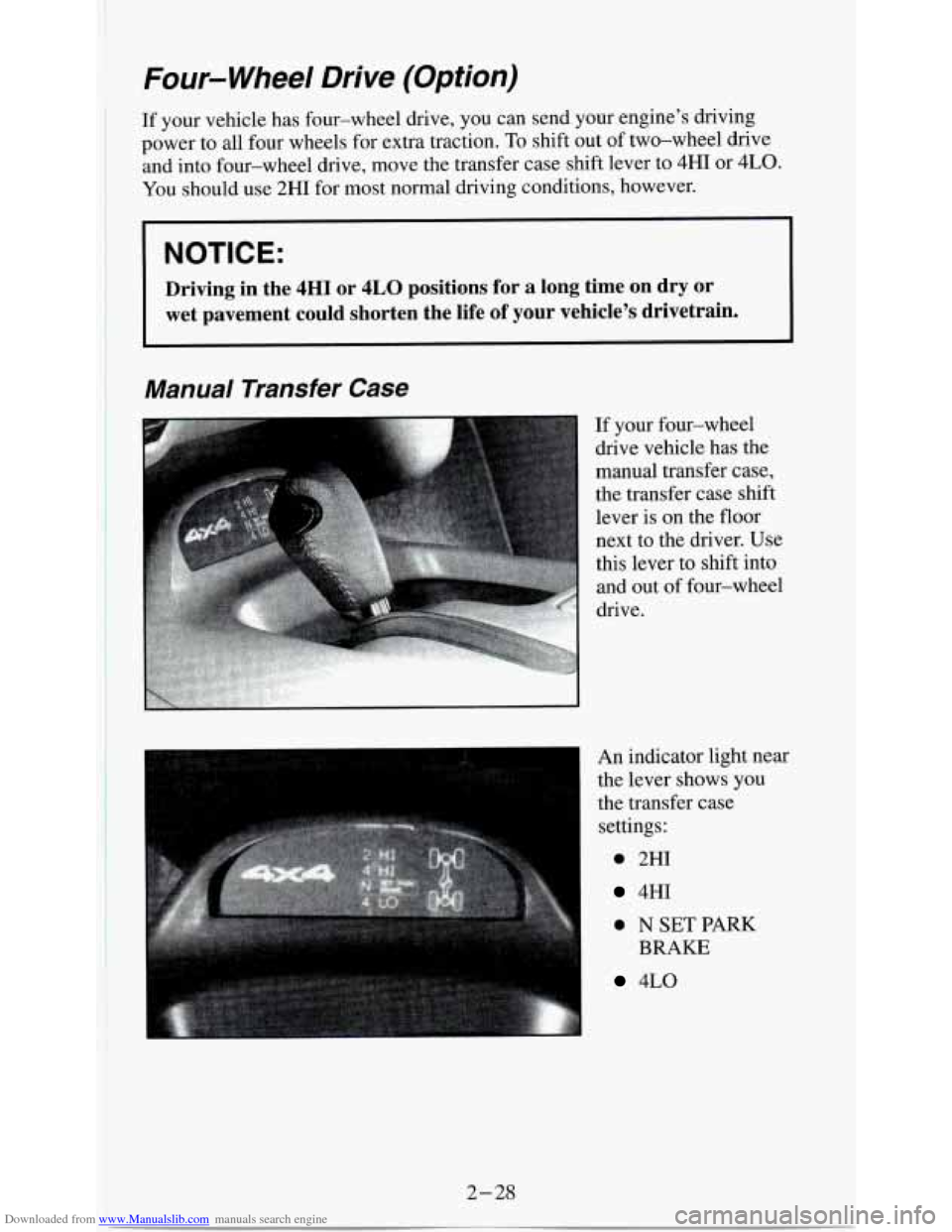
Manual Transfer Case
If your four-wheel
drive vehicle has the
manual transfer case,
the transfer case shift
lever is
on the floor
An indicator light near
the lever
shows you
the transfer case
settings:
0 2HI
4HI
0 N SET PARK
4LO
BRAKE
Page 74 of 354
Downloaded from www.Manualslib.com manuals search engine The front axle portion of the diagram on the indicator will light up when
you shift into four-wheel drive. A slight delay between shifting and the
pattern’s lighting is normal. If the pattern does not light up, or
if the front
axle lights do not go out after you shift out of four-wheel drive, have your
dealer check your system. Turn the INT LIGHTS switch located to the right
of your headlight switch
to dim your transfer case indicator light when your
headlights or parking lights are
on. This will also cause your instrument
panel lights to dim.
2HI - This setting is for driving in most street and highway situations.
Your front axle is not engaged in two-wheel drive.
4HI - This setting engages your front axle to help drive your vehicle. Use
4HI when you need extra traction, such as on snowy or icy roads, or in most
off-road situations.
N SET PARK BRAKE - Shift to this neutral setting only when your
vehicle needs to be towed.
4LO - This setting also efigziges your front axle to give you extra traction
and provides extra gear reduction. You may never need 4LO. It
sends the
maximum power to all four wheels. You might choose 4LO if you were
driving off-road in sand, mud, or deep snow and climbing or descending
steep hills.
You can shift from 2HI to 4HI
or from 4HI to 2HI while the vehicle is
moving.
Do not press the transfer case shift lever button when shifting from
2HI to
4HI or from 4HI to 2HT. Your front axle will engage faster if you
take your foot off of the accelerator for a few seconds after you shift.
To shift your transfer case into N SET PARK BRAKE:
1. Stop the vehicle and shift your transmission into NEUTRAL
(N).
2. Set the parking brake. Your vehicle can roll unless the brakes are
applied.
3. Pull the transfer case shift lever into N SET PARK BRAKE.
To shift into or out of 4LO:
1. The vehicle must be stopped or moving less than 3 mph (4.8 km/h)
with the transmission in NEUTRAL
(N) for an automatic transmission
or the clutch pedal depressed with a manual transmission.
2. Press the transfer case shift button and shift in one continuous motion.
Don’t pause in
N SET PARK BRAKE as you shift into or out of 4L0, or
your gears could clash.
Remember that driving in 4HI or 4LO may reduce fuel economy. Also,
driving in four-wheel drive
on dry pavement could cause your tires to wear
faster and make your transfer case harder to shift and reduce powertrain
longevity.
2-29
Page 84 of 354
Downloaded from www.Manualslib.com manuals search engine If you have an automatic transmission and you apply your brakes, the
Cruise Control will shut
off.
If you have a manual transmission and you apply your brakes or push the
clutch pedal, the
Cruise Control will shut off.
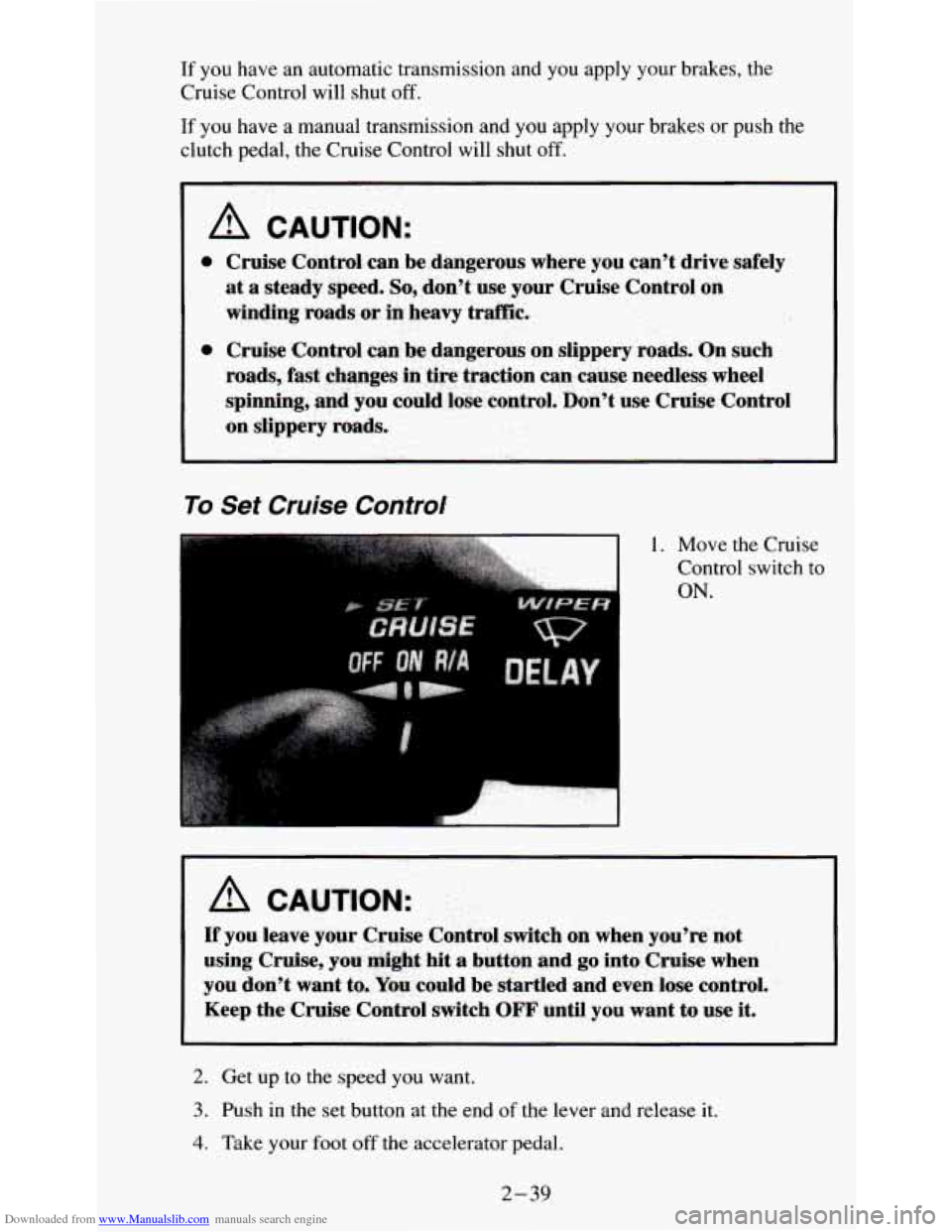
To Set Cruise Control
1. Move the Cruise
Control switch
to
ON.
A CAUTION:
If you leave your Cruise Control switch on when you're not
using Cruise, you
mi&€ hit a button and go into Cruise when
you don't want to- Yaw could be startled and even lose control.
Keep the Cruise Control switch OFF until you want to use it.
2. Get up to the speed you want.
3. Push in the set button at the end of the lever and release it.
4. Take your foot off the accelerator pedal.
2-39
Page 85 of 354
Downloaded from www.Manualslib.com manuals search engine To Resume a Set Speed
Suppose you set your Cruise Control at a desired speed and then you apply
the brake. This,
of course, shuts off the Cruise Control. But you don’t need
to reset
it.
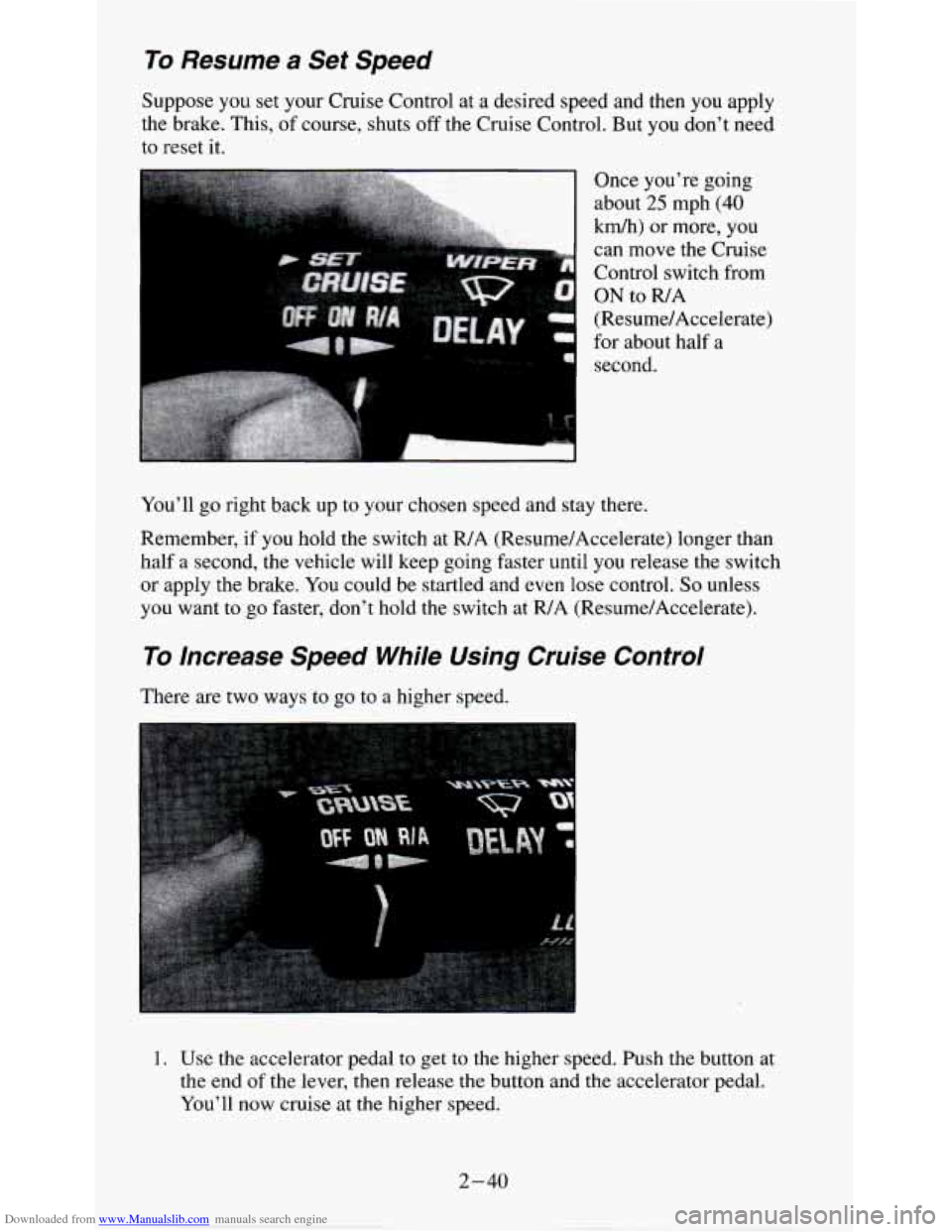
Once you’re going
about
25 mph (40
km/h) or more, you
can
move the Cruise
Control switch from
ON to R/A
(Resume/Accelerate)
for about half a
second.
You’ll go right back up to your chosen speed and stay there.
Remember,
if you hold the switch at R/A (Resume/Accelerate) longer than
half
a second, the vehicle will keep going faster until you release the switch
or apply the brake. You could be startled and even lose control. So unless
you want to
go faster, don’t hold the switch at R/A (Resume/Accelerate).
To Increase Speed While Using Cruise Control
There are two ways to go to a higher speed.
1. Use the accelerator pedal to get to the higher speed. Push the button at
the end
of the lever, then release the button and the accelerator pedal.
You’ll now cruise at the higher speed.
2-40
Page 87 of 354
Downloaded from www.Manualslib.com manuals search engine Using Cruise Control on Hills
How well your Cruise Control will work on hills depends upon your speed,
load, and the steepness of the hills. When going up steep hills, you may
want to step on the accelerator pedal to maintain your speed. When going
downhill, you may have to brake
or shift to a lower gear to keep your speed
down. Of course, applying the brake takes you
out of Cruise Control. Many
drivers find this to be too much trouble and don’t
use Cruise Control on
steep hills.
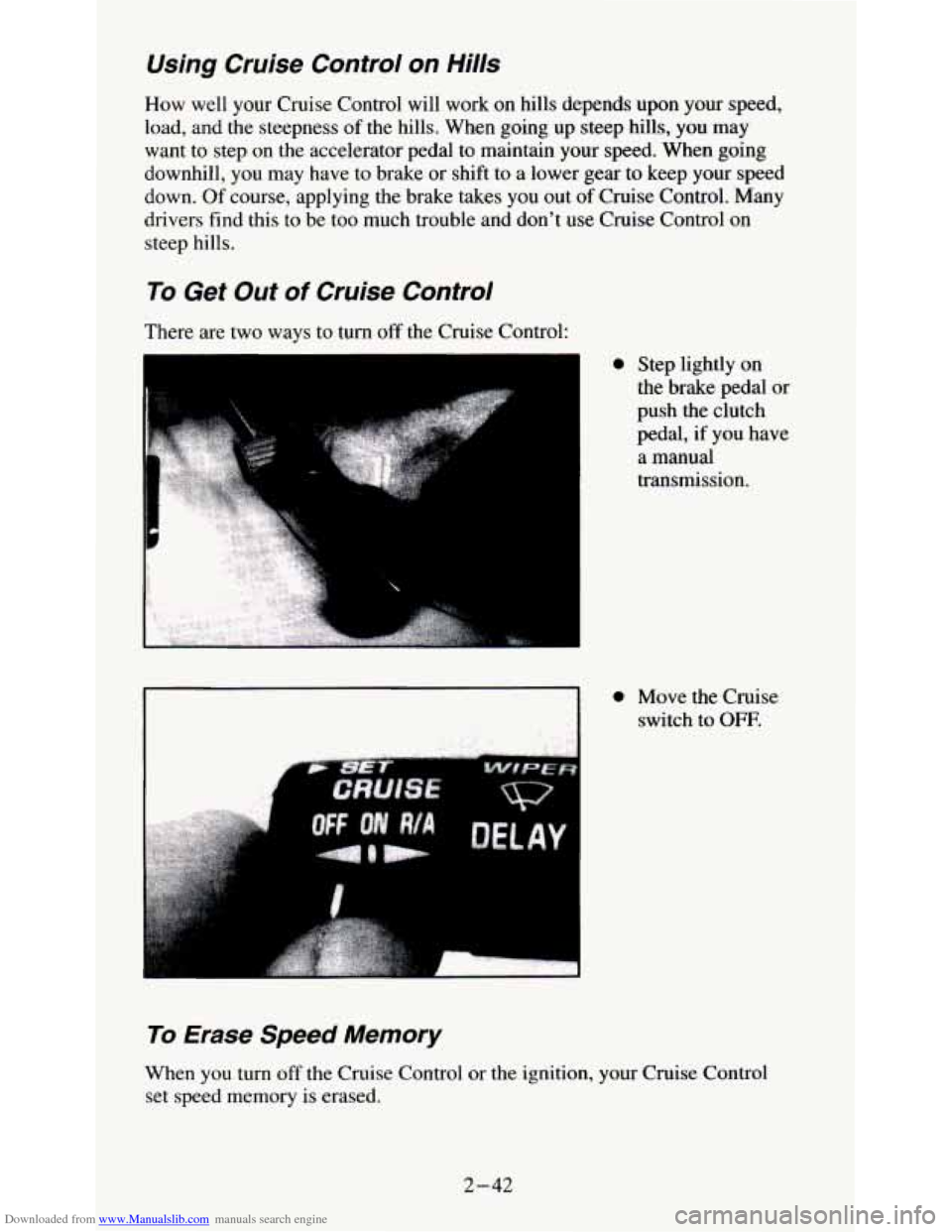
To Get Out of Cruise Control
There are two ways to turn off the Cruise Control:
To Erase Speed Memory
0 Step lightly on
the brake pedal or
push the clutch
pedal,
if you have
a manual
transmission.
0 Move the Cruise
switch to
OFF.
When you turn off the Cruise Control or the ignition, your Cruise Control
set speed memory is erased.
2-42
Page 90 of 354
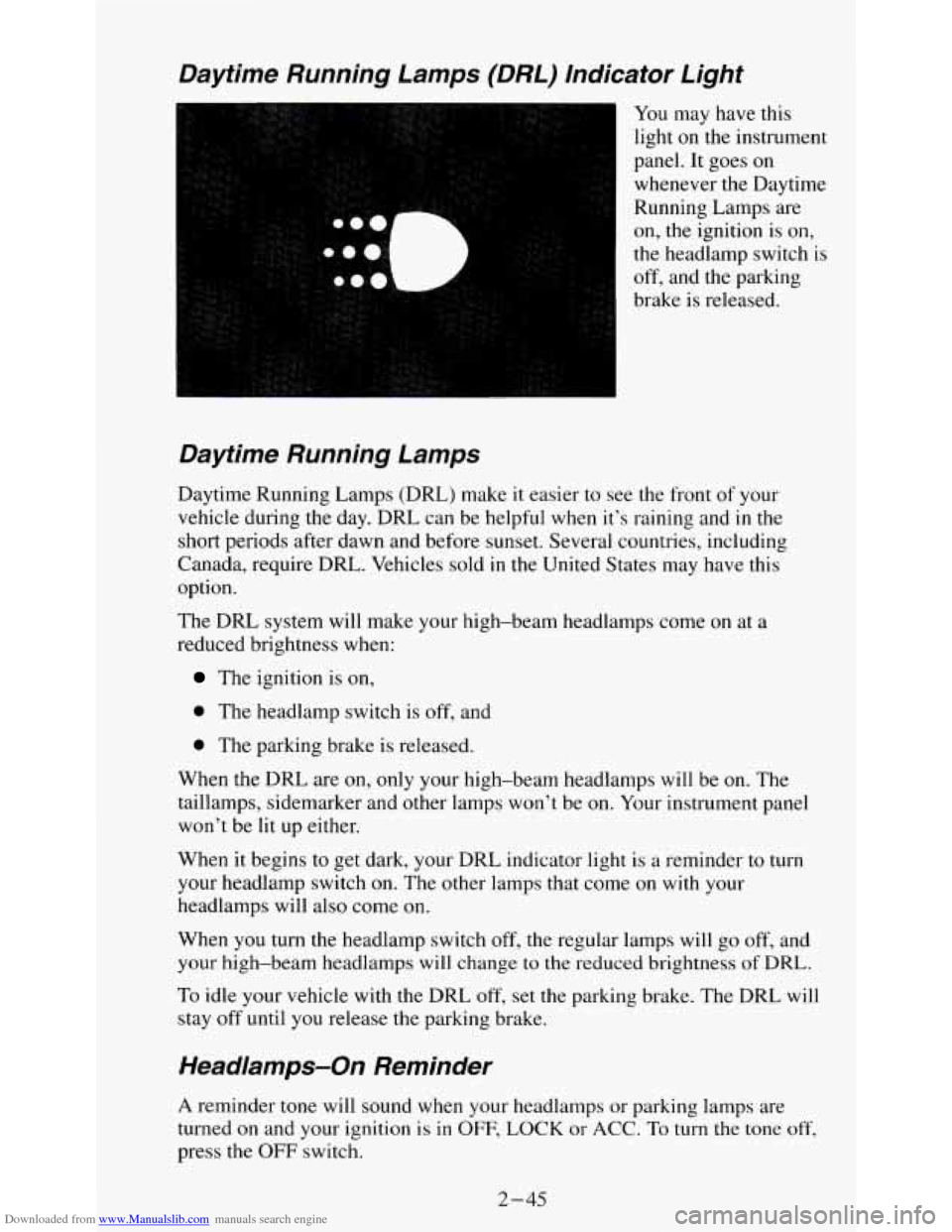
Downloaded from www.Manualslib.com manuals search engine Daytime Running Lamps (DRL) lndicator Light
I You may have this
light
on the instrument
panel.
It goes on
whenever the Daytime
Running Lamps
are
on, the ignition is on,
the headlamp switch is
off, and the parking
brake is released.
Daytime Running Lamps
Daytime Running Lamps (DRL) make it easier to see the front of your
vehicle during the day. DRL can be helpful when it’s raining and
in the
short periods after dawn and before sunset. Several countries, including
Canada, require DRL. Vehicles sold
in the United States may have this
option.
The DRL system will make your high-beam headlamps come
on at a
reduced brightness when:
The ignition is on,
0 The headlamp switch is off, and
0 The parking brake is released.
When the DRL are on, only your high-beam headlamps will be on. The
taillamps, sidemarker and other lamps won’t be
on. Your instrument panel
won’t be lit up either.
When it begins
to get dark, your DRL indicator light is a reminder to turn
your headlamp switch on. The other lamps that come
on with your
headlamps will also come on.
When you turn the headlamp switch off, the regular lamps
will go off, and
your high-beam headlamps will change to the reduced brightness of DRL.
To idle your vehicle with the DRL off, set the parking brake. The DRL will
stay
off until you release the parking brake.
Headamps-On Reminder
A reminder tone will sound when your headlamps or parking lamps are
turned
on and your ignition is in OFF, LOCK or ACC. To turn the tone off,
press the OFF switch.
2-45