Page 103 of 410
Downloaded from www.Manualslib.com manuals search engine Console Sh@ Lever
1. Turn the ignition key to the OFF or RUN position.
2. Hold the brake pedal down with your right foot.
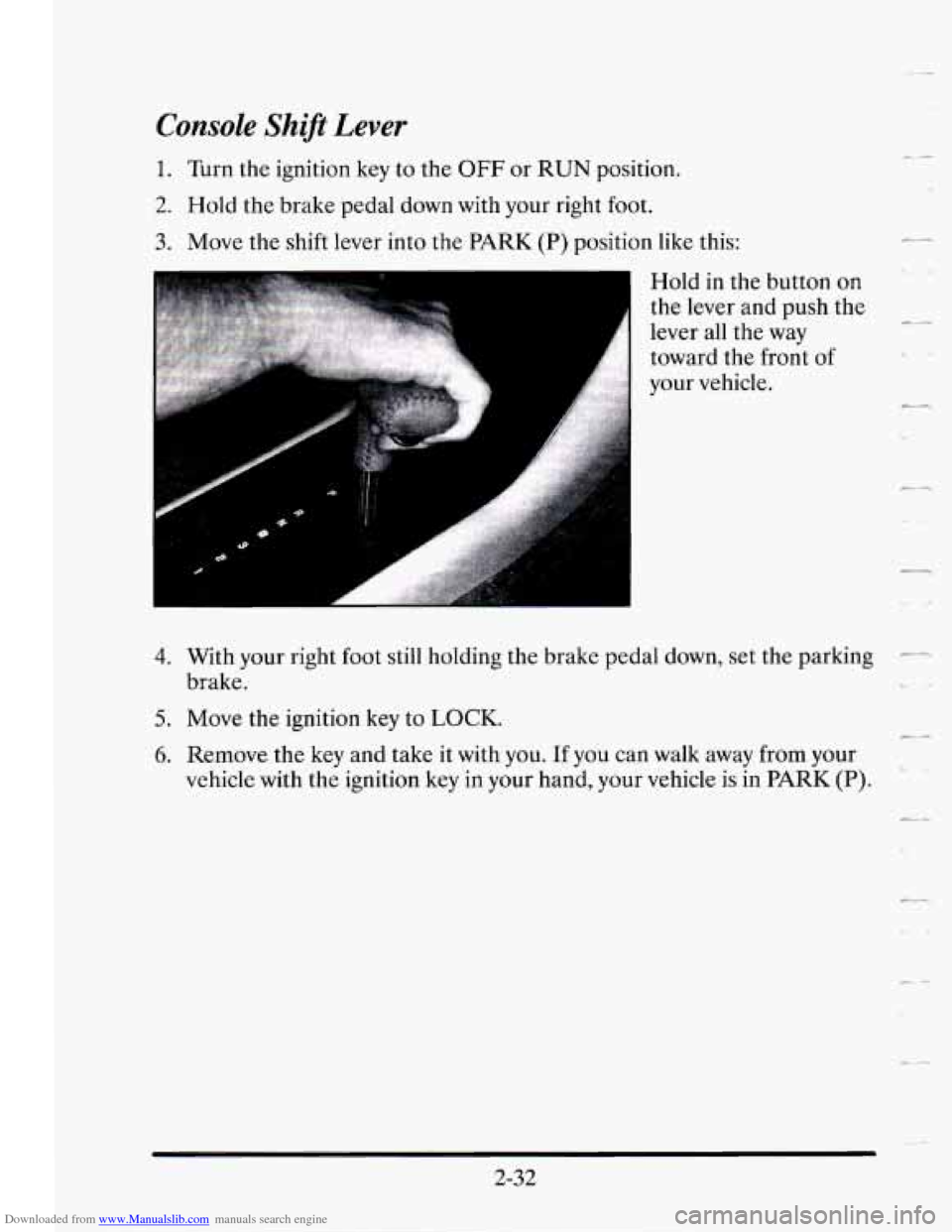
3. Move the shift lever into the PARK (P) position like this:
Hold in the button
on
the lever and push the
lever all the way
toward the front of
your vehicle.
- ..
e-
&-
4.
5.
6.
With your right foot still holding the brake pedal down, set the parking -
brake. LJ
Move the ignition key to LOCK.
Remove the key and take it with you. 11 you can walk from your
vehicle with the ignition key in your hand, your vehicle is in
PARK (P).
-
2-32
Page 104 of 410
Downloaded from www.Manualslib.com manuals search engine -.- Leaving Your Vehicle With the Engine Running
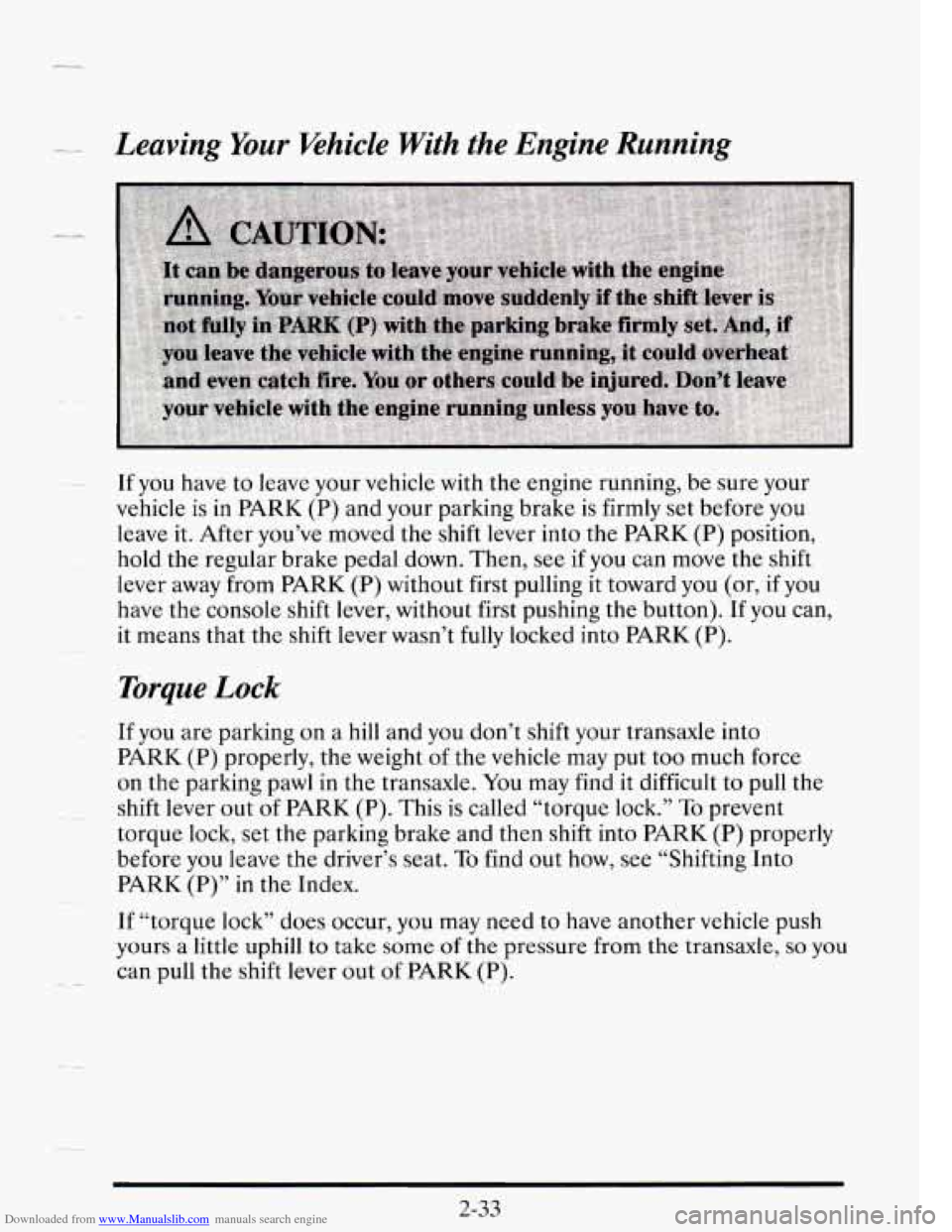
If you have to leave your vehicle with the engine running, be sure your
vehicle
is in PARK (P) and your parking brake is firmly set before you
leave it. After you’ve moved the shift lever into the PARK (P) position,
hold the regular brake pedal down. Then, see
if you can move the shift
lever away from
PARK (P) without first pulling it toward you (or, if you
have the console shift lever, without first pushing the button). If you can,
it means that the shift lever wasn’t fully locked into
PARK (P).
Torque Lock
If you are parking on a hill and you don’t shift your transaxle into
PARK (P) properly, the weight of the vehicle may put too much force
on the parking pawl in the transaxle.
You may find it difficult to pull the
shift lever out
of PARK (P). This is called “torque lock.” To prevent
torque lock, set the parking brake and then shift into
PARK (P) properly
before you leave the driver’s seat.
To find out how, see “Shifting Into
PARK (P)” in the Index.
If “torque lock” does occur,
you may need to have another vehicle push
yours a little uphill
to take some of the pressure from the transaxle, so you
can pull the shift lever out of PARK (P).
2-33
Page 105 of 410
Downloaded from www.Manualslib.com manuals search engine SHIFTING OUT OF PARK (P)
Your Cadillac has brake-transaxle shift interlock. You have to fully apply 2
your regular brakes before you can shift from PARK (P) when the ignition
is in the RUN position. See “Automatic Transaxle” in the Index.
If
you cannot shift out of PARK (P), ease pressure on the shift lever --
push the shift lever all the way into PARK (P) and also release the shift
lever button on floor shift models as you maintain brake application.
e-.
Then move the shift lever into the gear you want. (Press the shift lever
button before moving the shift lever.)
If you ever hold the brake pedal
down but still can’t shift out of PARK
(P), try this:
1. Turn the key to OFF. Open and close the driver’s door to turn off the
Retained Accessory Power feature.
2. Apply and hold the brake until the end of Step 4.
3. Shift to NEUTRAL (N).
4. Start the vehicle and then shift to the drive gear you want.
5. Have the vehicle fixed as soon as you can.
3-34
Page 110 of 410
Downloaded from www.Manualslib.com manuals search engine irr
r
TILT WHEEL
A tilt steering wheel allows you to adjust the steering wheel before you
drive.
You can also raise the steering wheel to the highest level to give your legs
more
room when you exit and enter the vehicle.
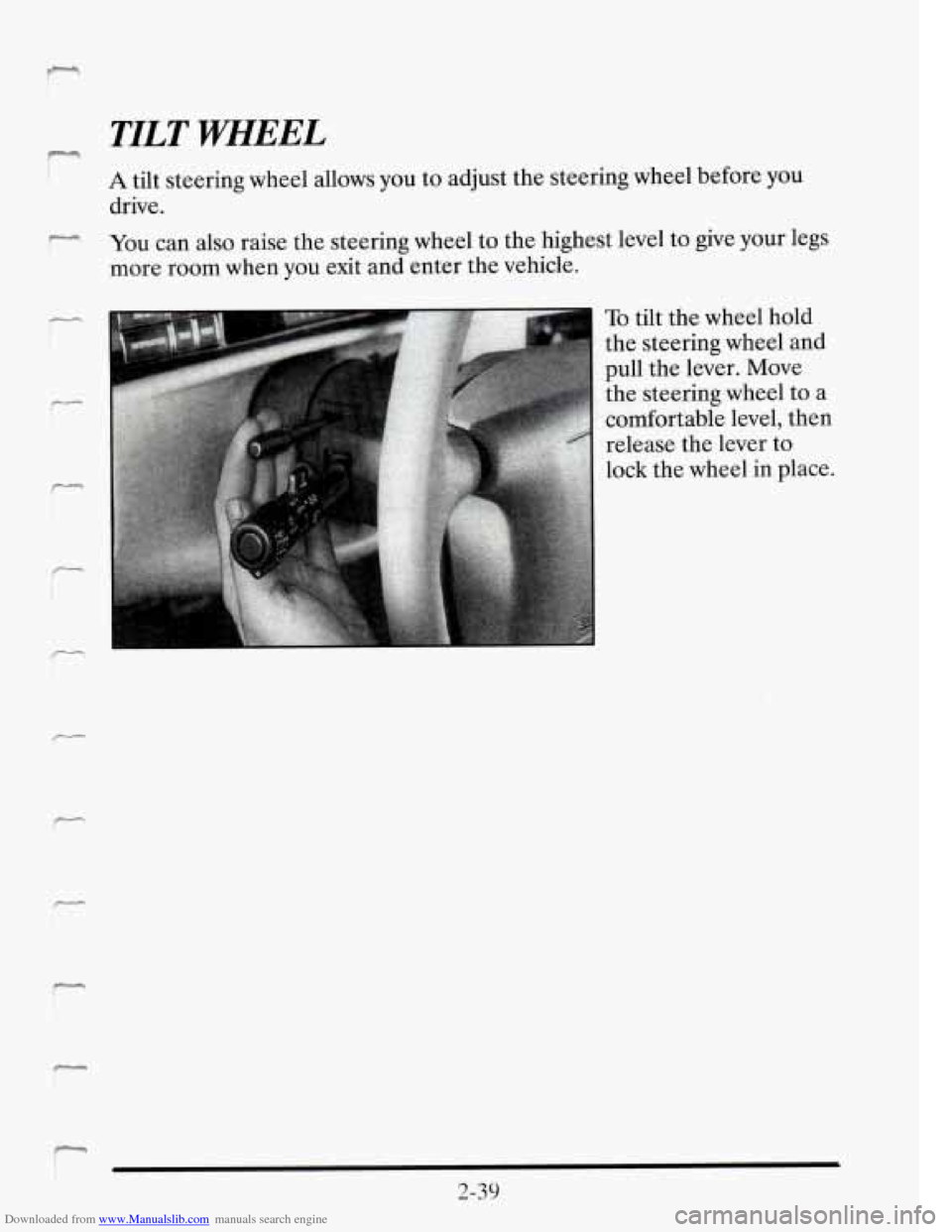
To tilt the wheel hold
the steering wheel and
pull the lever. Move
the steering wheel to a
comfortable level, then
release the lever to
lock the wheel in place.
2-39
Page 116 of 410
Downloaded from www.Manualslib.com manuals search engine F 4
7
Windshield Washer
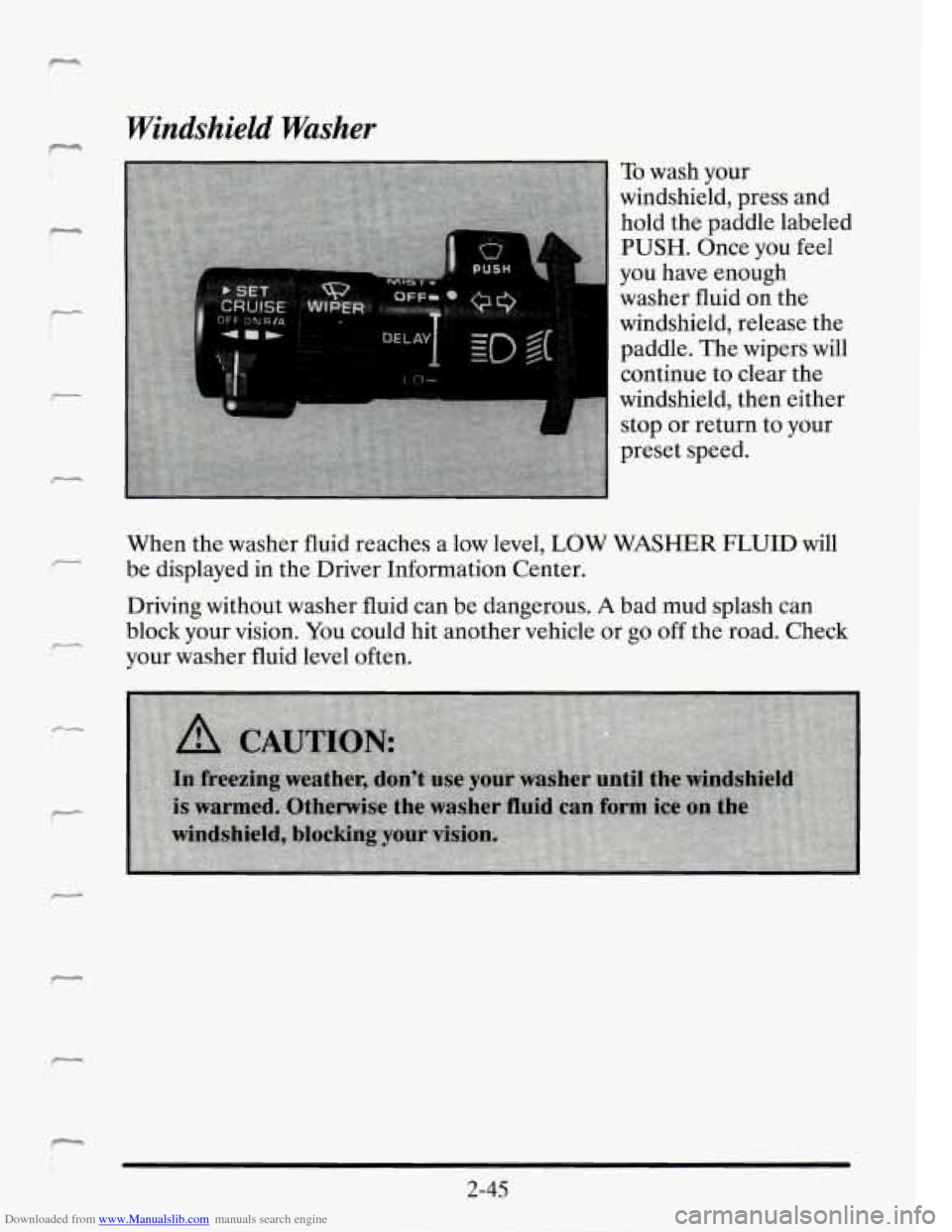
To wash your
windshield, press and
hold the paddle labeled
PUSH. Once you feel
you have enough
washer fluid on the
windshield, release the
paddle. The wipers will
continue to clear the
windshield, then either
stop or return to your
preset speed.
When the washer fluid reaches a low level,
LOW WASHER FLUID will
be displayed in the Driver Information Center.
Driving without washer fluid can be dangerous.
A bad mud splash can
block your vision.
You could hit another vehicle or go off the road. Check
your washer fluid level often.
2-45
Page 135 of 410
Downloaded from www.Manualslib.com manuals search engine Power Remote Control Mirrors
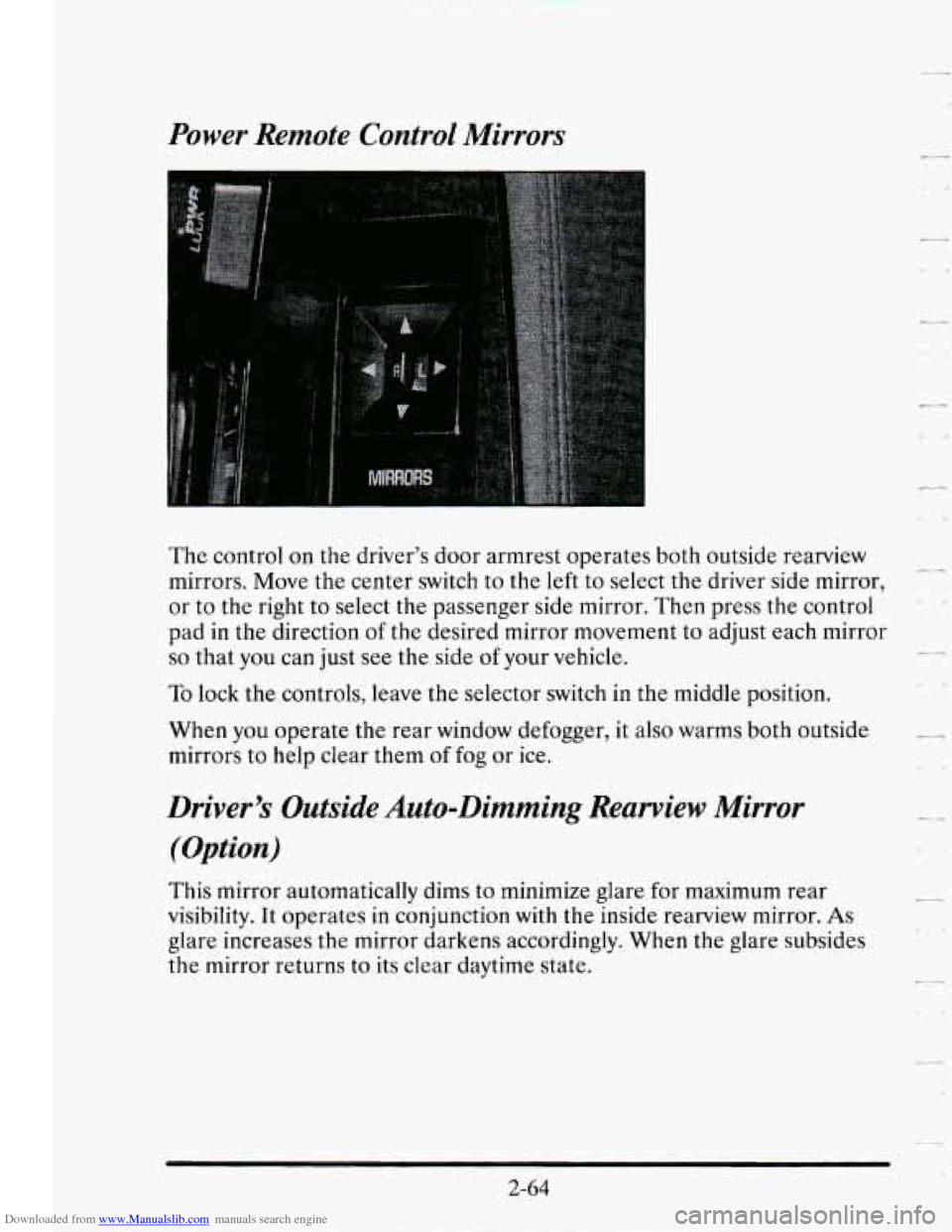
The control on the driver’s door armrest operates both outside rearview
mirrors. Move the center switch to the
left to select the driver side mirror,
or
to the right to select the passenger side mirror. Then press the control
pad in the direction
of the desired mirror movement to adjust each mirror
so that you can just see the side of your vehicle.
To lock the controls, leave the selector switch in the middle position.
When
you operate the rear window defogger, it also warms both outside
mirrors to help clear them of
fog or ice.
-
c_
Driver’s Outside Auto-Dimming Rearview Mirror
(Option)
This mirror automatically dims to minimize glare for maximum rear
visibility. It operates
in conjunction with the inside rearview mirror. As
glare increases the mirror darkens accordingly. When the glare subsides
the mirror returns to its clear daytime state.
Page 151 of 410
Downloaded from www.Manualslib.com manuals search engine Anti-Lock Brake System Warning Light
ANTI-
LOCK (0 ABS)
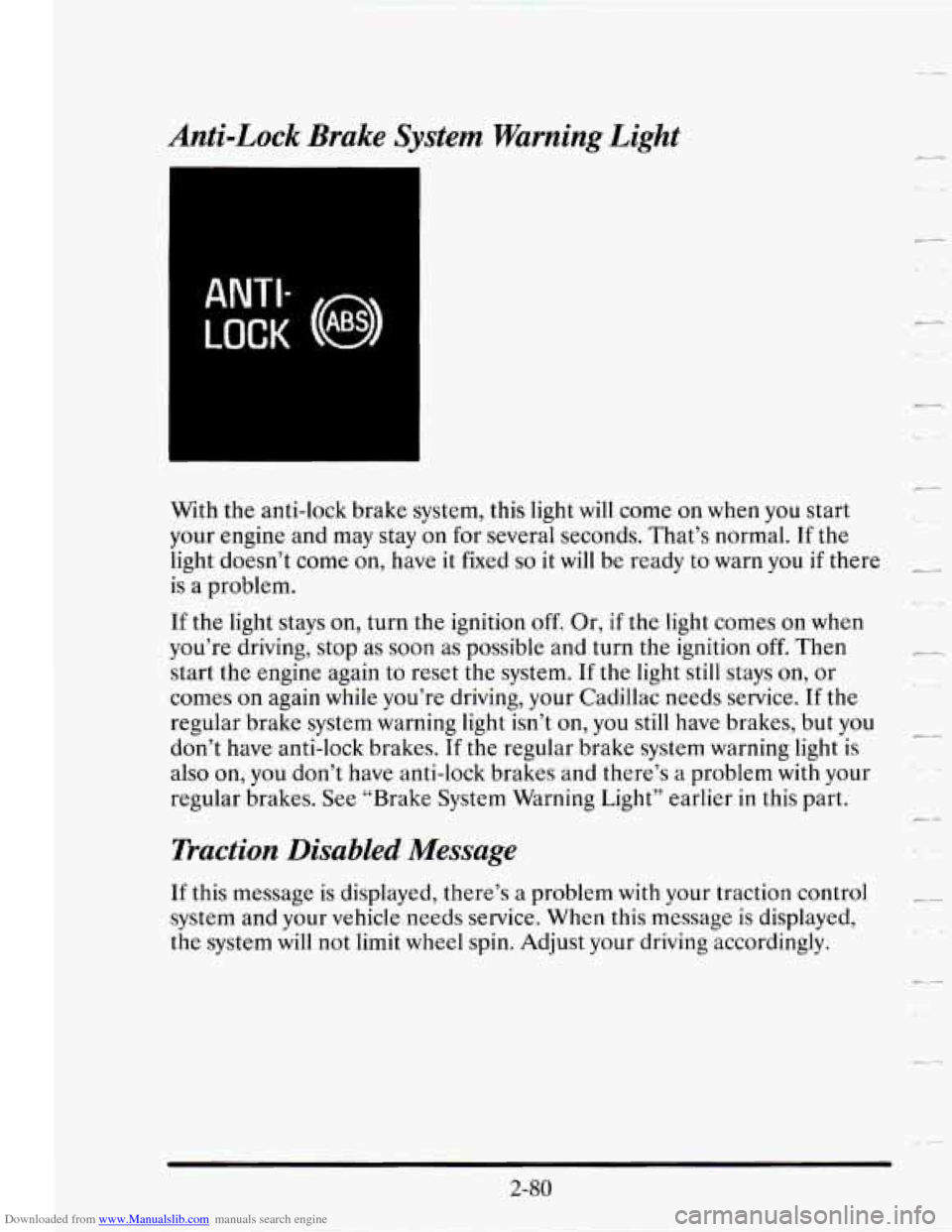
With the anti-lock brake system, this light will come on when you start
your engine and may stay on
for several seconds. That’s normal. If the
light doesn’t come on, have it fixed
so it will be ready to warn you if there
is a problem.
If the light stays on, turn the ignition off. Or, if the light comes on when
you’re driving, stop as soon as possible and turn the ignition
off. Then
start the engine again to reset the system. If the light still stays
on, or
comes on again while you’re driving, your Cadillac needs service.
If the
regular brake system warning light isn’t on, you still have brakes, but you
don’t have anti-lock brakes.
If the regular brake system warning light is
also on, you don’t have anti-lock brakes and there’s
a problem with your
regular brakes.
See “Brake System Warning Light” earlier in this part.
Traction Disabled Message
If this message is displayed, there’s a problem with your traction control
system and your vehicle needs service. When this message is displayed,
the system will not limit wheel spin. Adjust your driving accordingly.
-,.
c-
2-80
Page 159 of 410
Downloaded from www.Manualslib.com manuals search engine Driver Information Center Control Buttons
AVG
DtSPtAV
WOFF
TRIP
SET
INFORMATION Button
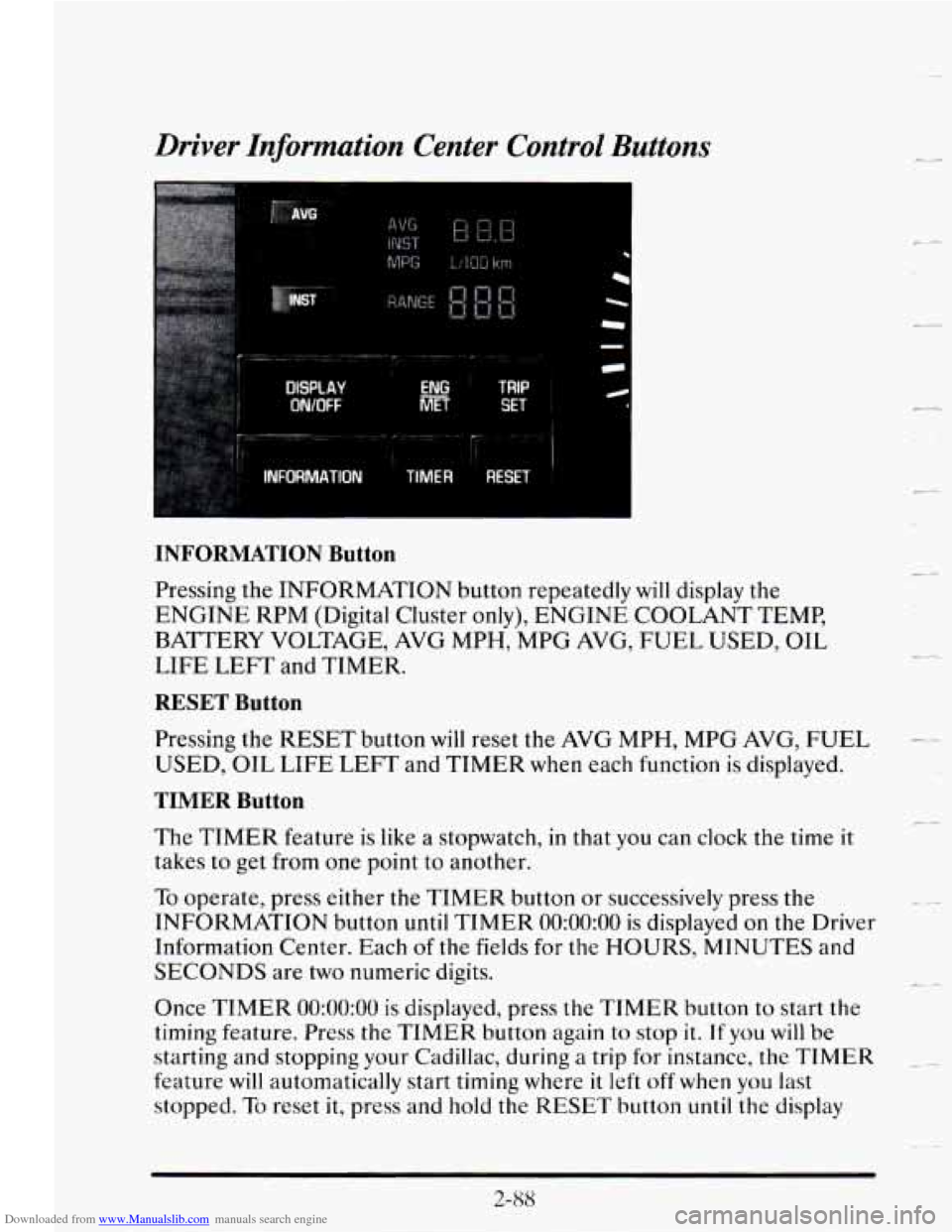
Pressing the INFORMATION button repeatedly will display the
ENGINE RPM (Digital Cluster only), ENGINE COOLANT TEMP,
BATTERY VOLTAGE, AVG MPH, MPG AVG, FUEL USED, OIL
LIFE
LEFT and TIMER.
RESET Button
Pressing the RESET button will reset the AVG MPH, MPG AVG, FUEL
USED, OIL LIFE LEFT and TIMER when each function is displayed.
TIMER Button
The TIMER feature is like a stopwatch, in that you can clock the time it
takes to get from one point to another.
To operate, press either the TIMER button or successively press the
INFORMATION button
until TIMER 0O:OO:OO is displayed on the Driver
Information Center. Each
of the fields for the HOURS, MINUTES and
SECONDS are two numeric digits.
Once
TIMER 0O:OO:OO is displayed, press the TIMER button to start the
timing feature.
Press the TIMER button again to stop it. If you will be
starting and stopping
your Cadillac, during a trip for instance, the TIMER
feature will automatically start timing where it left off when you last
stopped.
To reset it, press and hold the RESET button until the display
(L4
L.
_4
t
c-
2-88