1995 CADILLAC ELDORADO odometer
[x] Cancel search: odometerPage 142 of 395
Downloaded from www.Manualslib.com manuals search engine Speedometer and Odometer
Your speedometer lets you see your speed in both miles per hour (mph)
and kilometers per hour (km/h). Your odometer shows how far your
vehicle has been driven,
in either miles (used in the United States) or
kilometers (used in Canada).
You may wonder what happens if a car has to have
a new odometer
installed. The new one may read the correct mileage. This is because
your
car’s computer has stored the mileage in memory.
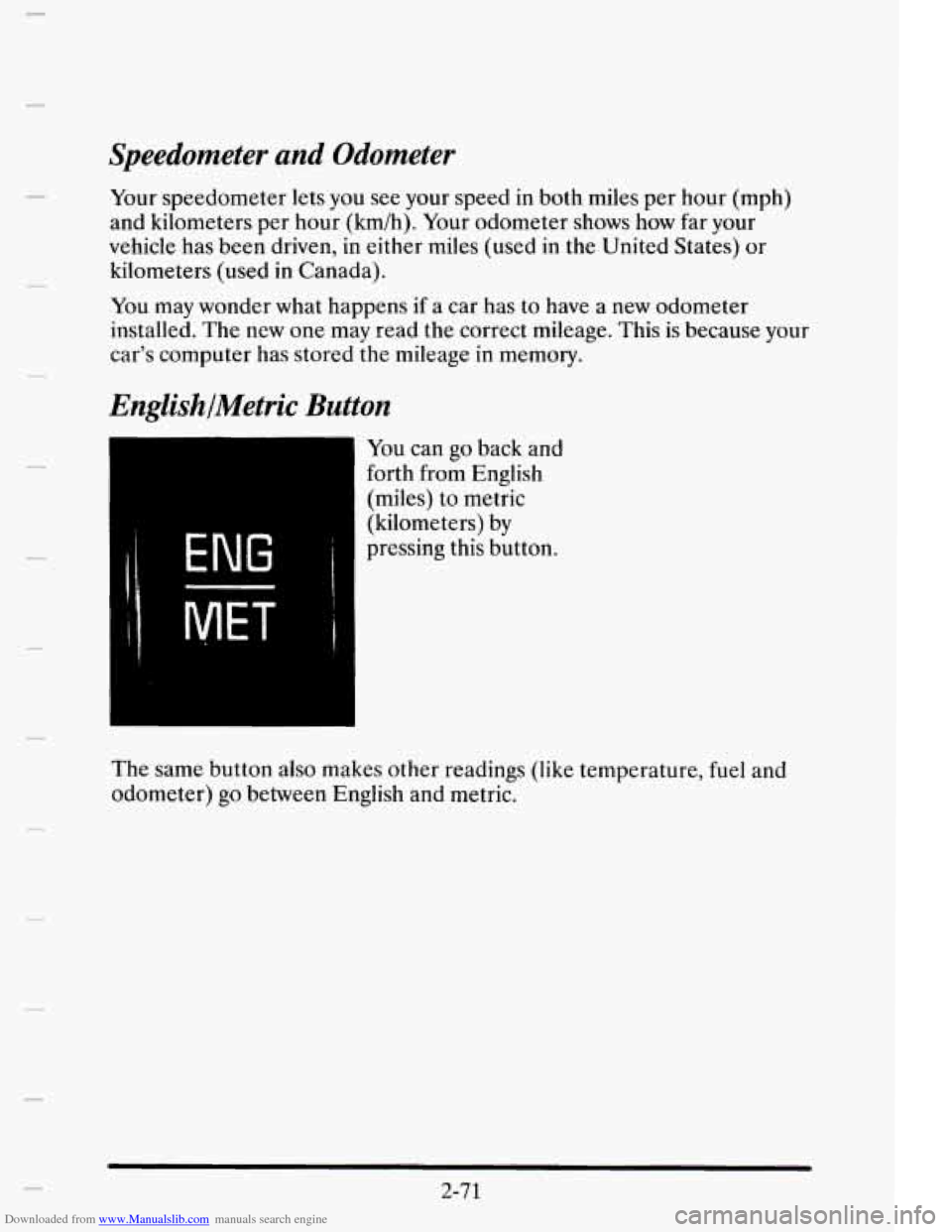
EnglishlMetric Button
ENG 1
You can go back and
forth from English
(miles) to metric
(kilometers) by
pressing this button.
The same button also makes other readings (like temperature, fuel and
odometer)
go between English and metric.
2-71
Page 143 of 395
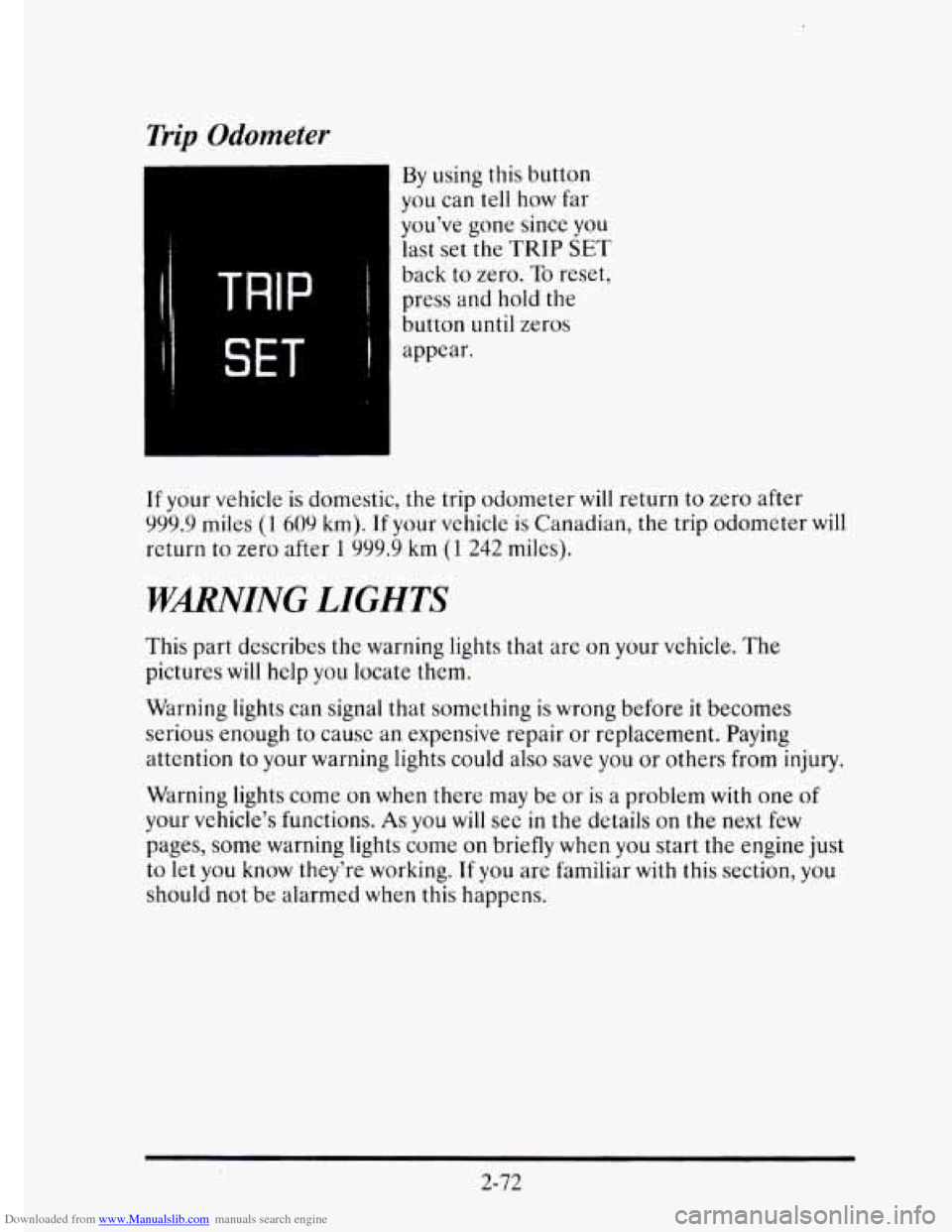
Downloaded from www.Manualslib.com manuals search engine Trip Odometer
By using this button
you can tell how far
you’ve gone since you
last set
the TRIP SET
back to zero. To reset,
press and hold
the
button until zeros
appear.
If your vehicle
is domestic, the trip odometer will return to zero after
999.9 miles (1 609 km). If your vehicle is Canadian, the trip odometer will
return
to zero after 1 999.9 km (1 242 miles).
WMING LIGHTS
This part describes the warning lights that are on your vehicle. The
pictures will help you locate them.
Warning lights can signal that something
is wrong before it becomes
serious enough to cause an expensive repair or replacement. Paying
attention
to your warning lights could also save you or others from injury.
Warning lights come on when
there may be or is a problem with one of
your vehicle’s functions. As you will see in the details on the next few
pages, some warning lights come on briefly when you start the engine just
to let you know they’re working. If you are familiar with this section, you
should not
be alarmed when this happens.
2-72
Page 156 of 395
Downloaded from www.Manualslib.com manuals search engine AVG MPH (Average Speed) Reset
Press repeatedly the INFORMATION button to display the AVG MPH,
then press and hold the RESET button until 0.0 AVG MPH is displayed.
MPG AVG (Average Fuel Economy) Reset
Press repeatedly the INFORMATION button to display the MPG AVG,
then press and hold the
RESET button until 0.0 AVG MPG is displayed.
Another method
to reset both AVG MPG is to press the AVG button on
the Fuel Data Panel until 0.0 AVG MPG is shown in both displays.
Fuel Used Reset
Press repeatedly the INFORMATION button to display the FUEL
USED on the Driver Information Center, then press and hold the
RESET button
until FUEL USED 0.0 is displayed.
Oil Life Left Reset
Press repeatedly the INFORMATION button to display the OIL LIFE
LEFT, then press and hold the RESET button until 0.0 OIL LIFE LEFT
is displayed.
DISPLAY ON/OFF Button
c
Pressing this button will turn off the Driver Information Center (DIC),
Electronic Climate Control and
Fuel Data Center displays. If you have
the digital cluster, the fuel gage, trip odometer and odometer
will also
turn off. While displays are off, pressing the INFORMATION button
will
only turn on the DIC. If any other button is pressed or a driving warning
message needs to be displayed or fuel level falls below four gallons, all the
displays
will come back on.
TRIP SET Button
Press and hold this button to set the trip odometer back to zero.
ENG/MET (English/Metric Button)
Press this button to switch from English (miles and Degrees Fahrenheit)
to metric (kilometers and Degrees Celsius).
2-85
Page 308 of 395
Downloaded from www.Manualslib.com manuals search engine Wheel Replacement
Replace any wheel that is bent, cracked, or badly rusted or corroded. If
wheel nuts keep coming loose, the wheel, wheel bolts, and wheel nuts
should be replaced. If the wheel leaks air, replace
it (except some
aluminum wheels, which can sometimes be repaired). See your Cadillac
dealer
if any of these conditions exist.
Your dealer will know the kind of wheel you need.
Each new
wheel should have the same load carrying capacity, diameter,
width,
offset, and be mounted the same way as the one it replaces.
If you need to replace any of your wheels, wheel bolts, or wheel nuts,
replace them
only with new GM original equipment parts. This way, you
will be sure to have the right wheel, wheel bolts, and wheel nuts for your
Cadillac model.
NOTICE:
The wrong wheel can also cause problems with bearing life,
brake cooling, speedometer/odometer calibration, headlamp aim, bumper height, vehicle ground clearance, and tire or tire \
chain clearance
to the body and chassis.
6-49
Page 387 of 395
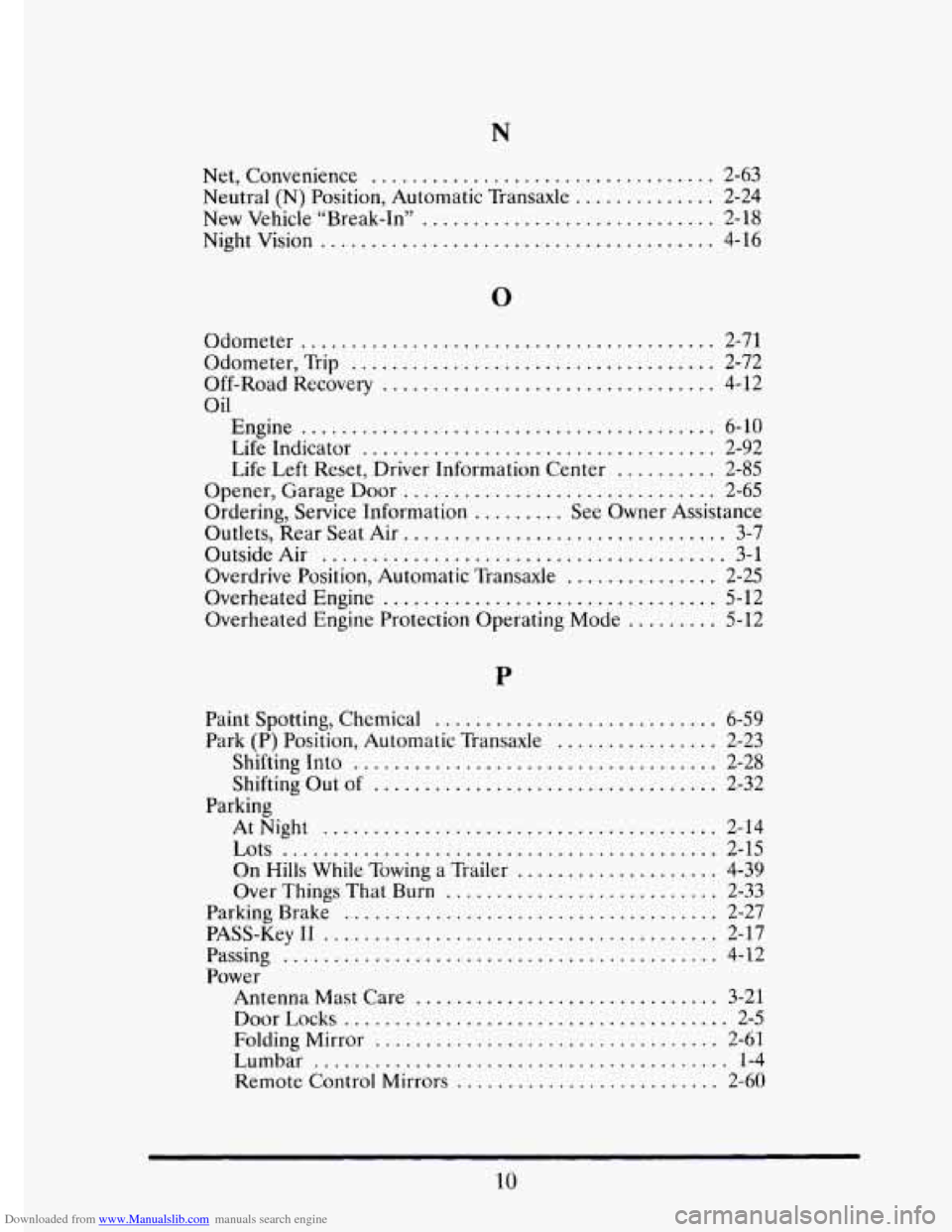
Downloaded from www.Manualslib.com manuals search engine Net. Convenience .................................. 2-63
Neutral
(N) Position. Automatic Transaxle .............. 2-24
New Vehicle “Break-In”
............................. 2-18
Night Vision
....................................... 4-16
0
Odometer .........................................
Odometer. Trip ....................................
Off-Road Recovery .................................
Oil
Engine .........................................
Life Indicator ...................................
Life Left Reset. Driver Information Center ..........
Opener. Garage Door ...............................
Ordering. Service Information ......... See Owner Assistance
Outlets. Rear Seat Air
................................ 3-7
Outside Air ........................................ 3-1
Overdrive Position. Automatic Transaxle
............... 2-25
Overheated Engine
................................. 5-12
Overheated Engine Protection Operating Mode
......... 5-12
2-71
2-72
4-12
6-10
2-92
2-85
2-65
Paint Spotting. Chemical
............................ 6-59
Park (P) Position. Automatic Transaxle ................ 2-23
Shifting Into
.................................... 2-28
Shifting Out of .................................. 2-32
AtNight
....................................... 2-14
On Hills While Towing a Trailer .................... 4-39
Over Things That Burn ........................... 2-33
Parking Brake
..................................... 2-27
PASS-Key I1 ....................................... 2-17
Passing
........................................... 4-12
Power Antenna Mast Care
.............................. 3-21
DoorLocks ...................................... 2-5
Folding Mirror .................................. 2-61
Lumbar ......................................... 1-4
Remote Control Mirrors .......................... 2-60
Parking
Lots ........................................... 2-15
10
Page 392 of 395
Downloaded from www.Manualslib.com manuals search engine .
.
.
.
.
.
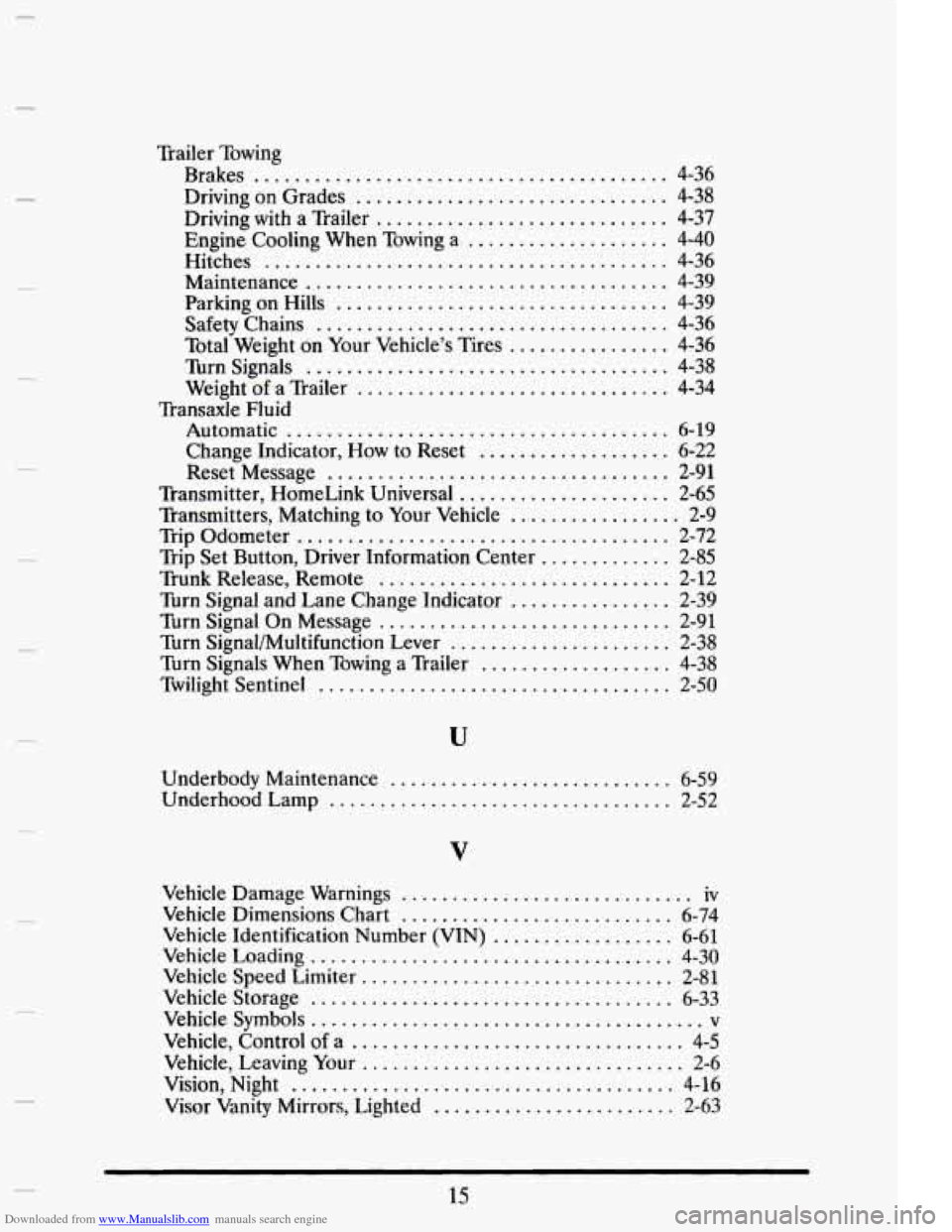
Trailer Towing
Brakes
......................................... 4-36
Driving on Grades ............................... 4-38
Engine Cooling When Towing a .................... 4-40
Hitches ........................................ 4-36
Maintenance .................................... 4-39
Parking on Hills ................................. 4-39
Safety Chains ................................... 4-36
Turn Signals .................................... 4-38
Driving with a Trailer ............................. 4-37
Total Weight on Your Vehicle’s Tires ................ 4-36
Weight of a Trailer ............................... 4-34
Transaxle Fluid
Automatic
...................................... 6-19
Change Indicator. How to Reset ................... 6-22
Reset Message .................................. 2-91
Transmitter. HomeLink Universal ..................... 2-65
Transmitters. Matching to Your Vehicle ................. 2-9
Trip Odometer ..................................... 2-72
Trip Set Button. Driver Information Center ............. 2-85
Trunk Release. Remote ............................. 2-12
Turn Signal and Lane Change Indicator ................ 2-39
Turn Signal On Message ............................. 2-91
Turn Signal/Multifunction Lever ...................... 2-38
Turn Signals When Towing a Trailer ................... 4-38
Twilight Sentinel ................................... 2-50
Underbody Maintenance ............................ 6-59
Underhood Lamp .................................. 2-52
.
V
i
.
.
Vehicle Damage Warnings ............................. iv
Vehicle Dimensions Chart ........................... 6-74
Vehicle Identification Number (VIN) .................. 6-61
Vehicle Loading .................................... 4-30
Vehicle Speed Limiter ............................... 2-81
Vehicle Storage .................................... 6-33
Vehicle Symbols ....................................... v
Vehicle. Control of a ................................. 4-5
Vehicle. Leaving Your ................................ 2-6
Vision. Night ...................................... 4-16
Visor Vanity Mirrors. Lighted ........................ 2-63
15 .
.