1995 CADILLAC ELDORADO check engine
[x] Cancel search: check enginePage 144 of 395
Downloaded from www.Manualslib.com manuals search engine When one of the warning lights comes on and stays on when you are
driving, check the section that tells you what to do about it. Please follow
this manual’s advice. Waiting to
do repairs can be costly -- and even
dangerous.
So please get to know your warning lights. They’re a big help.
Your vehicle may also have a Driver Information Center that works along
with the warning lights. See “Driver Information Center’’ in the Index.
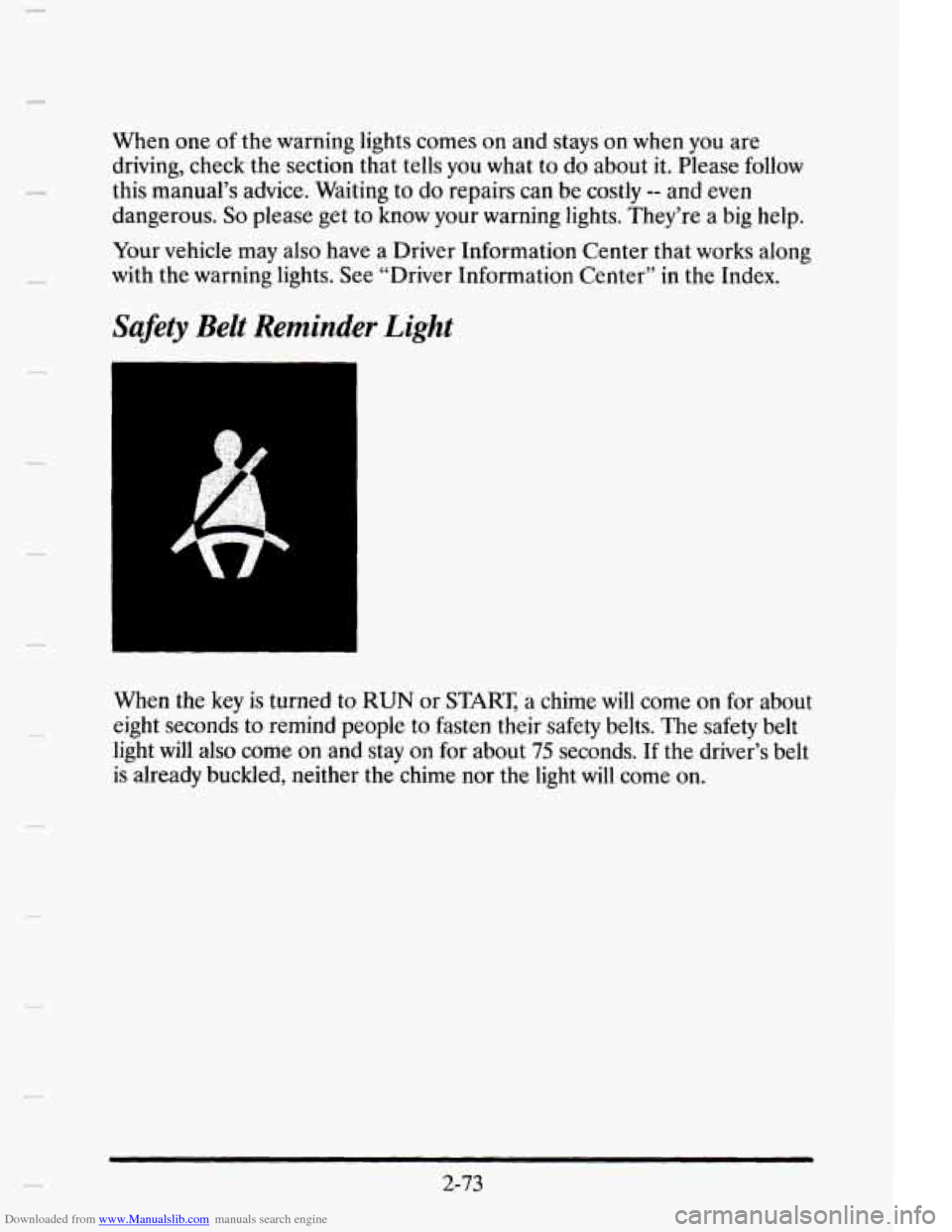
Safety Belt Reminder Light
c
When the key is turned to RUN or START, a chime will come on for about
eight seconds to remind people to fasten their safety belts. The safety belt
light
will also come on and stay on for about 75 seconds. If the driver’s belt
is already buckled, neither the chime nor the light
will come on.
2-73
Page 145 of 395

Downloaded from www.Manualslib.com manuals search engine Air Bag Readiness Light
There is an air bag readiness light on the instrument panel, which shows
AIR BAG. The system checks the air bag’s electrical system for
malfunctions. The light tells
you if there is an electrical problem. The
system check includes the air
bag sensors and modules, the wiring and the
diagnostic module. For more information
on the air bag system, see “Air
Bag”
in the Index.
You will see this light flash for a few seconds when you turn your ignition
to RUN or START Then the light should go out. This means the system is
ready.
If the air bag readiness light doesn’t come
on when you start your vehicle,
or stays on, or comes on when you are driving, your air bag system may
not work properly. Have your vehicle serviced right away.
2- 74
Page 149 of 395
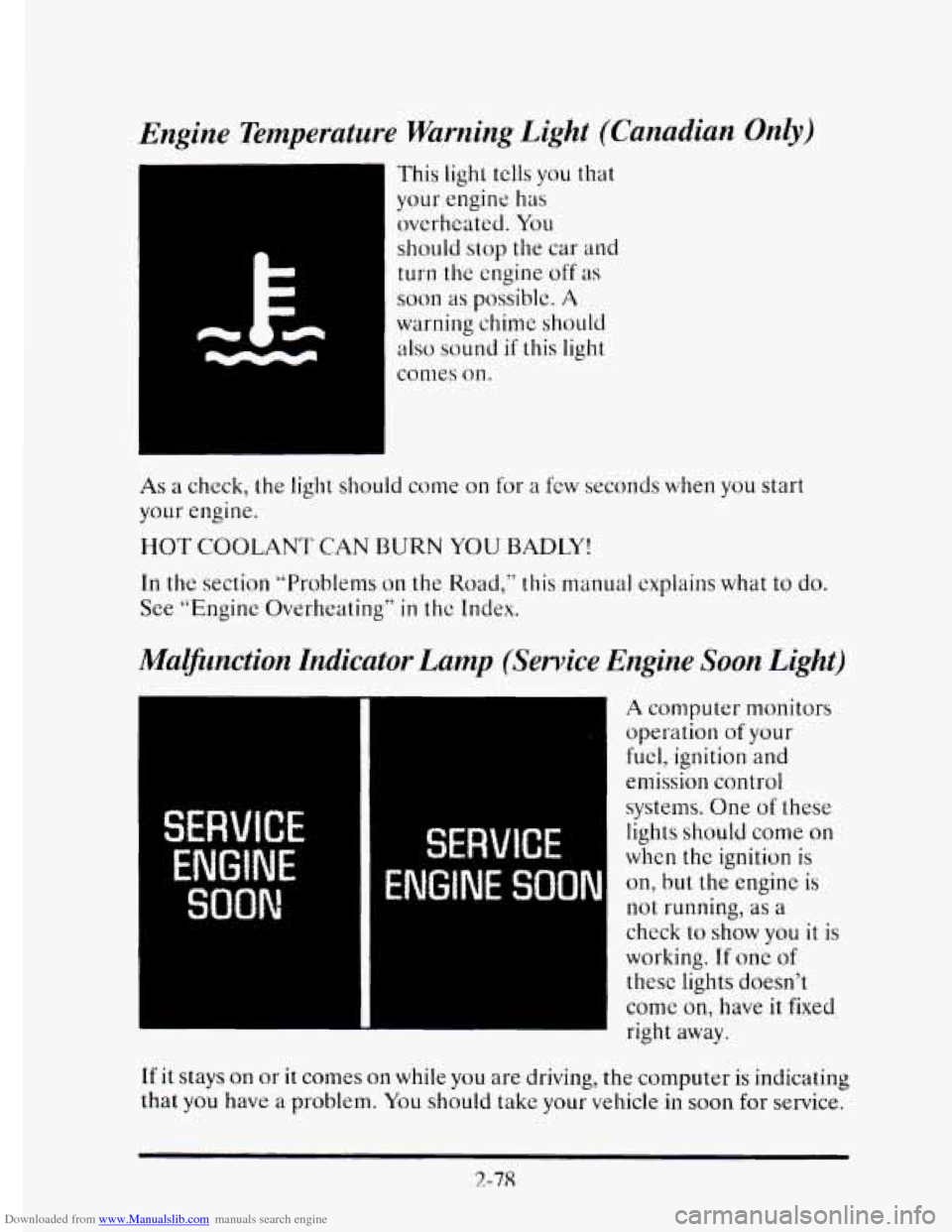
Downloaded from www.Manualslib.com manuals search engine Engine Temperature Warning Light (Canadian Only)
This light tclls you that
your engine has
overheated. You
should stop the car
and
turn the engine off as
soon as possible. A
warning chime should
also sound if this light
comes on.
As a check, the light should come on for a few seconds when you start
your engine.
HOT COOLANT CAN BURN YOU BADLl’!
In the section “Problems on the Road,” this manual explains what to do.
See “Engine Overheating”
in thc Index.
Mammction Indicator Lamp (Service Engine Soon Light)
I
w
A computer monitors
operation
of your
fuel, ignition and
emission control
systems. One
of these
lights should come
on
when the ignition is
on, but the engine is
not running, as a
check to show you it is
working.
If one of
these lights doesn’t
come
on, have it fixed
right away.
If it stays on or it comes on while you are driving, the computer is indicating
that you have a problem. You should take your vehicle in
soon for service.
2-78
Page 150 of 395
Downloaded from www.Manualslib.com manuals search engine NOTICE:
If you keep driving your vehicle with this light on, after a while
the emission controls won’t work as well, your fuel economy
won’t be as good and your engine may not run
as smoothly. This
could lead
to costly repairs not covered by your warranty.
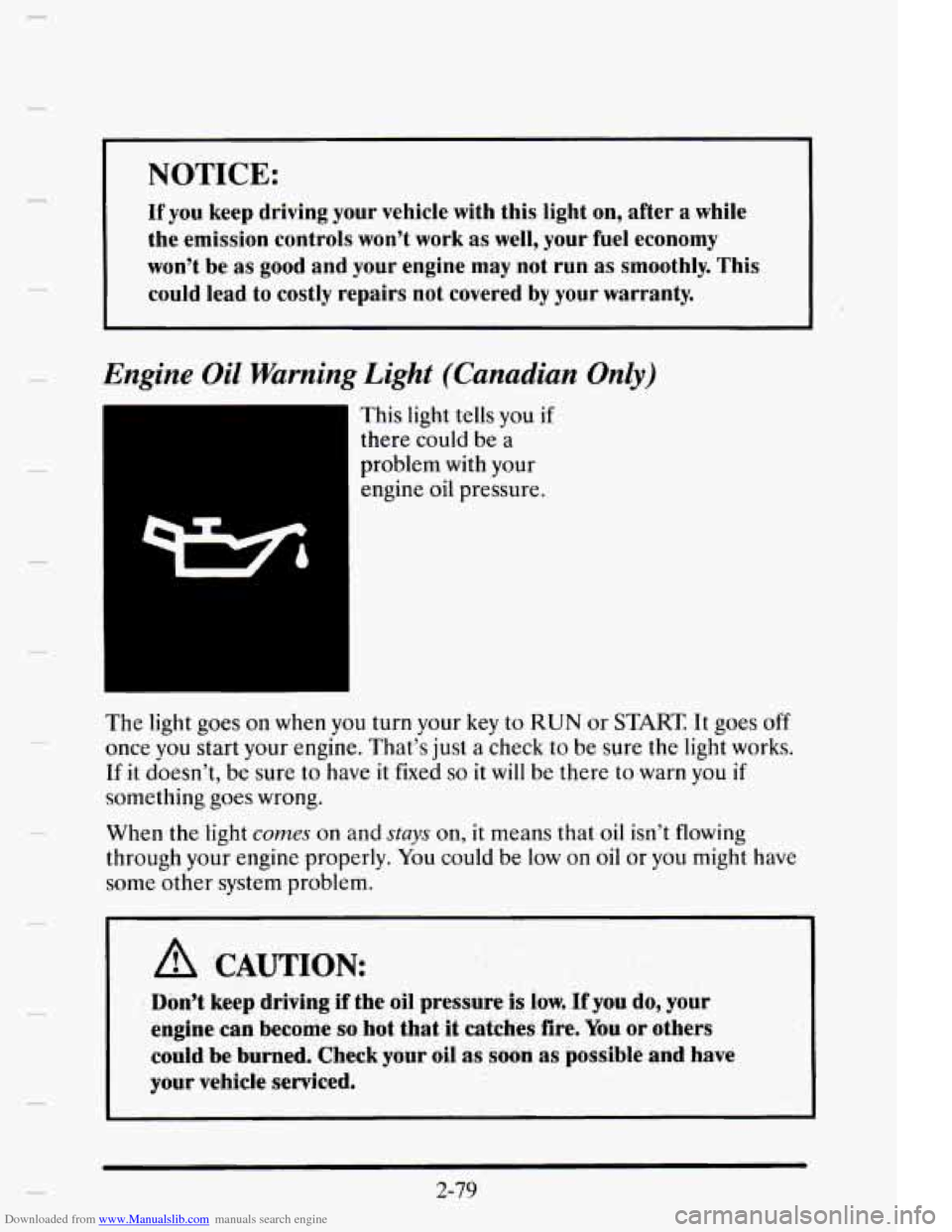
Engine Oil Warning Light (Canadian Only)
I This light tells you if
there could be a
problem with your
engine
oil pressure.
The light goes on when you turn your
key to RUN or START It goes off
once you start your engine. That’s just a check to be sure the light works.
If it doesn’t, be sure to have it fixed so it will be there to warn you if
something goes wrong.
When the light
comes on and stays on, it means that oil isn’t flowing
through your engine properly. You could be
low on oil or you might have
some other system problem.
I A CAUTION:
Don’t keep driving if the oil pressure is low. if you do, your
engine
can become so hot that hatches fire. You or others
could
be burned. Check your oil as soon as possible and have
your vehicle serviced.
2-79
Page 157 of 395
Downloaded from www.Manualslib.com manuals search engine Driver Information Center Messages
These messages will appear if there is a problem sensed in one of your
vehicle’s systems. Vehicles
that are first sold in Canada will have a number
after each message.
This number hclps to identify the message which is
only displayed in English.
APPLY BRAKE TO SHIFT - 46
This message will appear if your vehicle is in PARK (P) for about
15 seconds and
the brake is not pressed in. If you do not want this
message
to appear, you can cancel it by holding the OFF and the blue
(cooler) button on
the Electronic Climate Control panel for about five
seconds. Hold the same
two buttons again to have this message displayed
again.
A/C OVERHEATED - A/C COMPRESSOR OFF - 15
If the refrigerant system ever rcaches an over-pressure condition, this
message
will appear to tell you that the air conditioning compressor has
been turned off. Air conditioned air
will not be delivered to cool your
vehicle.
If the pressure returns to a normal operating range, you must
select AUTO,
DEFOG or DEFROST to start the compressor. If this
message continues to appear, have the system repaired
as soon as possible
to avoid compressor damage.
BATTERY NO CHARGE - 07
This message will appear if your battery is not being charged. Have your
electrical system checked
by your Cadillac dealership at your earliest
convenience.
BATTERY VOLTS HIGH - OS
This message shows that the electrical charging system is overcharging
(more than
16 volts). To avoid being stranded have the electrical system
checked by your Cadillac dealership.
You can reduce the charging
overload by using the accessories.
Turn on the lamps and radio, set the
climate control
on AUTO and the fan speed on HI, and turn the rear
window defogger on.
You can monitor battery voltage on the Driver
information Center by toggling the INFORMATION button. The normal
range is 1 1.5
to 15.5 volts when the engine is running.
2-86
Page 158 of 395
Downloaded from www.Manualslib.com manuals search engine BATTERY VOLTS LOW - 06
This message will appear when the electrical system is charging less than
10 volts or if the battery has been drained. If this message appears
immediately after starting,
it is possible that the generator can still
recharge the battery. The battery should recharge after driving a few miles
and the message should go out. If this message appears while driving or
after starting your vehicle and stays on, have
it checked immediately to
determine the cause
of this problem. To help the generator recharge the
battery quickly you can reduce the load on the electrical system by turning
off your accessories. You can monitor battery voltage on
the Driver
Information Center by toggling the
INFORMATION button. The normal
range
is 11.5 to 15.5 volts.
CHANGE TRANS FLUID - 47
This message will appear when it is time to replace the transaxle fluid. See
your maintenance schedule booklet for the proper fluid and change
intervals.
CHECK BRAKE FLUID - 37
This message is displayed to inform the driver that the brake reservoir
fluid level is low. Check
the brake reservoir level and add as needed. Have
the brake system serviced by a Cadillac technician as soon as possible.
If the brake warning light is on, follow the directions in that part.
CHECK COOLANT LEVEL - 04
This message will appear when there is a low level of engine coolant.
Have the cooling system serviced by a Cadillac technician as soon as
possible.
CHECK FUEL GAGE - 39
This message will appear when your fuel supply is less than four gallons
and your display is turned off.
2-87
Page 159 of 395
Downloaded from www.Manualslib.com manuals search engine LOW OIL LEVEL - 36
For correct operation of the low oil sensing system, the vehicle should be
on a level surface. A false LOW OIL LEVEL message may appear if the
vehicle is parked
on grades. The oil level sensing system does not check
for actual oil
level if the engine has been off for a short period of time,
and the
oil level is never sensed while the engine is running. If the LOW
OIL LEVEL message appears, and your vehicle has been parked on level
ground with
the engine off for at least 30 minutes, your oil level should be
checked by observing the oil dipstick. Prior to checking your oil level be
sure your engine has
been off for five minutes and your vehicle is on a
level surface. Then check your dipstick and add oil if necessary. See
“Engine
Oil” in the Index.
CHECK WASHER FLUID - 25
This message will appear for a few seconds indicating that you need
washer solvent.
CHANGE OIL SOON - 40
This message will appear when you have used 90% of the engine oil’s
expected life, based on your driving patterns.
CHANGE ENGINE OIL - 82
This means that the life of your engine oil has expired and it should be
changed within 200 miles. See “Engine Oil” and “Filter
Recommendations”
in the Maintenance Schedule. After an oil change the
Oil Life Index must be resct. See “Oil Life Indicator” in the Index on how
to reset it.
CRUISE ENGAGED - 43
This message will appear for a few seconds when you select a speed at
which to cruise.
ENGINE COOLANT HOT - 44
This message will appear when your engine coolant temperature is over
248’ F (126’ C). To avoid added strain on a hot cngine turn off your
Climate Control system. Stop and allow your vehicle
to idle until it cools
down or the message is removed.
If it does not cool down, turn off your
engine and have it serviced before driving
it again. Severe engine damage
can result from an overheated engine. See “Engine Overheating” in the
Index.
2-88
Page 160 of 395

Downloaded from www.Manualslib.com manuals search engine ENGINE HOT - A/C COMPRESSOR OFF - 16
This message will appear when the Climate Control is in AUTO or
defrost and the engine coolant
is hotter than the normal operating
temperature. To avoid added strain on
a hot engine the air conditioning
compressor
is automatically turned off. When that happens, air
conditioned air is not delivered. If the coolant temperature returns to
normal, you must select AUTO, DEFOG or DEFROST to return to a
normal A/C compressor operation.
FUEL LEVEL VERY LOW - 11
c
i
This message serves as a warning that the fuel level in your tam IS
critically low. It means you should stop for fuel immediately.
SERVICE A/C SYSTEM A/C COMPRESSOR OFF - 14
This message appears when the electronic sensors that control the A/C
and heating system are no longer working. Have your Climate Control
system serviced
if you notice a drop in heating and A/C efficiency.
STARTING DISABLED DUE TO THEFT SYSTEM REMOVE
IGNITION KEY
- 33
This message will a ear when the Personalized Automotive Security
System (PASS-Key 11) senses
that an improper ignition key is being used
to
try to start the vehicle. Check the ignition key for damage. If it is
damaged, it may need to be replaced. If you see no damage, clean the
pellet contacts
with a soft cloth or napkin. Remove the ignition key and
wait for the Driver Information Center to display WAIT
3 MINUTES.
The instrument panel cluster
will then run a timer and change the
messages
to WAIT 2 MINUTES, WAIT 1 MINUTE, and then START
CAR. When the START CAR message is displayed,
try again to start the
engine.
SERVICE NOW - REFER TO OWNERS MANUAL - 02
This message appears if you have a problem with the Powertrain Control
Module (PCM).
To correct this problem have your vehicle serviced at
your Cadillac dealership.
2-89