Page 88 of 340
Turn Signal and Lane Change Indicator
The turn signal has two upward (for right) and two
downward (for left) positions. These positions allow you
to signal a turn or a lane change.
To signal
a turn, move the lever all the way up or down.
When
the turn is finished, the lever will return
automatically.
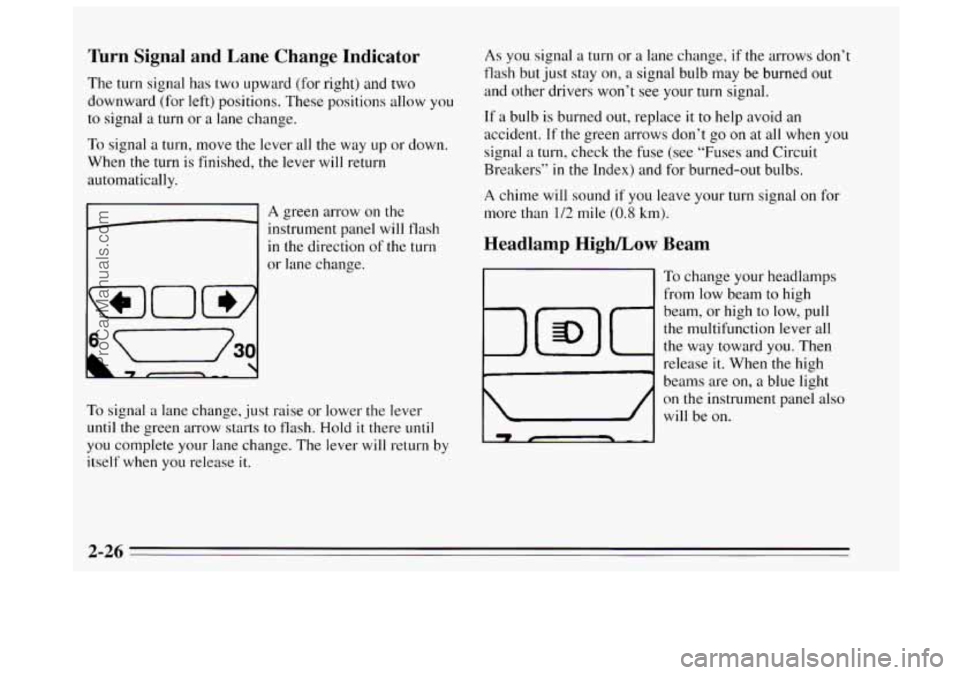
A green arrow on the
instrument panel will flash
in the direction of the turn
or lane change.
To signal a lane change, just raise or lower the lever
until the green arrow starts to flash. Hold it there until
you complete your lane change. The lever will return by
itself when you release it.
As you signal a turn or a lane change, if the arrows don’t
flash but just stay on, a signal bulb may be burned out
and other drivers won’t see
your turn signal.
If a bulb is burned out, replace
it to help avoid an
accident. If the green arrows don’t go on at all
when you
signal a turn, check the fuse (see
“Fuses and Circuit
Breakers”
in the Index) and for burned-out bulbs.
A chime will sound if you leave your turn signal on for
more than 1/2 mile
(0.8 km).
Headlamp High/Low Beam
bmd
To change your headlamps
from low beam to high
beam, or high to low, pull
the multifunction lever all
the way toward you. Then
release
it. When the high
beams are on,
a blue light
on the instrument panel
also
will be on.
2-26
ProCarManuals.com
Page 91 of 340
To Set Cruise Control
1. Move the cruise control switch to ON.
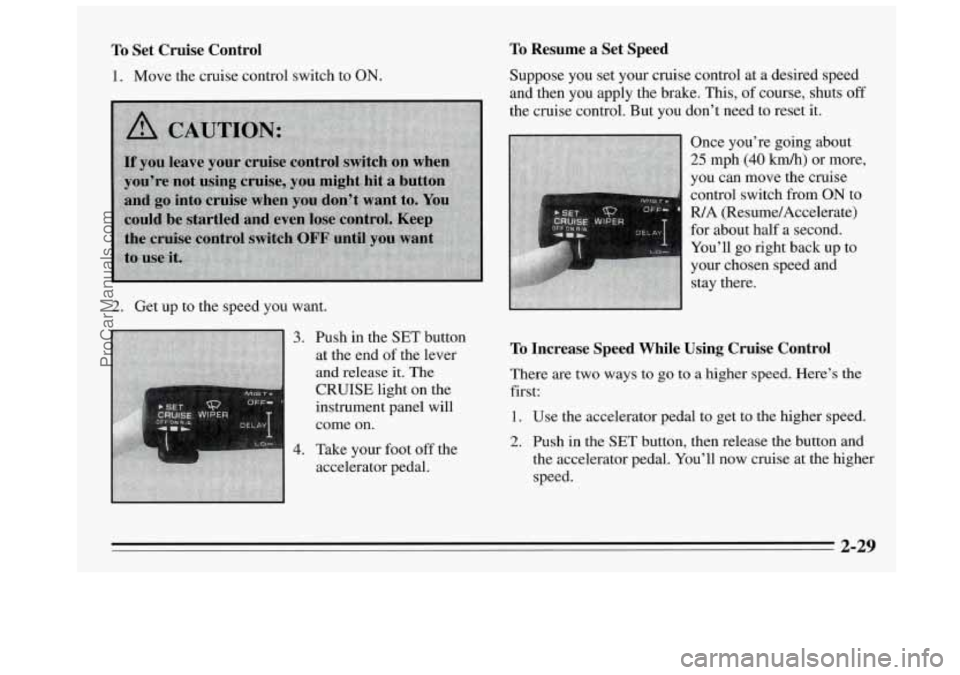
2. Get up to the speed you want.
3.
4.
Push
in the SET button
at the end of the lever
and release
it. The
CRUISE light on the
instrument panel will
come on.
Take your foot off the
accelerator pedal.
To Resume a Set Speed
Suppose you set your cruise control at a desired speed
and then you apply the brake. This, of course, shuts
off
the cruise control. But you don’t need to reset it.
Once you’re going about
25 mph (40 km/h) or more,
you can move the cruise
control switch from
ON to
WA (Resume/Accelerate)
for about half
a second.
You’ll go right back up to
your chosen speed and
stay there.
To Increase Speed While Using Cruise Control
There are two ways to go to a higher speed. Here’s the
first:
1.
2.
Use the accelerator pedal to get to the higher speed.
Push in the
SET button, then release the button and
the accelerator pedal. You’ll now cruise at the higher
speed.
2-29
ProCarManuals.com
Page 93 of 340
To Erase Cruise Speed Memory
When you turn off the cruise control or the ignition, or
shift into PARK (P) or NEUTRAL
(N), your cruise
control set speed memory is erased.
Lamps
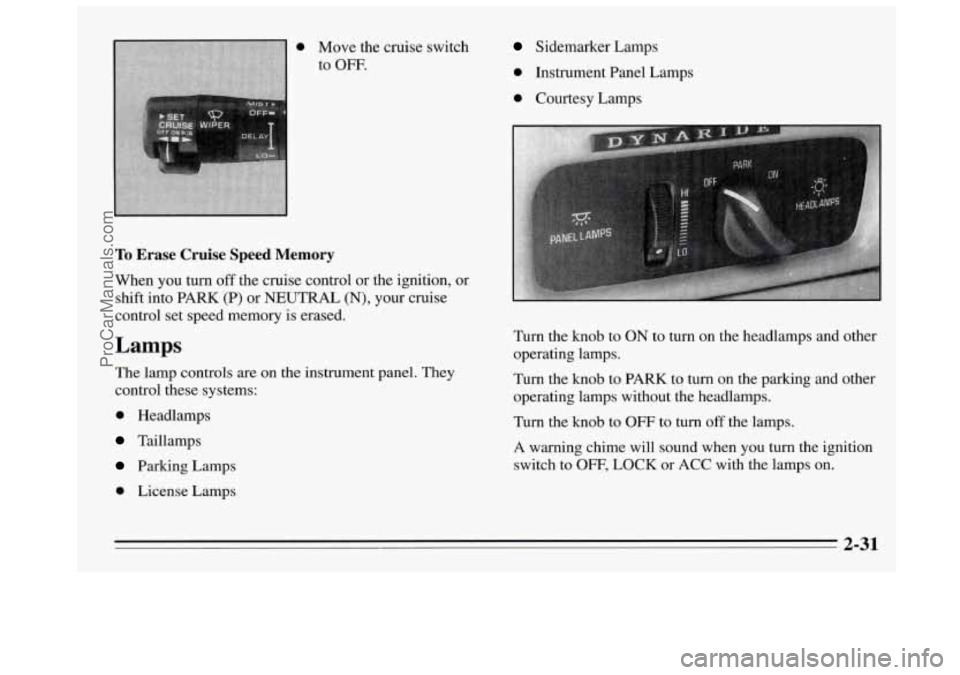
The lamp controls are on the instrument panel. They
control these systems:
0 Headlamps
Taillamps
Parking Lamps
0 License Lamps
Sidemarker Lamps
0 Instrument Panel Lamps
0 Courtesy Lamps
Turn the knob to
ON to turn on the headlamps and other
operating lamps.
Turn the knob to PARK to
turn on the parking and other
operating lamps without the headlamps.
Turn the knob to
OFF to turn off the lamps.
A warning chime will sound when you turn the ignition
switch
to OFF', LOCK or ACC with the lamps on.
2-31
ProCarManuals.com
Page 94 of 340
Instrument Panel Lamps
You can brighten or dim the instrument panel lamps by
moving the PANEL
LAMPS dial. If you turn the dial
past
HI, your courtesy or interior lamps will conle on.
Daytime Running Lamps (Canada Only)
Daytime Running Lamps (DRL) can make it easier for
others to see the front of your vehicle during the day.
DRL can be helpful in many different driving
conditions, but they can be especially helpful
in the
short periods after dawn and before sunset.
A light sensor on top of the instrument panel makes the
DRL work,
so be sure it isn’t covered,
The
DRL system will make your low-beam headlamps
come on at a reduced brightness when: When the DRL
are
on, only your low-bearn headlamps
will be on. The taillamps, sidemarker and other lamps
won‘t be
on. Your instrument panel won’t be lit up either.
When it’s dark enough outside, your low-beam
headlamps will change to
full brightness. The other lamps
that come
on with your headlamps will also come on.
When it’s bright enough outside, the regular lamps
will
go off, and your low-beam headlamps change to the
reduced brightness of DRL.
To idle your vehicle with the DRL off, set the parking brake
while the ignition is
in OFF or LOCK. Then start your vehicle.
The
DIU will stay off until you release the parking brake.
As with any vehicle, you should turn on the regular
headlamp system any time you need it.
0 The ignition is on,
0 The headlamp switch is off, and
0 The parking brake is released.
2-32
ProCarManuals.com
Page 103 of 340
Ashtrays and Lighter
Center Front Ashtray
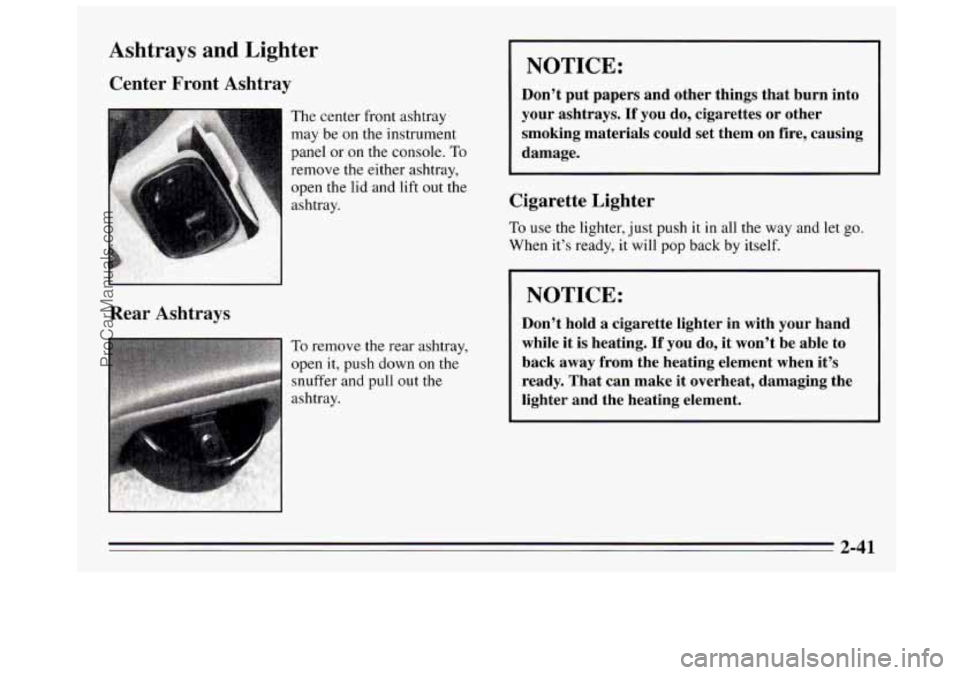
The center front ashtray
may be on the instrument
panel or
on the console. To
remove the either ashtray,
open the lid and lift
out the
ashtray.
Rear Ashtrays
To remove the rear ashtray,
open
it, push down on the
snuffer and pull
out the
ashtray.
I NOTICE:
Don’t put papers and other things that burn into
your ashtrays.
If you do, cigarettes or other
smoking materials could set them on fire, causing
damage.
Cigarette Lighter
To use the lighter, just push it in all the way and let go.
When it’s ready, it will pop back
by itself.
~ NOTICE:
Don’t hold a cigarette lighter in with your hand
while it is heating.
If you do, it won’t be able to
back away from the heating element when it’s
ready. That can make it overheat, damaging the
lighter and the heating element.
2-41
ProCarManuals.com
Page 104 of 340
Instrument Panel -- Your Information System
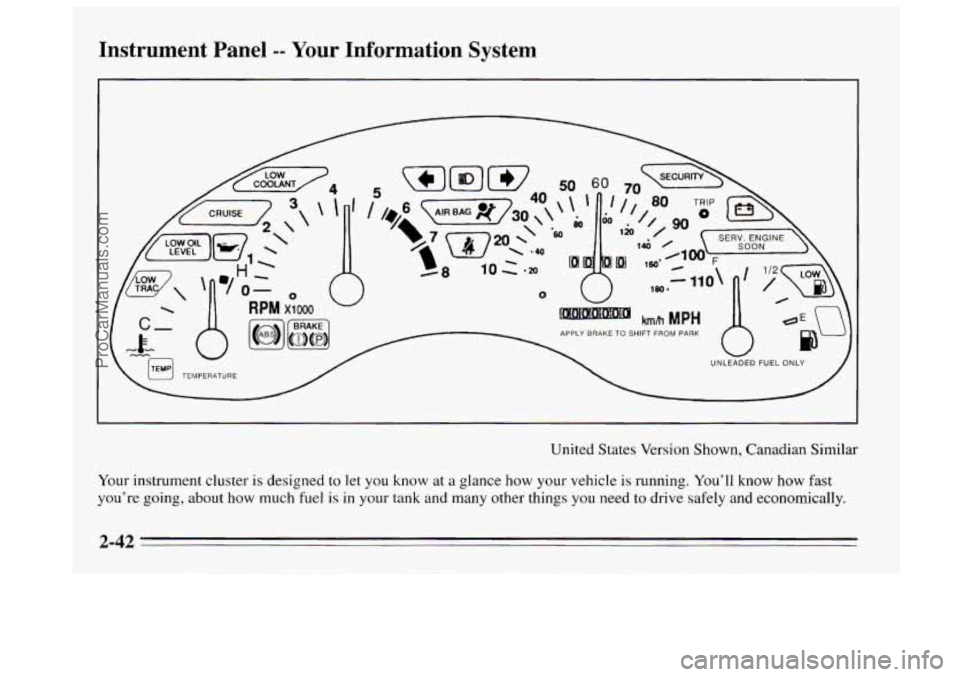
United States Version Shown, Canadian Similar
Your instrument cluster
is designed to let you know at a glance how your vehicle is running. You’ll know how fast
you’re going, about how much fuel
is in your tank and many other things you need to drive safely and economically.
2-42
ProCarManuals.com
Page 108 of 340
Safety Belt Reminder Light
b3
8
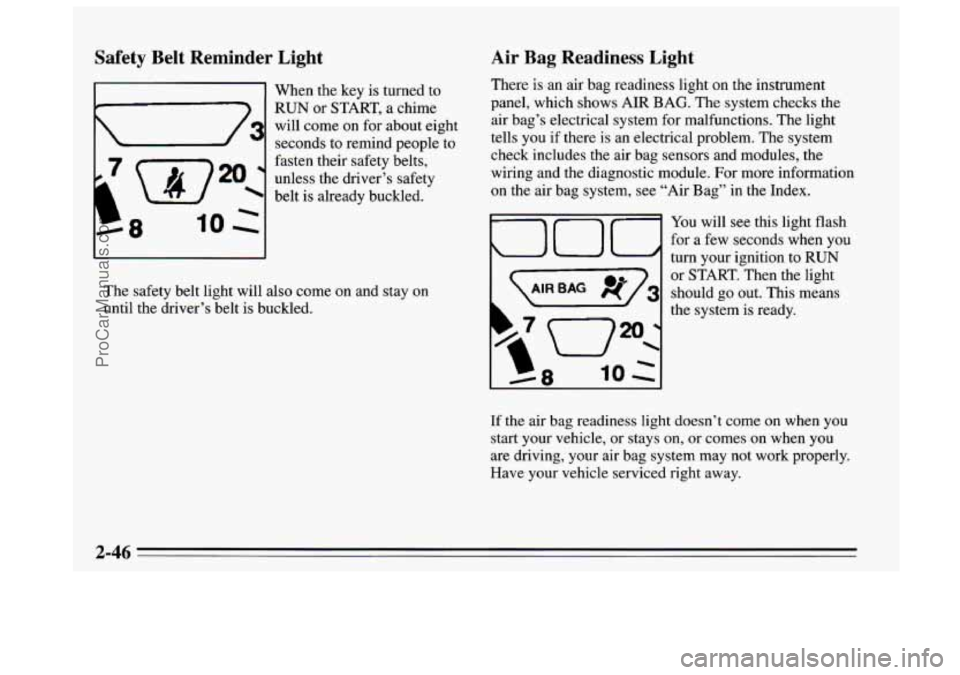
When the key is turned to
RUN or START, a chime
will come
on for about eight
seconds to remind people to
fasten their safety belts,
unless the driver’s safety belt
is already buckled.
The safety belt light will also come on and stay
on
until the driver’s belt is buckled.
Air Bag Readiness Light
There is an air bag readiness light on the instrument
panel, which shows AIR BAG. The system checks the
air bag’s electrical system for malfunctions. The light
tells
you if there is an electrical problem. The system
check includes the air bag sensors and modules, the
wiring and the diagnostic module. For more information
on the air bag system, see “Air Bag” in the Index.
10: I
You will see this light flash
for a few seconds when you
turn your ignition to RUN
or START. Then the light
AIR BAG 4 3 should go out. This means
the system is ready.
-8 10 :
If the air bag readiness light doesn’t come on when you
start your vehicle, or stays on, or comes on when you
are driving, your air bag system may not work properly.
Have your vehicle serviced right away.
2-46
ProCarManuals.com
Page 118 of 340
System Controls
Fan Lever
The bottom lever selects the force of air you want.
Temperature Lever
The upper lever changes the temperature of the air coming
through the system. Slide the lever toward
WARM for
warmer air. Slide the lever toward
COOL for cooler air. If
your system has the auxiliary temperature control option,
this lever controls the temperature for
the whole vehicle
unless
DUAL is pressed. When DUAL is pressed, this
lever controls the temperature for the driver.
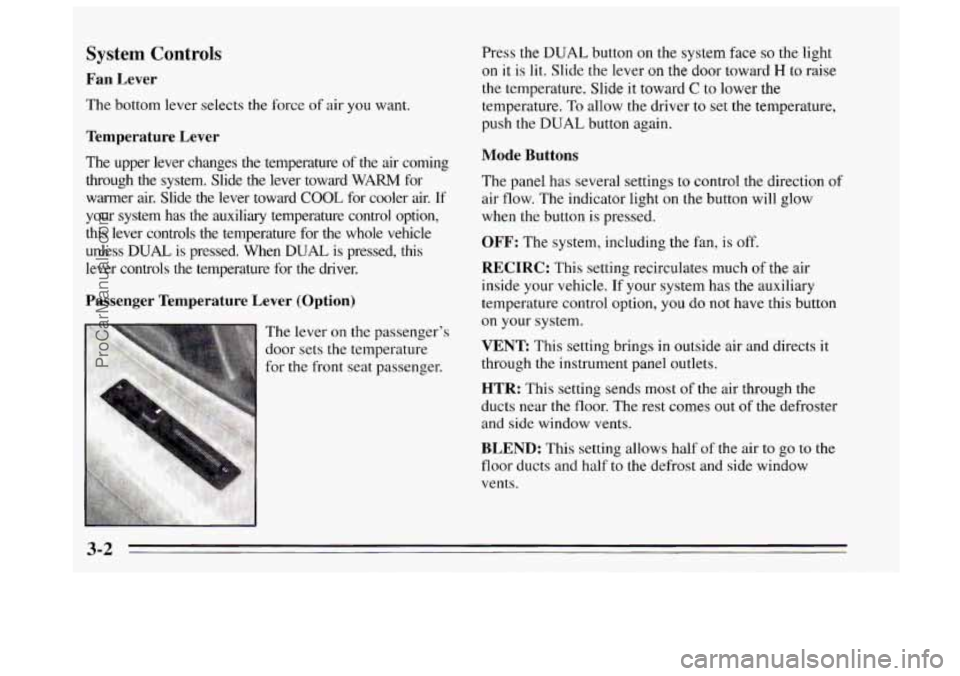
Passenger Temperature Lever (Option)
Press the DUAL button on the system face so the light
on it is lit. Slide the lever on the door toward H to raise
the temperature. Slide it toward
C to lower the
temperature. To allow the driver
to set the temperature,
push the
DUAL button again.
Mode Buttons
The panel has several settings to control the direction of
air flow. The indicator light
on the button will glow
when the button
is pressed.
OFF: The system, including the fan, is off.
RECIRC: This setting recirculates much or tne air
inside your vehicle.
If your system has the auxiliary
temperature control option, you do not have this button
on your system.
VENT This setting brings in outside air and directs it
through the instrument panel outlets.
HTR: This setting sends most of the air through the
ducts near the floor. The rest comes out of the defroster
and side window vents.
BLEND: This setting allows half of the air to go to the
floor ducts and half to
the defrost and side window
vents.
3-2
ProCarManuals.com