1994 PONTIAC BONNEVILLE reset
[x] Cancel search: resetPage 71 of 290
Features & Controls
Windshield Wipers
(CONT)
Heavy snow or ice can overload your
wiper motor.
A circuit breaker will stop
the motor until it cools. Clear away snow
or ice to prevent an overload.
Keep in mind that damaged wiper blades
may prevent you from seeing well enough
to drive safely. To avoid damage, be sure
to clear ice and snow from the wiper
blades before using them.
If your blades
do become damaged, get new blades or
blade inserts. Some models have
a “WASHER FLUID’
warning, that indicates
if the fluid level in
the windshield washer is low. See “Low
Washer Fluid Warning Light” in the
II
Windshield Washer
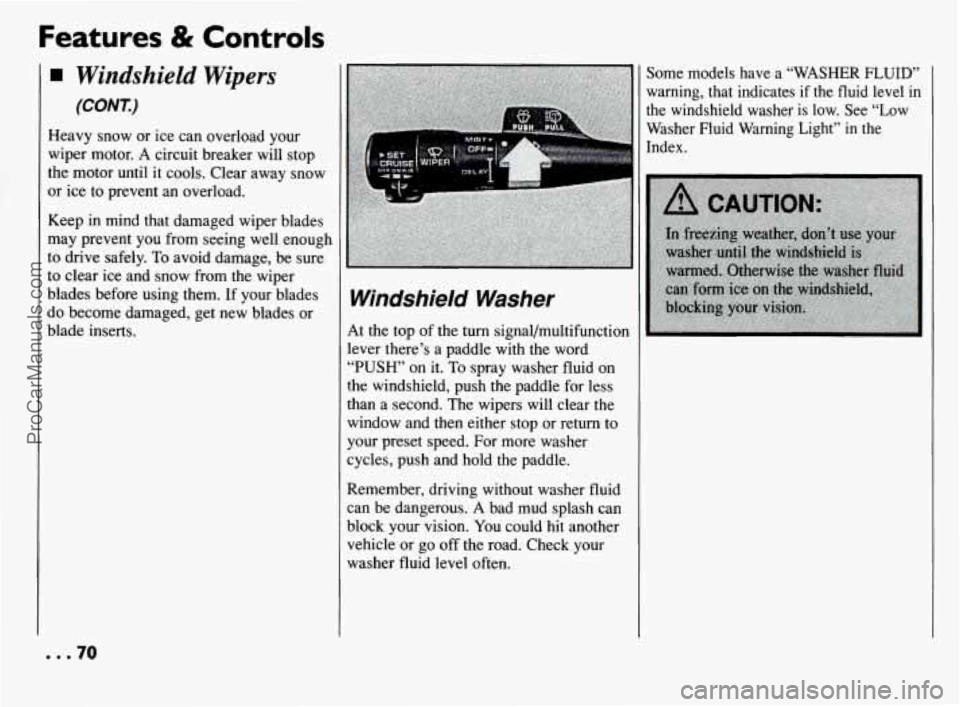
At the top of the turn signal/multifunction
lever there’s a paddle with the word
“PUSH’ on it. To spray washer fluid on
the windshield, push the paddle for less
:han a second. The wipers will clear the
window and then either stop or return to
your preset speed. For more washer
cycles, push and hold the paddle.
Remember, driving without washer fluid
can be dangerous.
A bad mud splash can
block your vision.
You could hit another
vehicle or go off the road. Check your
washer fluid level often.
... 70
ProCarManuals.com
Page 74 of 290
To Resume a Set Speed
Suppose you set your Cruise Control at a
desired speed and then you apply the
brake. This, of course, shuts off the
Cruise Control.
But you don’t need to
reset it. Once you’re going about
25 mph
(40 km/h) or more, you can move the
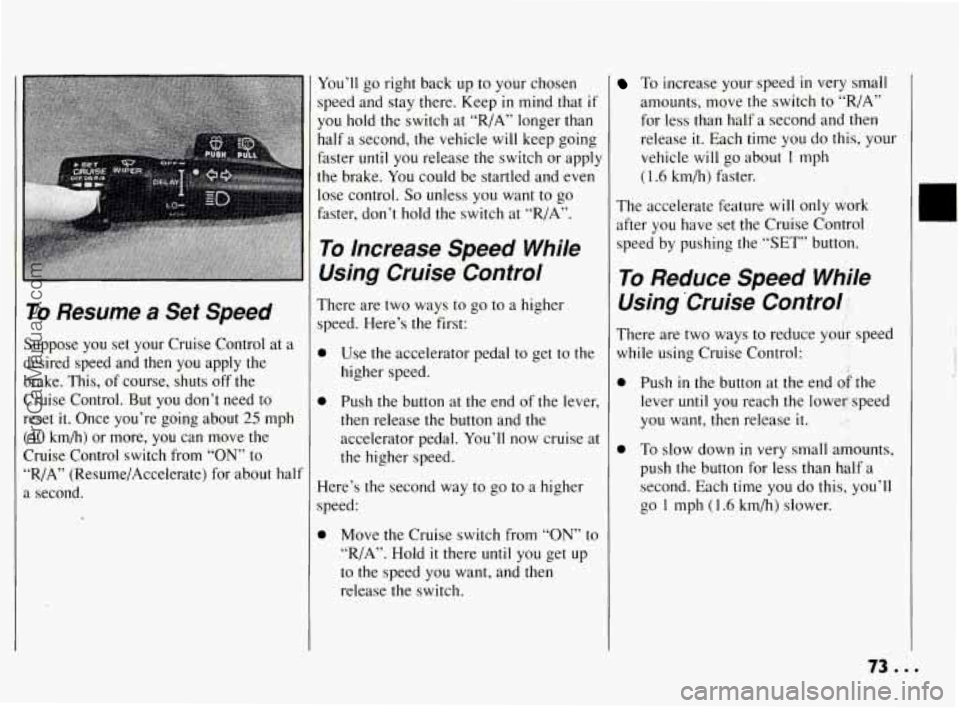
Cruise Control switch from
“ON” to
“R/A” (Resume/Accelerate) for about half
a second.
You’ll go right back up to your chosen
speed and stay there. Keep
in mind that if
you hold the switch at “R/A” longer than
half a second, the vehicle
will keep going
faster
until you release the switch or apply
the brake.
You could be startled and even
lose control.
So unless you want to go
faster, don’t hold the switch at “R/A”.
To Increase Speed While
Using Cruise Control
There are two ways to go to a higher
speed. Here’s the first:
0 Use the accelerator pedal to get to the
higher speed.
0 Push the button at the end of the lever,
then release the button and the
accelerator pedal.
You’ll now cruise at
the higher speed.
Here’s the second way to
go to a higher
speed:
0 Move the Cruise switch from “ON” to
“R/A”. Hold it there until you get up
to the speed you want, and then
release the switch.
To increase your speed in very small
amounts, move the switch to
“,/A”
for less than half a second and then
release
it. Each time you do this, your
vehicle
will go about 1 mph
(1.6 km/h) faster.
The accelerate feature will only work
after
you have set the Cruise Control
speed
by pushing the “SET” button.
To Reduce Speed Whjle
Using ‘Cruise Control 1,
There are two ways to reduce your speed
while using Cruise Control:
Push
in the button at the end &the
lever until you reach ihe lower speed
you want, then release
it. I .,
To slow down in very small amounts,
push the button for less
than half a
second. Each time
you do this, you’ll
go
1 mph (1.6 km/h) slower.
ProCarManuals.com
Page 88 of 290
The Instrument
Panel-Your
Information System
Your instrument panel is designed to let
you
know at a glance how your vehicle is
running.
You’ll know how fast you’re
going, how much fuel you’re using, and
many other things you’ll need to drive
safely and economically;
.. .L .
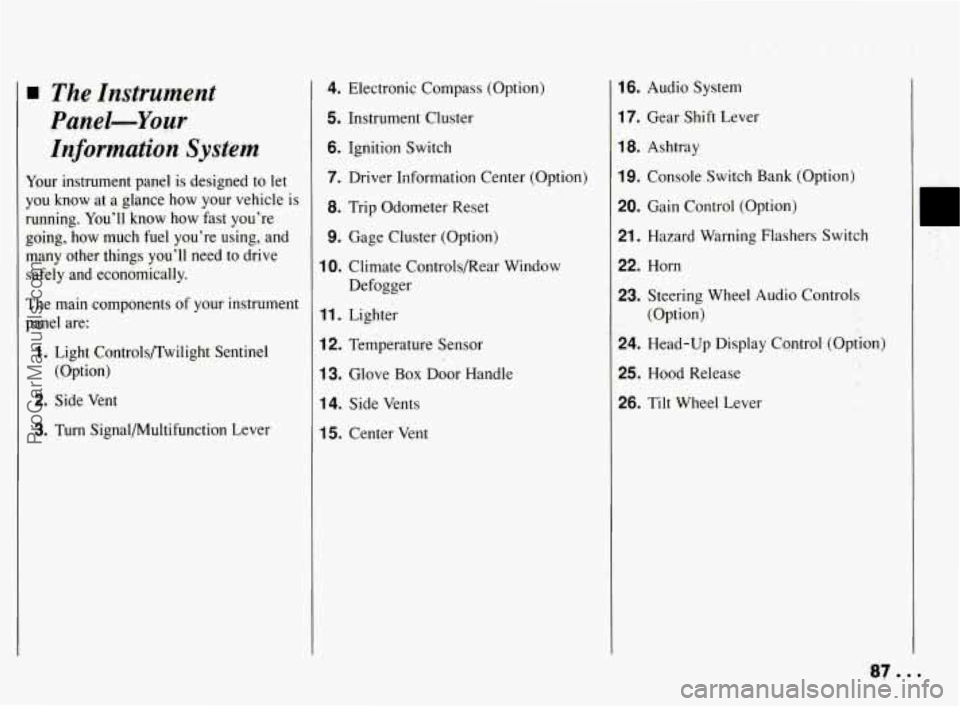
The main components of your instrument
panel are:
1. Light Controls/Twilight Sentinel
(Option)
2. Side Vent
3. Turn Signal/Multifunction Lever
4. Electronic Compass (Option)
5. Instrument Cluster
6. Ignition Switch
7. Driver Information Center (Option)
8. Trip Odometer Reset
9. Gage Cluster (Option)
10. Climate Controls/Rear Window
Defogger
11. Lighter
12. Temperature Sensor
13. Glove Box Door Handle
14. Side Vents
15. Center Vent
16. Audio System
17. Gear Shift Lever
18. Ashtray
19. Console Switch Bank (Option)
20. Gain Control (Option)
21. Hazard Warning Flashers Switch
22. Horn
23. Steering Wheel Audio Controls
(Option)
24. Head-Up Display Cqntrol. (Option)
25. Hood Release
26. Tilt Wheel Lever
I
ProCarManuals.com
Page 91 of 290
Features & Controls
Speedometer and Odometer
Your speedometer lets you see your speed
in both miles per hour (mph) and
kilometers per hour (kmh). Your
odometer shows how far your vehicle has
been driven, in either miles (used in the
U.S.) or kilometers (used in Canada).
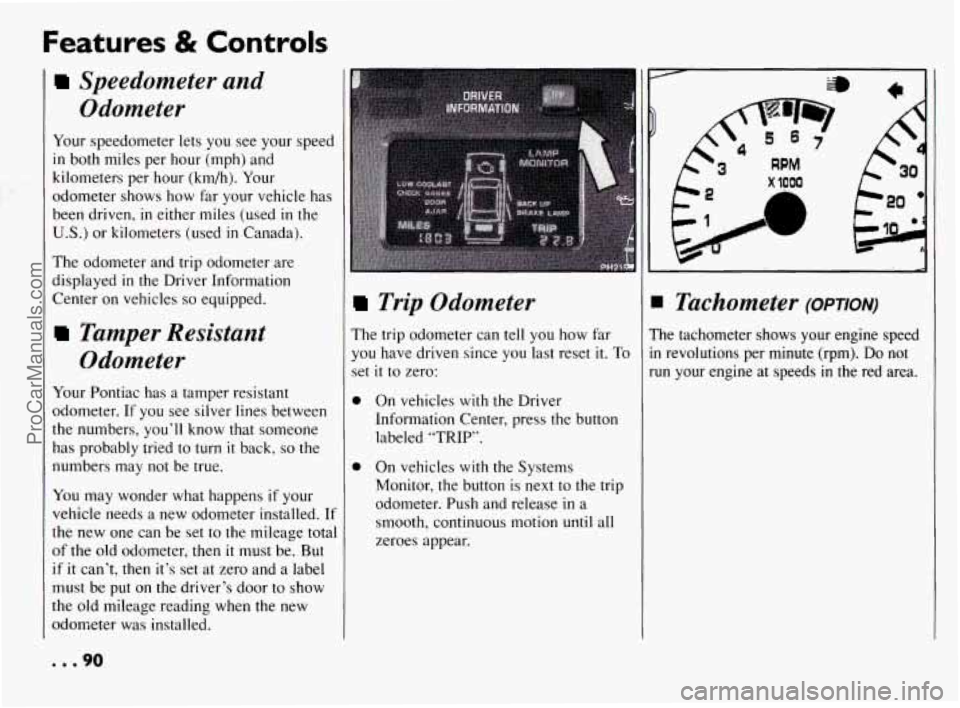
The odometer and trip odometer are
displayed
in the Driver Information
Center
on vehicles so equipped.
Tamper Resistant Odometer
Your Pontiac has a tamper resistant
odometer.
If you see silver lines between
the numbers,
you’ll know that someone
has probably tried to
turn it back, so the
numbers may
not be true.
You may wonder what happens if your
vehicle needs a new odometer installed.
If
the new one can be set to the mileage total
of the
old odometer, then it must be. But
if it can’t, then it’s set at zero and a label
must be put on the driver’s door to show
the old mileage reading when the new
odometer was installed.
Trip Odometer
The trip odometer can tell you how far
you have driven since
you last reset it. To
set it to zero:
0
0 On vehicles with the Driver
Information Center, press the button
labeled
“TRIP’.
On vehicles with the Systems
Monitor. the button is next to the trip
odometer. Push and release
in a
smooth, continuous motion unti
zeroes appear.
1 all
x 1000
A
IB
I Tachometer (OPTION)
’he tachometer shows your engine speed
I revolutions per minute (rpm). Do not
un your engine at speeds
in the red area.
... 90
ProCarManuals.com
Page 99 of 290
Features & Controls
rn ANTILOCK (@)
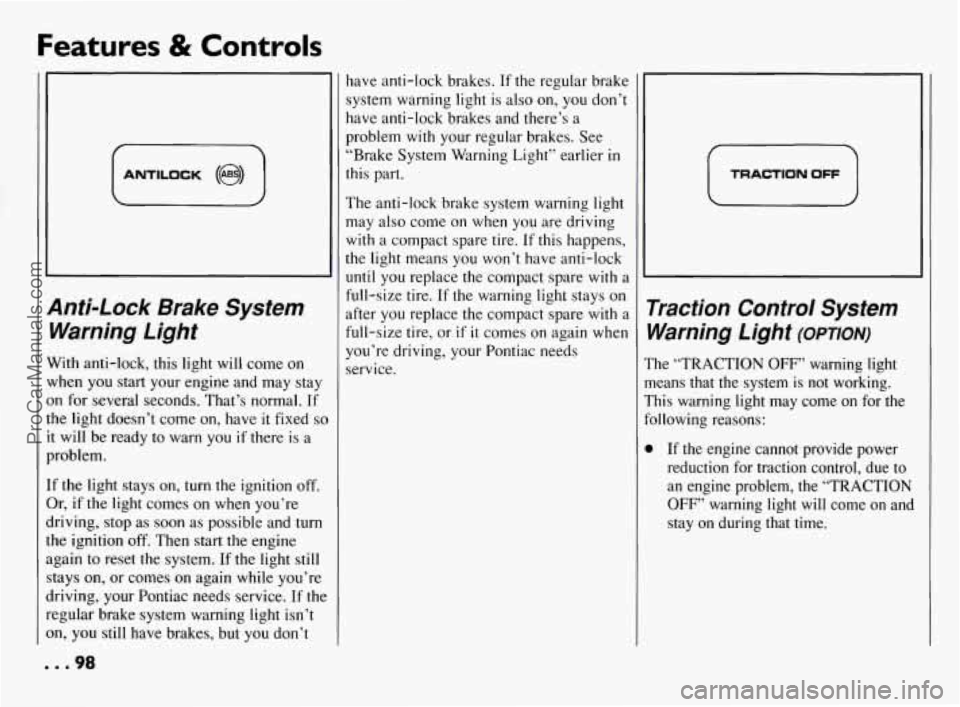
Anti-Lock Brake System Warning Light
With anti-lock, this light will come on
when you start your engine and may stay
on for several seconds. That’s normal. If
the light doesn’t come on, have it fixed
so
it will be ready to warn you if there is a
problem.
If the light stays on, turn the ignition off.
Or, if the light comes on when you’re
driving, stop as soon as possible and turn
the ignition
off. Then start the engine
again to reset the system. If the light still
stays on, or comes on again while you’re
driving, your Pontiac needs service. If the
regular brake system warning light isn’t
on, you still have brakes, but you don’t have anti-lock brakes.
If the regular brake
system warning light is also on, you don’t
have anti-lock brakes and there’s a
problem
with your regular brakes. See
“Brake System Warning Light” earlier
in
this part.
The anti-lock brake system warning light
may also come on when
you are driving
with a compact spare tire. If this happens,
the light means you won’t have anti-lock
until you replace the compact spare with a
full-size tire. If the warning light stays on
after you replace the compact spare with a
full-size tire, or
if it comes on again when
you’re driving, your Pontiac needs
service.
i TRACTION OFF
Traction Control System Warning Light
(omoN)
The “TRACTION OFF” warning light
means that the system is not working.
This warning light may come on for the
following reasons:
0 If the engine. cannot provide power
reduction for traction control, due to
an engine problem, the “TRACTION
OFF” warning light will come on and
stay on during that time.
... 98
ProCarManuals.com
Page 122 of 290
AM/FM Stereo Radio
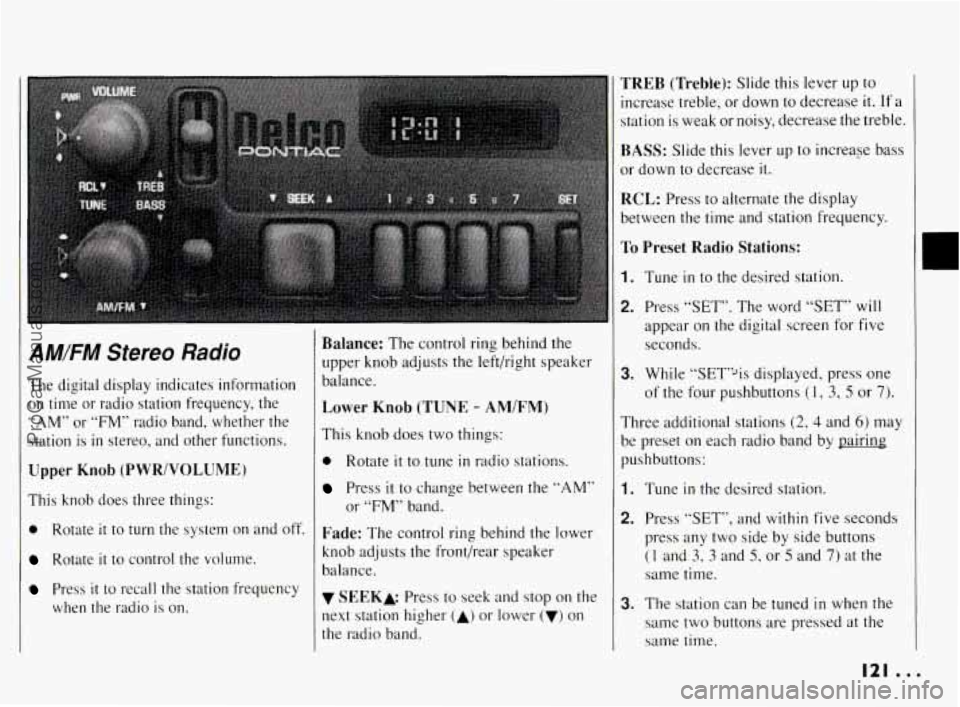
The digital display indicates information on time or radio station frequency, the
“AM” or “FM” radio band, whether the
station
is in stereo, and other functions.
Upper Knob (PWR/VOLUME)
This knob does three things:
0 Rotate it to turn the system on and off.
Rotate it to control the volume.
Press it to recall the station frequency
when the radio
is on.
Balance: The control ring behind the
upper knob adjusts the left/right speaker
balance.
Lower Knob (TUNE - AM/FM)
This knob does two things:
0 Rotate it to tune in radio stations.
Press it to change between the “AM”
or “FM” band.
Fade: The control ring behind the lower
knob adjusts the front/rear speaker
balance.
v SEEKk Press to seek and stop on the
next station higher
(A) or lower (v) on
the radio band.
TREB (Trebke): Slide this lever up to
increase treble, or down to decrease
it. If a
station is weak or noisy, decrease the treble.
BASS: Slide this lever up to increase bass
or down to decrease it.
RCL: Press to alternate the display
between the time and station frequency.
To Preset Radio Stations:
1. Tune in to the desired station.
2. Press “SET”. The word “SET” will
appear on the digital screen for five
seconds.
3. While “SET’% displayed, press one
of the four pushbuttons
(1, 3, 5 or 7).
Three additional stations (2, 4 and 6) may
be preset
on each radio band by pairing
pushbuttons:
1. Tune in the desired station.
2. Press “SET”, and within five seconds
press any two side by side buttons
(1 and 3, 3 and 5, or 5 and 7) at the
same time.
3. The station can be tuned in when the
same two buttons are pressed
at the
same time.
I21 ...
ProCarManuals.com
Page 125 of 290
Comfort Controls & Audio Systems
AM/FM Stereo Radios With Optional Features
(CONT.)
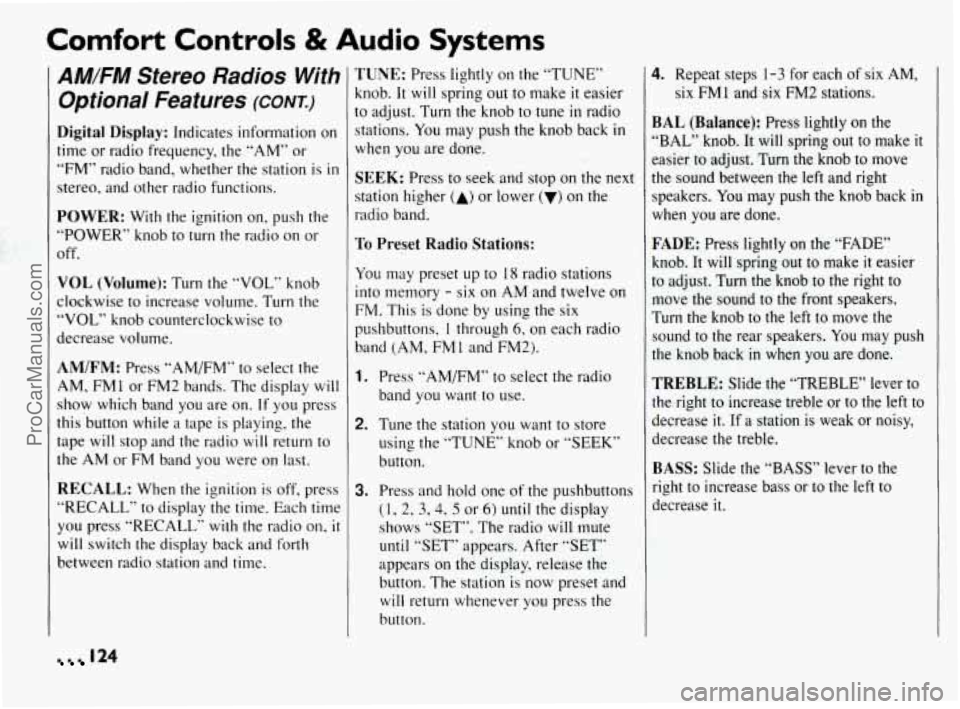
Digital Display: Indicates information on
time or radio frequency, the “AM” or
“FM” radio band, whether the station is in
stereo, and other radio functions.
POWER: With the ignition on, push the
“POWER” knob to turn the radio on or
off.
VOL (Volume): Turn the “VOL” knob
clockwise to increase volume. Turn the
“VOL” knob counterclockwise
to
decrease volume.
AM/FM: Press “AM/FM” to select the
AM, FM
1 or FM2 bands. The display will
show which band you are on.
If you press
this button while a tape is playing, the
tape will stop and the radio will return to
the AM or FM band you were on last.
RECALL: When the ignition is off. press
“RECALL” to display the time. Each time
you press “RECALL” with the radio on, it
will switch the display back and forth
between radio station and time.
TUNE: Press lightly on the “TUNE”
knob.
It will spring out to make it easier
to adjust. Turn the knob to tune in radio
stations.
You may push the knob back in
when you are done.
SEEK: Press to seek and stop on the next
station higher
(A) or lower (v) on the
radio band.
To Preset Radio Stations:
You may preset up to 18 radio stations
into memory
- six on AM and twelve on
FM. This is done by using
the six
pushbuttons,
1 through 6, on each radio
band (AM, FM
1 and FM23.
1. Press “AMFM” to select the radio
band you want to use.
2. Tune the station you want to store
using the “TUNE” knob or “SEEK”
button.
3. Press and hold one of the pushbuttons
(1, 2, 3,4, 5 or 6) until the display
shows “SET”. The radio will mute
until “SET” appears. After “SET”
appears on the display, release the
button. The station is now preset and
will return whenever you press the
button.
4. Repeat steps 1-3 for each of six AM,
six FMl and six FM2 stations.
BAL (Balance): Press lightly on the
“BAL” knob. It will spring
out to make it
easier to adjust. Turn the knob to move
the sound between the left and right
speakers.
You may push the knob back in
when you are done.
FADE: Press lightly on the “FADE”
knob. It will spring out to make
it easier
to adjust. Turn the knob to the right to
move
the sound to the front speakers.
Turn the knob to the left to move the sound
to the rear speakers. You may push
the knob back
in when you are done.
TREBLE: Slide the “TREBLE” lever to
the right
to increase treble or to the left to
decrease it. If
a station is weak or noisy,
decrease the treble.
BASS: Slide the “BASS” lever to the
right to increase bass or to the left to
decrease it.
124
ProCarManuals.com
Page 133 of 290
Comfort Controls & Audio Systems
Steering Wheel Controls
for Audio System (CONK)
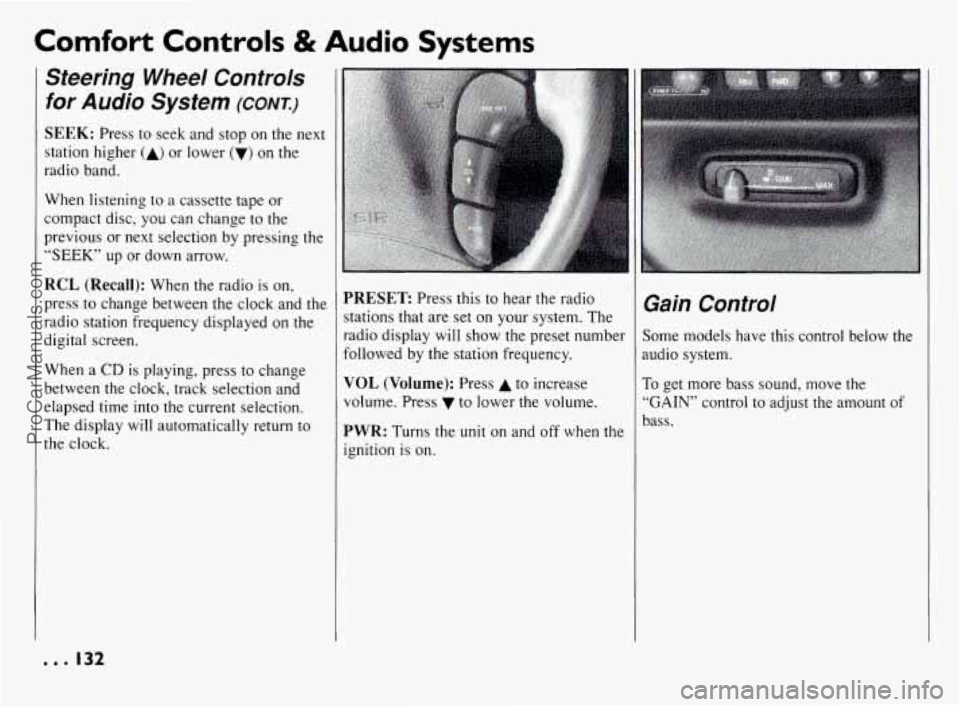
SEEK: Press to seek and stop on the next
station higher
(A) or lower (V) on the
radio band.
When listening to a cassette tape or
compact disc, you can change
to the
previous or next selection by pressing the
“SEEK” up or down arrow.
RCL (Recall): When the radio is on,
press
to change between the clock and the
radio station frequency displayed on the
digital screen.
When a
CD is playing, press to change
between the clock, track selection and
elapsed time into the current selection.
The display will automatically return to
the clock.
PRESET Press this to hear the radio
stations that are set on your system. The
radio display will show the preset number
followed by the station frequency.
VOL (Volume): Press A to increase
volume. Press to lower the volume.
PWR: Turns the unit on and off when the
ignition is on.
Gain Control
;ome models have this control below the
mdio system.
To get more bass sound, move the
.GAIN” control to adjust the amount of
)ass.
--. I32
ProCarManuals.com