Page 65 of 276
Reverse
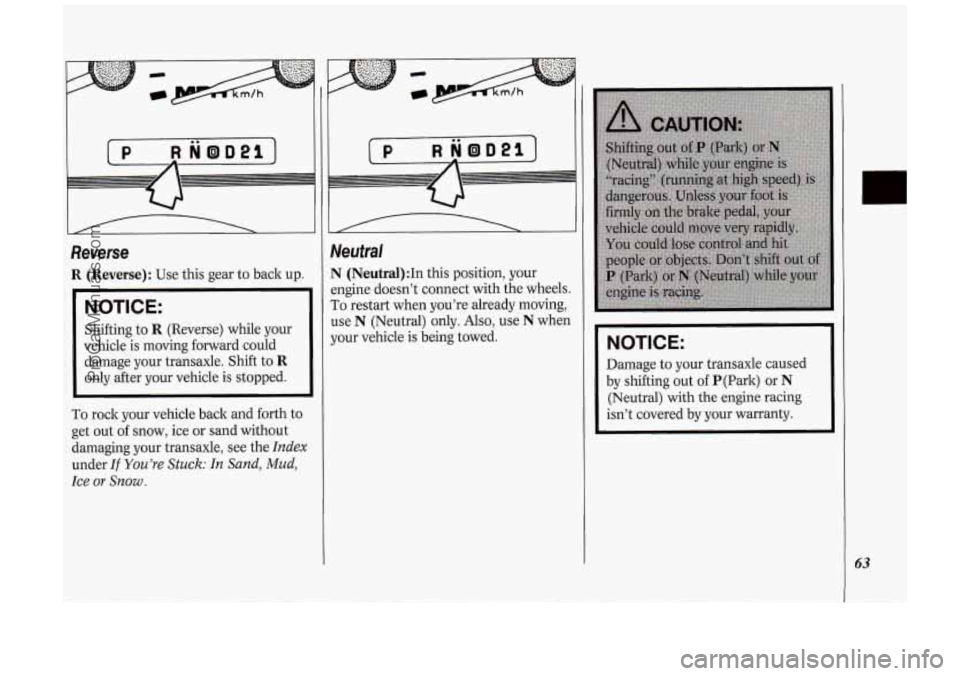
R (Reverse): Use this gear to back up.
NOTICE:
Shifting to R (Reverse) while your
vehicle is moving forward could
damage your transaxle. Shift to
R
only after your vehicle is stopped.
To rock your vehicle back and forth to
get out of snow, ice or sand without
damaging your transaxle, see the
Index
under If You’re Stuck: In Sand, Mud,
Ice
or Snow .
Neutral
N (Neutral):In this position, your
engine doesn’t connect with the wheels.
To restart when you’re already moving,
use N (Neutral) only.
Also, use N when
your vehicle is being towed.
NOTICE:
Damage to your transaxle caused
by shifting out
of P(Park) or N
(Neutral) with the engine racing
isn’t covered by your warranty.
63
ProCarManuals.com
Page 67 of 276
ud. If the selector lever is put in 1, thc
ansaxle won’t shift into first gear unti
le vehicle is going slowly enough.
NOTICE:
If your front wheels can’t rotate,
don’t try to drive.
This might
happen
if you were stuck in very
deep sand or mud or were up
against a solid object.
You could
damage your transaxle. Also,
if you
stop when going uphill, don’t hold
your vehicle there with only the
accelerator pedal. This could
overheat and damage the transaxle.
Use your brakes or shift into
P
(Park) to hold your vehicle in
position on a hill.
Parking Brake
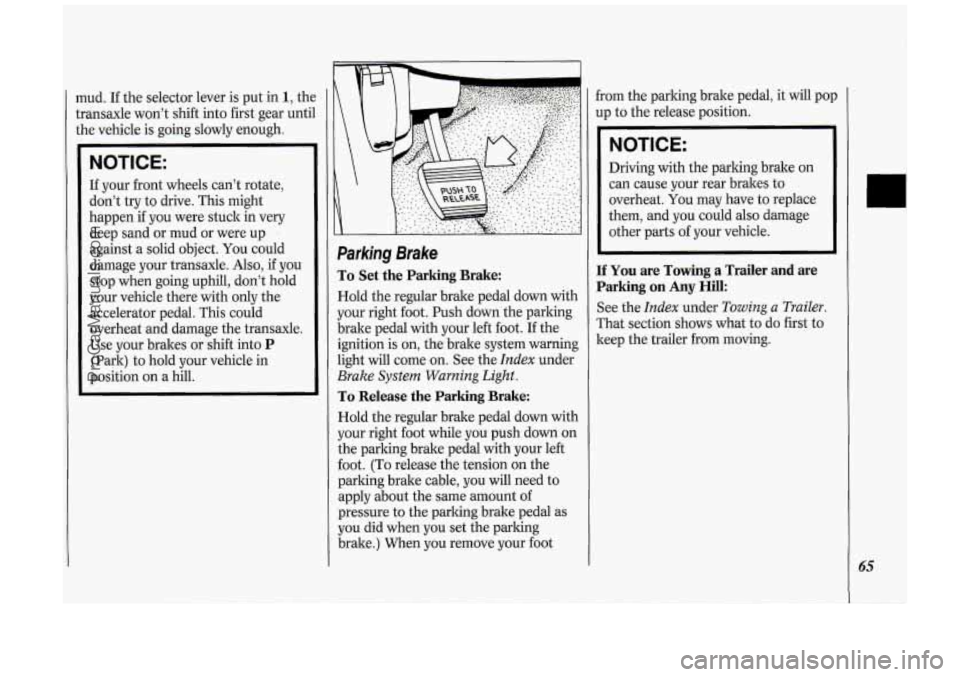
To Set the Parking Brake:
Hold the regular brake pedal down with
your right foot. Push down the parking
brake pedal with your left foot. If the
ignition is on, the brake system warning
light will come
on. See the Index under
Brake System Warning Light.
To Release the Parking Brake:
Hold the regular brake pedal down with
your right foot while you push down on
the parking brake pedal with your left
foot. (To release the tension on the
parking brake cable, you will need to
apply about the same amount of
pressure to the parking brake pedal as
you did when you set the parking
brake.) When you remove your foot from
the parking brake pedal, it will pop
up to the release position.
NOTICE:
Driving with the parking brake on
can cause your rear brakes to
overheat.
You may have to replace
them, and you could also damage
other parts of your vehicle.
If You are Towing a Trailer and are
Parking on
Any Hill:
See the Index under Towing a Trailer.
That section shows what to do first to
keep the trailer from moving.
ProCarManuals.com
Page 71 of 276
Follow the proper steps to be sure your
vehicle won’t move. See
Shifting Into P
(Park) in the Index.
If you are parking on a hill and you’re
pulling a trailer,
also see Towing a
Trailer
in the Index.
Horn
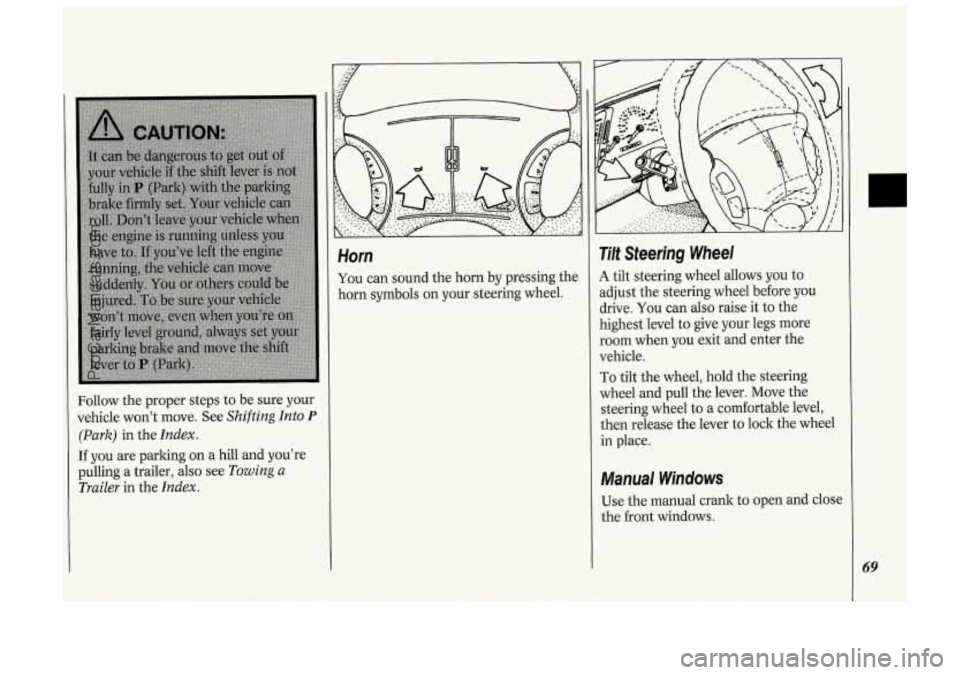
You can sound the horn by pressing the
horn symbols on your steering wheel.
Tilt Steering Wheel
A tilt steering wheel allows you to
adjust the steering wheel before you
drive. You can also raise it to the
highest level to give your legs more
room when you exit and enter the
vehicle.
To tilt the wheel, hold the steering
wheel and pull the lever. Move the
steering wheel to
a comfortable level,
then release the lever to lock the wheel
in place.
Manual Windows
Use the manual crank to open and close
the front windows.
69
ProCarManuals.com
Page 76 of 276
74
Features & Controls
To slow down in very small amounts,
push the button for less than half
a
second. Each time you do this, you'll
go
1 mph (1.6 ltm/h) slower.
Passing Another Vehicle While
Using Cruise Control
Use the accelerator pedal to increase
your speed. When you take your foot off
the pedal, your vehicle will slow down
to the cruise control speed you set
earlier.
Using Cruise Control on Hills
How well your cruise control will work
on hills depends upon your speed, load,
and the steepness of the hills. When
going up steep hills, you may have to
step on the accelerator pedal to
maintain your speed. When going
downhill,
you may have to brake or
shift to a lower gear to keep your speed
down. Of course, applying the brake
takes
you out of cruise control. Many
drivers find this to be too much trouble
and don't use cruise control on steep
hills.
To Get Out of Cruise Control
There are two ways to turn off the
cruise control:
Step lightly on the brake pedal; OR
Move the cruise switch to OFF.
If your vehicle has the optional traction
control system
(TCS), the cruise
control will shut
off when TCS is
actively controlling wheel spin. See the
Index under Traction Control System.
To Erase Cruise Speed Memory
When you turn off the cruise control or
the ignition, your cruise control set
speed memory is erased. If you have the
3800 V6 engine, cruise control memory
will also be erased when you place the
transaxle in
P (Park).
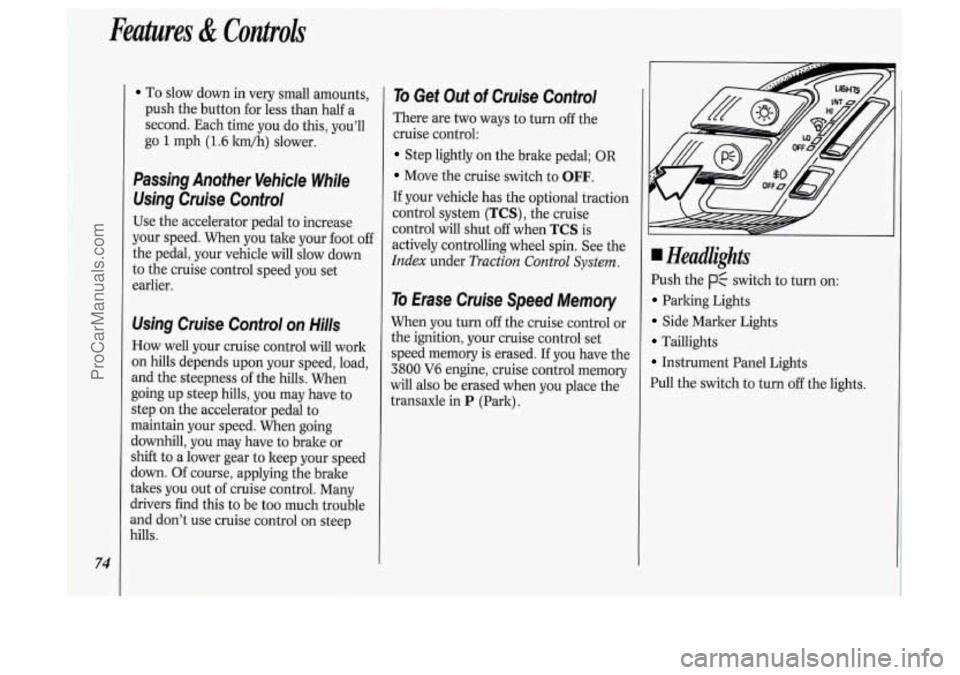
Headlights
Push the p$ switch to turn on:
Parking Lights
Side Marker Lights
Taillights
Instrument Panel Lights
Pull the switch to turn
off the lights.
ProCarManuals.com
Page 99 of 276
The Instrument Panel-Your
Information System
Your instrument panel is designed to let
you know at
a glance how your vehicle
is running. You’ll know how fast you’re
going, how much fuel you’re using, and
many other things you’ll need
to drive
safely
and economically.
Refer to the accompanying diagram
of
your instrument panel to locate the
components listed below.
1. Side Vents
2. Light Controls
3. Turn Signal/Multifunction Lever
4. Tilt Steering Wheel Lever
5. Instrument Cluster
6. Gearshift Lever
7. Wipermasher Controls
8. Center Vents
9. Storage Compartment
IO. Side Vents
11. Circuit Brealter/Relay Panel
12. Glove Box/Fuse Panel
13. Audio System
14. Rear Fan Controls
15. Cup Holders/Ashtray
16. Locking Storage Bin
17. Lighter
18. Interior Lights Override Switch
19. Traction Control Switch
20. Climate Controls
21. Hazard Warning Flashers Switch
22. Ignition Switch
23. Horn
24. Steering Wheel Touch Controls
(Option)
97
ProCarManuals.com
Page 107 of 276
(J LOW
TRACTION -'I
AIR BAG
SERVICE
ENGINE
SOON
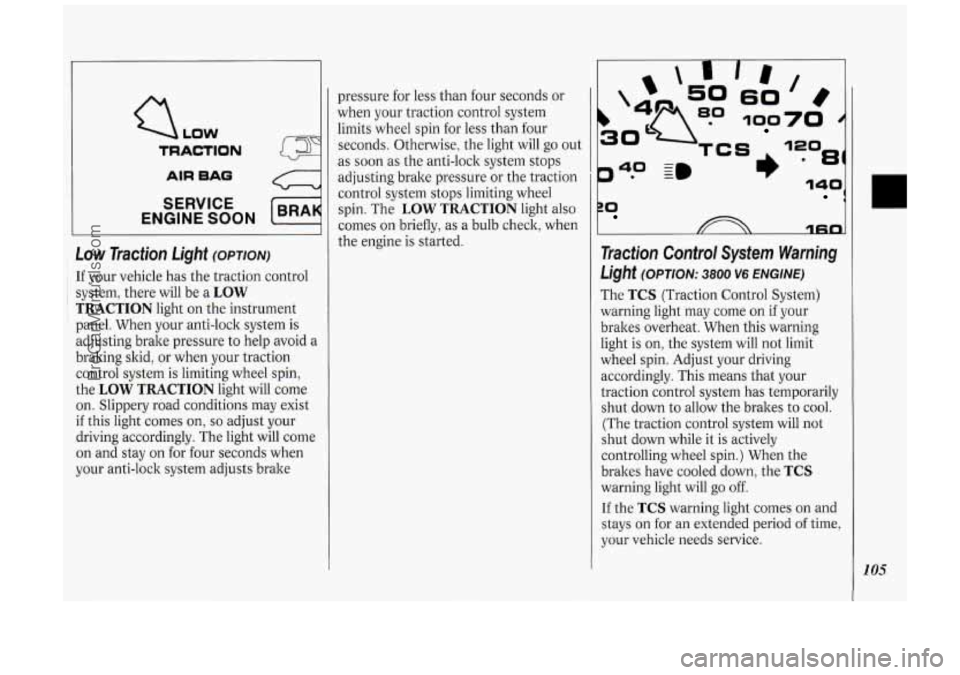
Low Traction Light (OPTION)
: If your vehicle has the traction control
~ i system, there will be a LOW
TRACTION light on the instrument
panel. When your anti-lock system is
adjusting brake pressure to help avoid a
braking skid, or when your traction
control system is limiting wheel spin,
the
LOW TRACTION light will come
on. Slippery road conditions may exist
if this light comes on, so adjust your
driving accordingly. The light will come
on and stay on for four seconds when
your anti-lock system adjusts brake pressure
for less than four seconds or
when your traction control system
limits wheel spin for less than four
seconds. Otherwise, the light will go out
as soon as the anti-lock system stops
adjusting brake pressure or the traction
control system stops limiting wheel
spin. The
LOW TRACTION light also
comes on briefly,
as a bulb check, when
the engine is started.
P* -
40 ~m
rn
60
100
81)
ZO 1
1fin
Traction Control System Warning
Light (OPTION: 3800 V6 ENGINE)
The TCS (Traction Control System)
warning light may come on if your
brakes overheat. When this warning
light is on, the system will not limit
wheel spin. Adjust your driving
accordingly. This means that your
traction control system has temporarily
shut down to allow the brakes to cool.
(The traction control system will not
shut down while it is actively
controlling wheel spin.) When the
brakes have cooled down, the
TCS
warning light will go off.
If the TCS warning light comes on and
stays on for an extended period of time,
your vehicle needs service.
105
ProCarManuals.com
Page 108 of 276
I
Features & Controls
-
NOTICE:
Spinning your wheels when the
TCS warning light is on can
destroy parts of your vehicle as well
as the tires.
If you spin your wheels
too fast while shifting your
transaxle back and forth, you can
destroy your transaxle. When
you're stuck, spin the wheels as
little as possible.
106
LOW
TRACTION
AIR BAO
SERVICE
ENGINE SOON
c
Malfunction Indicator Lamp
(Service Engine Soon Light)
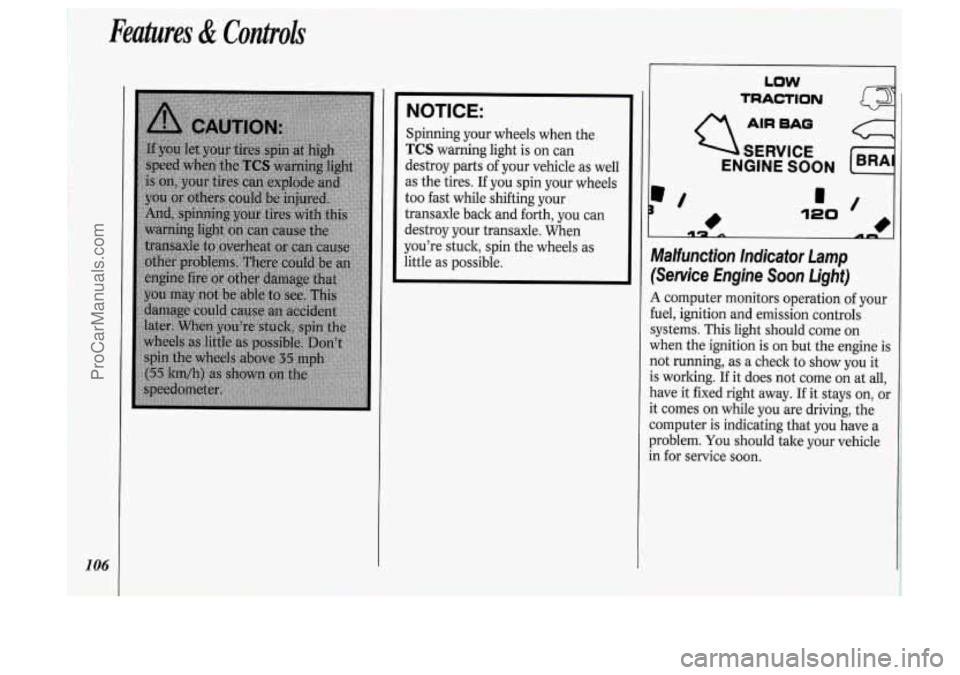
A computer monitors operation of your
fuel, ignition and emission controls
systems. This light should come on
when the ignition is on but the engine is
not running, as a check to show you it
is working.
If it does not come on at all,
have it fixed right away.
If it stays on, or
it comes on while you are driving, the
computer is indicating that you have a
problem.
You should tale your vehicle
in for service soon.
ProCarManuals.com
Page 111 of 276
In this part you’ll find out how to
operate the comfort control systems
and audio systems offered with your
Oldsmobile
. Be sure to read about
the particular system supplied with
your vehicle
.
Part
Comfort Controls & Audio Systems
Climate Control System ........................................................................\
.................. 110
Rear Climate Control ........................................................................\
...................... 113
Defogging and Defrosting
........................................................................\
............... 115
Rear Window Defogger
........................................................................\
................... 115
AM/FM Stereo Radio
........................................................................\
..................... 119
Setting the
Clock
........................................................................\
............................. 117
AM/FM Stereo with Cassette Player
...................................................................... 120
AM/FM Stereo with Cassette Player with Dolby@
................................................ 122
AM/FM Stereo with Compact Disc Player ............................................................ 124
Compact Disc Player Anti-Theft Feature ............................................................... 126
Steering Wheel Touch Controls ........................................................................\
...... 127
Understanding Radio Reception ........................................................................\
..... 128
Care of Your Compact Discs
........................................................................\
.......... 129
Integrated Roof Antenna
........................................................................\
................ 129
Care
of Your Cassette Tape Player
........................................................................\
. 128
ProCarManuals.com