1994 CHEVROLET SUBURBAN Power
[x] Cancel search: PowerPage 90 of 385
Windows
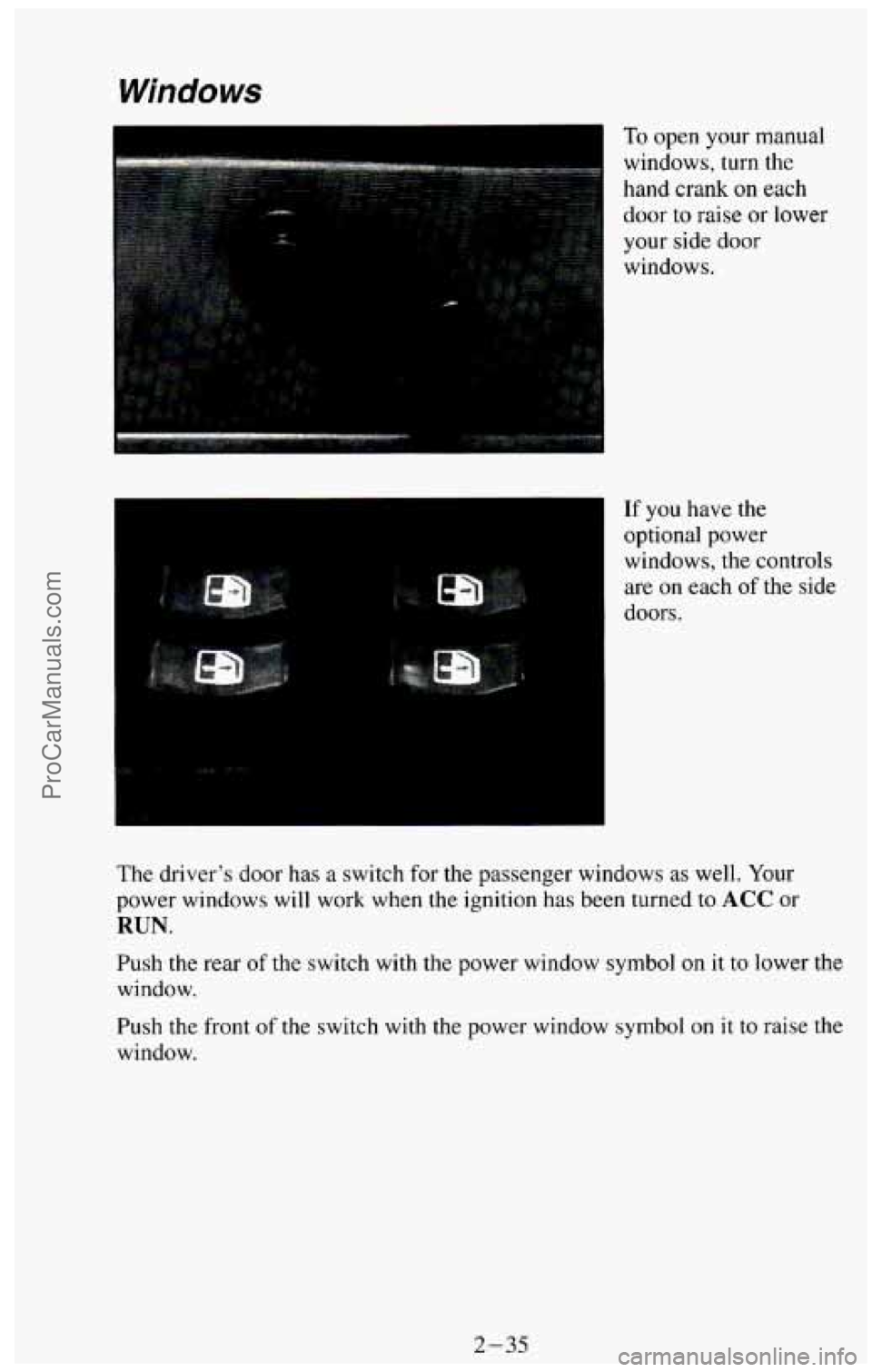
To open your manual
windows, turn the
hand crank
on each
door to raise or lower
your side door
windows.
If you have the
optional power
windows, the controls
are on each
of the side
doors.
The driver’s door has a switch for the passenger windows
as well. Your
power windows will work when the ignition has been turned to ACC or
RUN.
Push the rear of the switch with the power window symbol on it to lower the
window.
Push the front
of the switch with the power window symbol on it to raise the
window.
2-35
ProCarManuals.com
Page 149 of 385
A udia Systems
Your Delco@ audio system has been designed to operate easily and give
years
of listening pleasure. You will get the most enjoyment out of it if you
acquaint yourself with it first. Find out what your Delco@ system can do
and how to operate all its controls, to be sure you’re getting the most out of
the advanced engineering that went into it.
Be aware that hearing damage from loud noise is almost undetectable until
it is too late. Your hearing can adapt to higher volumes of
sound. Sound that
seems normal can be loud and harmful to your hearing. Take precautions by
adjusting the volume control on your radio to
a safe sound level before your
hearing adapts to it.
To help avoid hearing loss or damage:
0 Adjust the volume control to the lowest setting.
0 Increase volume slowly until you hear comfortably and clearly.
FM Stereo
FM stereo will give you the best sound. But FM signals can only reach
about 10 to
40 miles (16 to 65 km). And, tall buildings or hills can interfere
with FM signals, causing the sound
to come and go.
AM
The range for most AM stations is greater than for FM, especially at night.
The longer range, however, can cause stations to interfere with each other.
AM can pick up noise from things like electrical storms and power lines.
If
the noise interferes with your listening, try reducing the treble to lessen the
noise.
AM Stereo
This means the Delco@ system can receive C-QUAM@ stereo broadcasts.
Many
AM stations around the country use C-QUAM@ to produce stereo,
though some
do not. If your Delco@ system can get C-QUAM@, your
“STEREO” light will come on when you’re receiving it. (C-QUAM@ is a
registered trademark of Motorola, Inc.).
3-12
ProCarManuals.com
Page 160 of 385
Your Driving and the Road
Section
1
Here you’ll find information about driving on different kinds of roads and in
varying weather conditions
. We’ve also included many other useful tips on
driving .
.............................. 4-2
Defensive Driving ..........
DrunkenDriving ........................................... 4-2
Control
of a Vehicle
Braking
... ........................................... 4-5
Steering
................................................ 4-7
Steering Tips
............................................ 4-7
Off-Road Recovery
...................................... 4-9
Passing
................................................ 4-9
LossofControl
......................................... 4-10
Off-Road Driving With Your Four-wheel Drive Vehicle
.......... 4-12
DrivingatNight
........................................... 4-23
Driving
in the Rain ........................................ 4-24
CityDriving
.............................................. 4-26
Freeway Driving
.......................................... 4-27
Hill and Mountain Roads
.................................... 4-29
Winter Driving
............................................ 4-30
Powerwinches
........................................... 4-34
PowerTake-Off(PT0)
..................................... 4-34
Towing a Trailer
........................................... 4-36
4-1
ProCarManuals.com
Page 164 of 385
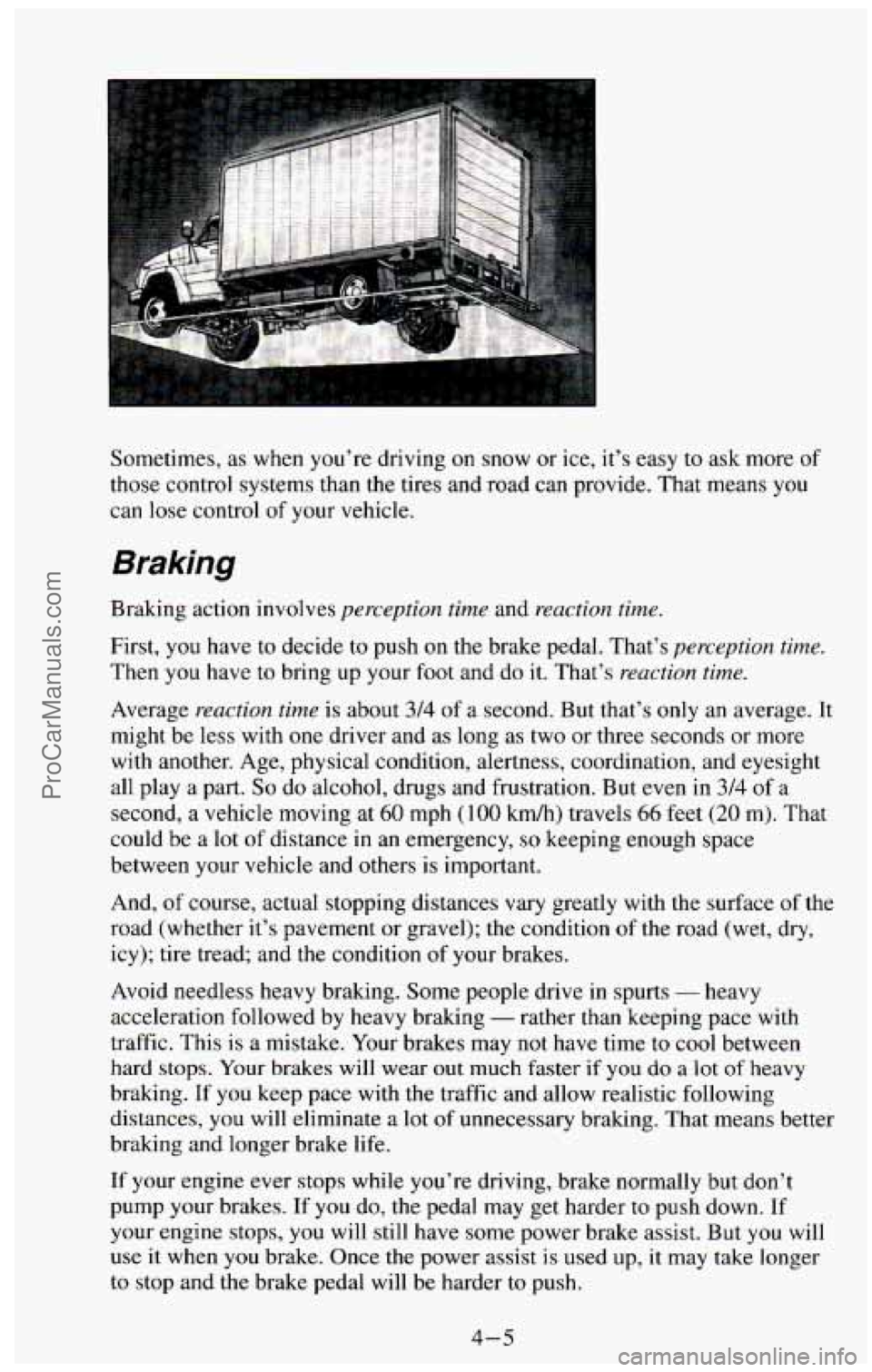
Sometimes, as when you’re driving on snow or ice, it’s easy to ask more of
those control systems than the tires and road can provide. That means you
can
lose control of your vehicle.
Braking
Brakmg action involves perception time and reaction time.
First, you have to decide to push on the brake pedal. That’s perception. time.
Then you have to bring up your foot and do it. That’s reaction time.
Average reaction time is about 314 of a second. But that’s only an average. It
might be less with one driver and as long as two or three seconds or more
with another. Age, physical condition, alertness, coordination, and eyesight
all play a part.
So do alcohol, drugs and frustration. But even in 3/4 of a
second, a vehicle moving at
60 mph ( 100 kdh) travels 66 feet (20 m). That
could
be a lot of distance in an emergency, so keeping enough space
between your vehicle and others is important.
And, of course, actual stopping distances vary greatly with the surface of the
road (whether it’s pavement or gravel); the condition of the road (wet, dry,
icy); tire tread; and
the condition of your brakes.
Avoid needless heavy braking. Some people drive in spurts
- heavy
acceleration followed by heavy braking
- rather than keeping pace with
traffic. This is a mistake. Your brakes may not have time to
cool between
hard
stops. Your brakes will wear out much faster if you do a lot of heavy
braking.
If you keep pace with the traffic and allow realistic following
distances, you will eliminate a lot
of unnecessary braking. That means better
braking and longer brake life.
If your engine ever stops while you’re driving, brake normally but don’t
pump your brakes. If
you do, the pedal may get harder to push down. If
your engine stops, you will still have some power brake assist. But
you will
use it when you brake. Once the power assist is used
up, it may take longer
to stop and the brake pedal will be harder to push.
4-5
ProCarManuals.com
Page 166 of 385
Remember: Anti-lock doesn’t change the time you need to get your foot up
to the brake pedal. If you get too close to the vehicle in front of you, you
won’t have time
to apply your brakes if that vehicle suddenly slows or
stops. Always
leave enough room up ahead to stop, even though you have
anti-lock brakes.
To Use Four-wheel Anti-Lock
Don’t pump the brakes. Just hold the brake pedal down and let anti-lock
work for you. You may feel the brakes vibrate, or you may notice some
noise, but this is normal.
Braking in Emergencies
Use your anti-lock braking system when you need to. With anti-lock, you
can steer and brake at the same time. In many emergencies, steering can
help you more than even the very best braking.
Power Steering
If you lose power steering assist because the engine stops or the system is
not functioning, you can steer but it will take much more effort.
Steering Tips
Driving on Curves
It’s important to take curves at a reasonable speed.
A lot of the “driver lost control’’ accidents mentioned on the news happen
on curves. Here’s why:
Experienced driver or beginner, each
of us is subject to the same laws of
physics when driving
on curves. The traction of the tires against the road
surface makes
it possible for the vehicle to change its path when you turn
the front wheels. If there’s no traction, inertia will keep the vehicle going in
the same direction. If you’ve ever tried to steer a vehicle on wet ice, you’ll
understand this.
The traction you can get
in a curve depends on the condition of your tires
and the road surface, the angle at which the curve
is banked, and your
speed. ,- While you’re in a curve, speed is the one factor you can control.
Suppose you’re steering through a sharp curve. Then you suddenly
accelerate. Both control systems
- steering and acceleration - have to do
their work where the tires meet the road. Adding
the sudden acceleration
can demand too
much of those places. You can lose control.
4-7 ProCarManuals.com
Page 175 of 385
Here are some other things to consider as you approach a hill.
Is there a constant incline, or does the hill get sharply steeper in places?
0 Is there good traction on the hillside, or will the surface cause tire
slipping?
Is there a straight path up or down the hill so you won’t have to make
turning maneuvers?
Are there obstructions on the hill that can block your path (boulders,
trees, logs or ruts)?
What’s beyond the hill? Is there a cliff, an embankment, a drop-off, a
fence? Get out and walk the hill if you don’t know. It’s the smart way
to find out.
Is the hill simply too rough? Steep hills often have ruts, gullies, troughs
and exposed rocks because they are more susceptible
to the effects of
erosion.
Driving Uphill
Once you decide you can safely drive up the hill, you need to take some
special steps.
Use a low gear and get a firm grip on the steering wheel.
Get a smooth start up the hill and try to maintain your speed. Don’t use
more power than you need, because you don’t want your wheels to start
spinning
or sliding.
Try to drive straight up the hill if at all possible. If the path twists and
turns,
you might want to find another route.
Ease up on your speed as you approach the top of the hill.
Attach a flag to the vehicle to make you more visible to approaching
traffic
on trails or hills.
4-16
ProCarManuals.com
Page 193 of 385
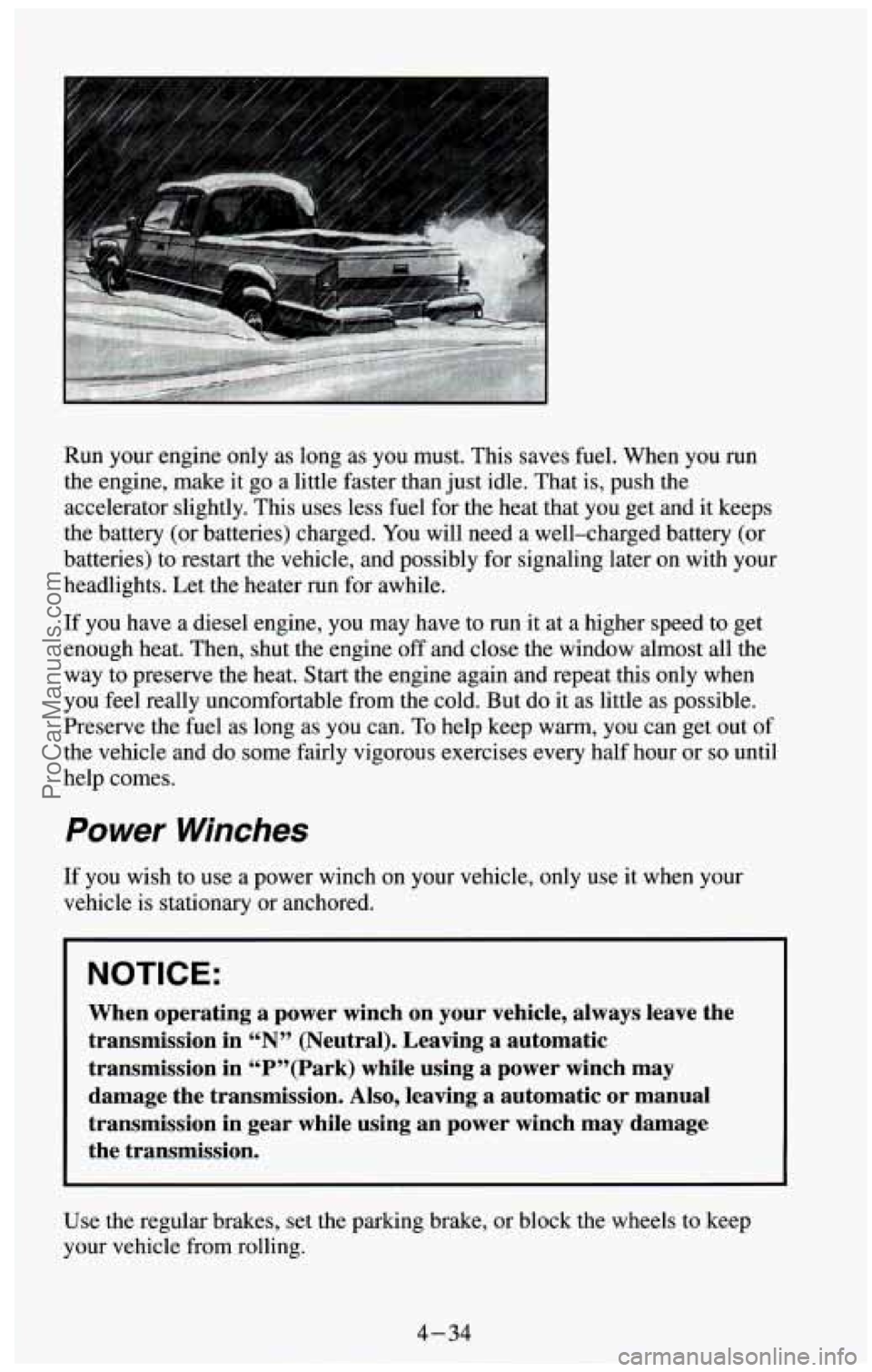
Run your engine only as long as you must. This saves fuel. When you run
the engine, make it
go a little faster than just idle. That is, push the
accelerator slightly. This uses less fuel for the heat that you get and it keeps
the battery (or batteries) charged.
You will need a well-charged battery (or
batteries) to restart the vehicle, and possibly for signaling later on with your
headlights. Let the heater run for awhile.
If you have a diesel engine, you may have to run it at a higher speed to get
enough heat. Then, shut the engine
off and close the window almost all the
way to preserve the heat. Start the engine again and repeat this only when
you feel really uncomfortable from the cold. But do it as little as possible.
Preserve the fuel as long as you can.
To help keep warm, you can get out of
the vehicle
and do some fairly vigorous exercises every half hour or so until
help comes.
Power Winches
If you wish to use a power winch on your vehicle, only use it when your
vehicle is stationary or anchored.
NOTICE:
When operating a power winch on your vehicle, always leave the
transmission in “N” (Neutral). Leaving a automatic
transmission in “P”(Park) while using a power winch may \
damage the transmission. Also, leaving a automatic or manual
transmission in gear while using an power winch may damage
the transmission.
Use the regular brakes, set the parking brake, or block the wheels to keep
your vehicle from rolling.
4-34
ProCarManuals.com
Page 194 of 385
Power Take-Off (PTO)
NOTICE:
If you will be using the PTO while the vehicle remains in one
place, drive the vehicle to warm it up before operating the
PTO.
Don’t use the PTO for more than four hours without driving
your vehicle again. If you don’t follow these guidelines, your
transfer case or transmission could be damaged.
NOTICE:
Don’t have a PTO that will exceed 35 horsepower installed on
your vehicle. It could damage your transmission or transfer
case.
Before using a power take-off, refer to the manufacturer’s or installer’s
instructions.
To engage a power take-off:
1. Set the parking brake.
2. Shift the transmission into “N” (Neutral).
3. Hold the clutch pedal down and engage the power take-off.
If
you are going to drive the vehicle, shift the transmission into the gear
you want. Then shift the transfer case into the range you want (if you
have four-wheel drive), apply the regular brakes and release the
parking brake.
When
you release the clutch, the power take-off will start.
4. Release the clutch (and the regular brakes) as you normally would.
Using a Transfer Case Mounted Power Take-Off
(Manual Transmission)
I. Set the parking brake.
2. Shift the transfer case into “N” (Neutral).
3. Hold the clutch pedal down. If the vehicle will remain in the same
place, shift the transmission
into the highest gear.
4-35
ProCarManuals.com