Page 121 of 348
Downloaded from www.Manualslib.com manuals search engine The trip odometer can tell you how far your vehicle has been driven since
you last set the trip odometer to zero.
Make sure the button is completely
depressed
to reset the trip odometer.
To set the trip odometer on the standard cluster to zero, fully depress the
button near the readout.
The trip odometer on
the digital cluster will appear in place of your regular
odometer when
you press down on the Trip button. To reset the trip
odometer
on the digital cluster, press down on the Reset button. To change
back
to the regular odometer, press down on the Trip button again.
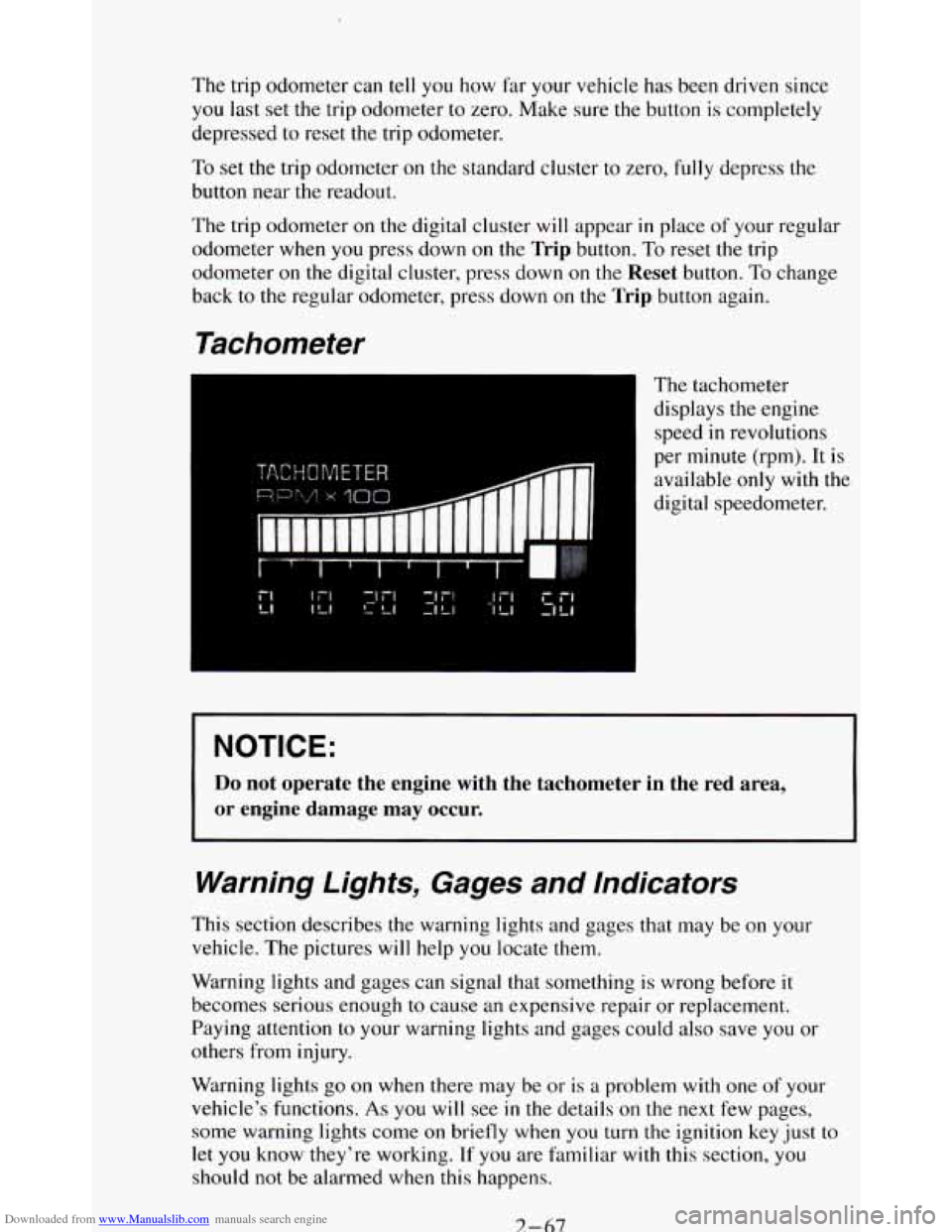
Tachometer
The tachometer
displays the engine
speed
in revolutions
per minute (rpm). It is
available
only with the
digital speedometer.
NOTICE:
Do not operate the engine with the tachometer in the red area,
or engine damage may occur.
Warning Lights, Gages and Indicators
This section describes the warning lights and gages that may be on your
vehicle. The pictures
will help you locate them.
Warning lights and gages can signal that something is wrong before it
becomes serious enough
to cause an expensive repair or replacement.
Paying attention
to your warning lights and gages could also save you or
others from injury.
Warning lights
go on when there may be or is a problem with one of your
vehicle’s functions.
As you will see in the details on the next few pages,
some warning lights come
on briefly when you turn the ignition key just to
let
you know they’re working. If you are familiar with this section, you
should not be alarmed when this happens.
7-67
Page 125 of 348
Downloaded from www.Manualslib.com manuals search engine Malfunction Indicator Light
(SERVICE ENGINE SOON)
Standard Cluster
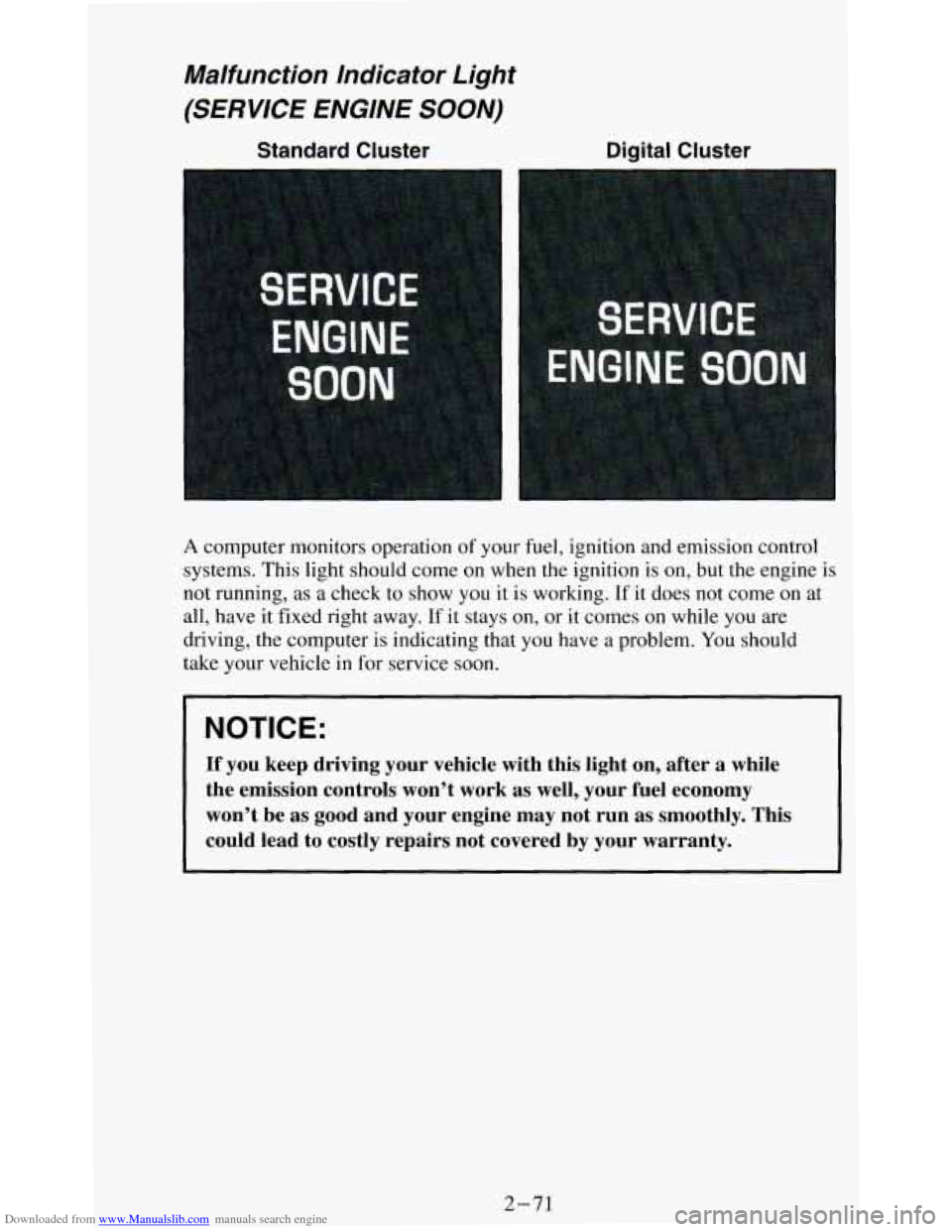
A computer monitors operation of your fuel, ignition and emission control
systems. This light should come on when the ignition is
on, but the engine is
not running, as a check to show you it is working. If it does not come on at
all, have it fixed right away.
If it stays on, or it comes on while you are
driving, the computer is indicating that you have a problem. You should
take your vehicle in
for service soon.
NOTICE:
If you keep driving your vehicle with this light on, after a \
while
the emission controls won’t work as well, your fuel economy \
won’t be as good and your engine may not run
as smoothly. This
could lead to costly repairs not covered by your warranty.
2-71
Page 127 of 348
Downloaded from www.Manualslib.com manuals search engine Indicator Lights
Indicator lights go on when you use your turn signals, change from low
beam headlights to high beams, or when you use
your hazard flashers. The
next few pages will also
tell you about the indicator lights on your vehicle
and help you locate them.
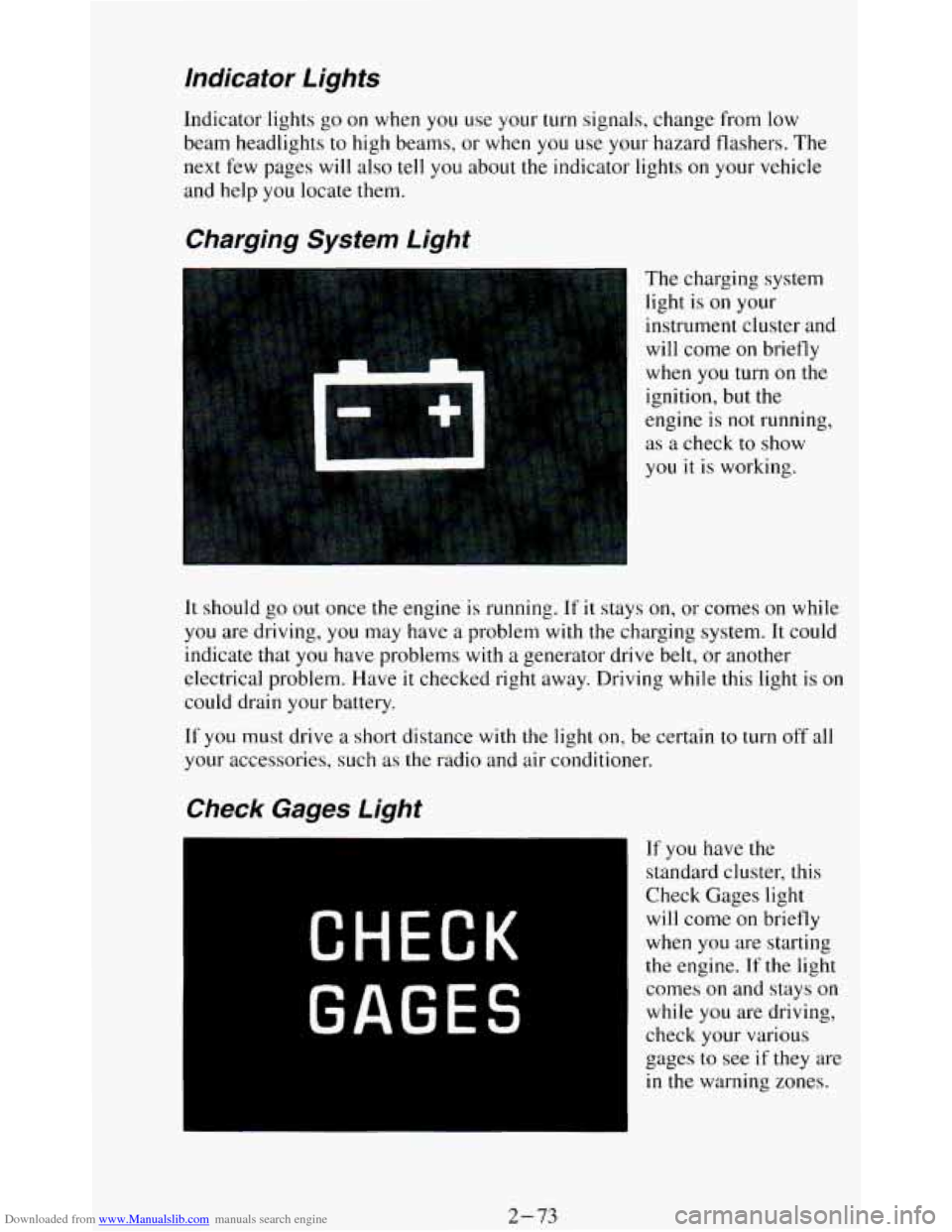
Charging System Light
The charging system
light is
on your
instrument cluster and
will come
on briefly
when
you turn on the
ignition, but the
engine is
not running,
as a check to show
you it
is working.
It should go out once the engine is running. If it stays on, or comes on while
you are driving, you may have a problem with the charging system. It could
indicate that you have problems with
a generator drive belt, or another
electrical problem. Have
it checked right away. Driving while this light is on
could drain your battery.
If
you must drive a short distance with the light on, be certain to turn off all
your accessories, such as the radio and air conditioner.
If you have the
standard cluster, this
Check Gages light
will come on briefly
when you are starting
the engine. If the light
comes
on and stays on
while you are driving,
check your various
gages to see
if they are
in the warning zones.
2-73
Page 128 of 348
Downloaded from www.Manualslib.com manuals search engine Daytime Running Lights (DRL) Indicator Light
(Canada OnIy)
SHIFT Indicator Light
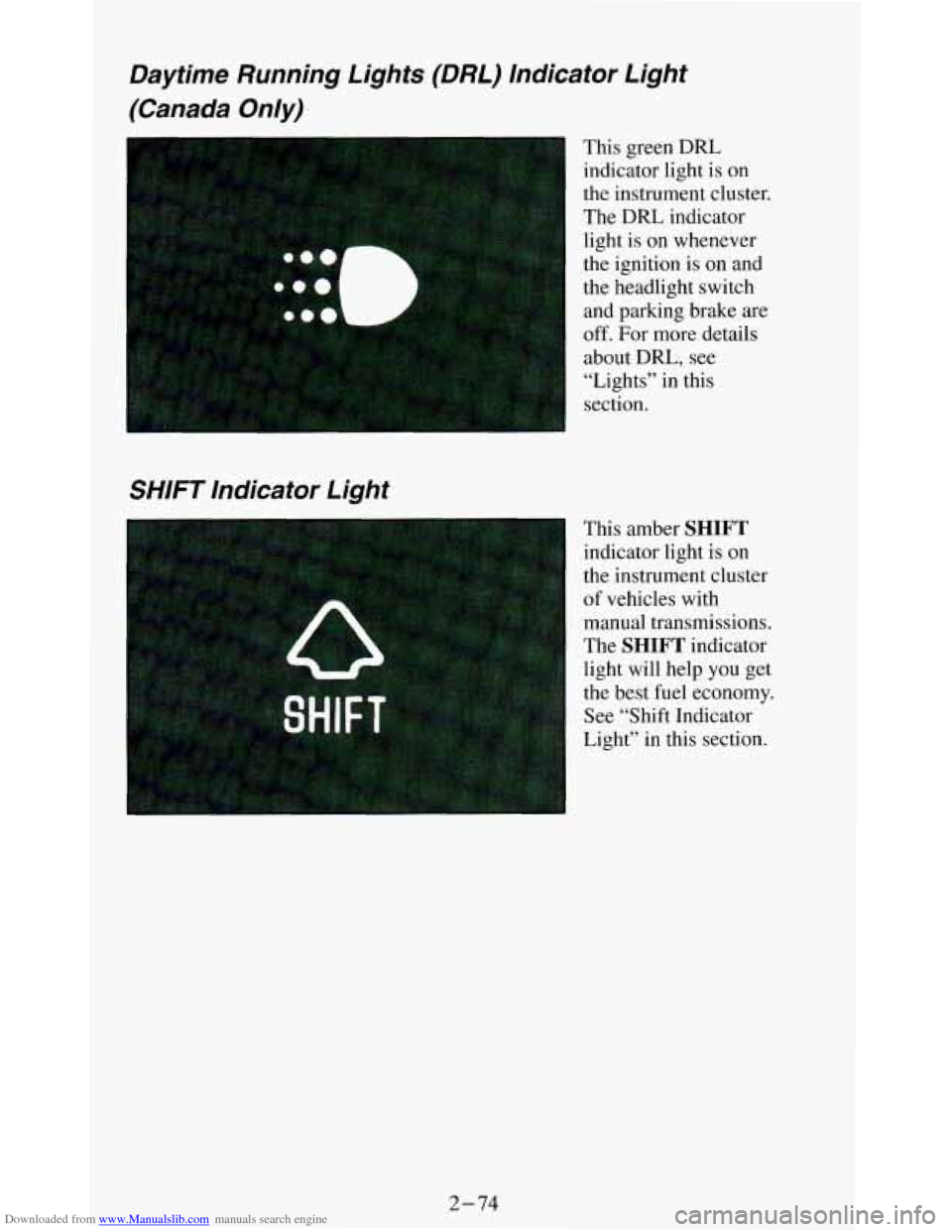
This green DRL
indicator light is
on
the instrument cluster.
The DRL indicator
light is on whenever
the ignition is on and
the headlight switch
and parking brake. are
off. For more details
about
DRL, see
“Lights” in this
section.
This amber
SHIFT
indicator light is on
the instrument cluster
of vehicles with manual transmissions.
The
SHIFT indicator
light will help you get
the best fuel economy.
See “Shift Indicator
Light” in this section.
2-74
Page 130 of 348
Downloaded from www.Manualslib.com manuals search engine Gages
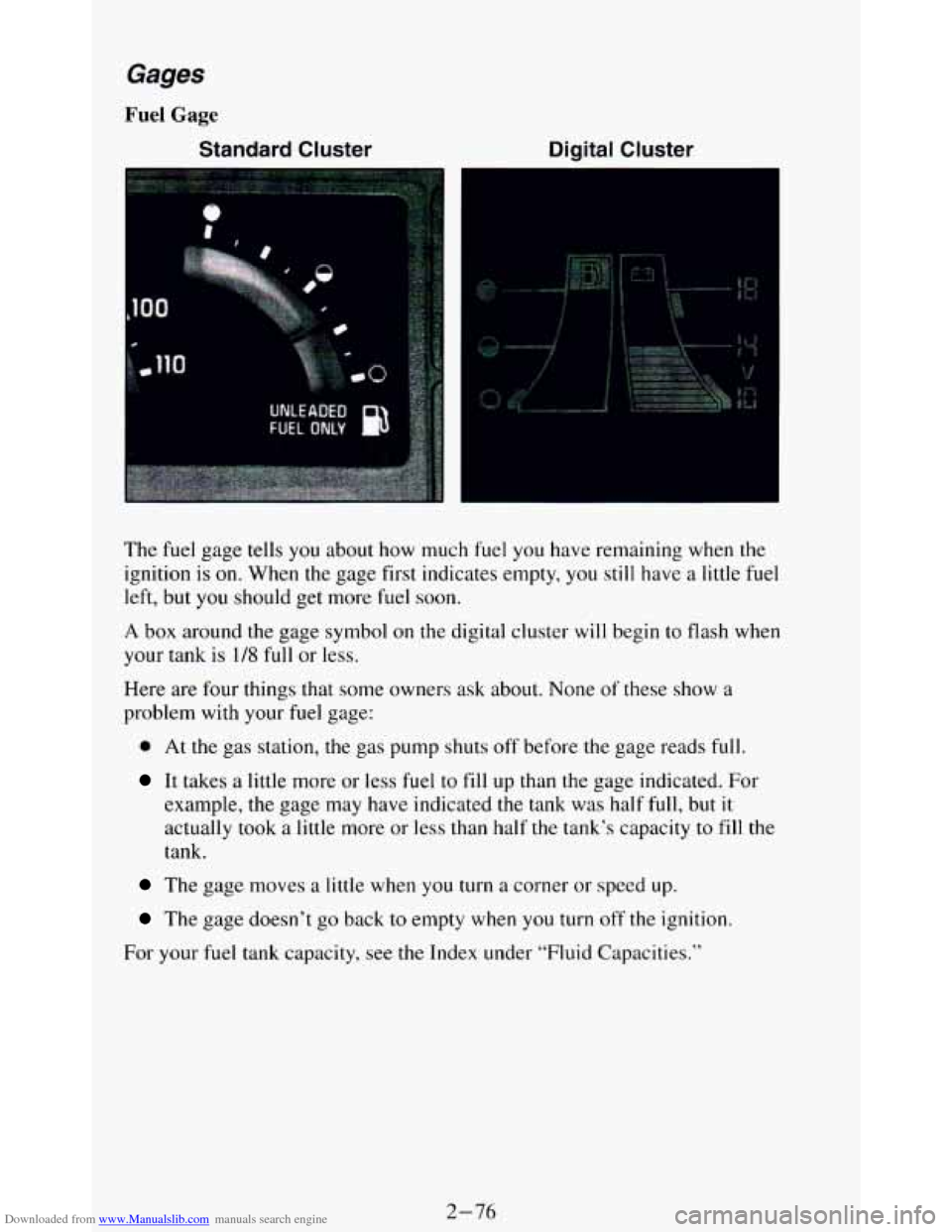
Fuel Gage
Standard Cluster Digital Cluster
The fuel gage tells you about how much fuel you have remaining when the
ignition is
on. When the gage first indicates empty, you still have a little fuel
left, but you should get more fuel soon.
A box around the gage symbol on the digital cluster will begin to flash when
your tank
is 1/8 full or less.
Here are four things that some owners ask about. None
of these show a
problem with your fuel gage:
0 At the gas station, the gas pump shuts off before the gage reads full.
It takes a little more or less fuel to fill up than the gage indicated. For
example, the gage may have indicated the tank was half
full, but it
actually took a little more or less than half the tank’s capacity to fill the
tank.
The gage moves a little when you turn a corner or speed up.
The gage doesn’t go back to empty when you turn off the ignition.
For your fuel tank capacity, see
the Index under “Fluid Capacities.”
2-76
Page 131 of 348
Downloaded from www.Manualslib.com manuals search engine Voltmeter
Standard Cluster Digital Cluster
I
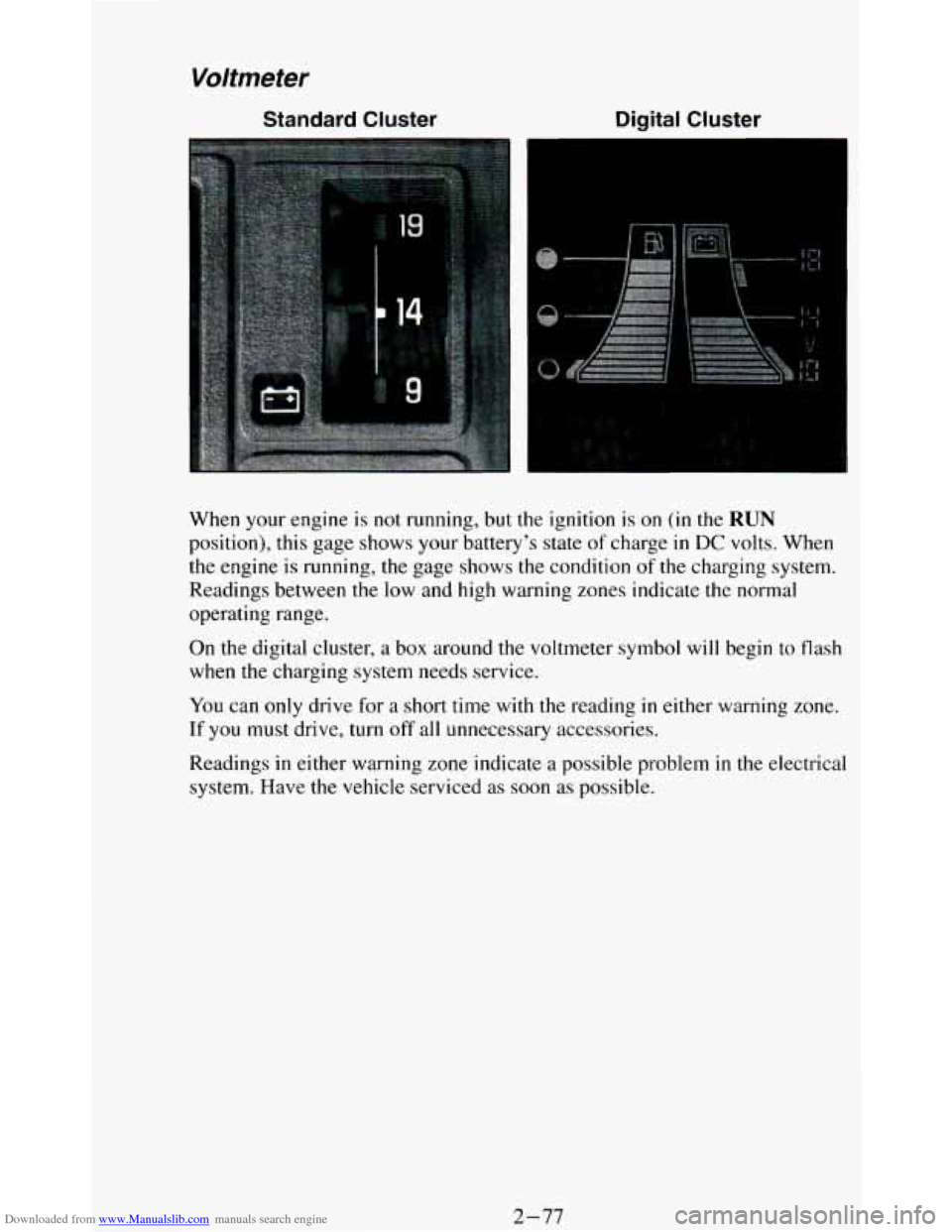
When your engine is not running, but the ignition is on (in the RUN
position), this gage shows your battery’s state of charge in DC volts, When
the engine is running, the gage shows
the condition of the charging system.
Readings between the low and
high warning zones indicate the normal
operating range.
On the digital cluster, a box around the voltmeter symbol will begin to flash
when the charging system needs service.
You can only drive for a short time with the reading in either warning zone.
If you must drive, turn off all unnecessary accessories.
Readings in either warning zone indicate a possible problem
in the electrical
system. Have the vehicle serviced as soon as possible.
2-77
Page 140 of 348
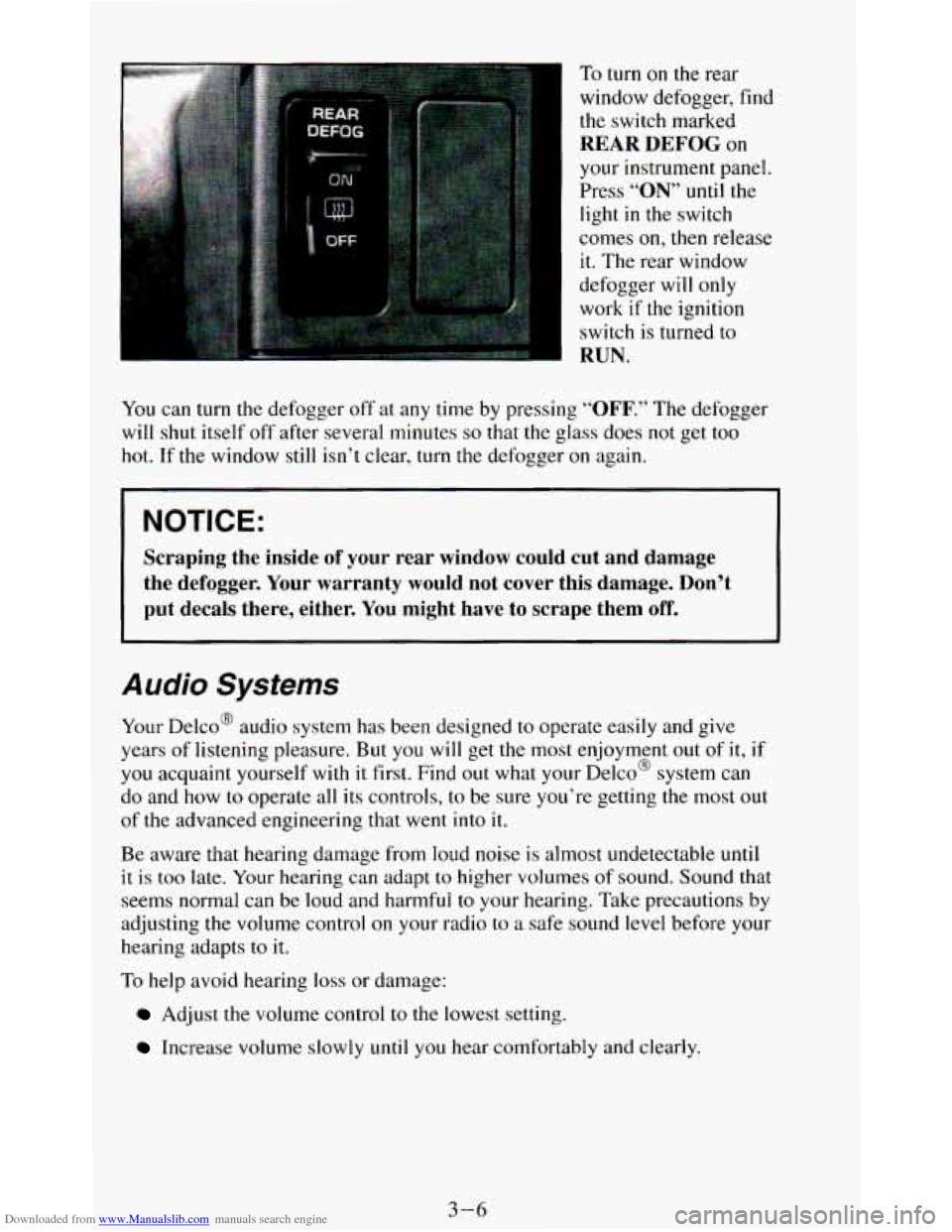
Downloaded from www.Manualslib.com manuals search engine To turn on the rear
window defogger, find the switch marked
REAR DEFOG on
your instrument panel.
Press
“ON” until the
light
in the switch
comes
on, then release
it. The rear window
defogger will only
work
if the ignition
switch is turned to
RUN.
You can turn the defogger off at any time by pressing “OFF.” The defogger
will shut itself off after several minutes
so that the glass does not get too
hot. If the window
still isn’t clear, turn the defogger on again.
NOTICE:
Scraping the inside of your rear window could cut and damage
the defogger. Your warranty would not cover this damage. Don’t
put decals there, either. You might have to scrape them
off.
Audio Systems
Your Delco@ audio system has been designed to operate easily and give
years of listening pleasure. But
you will get the most enjoyment out of it,
you acquaint yourself with it first. Find out what your Delco@ system can
do and how
to operate all its controls, to be sure you’re getting the most o
of the advanced engineering that went into it.
if
I
IU t
Be aware that hearing damage from loud noise is almost undetectable until
it is too late. Your hearing can adapt to higher volumes of sound. Sound that
seems normal can be loud and harmful to your hearing. Take precautions by
adjusting the volume control
on your radio to a safe sound level before your
hearing adapts to it.
To help avoid hearing loss or damage:
Adjust the volume control to the lowest setting.
Increase volume slowly until you hear comfortably and clearly.
3-6
Page 142 of 348
Downloaded from www.Manualslib.com manuals search engine How to Operate Your ETW AM Radio
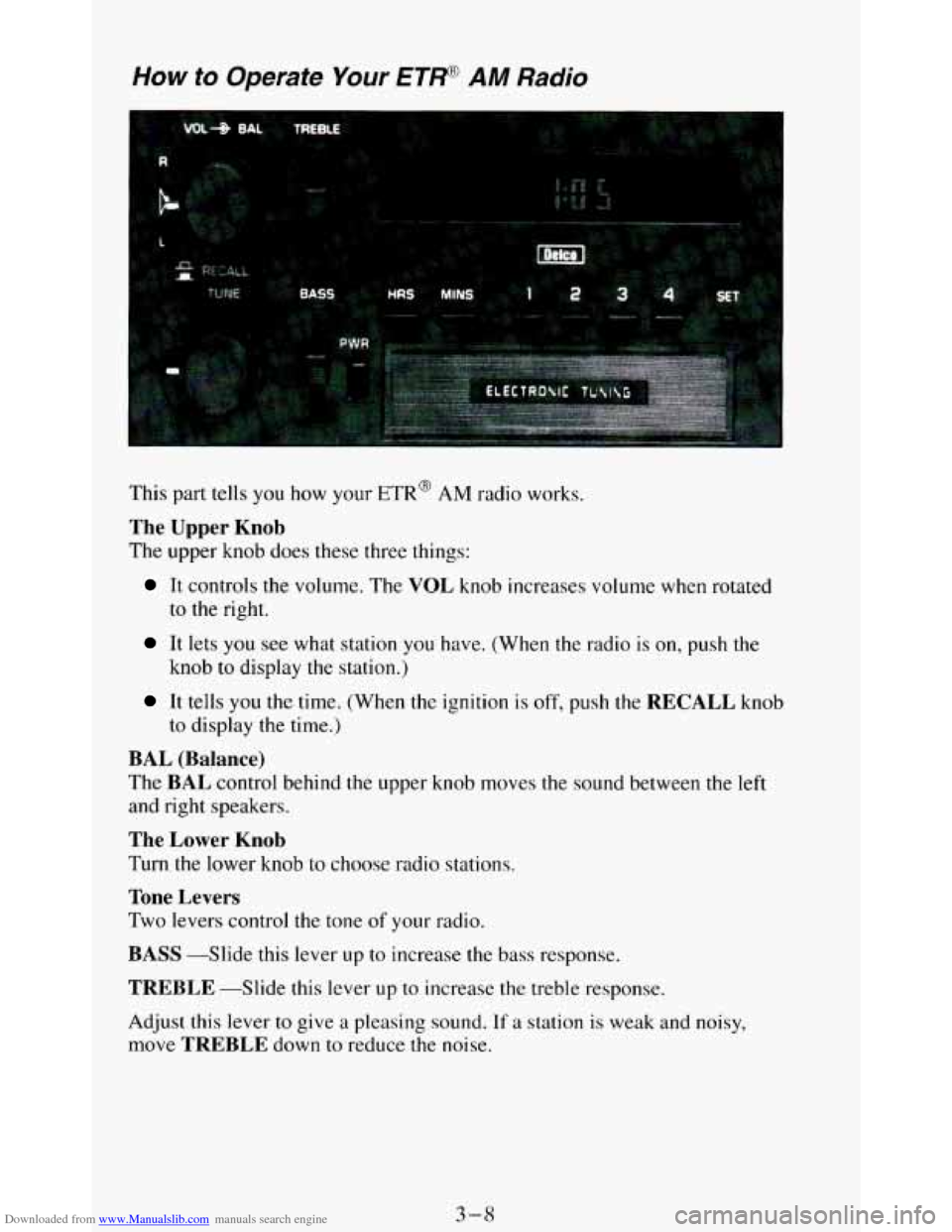
This part tells you how your ETR@ AM radio works.
The Upper Knob
The upper knob does these three things:
It controls the volume. The VOL knob increases volume when rotated
to the right.
It lets you see what station you have. (When the radio is on, push the
knob to display the station.)
It tells you the time. (When the ignition is off, push the RECALL knob
to display the time.)
BAL (Balance)
The BAL control behind the upper knob moves the sound between the left
and right speakers.
The Lower Knob
Turn the lower knob to choose radio stations.
Tone Levers
Two levers control the tone of your radio.
BASS --Slide this lever up to increase the bass response.
TREBLE -Slide this lever up to increase the treble response.
Adjust this lever to give a pleasing sound.
If a station is weak and noisy,
move
TREBLE down to reduce the noise.
3-8