Page 105 of 399
Downloaded from www.Manualslib.com manuals search engine 1 (First Gear)
This position gives you even more power (but lower fuel economy)
than
“2.” You can use it on very steep hills, or in deep snow or mud. If
the selector lever is put in “1,” the transaxle won’t shift into first gear
until the vehicle is going slowly enough.
NOTICE:
If your front wheels can’t rotate, don’t try to drive. This might
happen
if you were stuck in very deep sand or mud or were up
against
a solid object. You could damage your transaxle.
I-
l-
Also, if you stop when going uphill, don’t hold your vehicle there
with only the accelerator pedal. This could overheat and
damage the transaxle. Use your brakes to hold your vehicle in
position on
a hill.
I
I --
PARKlNG BRAKE
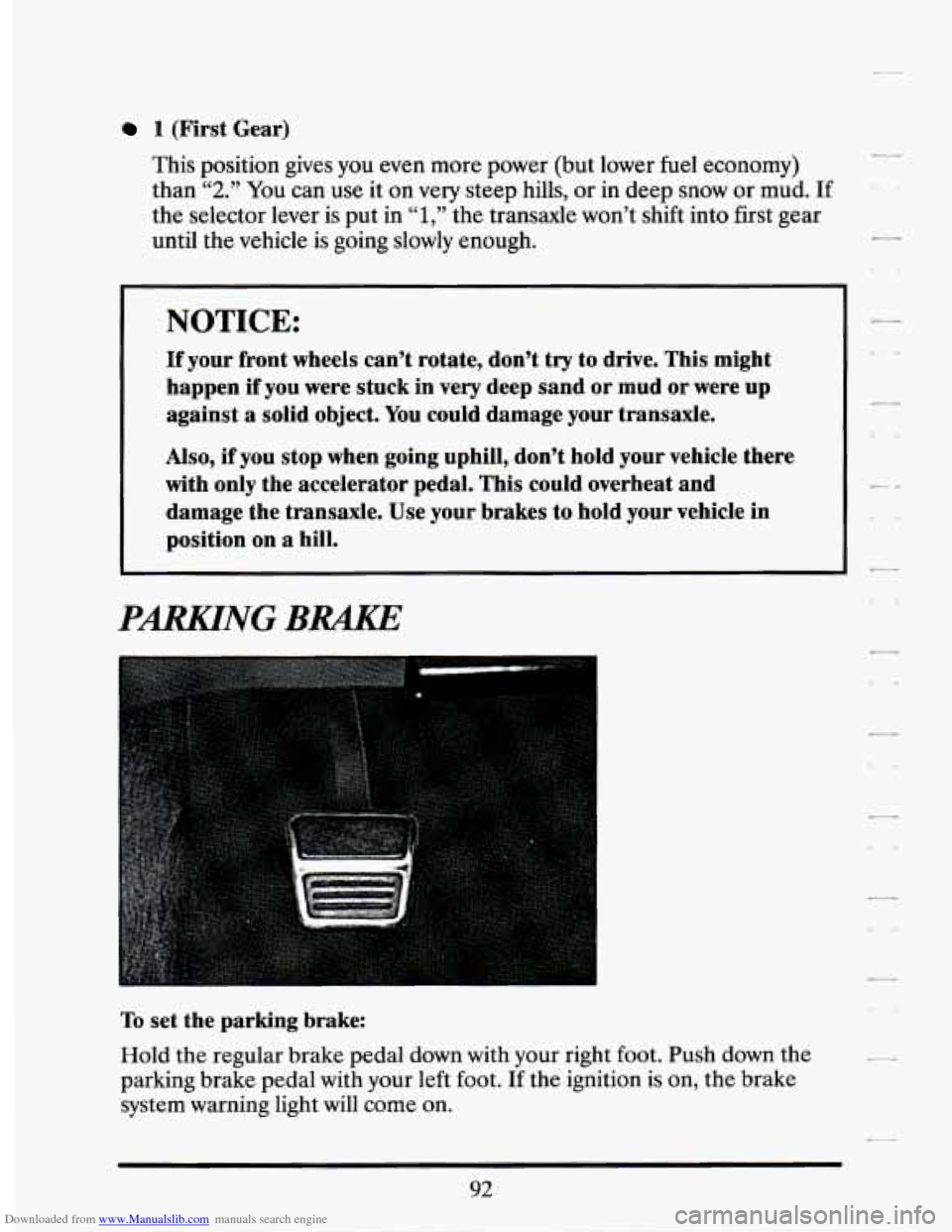
To set the parking brake:
Hold the regular brake pedal
down with your right foot. Push down the
parking brake pedal with your left foot.
If the ignition is on, the brake
system warning light will
come on.
92
Page 116 of 399
Downloaded from www.Manualslib.com manuals search engine TURN SIGNALIMULTIFUNCTION LEPER
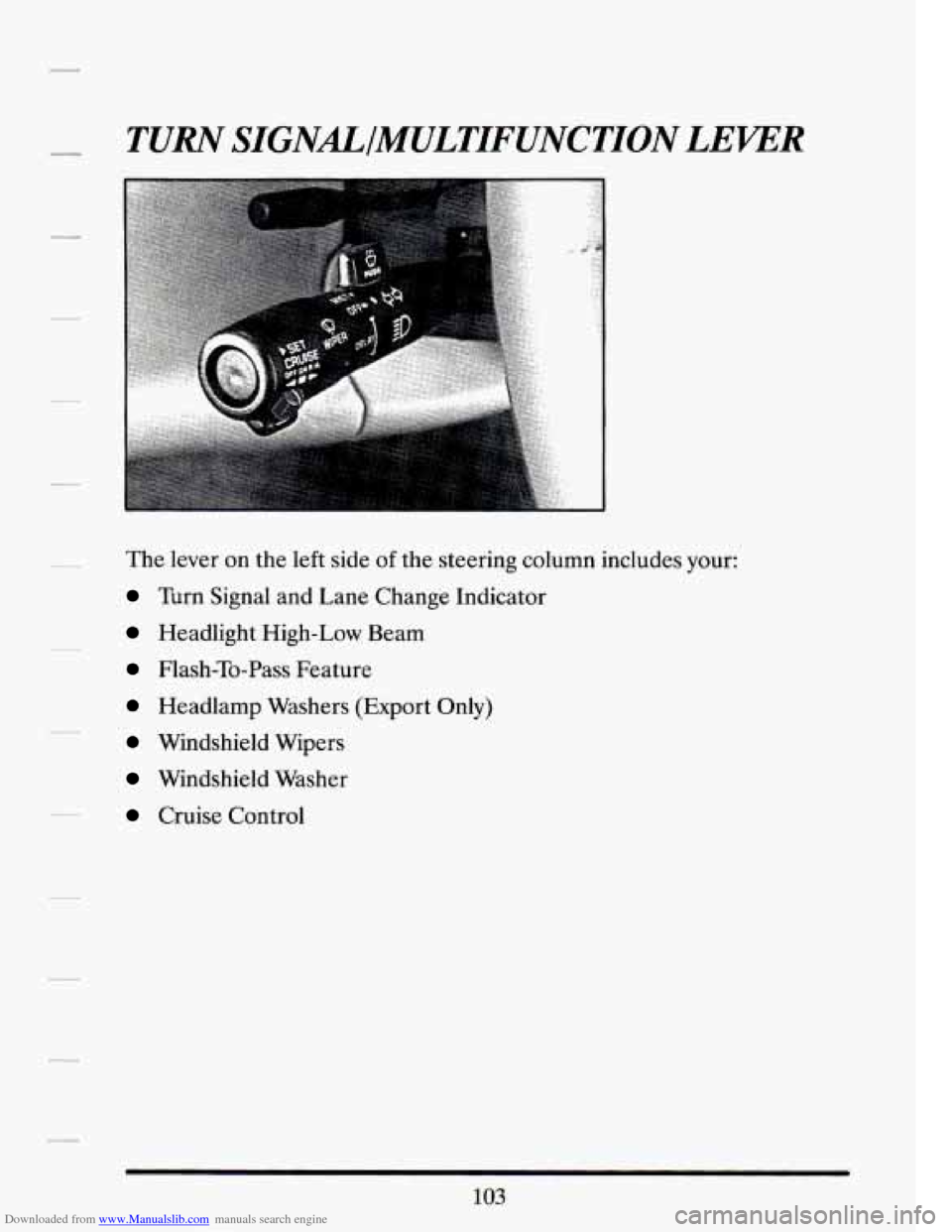
The lever on the left side of the steering column includes your:
Turn Signal and Lane Change Indicator
Headlight High-Low Beam
Flash-To-Pass Feature
Headlamp Washers (Export Only)
Windshield Wipers
Windshield Washer
Cruise Control
103
Page 117 of 399
Downloaded from www.Manualslib.com manuals search engine Turn Signal and Lane Change Indicator
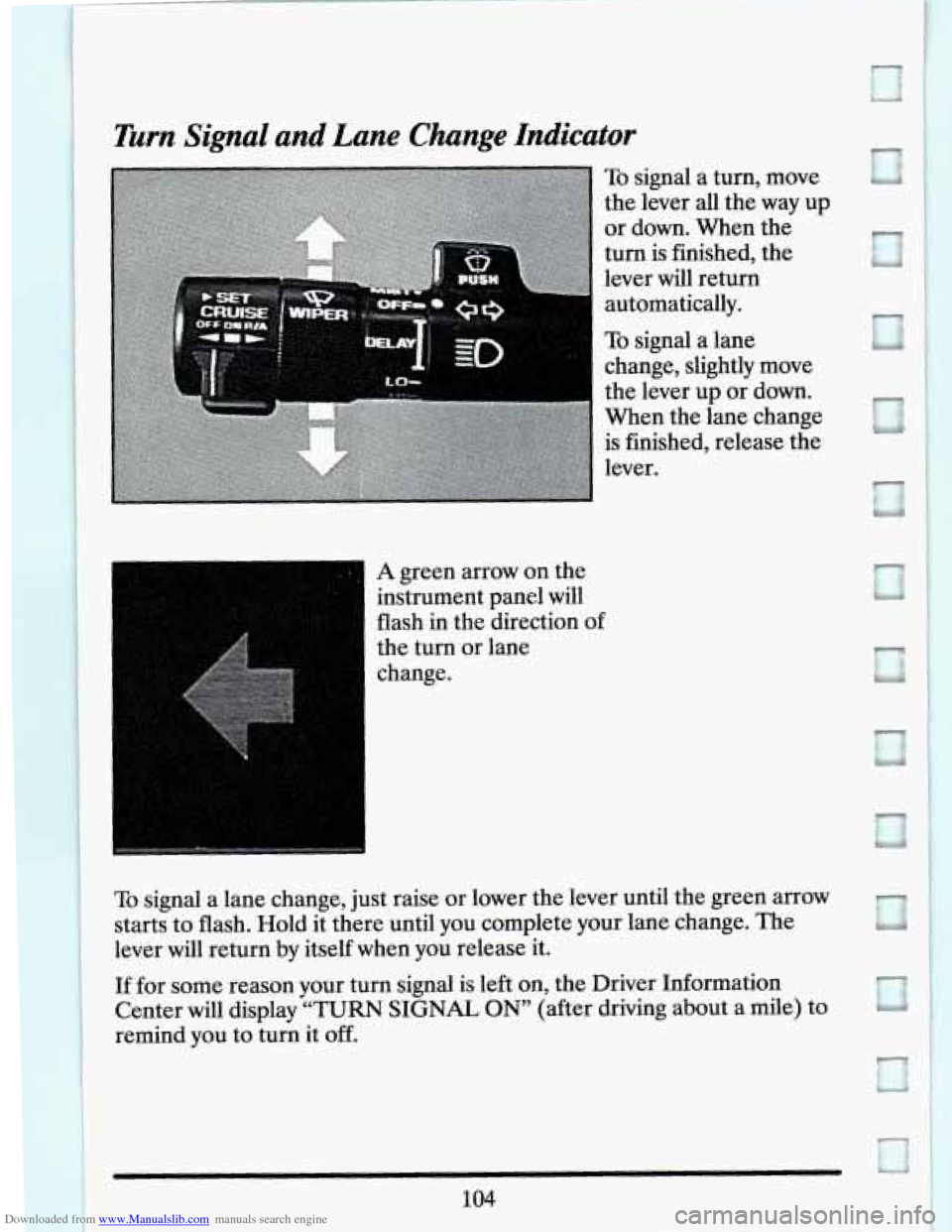
To signal a turn, move
the lever all the way up
or down. When the
turn is finished, the
lever will return
automatically.
To signal a lane
change, slightly move
the lever up or down.
When the lane change
is finished, release the
lever.
1 A green arrow on the
instrument panel will
flash in the direction of
the turn or lane
I change.
-
L.. -4
If for some reason your turn signal is left on, the Driver Information
Center will display
“TURN SIGNAL ON” (after driving about a mile) to
remind you to turn it off.
Page 118 of 399
Downloaded from www.Manualslib.com manuals search engine As you signal a turn or a lane change, if the arrows don’t flash but just
stay on, a signal bulb may be burned out and other drivers won’t see your
turn signal.
If a bulb is burned out, replace it to help avoid an accident. If the green
arrows don’t go on at all when you signal
a turn, check the fuse (see
“Fuses” in the Index) and for burned-out bulbs.
Operation of Lights
Although your vehicle’s lighting system (headlights, parking lights, fog
lamps, side marker lights and taillights) meets all applicable federal
lighting requirements, certain states and provinces may apply their own
lighting regulations that may require special attention before you operate
these lights.
For example, some jurisdictions may require that you operate your lower
beam lights with fog lamps at all times, or that headlights be turned on
whenever you must use your windshield wipers. In addition, most
jurisdictions prohibit driving solely with parking lights, especially at dawn
or dusk. It is recommended that you check with your own state or
provincial highway authority for applicable lighting regulations.
Yeadlight High-Low Beam
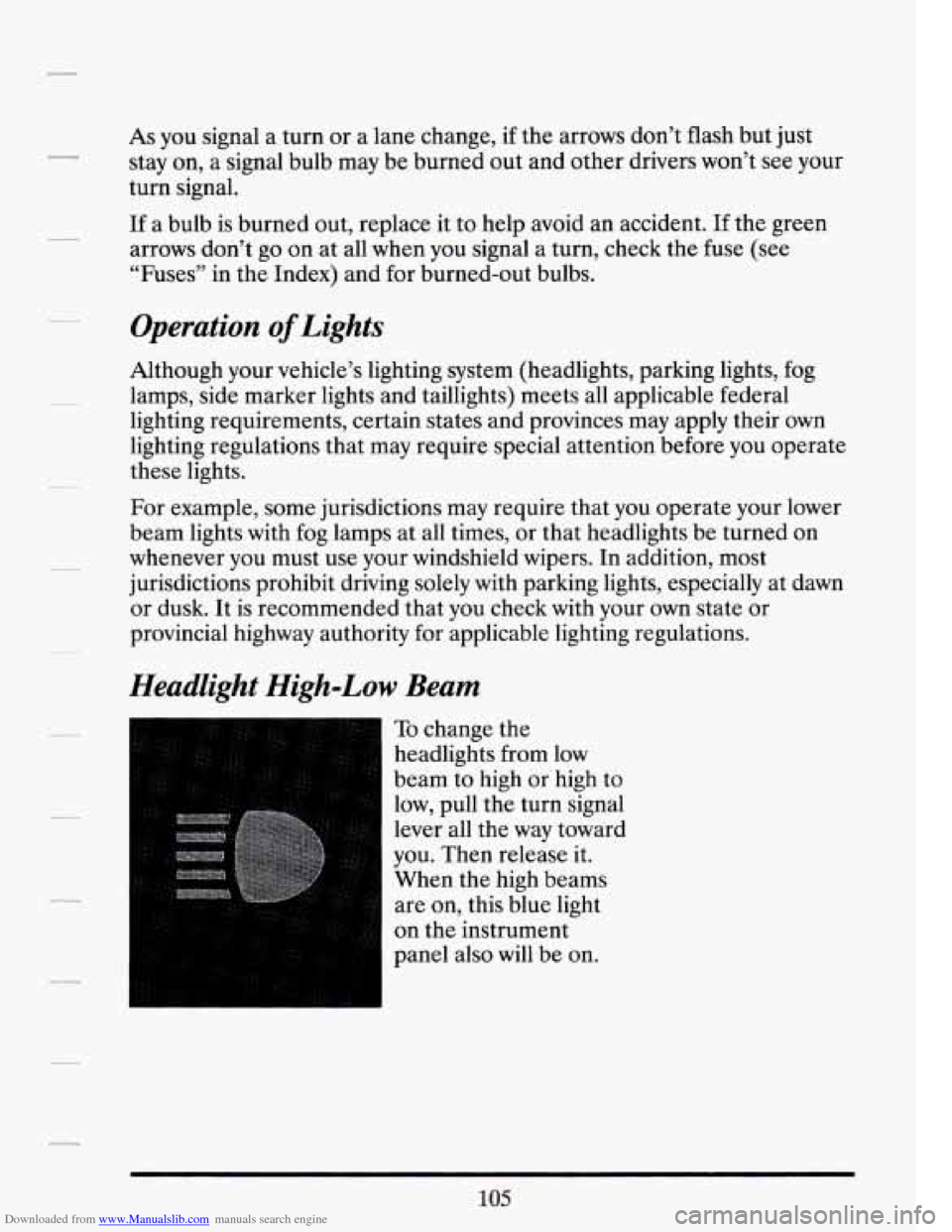
To change the
headlights from low
beam to high or high to
low, pull the turn signal
lever all the way toward
you. Then release
it.
When the high beams
are on, this blue light
on the instrument
panel also
will be on.
105
Page 119 of 399
Downloaded from www.Manualslib.com manuals search engine Flash-To-Pass Feature
This lets you use your high beam headlights to signal a driver in front of
you that you want to pass. It works even if your headlights are off.
To use it, pull the multifunction lever toward you. When you do:
If your headliEhts are off: Your high beam headlights will turn on. They’ll
stay on as long as you hold the lever there. Release the lever to turn them
off.
If your headlights are on? but on low beam: The system works normally.
Just pull the lever. Your headlights will shift to high beam and stay there.
To return to low beam, just pull the lever toward you.
If vour headliphts are on, and on high beam: Your headlights will switch
to low beam. To get back to high beam, pull the lever toward you.
Page 122 of 399
Downloaded from www.Manualslib.com manuals search engine NOTICE:
When using concentrated washer fluid, follow the
manufacturer’s instructions for adding water.
Don’t mix water with ready-to-use washer fluid. Water can
cause the solution to freeze and damage your washer fluid
tank and other parts of the washer system.
Also. water
doesn’t clean as well
as washer fluid.
Fill your washer fluid tank only 3/4 full when it’s very cold.
This allows for expansion, which could damage the tank if it
is completely full.
Don’t use radiator antifreeze in your windshield washer. It
can damage your washer system and paint.
Headlight Washer (Export Only)
If you have this feature, you will wash your headlights while washing your
windshield at the same time. Just press the
PUSH paddle on the
multifunction lever.
CRUISE CONTROL
With Cruise Control, you can maintain a speed of about 25 mph
(40 km/h) or more without keeping your foot on the accelerator. This
can really help on long trips. Cruise Control does not work at speeds
below about 25 mph
(40 km/h).
When you apply your brakes, the Cruise Control shuts off.
109’
Page 124 of 399
Downloaded from www.Manualslib.com manuals search engine 2. Get up to the speed you want.
r
f- 4
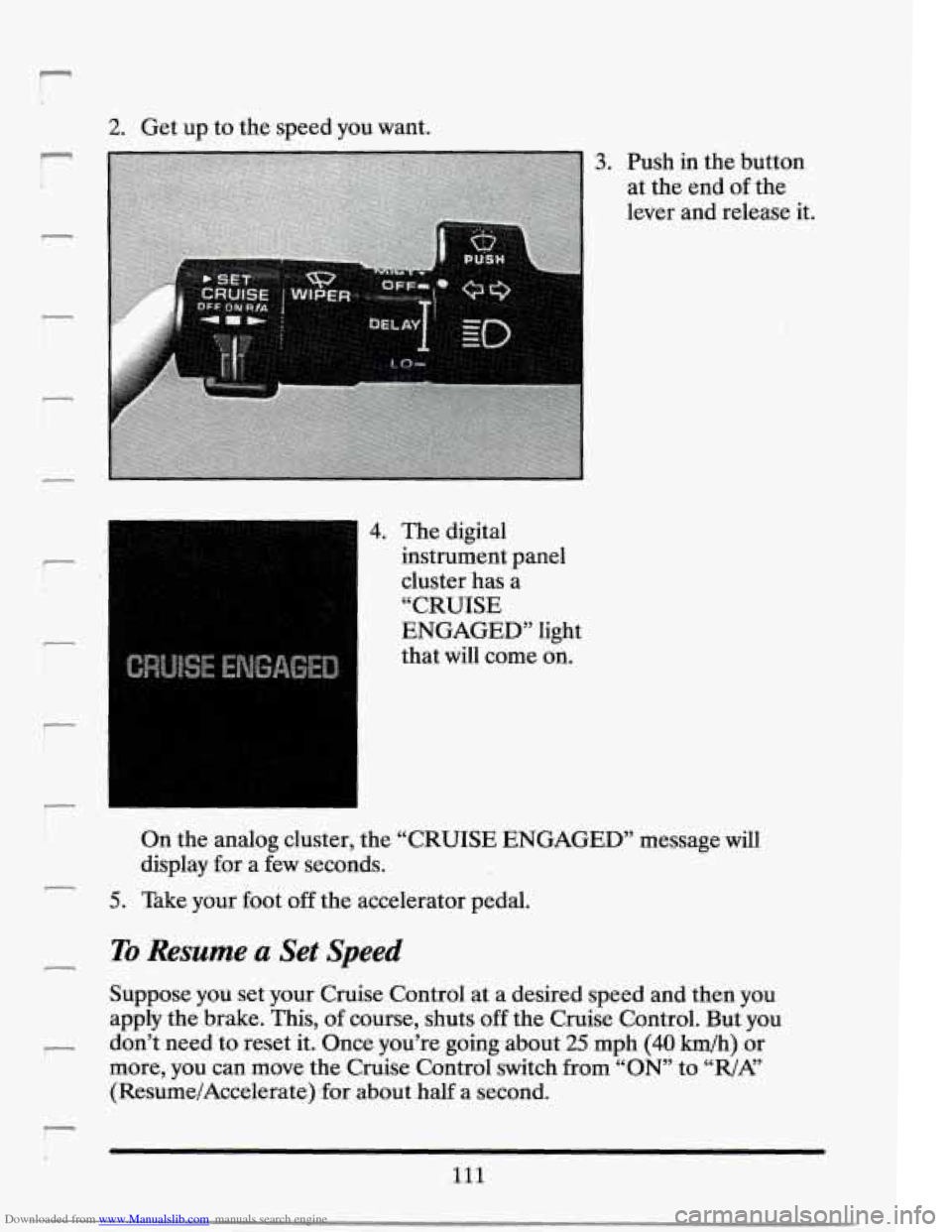
3. Push in the button
at the end
of the
lever and release it.
4. The digital
instrument panel
cluster has a
“CRUISE
ENGAGED” light
that will come on.
On the analog cluster, the “CRUISE ENGAGED” message will
display for-a few seconds.
5. Take your foot off the accelerator pedal.
To Resume .a Set Speed
Suppose you set your Cruise Control at a desired speea and then you
apply the brake. This, of course, shuts
off the Cruise Control. But you
don’t need to reset it. Once you’re going about
25 mph (40 h/h) or
more, you can
move the Cruise Control switch from “ON” to “R/AL’
(Resume/Accelerate) .for about half a second.
Ill
Page 127 of 399
Downloaded from www.Manualslib.com manuals search engine To Get Out of Cruise Control
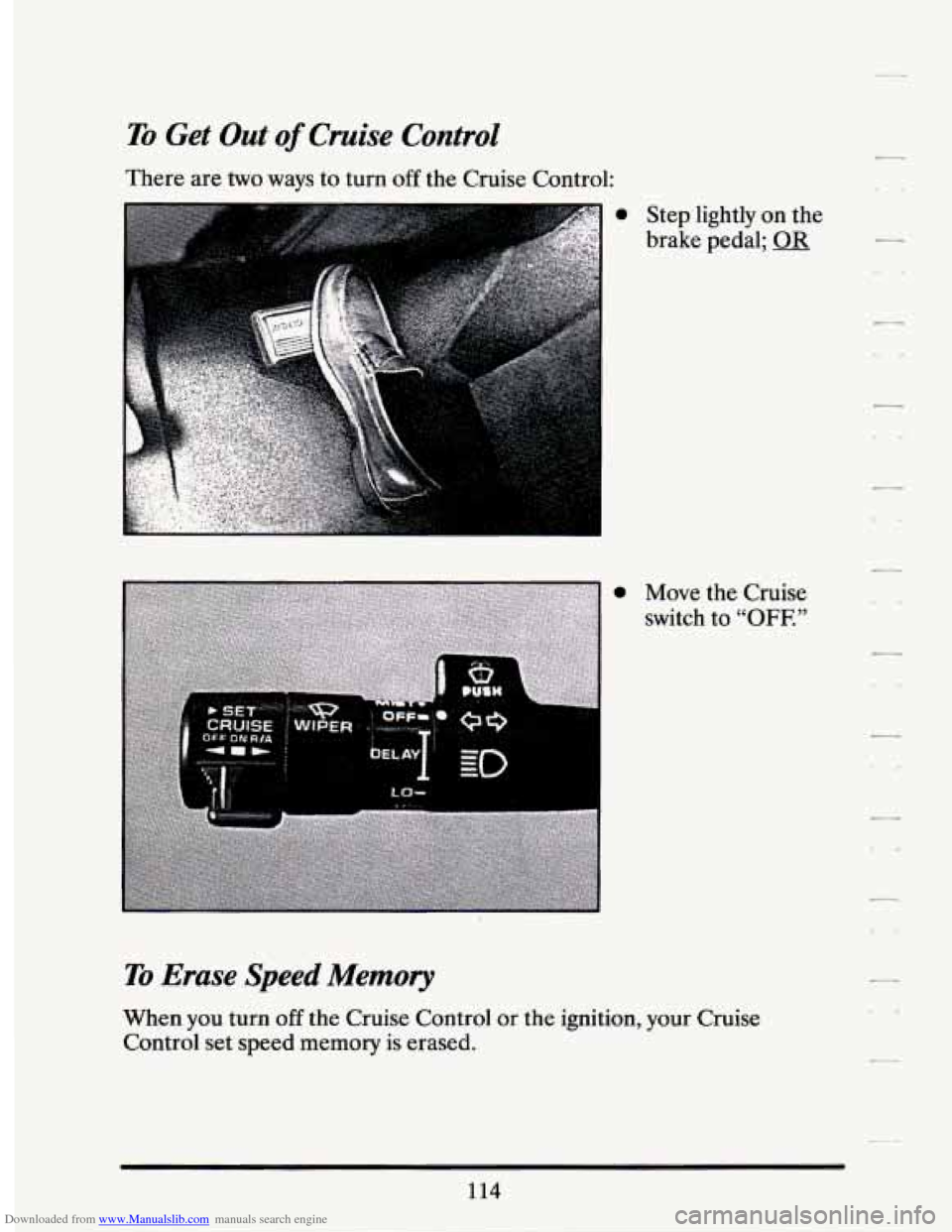
There are two ways to turn off the Cruise Control:
a Step lightly on the
brake pedal;
a Move the Cruise
switch to
“OFF.”
To Erase Speed Memory
When you turn off the Cruise Control or the ignition, your Cruise
Control set speed memory is erased.
114