1994 CADILLAC ELDORADO ignition
[x] Cancel search: ignitionPage 157 of 398

Downloaded from www.Manualslib.com manuals search engine n
r
Ir
r
b”
n I t-
compressor,.is ,automatically $Urned.o€L =tlaat.;hap.pgns, air
conditioned air is not delivered.
If the coolant temperature returns to
normal, you must select “AUTO”, “DEFOG” or Defrost to return to a
normal A/C compressor operation.
FUEL LEVEL VERY LOW - 11
This message serves as a warning that the fuel level in your tank is
critically low. It means you should stop for fuel immediately. I
CHECK WASHER FLUID - 25
This message shows that the washer fluid reservoir is nearly empty.
SERVICE A/C SYSTEM A/C COMPRESSOR OFT - 14 I
This message appears when the electronic sensors that control the A/C
and heating system are no longer working. You may notice a drop in
heating and
A/C efficiency when this message appears. Have your
Climate Control system serviced
if this message appears.
STARTING DISABLED DUE TO THEFT SYSTEM REMOVE
IGNITION KEY - 33
This message will a ear when the Personalized Automotive Security
System (PASS Key
gp 11) senses that an improper ignition key is being used
to try to start the vehicle. Check the ignition key for damage.
If it is
damaged, it may need to be replaced.
If you see no damage, clean the Ii
pellet contacts with a soft cloth or napkin. Remove the ignition key and
wait for the Driver Information Center to display “WAIT
3 MINUTES”.
The Instrument Panel Cluster
will then run a timer and change the
messages to “WAIT
2 MINUTES ”, “WMT 1 MINUTE”, and then
“START CAR”. When the “START
CAR” message is displayed, try again
to start the engine.
SERVICE NOW - REFER TO OWNERS MANUAL - 02
This message appears if you have a problem with the Powertrain Control
Module
(PCM). To correct this problem have your vehicle serviced at
your Cadillac dealership.
SERVICE RIDE CONTROL - 84
This message is displayed to indicate that the Suspension System is not
operating properly. To correct this problem have your vehicle serviced at
your Cadillac dealership at your earliest convenience.
145.
Page 159 of 398

Downloaded from www.Manualslib.com manuals search engine TRANSFLUJJlRESET=48. .2. .. .. 1 ., . _,,. . :A -. v-. . .. .. , .- .
With the engine not running and the ignition ON, press and hold the
OFF and REAR DEFOG buttons until the TRANS FLUID'RESET
message appears in the Information Center (between 5 and 20 seconds).
TURN SIGNAL ON. - 20
This message is a reminder, after driving about a mile, that you have your
turn signal on.
TRUNK OPEN - 24
k
r
f
I
I
f L,
P
F
r
r
Speed Sensitive Steering (11 5s)
This system varies the amount of steering effort proportiabate to
your vehicle speed. Steering
is eesier at a lower speed for increased
maneuverability and parking ease.
As your vehicle speed increases, the'"-:
steering effort is also increased proportionately. At highway speeds the
amount
of steering effort is increased to provide a manual like steering
feel for maximum control and enhanced vehicle stability.
. ./ ; .
.. ..
Road Sensing Suspension
The Road Sensing Suspension automatically controls the ride of your
vehicle. The system controls damping
forces in the shock absorbers and
struts
in response to various road and driving conditions. The system is
capable
of making these changes within milli-seconds.
The Road Sensing Suspension controller is a computer used to control and
monitor the system. The computer receives inputs from vertical acceleration
sensors, wheel to body position sensors, vehicle speed sensor, lift and dive
signals,
and determines optimum strut valving or (suspension stiffness) for
your current operating conditions. The computer a1,so receives feedback
Page 161 of 398

Downloaded from www.Manualslib.com manuals search engine n n
r
I-- .,
I
r
r
r
The system probably will say. to change .& d between ,3000 miles
(5000 km) and ,7500 *miles. (125OO km), but it may even sary to change it
before
3000 under very severe conditions. It all depends on .your drivirrg
pattims.
If it’s been 7500 miles (12500 km) it,always says to’ change the oil.
There are two.thingslhe system doesn?t do:
0 It can’t sense. heavy dust in the.places where you- drive. If you -drive in
a dusty area, you should change your
oil -every 3000 miles (5000 km)
or 3 months (whichever comes first), unless the display says to chinge
it even sooner than that.
I
It doesn’t check how much oil you have, so you’ll still have to check
for that. To see how, see “Engine Oil.’’ in the Index.
men You’ve Changed the Oil
When new oi€ is,put in, you’ll need .to reset.your.system. To: do it, display
the “OIL LIFE
.INDEX’’ by pressing the INFORMATION button. Then
press -and;hold the RESET buttons until the display shows “POO-OIL
LIFE LEFT.”
Electronic Level .Control
This keeps your car level.
The ignition’has to be
“ON” for the level control to work. When,you turn
the ignition off, you may hear the level control exhausting. The,system
consists
of an electronic rear position sensor, a smalldectric air
compressor, and air adjustable
SI kabsorbers mounted on the rear of
the vehicle.
If the system has .a slight leak, the air compressor will run frequently for a
few seconds each time.
i For a massive air leak, the air ‘compressor will stay on for. approximately
7 minutes. You should see your.deal.er for service, but.you can keep
driving ,your Cadillac.
149
Page 173 of 398
Downloaded from www.Manualslib.com manuals search engine r
F Y!
r
r
i
The Upper hob
The upper knob does these five things:
It turns the radio on and off.
It controls the volume.
It lets you see what station you have. (When the radio is on, .push the
It tells you the time. (When the ignition is off, push the upper knob to
knob
to display the station.)
display the time.) .- 4
0 Push the knob to hear the other side of a tape.
Behind the upper knob is a balanee control. It moves the sound between
the left and right speakers.
The Lower hob
Turn the .lower knob to choose radio stations. Push the knob to switch
from
AM or FM.
If you have the Delco Bose Gold Series Music System, it lets you switch
from CD (Compact Disc) to
TP (Tape player).
The control behind the lower knob moves the sound between your
front
and rear speakers .. . ..
SCAN
When you push this button either up or.down, the S:CAN indicator: the
display will light and the radio will find the
next station and stay there '' '.
about 5 seconds. Thenit dl g~ .to the next stsltion.md pause, and keep
doing that until you push eithkr the
SCAN or upper hob,
SEEK
I
Page 175 of 398
Downloaded from www.Manualslib.com manuals search engine To Play A Cassette Tape
F
0 Turn the radio on.
0 Insert the cassette through the tape door. (The “TAPE” indicator in
the display will light.)
1 If you hear nothing or hear just a garbled sound, the cassette may not be
7 tape equalization is automatically sensed and set. Insertin thecassette
in squarely. Push
the
EJCT button to remove the tape and start over. The
I also automatically disables DNR@* and activates DOLBY noise 0
reduction.
noise from the radio.
- DNR@ is the Dynamic Noise Reduction. It helps remove background hiss, a
Push the FWD button to move forward rapidly to another part of the
same button and the tape will start to play again.
7 tape. The radio will play during fast forward. To stop the tape push the i
r- REV (Reverse)
1 Push the REV button to move the tape rapidly backward. To stop the
r i. will play during this reverse function.
tape,
push the same button lightly or any of the other buttons. The radio
To go from one side of the tape to the other, push in the upperAnob on
your radio.
To remove the tape, push EJCT. The tape can be ejected when
i the ignition is turned off.
*DNR@ is a registered trademark of National Semiconductor
r corporation.
Page 178 of 398
Downloaded from www.Manualslib.com manuals search engine FWD (Fast Forward)
Press and hold FWD to advance quickly within a track. Release it to
resume playing. Elapsed time will be displayed
to show the forward
progress
of the CD.
Prev (Previous)
Push this button to go back to the beginning of the track or push it again
to
a favorite track.
Next
Push this button to advance to the next track.
ST/PL (StoplPlay)
Press this button and the disc or tape will stop without ejecting it and the
radio will start to play. Press it again and the disc or tape will start to play
again.
EJCT (Eject)
Press this button to eject the disc or tape. If you have both a CD and a
tape in the player, then the other playback media will start to play. Press
it again and the other media will eject.
Comp (Compression)
Pressing COMP makes soft and loud passages more nearly equal in
volume. For example, playing classical or jazz music with very quiet and
very loud passages in the same tune. The COMP display
will light as long
as COMP is on.
Setting The Clock
Turn the ignition on. Then:
To Set the Hour:
Press SET, and within 5 seconds,
Press and hold SEEK. When the clock gets to the correct hour, let go.
-
.. ,
-
166
Page 180 of 398
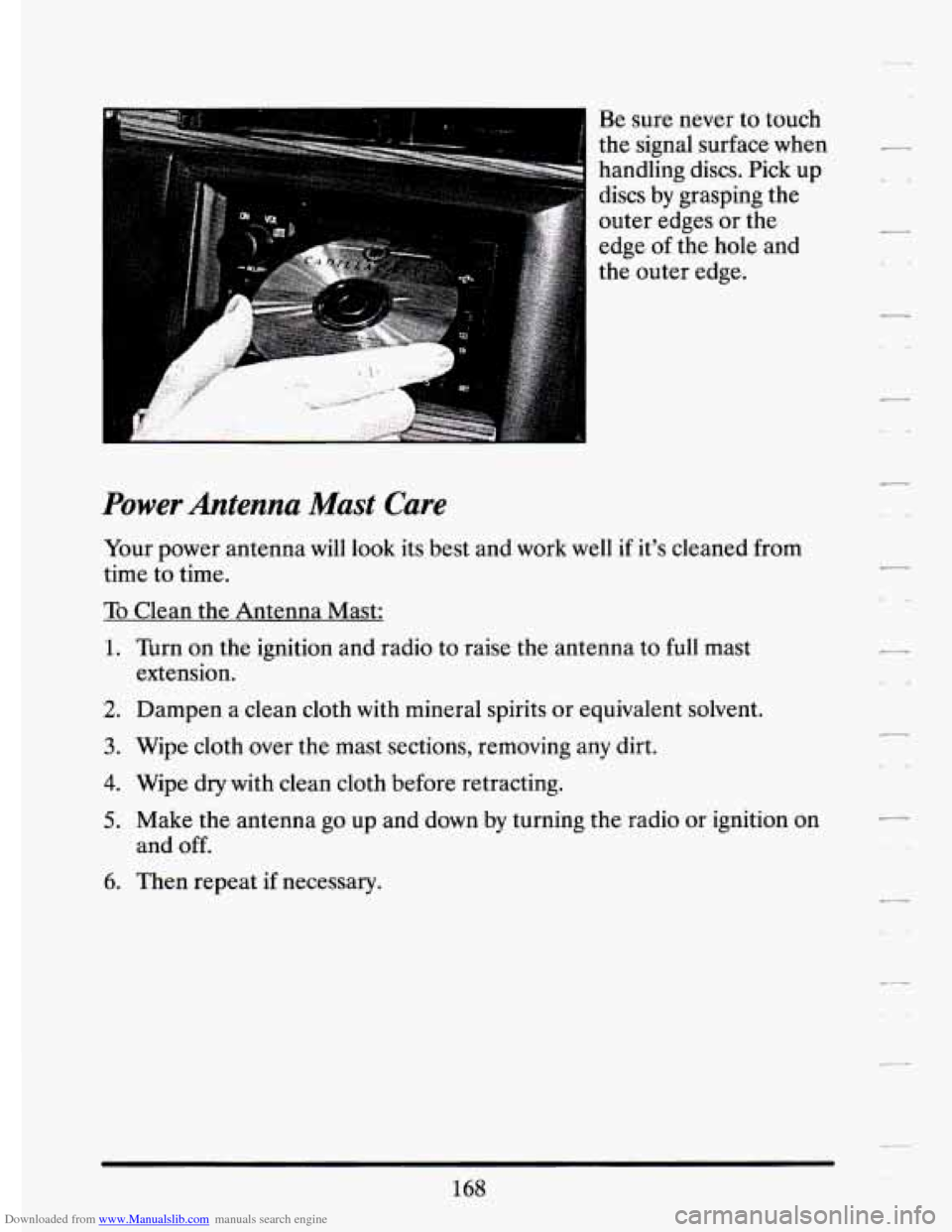
Downloaded from www.Manualslib.com manuals search engine Be sure never to touch
the signal surface when
handling discs. Pick
up
discs by grasping the
outer edges or the
edge
of the hole and
the outer edge.
I
Power Antenna Mast Care
Your power antenna will look its best and work well if it’s cleaned from
time to time.
To Clean the Antenna Mast:
1. Turn on the ignition and radio to raise the antenna to full mast
2. Dampen a clean cloth with mineral spirits or equivalent solvent.
extension.
3. Wipe cloth over
the mast sections, removing any dirt.
4. Wipe dry with clean cloth before retracting.
5. Make the antenna go up and down by turning the radio or ignition on
and
off.
6. Then repeat if necessary.
168
r
.
Page 224 of 398
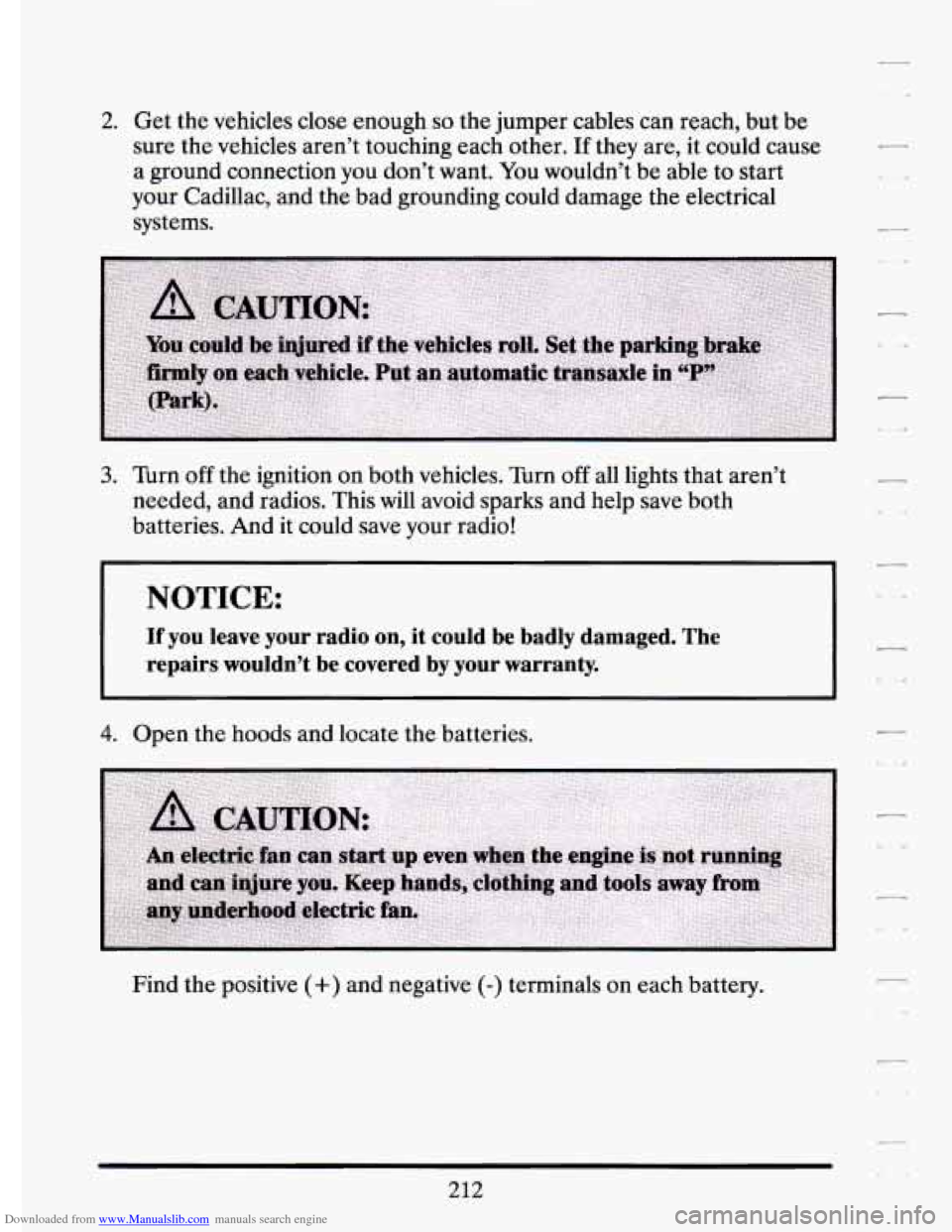
Downloaded from www.Manualslib.com manuals search engine 2. Get the vehicles close enough so the jumper cables can reach, but be
sure the vehicles aren’t touching each other.
If they are, it could cause
a ground connection you don’t want. You wouldn’t be able to start
your Cadillac, and the bad grounding could damage the electrical
systems.
3. Turn off the ignition on both vehicles. Turn off all lights that aren’t
needed, and radios. This will avoid sparks and help save both
batteries. And
it could save your radio!
I NOTICE:
I
If you leave your radio on, it could be badly damaged. The
repairs wouldn’t be covered by your warranty.
4. Open the hoods and locate the batteries.
Find the positive
(+) and negative (-) terminals on each battery.
212