1994 CADILLAC ELDORADO light
[x] Cancel search: lightPage 83 of 398
Downloaded from www.Manualslib.com manuals search engine r
r
r t
r
ir
r:
r
Your vehicle is equipped with this feature. If you leave the key in the
ignition whether in the Accessory, Lock,
or Off position with the ,driver's
door open, you cannot lock,the vehicle using the power locks.
If you close
the door you can.lo.ck it using the Remote Keyless Entry System. It is
always recommended. that- you rem0v.e your ignition
key when locking
your vehicle.
Illuminated Entry System
Your illuminated.entry system turns on all the courtesy lights when a door
is opened or if you push the Remote Keyless. Entry button. .When. the
door is closed, the courtesylights will go out.
RElMOTE KEIZESS ENTRY SYSTEM
With this feature you can turn on your interior lights, lock.and unlock
your doors, or unlock your trunk from-up
to 15 feet (4.5 mm) using the
key chain transmitter supplied with your vehicle
...
Your. Remote Keyless Entry System is intended to be used as a
supplementary vehicle entry device. It is not intended to replace, but
rather should be used in conjunction with a door lock key. It operates on
a radio frequency subject to Federal Communications Commission
(FCC) Rules.
This device complies with Part 15 of the FCC Rules. Operation.
is subject
to the following
two conditions: (1) This device may not cause harmful . ,I
interference,.and (2) This device must accept any interference received,
including interference that may cause undesired operation.
Should interference- to this system occur, try this:
Check to determine if battery replacement is necessary. See the
Check the distance. You may be too far from your vehicIe. This
Check the location. Other vehicles or objects may be. blocking the-
0, See your Cadillac dealer ora qualified technician for service.
instructions
on battery replacement..
product has a maximum range.
signal.
71
Page 84 of 398
Downloaded from www.Manualslib.com manuals search engine Changes or modifications to this system by other than an authorized
service facility could void authorization to use this equipment.
Operation
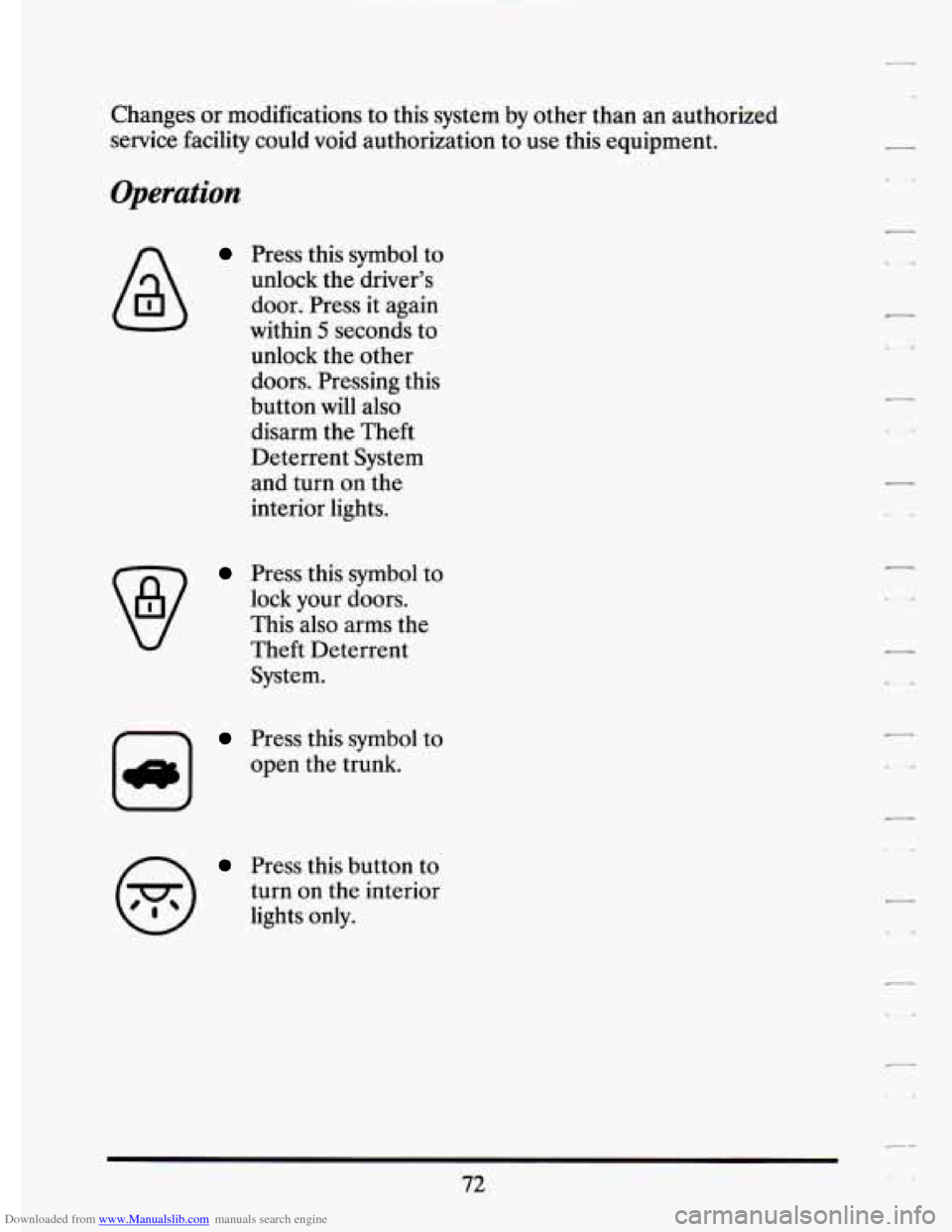
Press this symbol to
unlock the driver’s
door. Press it again
within
5 seconds to
unlock the other
doors. Pressing this
button will also
disarm the Theft
Deterrent System
and turn on the
interior lights.
Press this symbol to
lock your doors.
This also arms the
Theft Deterrent
System.
m
Press this symbol to
open the trunk.
Press this button to
turn on the interior
lights only.
72
Page 92 of 398
Downloaded from www.Manualslib.com manuals search engine When you park your Cadillac and open the driver’s door, you’ll hear a
chime reminding you to remove your key from the ignition and take it
with you. Always
do this. Your steering wheel will be locked, and so will
your ignition and transaxle. And remember to lock the doors.
Parking at Night
Park in a lighted spot, close all windows and lock your vehic\
le. Remember
to keep your valuables out
of sight. Put them in a storage area, or take
them with you.
Parking Lots
If you park in a lot where someone will be watching your vehicle, it’s best
to lock it up and take your keys. But what
if you have to leave your
ignition key? What
if you have to leave something valuable in your
vehicle?
a Put your valuables in a storage area, like your trunk or glove box.
Lock the glove box.
0 Lock all the doors except the driver’s.
Then take the door key with you.
THEFT DETERRENT (OPTION)
I ,SECURITY
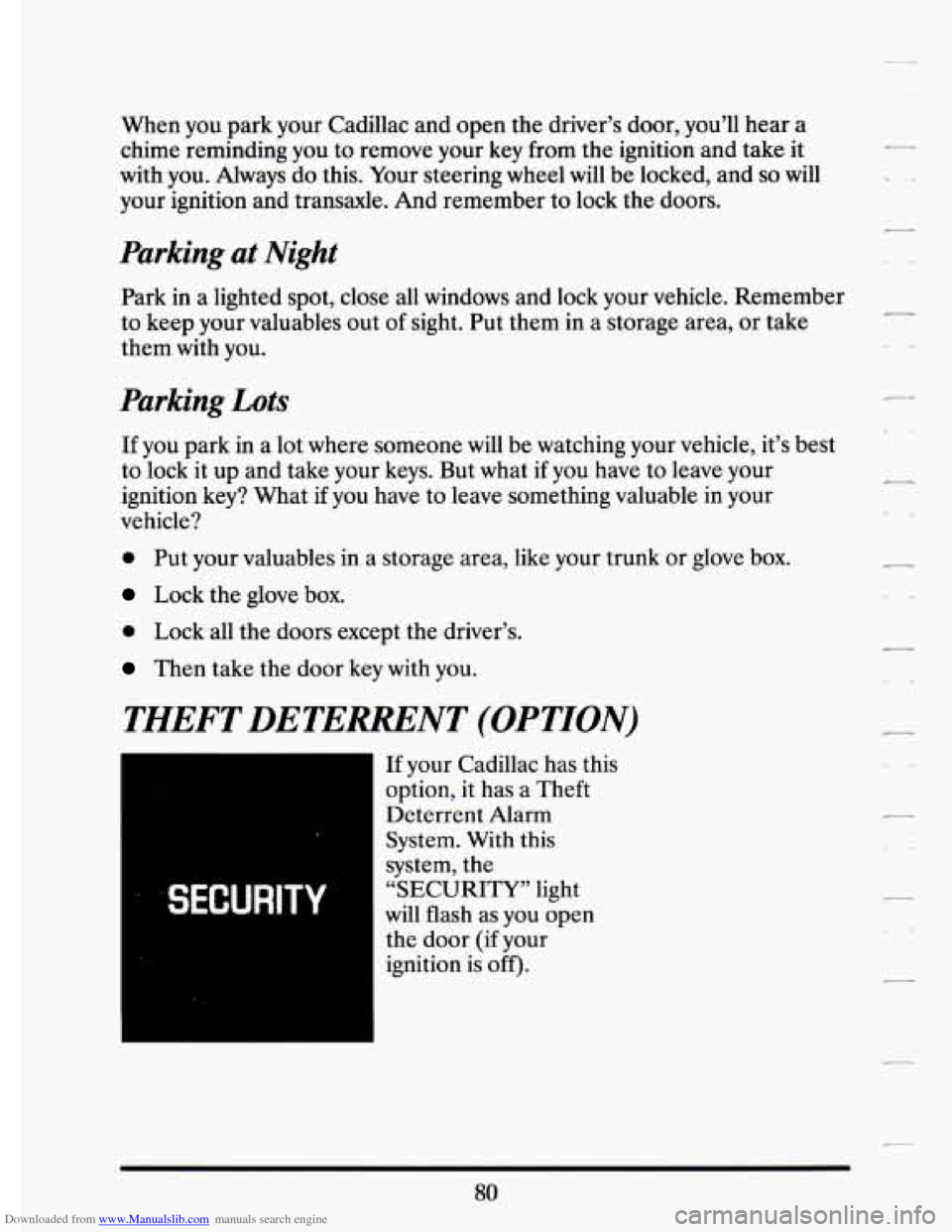
If your Cadillac has this
option, it has a Theft
Deterrent Alarm
System. With
this
system, the
“SECURITY” light
will flash as you open
the door
(if your
80
Page 93 of 398
Downloaded from www.Manualslib.com manuals search engine hl
c7
r
This light reminds you to arm the theft deterrent system. Here’s how to
do it:
1. Open the door.
2. Lock the door with the power aoor lock switch or Keyless Entry
System. The “SECURITY” light should come on and stay on.
3. Close all doors. The “SECURITY” light should go off.
If a door or the trunk is opened without the key or Keyless Entry System,
the alarm will go
off. It will also go off if the’trunk lock is damaged. Your
vehicle’s lights will flash and thehorn will sound for
3 minutes, then will
- go off to save battery power. 1. I
1 Remember, the theft deterrent system wht arm if you lock the doors
with a key or manual door lock. It arms only if you use a power door lock
switch or Keyless Entry System.
Here’s how to avoid setting
off the alarm by accident:
r
r t
P
r
r
r
If you dop’t want to arm the theft deterrent system, the vehicle should
be locked with the door key after the doors are closed.
Always unlock a door with a key, or use the Keyless Entry System.
If you set off the alarm by accident, unlock any door with your key. You
Unlocking
a door any other way will set off the alarm.
can also turn
off the alarm by using the Keyless Entry Syste
it. The alarm won’t stop if you try to unlock a door any
How to Test The Alarm
Roll down your window and lock your vehicle using the power door
lock or the Keyless Entry System.
Reach in and unlock the door using the manual lock, and open the
If the alarm does not sound when it should, check to see if the horn
works. The horn fuse may
be blown. To replace the fuse, see “Fuses and
Circuit Breakers” in the Index.
To reduce the possibility of theft, always
arm the theft deterrent system
when leaving your vehicle. door.
The horn will sound and your headlights
will flash.
81
Page 94 of 398
Downloaded from www.Manualslib.com manuals search engine PASS-KEY@II
Your vehicle is equipped with the PASS-Key@II (Personalized
Automotive Security System) theft deterrent system. PASS-Key@II
is a
passive theft deterrent system.
This means you don’t have to do anything
different to arm or disarm the system. It works when you insert or remove
the
key from the ignition. PASS-Key@II uses a resistor pellet in the
ignition key that matches a decoder in your vehicle.
When the PASS-Key@II system senses that someone is using the wrong
key, it shuts down the vehicle’s starter and
fuel systems. For about three
minutes, the starter won’t work and fuel won’t go to the engine.
If
someone tries to start your vehicle again or uses another key during this
time, the vehicle will not start. This discourages someone from randomly
trying different keys with different resistor pellets
in an attempt to make a
match.
The ignition key must be clean and dry before it’s inserted in the ignition
or the engine may not start. If
the engine does not start and the
SECURITY light comes on, the key may be dirty or wet. Turn the
ignition off.
-
c .*
Clean and dry the key. If the starter still won’t work, and the key appears -
to be clean and dry, wait about three minutes and try the other ignition
key. At this time, you may also want to check the fuses (see “Fuses and
Circuit Breakers”
in the Index). If the starter won’t work with the other
key, your
vehicle needs seivice. If your vehicle does start, the first ignition
key may be faulty. See your Cadillac dealer or a locksmith who can
service the PASS-Key@II.
If you accidentally use a
key that has a damagea or missing resistor pellet,
the starter won’t work But you don’t have to wait three minutes before
trying one of the other ignition keys.
CI
-
-
See your Cadillac dealer or a locksmith who can service the PASS-Key@II
to have a new key made.
If you’re ever driving and you get the “PASS-KEY MALFUNCTION”
message you
will be able to restart your engine if you turn it off. Your
PASS-Key% system, however, is not working properly and must be
serviced by your Cadillac dealer. Your vehicle is not protected by the
PASS-Key@II system.
82
Page 105 of 398
Downloaded from www.Manualslib.com manuals search engine i r
r
To set’ the parking brake: . .~ . ... I. . . ,-
Hold th,e regular brake pedal down with your right foot. Push down the
parking brake pedal with your left foot.
If the ignition .is on, the brake
system warning light will come on.
.- ” .
r
f- i
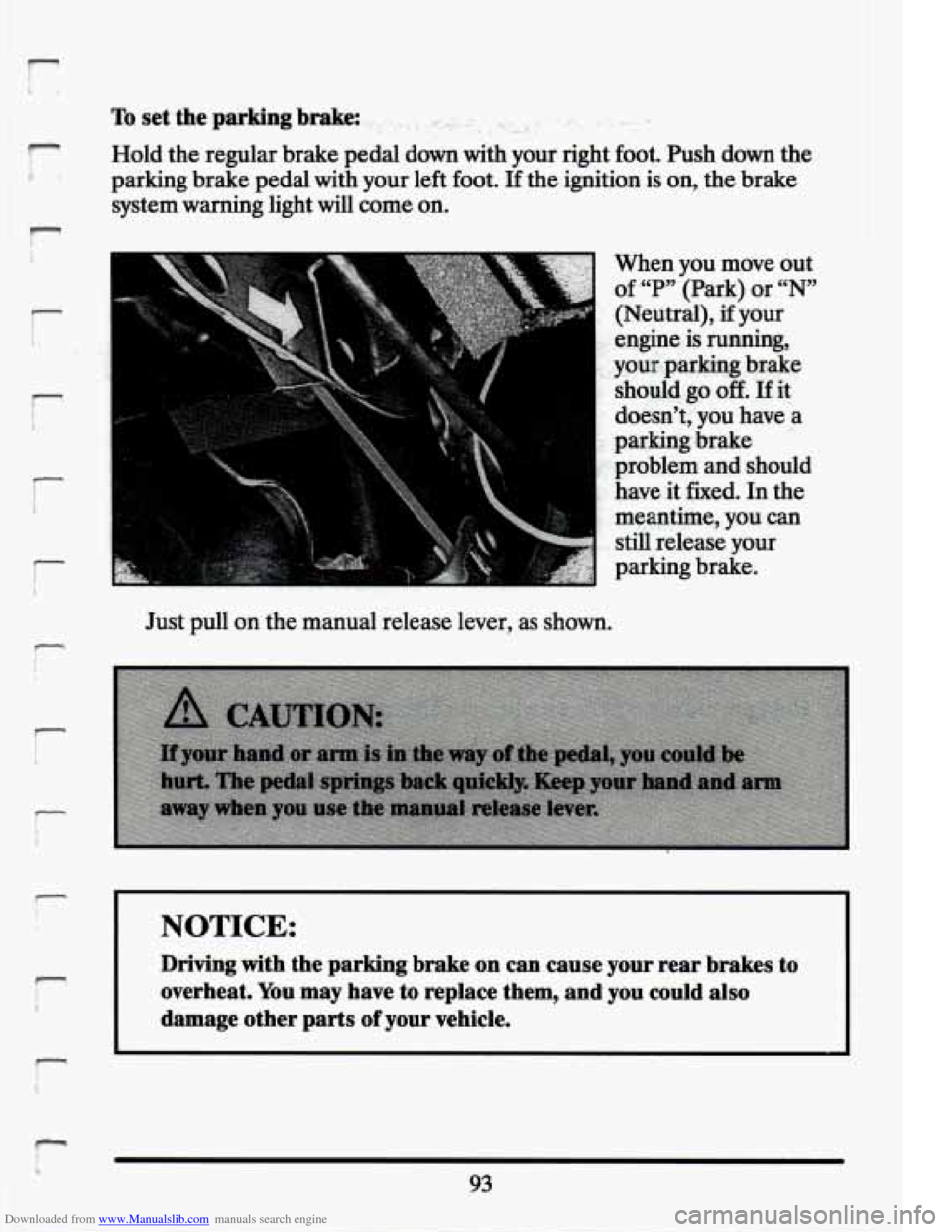
When you move out
of “P” (Park) or “N”
,.. (Neutral), if your
: engine is running,
,. your-parking brake
.:, should go off. If it
’ . doesn’t; ,you have a
,’: parking brake
.. problem and should
h\ave it fixed. In the
: meantime, you can
still release your
parking brake.
Just pull
on the manual release lever, as shown.
!
NOTICE:
Driving with-the parking brake on can cause your rear b,rakes to
overheat.
You may have to replace them, and you could also
damage other parts of your vehicle.
93
Page 117 of 398
Downloaded from www.Manualslib.com manuals search engine r
r
!-
r
r
lr
If a bulb is burned out, ~~p~a~~~,~~.~~~.h~~~~a~~~~-an ,?wide$. If the green
arrows don’t
go on at all when you signal-a turn, check the fuse (see
“Fuses” in the Index) and for burned-out bulbs.
Operation of Lights
Although your vehicle’s lighting system (headlights, parking \
lights, fog
lamps, side marker lights and taillights) meets all applicable federal
lighting requirements, certain states and provinces may apply their
own
lighting regulations that may require special attention before you operate
these lights.
For example, some jurisdictions may require that you operate your lower
beam lights with fog lamps at all times, or that headlights be turned on
whenever you must use your windshield wipers. In addition, most
jurisdictions prohibit driving solely with parking lights, especially at dawn
or dusk. It is recommended that you check with your
own state or
provincial highway authoritfi for applicable lighting regulations.
Headlight High-Low Beam
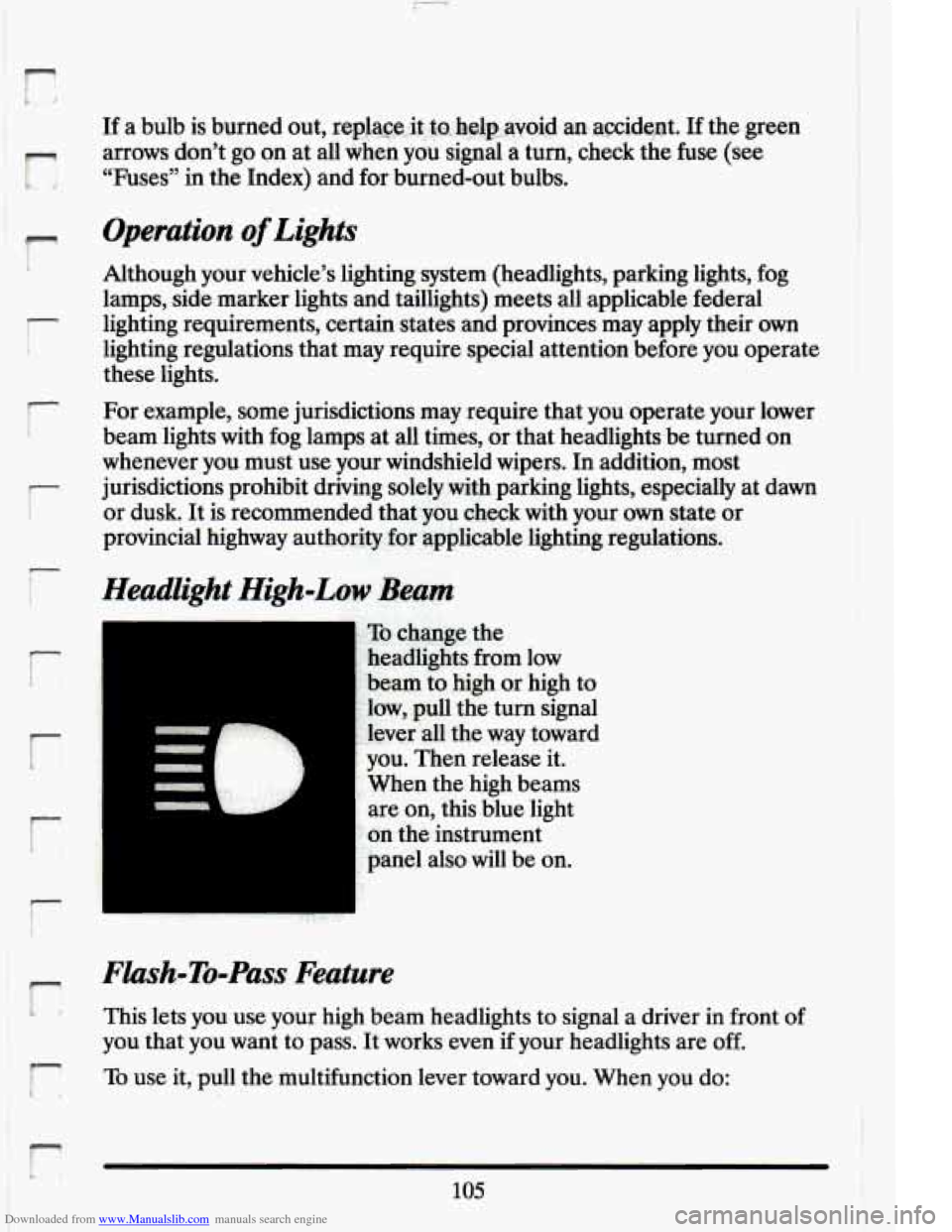
To change the
headlights from low
‘beam to high or high to
low,
pull the turn signal
lever all the way toward
you. Then release it.
When the high beams
are on, this blue light
on the instrument
panel also will be on.
Flash-To-Pass Feature
This lets you use your high beam headlights to signal a driver in front of
you that you want to pass. It works even if your headlights are off.
To use it, pull the multifunction lever toward you. When you do:
105
Page 118 of 398
Downloaded from www.Manualslib.com manuals search engine If your headliEhts are off: Your high beam headlights will turn on. They’ll
stay on as long as you hold the lever there. Release the lever to turn
them
off.
If your headliEhts are on. but on low beam: The system works normally.
Just pull the lever. Your headlights
will shift to high beam and stay there.
To return to low beam, just pull the lever toward you.
If vour headlights are
on. and on high beam: Your headlights will switch
to low beam. To get back to high beam, pull the lever toward you.
Windshield Wipers
1.0-
1.0- I
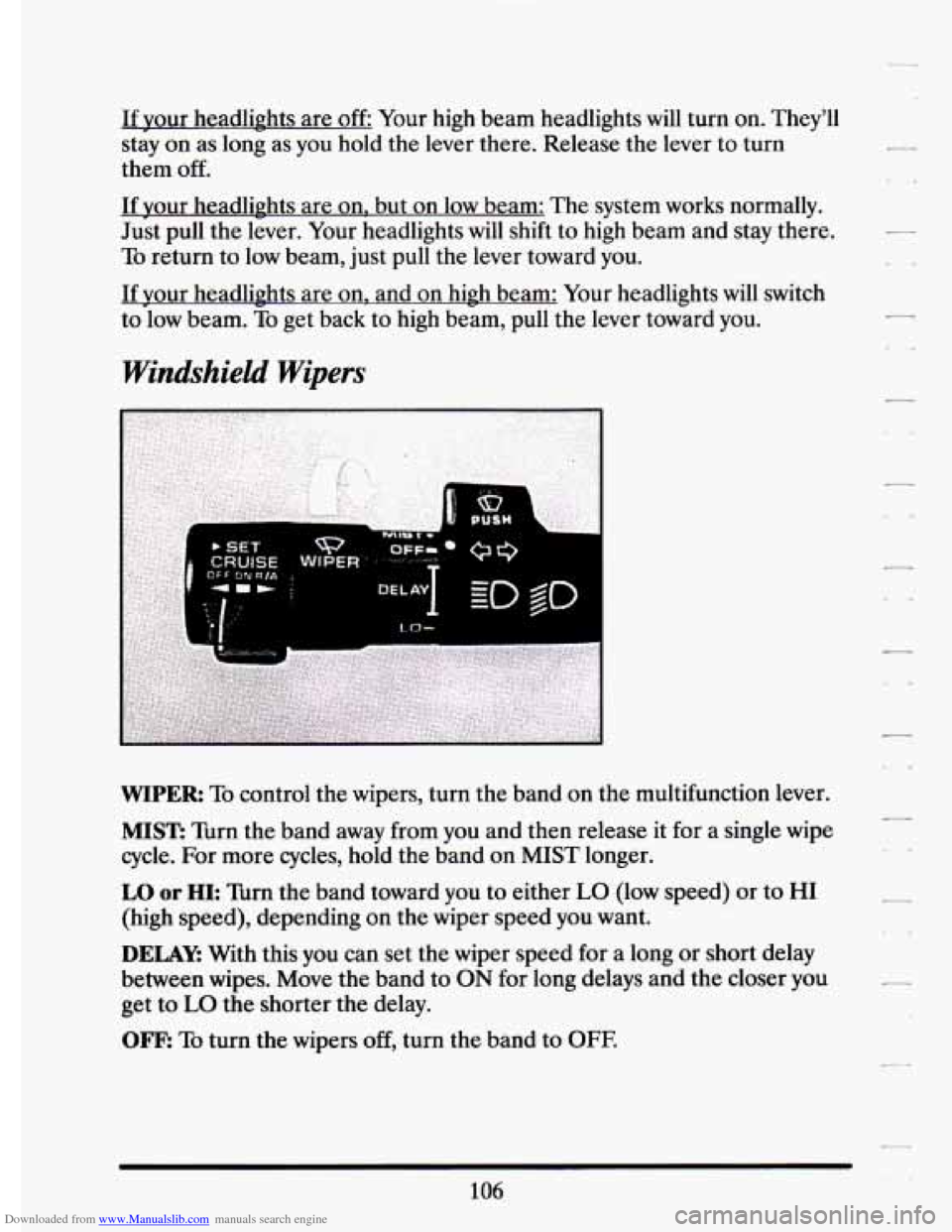
WIPER: To control the wipers, turn the band on the multifunction lever.
MIST: Turn the band away from you and then release it for a single wipe
cycle. For more cycles, hold the band on MIST longer.
7
LO or HI: Turn the band toward you to either LO (low speed) or to HI
(high speed), depending on the wiper speed you want.
DELAY: With this you can set the wiper speed for a long or short delay
between wipes. Move the band to
ON for long delays and the closer you
get to
LO the shorter the delay.
OFF: To turn the wipers off, turn the band to OFE
106