Page 87 of 308
To rock your vehicle back and forth to get out of snow,
ice or sand without damaging your transaxle, see “If
You’re Stuck:
In Sand, Mud, Ice or Snow” in the Index.
N (Neutral)
In this position, your engine doesn’t connect with the
wheels.
To restart when you’re already moving, use
“N” (Neutral) only.
I 6% CAUTION:
NOTICE:
Damage to your transaxle caused by shifting out
of “P” (Park) or “N” (Neutral) with the engine
racing isn’t covered by your warranty.
0 @ Automatic Overdrive
This position is for normal driving. If you need more
power for passing, and you’re:
- Going less than about 35 mph (56 km/h), push
your accelerator pedal about halfway down.
- Going about 35 mph (56 km/h) or more, push the
accelerator all the way down.
You’ll shift down to the next gear and have more
power.
3 (Third Gear)
This is like @, but you never go into Overdrive.
Here are some times you might choose
“3” instead of
@:
- When driving on hilly, winding roads
- When towing a trailer, so there is less shifting
between gears
- When going down a steep hill
85
ProCarManuals.com
Page 88 of 308
I
I
I
r
2 (Second Gear)
This position gives you more power but lower fuel
economy. You can use
“2” on hills. It can help
control your speed as you go down steep mountain
roads, but then you would also want to
use your
brakes
off and on.
0 1 (First Gear)
This position gives you even more power (but lower
fuel economy) than
“2.” You can use it on very steep
hills, or in deep snow or mud.
If the selector lever is
put in “1,” the transaxle won’t shift into first gear
until the vehicle is going slowly enough.
NOTICE:
Don’t drive in “2” (Second Gear) for more than 5
miles (8 km), or at speeds over 55 mph (88 km/h),
or you can damage your transaxle. Use ‘@” or
“3” as much as possible.
Don’t shift into “2” unless you are going slower
than
65 mph (105 km/h), or you can damage your
engine.
NOTICE:
If your front wheels can’t rotate, don’t try to
drive. This might happen if you were stuck
in
very deep sand or mud or were up against a solid
object. You could damage your transaxle.
Also, if you stop when going uphill, don’t hold
your vehicle there with only the accelerator
pedal. This could overheat and damage the
transaxle. Use your brakes
or shift into “P” Park
to hold your vehicle
in position on a hill.
86
ProCarManuals.com
Page 89 of 308
Parking Brake
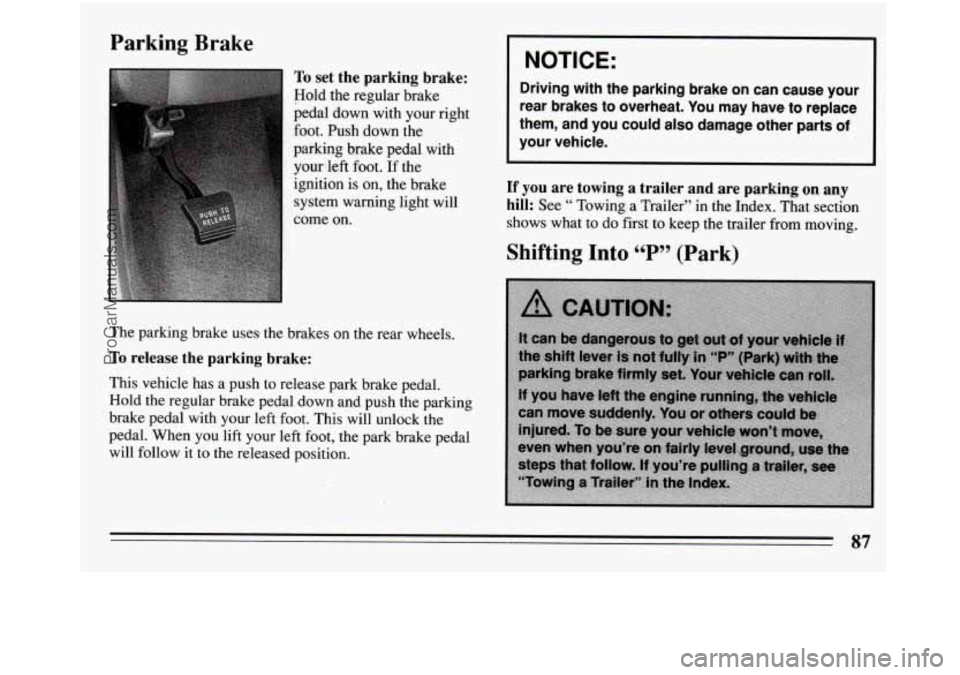
To set the parking brake:
Hold the regular brake
pedal
down with your right
foot. Push down
the
paiking brake pedal with yourleft foot.
If the
ignition is on, the brake
system warning light will
come on.
The parking brake uses the brakes on the rear wheels.
To release the parking brake:
This vehicle has a push to release park brake pedal.
Hold
the regular brake pedal down and push the parking
brake pedal with your left foot. This will unlock the
pedal. When you lift your left foot, the park brake pedal
will follow it to the released position.
I NOTICE: 1
Driving with the parking brake on can cause your
rear brakes to overheat. You may have to replace
them, and you could also damage other parts of
your vehicle.
If you are towing a trailer and are parking on any
hill:
See “ Towing a Trailer” in the Index. That section
shows what to do first to keep the trailer from moving.
87
ProCarManuals.com
Page 95 of 308
Your driver’s window has an express-down feature.
Quickly press and release the DN side of the switch, the
driver’s window will open a small amount. If the DN
side
of the switch is pressed for more than a few
seconds, the window will go all the way down. To stop
the window while it is lowering, press the UP side of the
switch. To raise the window, press and hold the UP side
of
the switch.
You may also have a lock out switch. Press
it to disable
the power window switches. This will prevent
passengers from opening and closing
the windows. The
driver can still control all the windows with the switch
in the locked position. Press it again to enable the
passenger window switches.
Horn
To sound the horn, press the horn symbol on either side
of the steering wheel.
Tilt Wheel
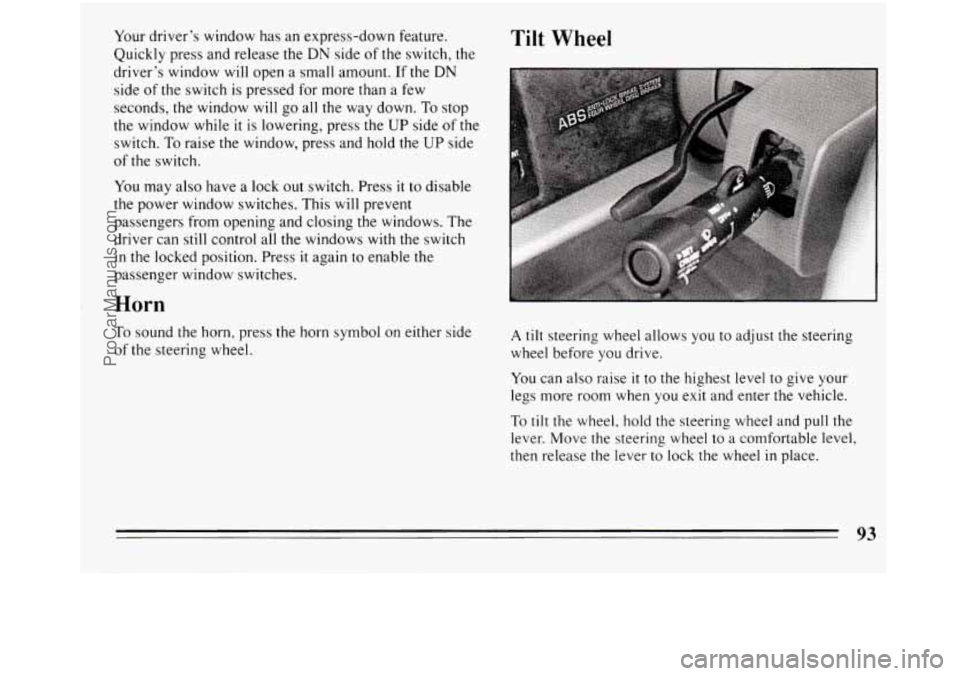
A tilt steering wheel allows you to adjust the steering
wheel before you drive.
You can also raise
it to the highest level to give your
legs more room when you exit and enter the vehicle.
To tilt the wheel, hold the steering wheel and pull the
lever. Move the steering wheel to a comfortable level,
then release the lever
to lock the wheel in place.
ProCarManuals.com
Page 136 of 308
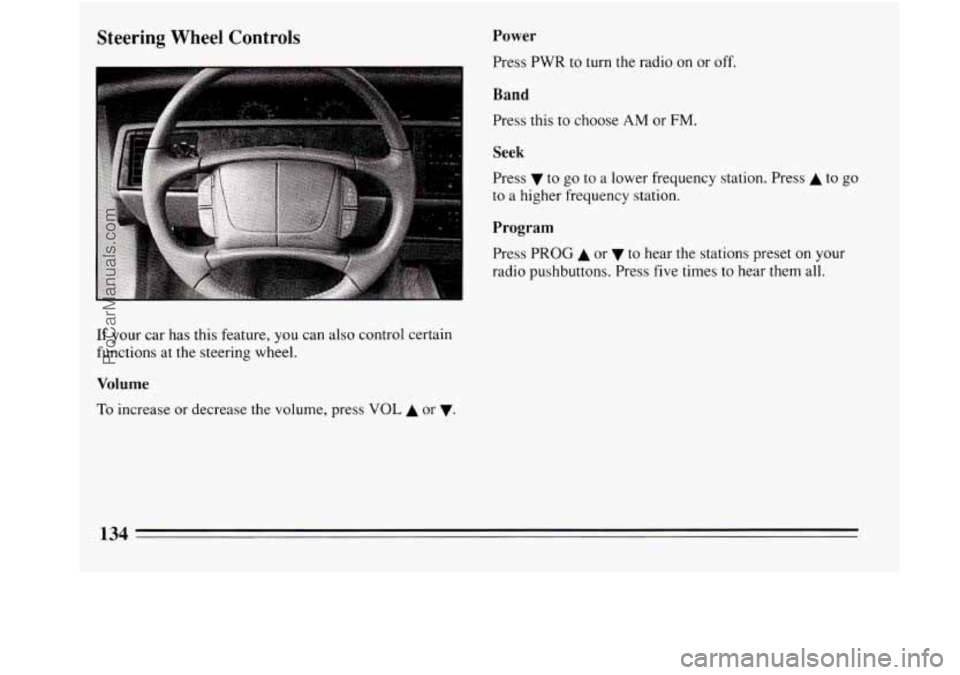
Steering Wheel Controls Power
Press PWR to turn the radio on or off.
Band
Press this to choose AM or FM.
I
Seek
Press v to go to a lower frequency station. Press A to go
to a higher frequency station.
Program
Press PROG A or to hear the stations preset on your
radio pushbuttons. Press five times
to hear them all.
If your car has this feature, you can also control certain
functions at the steering wheel.
Volume
To increase or decrease the volume, press VOL A or v.
134
ProCarManuals.com
Page 147 of 308
Anti-Lock Brakes (ABS)
Your Buick has an advanced electronic braking system
that will help prevent skidding.
ANTI-LOCK
This light on the
instrument panel will
go on when you start
your vehicle.
When you start your vehicle, or when you begin to drive
away, you may hear a momentary motor or clicking
noise. And
you may even notice that your brake pedal
moves a little while this is going on. This is the
ABS
system testing itself. If there’s a problem with the
anti-lock brake system, the anti-lock brake system
warning light
will stay on or flash.
See “Anti-lock Brake System Warning Light”
in the
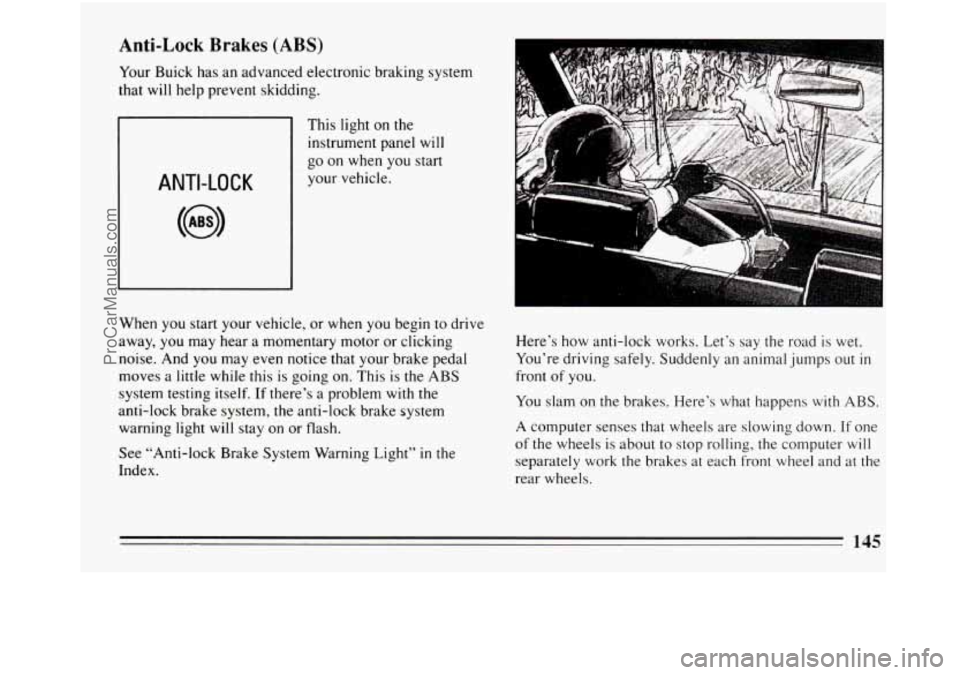
Index. Here’s how
anti-lock works. Let’s say the road is wet.
You’re driving safely. Suddenly an animal jumps out
in
front of you.
You slam on the brakes. Here’s what happens
with ABS.
A computer senses that wheels are slowing down. If one
of the wheels
is about to stop rolling, the computer will
separately work the brakes at each front wheel and at the
rear wheels.
145
ProCarManuals.com
Page 148 of 308
The anti-lock system can change the brake pressure
faster than any driver could. The computer is
programmed
to make the most of available tire and road
conditions.
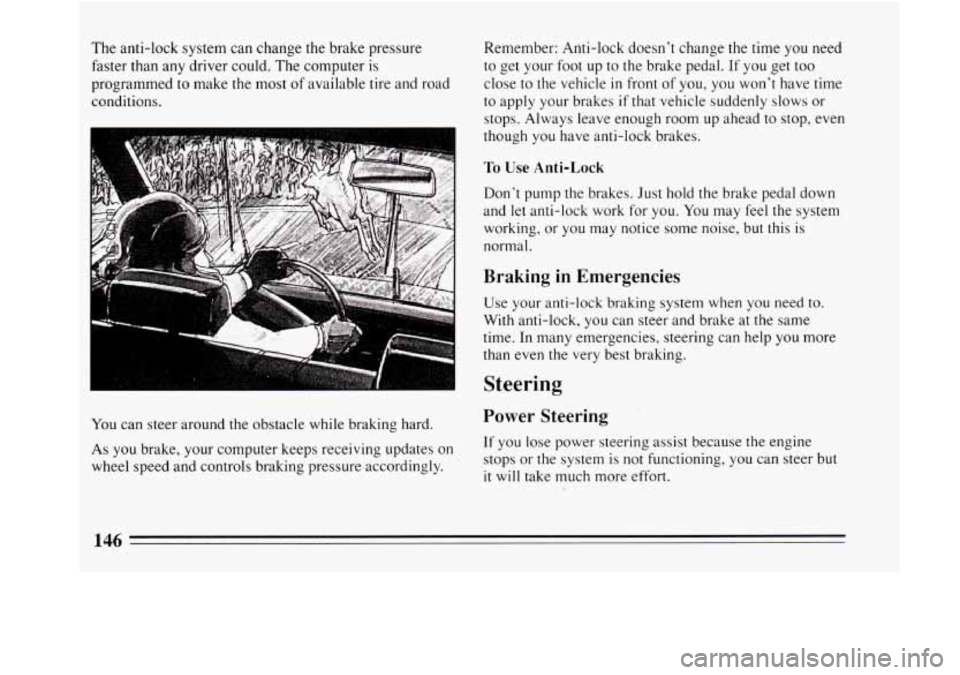
You can steer around the obstacle while braking hard.
As
you brake, your computer keeps receiving updates on
wheel speed and controls braking pressure accordingly. Remember: Anti-lock doesn’t change the time
you need
to get your foot up to
the brake pedal. If you get too
close to the vehicle
in front of you, you won’t have time
to apply your brakes
if that vehicle suddenly slows or
stops. Always leave enough room up ahead to stop, even
though
you have anti-lock brakes.
To Use Anti-Lock
Don’t pump the brakes. Just hold the brake pedal down
and
let anti-lock work for you. You may feel the system
working, or you may notice some noise, but this is
normal.
Braking in Emergencies
Use your anti-lock braking system when you need to.
With anti-lock, you can steer and brake at the same
time. In many emergencies, steering can help
you more
than even the very best braking.
Steering
Power Steering
If you lose power steering assist because the engine
stops or the system is not functioning, you can steer but
it will take much more effort.
146
ProCarManuals.com
Page 149 of 308
Steering Tips
Driving on Curves
It’s important to take curves at a reasonable speed.
A lot of the “driver lost control” accidents mentioned on
the news happen on curves. Here’s why:
Experienced driver or beginner, each of us is subject to
the same laws of physics when driving on curves. The
traction of the tires against
the road surface makes it
possible for the vehicle to change its path when you turn
the front wheels. If there’s no traction, inertia will keep
the vehicle going
in the same direction. If you’ve ever
tried to steer a vehicle on wet ice, you’ll understand this.
The traction you can get in a curve depends on the
condition of your tires and the road surface, the angle at
which the curve
is banked, and your speed. While
you’re
in a curve, speed is the one factor you can
control.
Suppose you’re steering through a sharp curve. Then
you suddenly accelerate. Both control systems
--
steering and acceleration -- have to do their work where
the tires meet the road. Adding the sudden acceleration
can demand too much of those places. You can lose
control. What should
you do
if this ever happens? Ease up on the
accelerator pedal, steer the vehicle the way
you want it
to go, and slow down.
Speed limit signs near curves warn that you should
adjust your speed. Of course, the posted speeds are
based on good weather and road conditions. Under less
favorable conditions you’ll want to go slower.
If you need to reduce your speed as you approach a
curve, do
it before you enter the curve, while your front
wheels are straight ahead.
Try to adjust your speed
so you can “drive” through the
curve. Maintain a reasonable, steady speed. Wait to
accelerate until you are out of the curve, and then
accelerate gently into the straightaway.
Steering in Emergencies
There are times when steering can be more effective
than braking. For example, you come over a
hill and
find a truck stopped
in your lane, or a car suddenly pulls
out from nowhere, or a child darts out from between
parked cars and stops right
in front of you. You can
avoid these problems by braking
-- if you can stop in
time. But sometimes you can’t; there isn’t room. That’s
the time for evasive action
-- steering around the
problem.
147
ProCarManuals.com