1994 BUICK PARK AVENUE traction control
[x] Cancel search: traction controlPage 125 of 324
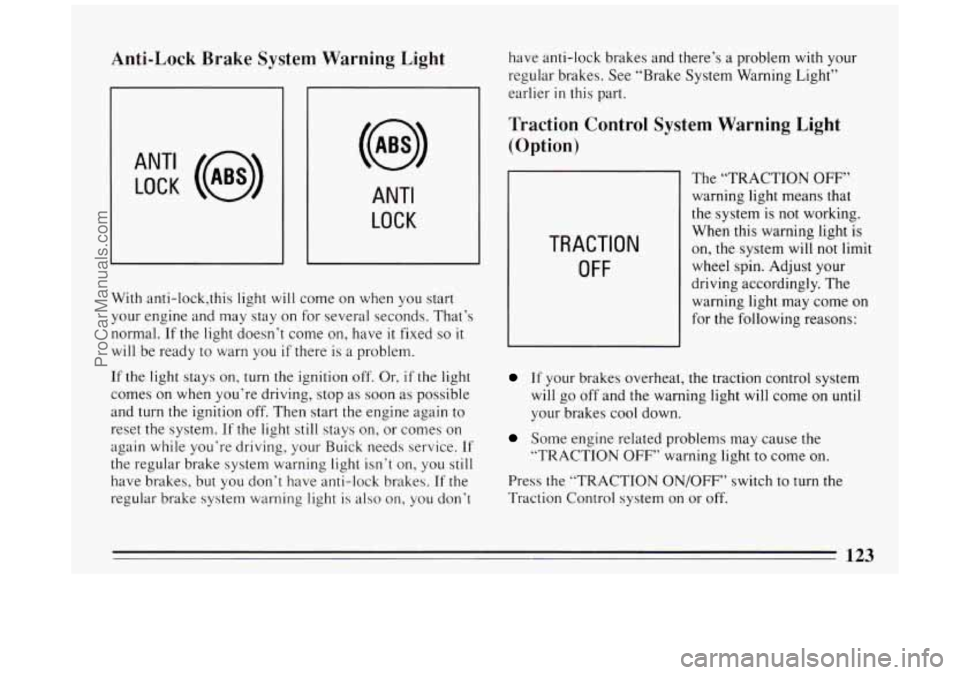
Anti-Lock Brake System Warning Light
ANT‘ LOCK (a)
ANTI
LOCK
J
With anti-lock,this light will come on when you start
your engine and may stay on for several seconds. That’s
normal.
If the light doesn’t come on, have it fixed so it
will be ready to warn you if there is a problem.
If the light stays on, turn the ignition
off, Or, if the light
comes on when you’re driving, stop as soon as possible
and
turn the ignition off. Then start the engine again to
reset the system.
If the light still stays on, or comes on
again while you’re driving, your Buick needs service.
If
the regular brake system warning light isn’t on, you still
have brakes, but you don’t have anti-lock brakes. If the
regular brake system warning light is also on, you don’t have
anti-lock brakes and there’s a problem
with your
regular brakes. See “Brake System Warning Light”
earlier
in this part.
Traction Control System Warning Light
(Option)
TRACTION
OFF
The “TRACTION OFF”
warning light means that
the system is not working.
When this warning light is
on, the system will not limit
wheel spin. Adjust your
driving accordingly. The
warning light may come on
for the following reasons:
If your brakes overheat, the traction control system
will go off and the warning light will come on
until
your brakes cool down.
Some engine related problems may cause the
“TRACTION
OFF’’ warning light to come on.
Press the “TRACTION ON/OFF” switch to turn the
Traction Control system on or off.
123
ProCarManuals.com
Page 170 of 324
A computer senses that wheels are slowing down. If one
of the wheels is about to stop rolling, the computer will
separately work the brakes at each front wheel and at the
rear wheels.
The anti-lock system can change the brake pressure faster
than any driver could. The computer is programmed to
make the most of available tire and road conditions.
m
b r
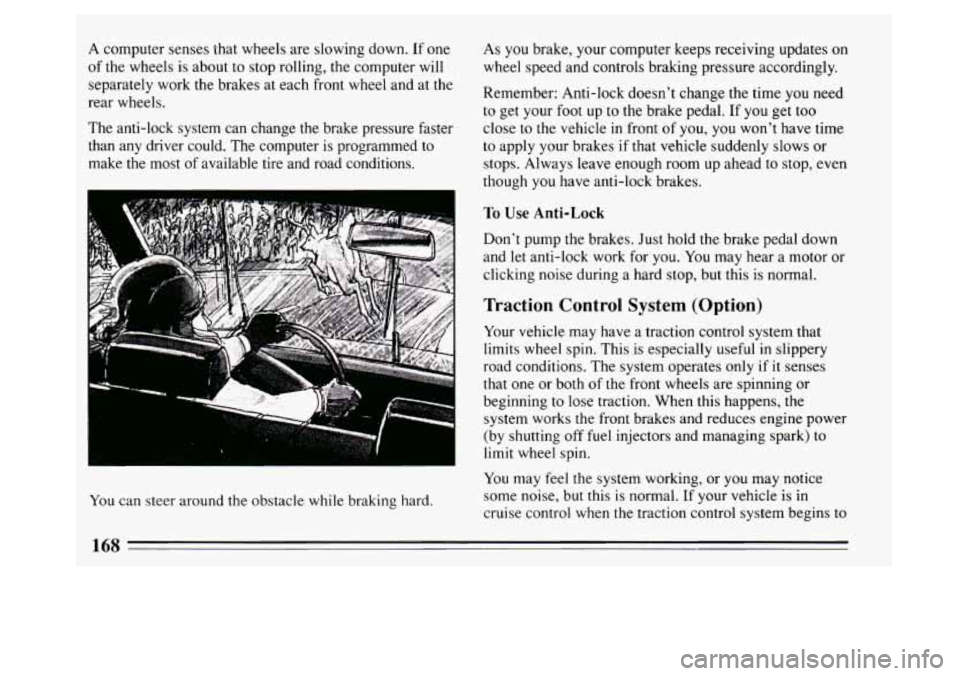
You can steer around the obstacle while braking hard. As you
brake, your computer keeps receiving updates on
wheel speed and controls braking pressure accordingly.
Remember: Anti-lock doesn’t change the time you need
to get your foot up to the brake pedal. If you get too
close to the vehicle in front of you, you won’t have time
to apply your brakes if that vehicle suddenly slows or
stops. Always leave enough room up ahead to stop, even
though you have anti-lock brakes.
To Use Anti-Lock
Don’t pump the brakes. Just hold the brake pedal down
and let anti-lock work for you.
You may hear a motor or
clicking noise during a hard stop, but this is normal.
Traction Control System (Option)
Your vehicle may have a traction control system that
limits wheel spin. This is especially useful in slippery
road conditions. The system operates only
if it senses
that one or both of the front wheels are spinning or
beginning to lose traction. When
this happens, the
system works the front brakes and reduces engine power
(by shutting off fuel injectors and managing spark) to
limit wheel spin.
You may feel the system working, or you may notice
some noise, but this
is normal. If your vehicle is in
cruise control when the traction control system begins to
168
ProCarManuals.com
Page 171 of 324
limit wheel spin, the cruise control will automatically
disengage. When road conditions allow you to safely
use it again, you may re-engage the cruise control. (See
“Cruise Control” in the Index.) traction control system
off if you ever need to. (You
should turn the system off if your vehicle ever gets stuck
in sand, mud, ice or snow. See “Rocking Your Vehicle’’
in the Index.)
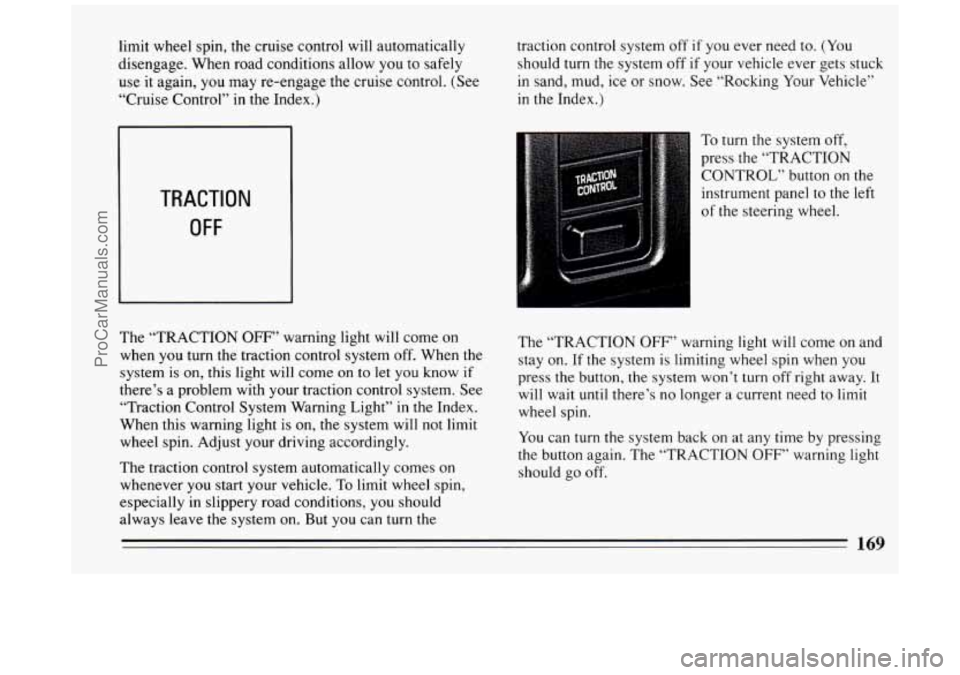
TRACTION
OFF
The “TRACTION OFF” warning light will come on
when you turn the traction control system off. When the
system
is on, this light will come on to let you know if
there’s a problem with your traction control system. See
“Traction Control System Warning Light” in
the Index.
When this warning light is
on, the system will not limit
wheel spin. Adjust your driving accordingly.
The traction control system automatically comes on
whenever you start your vehicle.
To limit wheel spin,
especially in slippery road conditions,
you should
always leave the system on. But you can turn the To
turn the system off,
press the “TRACTION
CONTROL” button
on the
instrument panel to the left
of the steering wheel.
The “TRACTION
OFF” warning light will come on and
stay on.
If the system is limiting wheel spin when you
press the button, the system won’t
turn off right away. It
will wait until there’s no longer
a current need to limit
wheel spin.
You can
turn the system back on at any time by pressing
the button again. The “TRACTION
OFF” warning light
should go off.
ProCarManuals.com
Page 172 of 324

Braking in Emergencies
Use your anti-lock braking system when you need to.
With anti-lock, you can steer and brake at the same
time. In many emergencies, steering can help you more
than even
the very best braking.
Steering
Power Steering
If you lose power steering assist because the engine
stops or the system is not functioning, you can steer but
it will take much more effort.
Steering Tips
Driving on Curves
It’s important to take curves at a reasonable speed.
A lot of the “driver lost control” accidents mentioned on
the news happen on curves. Here’s why:
Experienced driver or beginner, each of
us is subject to
the same laws of physics when driving on curves. The
traction of the tires against
the road surface makes it
possible for the vehicle to change its path when you turn
the front wheels. If there’s no traction, inertia will keep
the vehicle going
in the same direction. If you’ve ever
tried to steer a vehicle on wet ice, you’ll understand this. The
traction you can get in
a curve depends on the
condition of your tires and the road surface, the angle at
which the curve is banked, and your speed. While
you’re
in a curve, speed is the one factor you can
control.
Suppose you’re steering through a sharp curve.
Then
you suddenly accelerate. Both control systems --
steering and acceleration -- have to do their work where
the tires meet the road. Unless
you have traction control
and
the system is on, adding the sudden acceleration can
demand too much of those places.
You can lose control.
What should you do if this ever happens? Ease up on the
accelerator pedal, steer the vehicle the way you want it
to go, and slow down.
Speed limit signs near curves warn that you should
adjust your speed. Of course,
the posted speeds are
based on good weather and road conditions. Under less
favorable conditions you’ll want to
go slower.
If you need to reduce your speed
as you approach a
curve, do
it before you enter the curve, while your front
wheels are straight ahead.
170
ProCarManuals.com
Page 176 of 324
Skidding
In a skid, a driver can lose control of the vehicle.
Defensive drivers avoid most skids by taking reasonable
care suited to existing conditions, and by not
“overdriving” those conditions. But skids are always
possible.
The three types
of skids correspond to your Buick’s
three control systems. In the braking skid your wheels
aren’t rolling. In the steering or cornering skid, too
much speed or steering in a curve causes tires
to slip and
lose cornering force. And in the acceleration skid too
much throttle causes the driving wheels to spin.
A cornering skid is best handled by easing your foot off”
the accelerator pedal.
If you have the traction control system, remember: It
helps avoid only the acceleration skid.
If you do not have traction control, or if the system is
off, then an acceleration skid is also best handled by
easing your foot off the accelerator pedal.
If your vehicle starts
to slide, ease your foot off the
accelerator pedal and quickly steer the way you want the
vehicle
to go. If you start steering quickly enough, your
vehicle may straighten out. Always be ready for a
second skid if it occurs. Of
course, traction is reduced when water, snow, ice,
gravel, or other material is on the road. For safety, you’ll
want to slow down and adjust your driving
to these
conditions. It is important to slow down on slippery
surfaces because stopping distance will be longer and
vehicle control more limited.
While driving
on a surface with reduced traction, try
your best to avoid sudden steering, acceleration, or
braking (including engine braking by shifting to a lower
gear). Any sudden changes could c’ause the tires to slide.
You may not realize the surface is slippery until
your
vehicle is skidding. Learn to recognize warning clues --
such as enough water, ice or packed snow on the road to
make a “mirrored surface”
-- and slow down when you
have any doubt.
Remember: Any anti-lock braking system
(ABS) helps
avoid only the braking skid.
174
ProCarManuals.com
Page 187 of 324
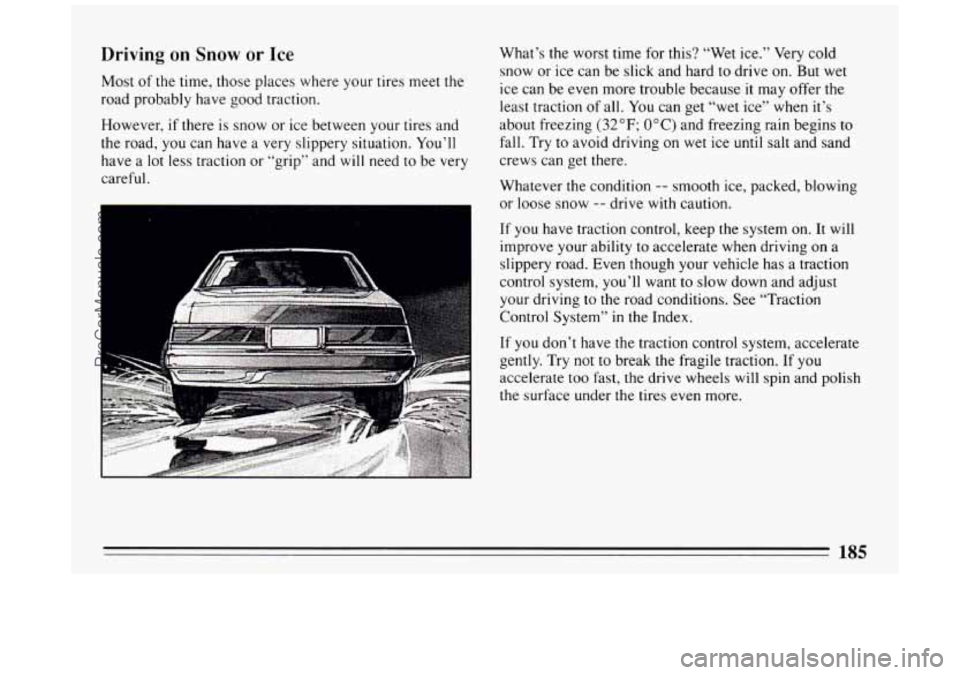
Driving on Snow or Ice
Most of the time, those places where your tires meet the
road probably have good traction.
However, if there is snow
or ice between your tires and
the road, you can have a very slippery situation. You’ll
have a lot less traction or “grip” and will need
to be very
careful. What’s
the worst time for this? “Wet ice.” Very cold
snow or ice can be slick and hard to drive on. But wet
ice can be even more trouble because it may offer the
least traction of all. You can get “wet ice” when it’s
about freezing
(32°F; OOC) and freezing rain begins to
fall. Try to avoid driving on wet ice until salt and sand
crews can get there.
Whatever the condition
-- smooth ice, packed, blowing
or loose snow
-- drive with caution.
If you have traction control, keep the system
on. It will
improve your ability
to accelerate when driving on a
slippery road. Even though your vehicle has a traction
control system, you’ll want
to slow down and adjust
your driving to the road conditions. See “Traction
Control System” in the Index.
If you don’t have the traction control system, accelerate
gently. Try not
to break the fragile traction. If you
accelerate too fast, the drive wheels will spin and polish
the surface under the tires even more.
185
ProCarManuals.com
Page 228 of 324
NOTICE:
Spinning your wheels can destroy parts of your
vehicle as well as the tires.
If you spin the wheels
too fast while shifting your transaxle back and
forth, you can destroy your transaxle.
Rocking your vehicle to get it out:
First, turn your steering wheel left and right. That will
clear the area around your front wheels. You should turn
your traction control system off. (See “Traction Control
System” in
the Index.) Then shift back and forth
between
“R” (Reverse) and a forward gear, spinning the
wheels as little as possible. Release the accelerator pedal
while you shift, and press lightly on the accelerator
pedal when the transaxle is in gear. If that doesn’t get
you out after a few tries,
you may need to be towed out.
If
you do need to be towed out, see “Towing Your Car”
in the Index.
226
ProCarManuals.com
Page 266 of 324
The tire has a puncture, cut, or other damage that
can’t be repaired well because
of the size or location
of the damage.
Buying New Tires
To find out what kind and size of tires you need, look at
the Tire-Loading Information label.
The tires installed on your vehicle when it was new had
a Tire Performance Criteria Specification (TPC Spec)
number on each tire’s sidewall. When you get new tires,
get ones
with that same TPC Spec number. That way,
your vehicle
will continue to have tires that are designed
to give proper endurance, handling, speed rating,
traction, ride and other things during normal service on
your vehicle. If your tires have an all-season tread
design, the TPC number
will be followed by a “MS”
(for mud and snow).
If you ever replace your tires
with those not having a
TPC Spec number, make sure they are the same size,
load range, speed rating and construction type (bias,
bias-belted or radial) as your original tires.
Uniform Tire Quality Grading
The following information relates to the system
developed by the United States National Highway
Traffic Safety Administration which grades tires by
treadwear, traction and temperature performance.
(This
applies only to vehicles sold in the United States.)
Treadwear
The treadwear grade is a comparative rating based on
the wear rate
of the tire when tested under controlled
conditions on a specified government test course. For
example, a tire graded
150 would wear one and a half
(1 1/2) times as well on the government course as a tire
264
ProCarManuals.com