1993 PONTIAC BONNEVILLE engine
[x] Cancel search: enginePage 107 of 322
Features Controls
Brake System Warning Light
(CONT.)
Your brake system may not be
working properly if the brake
warning light is on. Driving with
the brake warning light
on can lead
to an accident. If the light is still
on after you’ve pulled off the road
and stopped carefully, have the
vehicle towed for service.
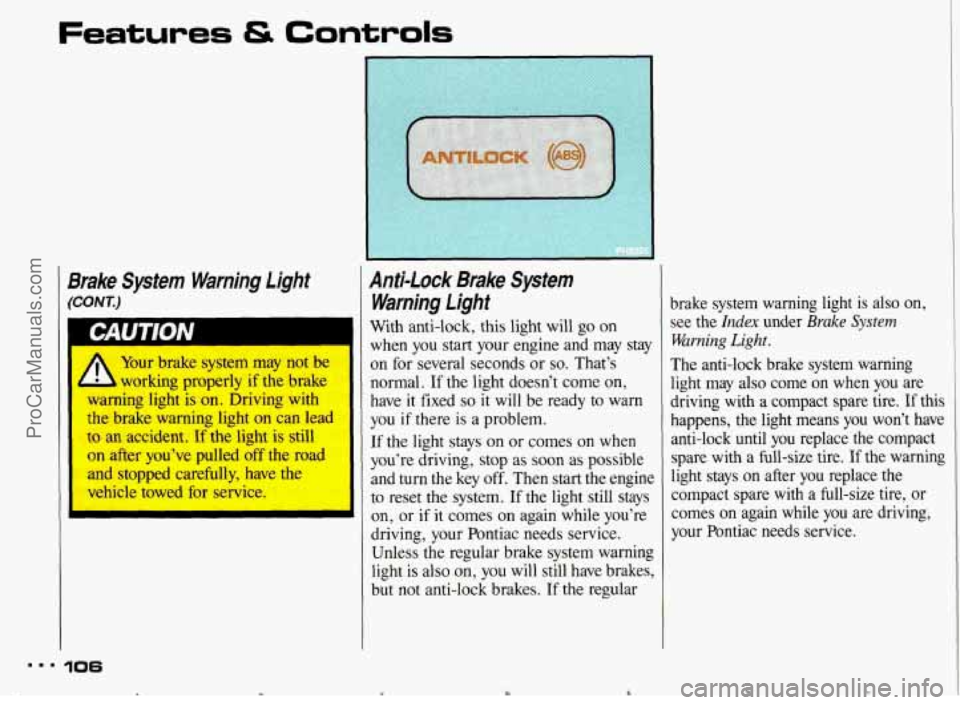
Anti-lock Brake System
Warning light
With anti-lock, this light will go on
when you start your engine and may stay
on for several seconds or
so. That’s
normal. If the light doesn’t come on,
have it fixed
so it will be ready to warn
you
if there is a problem.
If the light stays on or comes on when
you’re driving, stop as soon as possible
and turn the key off. Then start the engine
to reset the system.
If the light still stays
on, or if it comes on again while you’re
driving, your Pontiac needs service.
Unless the regular brake system warning
light is also on, you will still have brakes,
but not anti-lock brakes.
If the regular
mm. 106
c Y
brake system warning light is also on,
see the
Index under Brake System
Warning Light.
The anti-lock brake system warning
light may also come on when you are
driving with a compact spare tire.
If this
happens, the light means you won’t have
anti-lock until you replace the compact
spare with a full-size tire.
If the warning
light stays
on after you replace the
compact spare with a full-size tire, or
comes
on again while you are driving,
your Pontiac needs service.
ProCarManuals.com
Page 108 of 322
L
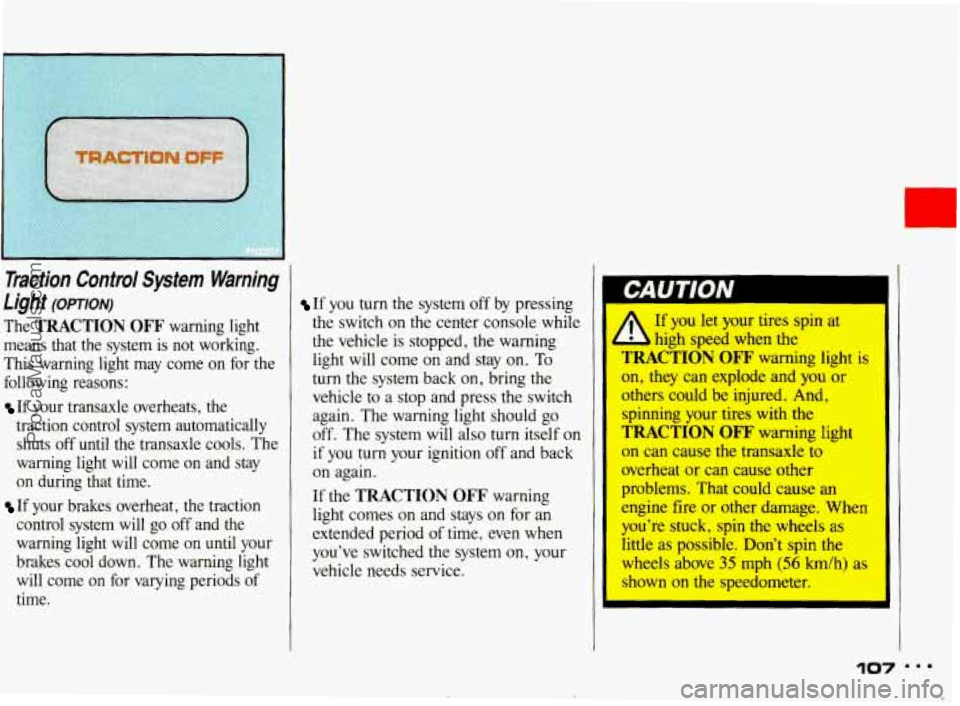
Traction Control System Warning
Light
(OPTION)
The TRACTION OFF warning light
means that the system is not working.
This warning light may come on for the
following reasons:
If your transaxle overheats, the
traction control system automatically shuts off
until the transaxle cools. The
warning light will come on and stay
on during that time.
If your brakes overheat, the traction
control system will go off and the
warning light will come
on until your
brakes cool down. The warning light
will come on for varying periods of
time.
If you turn the system off by pressing
the switch on the center console while
the vehicle is stopped, the warning
light will come on and stay on. To
turn the system back on, bring the
vehicle to
a stop and press the switch
again. The warning light should go
off. The system will also turn itself on
if you turn your ignition off and back
on again.
If the
TRACTION OFF warning
light comes on and stays on for an
extended period
of time, even when
you've switched the system on, your
vehicle needs service.
If you let your tires spin at
high sped when the
TRACTION OFF warning light is
on, they can explode and you or
othm could be injured. And,
spinning your tires with the
TRACTION OFF' warning light
on can cause the transaxle to
overheat or can cause other
problems. That could cause an
engine fire or other damage. When
you're stuck, spin the wheels as
little as possible. Don't spin the
wheels above 35 mph (56 h/h) as
shown on the speedometer.
e ProCarManuals.com
Page 109 of 322
..I
.
Features & Controls
Id
Traction Control System Warning
Light (CONT.)
108
rn Gages
Your Pontiac may have many of the
following gages. Be sure to read about
the ones that came with your vehicle.
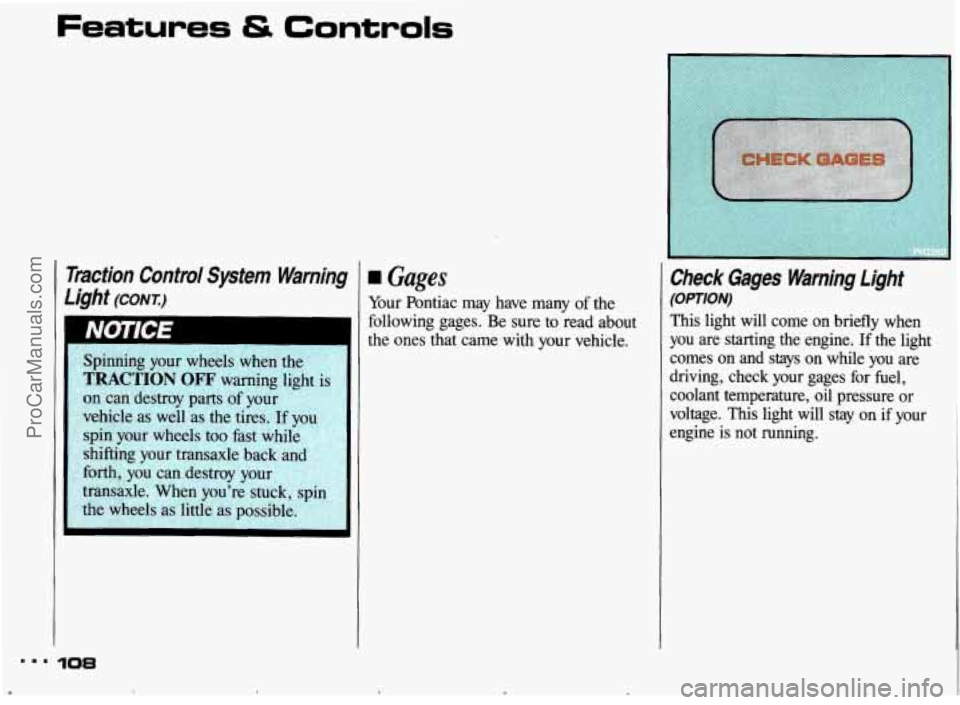
Check Gage5 Warning Light
(OPTION)
This light will come on briefly when
you
are starting the engine. If the light
comes
on and stays on while you are
driving, check your gages for fuel,
coolant temperature,
oil pressure or
voltage.
This light will stay on if your
engine
is not running.
ProCarManuals.com
Page 110 of 322
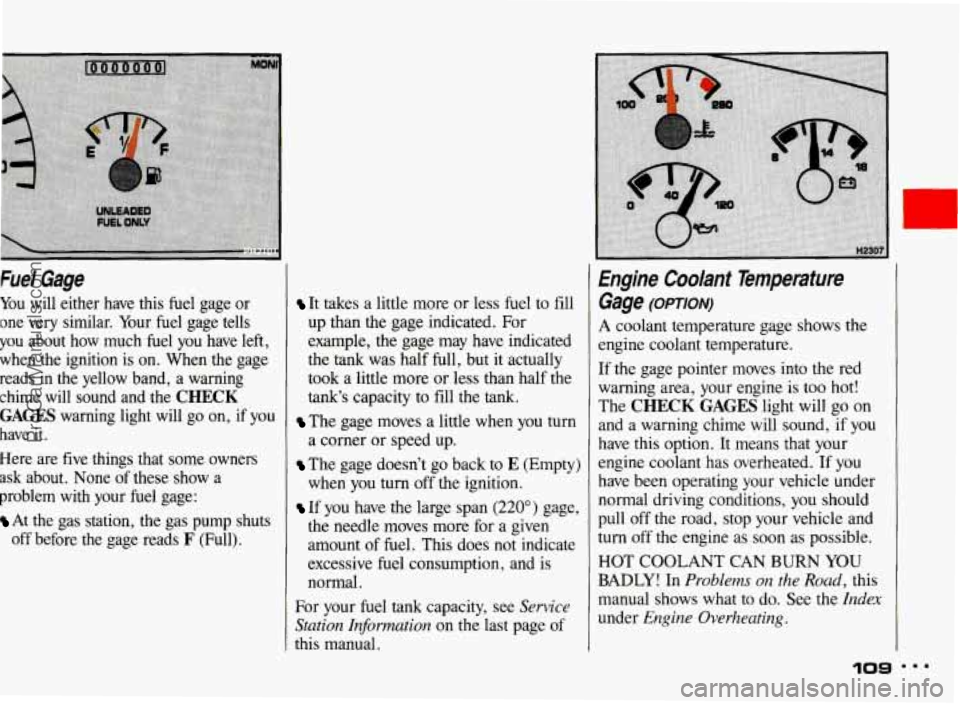
Fuel Gage
You will either have this fuel gage or
one very similar. Your fuel gage tells
you about how much fuel you have left,
when
the ignition is on. When the gage
reads in the yellow band, a warning
chime will sound and the
CHECK
GAGES warning light will go on, if you
have it.
Here are five things that some owners
ask about. None of these show a
problem with your fuel gage:
At the gas station, the gas pump shuts
off before the gage reads
F (Full).
It takes a little more or less fuel to fill
up than the gage indicated. For
example, the gage may have indicated
the
tank was half full, but it actually
took a little more or less than half the
tank's capacity to fill the tank.
The gage moves a little when you turn
a corner or speed up.
The gage doesn't go back to E (Empty)
when you turn off the ignition.
If you have the large span (220") gage,
the needle moves more for a given
amount
of fuel. This does not indicate
excessive fuel consumption, and is
normal.
For your fuel
tank capacity, see Sewice
Station Informution
on the last page of
this manual.
Engine Coolant Temperature
Gage
(OPTION)
A coolant temperature gage shows the
engine coolant temperature.
If the gage pointer moves into the red
warning area, your engine is too hot!
The
CHECK GAGES light will go on
and a warning chime will sound, if you
have this option. It means that your
engine coolant has overheated. If you
have been operating your vehicle under
normal driving conditions, you should
pull off the road, stop your vehicle and
turn off
the engine as soon as possible.
HOT COOLANT CAN
BURN YOU
BADLY! In Problems on the Road, this
manual shows what to do. See the
Index
under Engine Overheating.
10s
ProCarManuals.com
Page 111 of 322
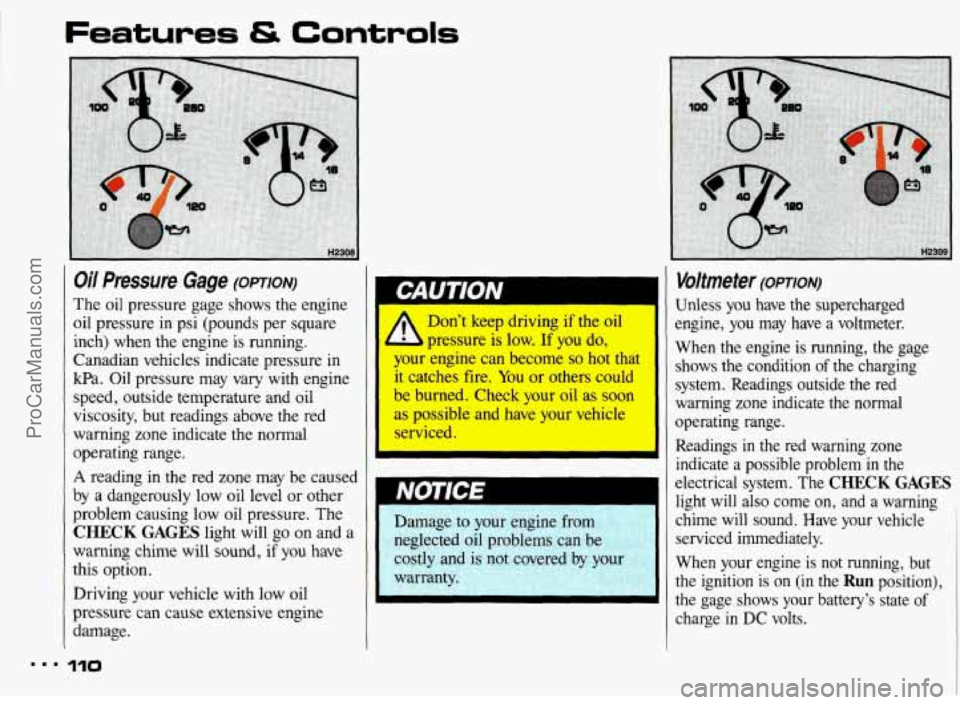
Oil Pressure Gage (OPTION)
The oil pressure gage shows the engine
oil pressure in psi (pounds per square
inch) when the engine is running.
Canadian vehicles indicate pressure
in
kPa. Oil pressure may vary with engine
speed, outside temperature and oil
viscosity, but readings above the red
warning zone indicate the normal
operating range.
A reading in the red zone may be caused
by
a dangerously low oil level or other
problem causing low oil pressure. The
CHECK GAGES light will go on and a
warning chime will sound, if you have
this option.
Driving your vehicle with low oil
pressure can cause extensive engine
damage.
I.. I10
1
Don’t keep driving if the oil
pressure
is low. If you do,
your engine can become so hot that
it catches fire. You or others could
be burned. Check your oil as soon
as possible and have your vehicle
rviced.
I
I
Damage to your engine from
neglected oil problems can be
costly and is
not covered by your
warranty.
Voltmeter (OPTION)
Unless you have the supercharged
engine, you may have a voltmeter.
When the engine is running, the gage shows the condition
of the charging
system. Readings outside the red
warning zone indicate the normal
operating range.
Readings
in the red warning zone
indicate a possible problem in the
electrical system. The
CHECK GAGES
light will also come on, and a warning ,
chime will sound. Have your vehicle
serviced immediately.
When your engine is not running, but
the ignition is on (in the
Run position),
the gage shows your battery’s state
of
charge in DC volts.
ProCarManuals.com
Page 112 of 322
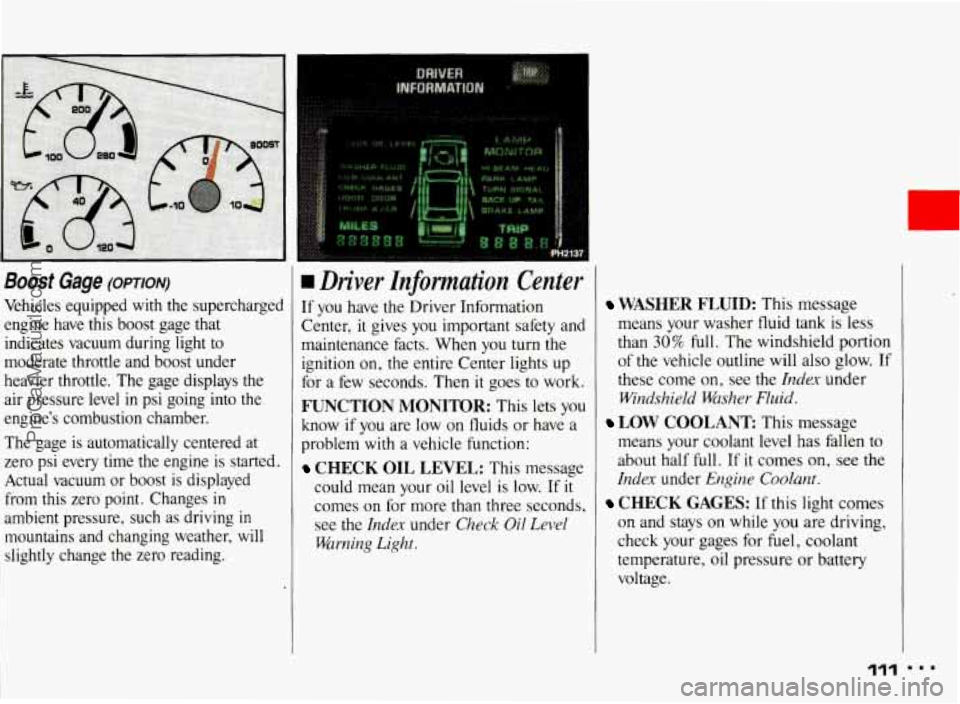
Boost Gage (OPTION)
Vehicles equipped with the supercharged
engine have this boost gage that indicates vacuum during light to
moderate throttle and boost under
heavier throttle. The gage displays the
air pressure level
in psi going into the
engine’s combustion chamber.
The gage is automatically centered at
zero psi
every time the engine is started.
Actual vacuum or boost
is displayed
from this zero point. Changes
in
ambient pressure, such as driving in
mountains and changing weather, will slightly change
the zero reading.
I
rn Driver Znformation Center
If you have the Driver Information
Center, it gives you important safety and
maintenance facts. When you turn the ignition on, the entire Center lights up
for a few seconds. Then it goes to work.
FUNCTION MONITOR: This lets you
know if you are low
on fluids or have a
problem with a vehicle function:
CHECK OIL LEVEL: This message
could mean your oil level is low. If
it
comes on for more than three seconds, see
the Index under Check Oil Level
Warning Light.
WASHER FLUID: This message
means your washer fluid tank is less
than
30% full. The windshield portion
of the vehicle outline will also glow. If
these come on, see the
Index under
Windshield Washer Fluid.
means your coolant level has fallen to
about half full. If it comes on,
see the
Index under Engine Coolant.
CHECK GAGES: If this light comes
on and stays on while
you are driving,
check your gages for fuel, coolant
temperature, oil pressure or battery
voltage.
LOW COOLANT This message
111
ProCarManuals.com
Page 114 of 322
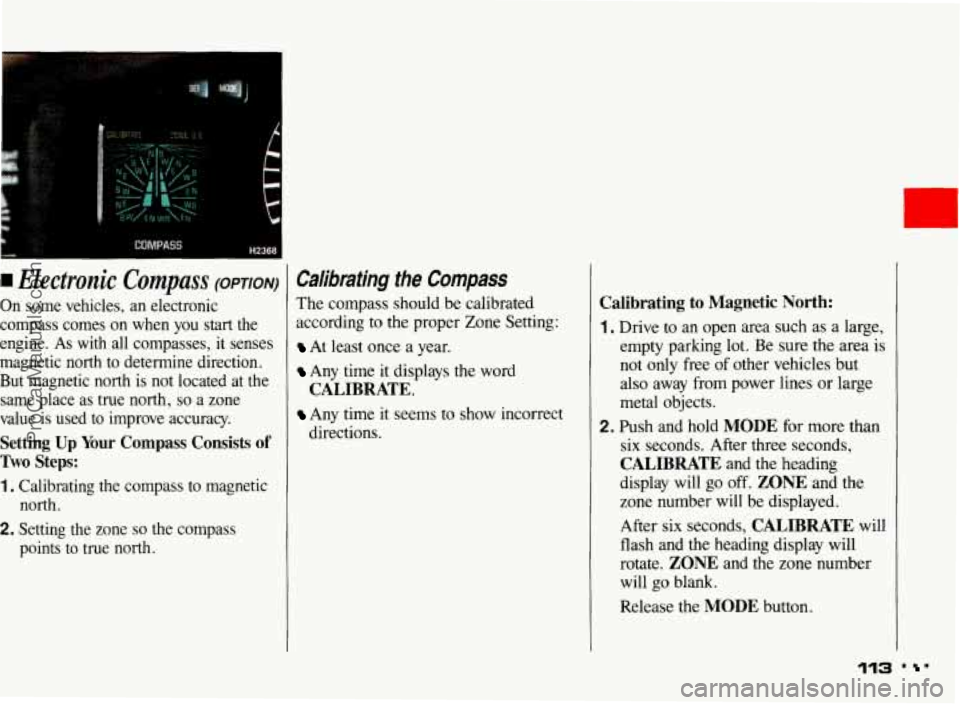
I Electronic Compass (OPTION)
On some vehicles, an electronic
compass comes on when you start the
engine. As
with all compasses, it senses
magnetic north to determine direction.
But magnetic north is not located at the same place as true north,
so a zone
value is used to improve accuracy.
Setting Up Your Compass Consists of
Two Steps:
1. Calibrating the compass to magnetic north.
2. Setting the zone so the compass
points to true north.
Calibrating the Compass
The compass should be calibrated
according to the proper Zone Setting:
At least once a year.
Any time it displays the word
Any time it seems to show incorrect
CALIBRATE.
directions.
Calibrating to Magnetic North:
1. Drive to an open area such as a large,
empty parking lot. Be sure the area is
not only free
of other vehicles but
also away from power lines or large
metal objects.
2. Push and hold MODE for more than
six seconds. After
three seconds,
CALIBRATE and the heading
display will
go off. ZONE and the
zone number will be displayed.
After six seconds,
CALIBRATE will
flash and the heading display will
rotate.
ZONE and the zone number
will go blank.
Release the
MODE button.
113 . '
ProCarManuals.com
Page 115 of 322
Features & Controls
Calibrating the Compass (CONT.)
3. Drive slowly in a circle at about
5 mph (8 km/h). Try to keep your
vehicle level.
4. When CALIBRATE stops flashing,
your compass is calibrated to
magnetic north.
If CALIBRATE stops flashing before
1% circles, the calibration may not be
accurate. However, if you are certain the
calibration is accurate after the zone is
set, then recalibration is not needed.
Otherwise, repeat the calibration. If this
condition continues, move the vehicle to
a new area and recalibrate.
If CALIBRATE continues to flash after
about seven circles, your compass is not
calibrated.
You could be too close to a
power line or large metal object, or
something magnetic
in your vehicle (like
a
CB antenna) could keep the compass
from calibrating.
If you are uncertain about where you are
in the calibration sequence, or want
to
start over, simply push and release the
MODE or SET button, or turn the
ignition off and restart the engine.
Setting the Zone
Setting the zone corrects for differences
between magnetic and true north.
You can set the zone in two ways: By
selecting the zone you are located in or
by pointing your vehicle north and
telling the compass the direction of
north. Perform only one
of the two
methods
(A or B) each time you change
zones. The last zone selection is
remembered.
... 114
ProCarManuals.com