1993 CHEVROLET CORVETTE roof
[x] Cancel search: roofPage 42 of 370
Downloaded from www.Manualslib.com manuals search engine !
....
+-
Here you can learn about the
many standard and optional features
on your Corvette. and information on
starting. shifting and braking . Also
explained are the instrument panel
and the warning systems that tell you
if everything is working properly-
and what to do if you have a
problem .
Part 2
Features & Controls
Keys ........................................................................\
........................................... 42
Locks ........................................................................\
......................................... 43
Passive Keyless Entry System ........................................................................\
... 44
Glove Box ........................................................................\
.................................. 59
Starting Your Engine ........................................................................\
.................. 61
Engine Block Heater ........................................................................\
................. 66
Shifting the Transmission ........................................................................\
......... 67
Parlring Brake ............................................... .................................................... 77
Turn SignaVHeadlight Beam Lever .................................................................. 82
Windshield Wipers~asher ........................................................................\
....... 83
Cruise Control ........................................................................\
............................ 84
PASS-Key'" ........................................................................\
....................................... 55
Ignition ........................................................................\
...................................... 60
Windows ........................................................................\
..................................... 81.
Headlights ........................................................................\
.................................. 89
Interior Lights ........................................................................\
........................... 91
Storage Compartments ........................................................................\
............. 95
Mirrors 92
Sun Visors ........................................................................\
................................. 93
Ashtray and Lighter ........................................................................\
................... 96
Instrument Panel ........................................................................\
...................... 98
Warning Lights, Gages and Indicators ........................................................... 1 02
........................................................................\
.......................................
Trip Monitor ........................................................................\
............................. 1 IO
Driver Information Center ........................................................................\
. .:. .... 112
Convertible Hardtop ........................................................................\
................ 128
Removable Roof Panel ........................................................................\
............ 120
Convertible Top ........................................................................\
...................... 124
41
Page 96 of 370
Downloaded from www.Manualslib.com manuals search engine ,.-
Don't exceed the maximum vehicle
capacity
when loading your Corvette.
For more information on vehicle
capacity and loading, .see the Index
under Loadhtg Your Vehicle.
To prevent damage-or loss of cargo as
you're driving, check now and then to.
make sue the'luggage-Carrie? and cargo
are still securely fasteried.
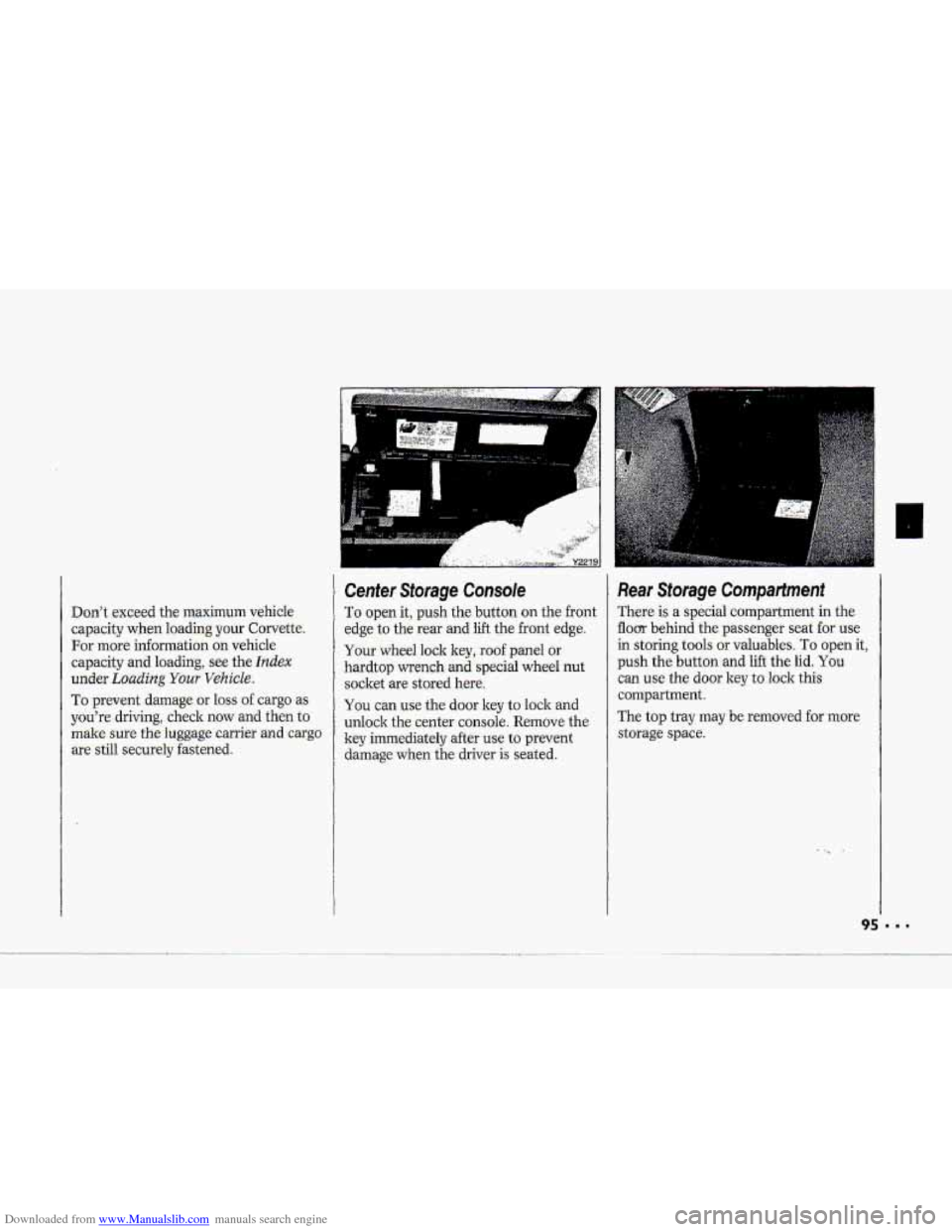
Cenfer Storage Console
To. open it, push the button on the front
edge to the
rear and lift the.front edge.
Your whed lock key, roof panel or
hardtop wrench
and special wheel nut
socket -are stored here.
You can use the door key to lock and
unlock thecenter console. Remove the
ley immediately after
use to prevent
damage.when the driver-is seated.
Re.ar Storage Compartment
There is a special compartment in the-
flom behind the pa-ssenger seat for use
in-storing tools or valuables. 'To open it,
push the. button -and lift the lid. You
can use the dour key t.0 lo-ck this
compartment.
The
top tray may.be removed for more
storage spa-ce.
Page 121 of 370
Downloaded from www.Manualslib.com manuals search engine Features & Controls
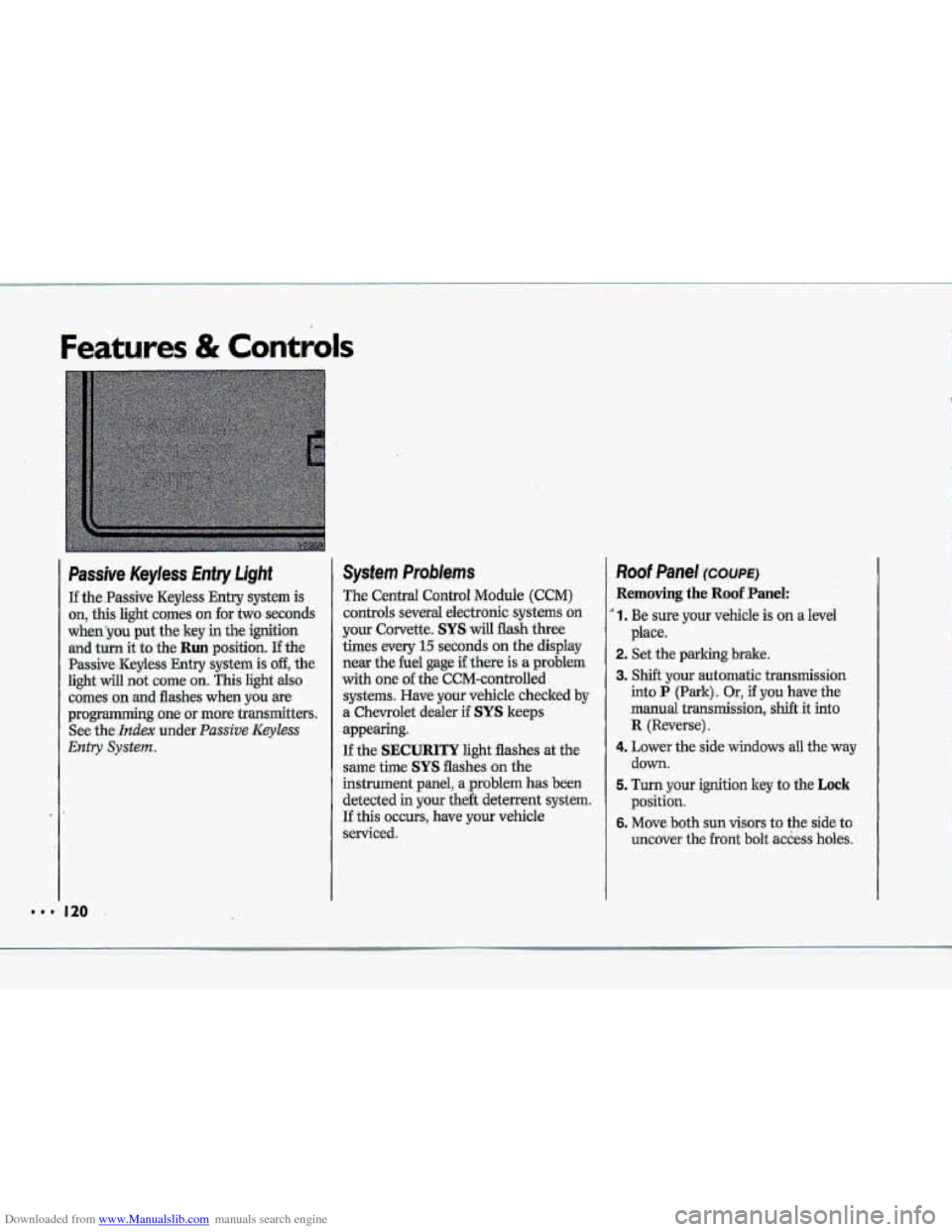
Passive Keyless Entry Light
If the.Passive Keyless Entry system is
on, this light comes on for two seconds
whenyou put the key in the ignition
and turn it to the Run position. If the
Passive -Keyless Entry .system is off, the
light will not cume on. This light also
comes on .md flashes when you we
programming~ one or more transmitters.
See
the- Index under. Passive Keyless
Entry System.
System Problems
The Central Control Module (CCM)
controls several electronic systems on
your Corvette. SYS will flash three
times every
15 seconds on the display
near the he1 gage if there is a problem
with one of the CCM-cantrolled
systems. Have your vehicle checked
by
a. Chevrolet dealer if SYS keeps
appearing.
If the SECURITY light flashes at the
same the SYS flashes on the
instrument panel, a ,problem has been
detected in your the& deterrent system.
If this OCCUTS, have YQW vehicle
serviced.
Roof Panel ~XWE)
Removing the Roof Panel:
' 1. Be sure your vehicle is on a level
2. Set the parking brake.
3. Shift your automatic transmission
into P (Park). Or, if you have the
manual
transmission, shift it into
R {Reverse).
4. Lower the side windows all the'way
down.
5. Turn your ignition key to the Lock
position.
6. Move both sun visors to the side to
uncover the
.front bolt access holes.
place.
k p*
.&
"' 120
Page 122 of 370
Downloaded from www.Manualslib.com manuals search engine T
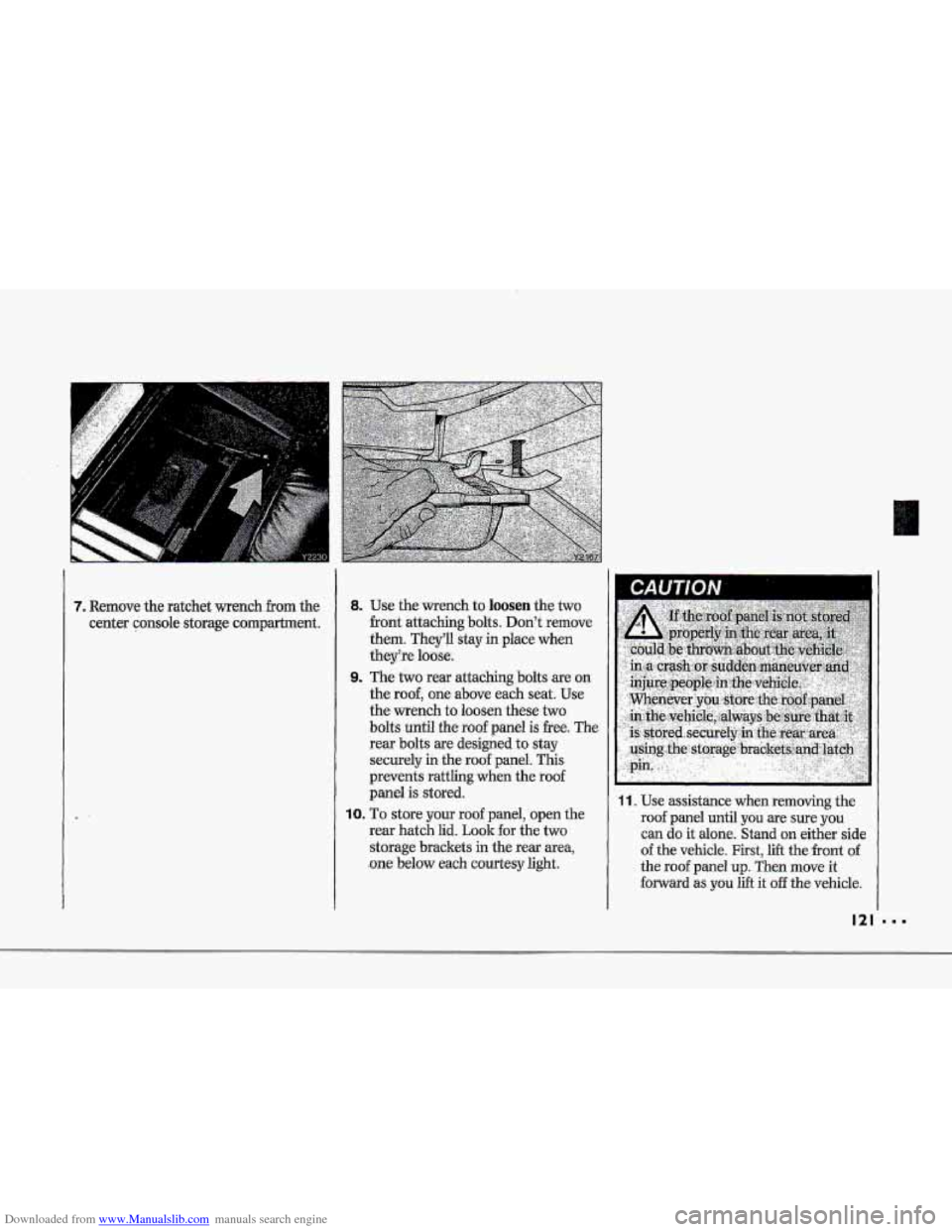
7. Remove the ratchet wench from the
center console storage compartment.
8. Use the-wrench to loosen the two
-front attaching bolts. Don't remove
them. They'll stay in place when
theyke luase.
9. The two rear attaching bolts are,on
the
roof, one above each seat; Use
the wrench to loosen these two
bolts until the roof panel is -free. The
rear bolts are designed
to stay
securely
in the roof panel. This
prevents
rattling when the roof
panel is stored.
10. To store your roof panel, open the
rear hatch lid.
Look for the two
storage brackets in the rear area,
.one below each courtesy light,
11. Use assistance when removing the
roof panel until you 'are sure you
can do it alone. Stand onzeither side
of the vehicIe. First, lift the front of -
the roof panel up. Then move it
forward as,.you lift it off the vehicle.
121
Page 123 of 370
Downloaded from www.Manualslib.com manuals search engine Features & Controls ;><
Roof Panel (CONT.)
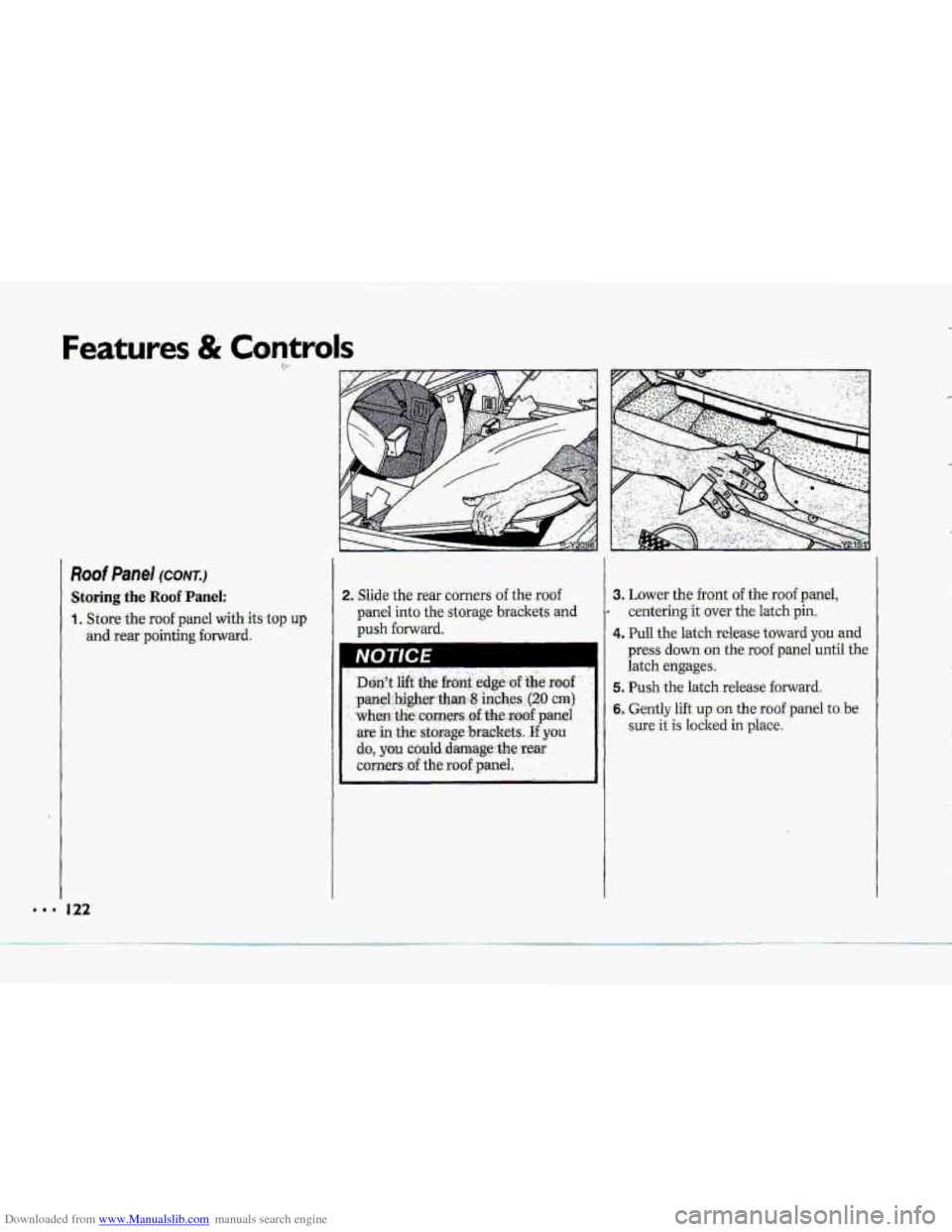
Storing the Roof Panel:
1. Store-the roof panel with its-top up
and rear pciintiqg fornard.
2. Slide the rear corners of the roof
panel into the storage brackets and
push forward.
I
3. Lower the front of the roof panel,
1 centering it over the latch pin.
.4. Pull the latch release toward you and
press down on the roof panel until the
Page 124 of 370
Downloaded from www.Manualslib.com manuals search engine T I i
p" i
ip"
rp"
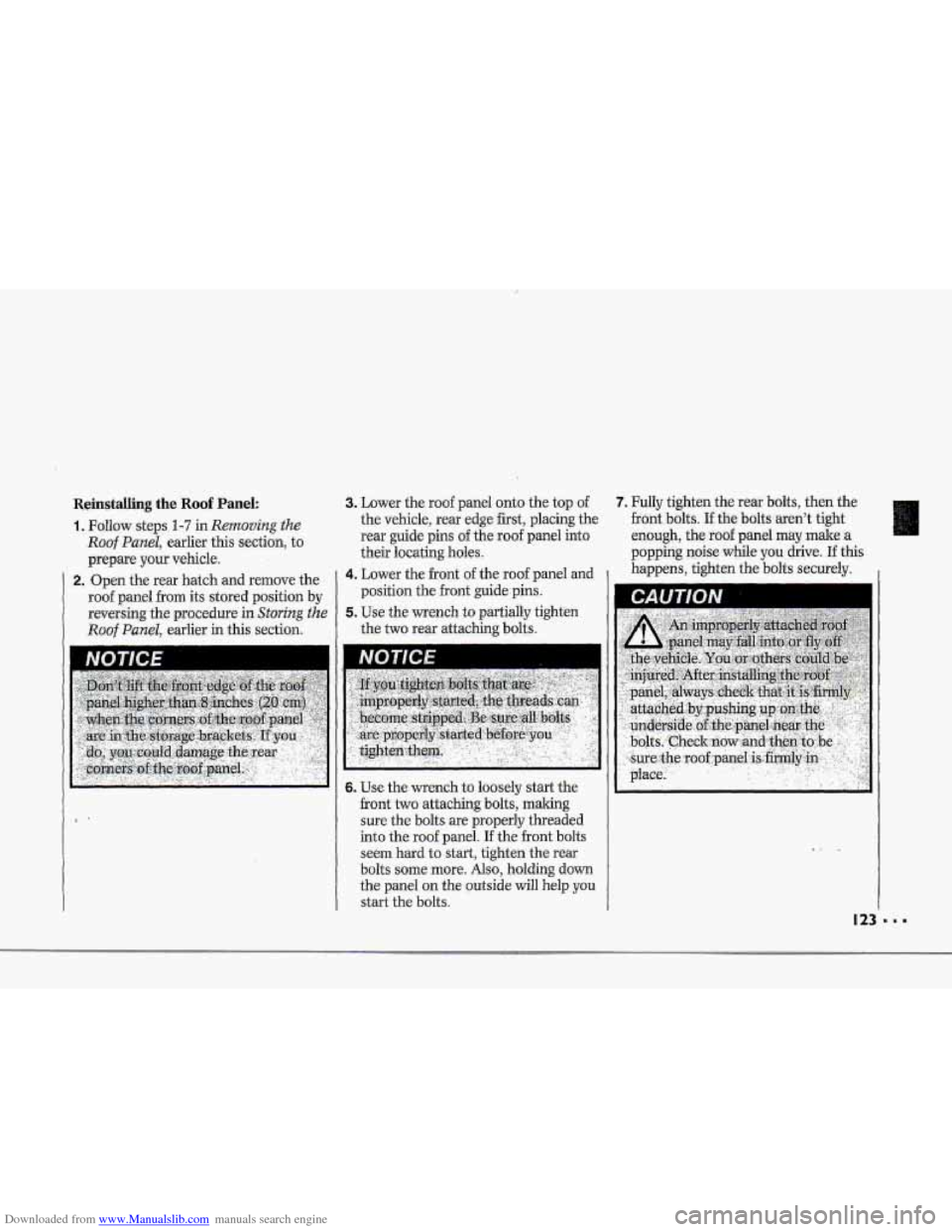
Reinstalling the Roof Panel:
'1. Follow steps 1-7 in Removing the
Roof Panel, earlier this .section, to
prepare
your vehicle.
2. Open the rear hatch and remove the
roof panel horn its stored position by
reversing the procedure in
Storing the
Roof Panel, earlier in this section.
3. Lower the roof panel onto the top of 7. Fully tighten the rear bolts, then the
the vehicle, rear edge
first, placing the front bolts. If the balts-
aren't tight
rear guide pins
of the roof panel into enough, the roof panel may male a
their locating holes. popping noise
wbde you drive. If this
4. Lower the front of the roof panel and I happens, tighten the bolts securely. I
position the front guide pins.
the
two rear attaching bslts.
5. Use the wrench to partially tighten
I IVU I It€ I
6. Use the wrench to loosely start the
front two attaching bolts, making
sure the bolts are properly threaded
into the roof panel.
If the front bolts
seem hard to
start, tighten the rear
bolts
some more. Also, holding down
the panel
on the outside will help you
start the bolts.
Page 156 of 370
Downloaded from www.Manualslib.com manuals search engine i
F
I
p4
I
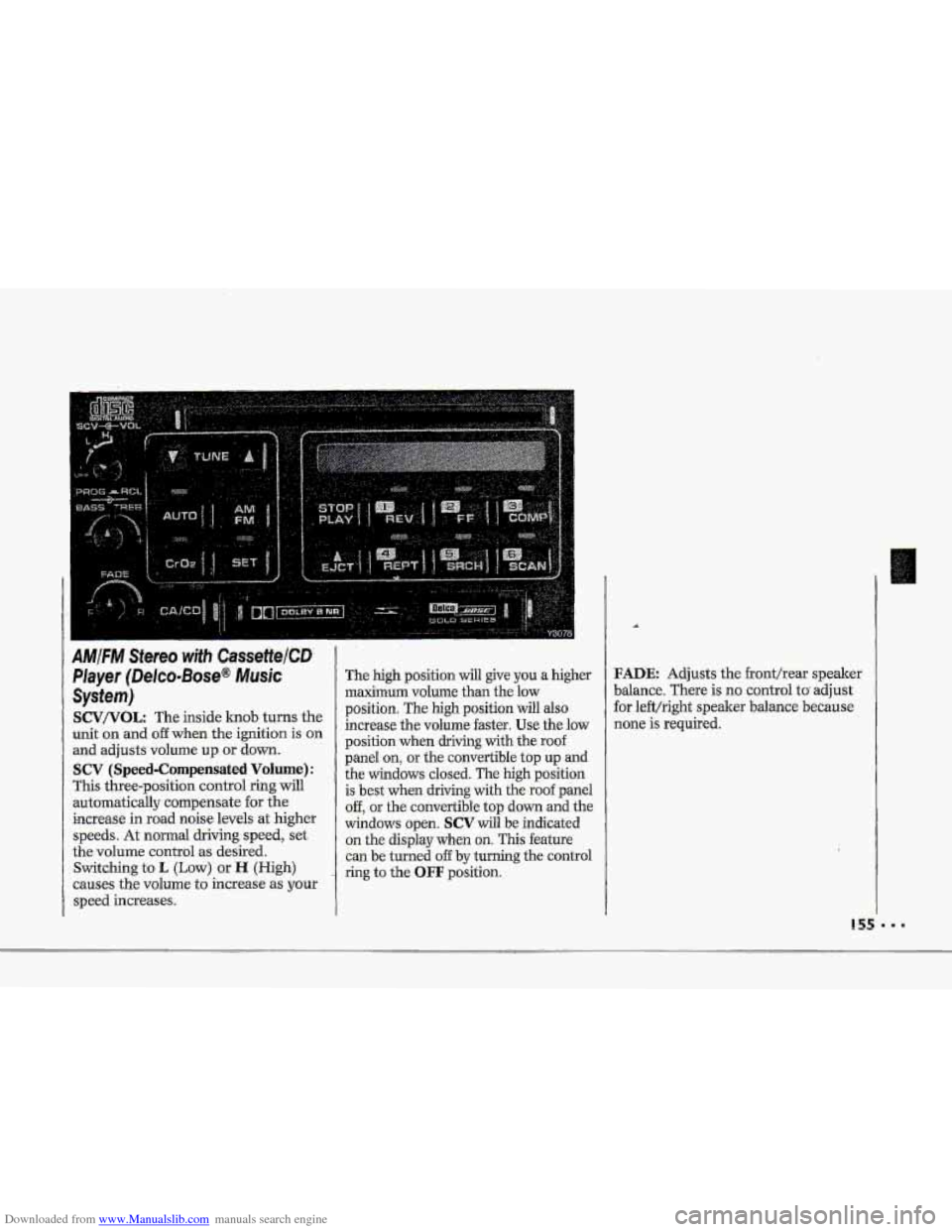
AMIFM Stereo with CassettelCD
Player (Delco-Bose@ Musk
System)
SCV/VOL: The inside lcnob turns the
unit on and
off when the ignition is on
and adjusts volume up or down.
SCV (Speed-Compensated Volume):
This three-position control ring will
automatically compensate for the
increase in road noise levels
at higher
speeds. At normal driving speed, set
the volume control
as desired.
Switching to
L (Low) or H (High)
causes the volume
to increase as your
speed increases.
The high position will give you a higher
maximum volume than the low
position. The
high position will also
increase the volume faster.
Use the low
position when driving with the roof
panel
on, or the convertible top up and
the windows closed. The high position
is best when driving with the roof panel
off, or the convertible top down and the
windows open.
SCV will be indicated
on the display when on. This feature
can be turned
off by turning the control
ring to the
OFF position.
FADE Adjusts the fronthear speaker
balance. There is
no control to adjust
for left/right speaker balance because
none is required.
... .... ... .. ...
.... ... ... .... . :.. .. .... .. ..
Page 280 of 370
Downloaded from www.Manualslib.com manuals search engine I "' .. . . ..
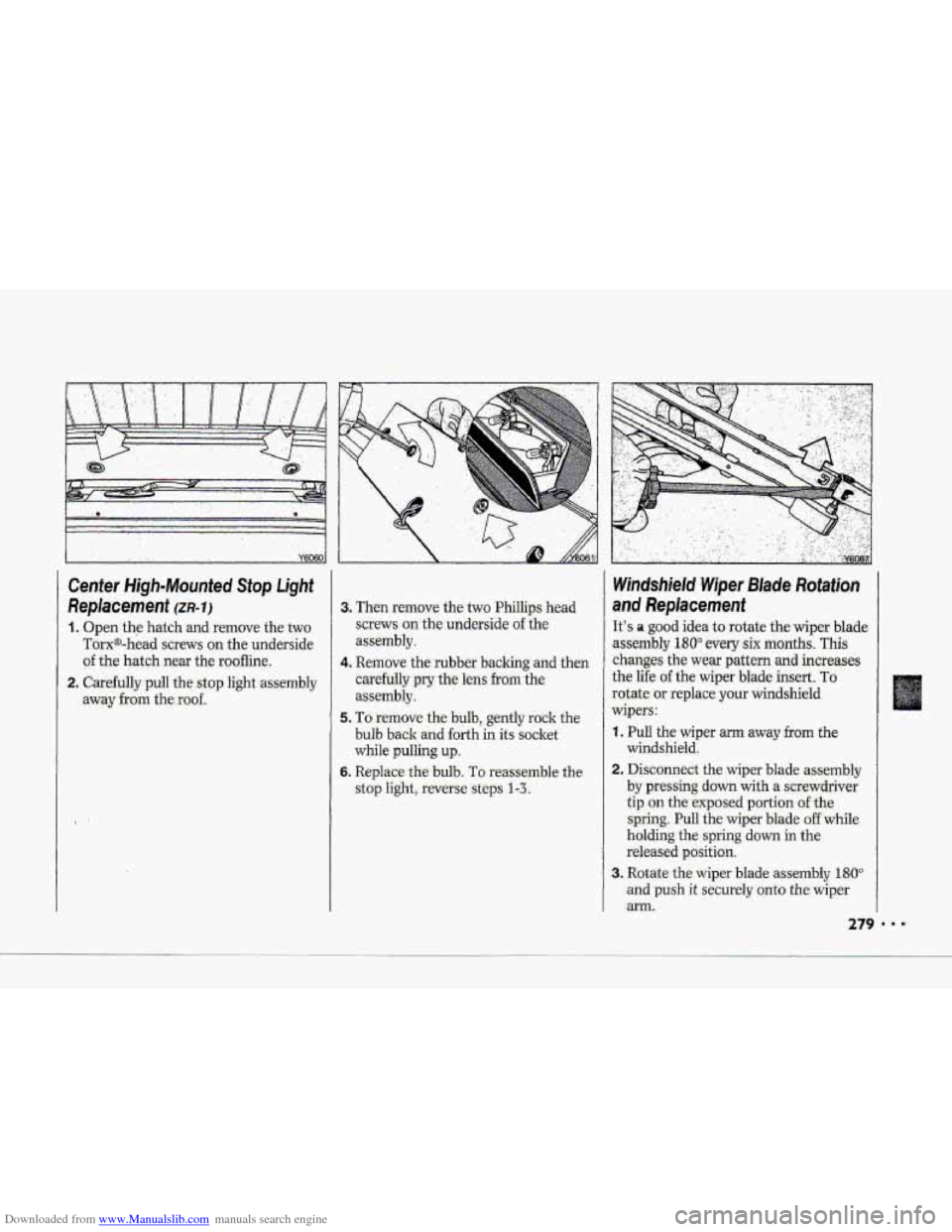
Center High-Mounted. Stop Light-
Replacement (m-11
1. Open the hatch and remove the two
Torx@-head screws on the underside
of the hatch near the rg-ofline.
2. C-arhlly~pull the- stop light assembly
aw;ly.frgm the;roof.
3* Then. remove the two Phi1lip.s head
screws on-the'underside of 'the
assembly.
c~mdully pry the lens from the-
assembly.
5. TO: remove- the bulb, geritIy rock the
bulb back and forth in its:socket
while pulling up..
6. Replace the bulb. TO rea'ssmble the
stop li&tj. Eeverse:-steps. I-L
4. Remove the,rubb.er backing and then